Base Bracket Design
Objective :
Create the Base Bracket Plastic component through the given Class-A surface. To begin with, the tooling axis for the given Class-A Surface should be created meeting the requirements of the draft angle and at the end perform the Draft analysis on the model.
Detailed Report :
Term used :
Class A surface : It is the outermost surface of an automobile which gives aesthetic look to a vehicle. It is physically touchable. It is obtained from day modeling by reverse engineering. This surface is given input to the plastic product designer to work.
Class B surface : This surface is created by taking offset from class A surface. It is a surface on which all engineering features like screw bosses, dog house, ribs & mounting are created.
Class C surface : This is a surface which joins class A & class B together.
Tooling axis : It is the direction in which the core & cavity opens & closes.
Method followed :
- Checking continuity of class A surface.
- Creating Tooling axis.
- Performing draft analysis.
- Creating Class B surface from given class A surface.
- Creating Class C surface to join A & B class surface.
- Creating a solid feature by using a closed surface.
- Checking continuity of given class A surface :
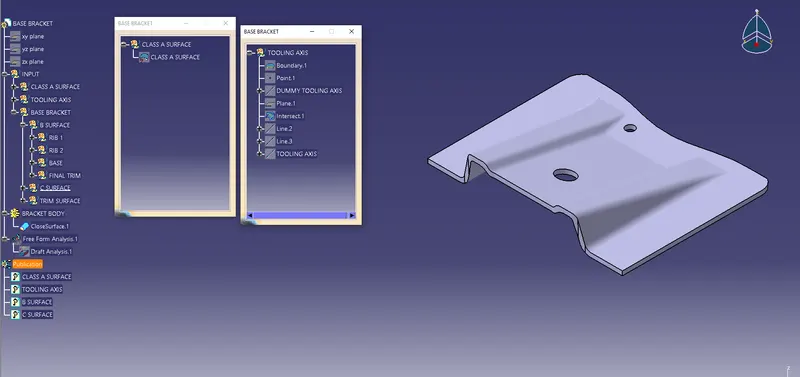
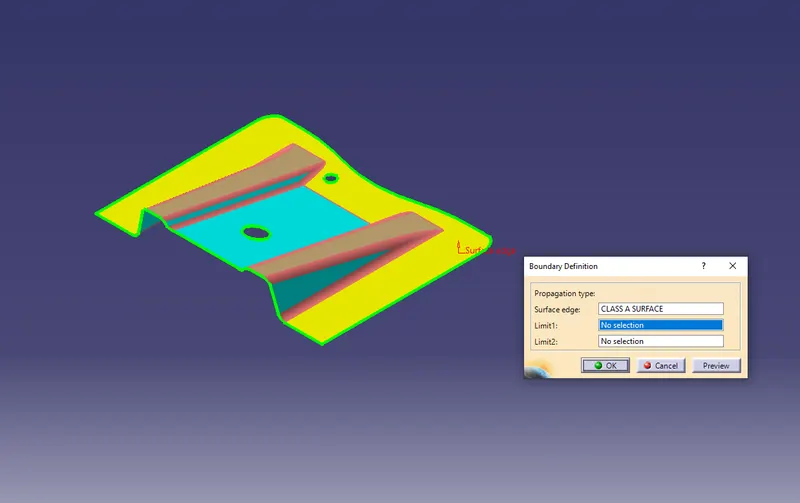
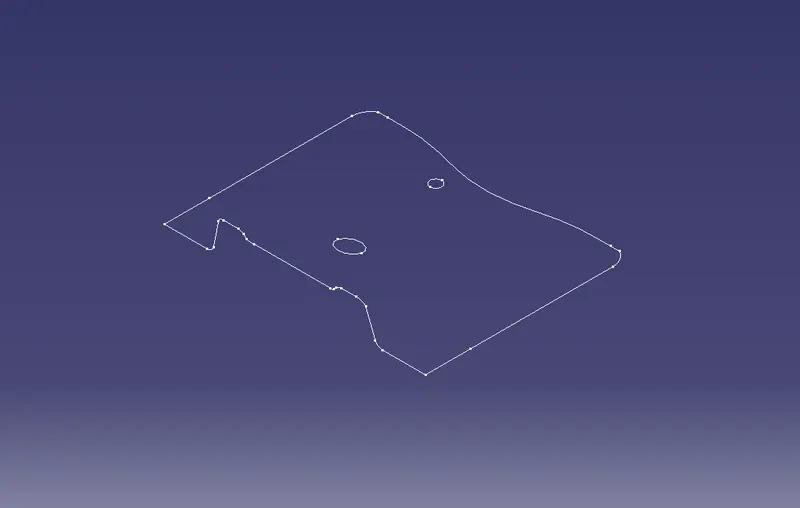
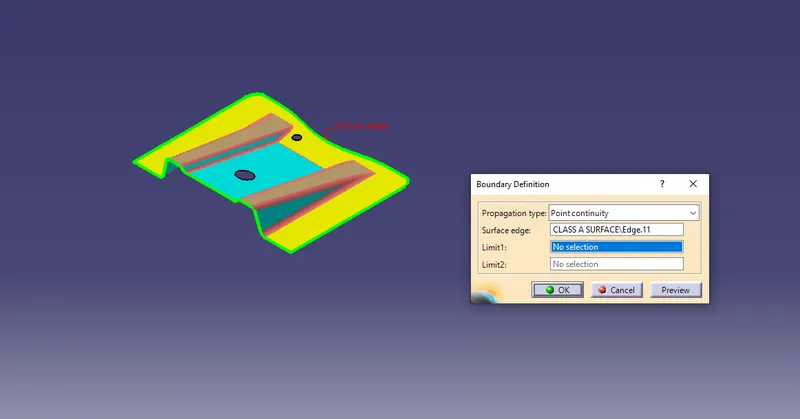
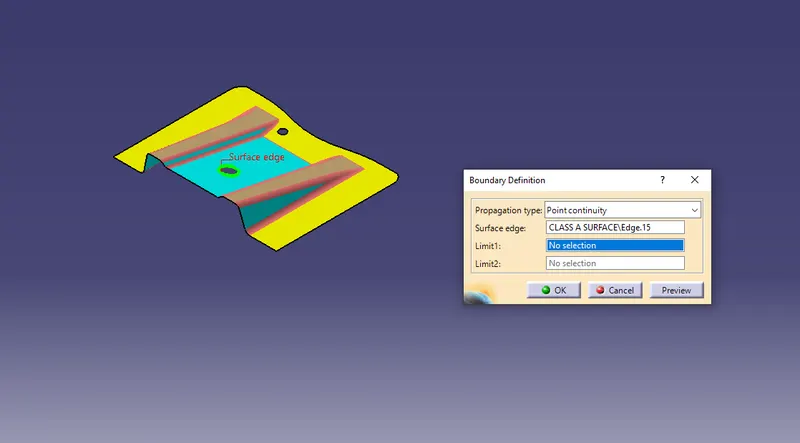
First of all we have to check continuity of given class A surface to ensure class A surface is properly joined or no discontinuity present. This can be done using Join or Boundary command in CATIA. By looking visually in the image below we know that the surface has a continuous connected boundary as highlighted by green light.
- Creating tooling axis :
Next step is to decide tooling axis direction. Analyzing the model visually to see which direction is most suitable for tooling axis. From the below image it is clearly seen that the surface has two holes at its top.
So Z direction as tooling axis clear top holes in tooling direction as well as flat surface & this is dummy tooling axis as shown in below image, To create dummy tooling axis, insert point at the top hole centre & draw line along Z.
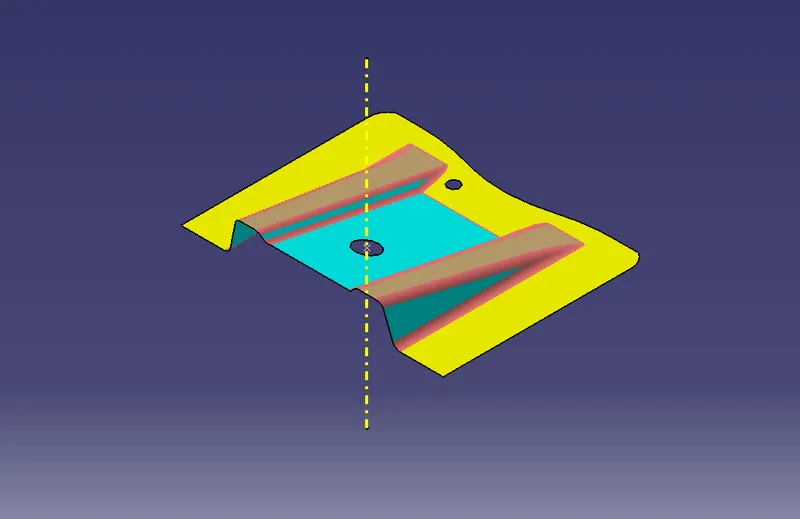
Now we will use the bisecting method to find the real tooling axis. In order to create a tooling axis in Z- direction, create a plane parallel to the YZ plane & passing through the reference point. Take the intersection of the YZ plane with class A surface. We will get the two curves.
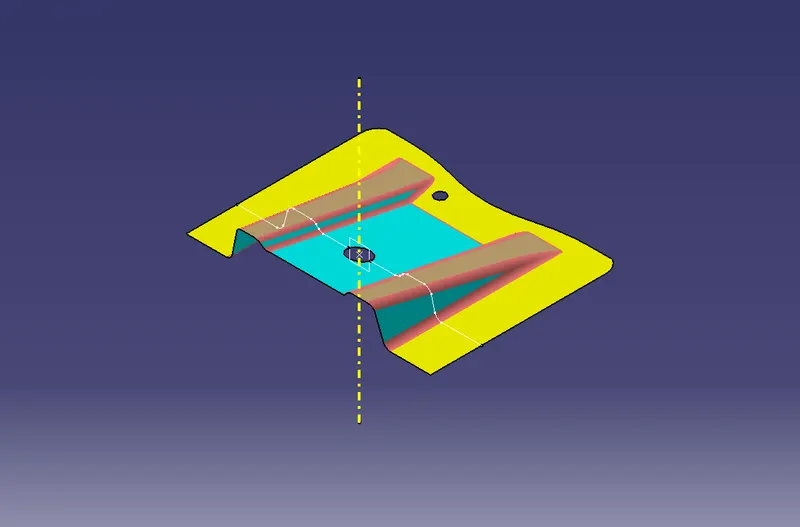
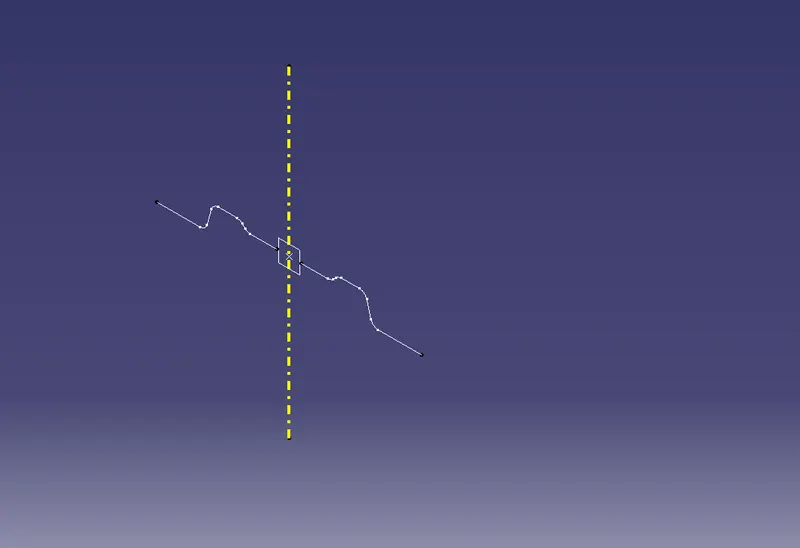
Now we have to see which surface will create problems or will be difficult for tooling. Because the surface is 90 degrees to the tooling axis will be cleared. So make two lines and bisect them into the tooling axis and rename it in the Geometrical set.
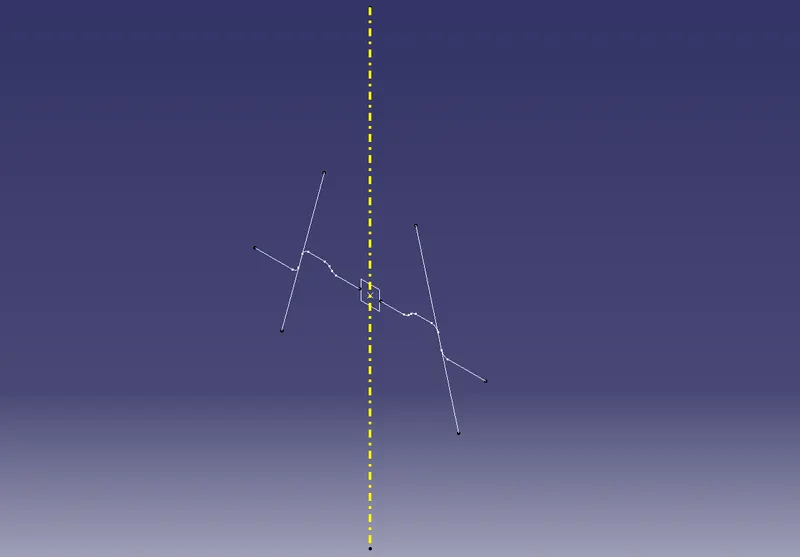
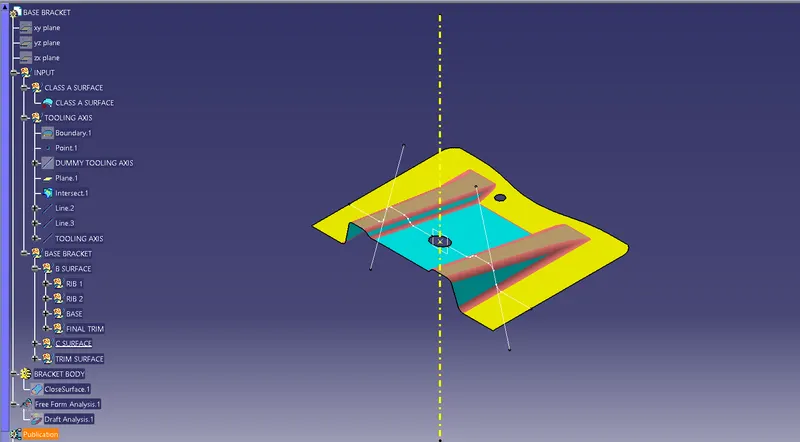
- Draft analysis :
To perform draft analysis, Go to the insert > Analysis > Feature draft analysis.
Switch customize view parameters and select material.
Click on the compass icon and align it with the tooling axis & click on the surface, we will get our results.
From the below image we can see that the surface in green colour has a more than 3° draft which is most required for tooling feasibility. Also see the color variant display box.
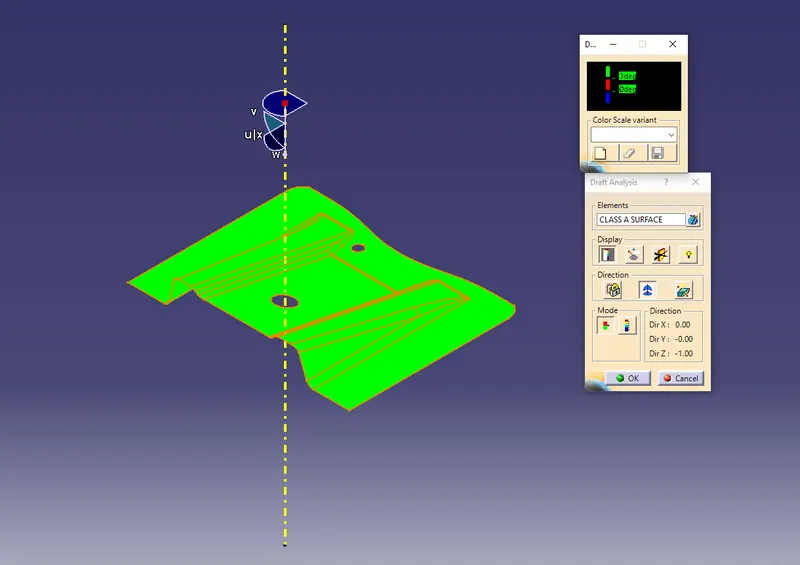
By inverting the draft direction we get the below image.
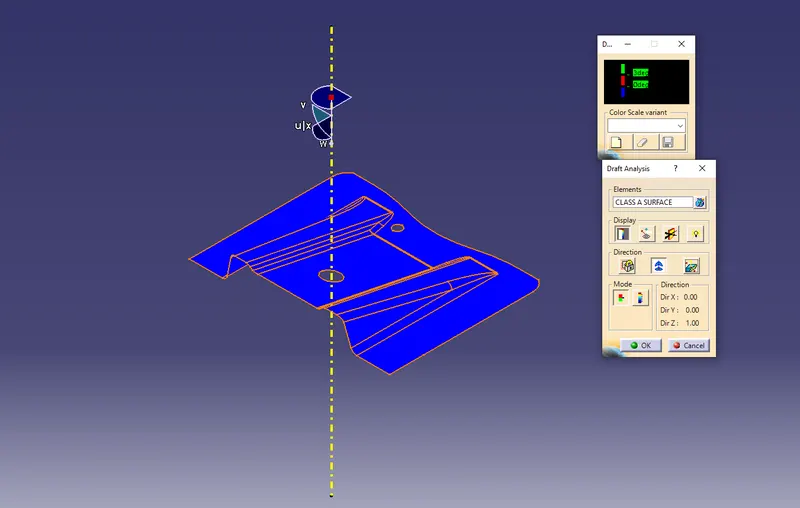
Below image shows running point draft analysis. '
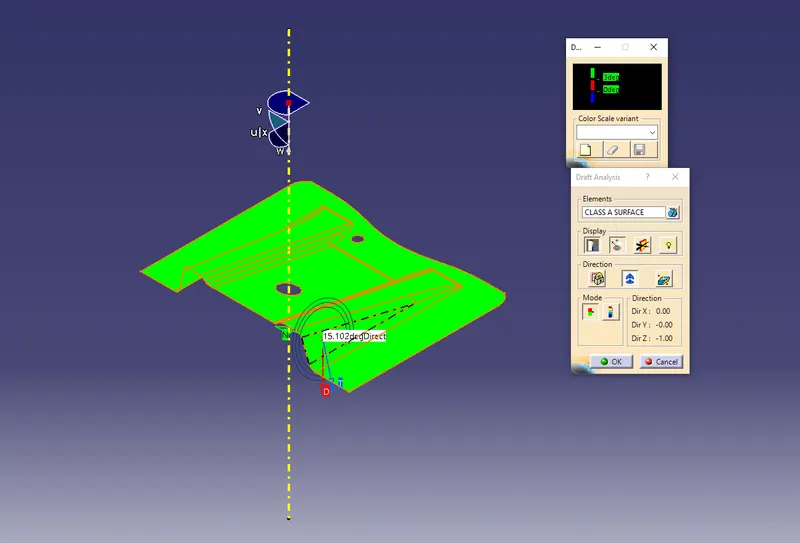
Below image shows full draft angle.
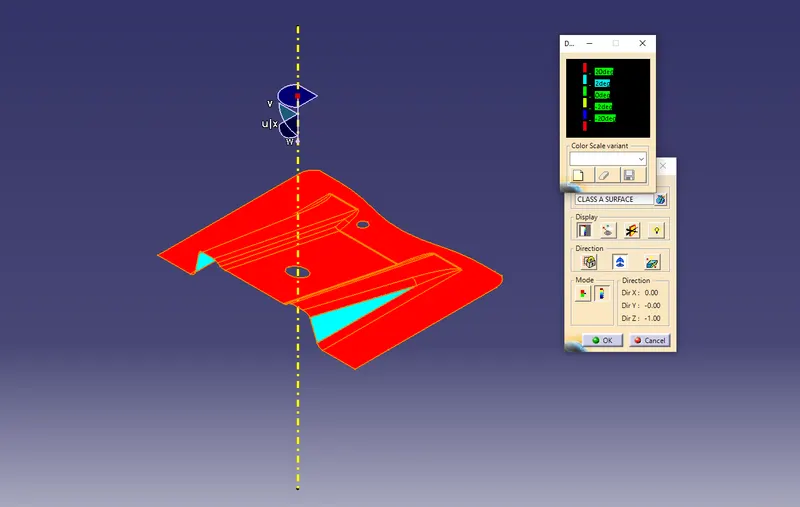
Image of the model with the proper colour code of the draft angle in various orientations ( Isometric, Front, Side and Top view).
Front View :
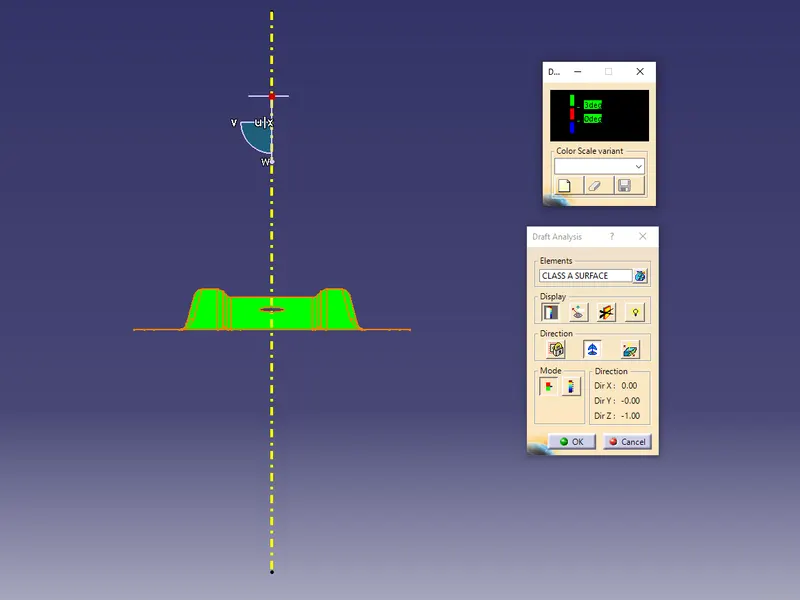
Right side View :
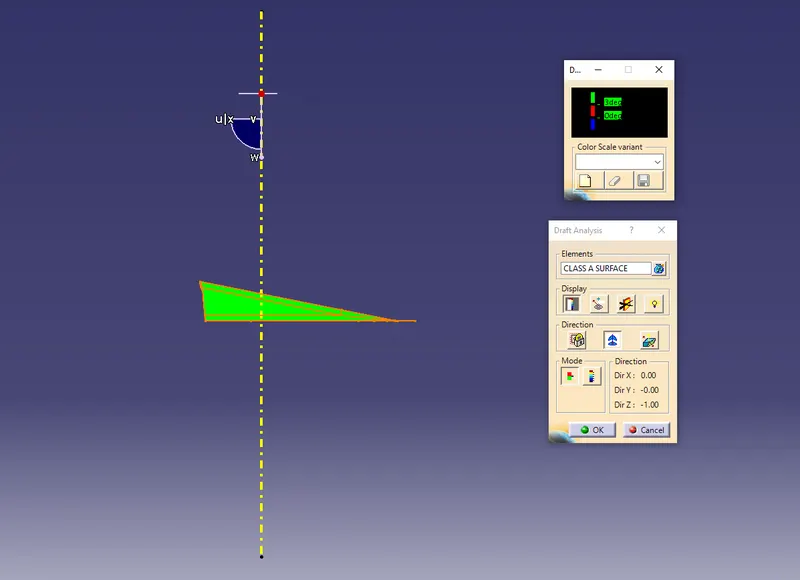
Left side view :
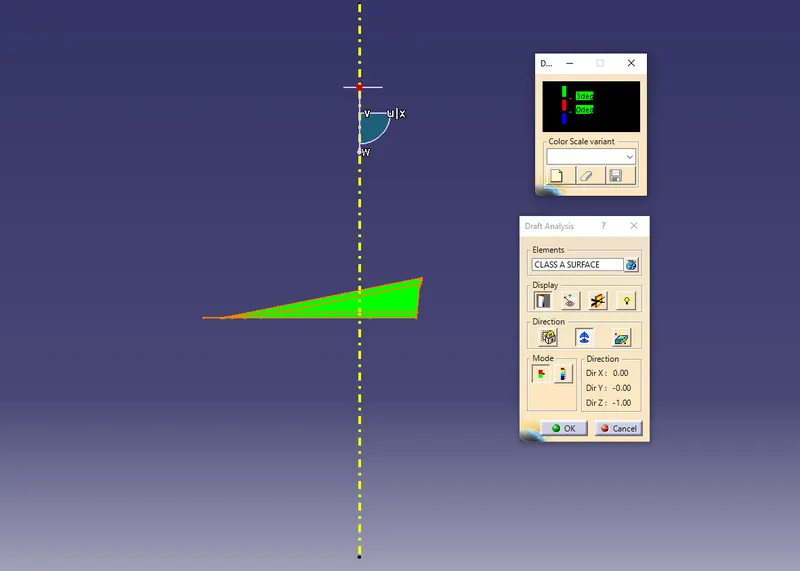
Top view :
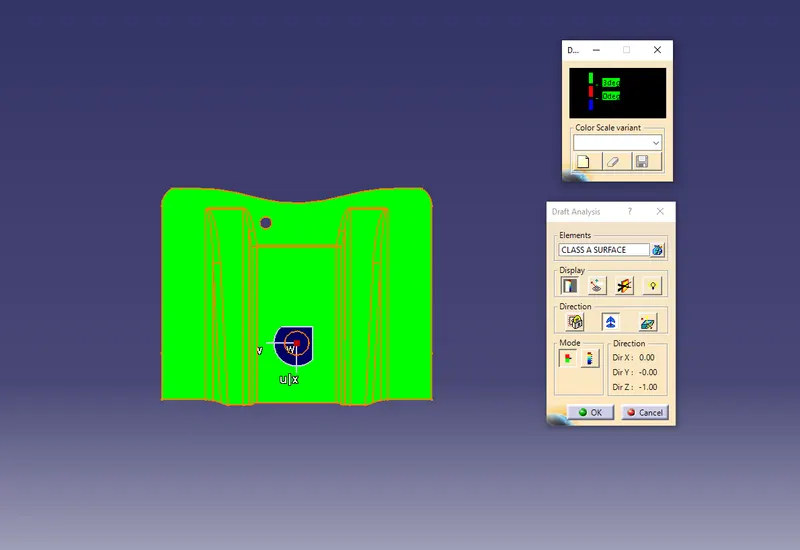
- Creating class B surface from given Class A surface :
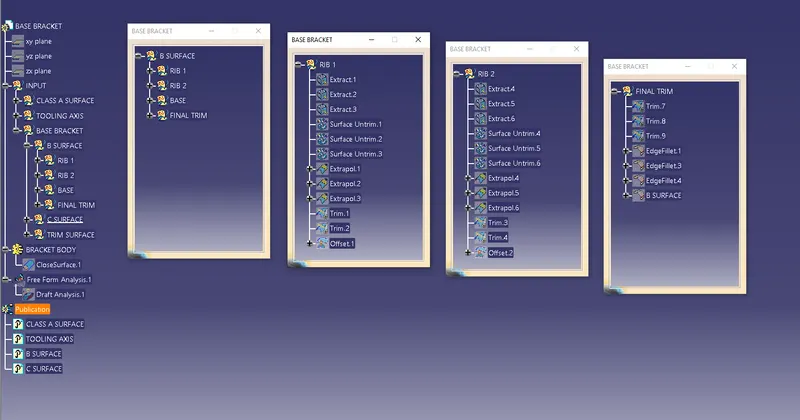
We extracted Class A surface and worked on it separately to create Class B surface.
- Rib 1
- Rib 2
- Slant surface
- Flat surface
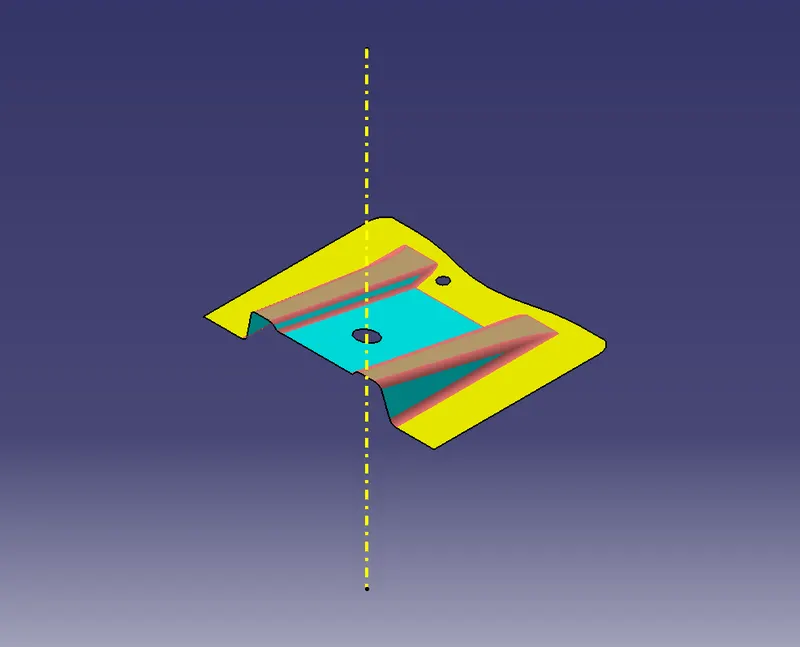
- Rib 1 & 2 :
- Extract the flat surface.
- Un-trim the surface
- Extrapolate it.
- Trim all three extrapolates
- Offset it by 2.5 mm distance to the downward.
- For both rib follow same procedure
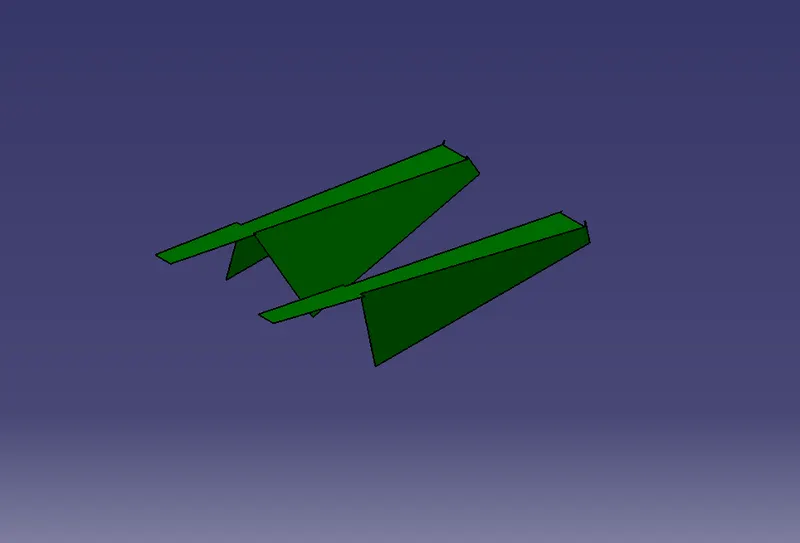
- Slant surface and base :
- Extract the flat surface .
- Offset it by 2.5 mm distance.
- Un-trim the surface
- .Extrapolate it by 10 mm
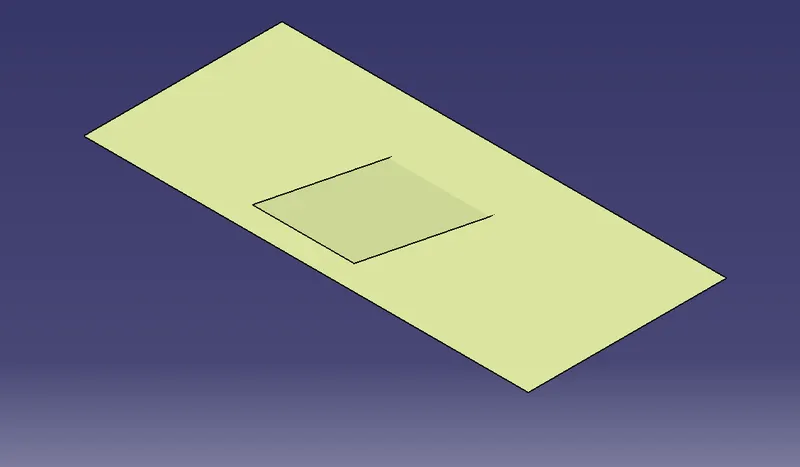
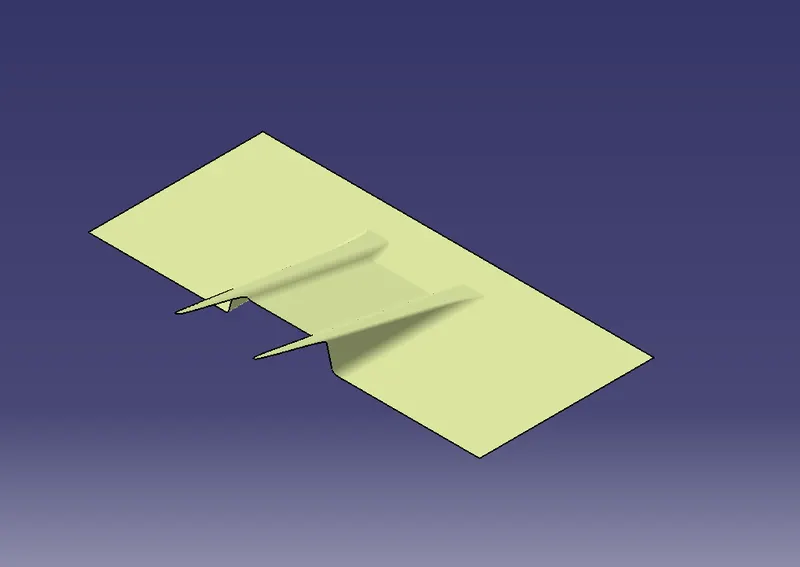
After offsetting all the surfaces, we have to trim these surfaces together to get our final class B surface.
Final Trim: While trimming follow the exact shape of the Class A surface.
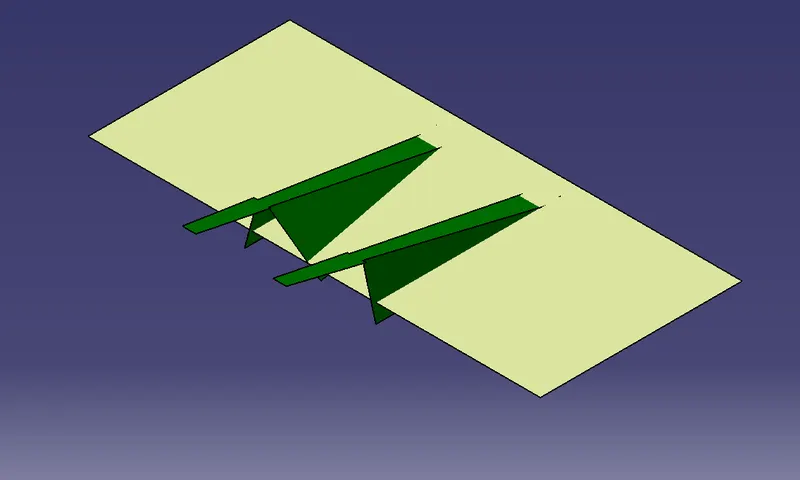
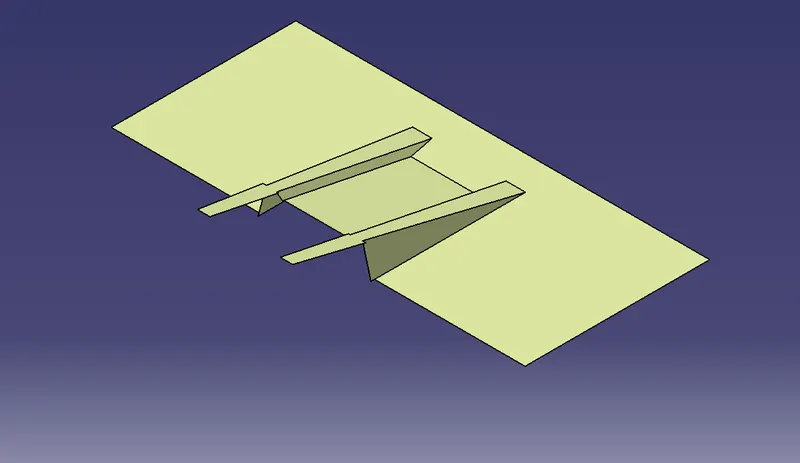
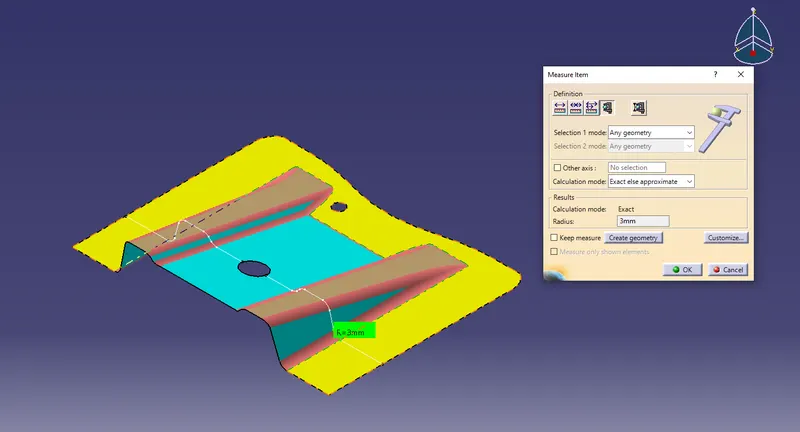
Final trim surface is our inner surface of 2.5mm offset so give fillet edges as per the formula,
Fillet Edge : Class A surface Fillet radius + Part thickness
- Creating Class C surface to join A & B class surface :
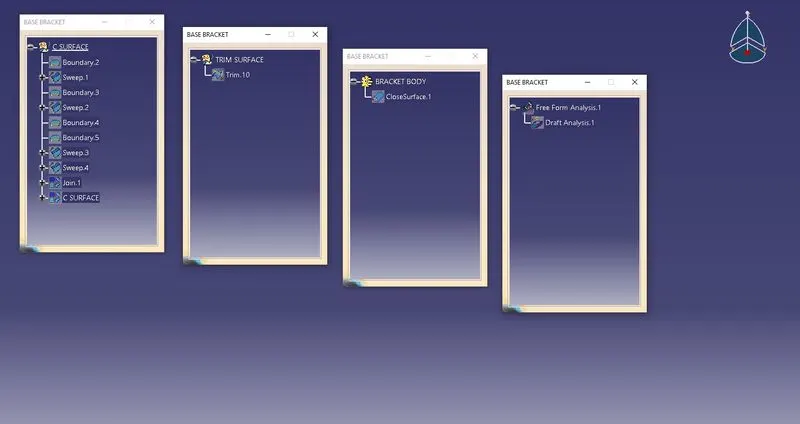
Extracting class A surface and edges of the holes
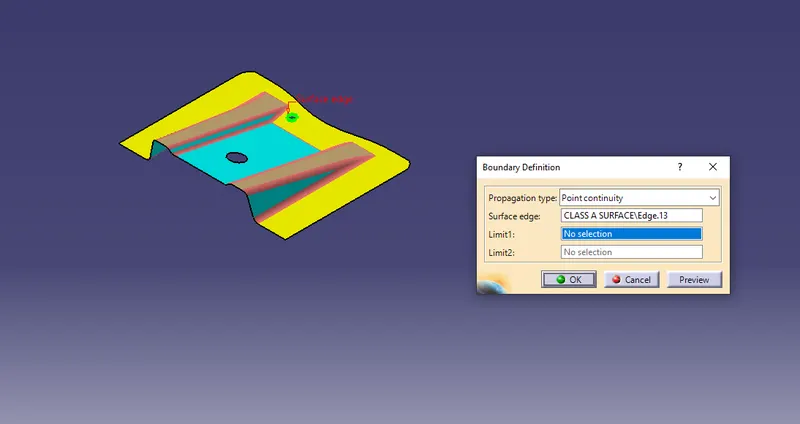
Sweeping the boundary of the class A and holes with a use of draft direction then select guide curve and draft direction and give 3 degree draft.
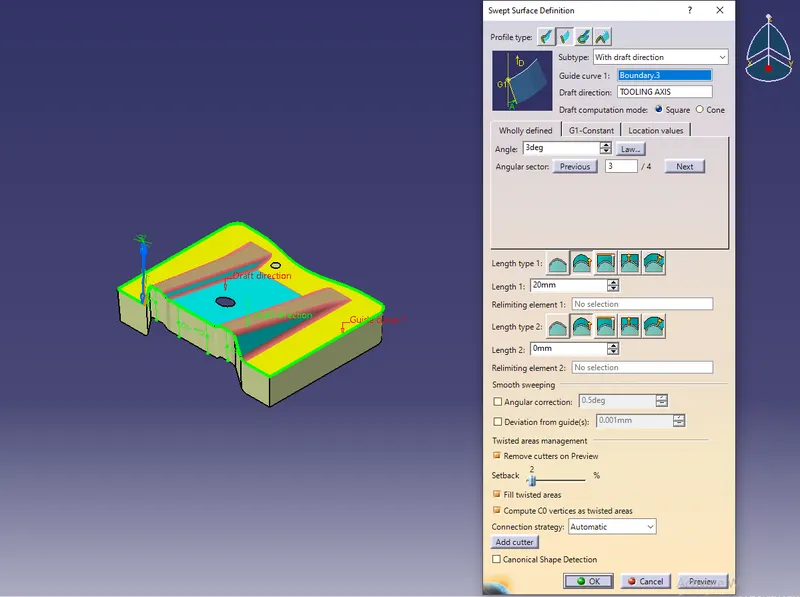
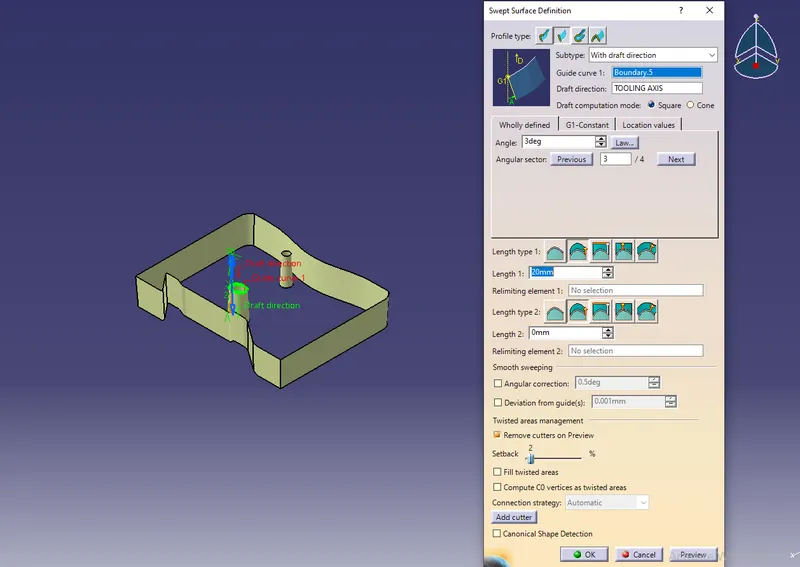
Join both the Class A and Class C surface together.
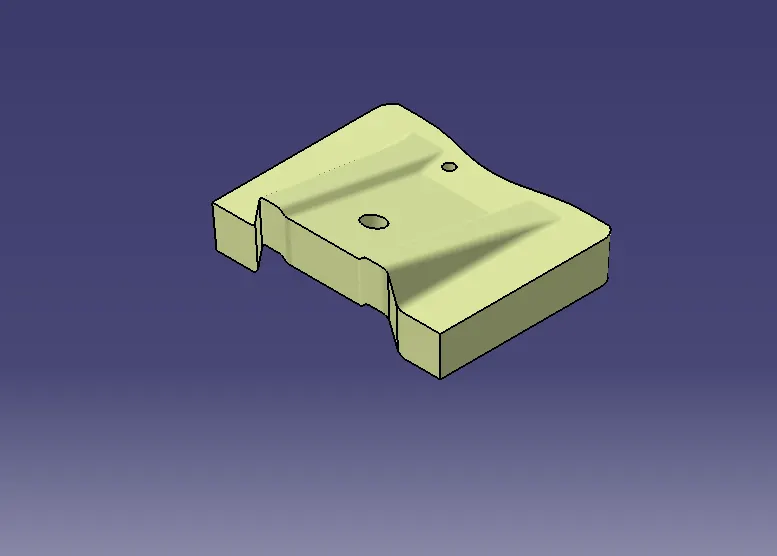
After joining, trim the joined surface with the Class B surface.
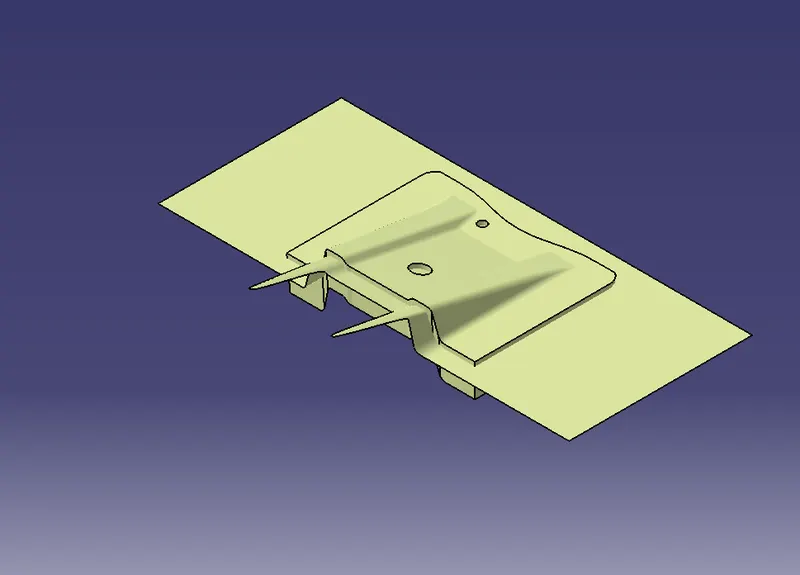
After Trimming we get the final Base Bracket close surface.
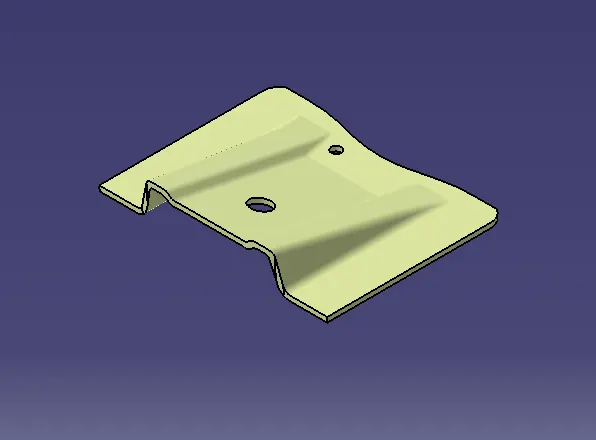
- Creating a solid feature by using a closed surface :
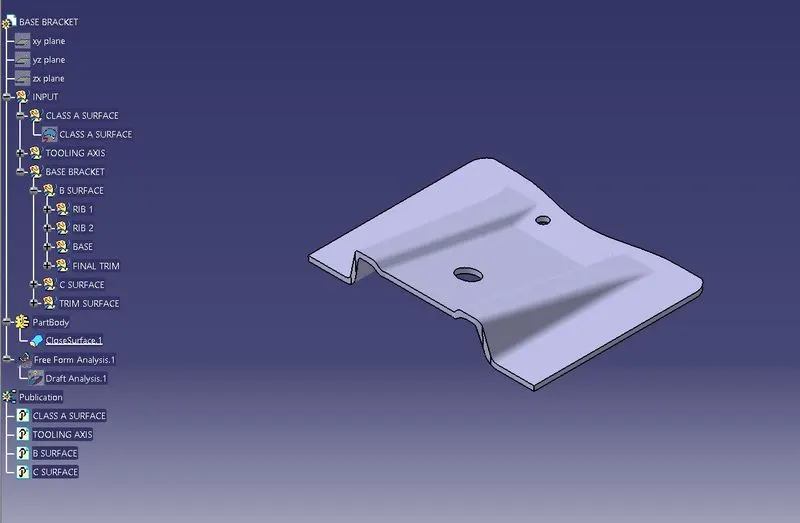
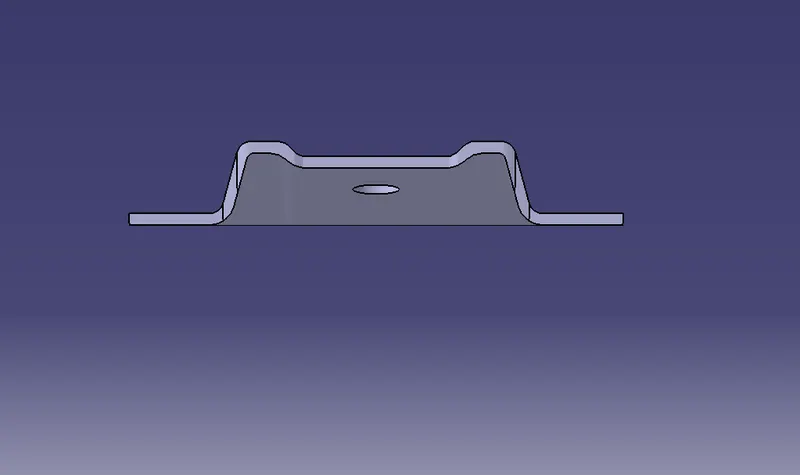
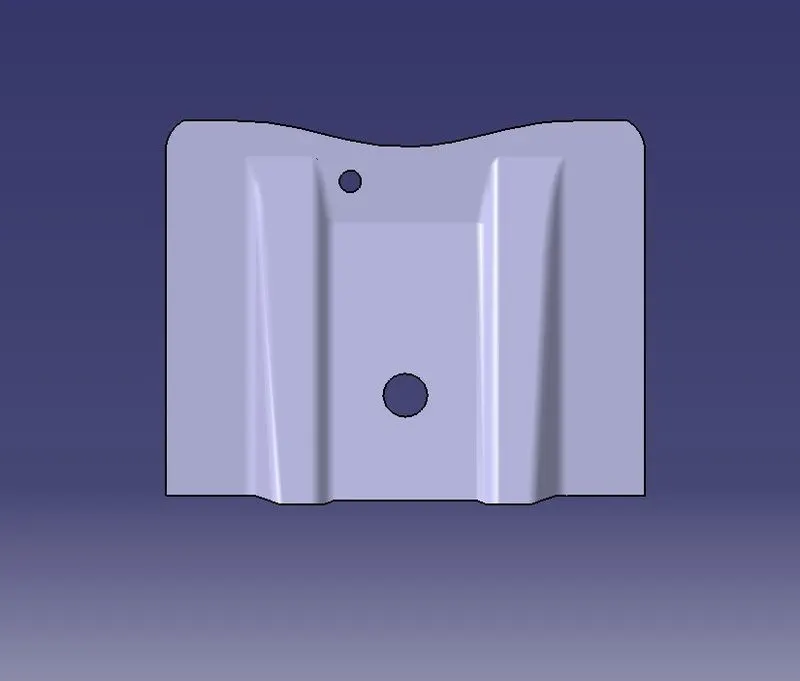
Solid body is created by a closed surface feature in the Part Design workbench in the defined partbody. This is our design output shown as given below in various orientations.
Isometric view
Front view
Side view
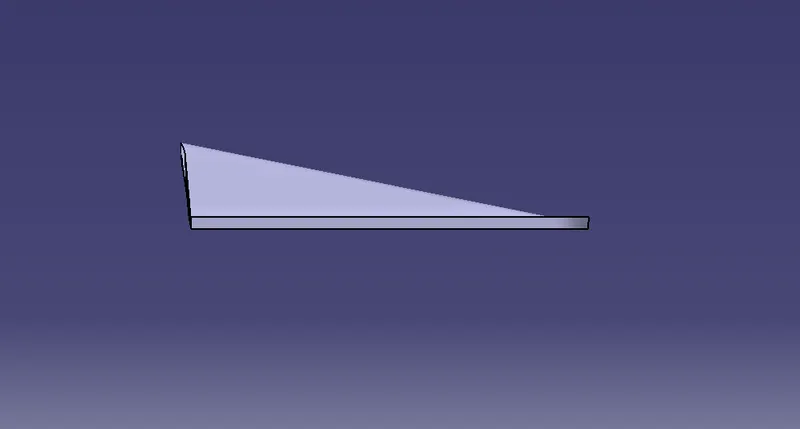
Top view
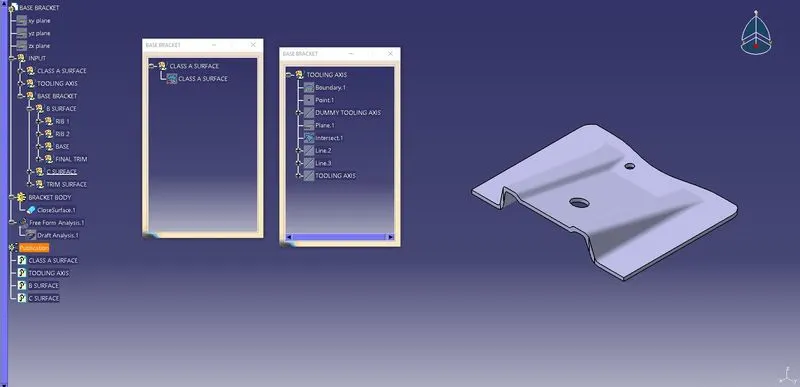
Images of the expanded Tree structure of the Geometrical set, part body and publications.