Week 5 Challenge : Surface wrap on Automotive Assembly
For the given models, check for the geometrical errors and delete surfaces that are unwanted for Surface wrap as shown in the videos. After clearing geometry, Merge all 3 models and perform surface wrap.
The target length for Wrap = 3 mm
Write a detailed report on the steps followed to finish this challenge.
---------------------------------------------------------------------------------------------------------------------------------------------------------------------------------------------------------------
STEP 1 - IMPORT THE MODELS AND PERFORM A CLEANUP (Remove unnecessary components)
Part 1 - Engine
Step 1 - Import the Engine Model (Given)
Step 2 - Geomeytry Clean Up
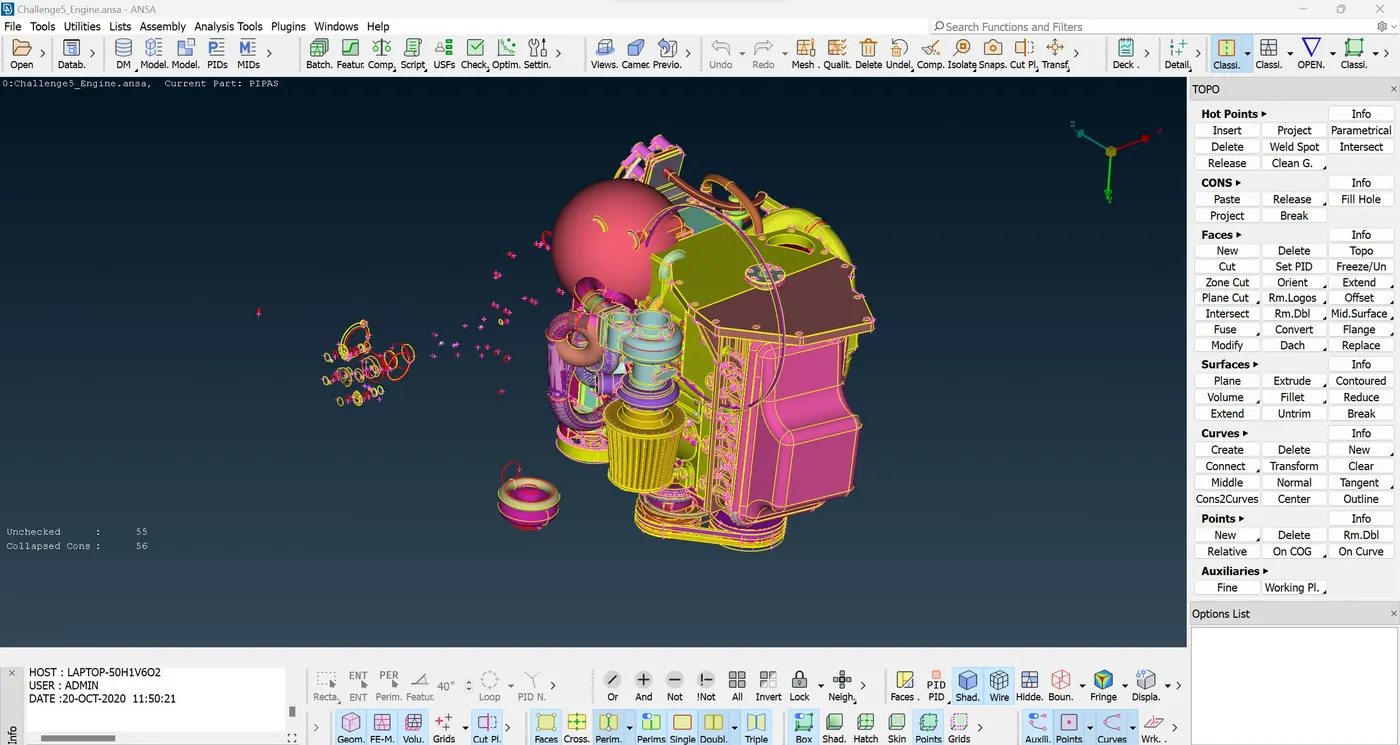
Image 1 - Initial Engine
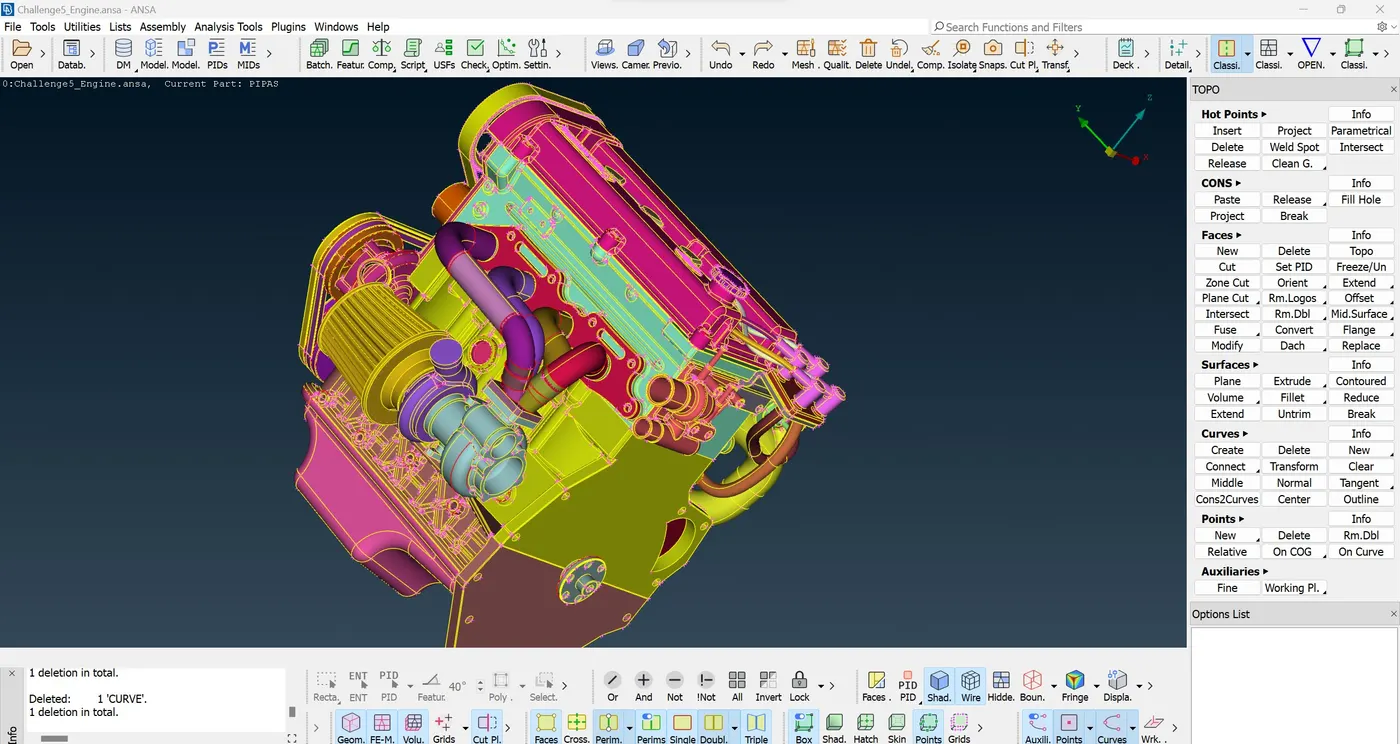
Image 2 - Final Engine
Part 2 - GearBox
Step 1 - Import the Gear Box (Given)
Step 2 - Geomeytry Clean Up
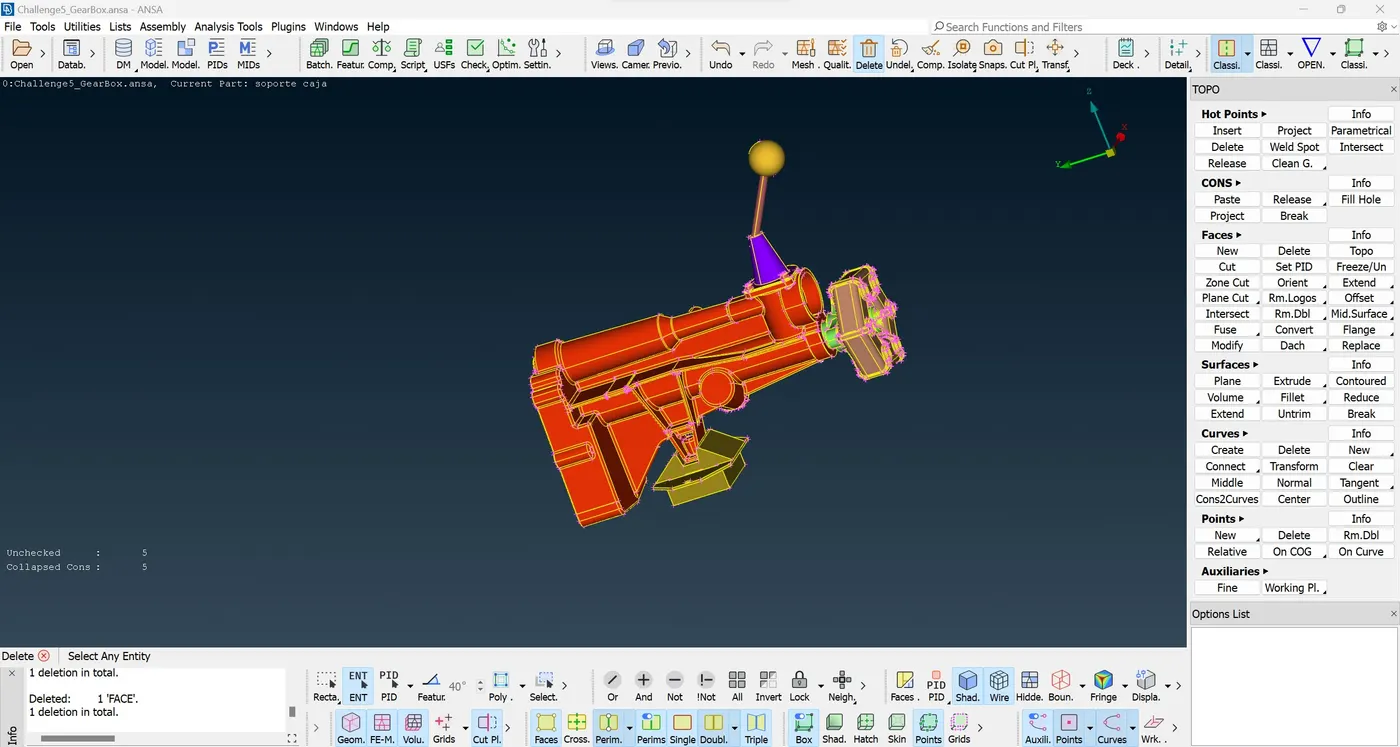
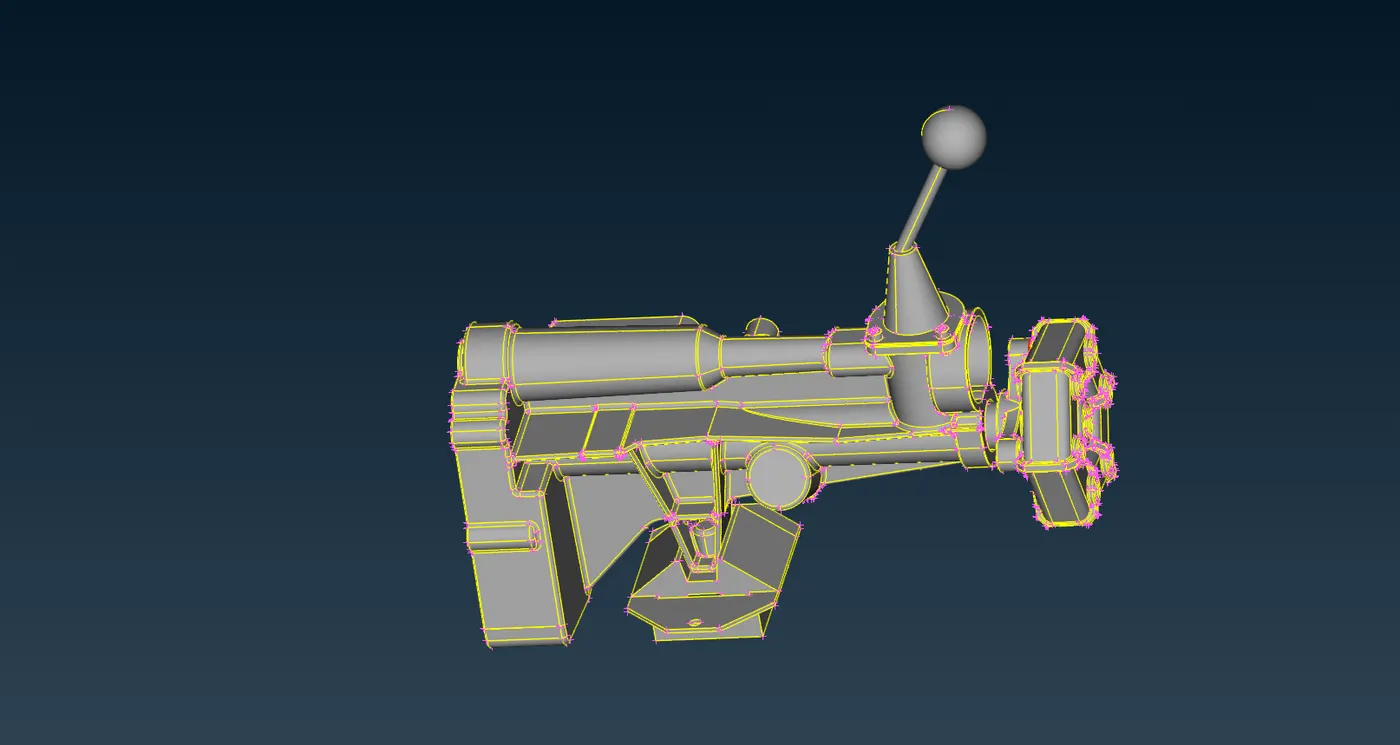
GearBox Initial
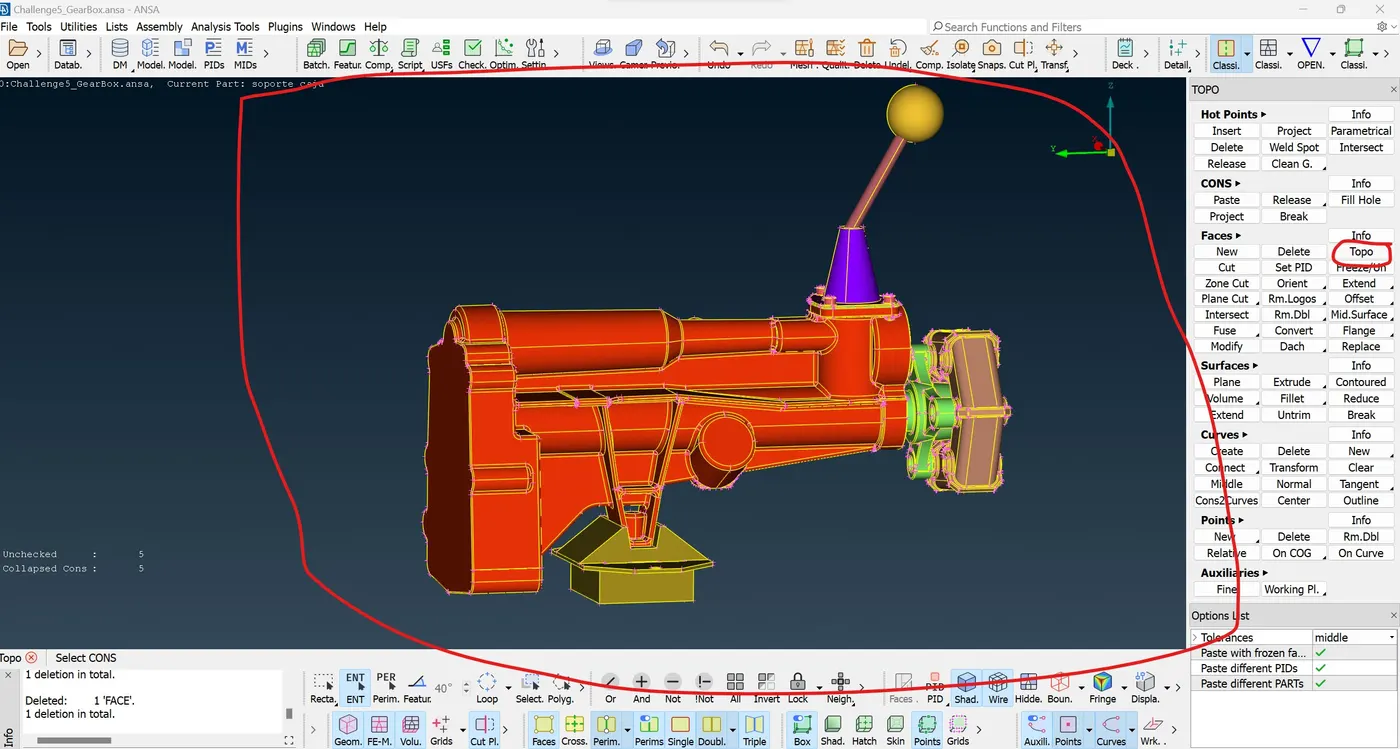
GearBox Topo
Final GearBox
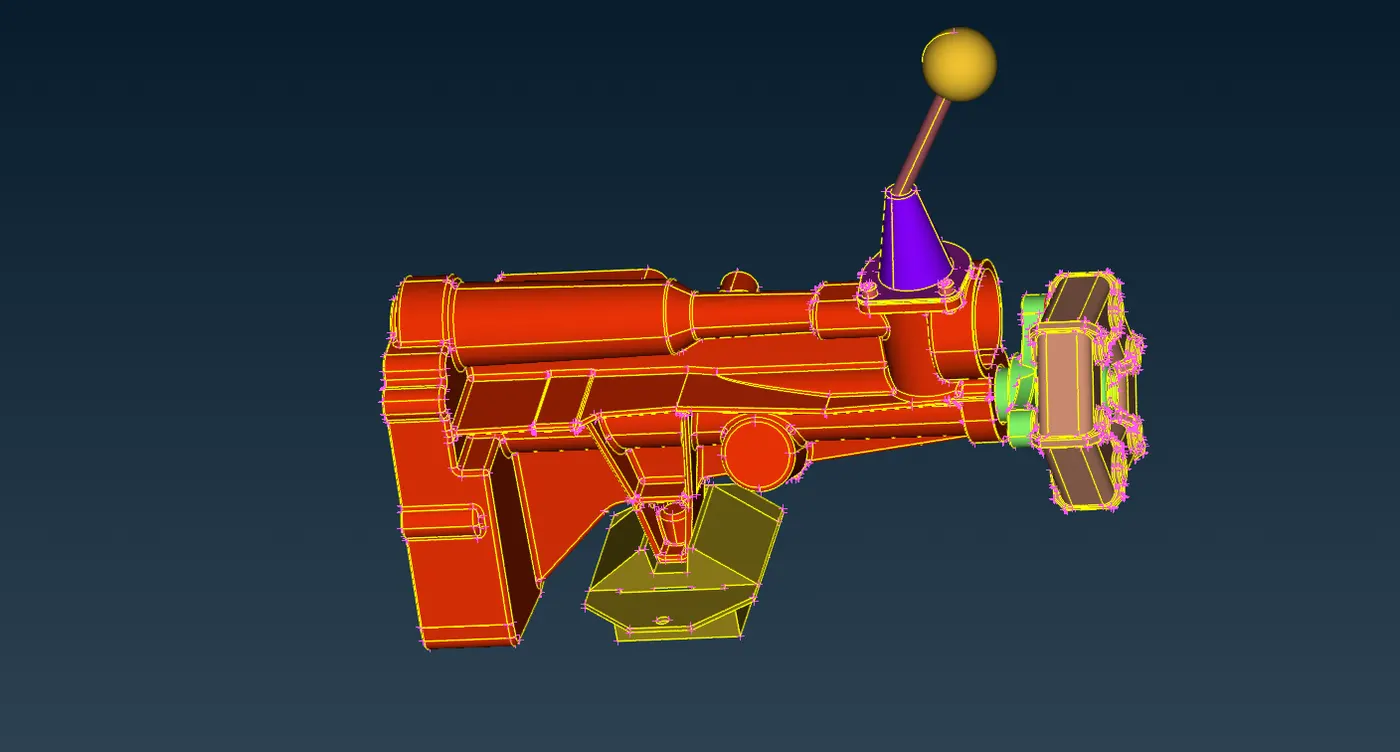
Final GearBox
Part 3 - Transmission
Step 1 - Import the Transmission Box (Given)
Step 2 - Geomeytry Clean Up
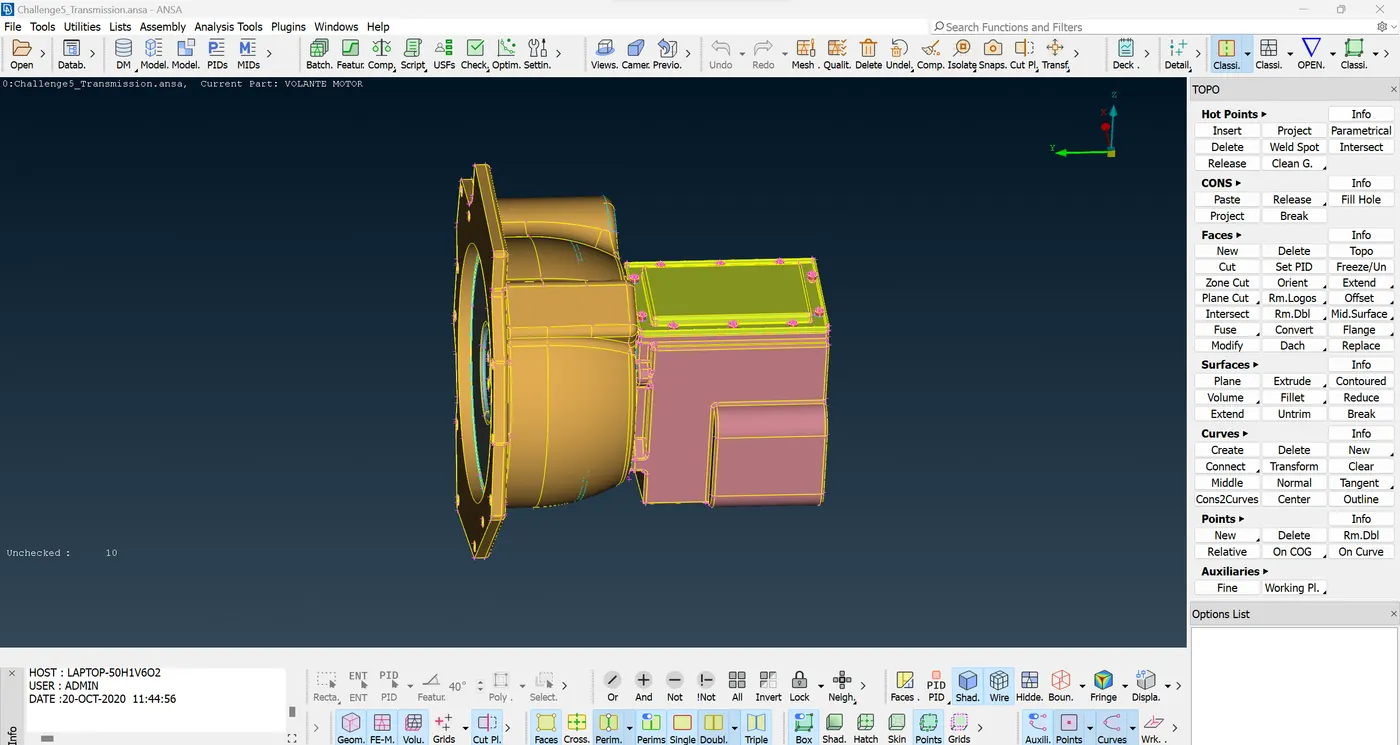
Initial Transmission
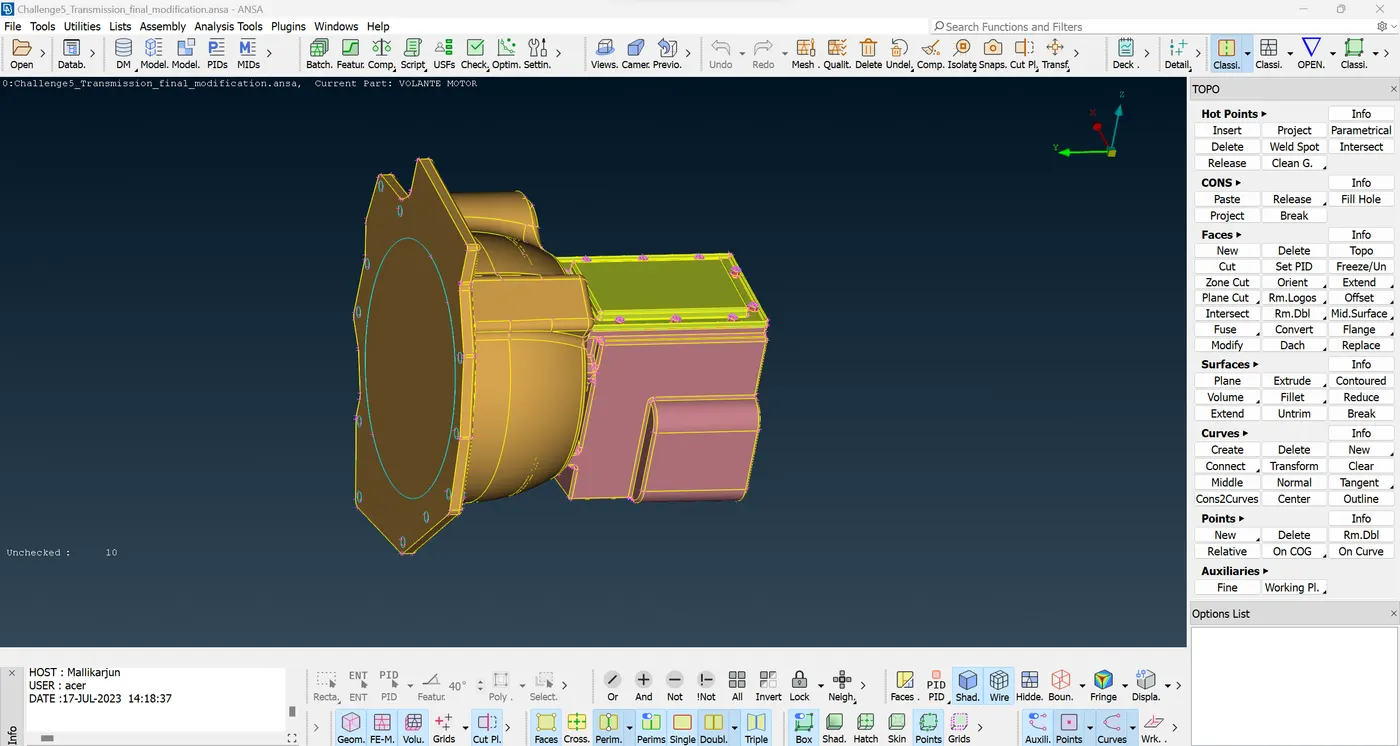
Final Transmission
STEP 2 - MERGE ALL 3 MODELS (ENGINE, GEARBOX AND TRANSMISSION BOX)
Merge
File ---> Merge ---> Engine ---> Transmission ---> Gearbox
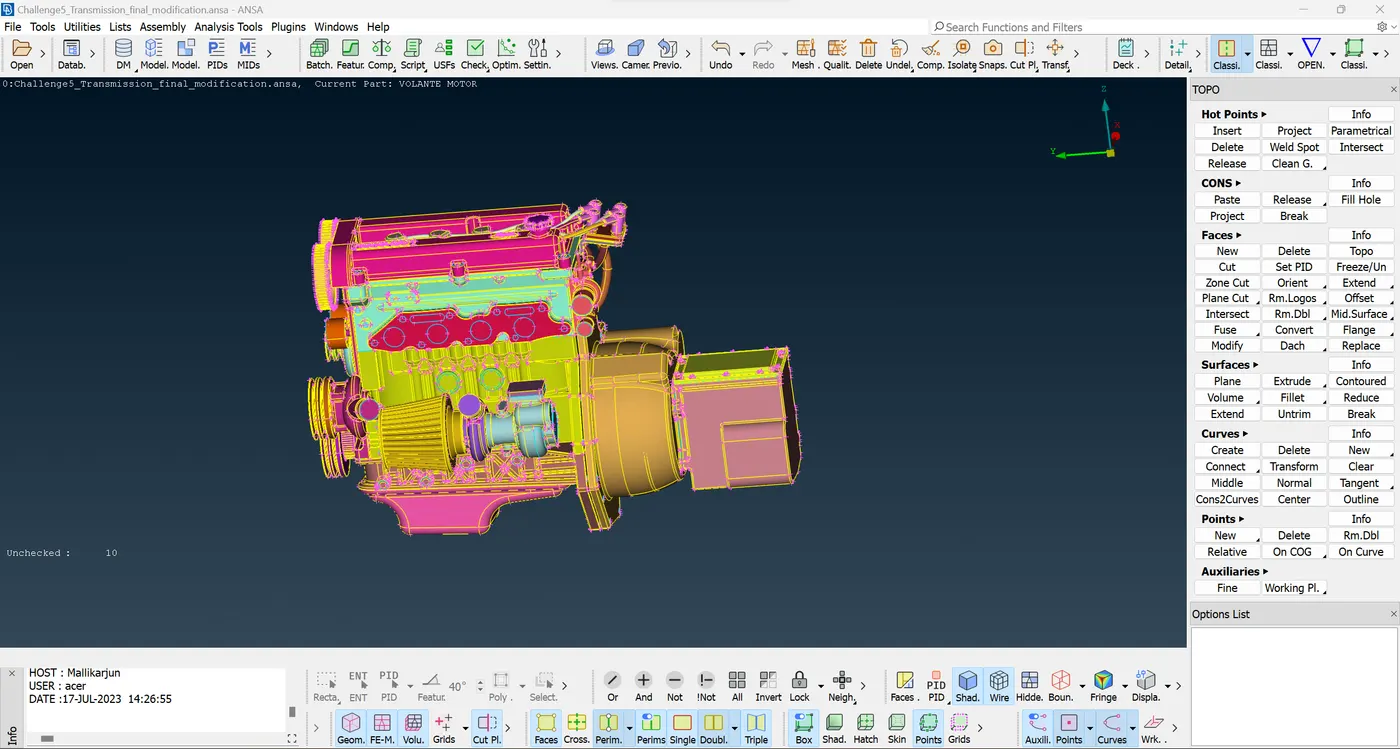
Engine with Transmission
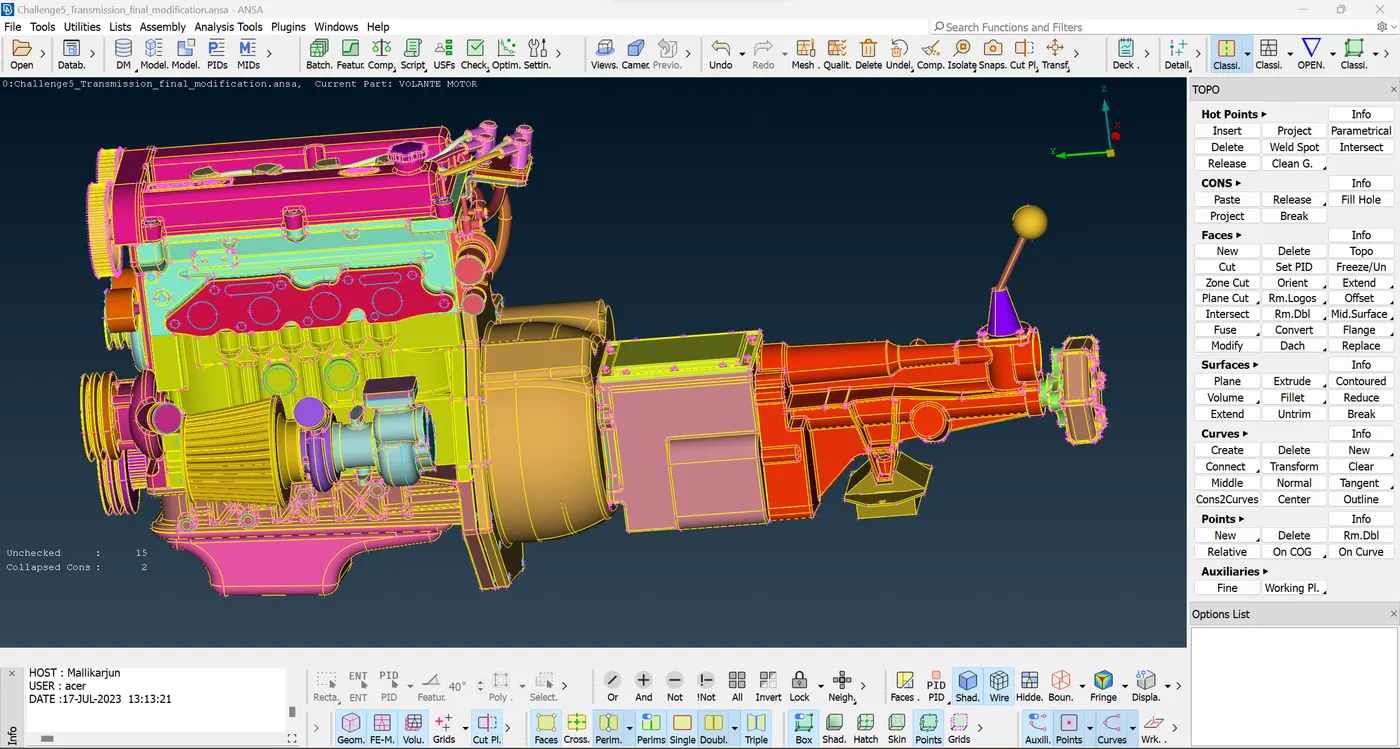
Engine With Transmission and GearBox
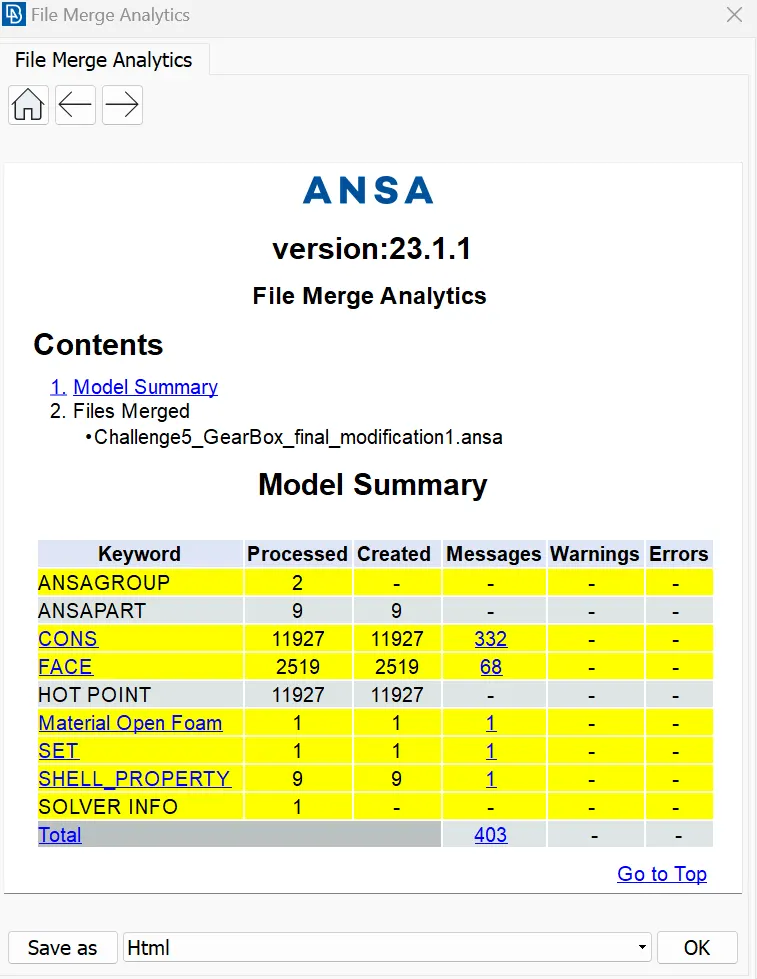
File Merge Analytics
STEP 3 - MERGE ALL 3 MODELS (ENGINE, GEARBOX AND TRANSMISSION BOX)
Surface Wrap
Before Doing surface wrap Compress the PID
Utilities ----> Compress
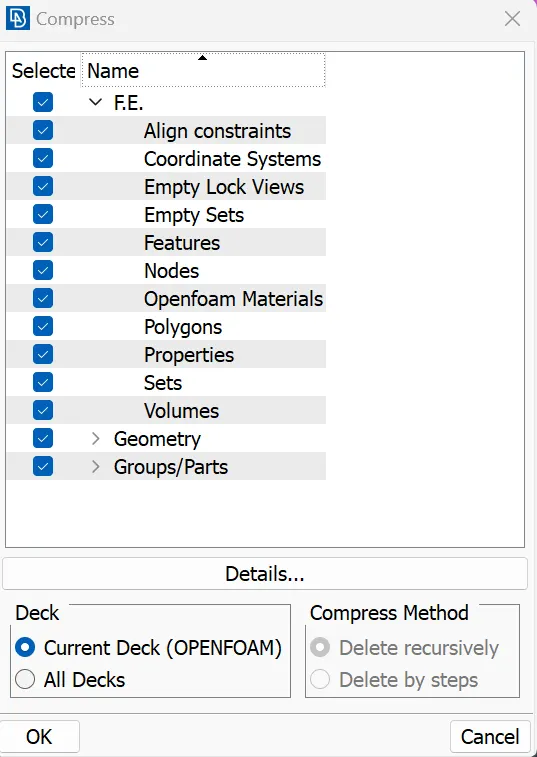
Now Surface Wrap
Step 1
Mesh ---->
Step 2
Elements ---->Wrap ---->Constant Length ---->
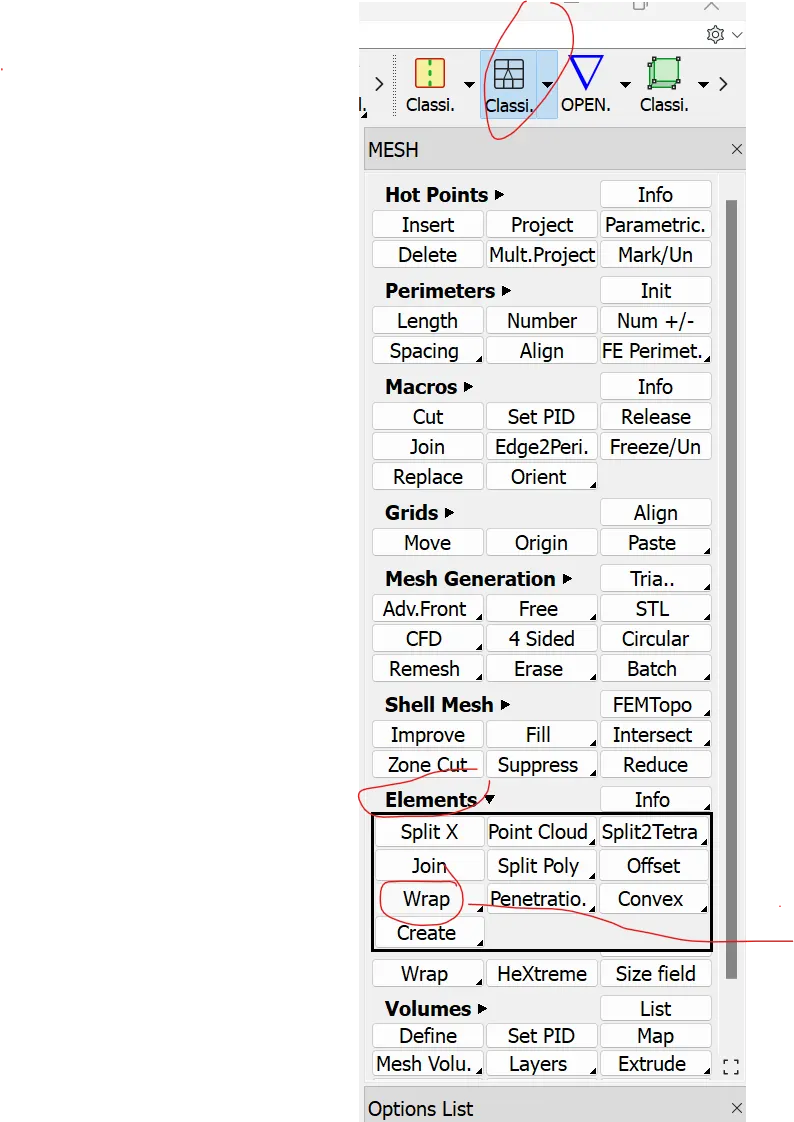
Step 3
Double Click Empty --->Target Length = 3mm
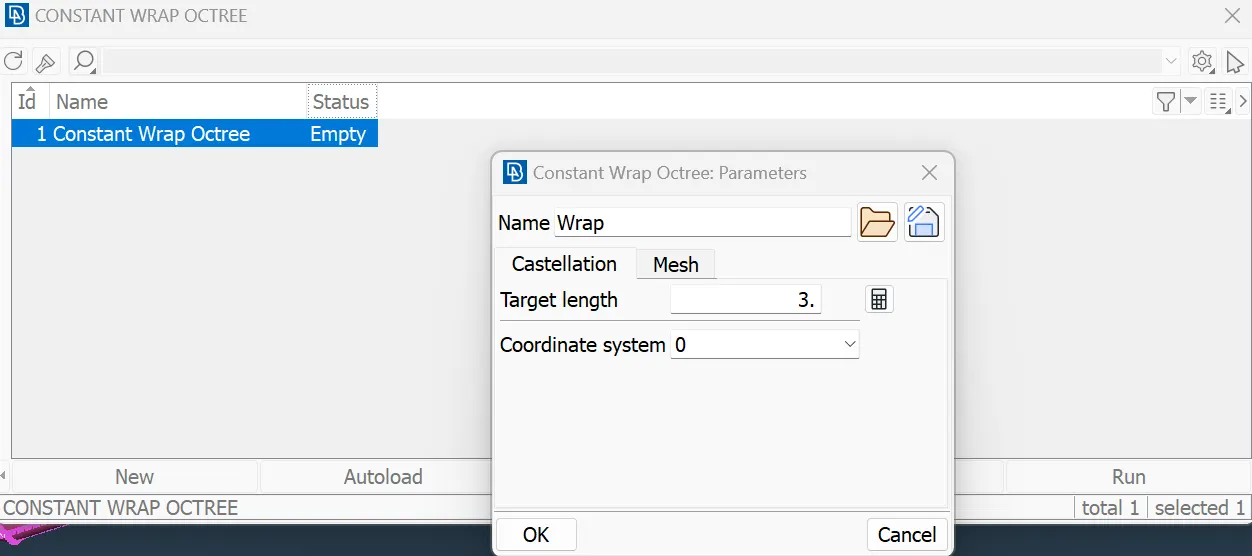
Step 4 ---> Modify Contents
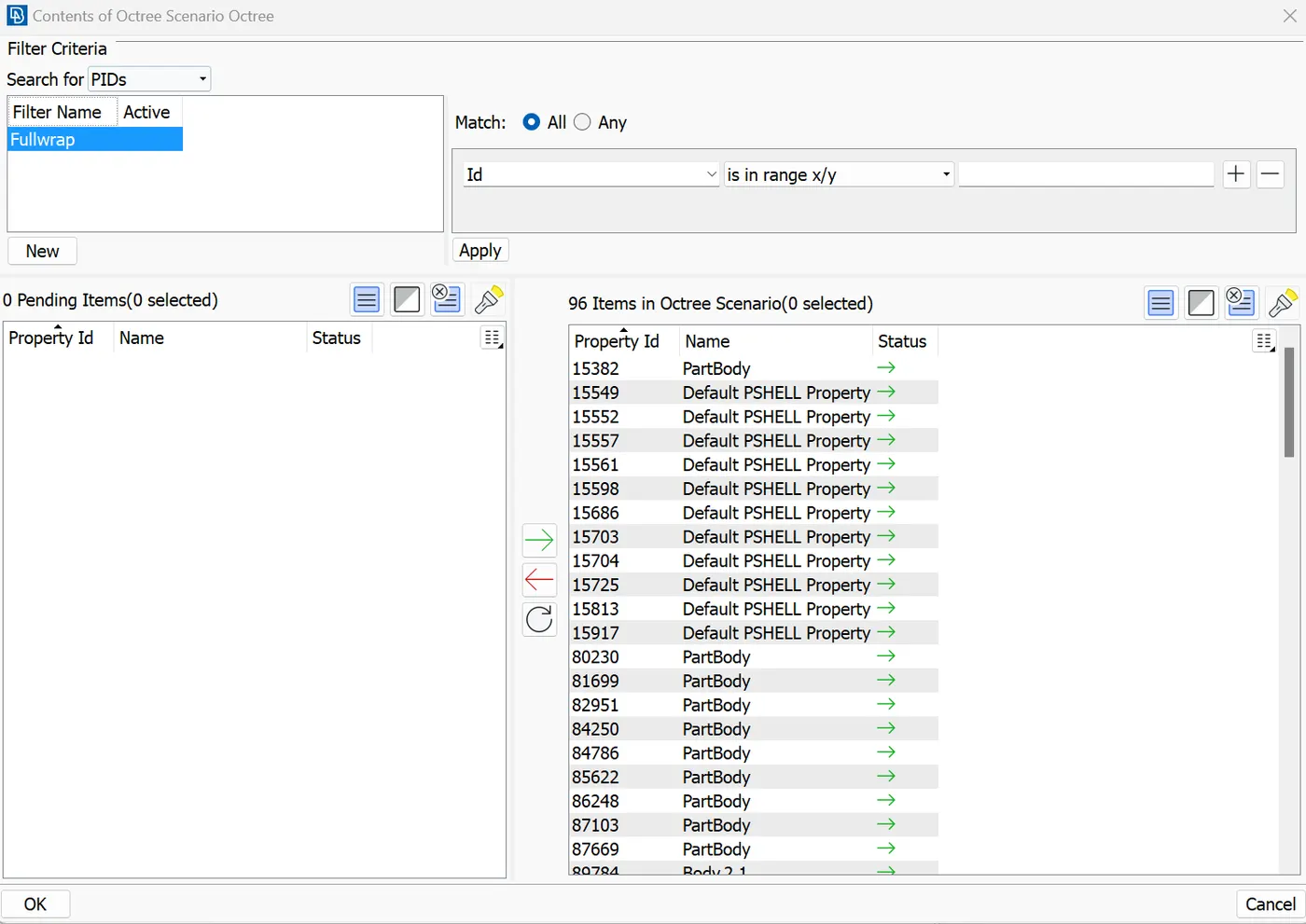
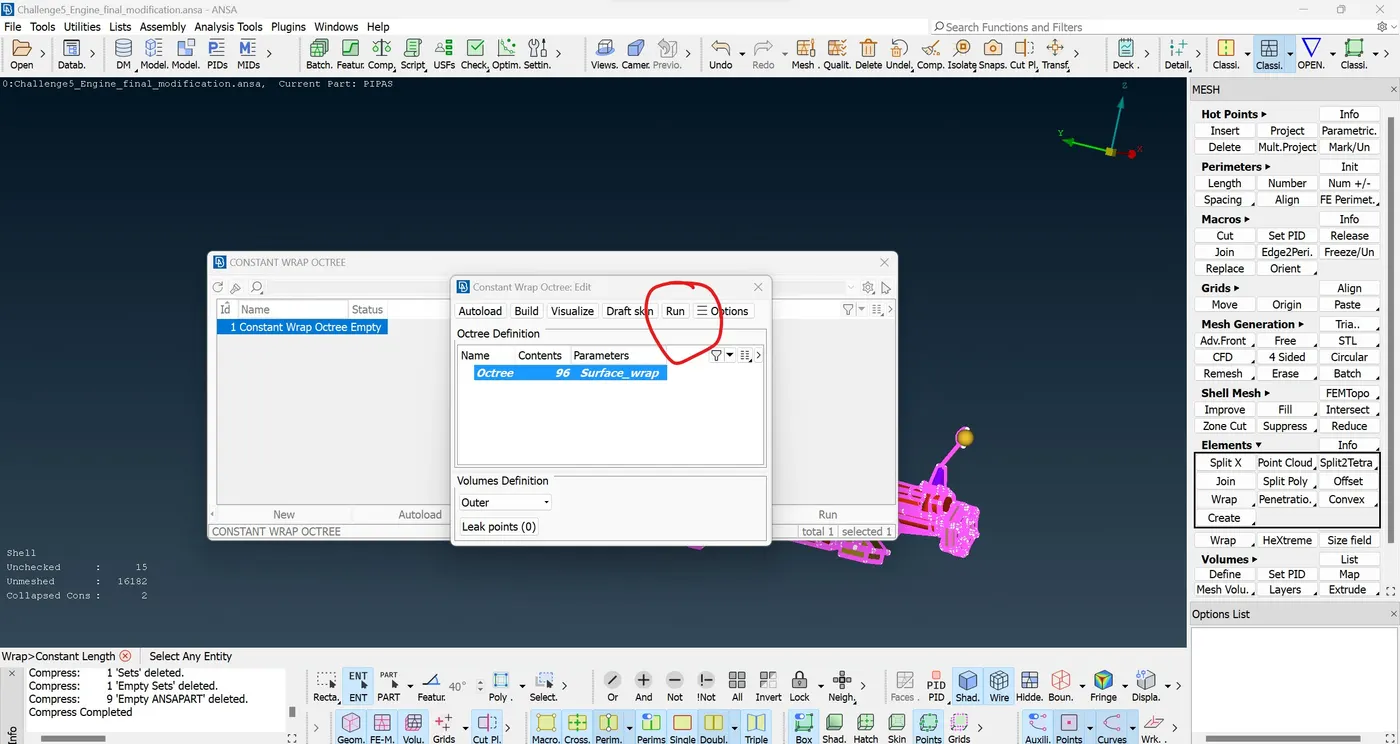
Step 5 - Run
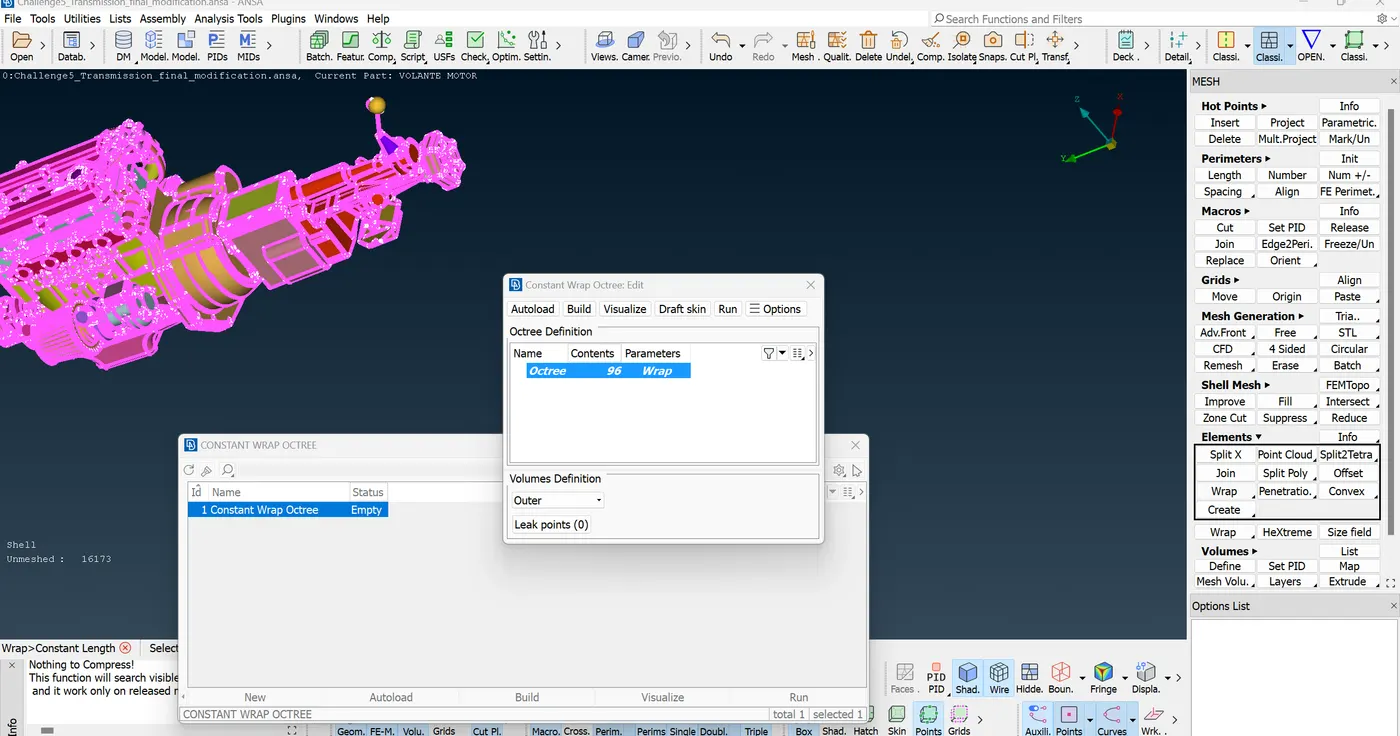
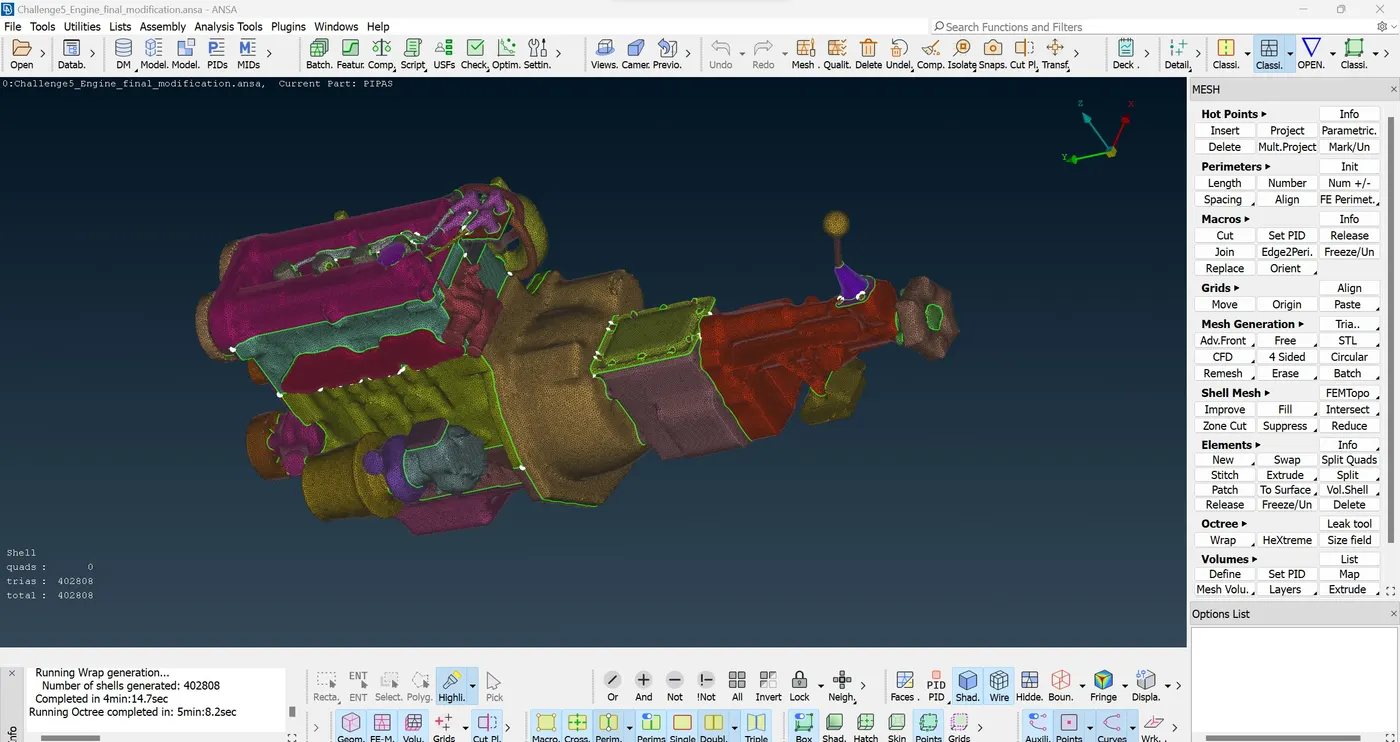
Result - Final Surface Wrapped for Engine
Conclusion
Surface wrap meshing is a technique used in computer-aided design (CAD) and finite element analysis (FEA) to generate a mesh around a complex or irregular geometry. This process involves creating a mesh that conforms closely to the shape of the given surface, capturing its details and ensuring accurate representation in numerical simulations or analyses. Here are some reasons why surface wrap meshing is helpful:
Accurate Representation:
Surface wrap meshing allows for a more accurate representation of complex geometries. It captures intricate details and contours of the surface, which is crucial for simulations requiring high-fidelity results.
Conformity to Geometry:
In many engineering applications, such as structural analysis or fluid dynamics simulations, the accuracy of the results depends on how well the mesh conforms to the actual geometry. Surface wrap meshing ensures that the mesh closely follows the shape of the surface, providing a better representation of the physical structure.
Boundary Layer Resolution:
Surface wrap meshing is particularly useful in capturing boundary layer effects. In fluid dynamics simulations, for example, the mesh near the surface needs to be refined to accurately capture boundary layer phenomena. Surface wrap meshing helps in generating a mesh with varying element sizes to achieve this resolution.
Ease of Use:
Generating a mesh directly on a complex surface can be more convenient than creating a volume mesh, especially when dealing with irregular or intricate shapes. It simplifies the mesh generation process and can save time and effort compared to alternative methods.
Compatibility with CAD Models:
Surface wrap meshing is often employed in CAD software to generate meshes directly from the surface geometry. This ensures compatibility with the original design and allows for seamless integration between the CAD model and the mesh used for analysis.
Reduced Computational Cost:
By focusing the mesh only on the surfaces of interest, surface wrap meshing can reduce the overall computational cost compared to generating a volumetric mesh for the entire domain. This can be particularly beneficial in large-scale simulations.