Week 3 Challenge : CFD meshing on Turbocharger
AIM : To check te geometrical errror to make appropriate volume and to creat and assign PID and perform surface mesh for the given target length as per PIDs
- Blade stage-1 = 1 mm
Blade stage-2 = 1 mm
- Impeller = 2 mm
- Shaft rotor = 1 mm
- Turbo casing = 5 mm
- Compressor casing = 5 mm
- Inlet casing cover = 5 mm
PROCEDURE:
- As the turbo charger model showes so much of overlapped surface we need to start with topo clean up as we can see so much of gltichings
- To check over lapped surface are present are not drag the whole surface > faces> topo > so in that you can see tripple cons here the colour of cross hatch is same as colour of PID delete the overlapped surface directly
- use coons, fitted or fillhole option the fill the gapped surface
- if u cannot creat a new surface goto > hotpoints> multiproject > select the hot pointts > cons > project it to the single cons
- If single cons are not arrangeed in proper way try option intersect to trim the extra surface goto > intersect > first > select the surface > second > select other surface >check selection > middle click > then they show unnessary surface so delete them
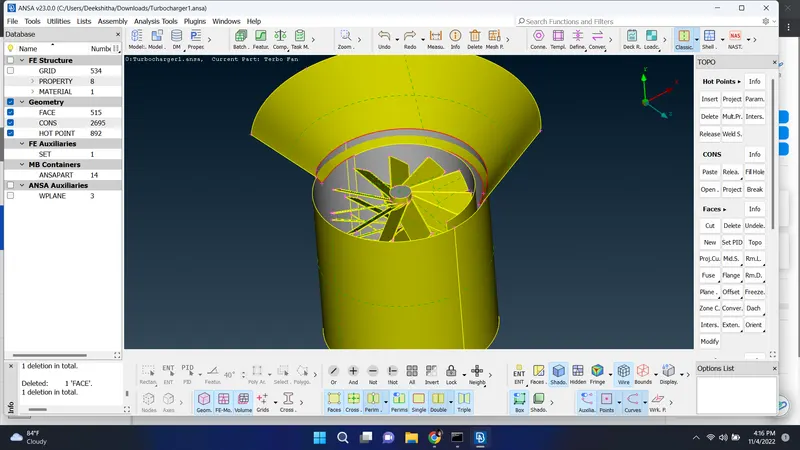
- Intersection of two surface selected intersection and deleted extra surface
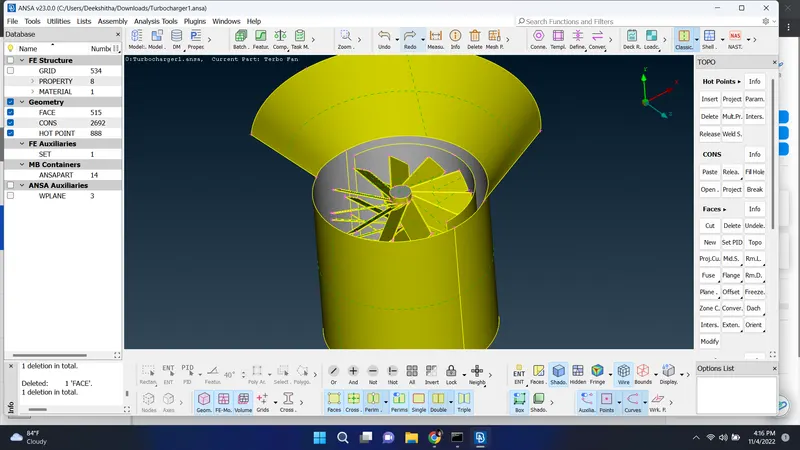
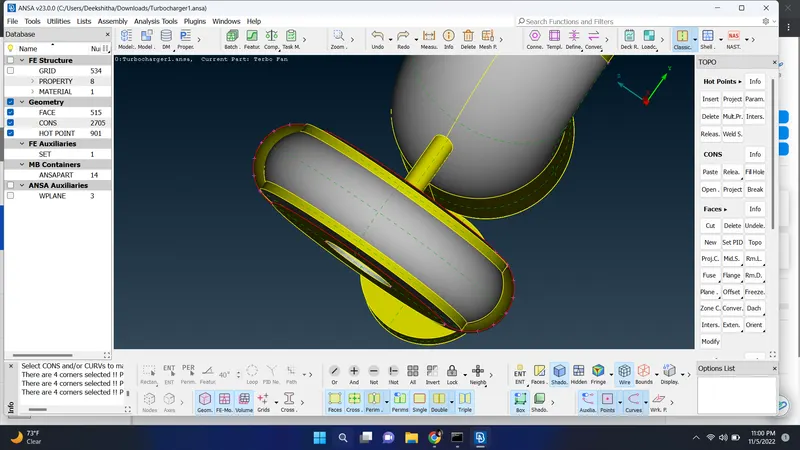
for the curved surface in bottam case if it fails to creat surface in all coons, fitted, fillhole option then we need to creat small surface one by one so goto paramatric inputs >give distance 0.5> select direction > ok > also creat 7 hot points on the same side and follow the same procedure on other side so it will be easy to get a smooth surface
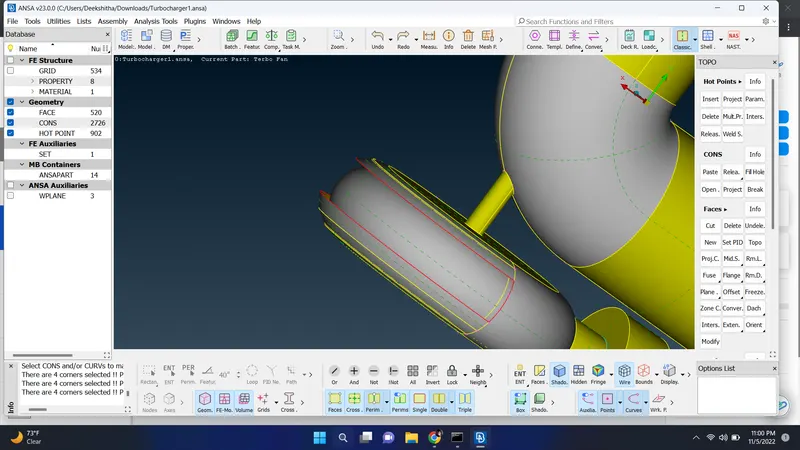
after creating the hot points on the both side goto new > ENT option > select coons > select those cons > middle click > ok follow the same procedure to fill the surface one by one it helps to get a smooth surface and avoid intersection of surface
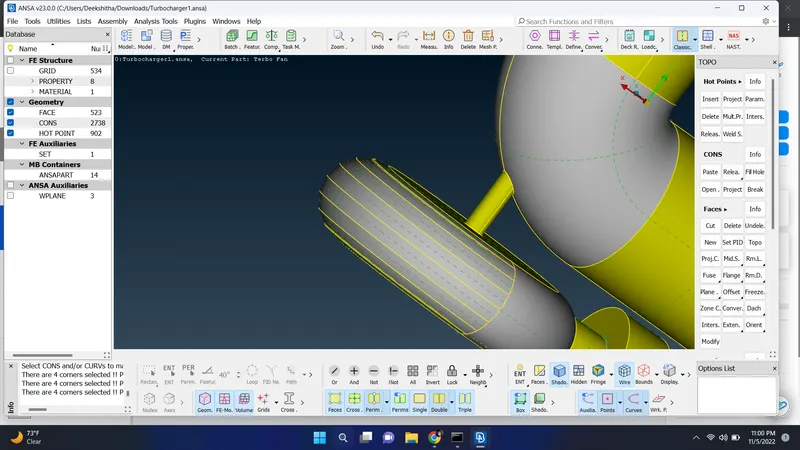
done with creating surface
after this step check with ggeometrical errors
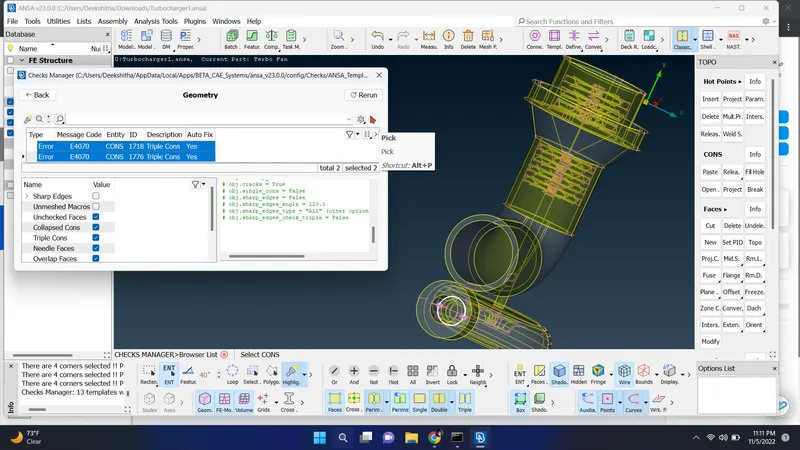
it shows two tripple cons
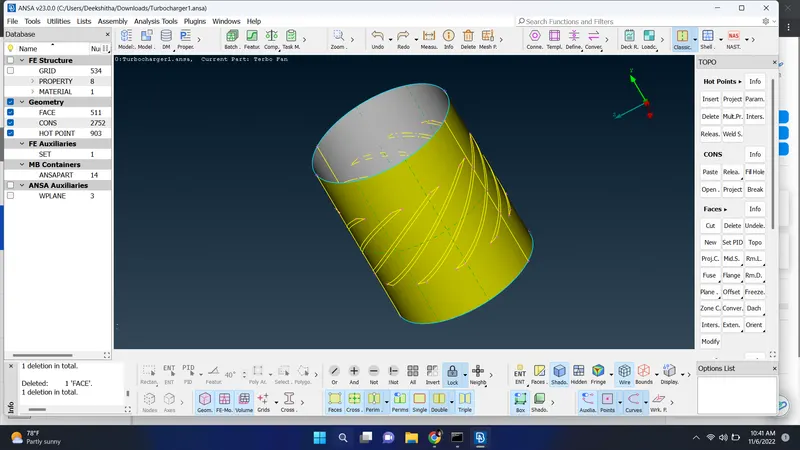
check the tripple cons and delete all the extra surface present on the perticular surface 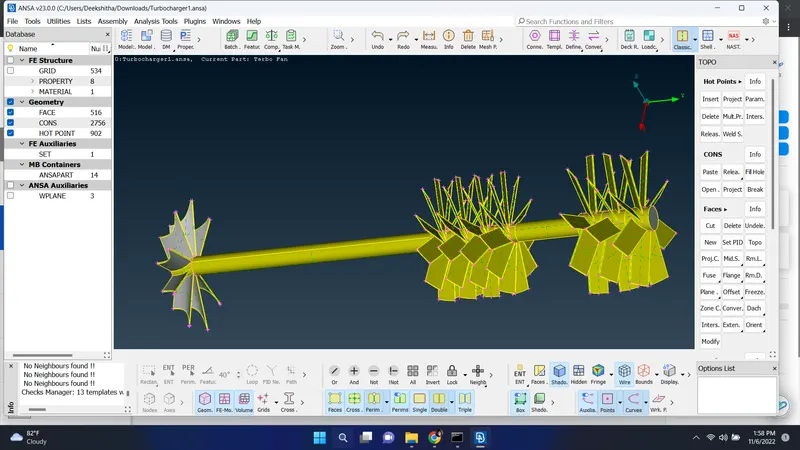
deleted overlapped surface in this perticular section
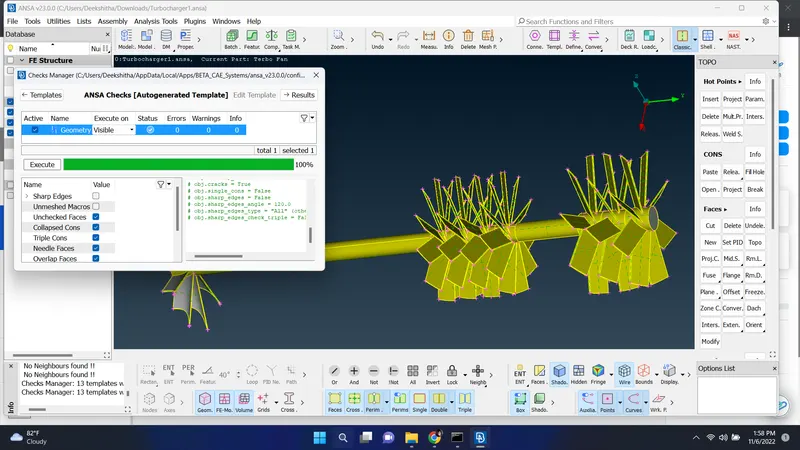
after deleting overlapped surface again checked with geomatrical errors
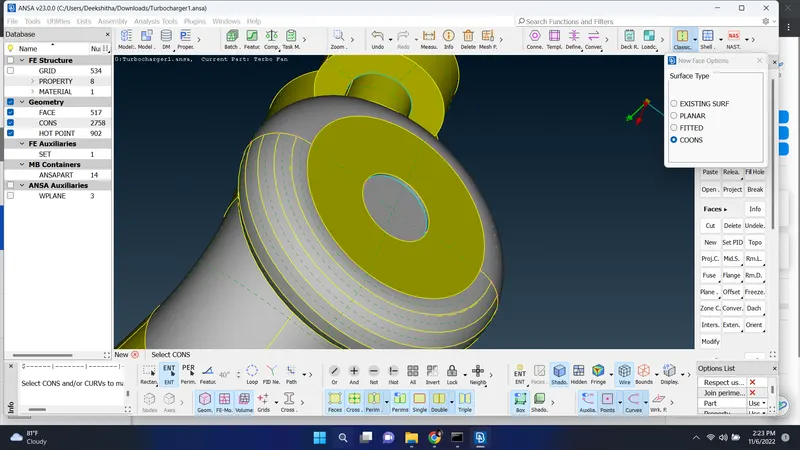
after that try to close the model in every side
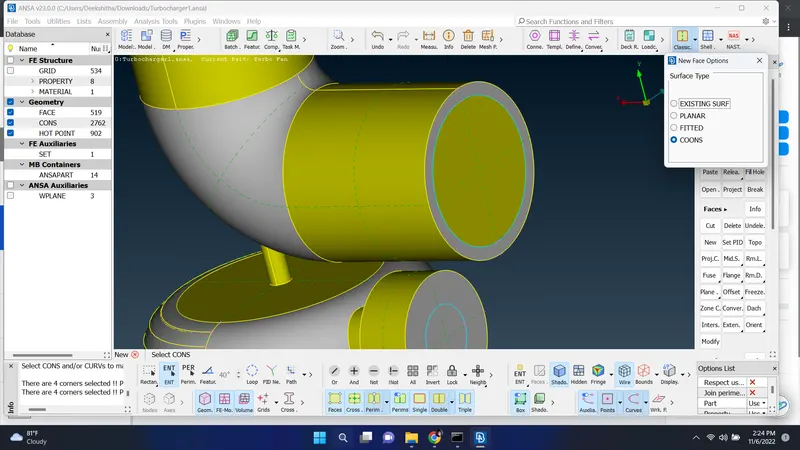
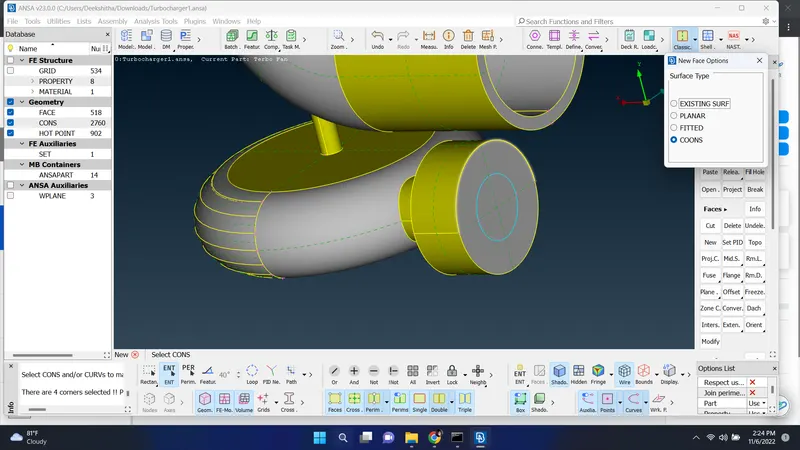
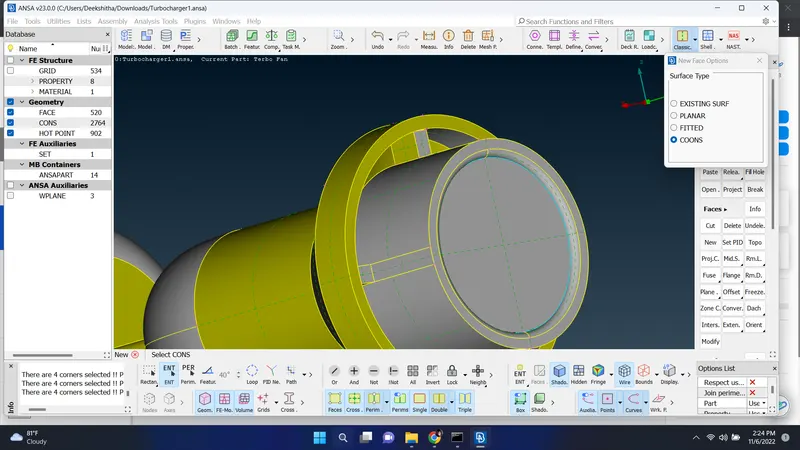
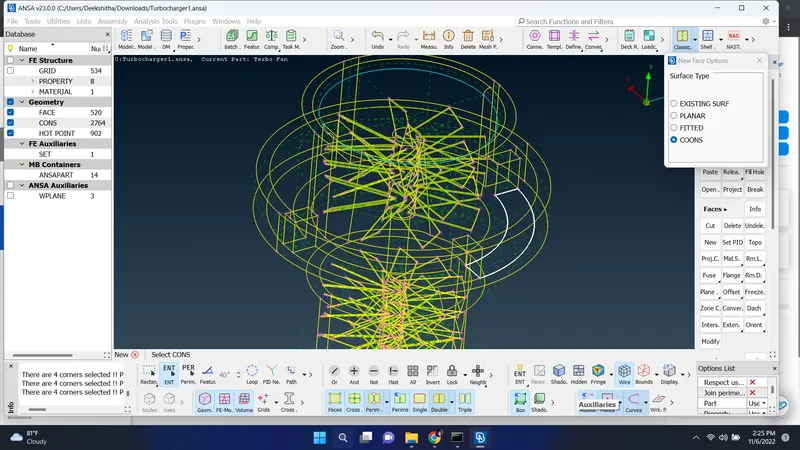
closed all the opened surface and assign PID for each parts one by one
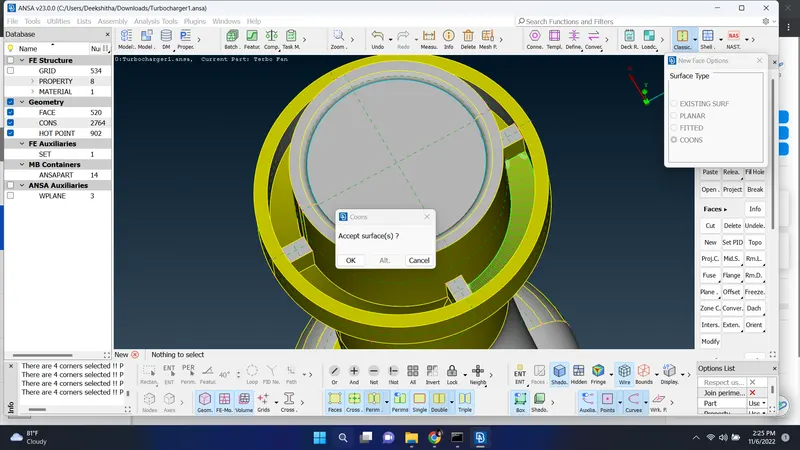
after closeing the surface go with meshing set quatlity crateria and mesh parameter for the given surface and lengths set target length in parameters and macros and spot mesh
- Blade stage-1 = 1 mm
Blade stage-2 = 1 mm
- Impeller = 2 mm
- Shaft rotor = 1 mm
- Turbo casing = 5 mm
- Compressor casing = 5 mm
- Inlet casing cover = 5 mm
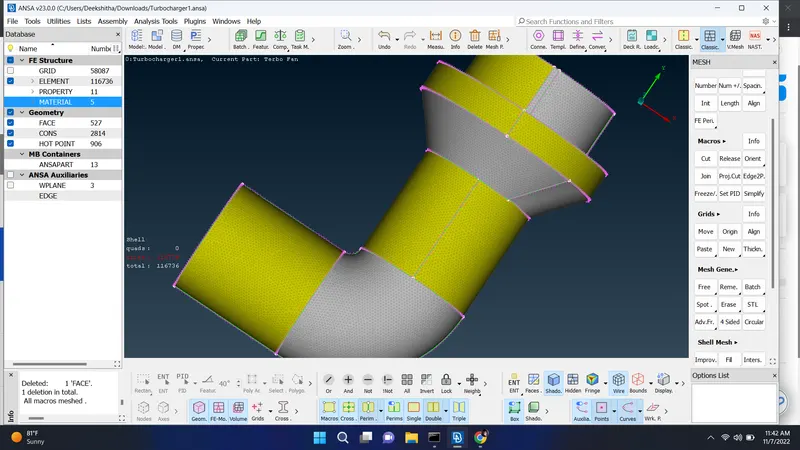
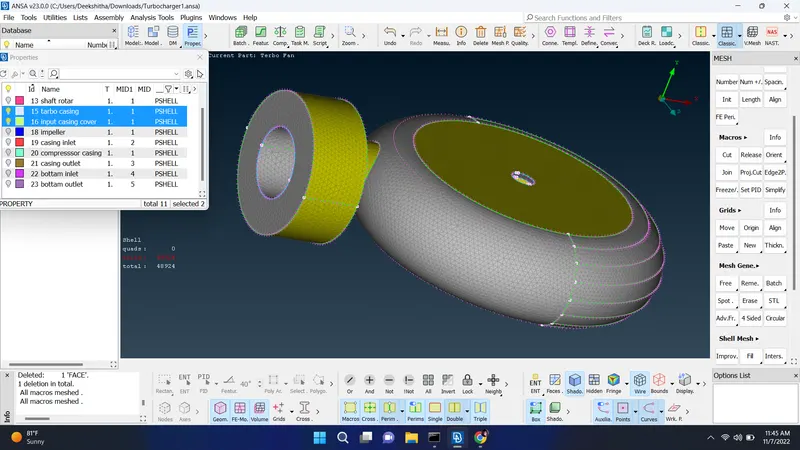
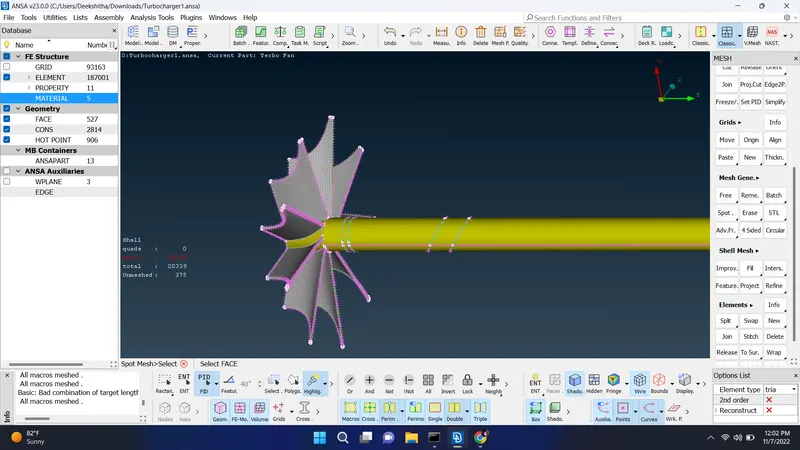
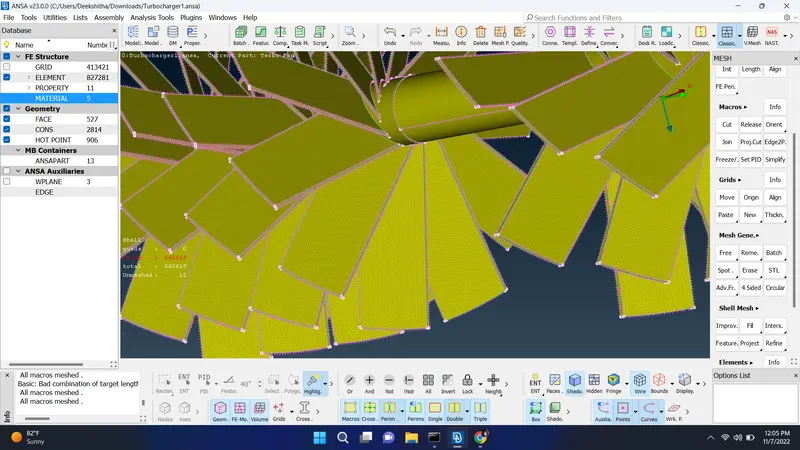
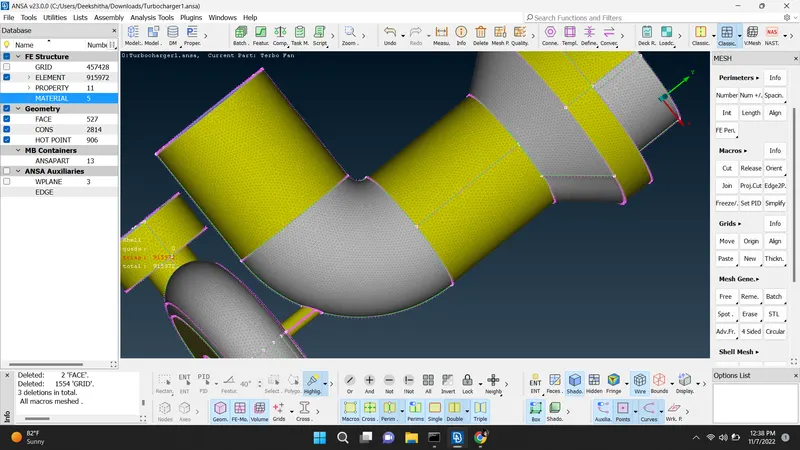
done with meshing for each surface with given values
after surafce meshing go with volumetric mesh 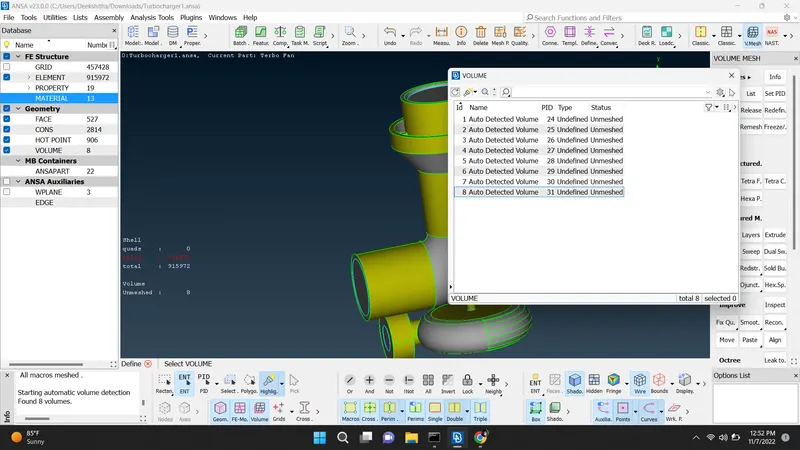
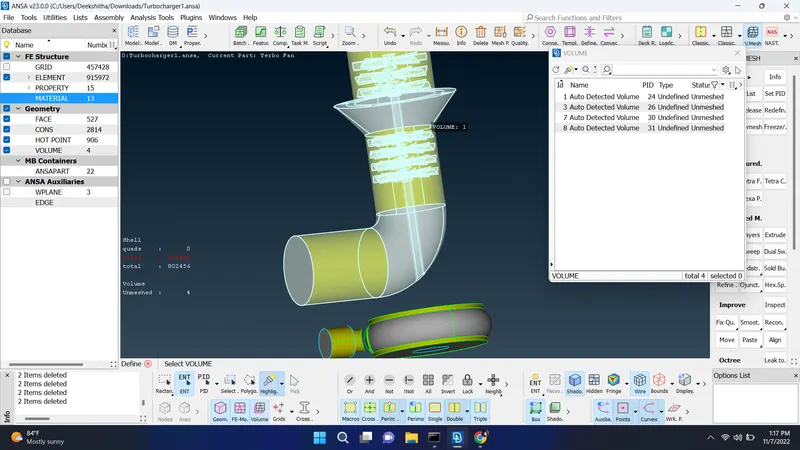
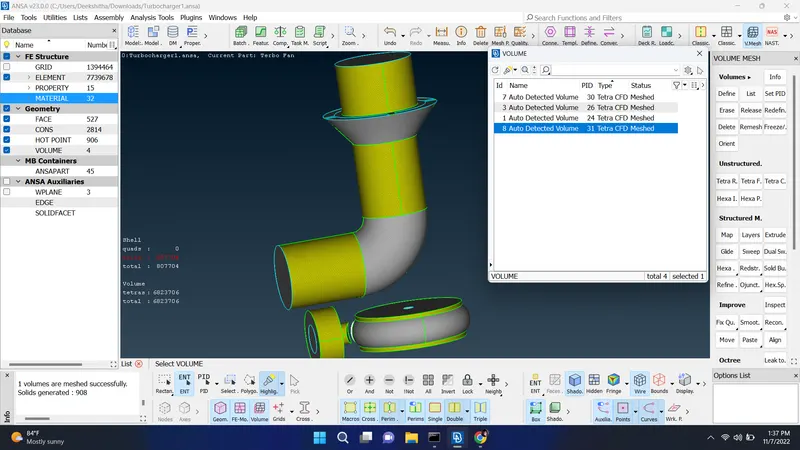
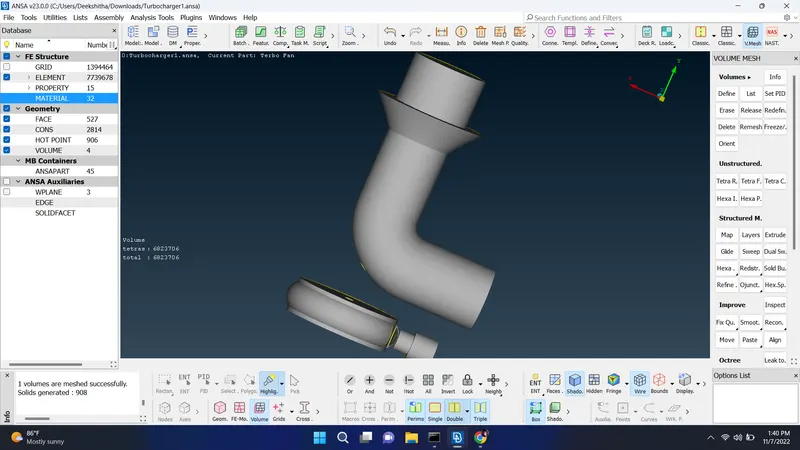
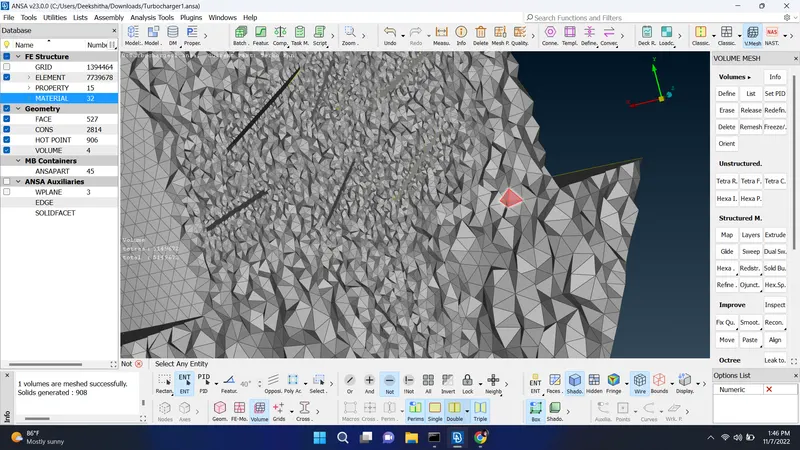
after meshing need to do volumetric mesh and in that goto define otion auto detect volume then whole db click ok there it will show unmeshed volumetric surface try to remesh them with tetra CFD option for each surface