Week 4 Challenge : CFD Meshing for BMW car
AIM : To check and solve all geometrical errors on half portion and to assign appropriate PIDs and to perform meshing with the given target length and element type, quality criteria for the given BMW model.
- Target lengths for the different parts of a model are as follow:
- Body - 3 mm
- Lights - 4 mm
- Grills - 1 mm
- Rims and Tyres - 2 mm
- Optical Rear view mirror - 2 mm
- Window - 2 mm
- Silencer - 3 mm
- Logo - 1 mm
PROCEDURE :
- Starting with topological cleanup we can see grey and yellow colour surface that means it will be in ENT mode so change it to PID mode.
- we can see single cons here so click on topo > box selection > middle click > then it will form double or tripple cons respectively.
- to correct error present in the model as we can see some parts are not accurate or not perfect in shape or smooth in surface in oorder to correct that goto topo mode > auxillary section > click fine option > click on cons for multiple times then we can see the shape will change and getaccurate surface but it will take lot of time and also there is annother method goto mesh mode > length> parameters > 1mm>ok similarly for macros >1mm and click ok
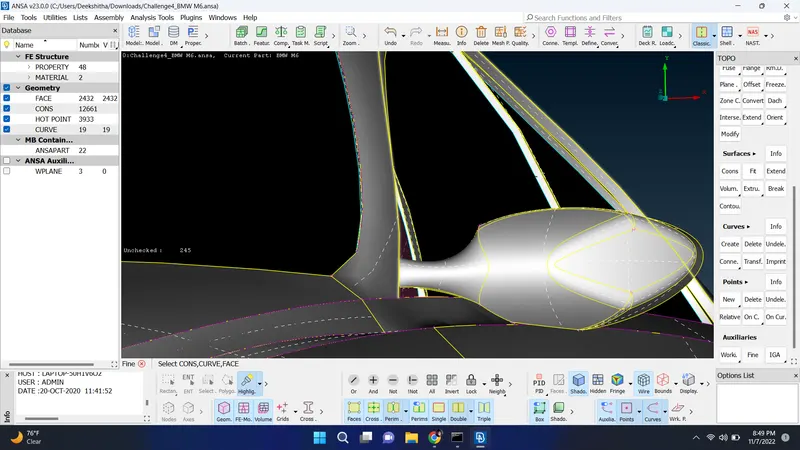
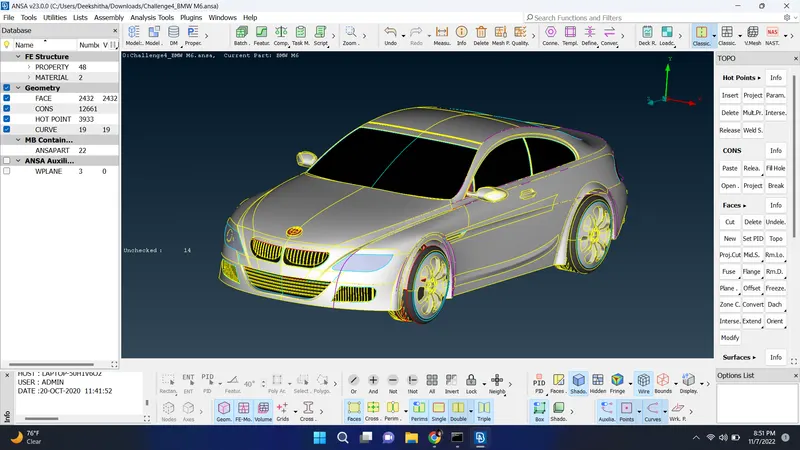
- to start with topo cleanup as the model is symmertry delete the half model so later we can use symmetry option to retrive them back
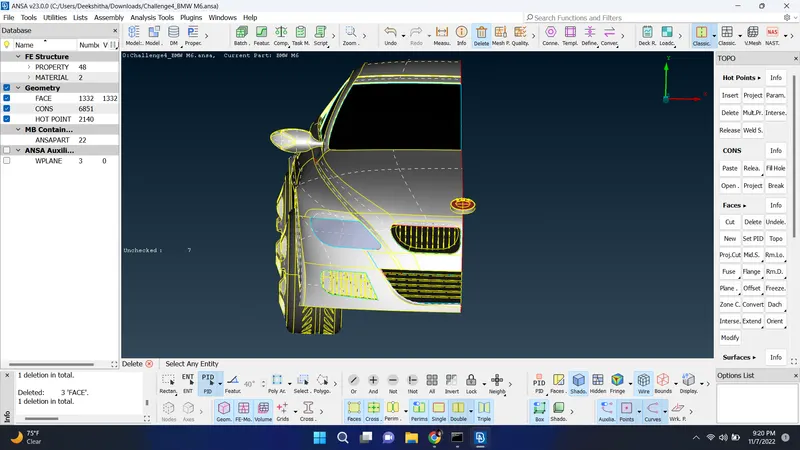
- In this model we need to work on the outside surface or features of the model rather than inside features of model we need to check for one volume of the car
- try to delete unnecessary surface inside the model
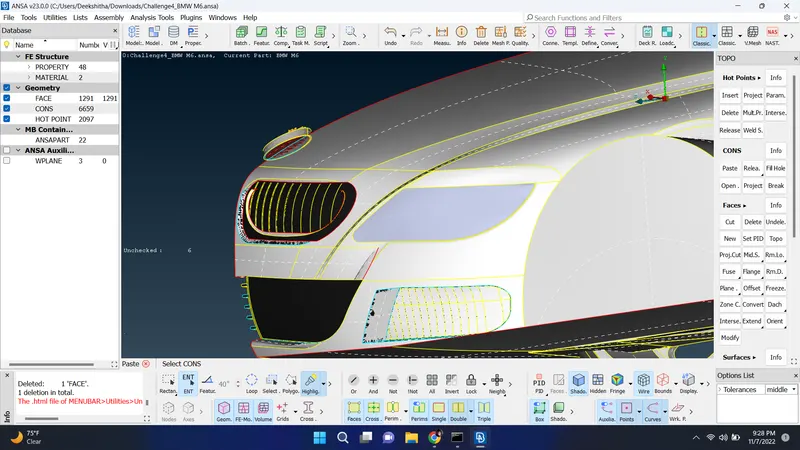
- first in this model worked with rim part of the car here deleted all the errors, single cons and tripple cons and deleted some extra surface which is not necessary in this part
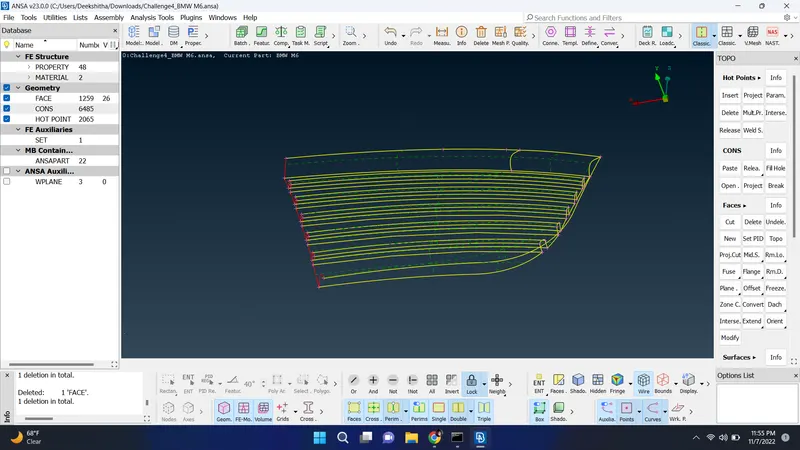
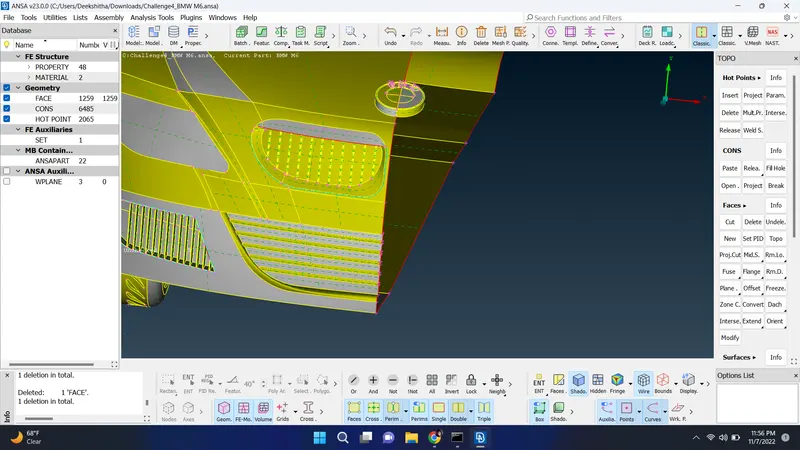
and after this part worked with another rim part and sovled errors inside and outside of this part by deleting tripple cons and single cons to get better result of the model
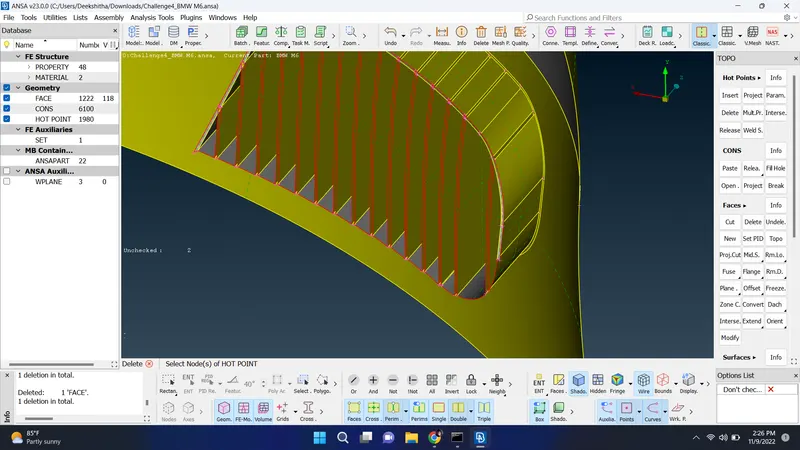
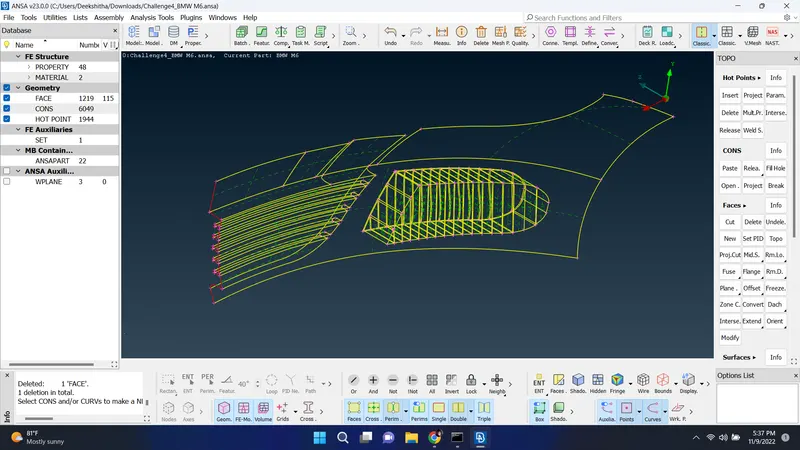
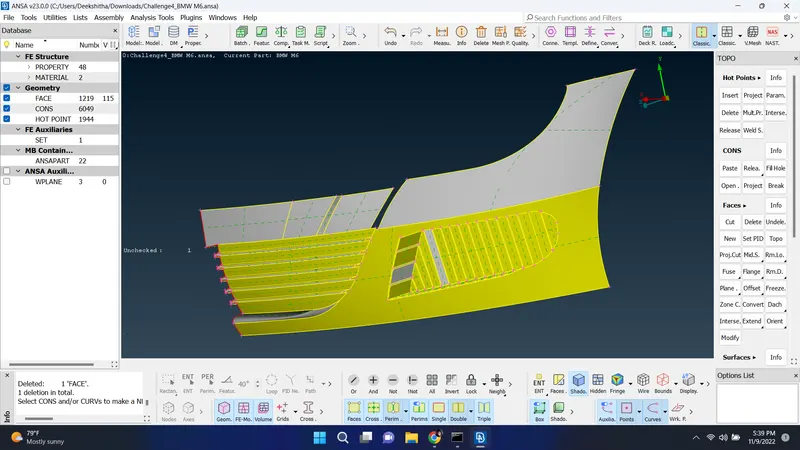
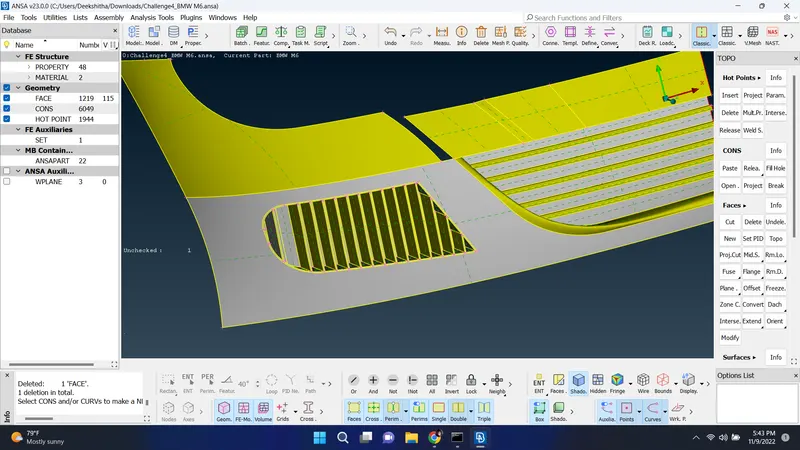
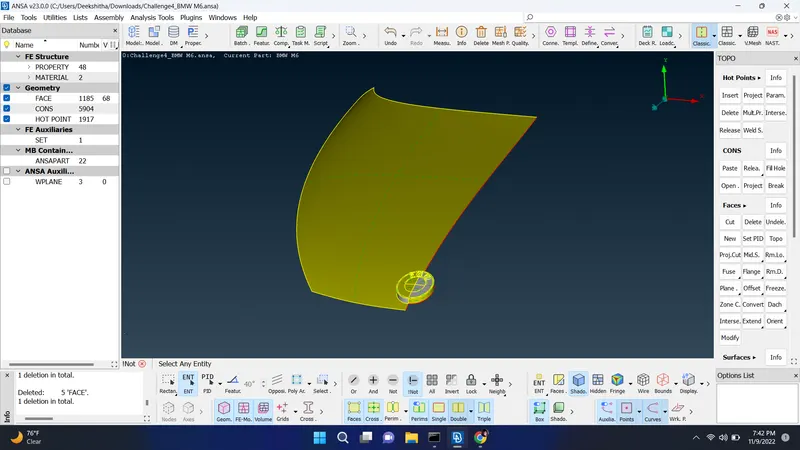
solved errors in BMW logo part and deleted some tripple and double cons in the model
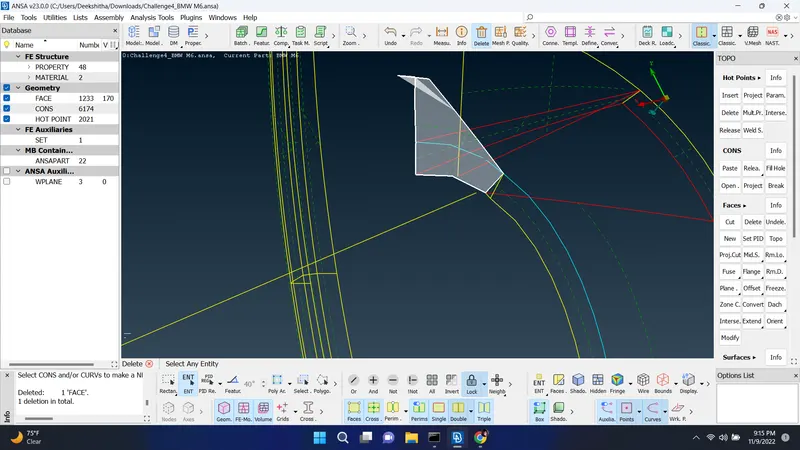
worked on grill part of the model
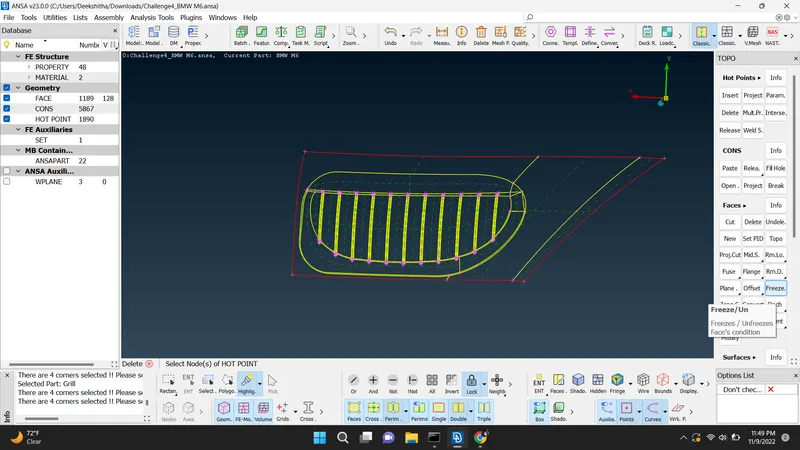
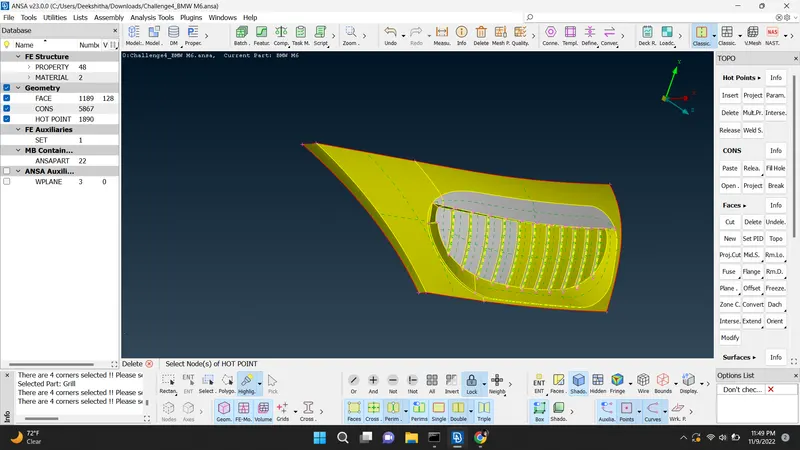
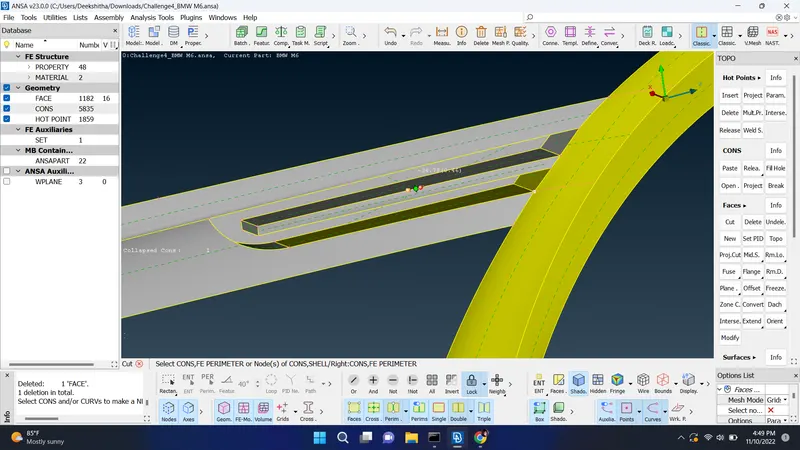
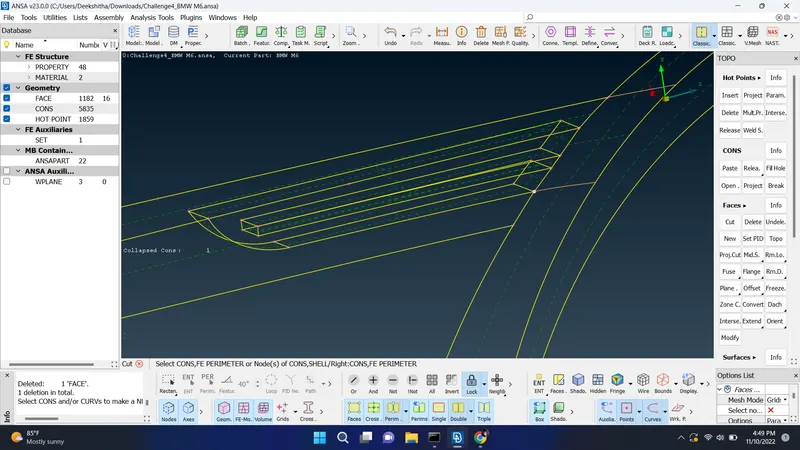
after these parts solved errors for tyre and rim parts
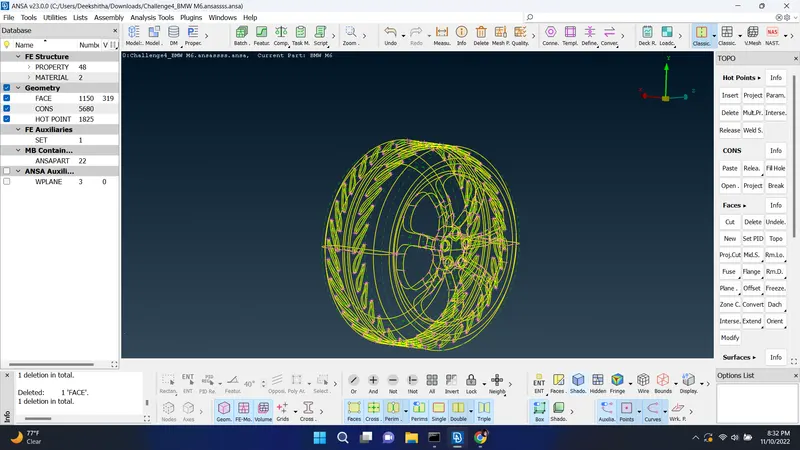
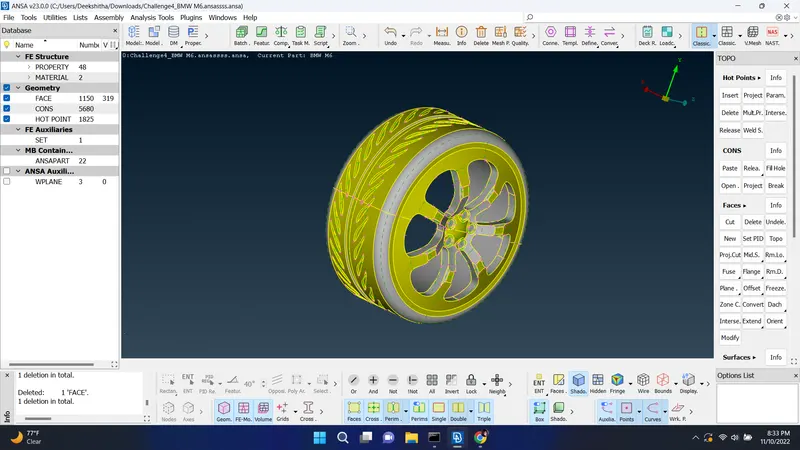
deleted single and tripple cons and extra surface for mirror part of the model
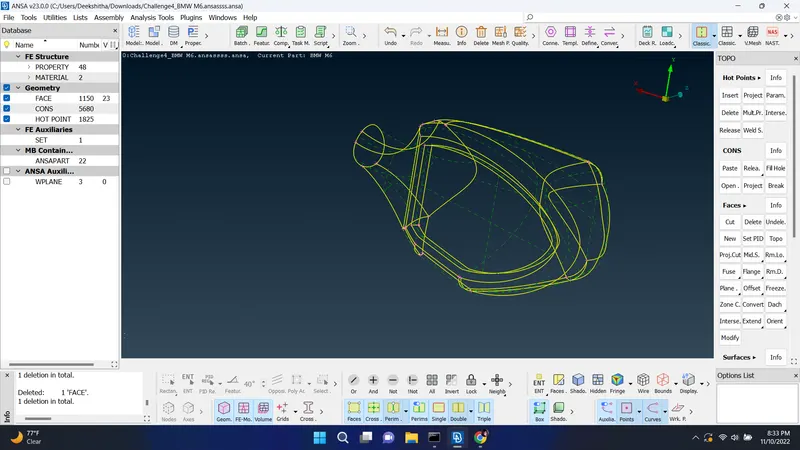
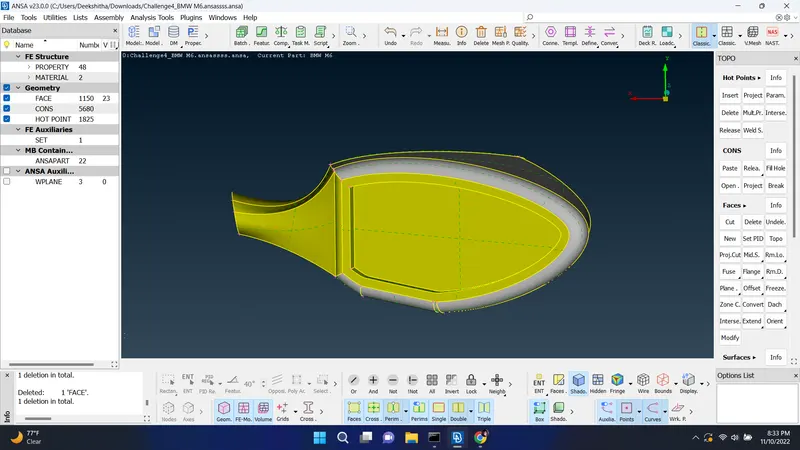
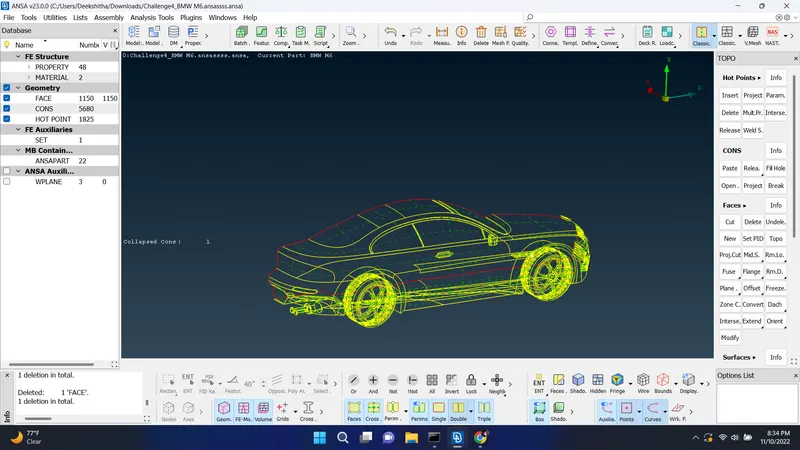
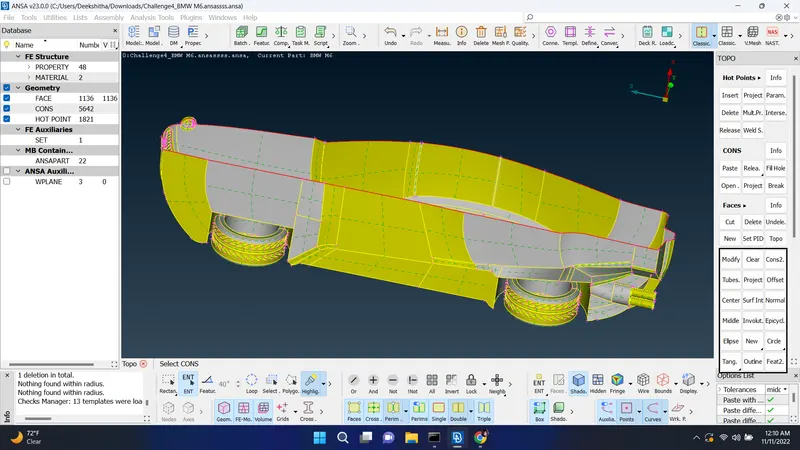
almost done with solving errors for the given model and arranged bottem surface of the car by using intersection, cons2curve option and created new surface for bottem of the car
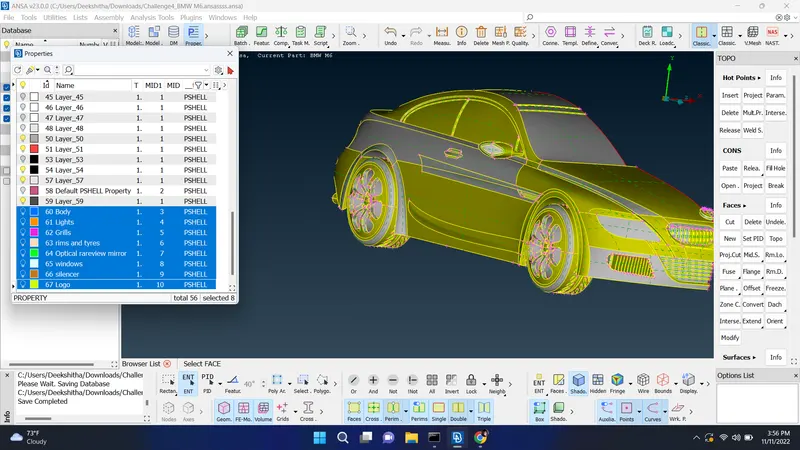
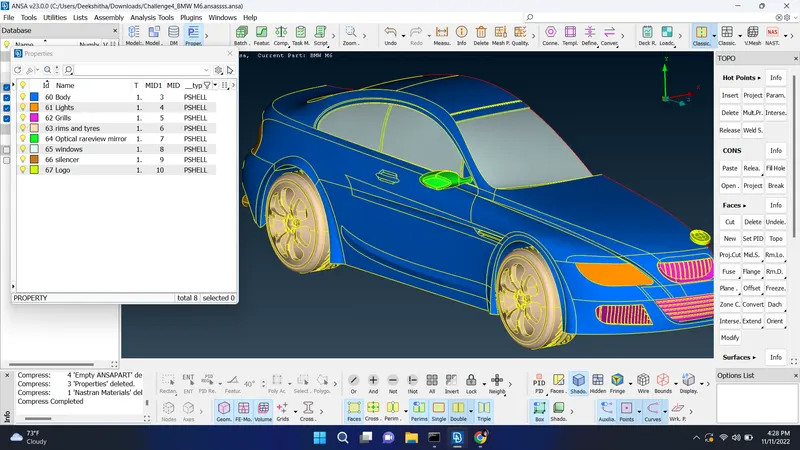
here we created PID and assigned PID for each part of the model and deleted unwanted PID which were created earlier
As we know the next step is meshing but before meshing we need to check the distance between two cons or two nodes because as we assign the quality criteria and target length the distance between two cons or nodes should not be smaller than minimum target length in order to avoid problem while meshing.
we need to check this for each part of the given model
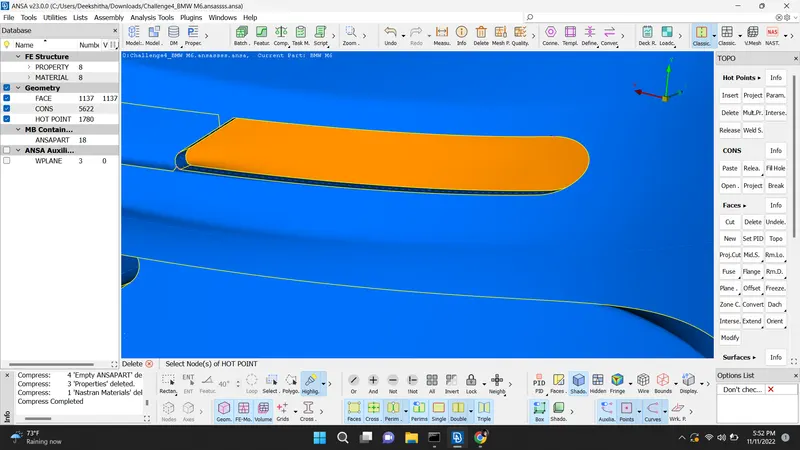
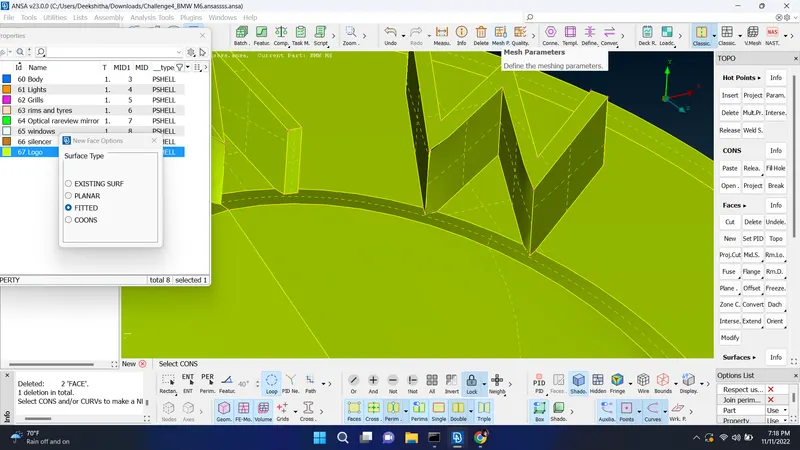
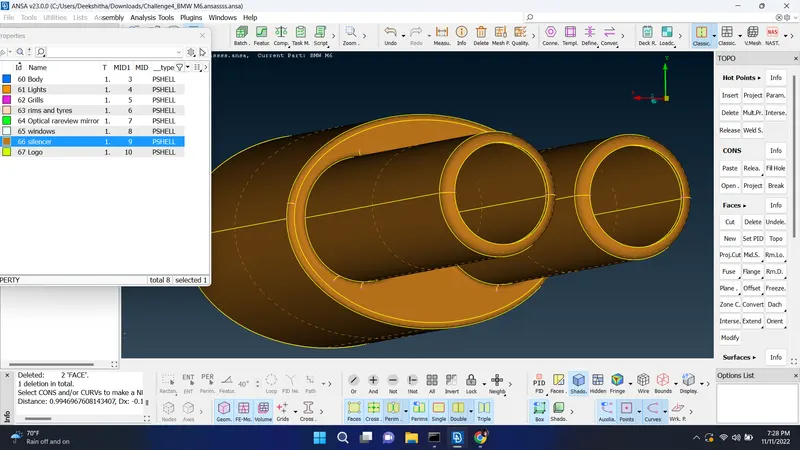
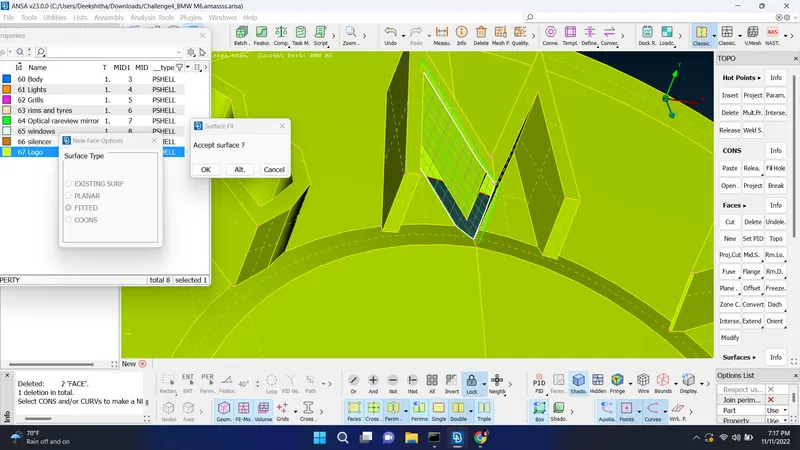
after done with checking all cons and small surface in the model we need to mesh the model for given value of
- Target lengths for the different parts of a model are as follow:
- Body - 3 mm
- Lights - 4 mm
- Grills - 1 mm
- Rims and Tyres - 2 mm
- Optical Rear view mirror - 2 mm
- Window - 2 mm
- Silencer - 3 mm
- Logo - 1 mm
after solving the model by checking the distance between hot points by using cut option and measure tool we need to go with meshing
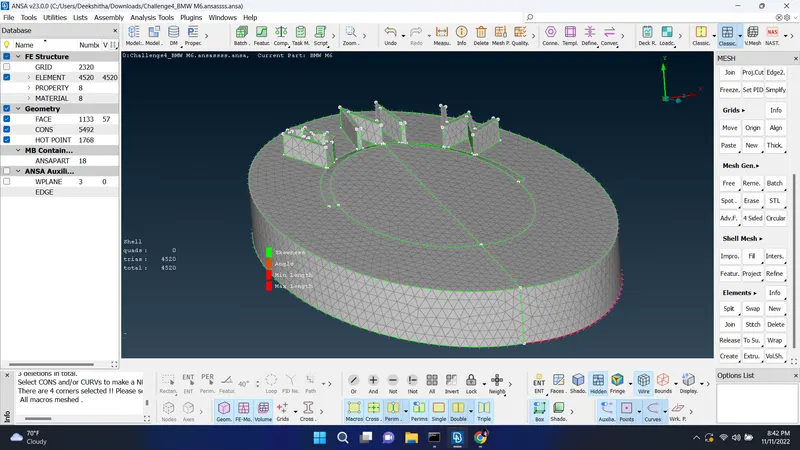
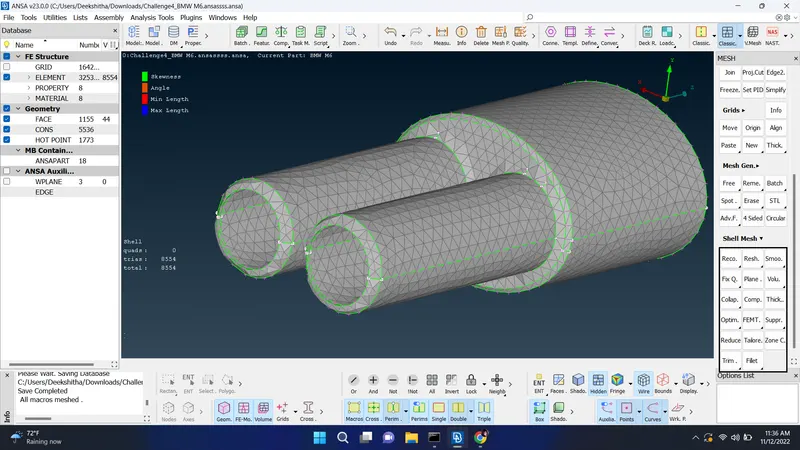
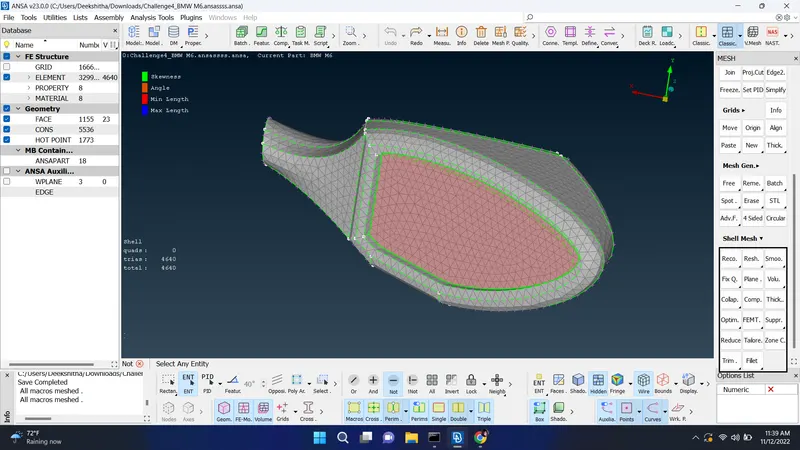
here meshing is done for logo part which its given target length value is 1mm and we assigned the minimum and maximum target length of 0.4 and 2 respectively according to there node or hotpoints distance
firstly start mesh by quality criteria > give the mimimum and maximum target length > ok and in mesh parameter > give the actual target length set the element type fro tria click on ok after these steps go with length option click on perimeters do a box selection give the target length do the same thing for macros and spot mesh > visible and we will get some off elemets present there which means there is a problem in meshing which can be solved
to solve those off elements goto shell mesh > reconstruct > visible > ok. In that you can see the off elemnts will be reduced and even then ff elemnt are not solved then go to topo mode and need to check what is wrong by clearing unnecssary hot points, extra surface or we can also use move tool inside grid to solve these issue for better result
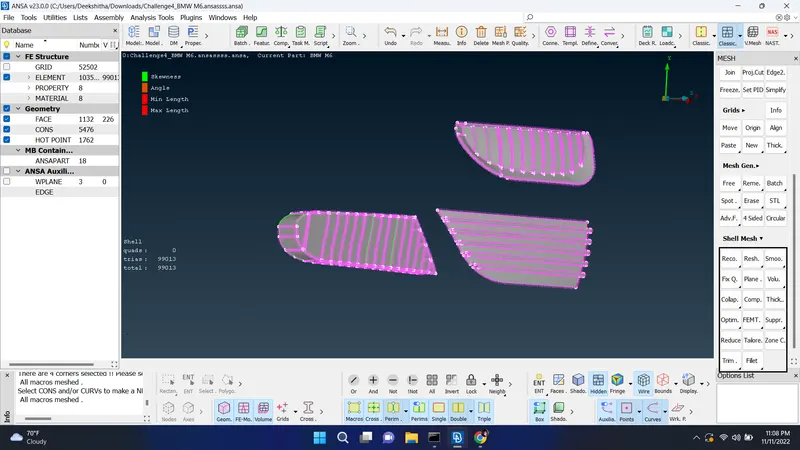
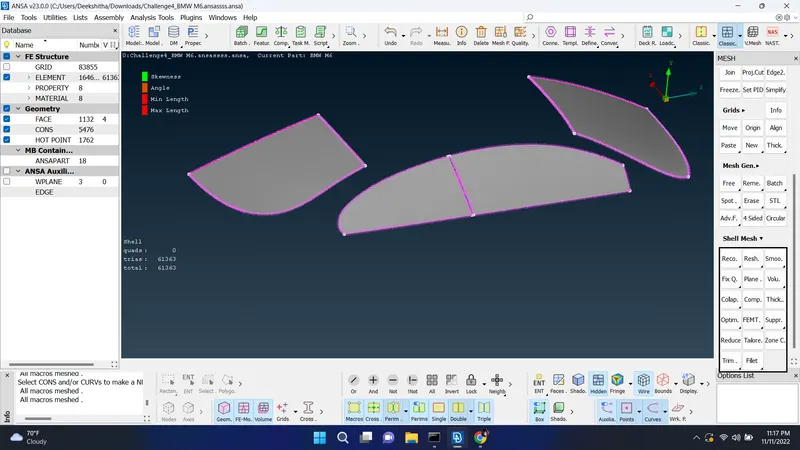
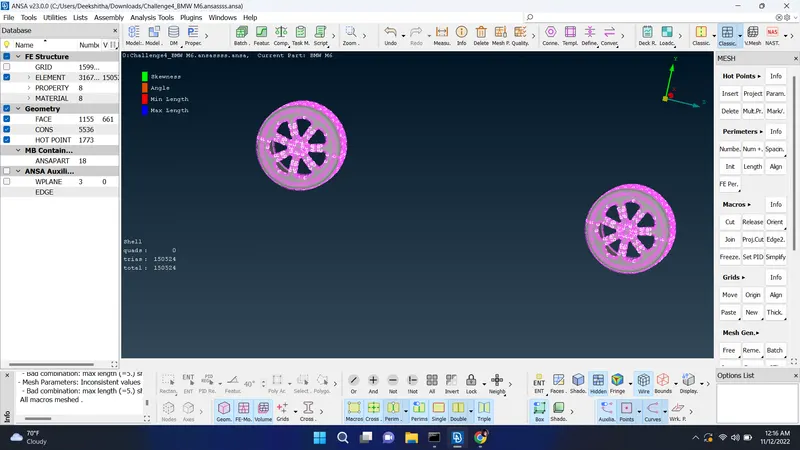
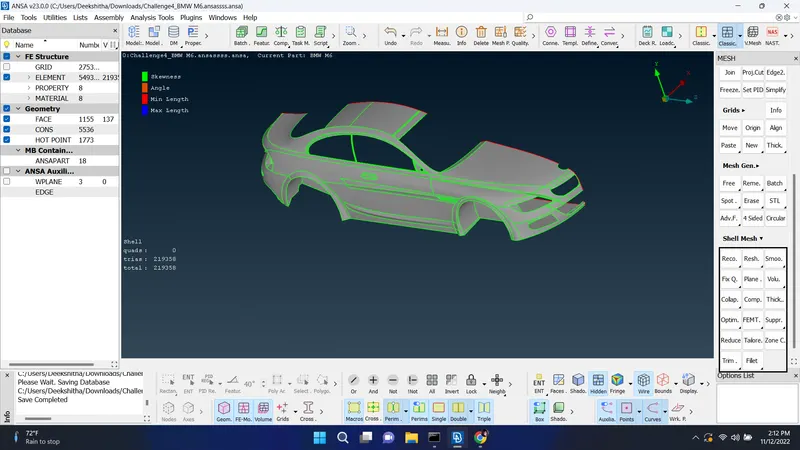
did the same thing for all the parts by solveing off elements