Simulation of Bullet penetrating a Bucket using ANSYS Workbench
OBJECTIVE:
To perform simulation of a bullet penetrating into a bucket (explicit analysis) using ANSYS Workbench. Three non-linear materials have to be used for the bucket and results should be compared.
PROCEDURE FOR CASE SETUP:
1. Open ANSYS >> Drag and drop Explicit Dynamics module in the project schematic window.
2. Go to engineering data for defining the materials given in the problem. Select 'TANTALUM' material from the explicit materials library. Also, select aluminum alloy NL, stainless steel NL, and copper alloy NL from the general non-linear materials library.
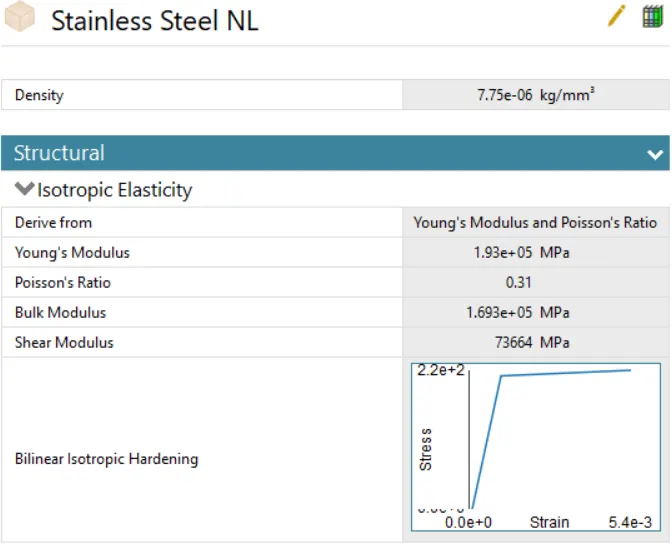
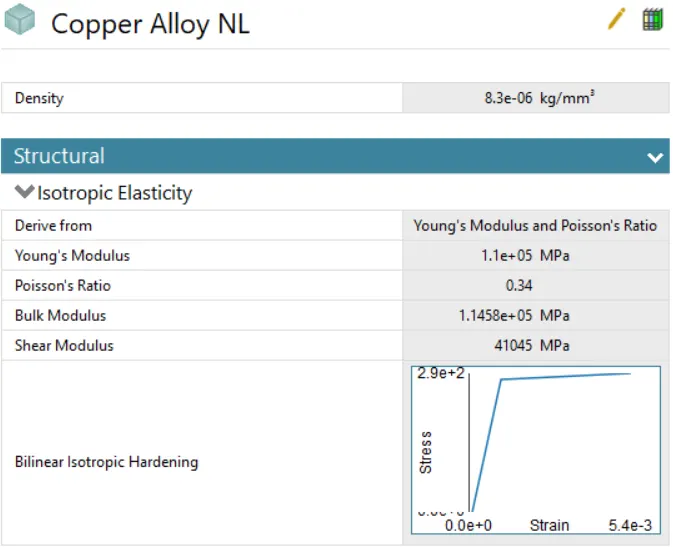
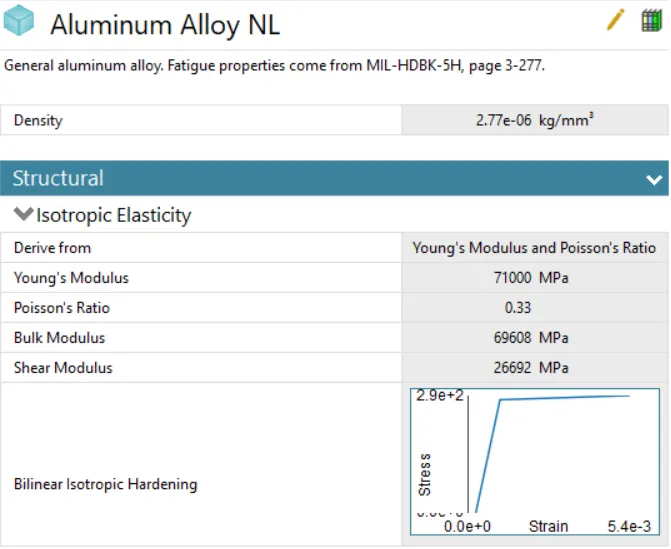
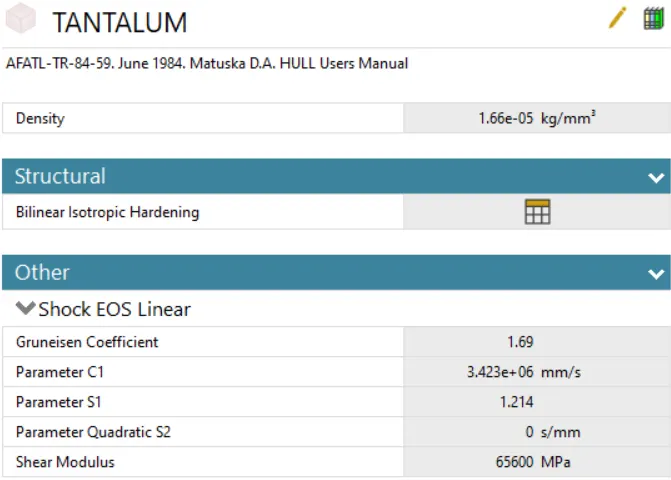
3. Select the model tab to establish the meshing and analysis settings definition. Rename the parts according to convenience. Assign the material TANTALUM to the bullet. Assign stainless steel NL to the bucket for the initial simulation. Change the stiffness behavior of the bullet to rigid.
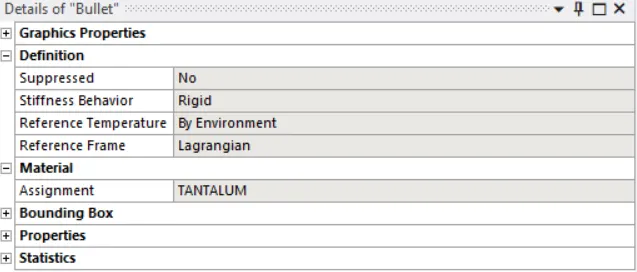
4. Delete all the default contact definitions in the contacts tab.
5. For meshing, use edge sizing with a mesh size of 6mm. This is explained in the figure below.
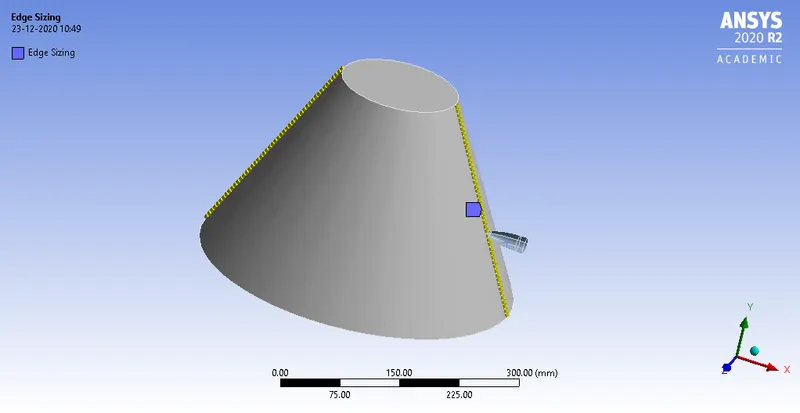
The final meshed model is shown in the figure below.
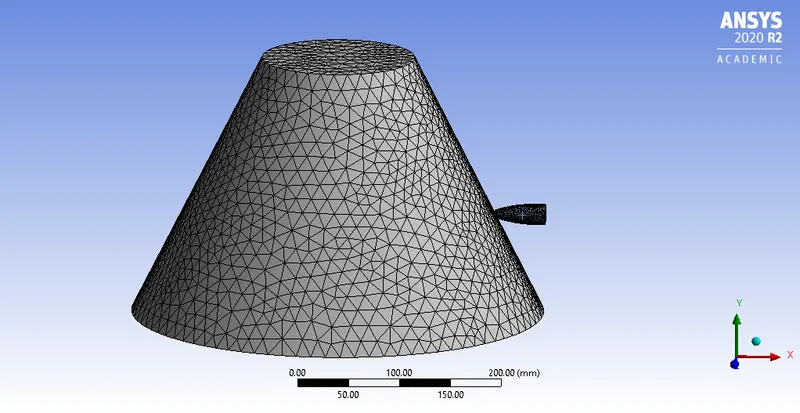
The element metrics are shown in the figure below.
6. Go to analysis settings. The number of steps defined for this analysis is 1. For the time step, the definition is shown in the figure below.
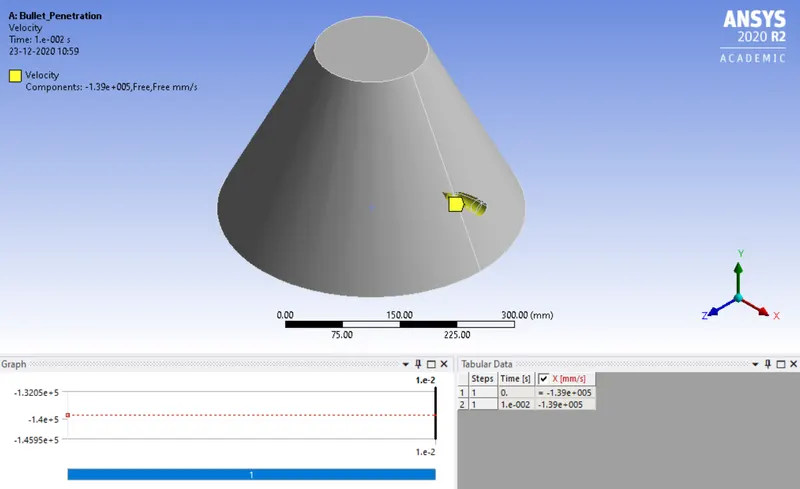
7. The boundary conditions are shown below. Fixed support is defined for the workpiece.
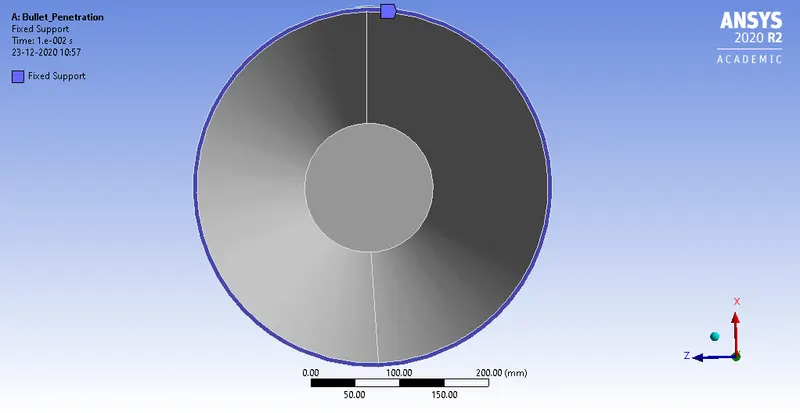
8. The output requests for equivalent stress, total deformation, and equivalent plastic strain are placed.
9. From the analysis settings, hit on solve to start the simulation. For further simulations, the materials of the bucket have to be changed.
RESULTS AND DISCUSSION:
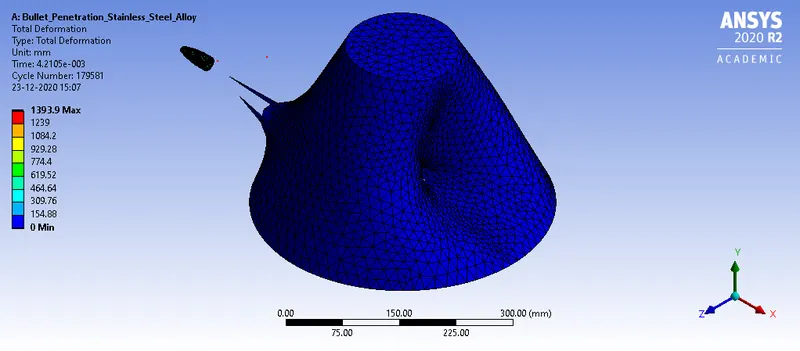
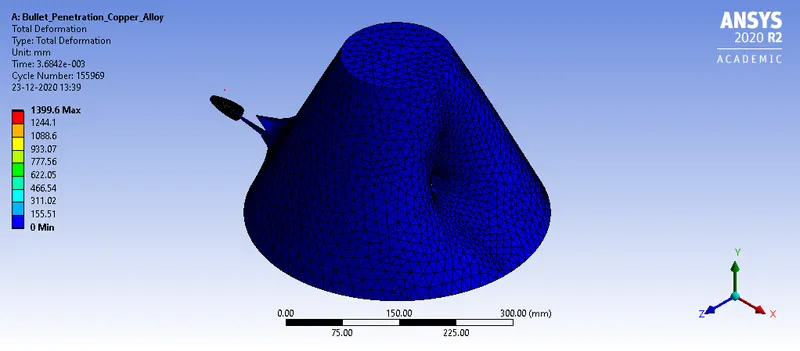
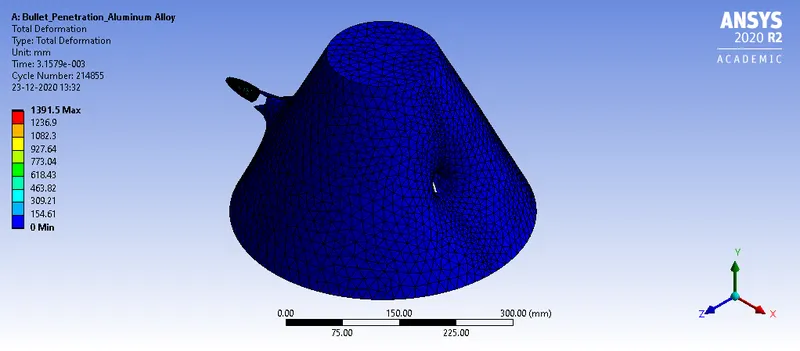
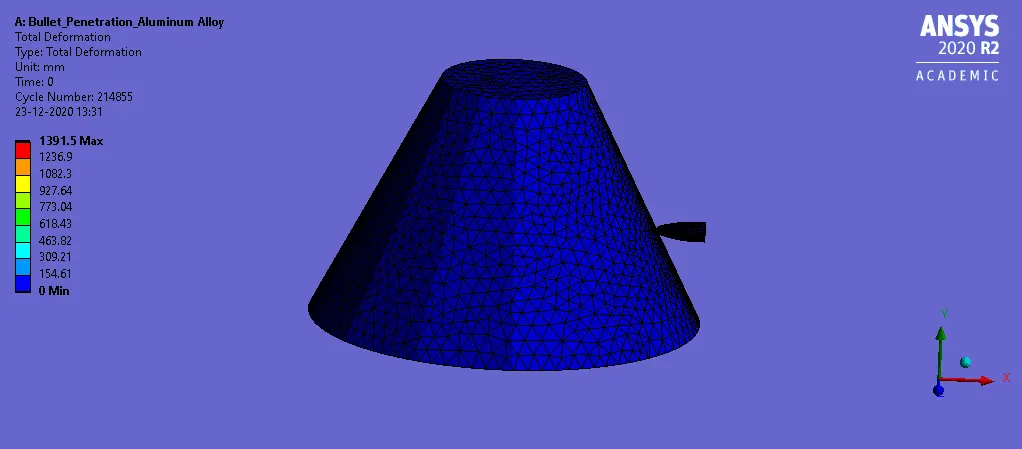
1. The results obtained for total deformation is shown in the figures below.
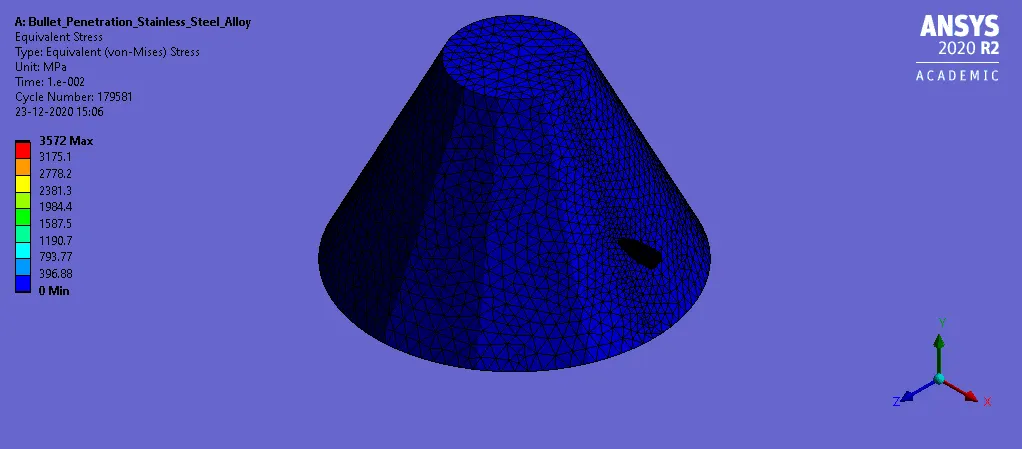
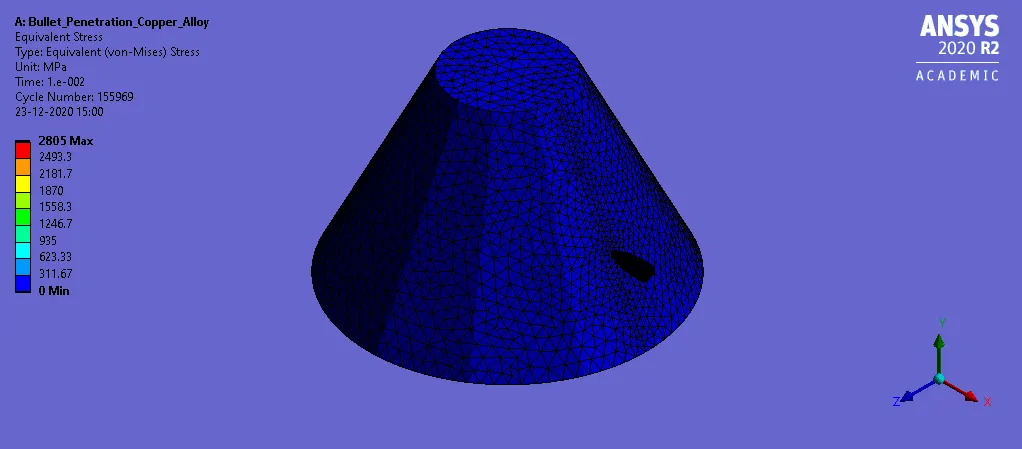
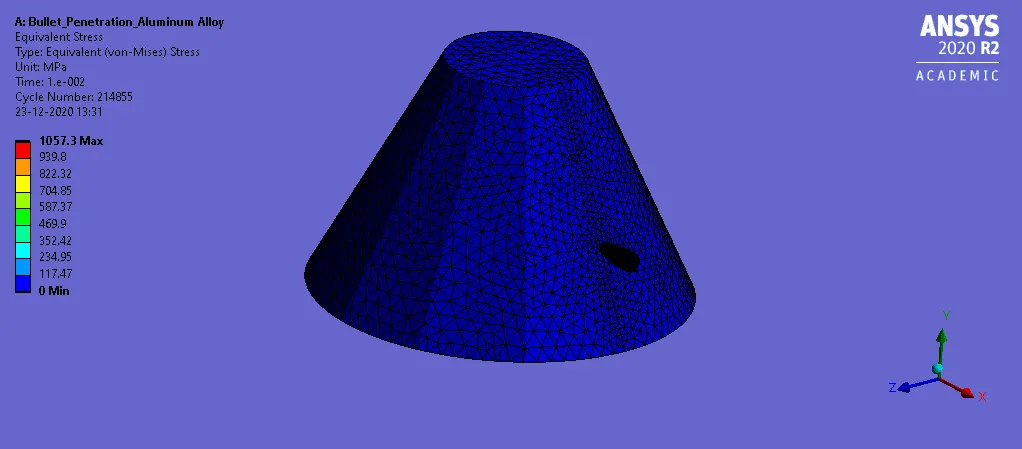
2. The results of equivalent stress is shown in the figures below.
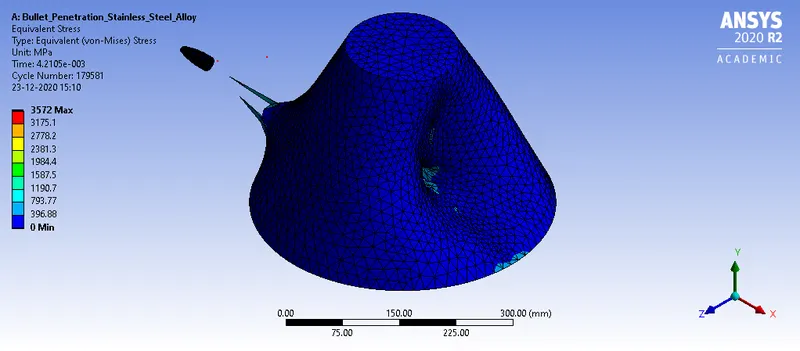
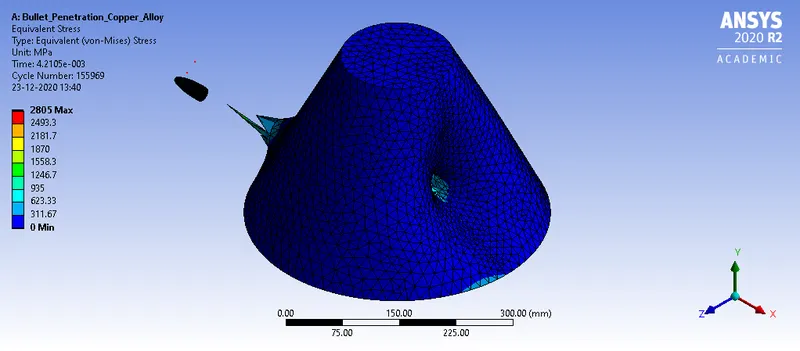
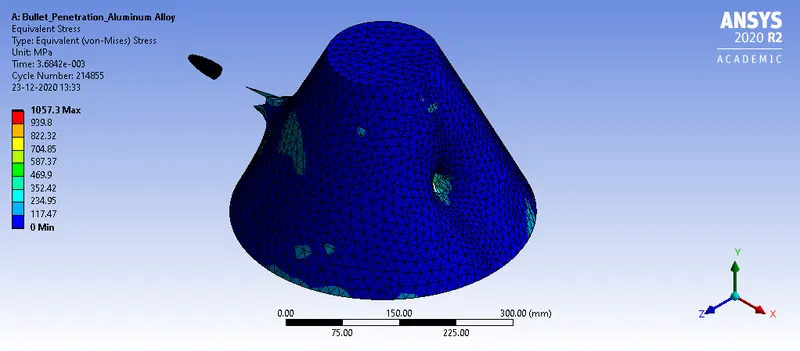
3. The results of equivalent plastic strain is shown in the figure below.
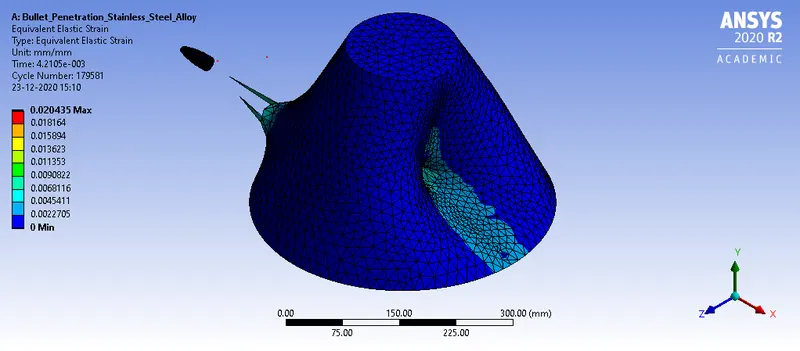
ANIMATION FILES:
1. The results obtained for total deformation is shown in the figures below.
2. The results of equivalent stress is shown in the figures below.
3. The results of equivalent plastic strain is shown in the figure below.
CONCLUSION:
From the simulation, it can be seen that for both cases the solution converged without any errors.
The output parameters are tabulated below.
| Material | Total Deformation (in mm) | Equivalent Stress (in MPa) | Equivalent Elastic Strain |
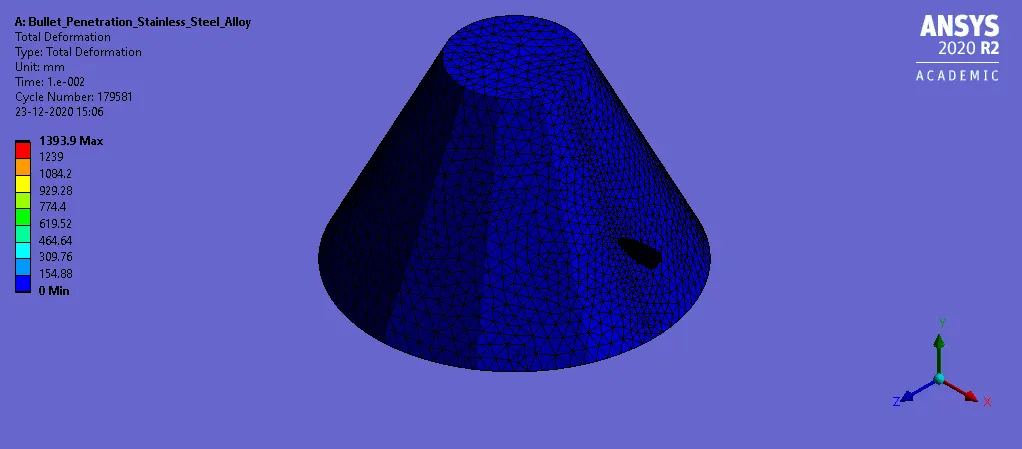
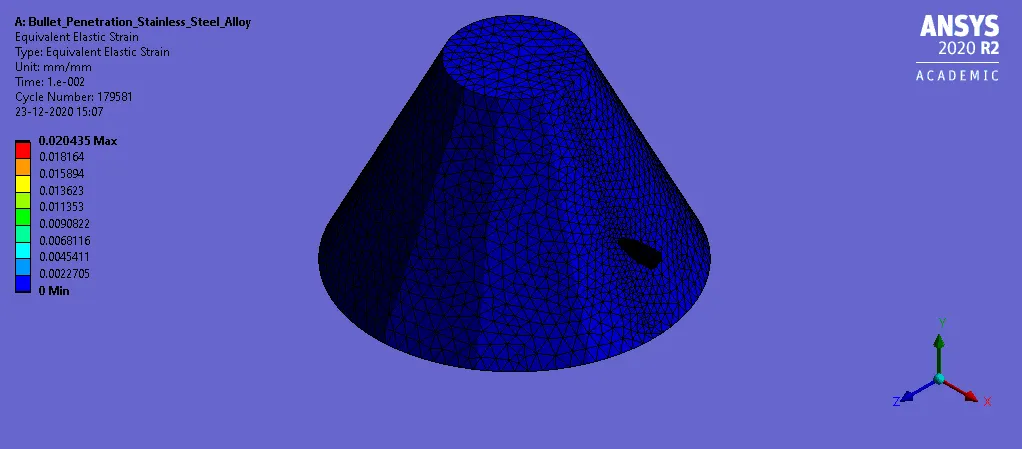
| Stainless Steel Alloy | 1393.9 | 3572 | 0.020435 |
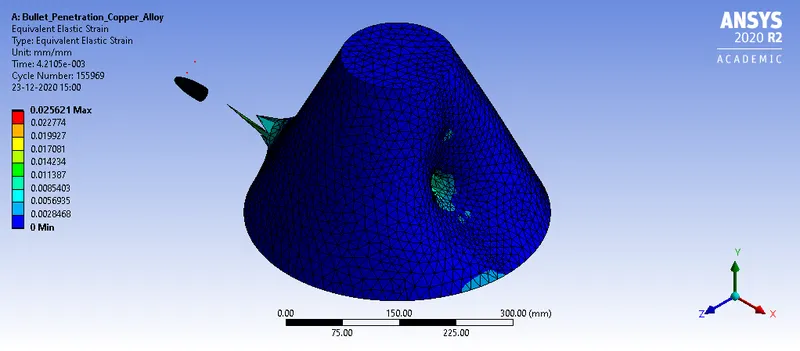
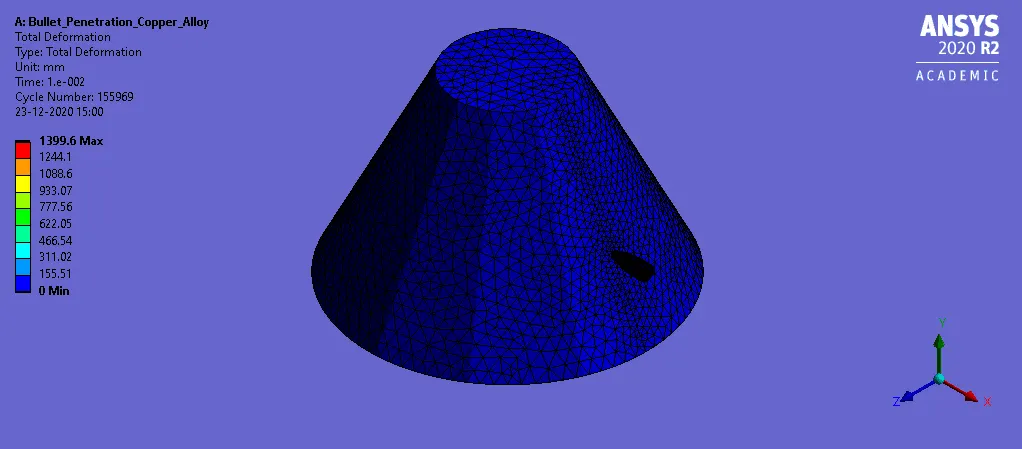
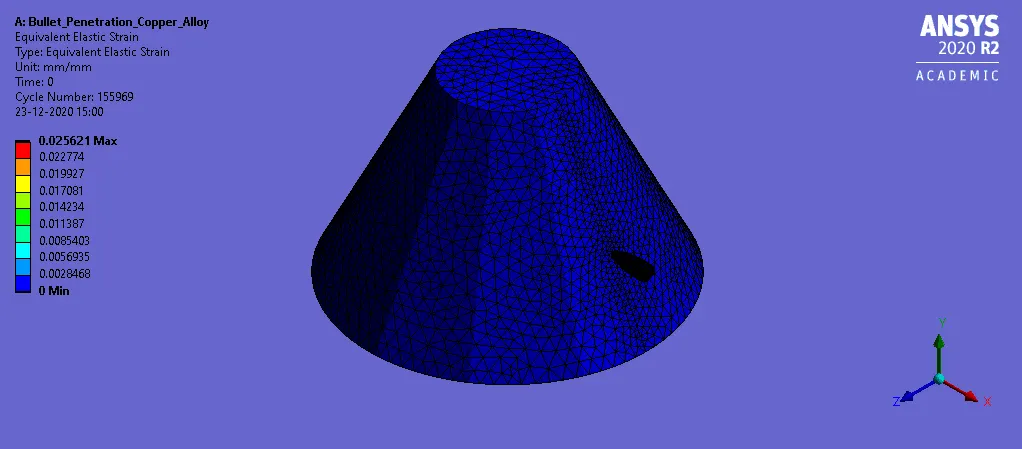
| Copper Alloy | 1399.6 | 2805 | 0.025621 |
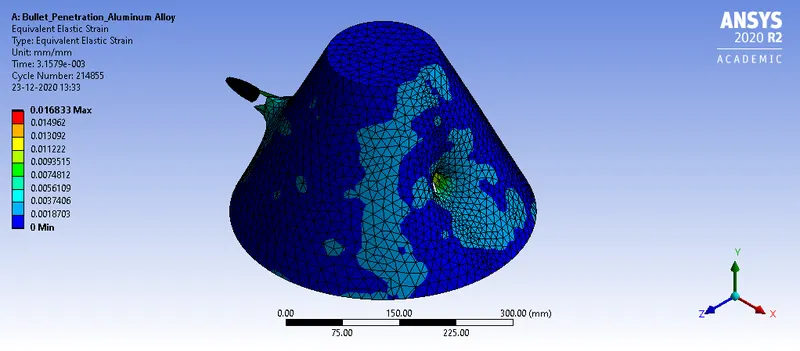
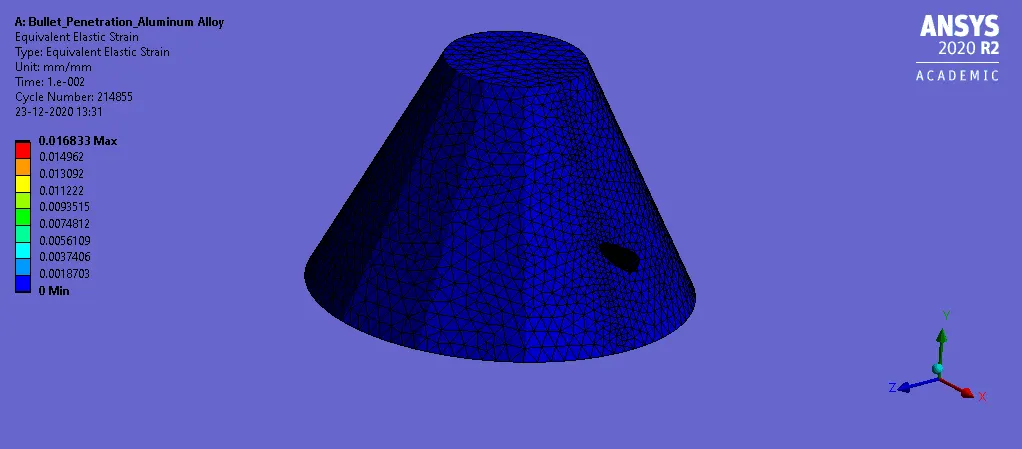
| Aluminum Alloy | 1391.5 | 1057.3 | 0.016833 |
From the above table, it can be seen that magnitude of total deformation is almost the same for three cases with a maximum value of 1399.6 mm for the copper alloy. The value obtained for stainless steel alloy and aluminum alloy is 1393.9 mm and 1391.5 mm respectively.
The equivalent stress observed in stainless steel is highest with a value of 3572 MPa. The value of equivalent stress observed for copper alloy and aluminum alloy is 2805 MPa and 1057.3 MPa respectively. The least value is observed in the case of aluminum alloy.
The equivalent elastic strain is highest for the copper alloy with a value of 0.025621. The least value is obtained for the aluminum alloy with a value of 0.016833.
Therefore, it can be concluded that the total deformation for the three cases almost remains the same. It is because it essentially gives the distance traveled by the bullet within a time of 0.001 seconds. The equivalent stress observed in the case of stainless steel alloy is the highest which indicates it offers the maximum resistance to deformation. The equivalent elastic strain is highest in the case of copper alloy. Hence, all the objectives are satisfied.