Project 1 - Wiper control system and Vehicle speed calculation for ABS using Wheel Speed sensor
Develop Simulink/state flow model for wiper control system based on the given conditions.
Description of Challenge:
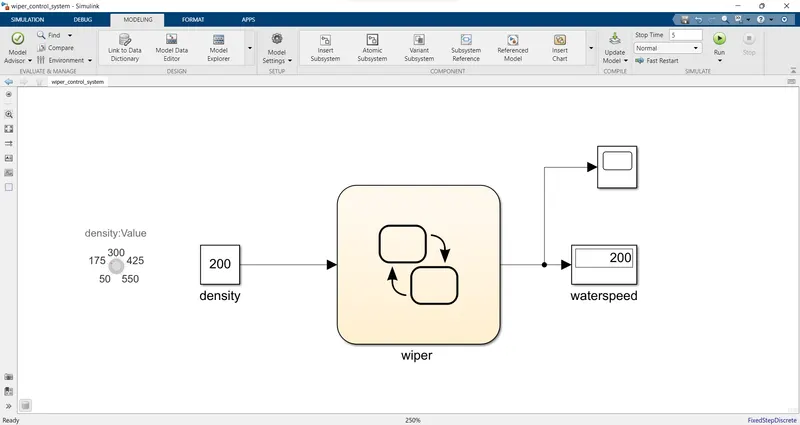
1. Simulink model file
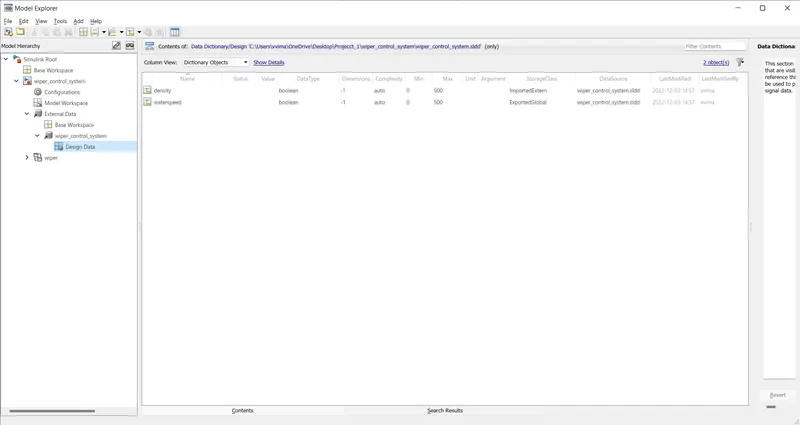
2.SLDD file
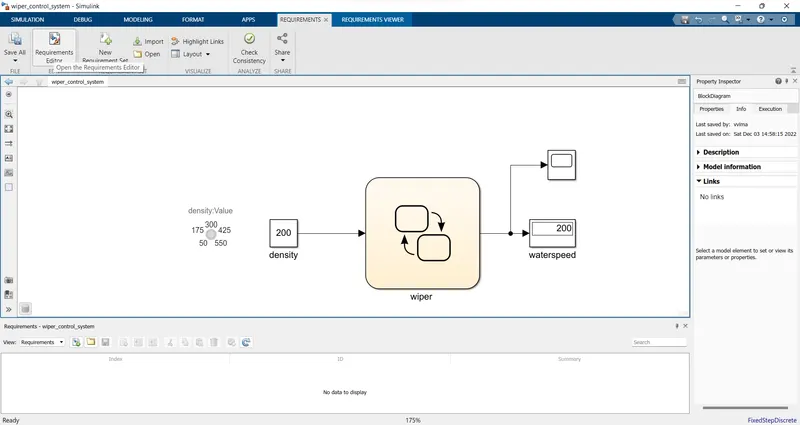
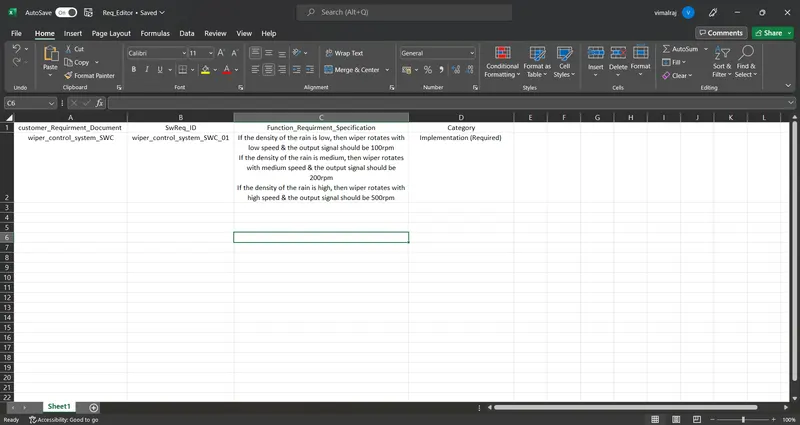
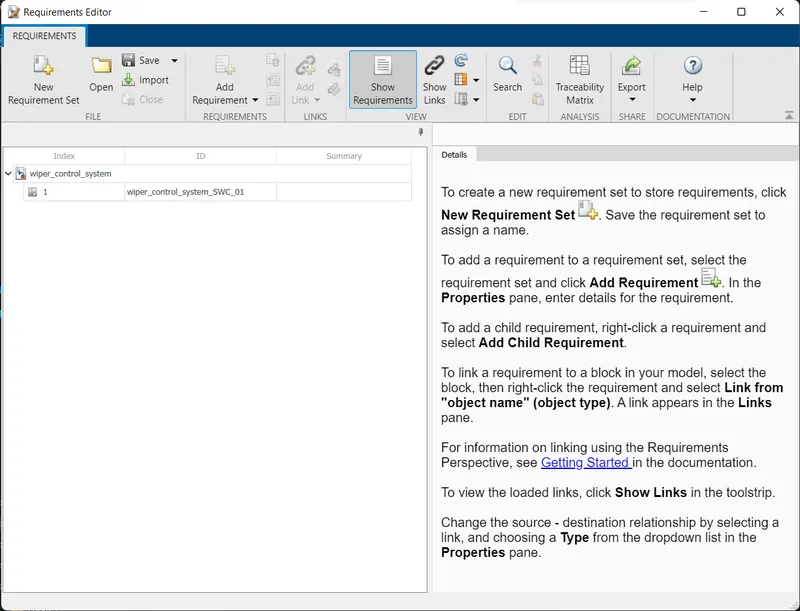
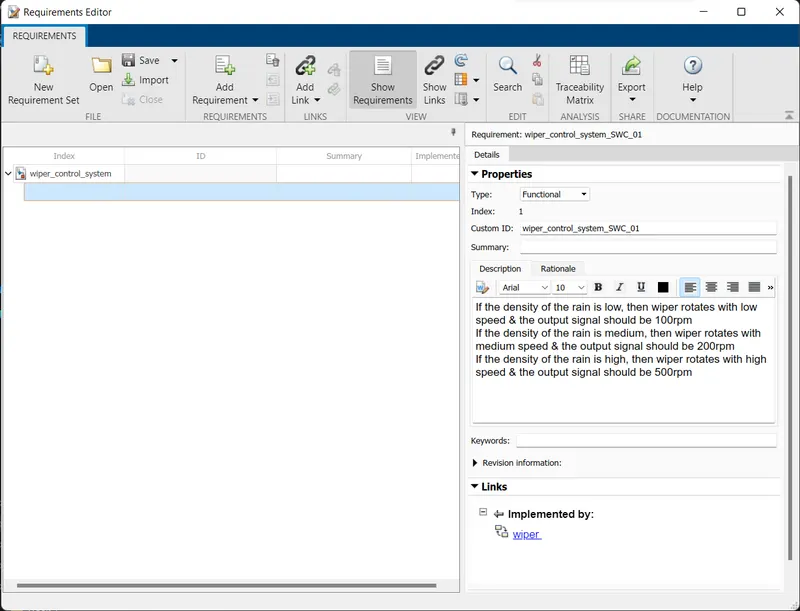
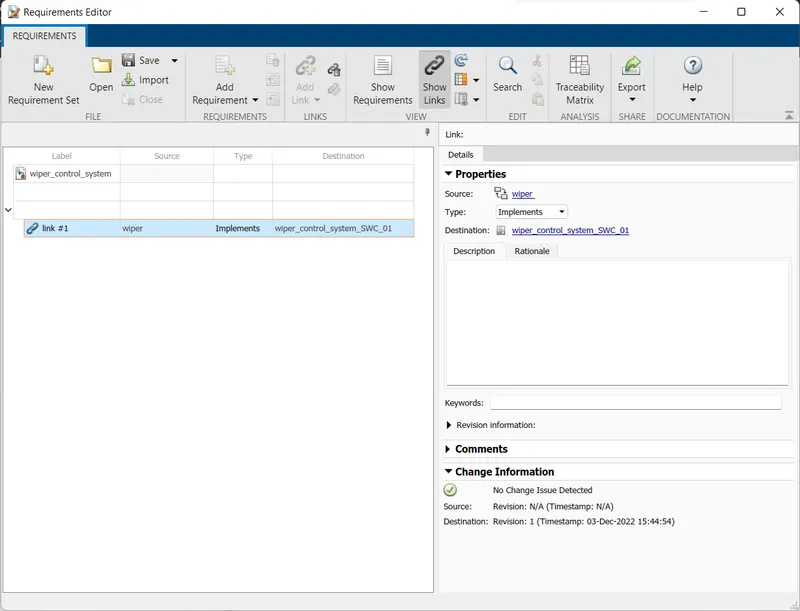
3 . Requirement tagging report
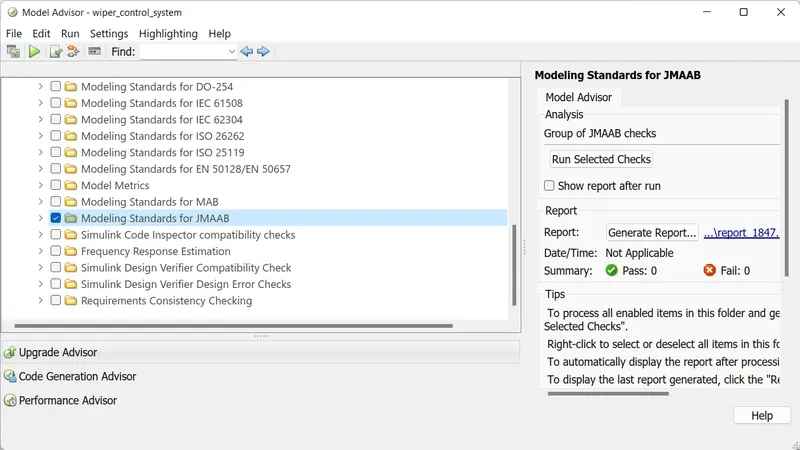
4.Model advisor - JMAAB compliance report
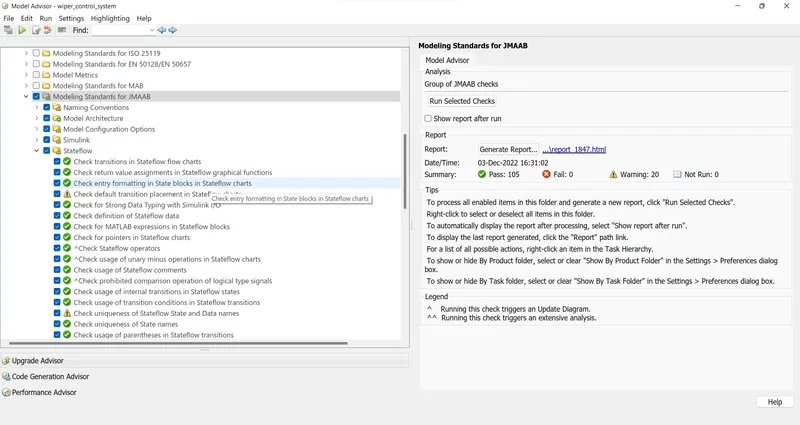
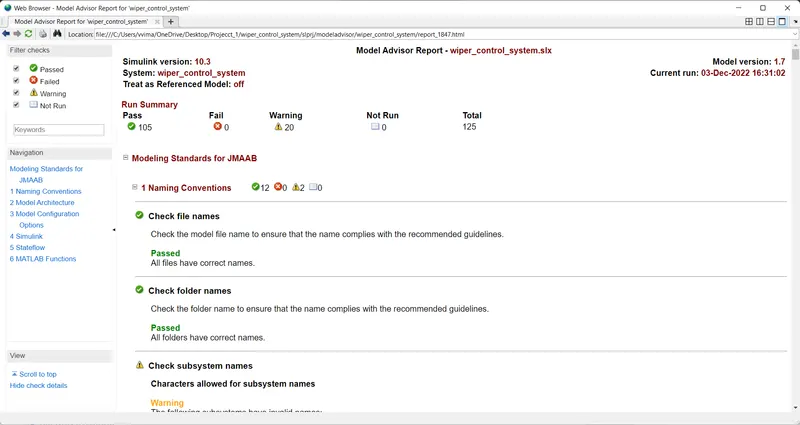
5.Fixed-point Tool
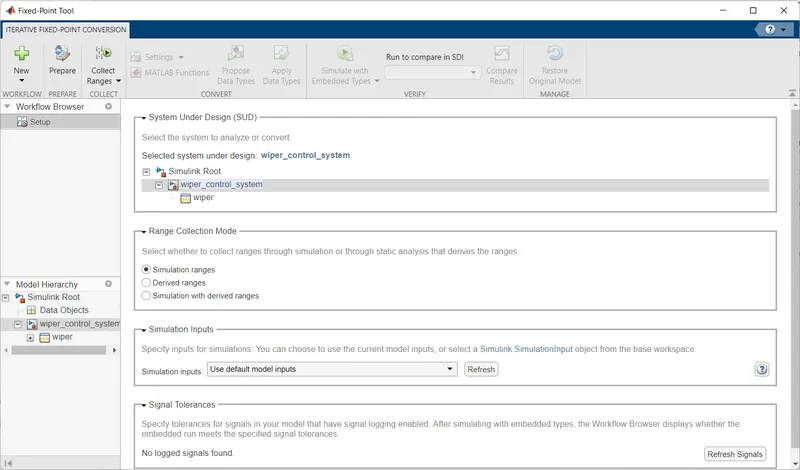
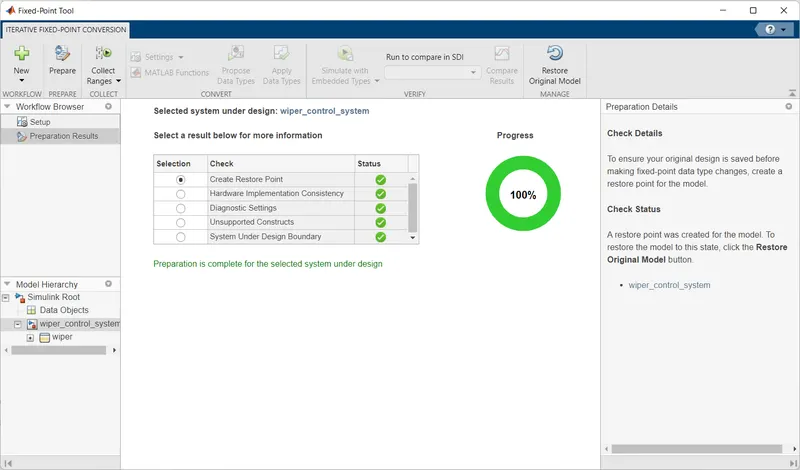
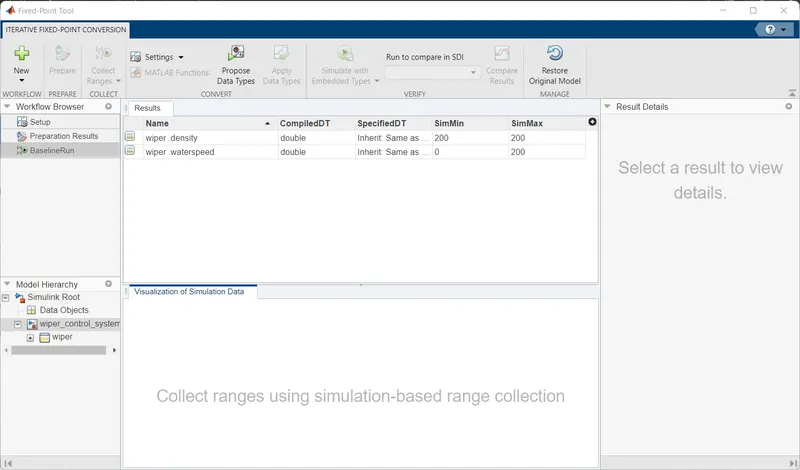
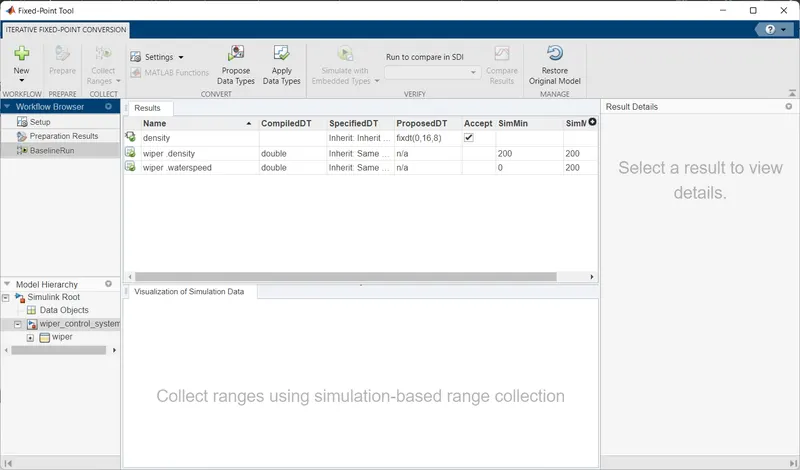
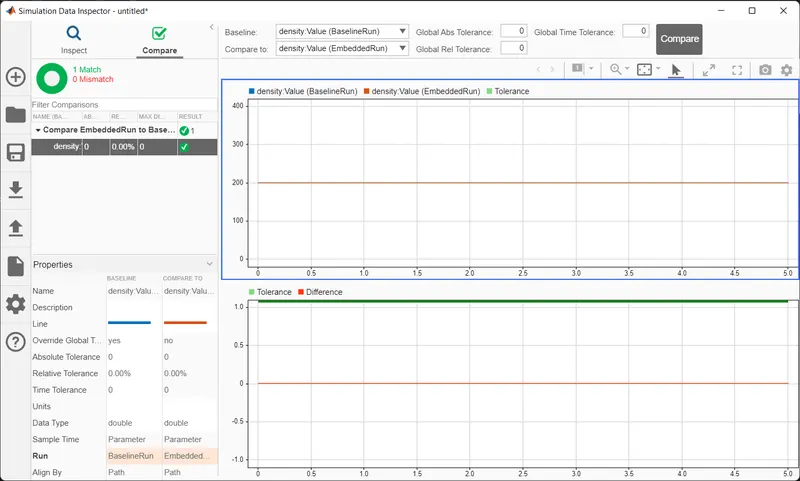
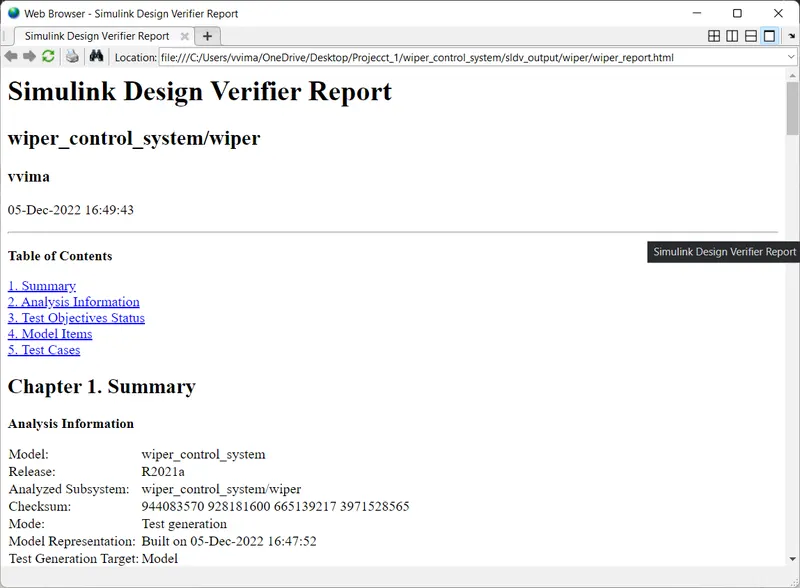
6.SLDV Design error detection report
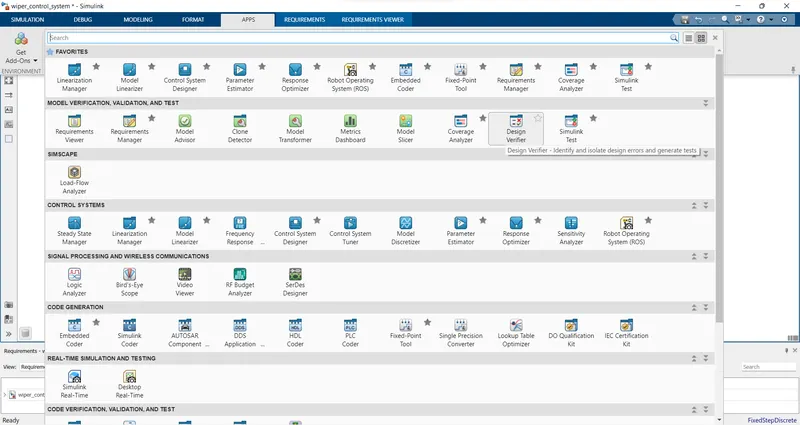
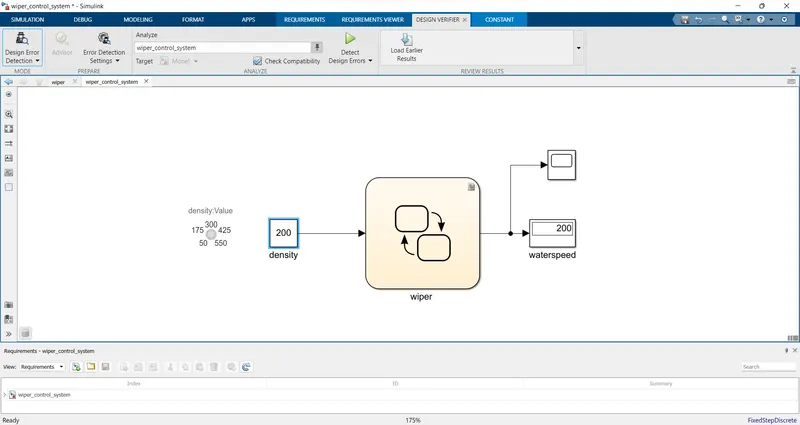
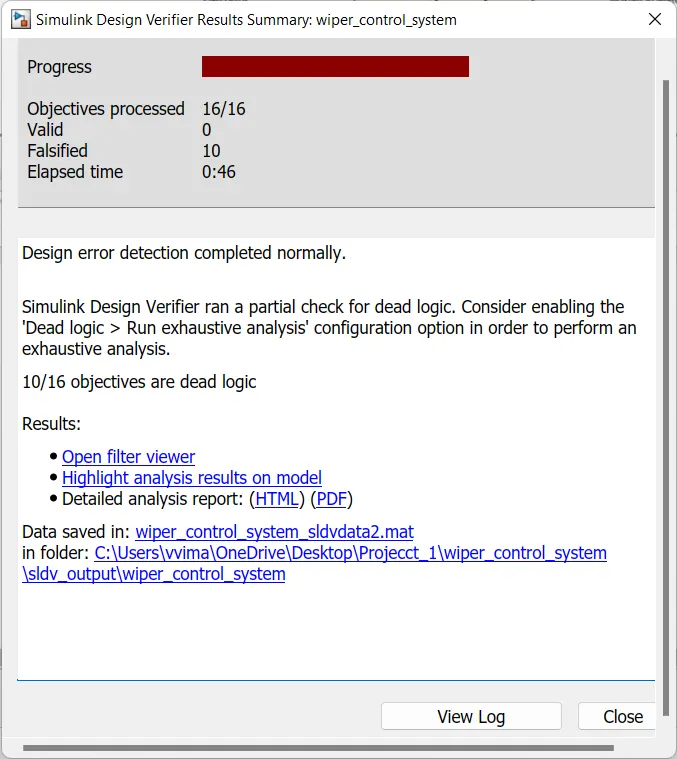
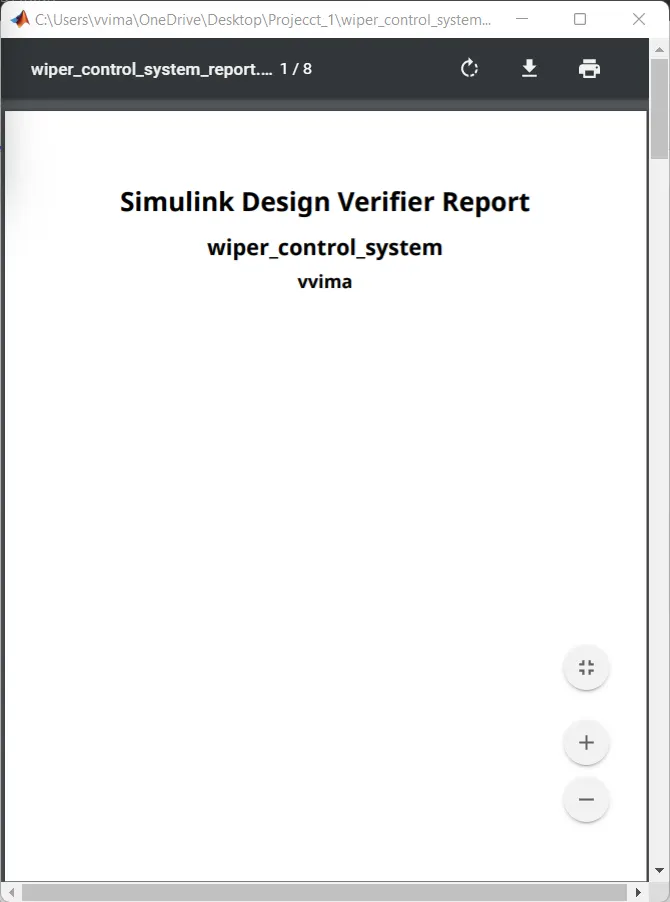
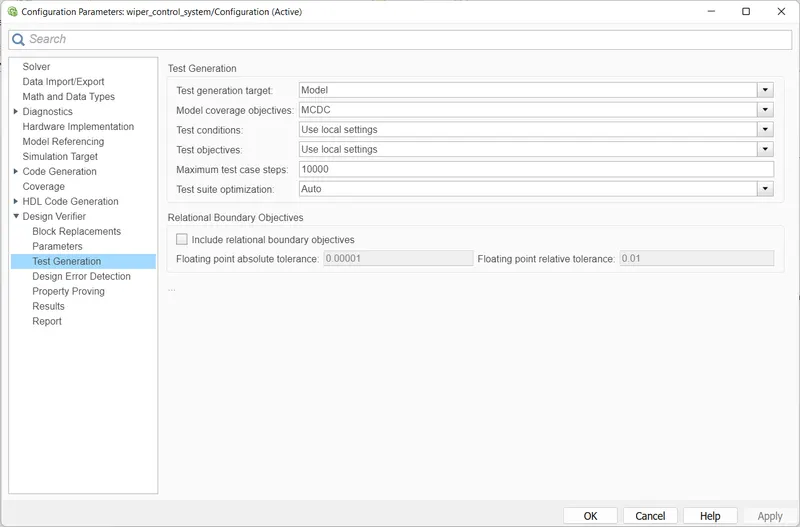
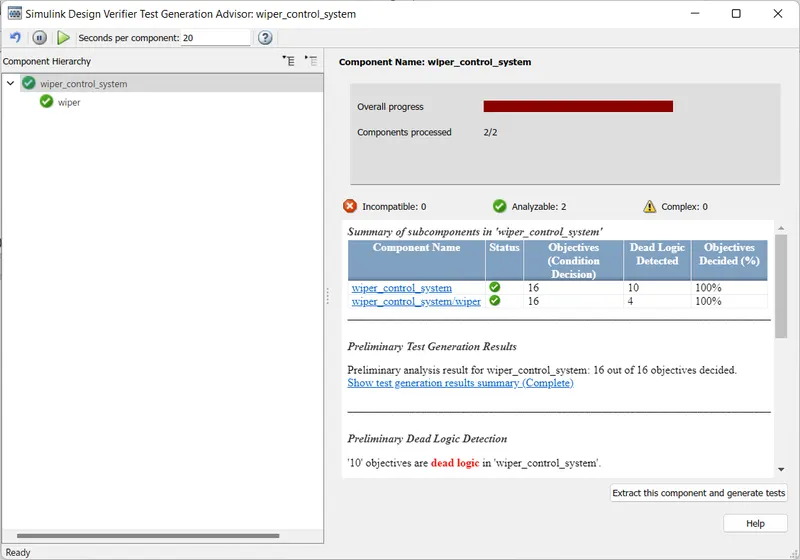
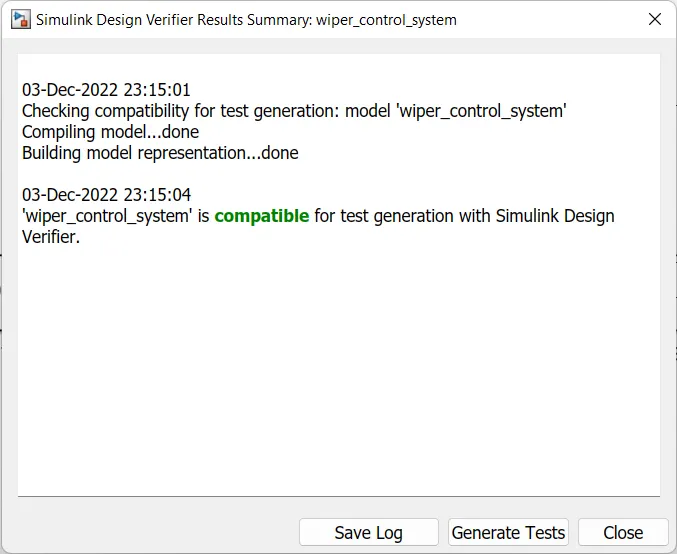
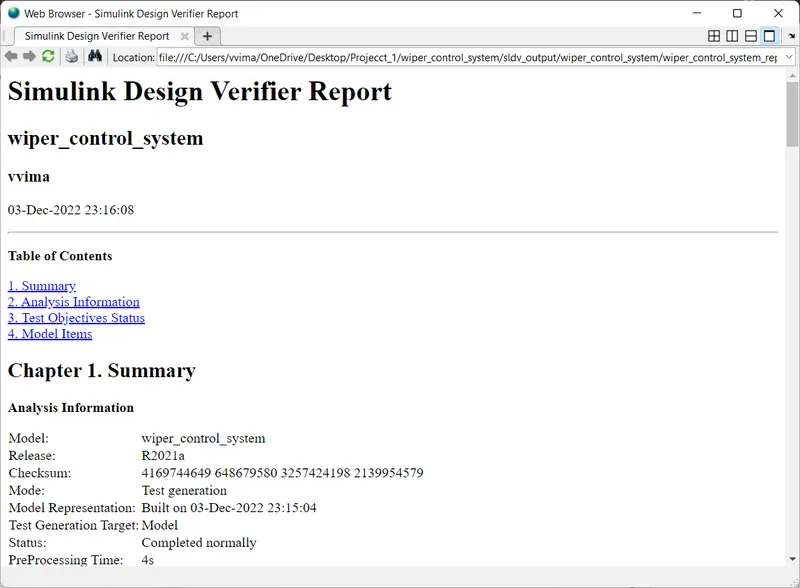
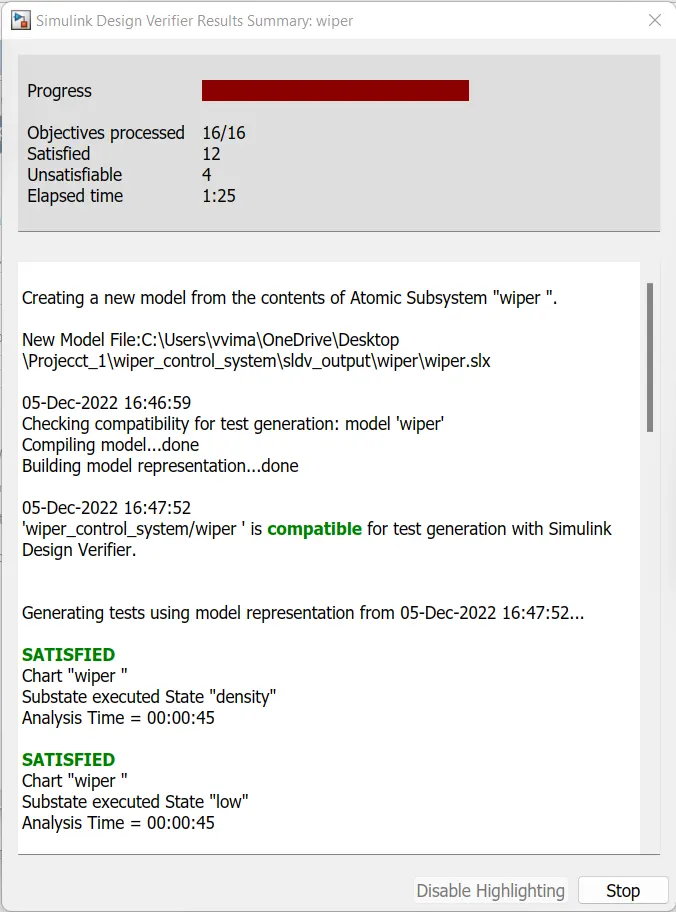
8.SLDV test generation report
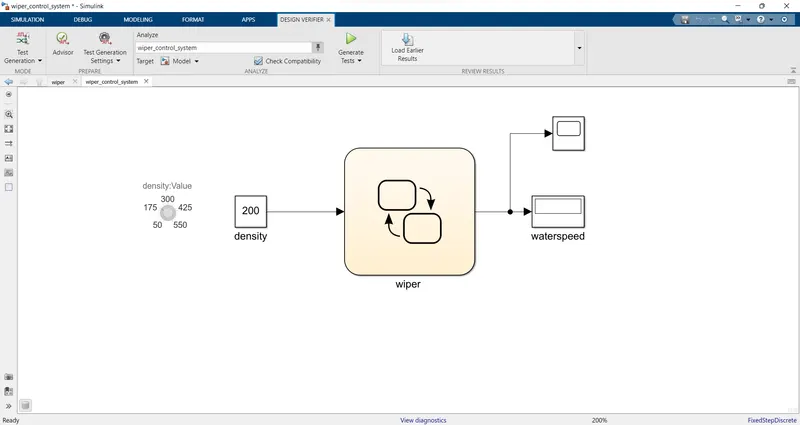
7.Functional test case, MIL, SIL harness, coverage Reports
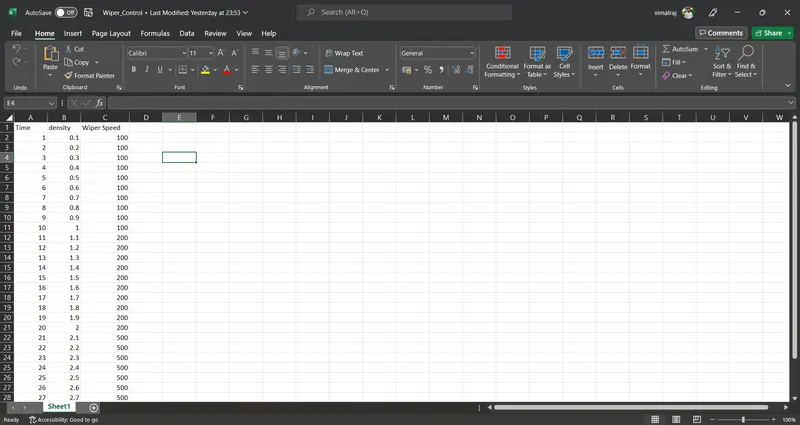
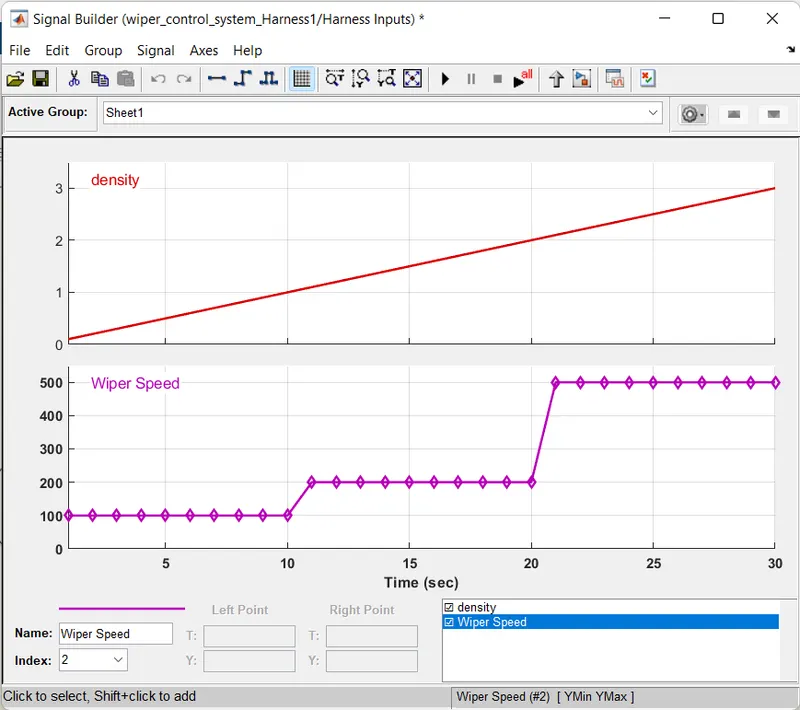
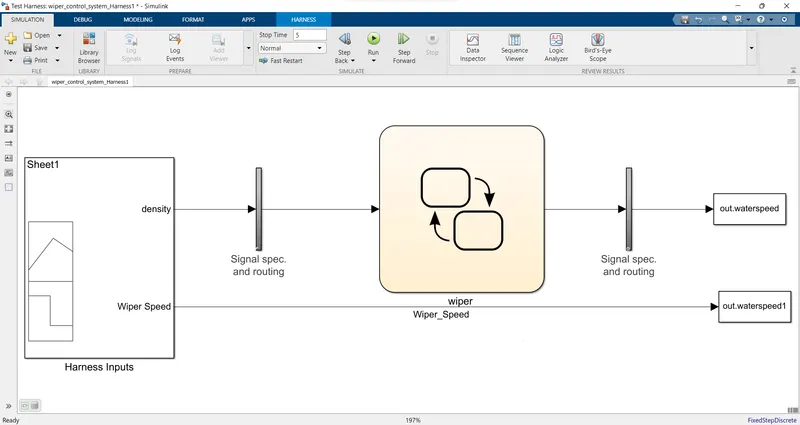
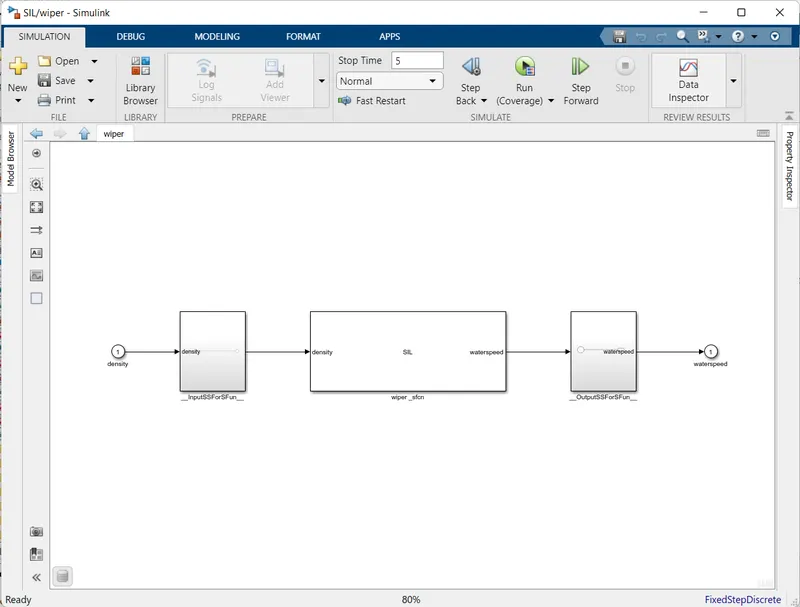
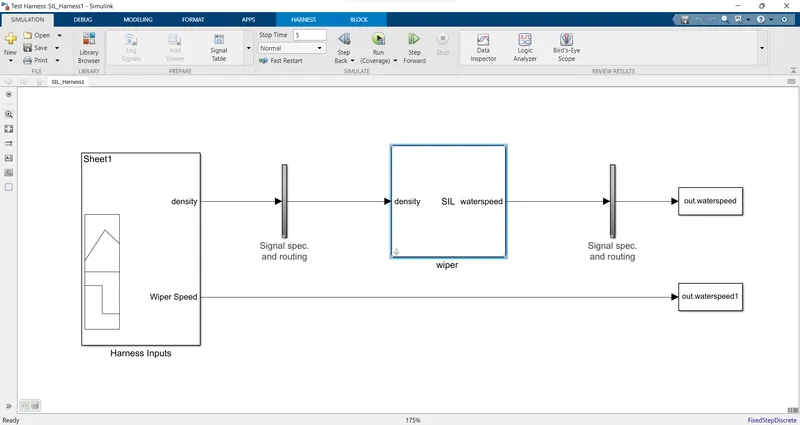
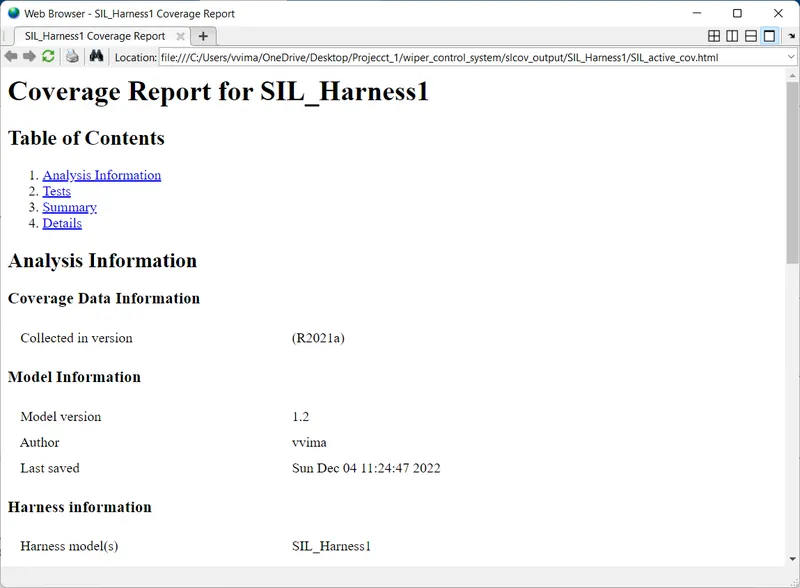
9. Auto-code generation report, main , .c & .h files
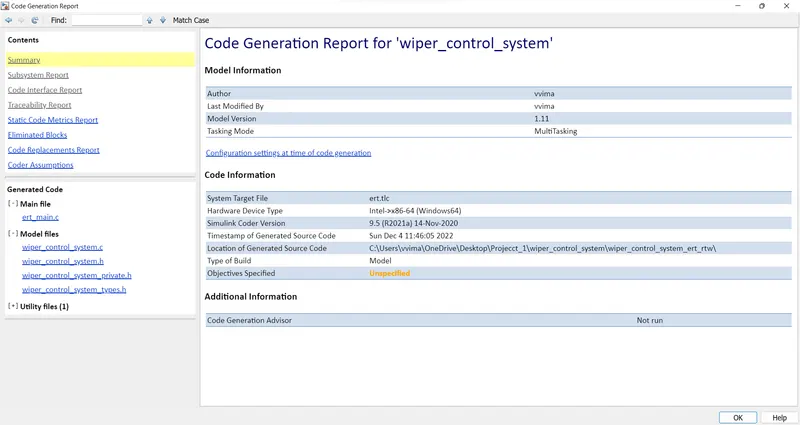
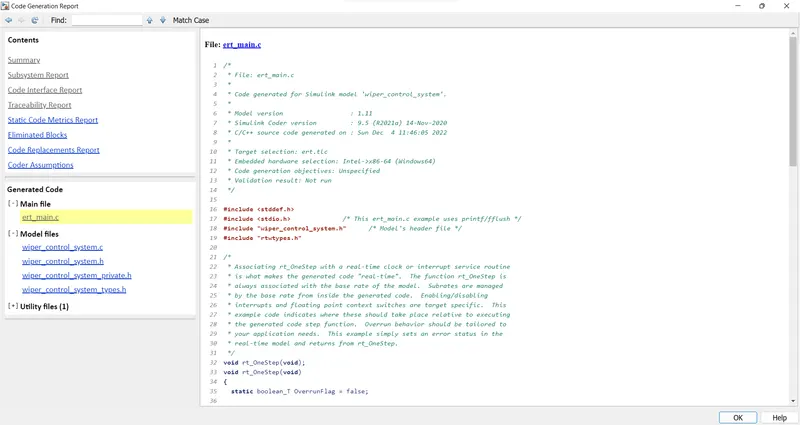
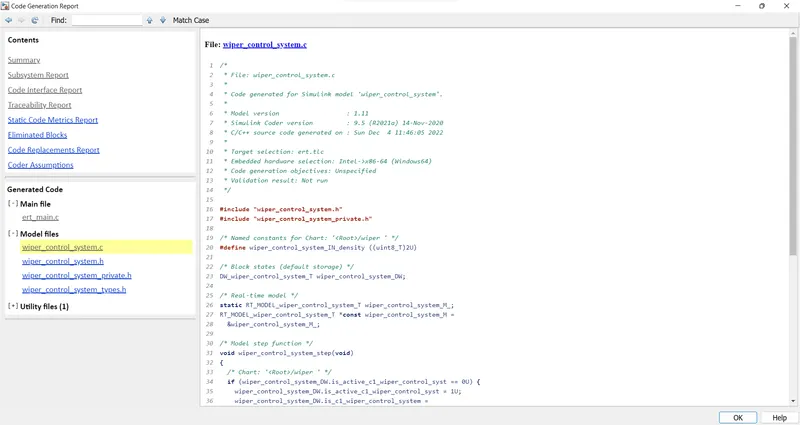
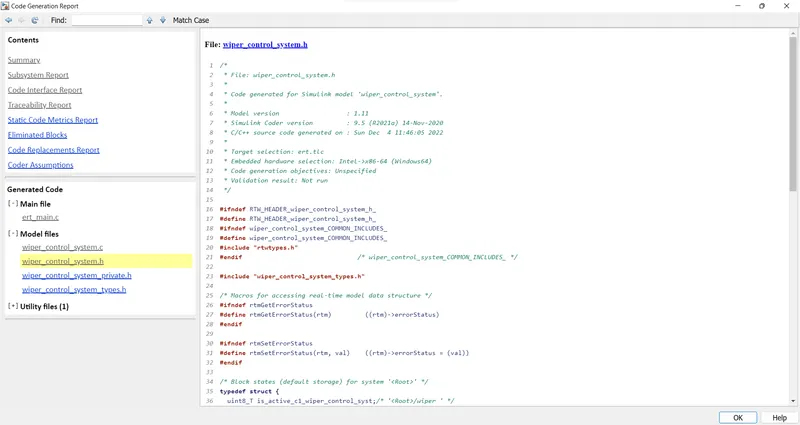
10. Poly space analysis report / outputs
Steps to create a Polyspace Report:
- Initially, open the Polyspace in that new project click on start new project.
- The Project Properties dialogue box will open in that give the project name as we saved in the MATLAB,then select the location where it we need to save after that click Next or use the default location.
- Then ,it asks for the Projrct source,click on browserand select the folder where th .c file are generated then optionally we can add the include folder then clock on finish,the polyspace environment will open.
- In the configuraton settings option called Target & compiler select the source code language as c,change the target processor as X86_64.
- In the coding standards & code Metrics in that enable the check MISRA C:2004 also select the calculate the code metrics option
- After that go to bug finder analysis under that select the default one.
- Go to reporting enable the generate report option and ouput formet as PDF or any file we need
- Finally save the polyspace and run the Bug Finder.
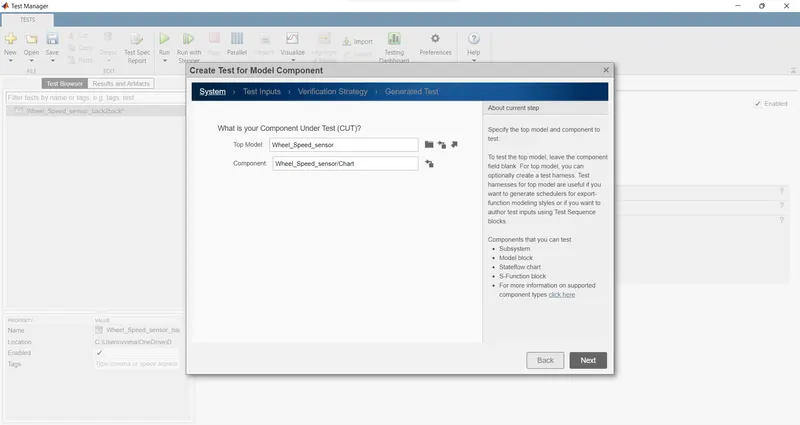
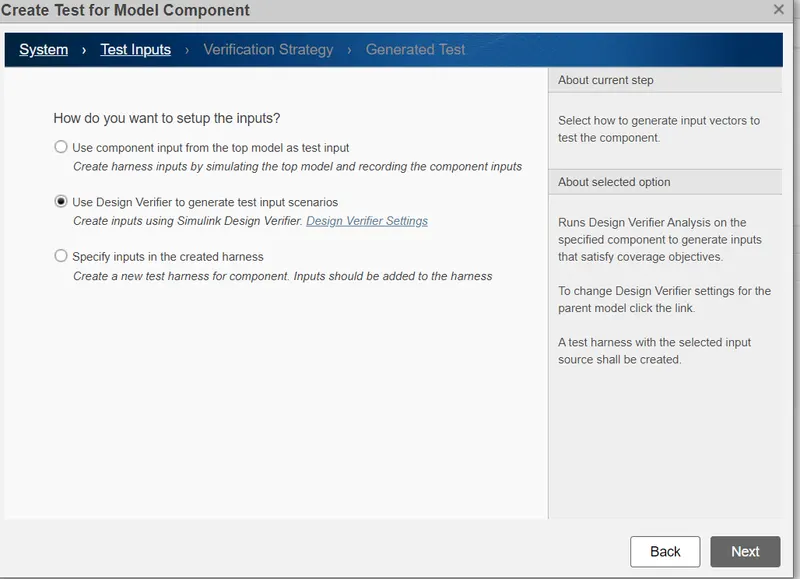
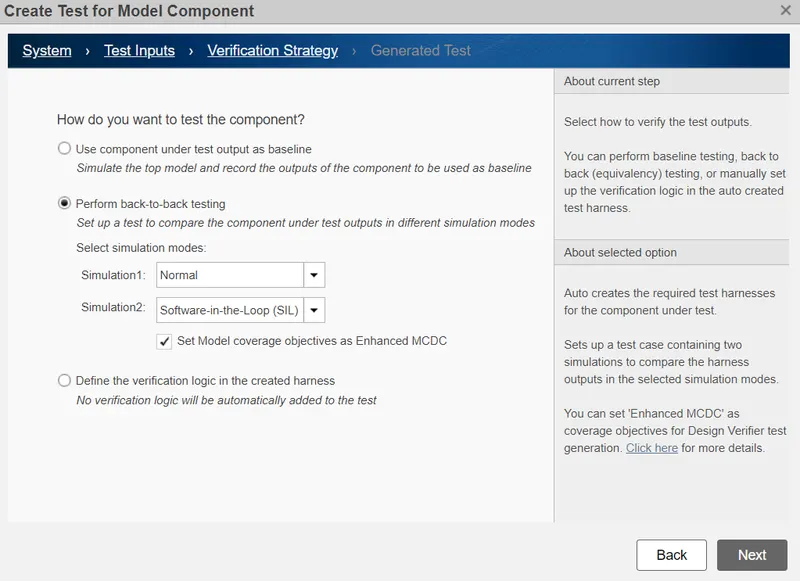
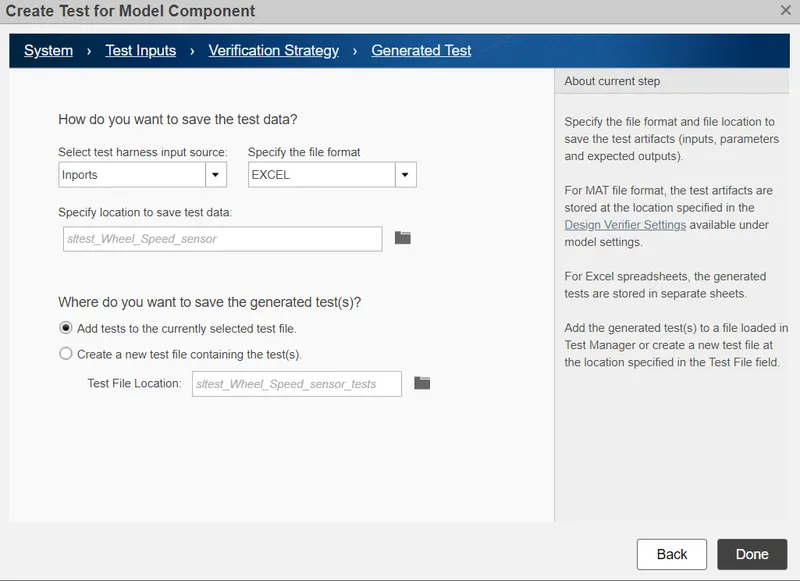
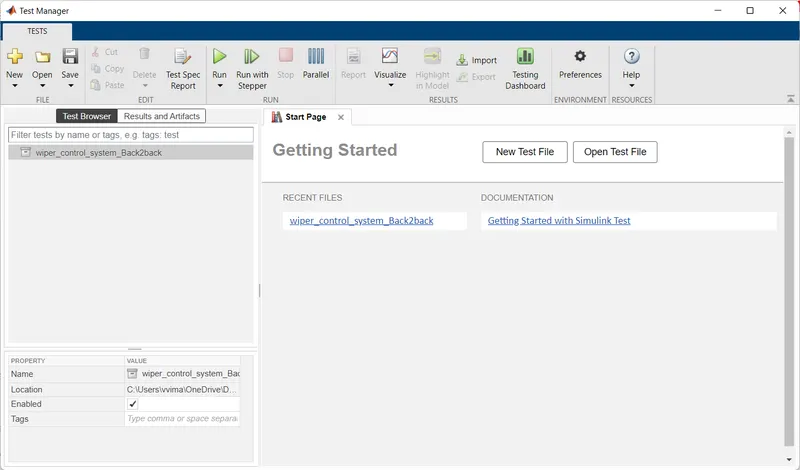
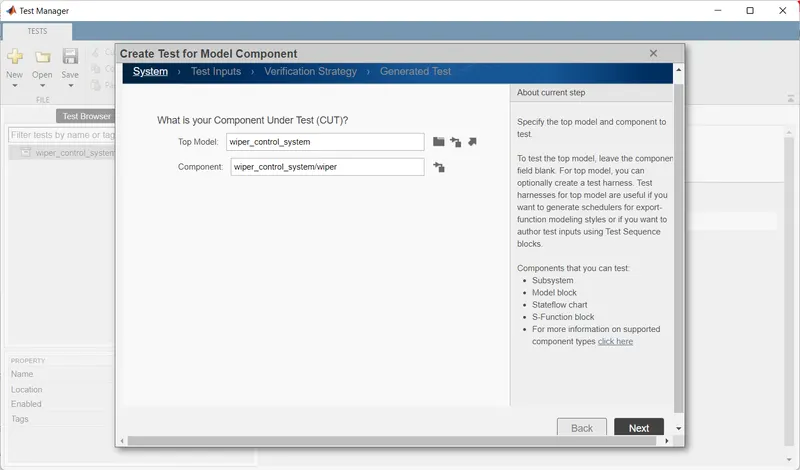
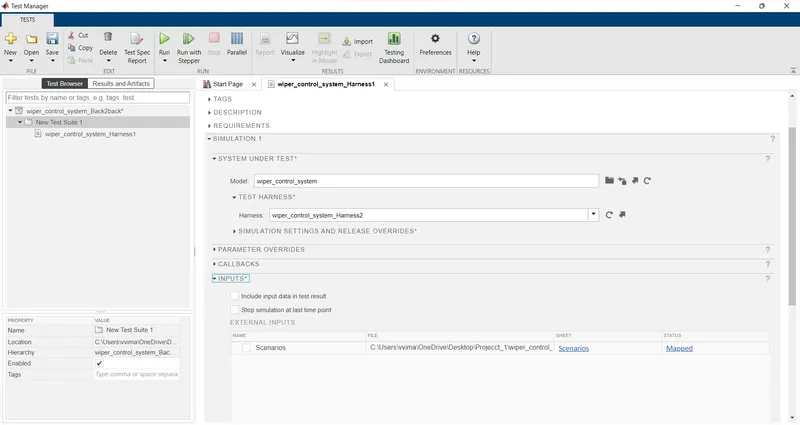
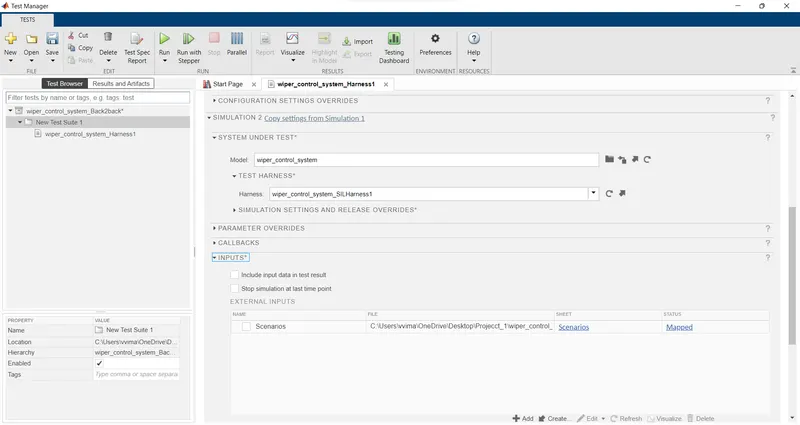
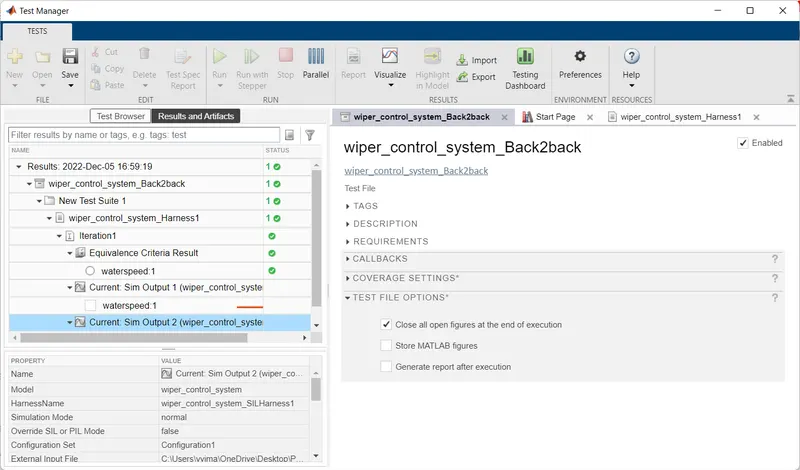
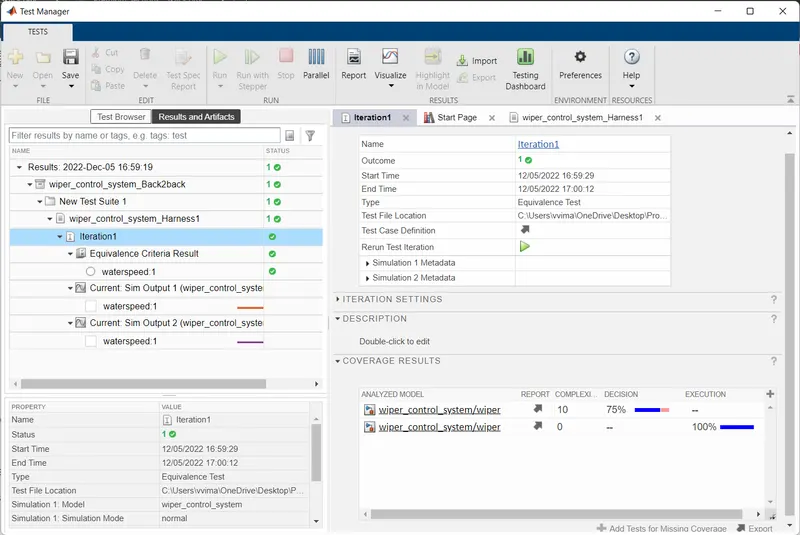
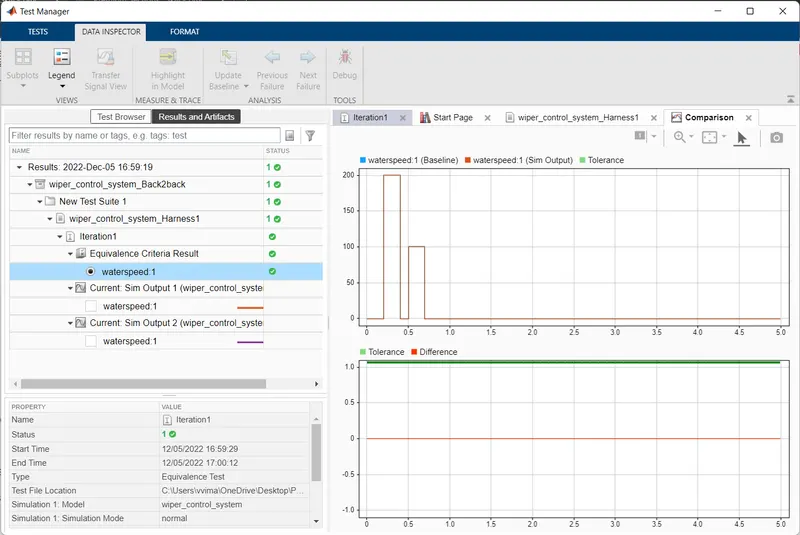
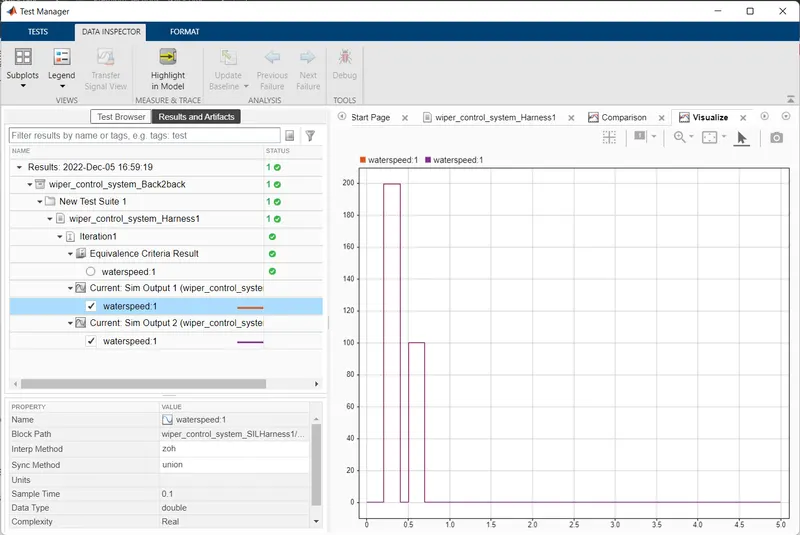
11.Test manager reports – baseline & back-to-back testing
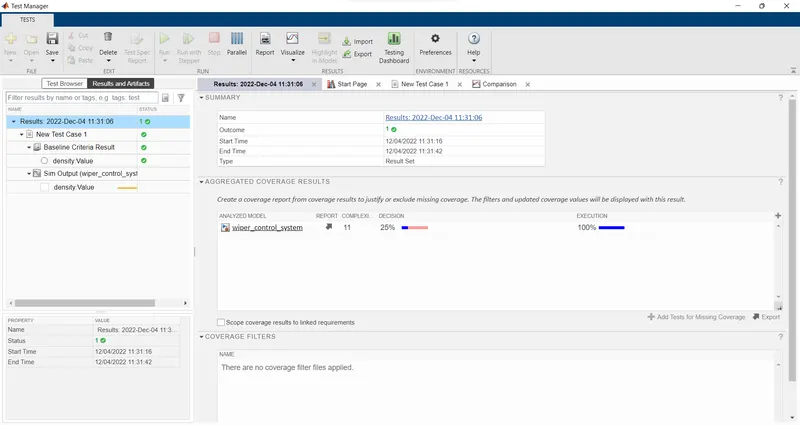
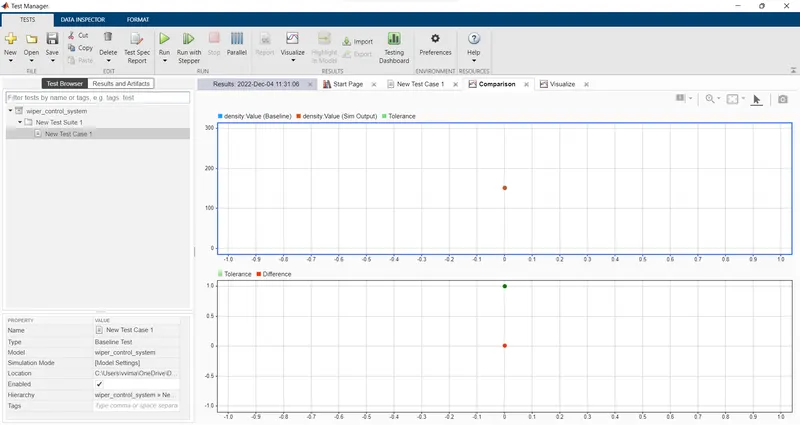
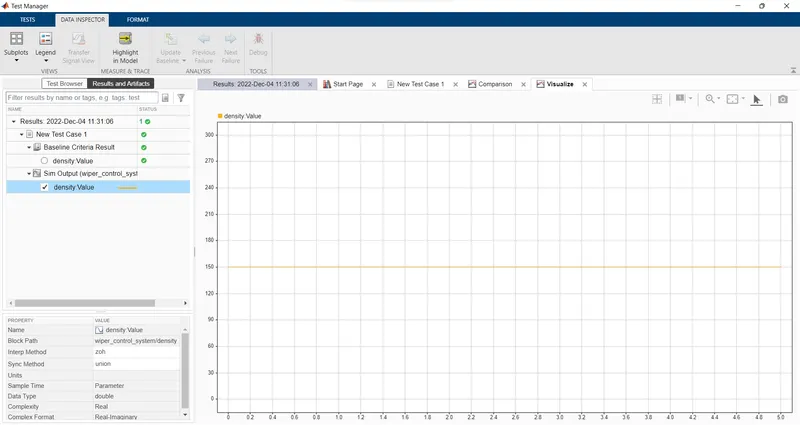
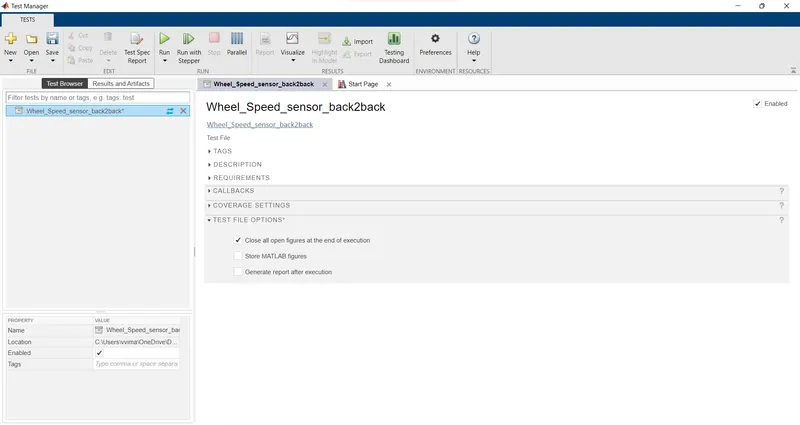
Back2Back
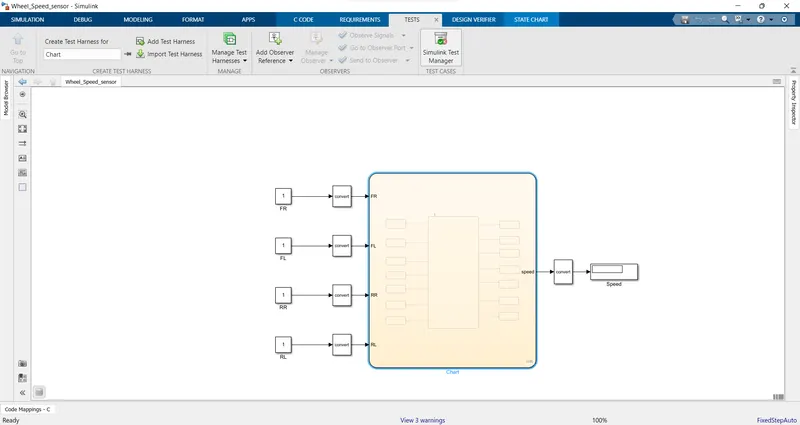
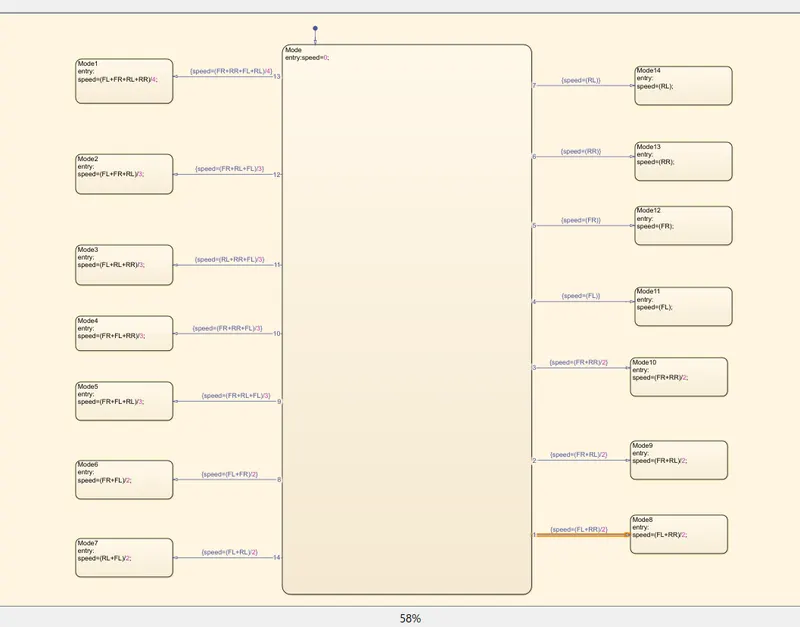
2)Develop Simulink/state flow model for the vehicle speed calculation unit inside the ABS system for the below conditions.
Description of Challenge:
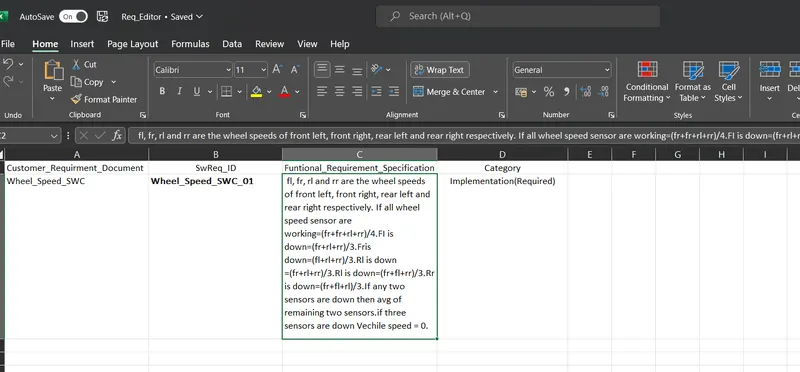
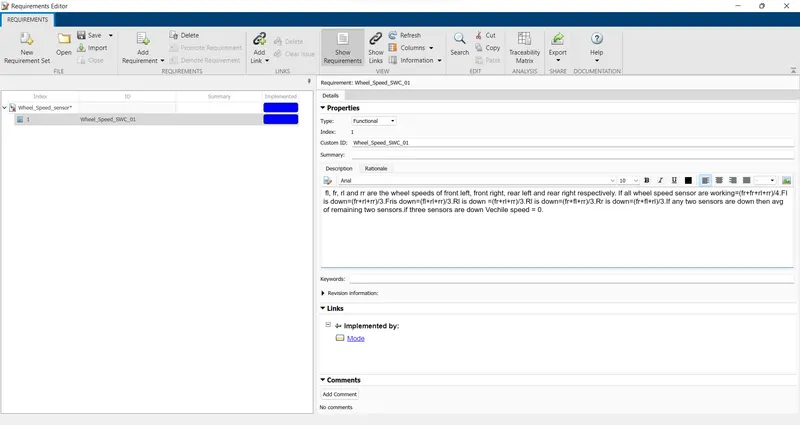
fl, fr, rl and rr are the wheel speeds of front left, front right, rear left and rear right respectively.
1. Simulink model file
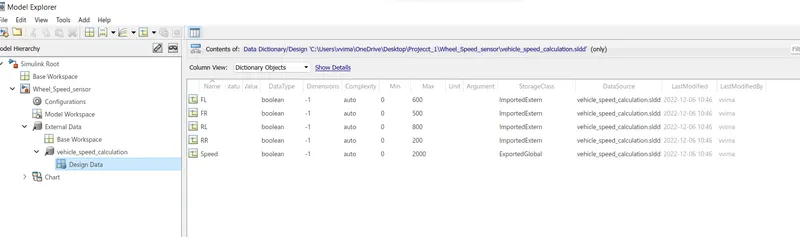
2.SLDD file
3. Requirement tagging report
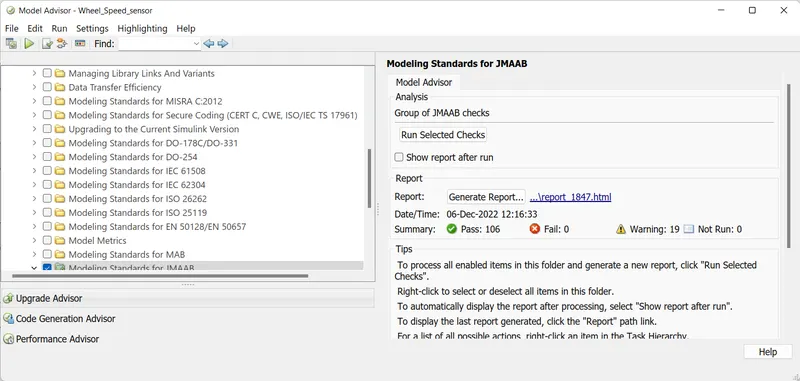
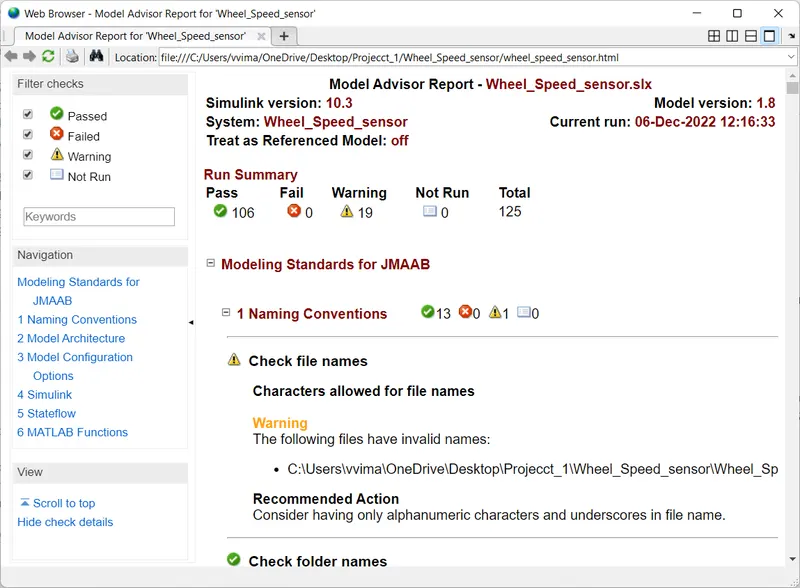
4.Model advisor - JMAAB compliance report
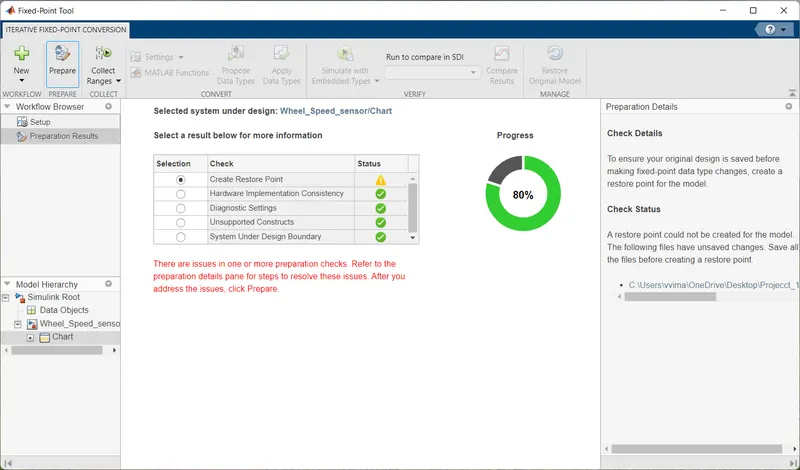
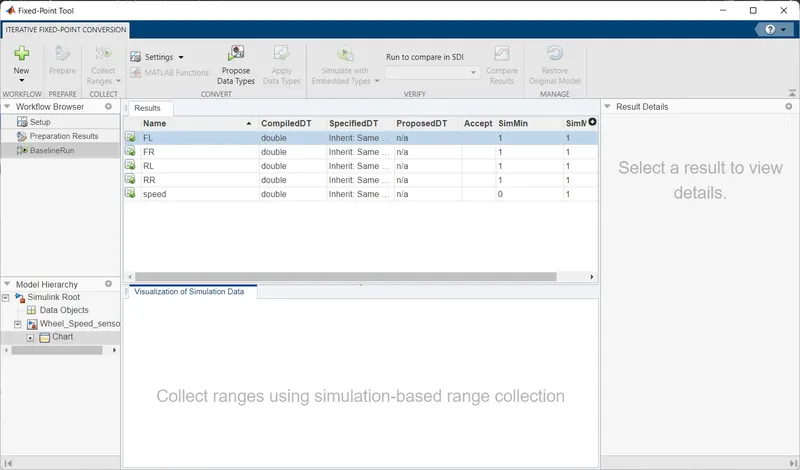
5.Fixed-point Tool
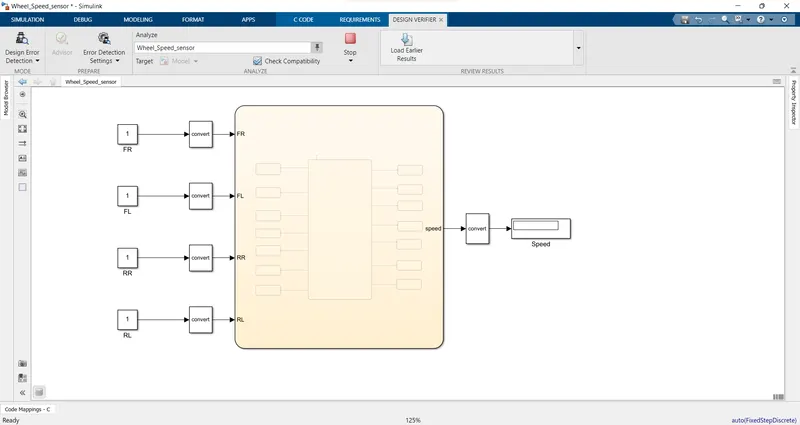
6.SLDV Design error detection report
8.SLDV test generation report
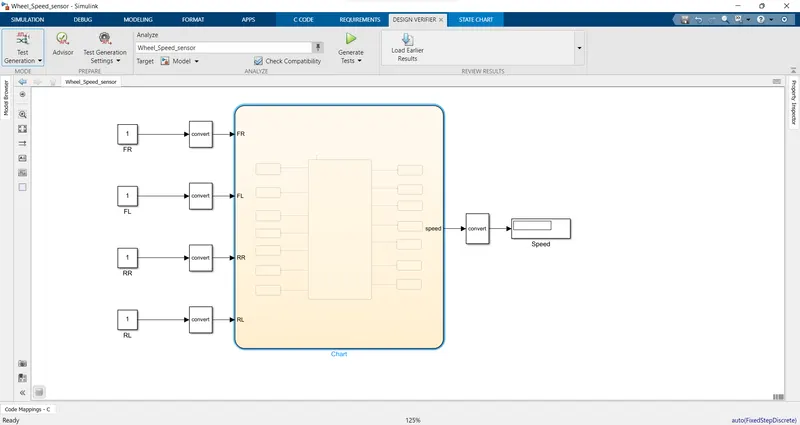
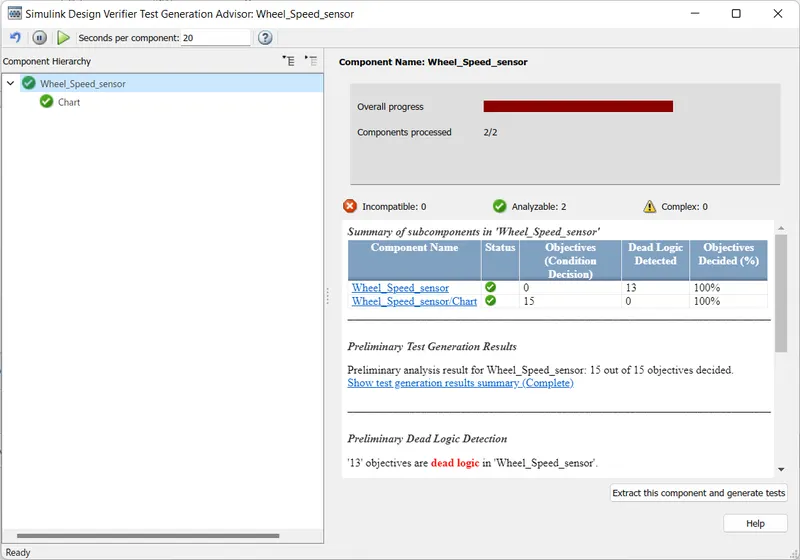
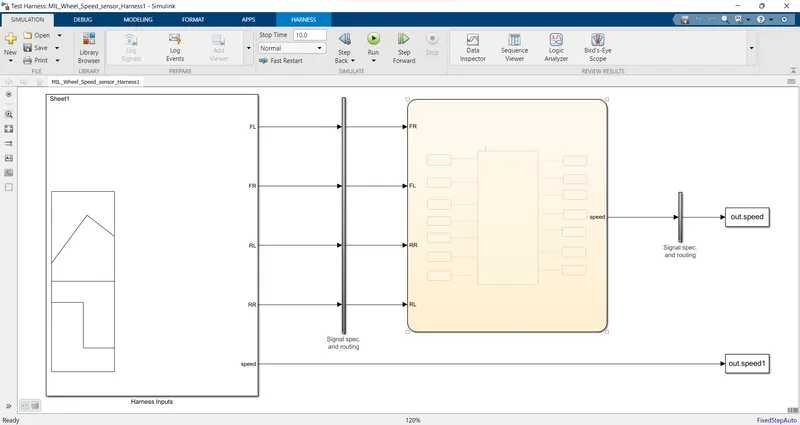
7.Functional test case, MIL, SIL harness, coverage Reports
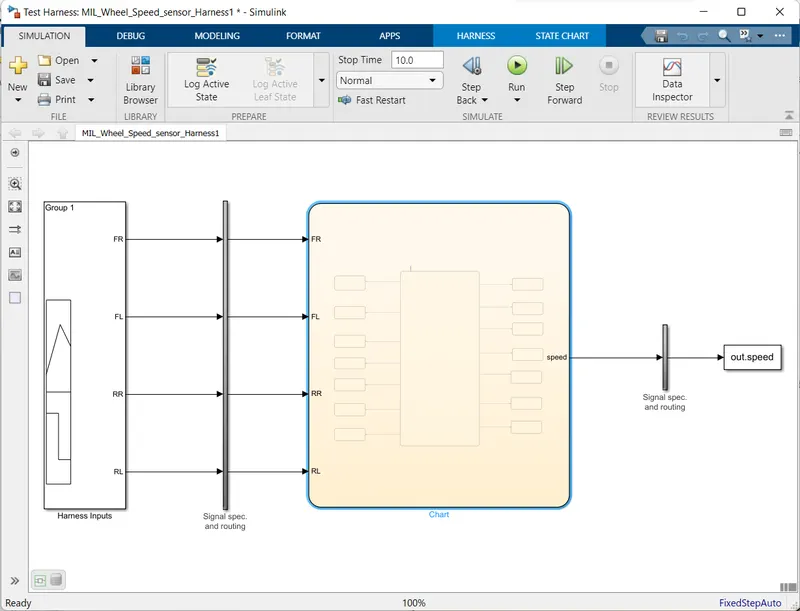
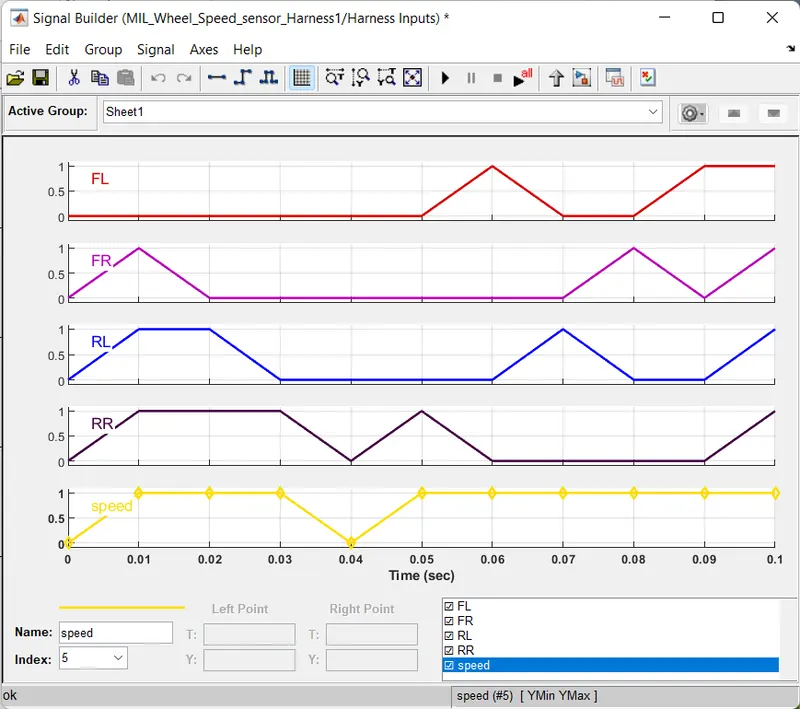
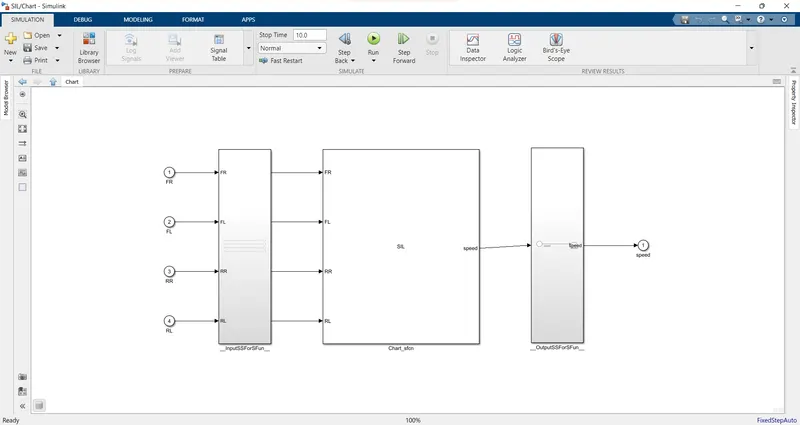
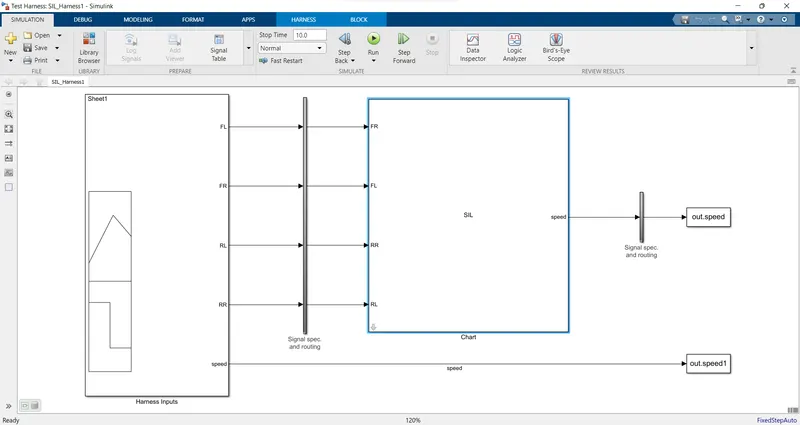
9. Auto-code generation report, main , .c & .h files
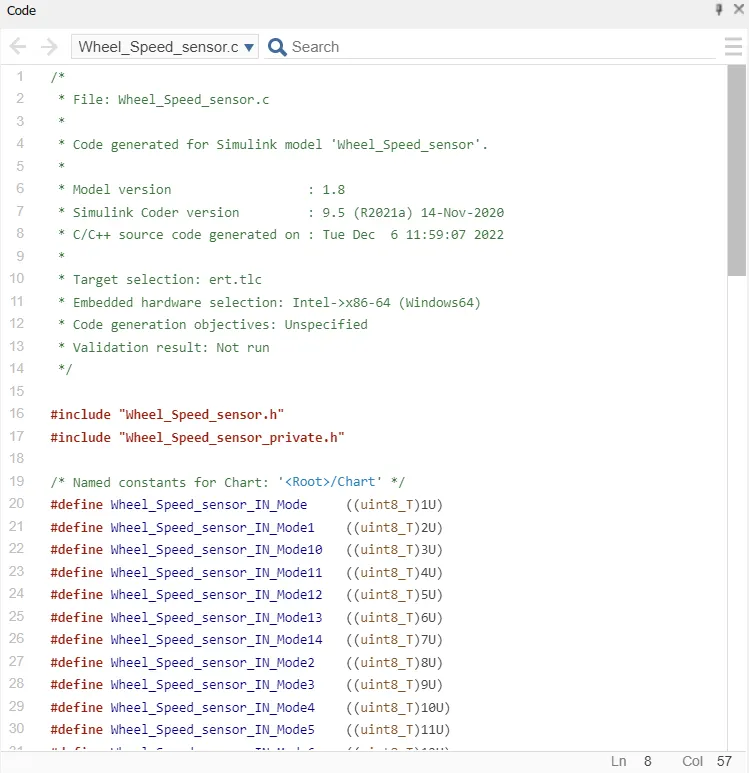
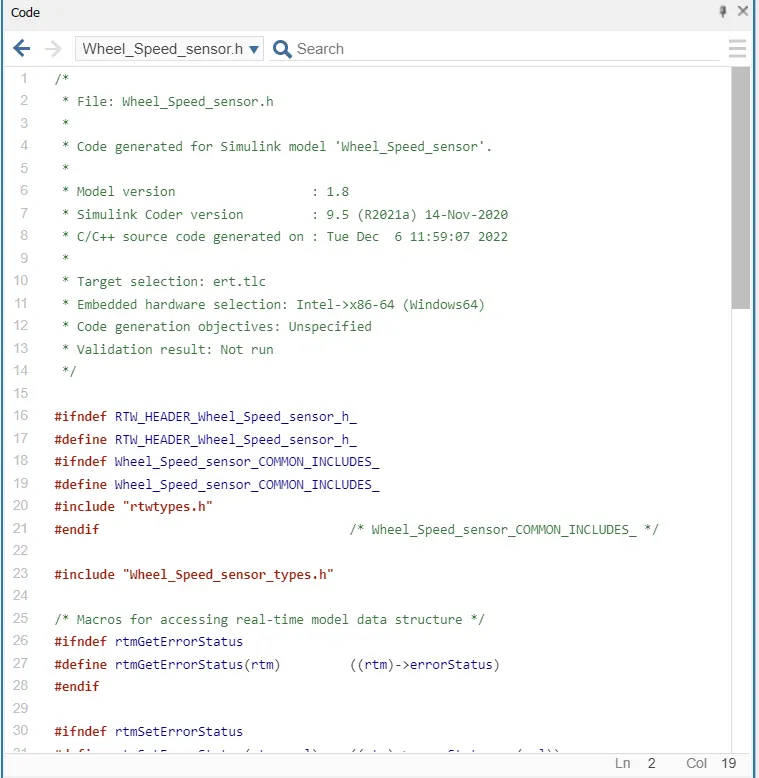
10. Poly space analysis report / output
Steps to create a Polyspace Report:
- Initially, open the Polyspace in that new project click on start new project.
- The Project Properties dialogue box will open in that give the project name as we saved in the MATLAB,then select the location where it we need to save after that click Next or use the default location.
- Then ,it asks for the Projrct source,click on browserand select the folder where th .c file are generated then optionally we can add the include folder then clock on finish,the polyspace environment will open.
- In the configuraton settings option called Target & compiler select the source code language as c,change the target processor as X86_64.
- In the coding standards & code Metrics in that enable the check MISRA C:2004 also select the calculate the code metrics option
- After that go to bug finder analysis under that select the default one.
- Go to reporting enable the generate report option and ouput formet as PDF or any file we need
- Finally save the polyspace and run the Bug Finder.
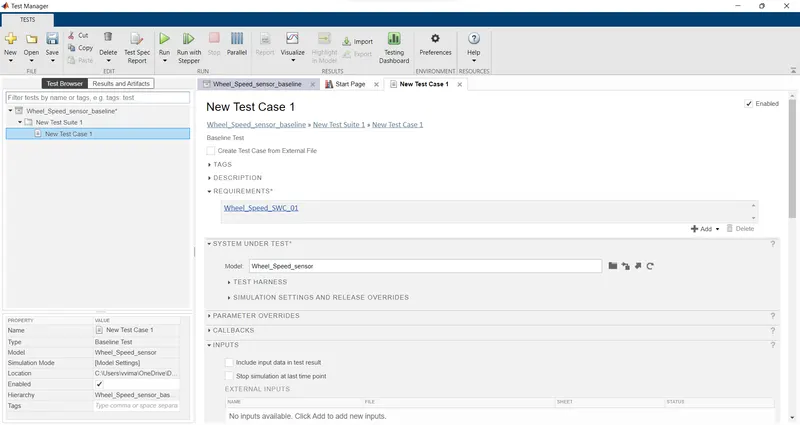
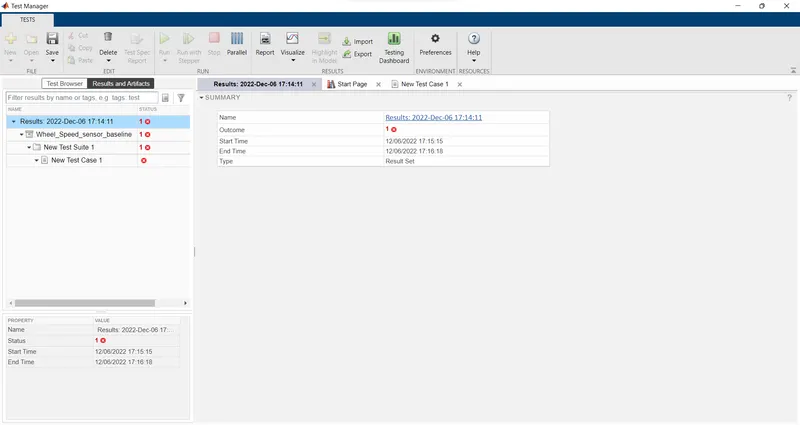
11.Test manager reports – baseline & back-to-back testing: