Project 2 - V&V SW Analysis II
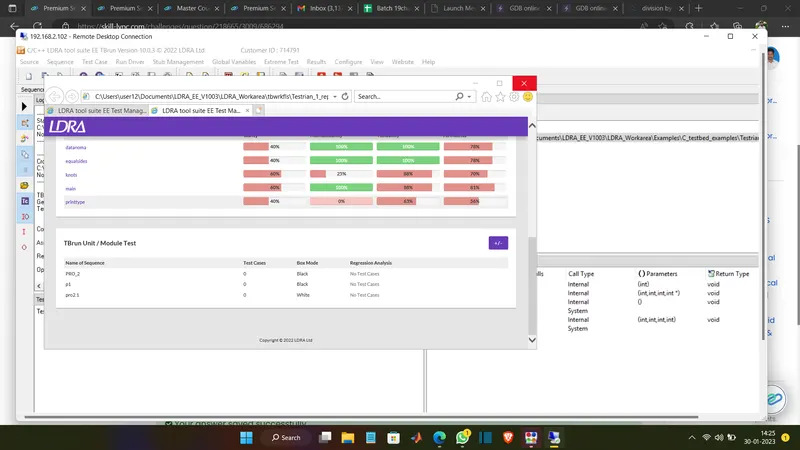
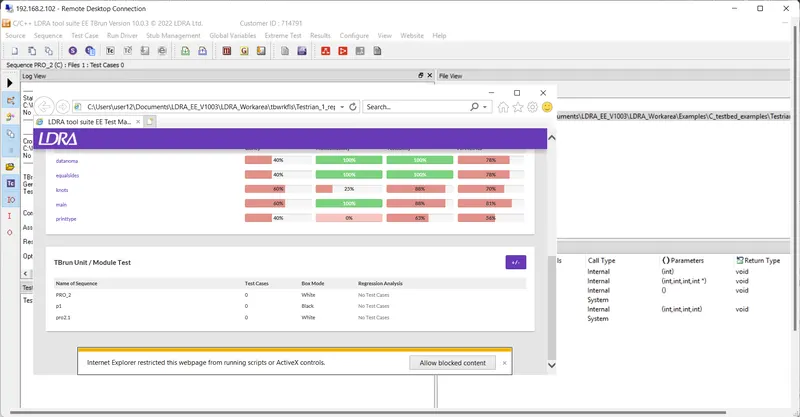
- Perform Static Code Review Analysis for “C:\**\LDRA_workarea\Examples\C_Testbed_examples\Testrain\Testrain.c” Generate Code review report and upload them.
Select Single file
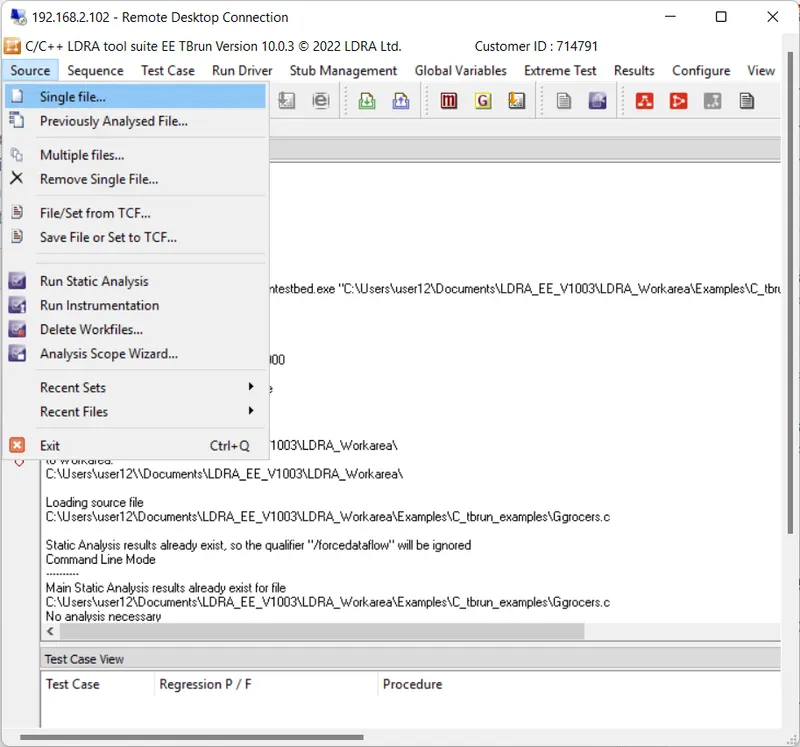
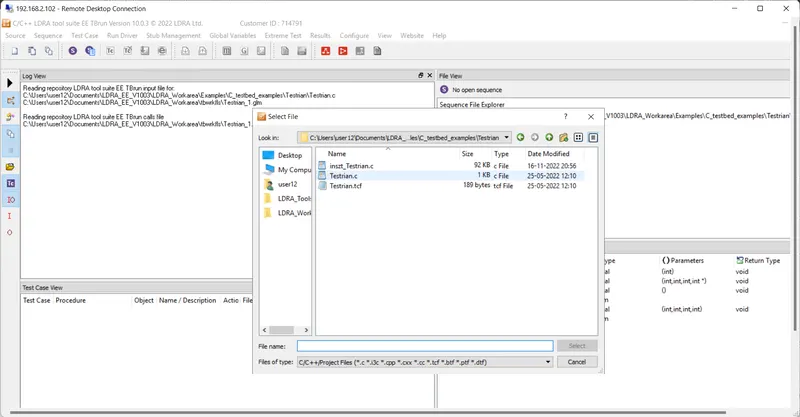
Single file -->Testrain.tcf
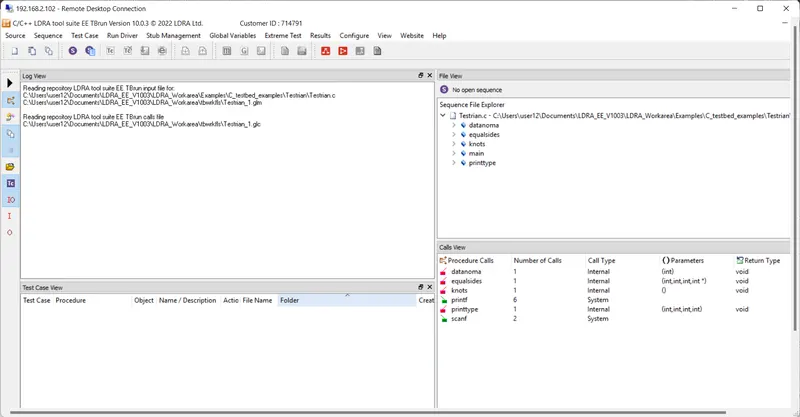
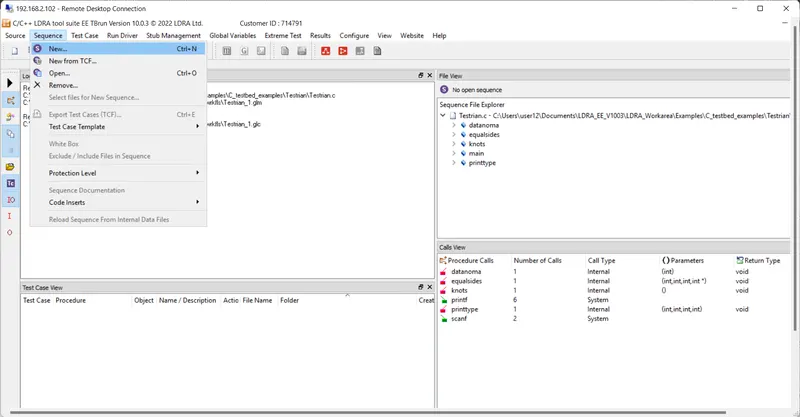
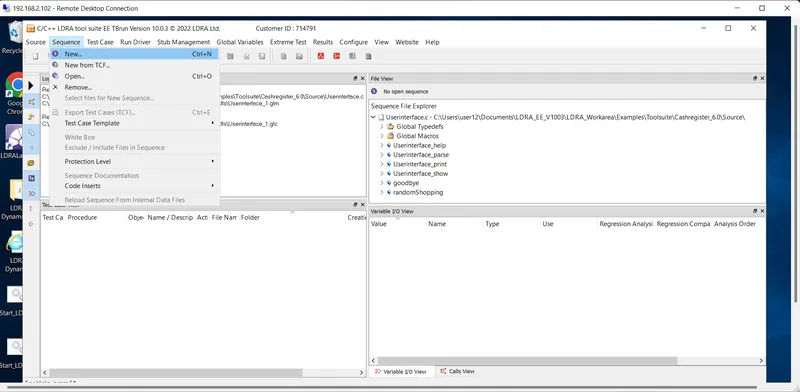
Sequence -->New
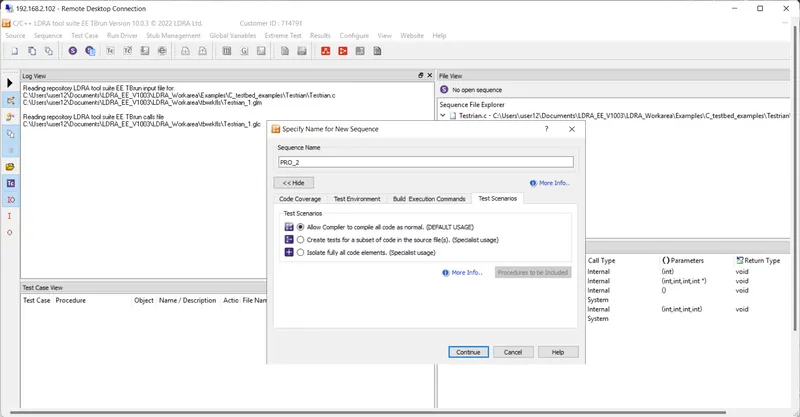
Squence Name PRO_2 then check and click continue
Static Code Review Analysis
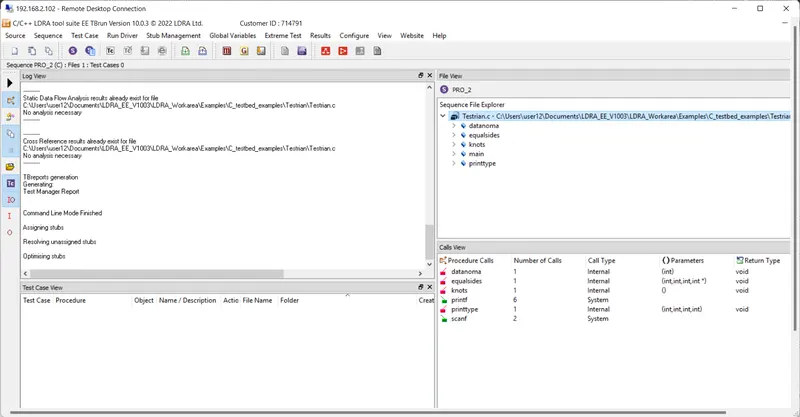
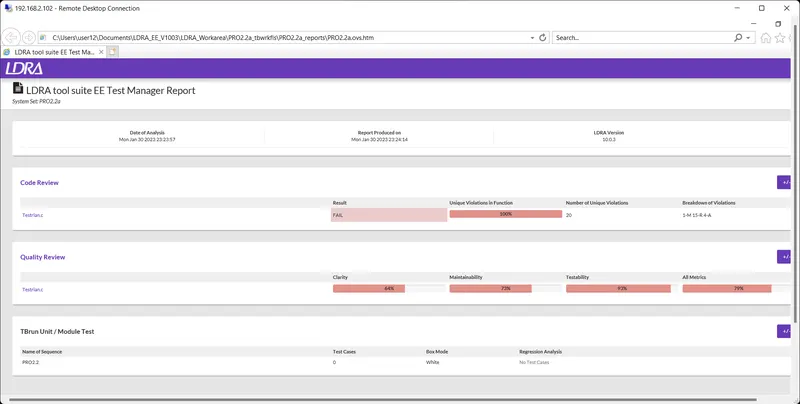
Generate Code review report
Perform Integration testing by including all the .C files available in the folder location C:\**\LDRA_workarea\Examples\Toolsuite\Cashregister_6.0\ **
A)Create the test cases manually as well as automatically using TBExtreme and upload the reports.
Single file--> .c file click.
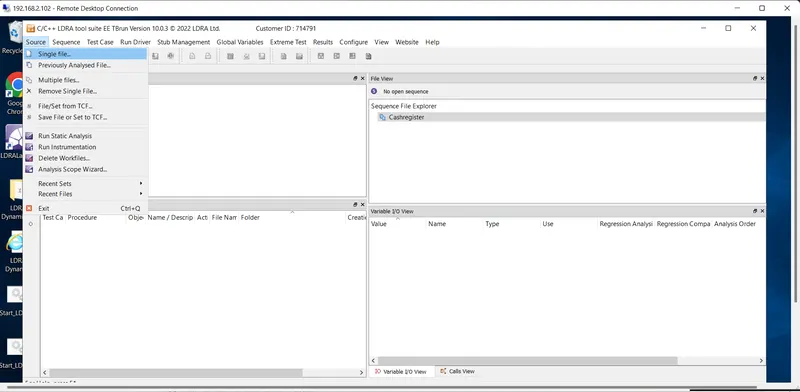
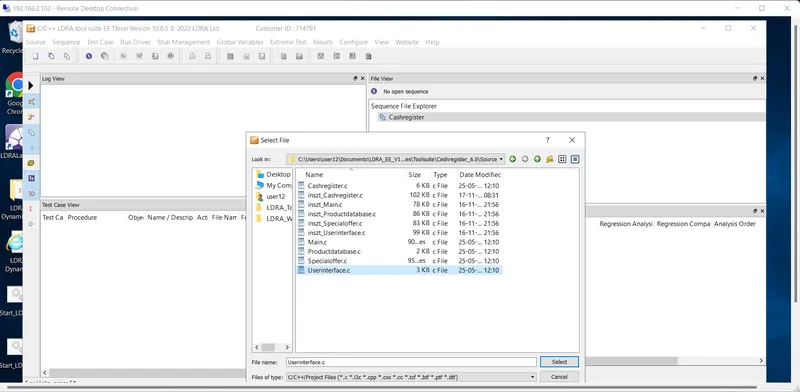
New--> Extreme Test-->Run Standared Extreme Test
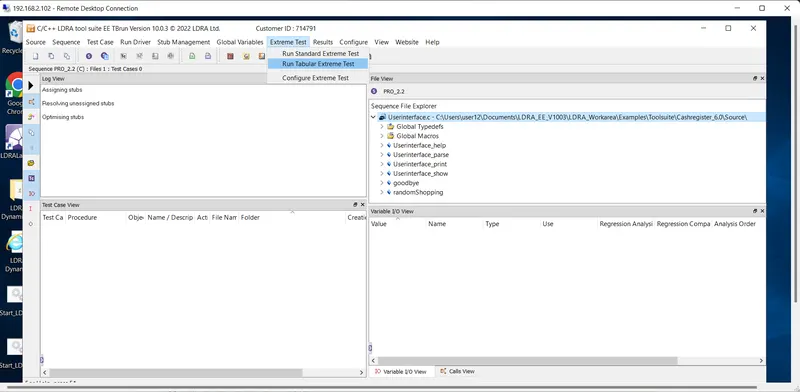
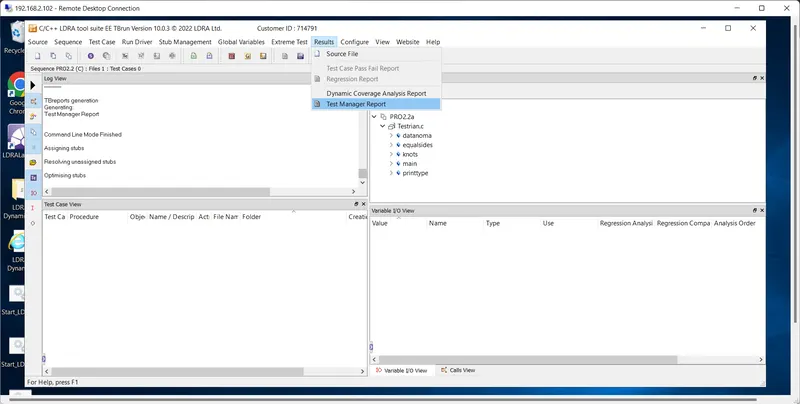
Result --> Test manager report
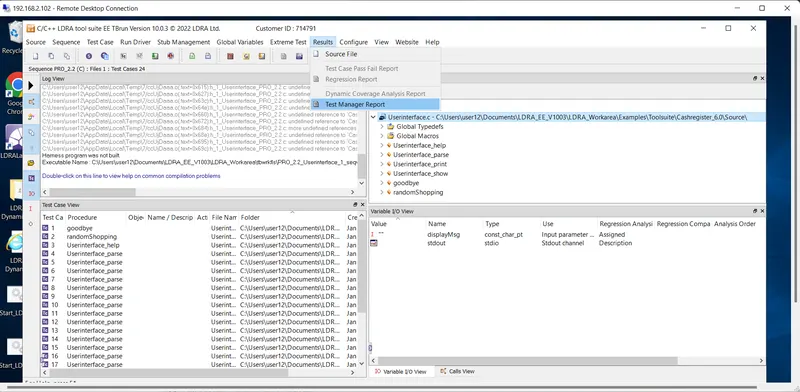
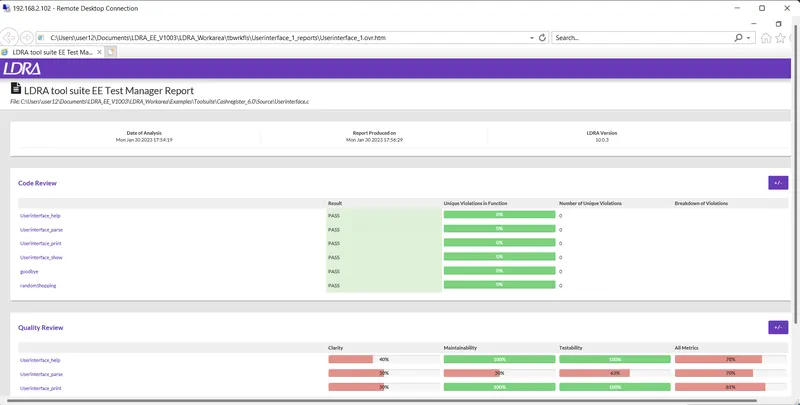
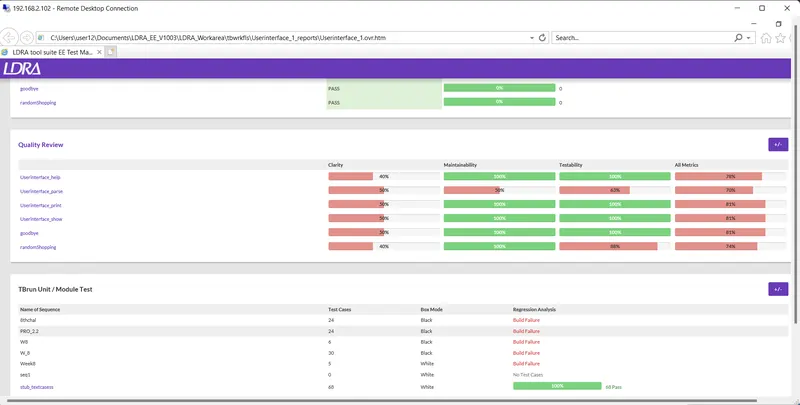
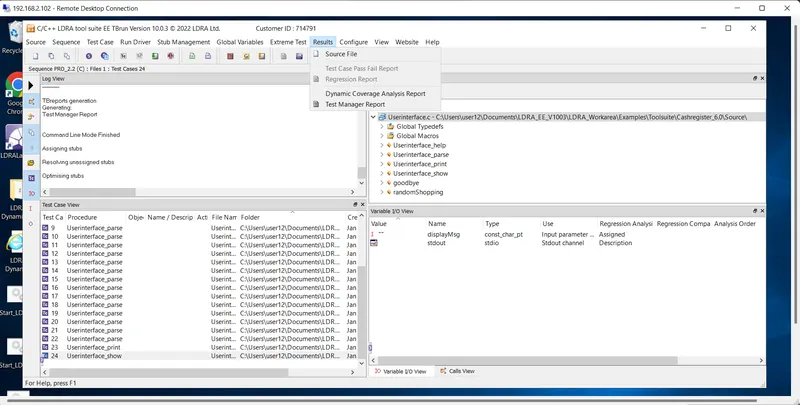
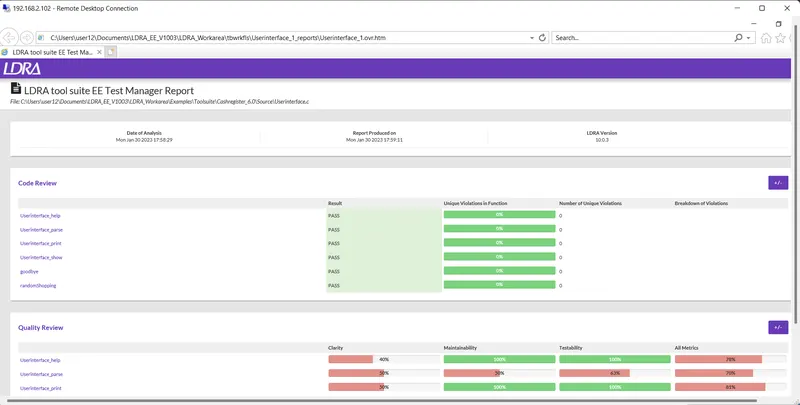
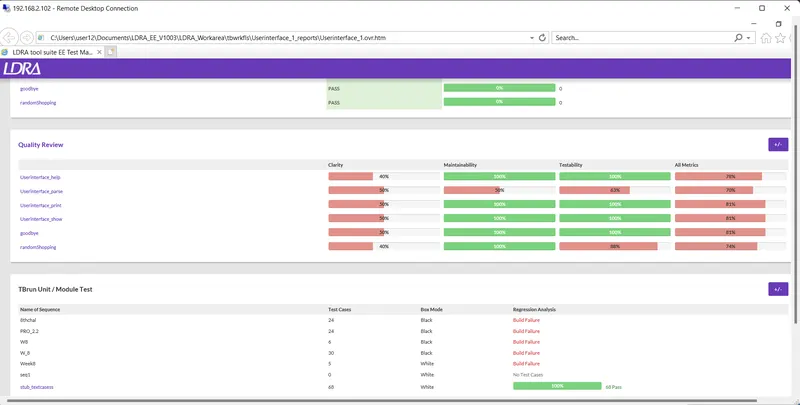
B)store the test cases as .tcf file. Upload the location image where the .tcf file is stored.
STEPS TO FOLLOW TO STORE THE TEST CASES AS .tcf file
Tbrun
Source..multiple files
create…demo(name)
Group..independent
System..dependencies in files(preferred)
Choose the .c file
Ldra test bed..no
Configure..ldra test configuration..static options..path of grocers.c file
Static analysis
Report
Multiple file --> Testrain.c -->Add -->Ok
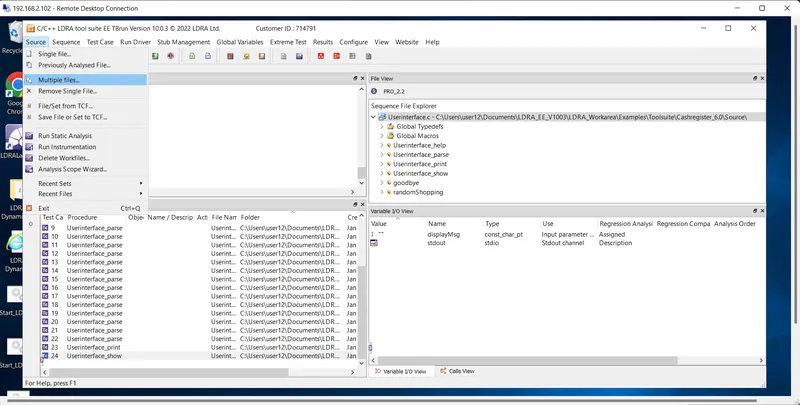
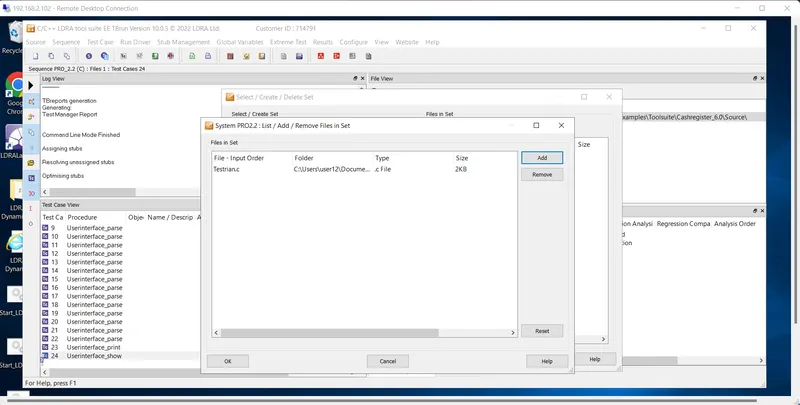
Run LDRA Trusttled analysis --> No
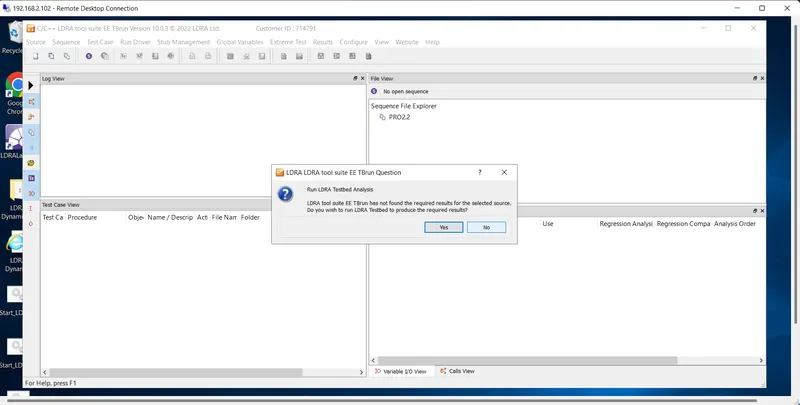
Result--> Test manager report