Project 1 : CFD Meshing for Tesla Cyber Truck
ANSWER-
AIM- perform volumetric mesh on the given model with suitable target length using Pre-Processing tool ANSA
Aplications-Meshing is done on physical model (geometry) of any system to study the behaviour of the system.
it is process of generating two dimensional grid.
After meshing only model is simulated and its behaviour is studied.
It is mainly used in CFD to study the behaviour of fluid flowing in system .For example to study cumbustion chamber hot gases or rocket gas turbine engine and aerodynamic behaviour of fluid on vehicle's surface
OBJECTIVE-
1-topology cleanp of the given model of Tesla Cyber Truck.Topology cleanup means removing all single cons,tiple cons and cracks present in the model
2-Assign suitable PIDS.
2-perform surface mesh using suitable target length on model's different part .
3-Create wind tunnel for volumetric mesh.
BODY-
Steps to be followed-1 open the given model in ANSA using File>open
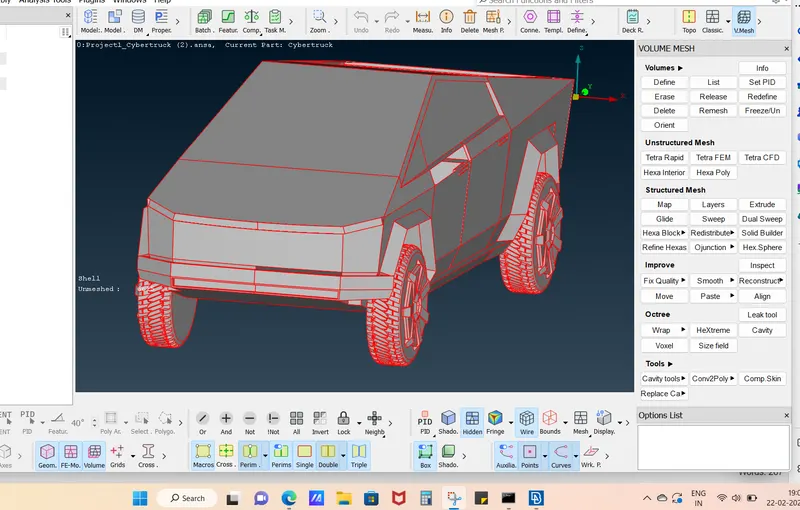
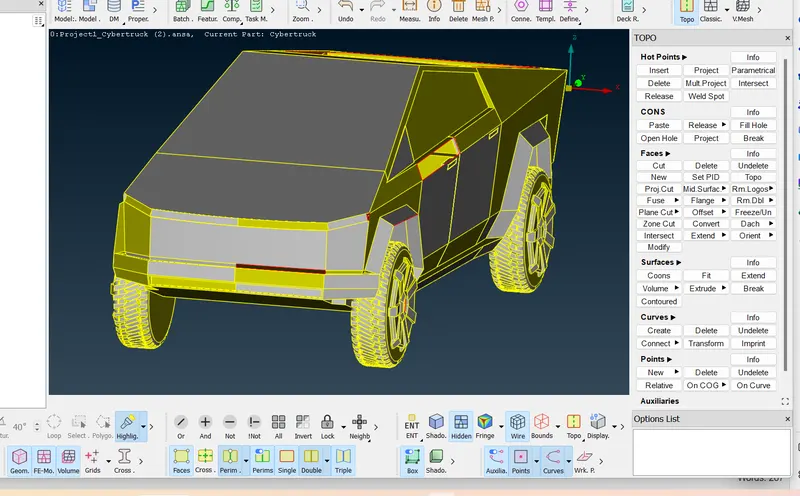
2-perform topo to convert two single cons into double con and three sigle con into triple con go
TOPO deck>Faces>TOPO
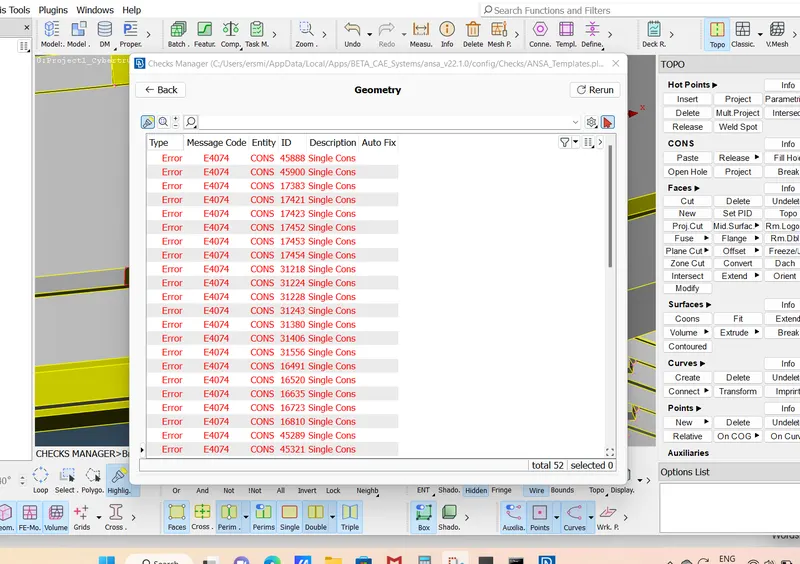
3-Find error through gemetric check go Tool>checks>geometry>exicute
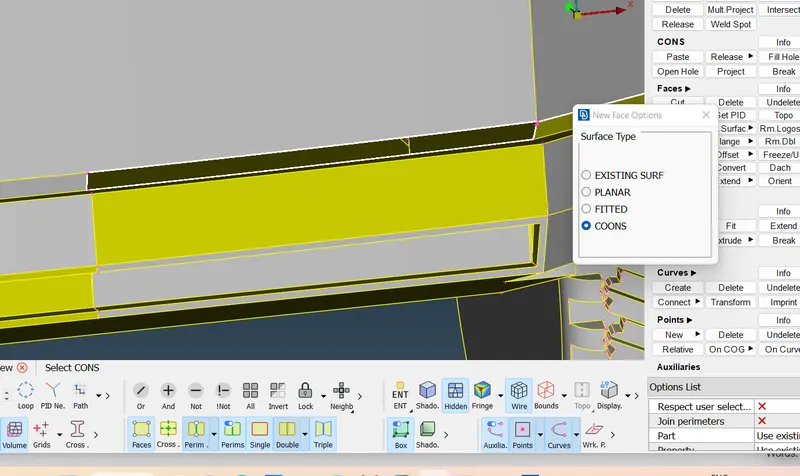
4-Remove all the error through topo cleanup. i.e. creating new surface and deleting triple cons
for example to create surface go TOPO>faces>create>COONS/FITTED
5-Assign PIDs go properties>right click>new>PSHELL>PSHELL
here following PIDs have been created
1-Lights
2-Windows
3-Tyres
4-front wheels
5-Body
6-rear wheelz
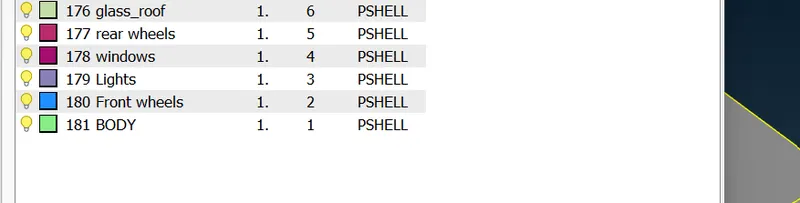
6-Measure each face dimension in all PIDs to avoid any off element before deciding target length and quality criteria
7-go mesh deck>classic mesh
set view as hidden
8-go to propert manager right click on window PID>show only
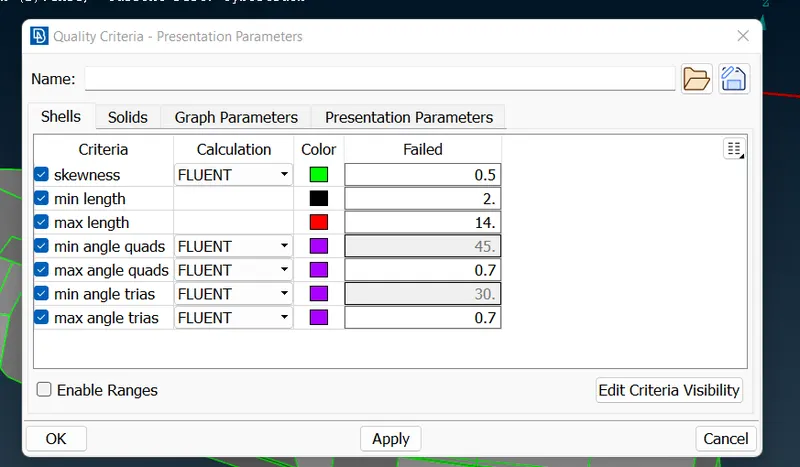
9-set quality criteria for windows and target length as 8mm
10-set perimeter and Macros as 8mm
go spot mesh>visible
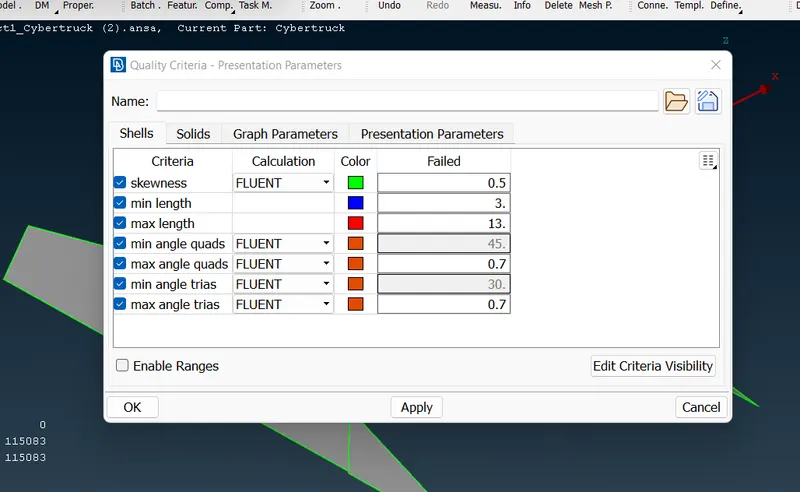
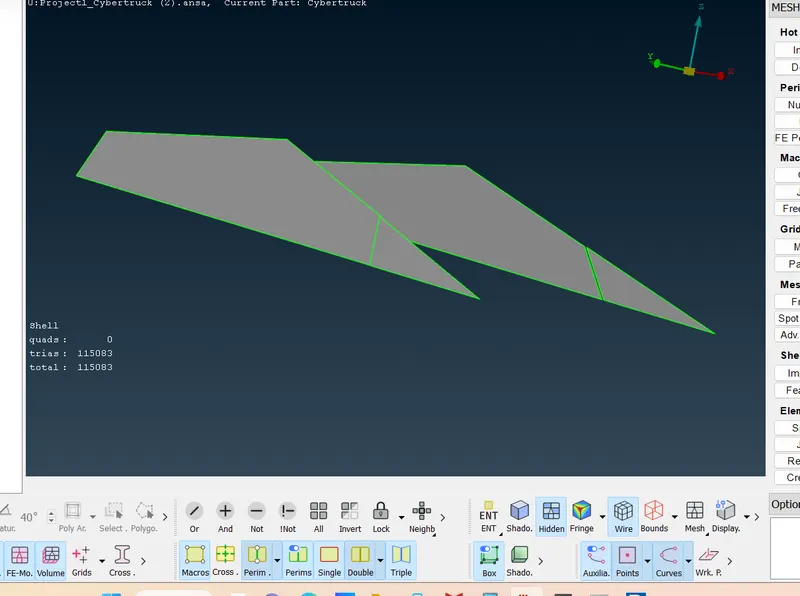
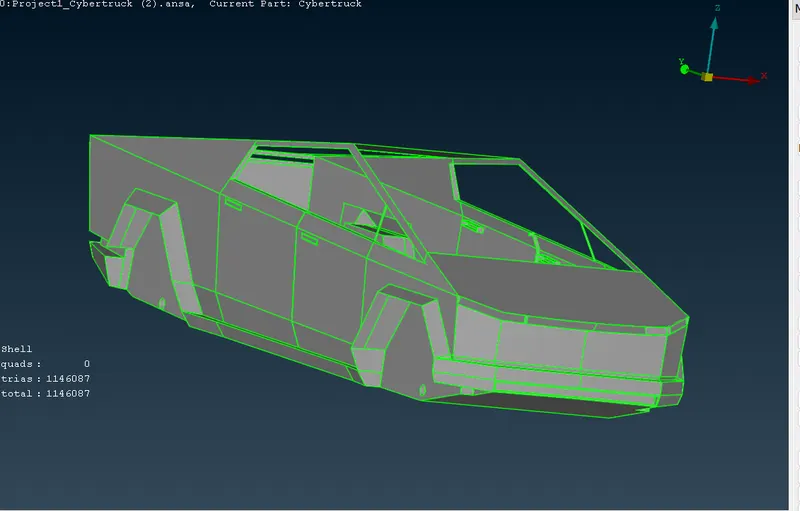
10-In the same way set quality ceiteria and target length for all remaining PIDs and perform meshing
for top roof target length=11mm
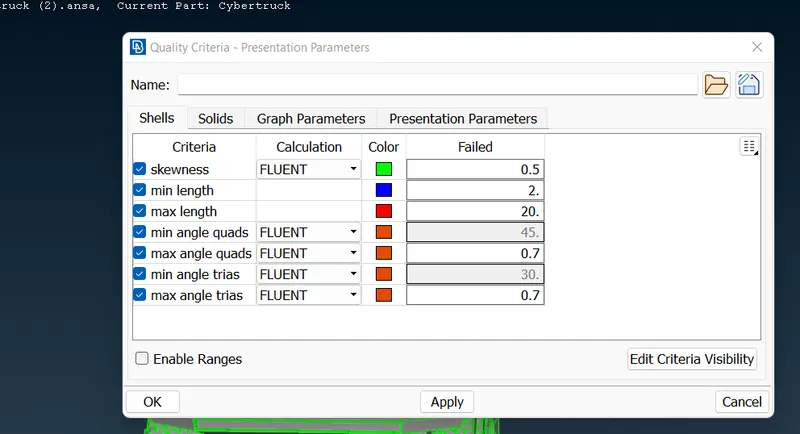
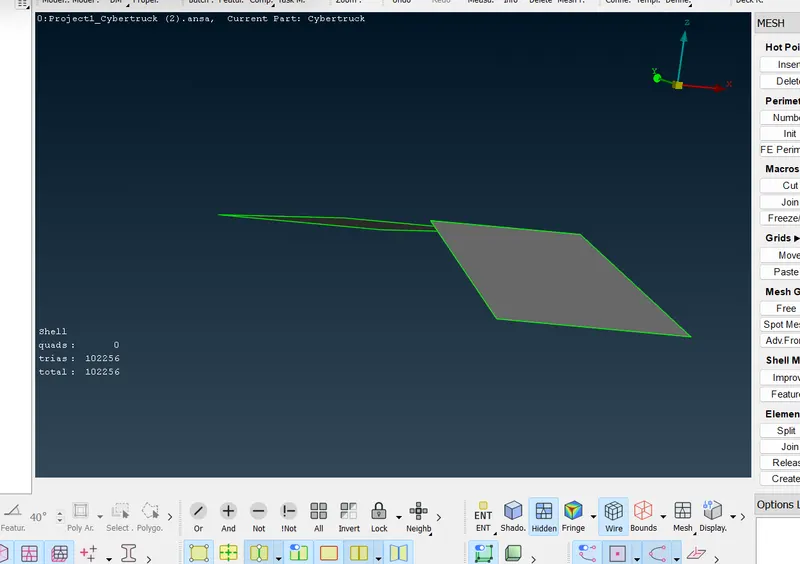
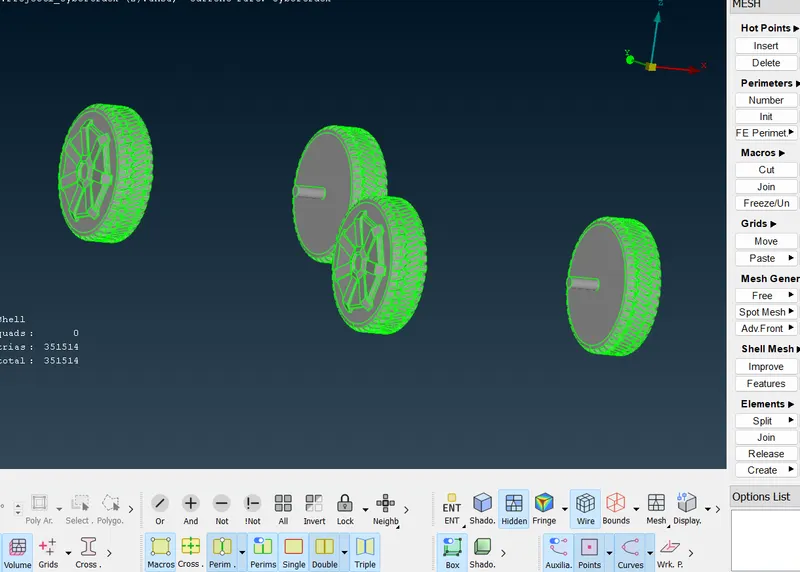
11-set target length as 11mm for tyres as well
12-target length for lights =4mm
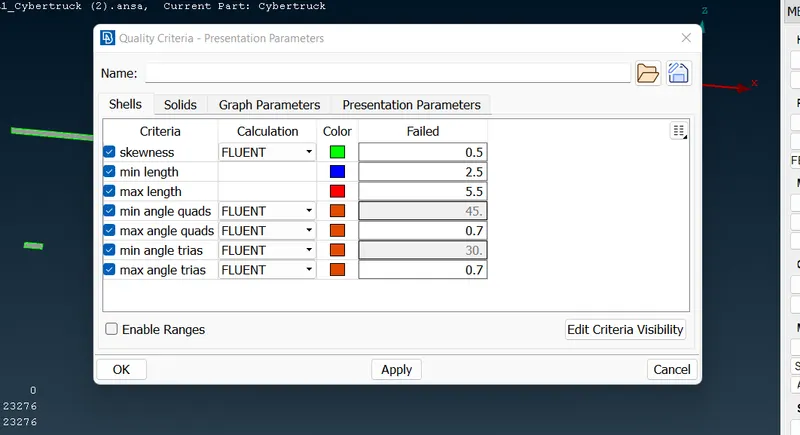
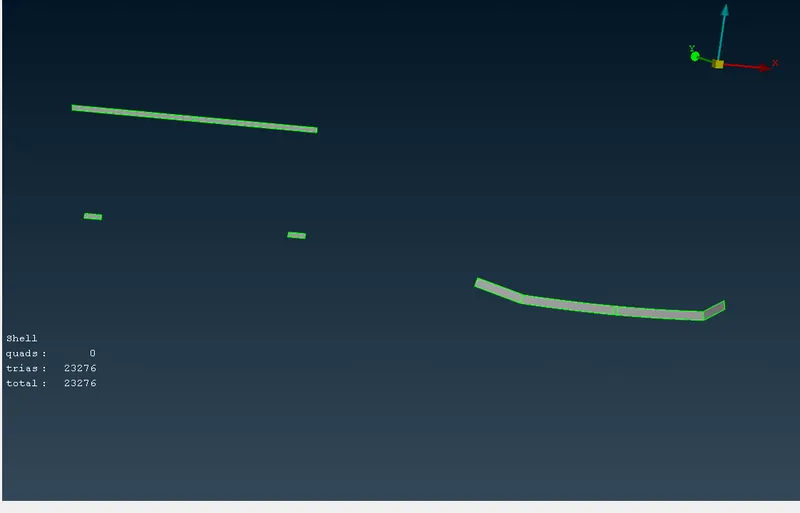
13-for body PID target length is 8mm
14-
for volumetric mesh create wind tunnel around car body
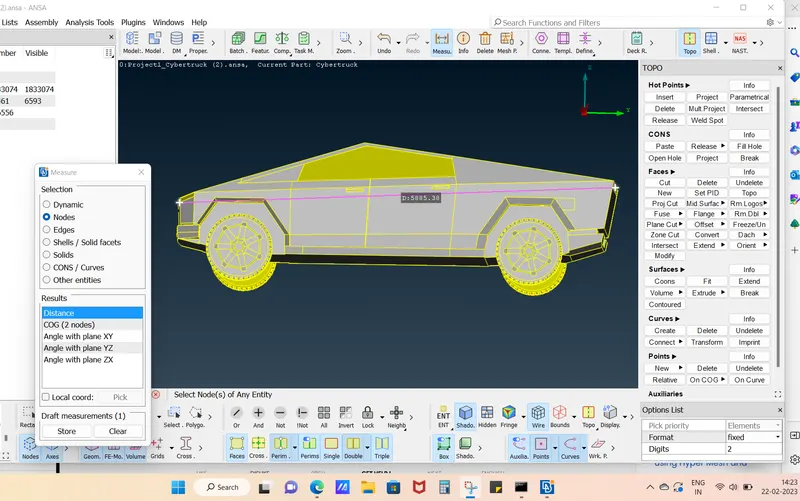
to create wind tunnel for volumetric mesh measure length of truck=5885mm~6000mm=x(assume)
front wall is at a distance of 4x from the front surface of truck .
rear wall is at 6x from rear end of truck
top wall is at a distance of 3x fron top surface of the truck
side wall is at x diatance fron side surface of the truck and
bottom wall is just below the tyres of the truck
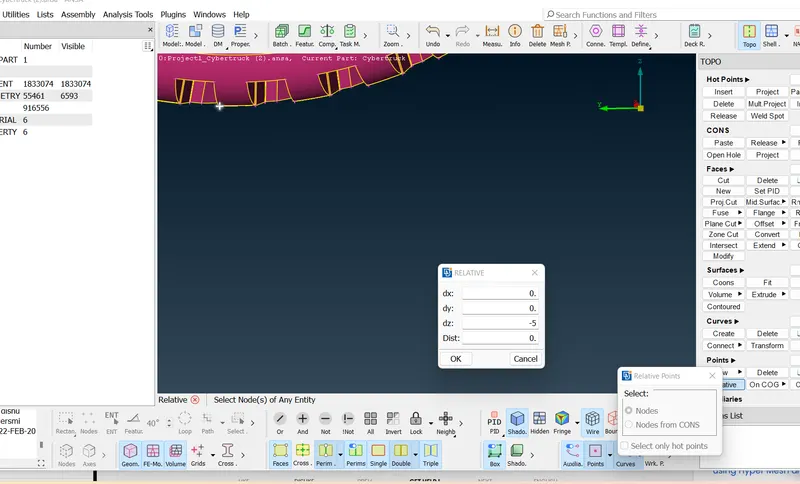
15-to create tunnel go TOPO>POints>relative>chose point on car base>middle click
following box will appear
enter dz=-5mm
16-taking this point as reference create two more relative point in y direction dy=6x+x/2=39000 dy=4x+x/2=-27000mm and two poin in x direction dx=x=6000 and x= -6000
17-create curve go TOPO>Curves>create>select node
18-create surface go TOPO>Faces>New>coons>select curves
19-after creating surface offset this surface on top at 3x+1000=19000mm
go faces>offset>select direction >enter offset value as 19000
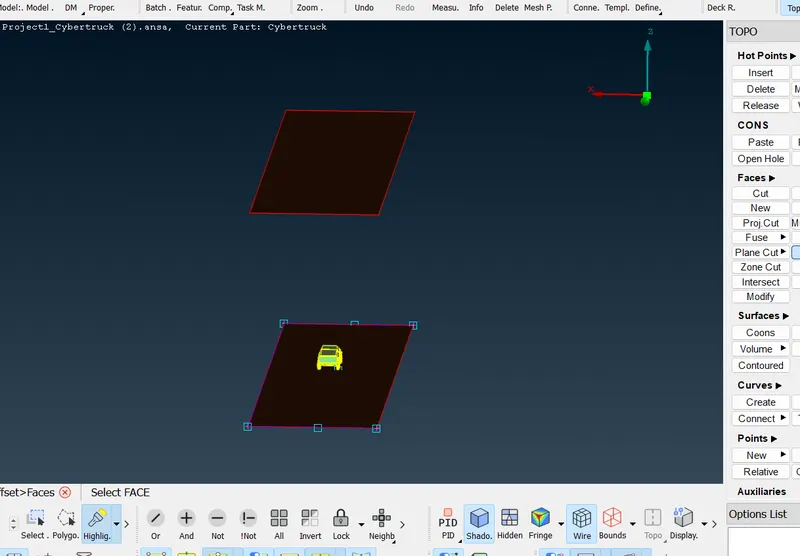
20-create rear and front surface go faces>new>coons
21-create PIDs for all these new created surfaces
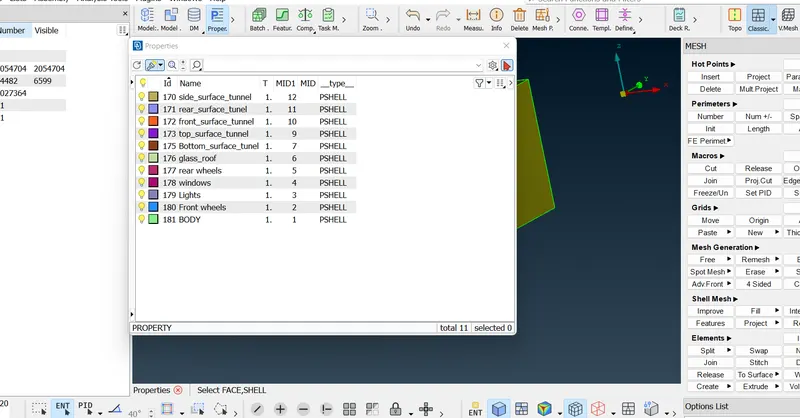
22-generate mesh on top surgace using target length 500mm
and for bottom surface 100 mm
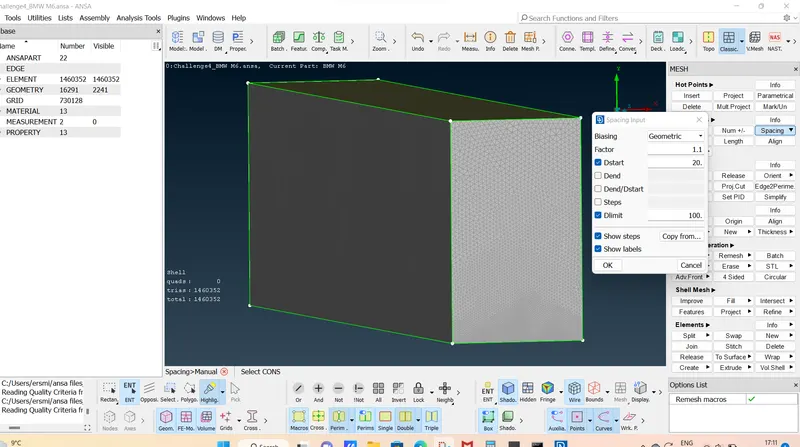
23-for rest surface go mesh deck>perimeter>spacing>choose geomertic ans set dstart and dlimit as 100 and 500 respectively
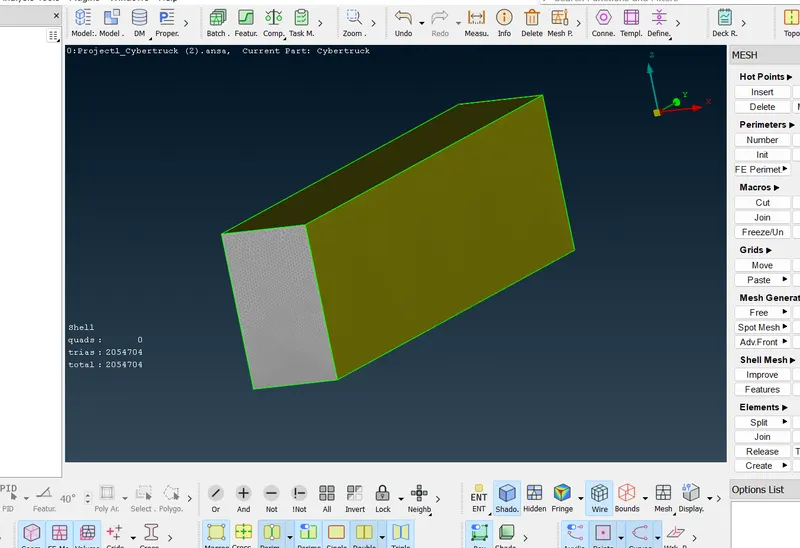
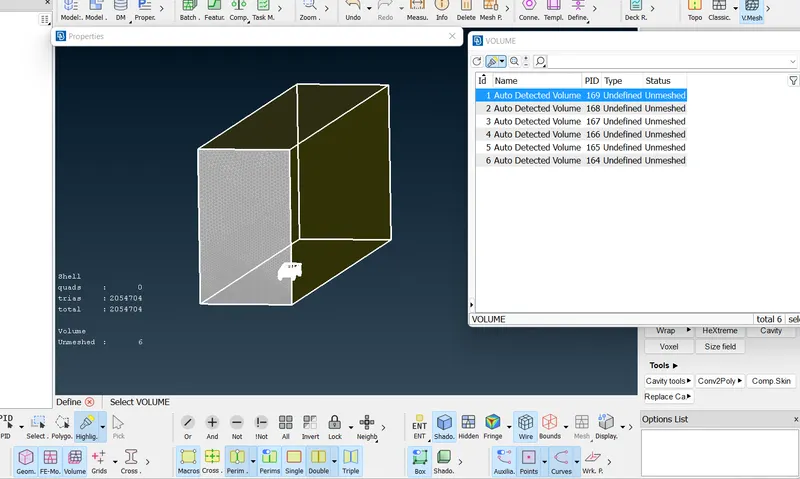
24-for volumetric mesh go VOL. mesh deck>VOLUMES>define>choose wb database>ok
there total 6 volumes are created bur the desired volume to be meshed is volume between car and wind tunel
Conclusion-
After volumetric mesh arerodynamic behaviour of fluid on outer surface of model can be studied.Based on mesh element and total no of grids optimized resultes are obtained by changing mesh length.