Week 4 Challenge : CFD Meshing for BMW car
ANSWER-
AIM- perform volumetric mesh on the given model with given target length.
OBJECTIVE-
1-topology cleanp of the given model of BMW car
2-perform surface mesh using target length given for different part .
3-perform volumetric mesh using tetra cfd
BODY-
Steps to be followed-1 open the given model in ANSA using File>open
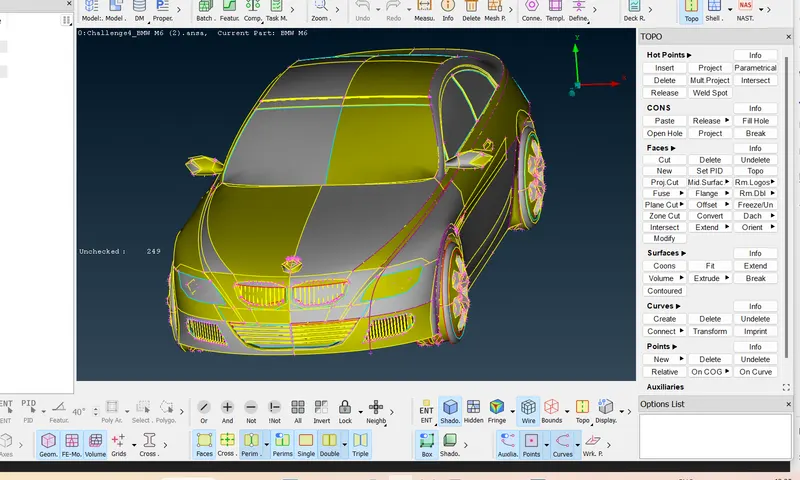
2-enable labels of given icons in ANSA window by right clock on bottom and tick show labels
3-to improve con resolution use fine in TOPO deck under Auxilaries OR
in mesh deck give length under perimerters
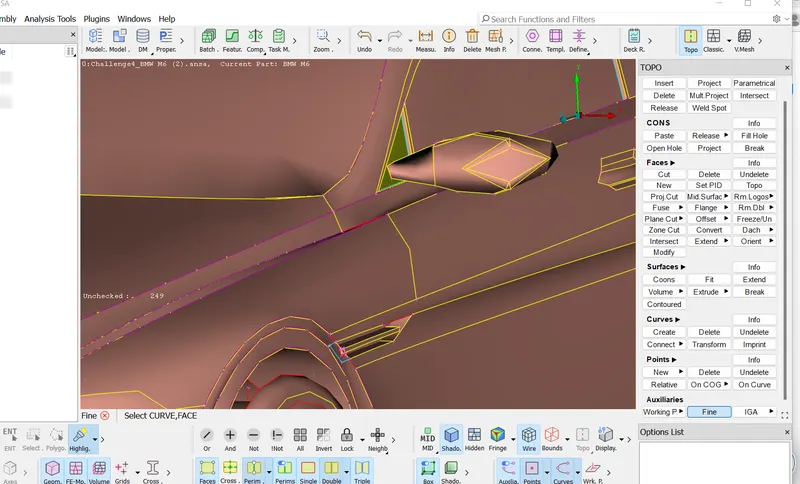
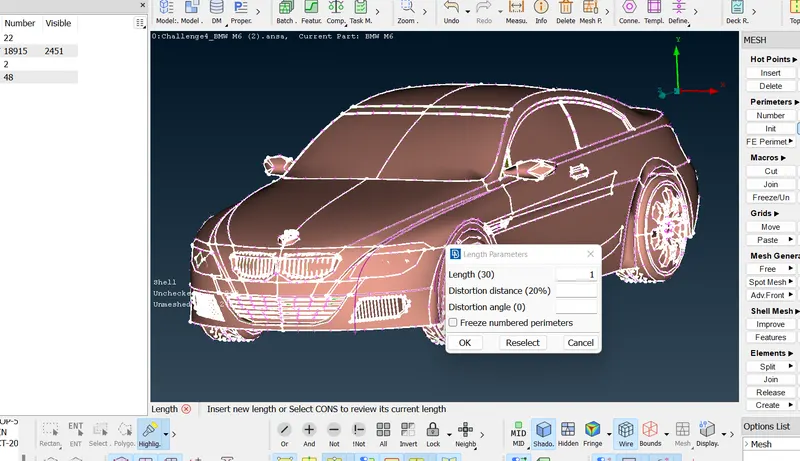
give both macros and perimeter as 1mm
4- do TOPO under faces to convert single cons into double and triple cons
5-NOW delete half part since model is symetric about its axis.
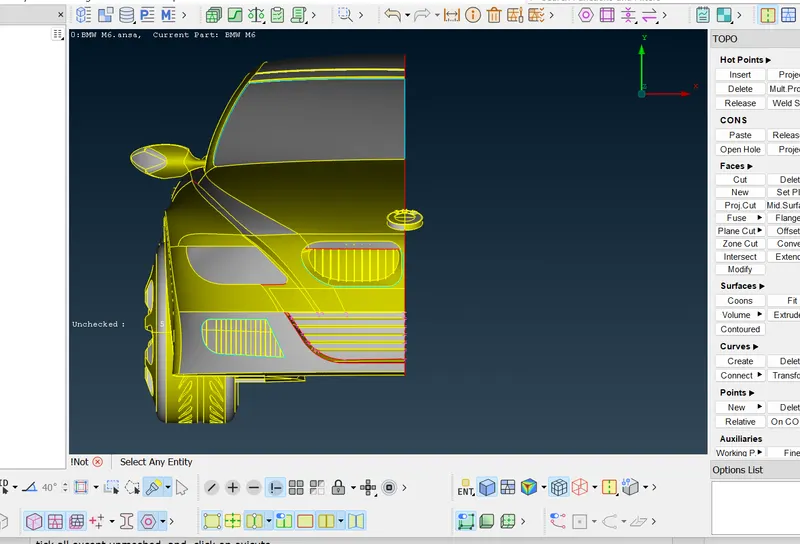
6-Go for geometry check by following step tools>checks>geometry
tick all except unmeshed and click on exicute
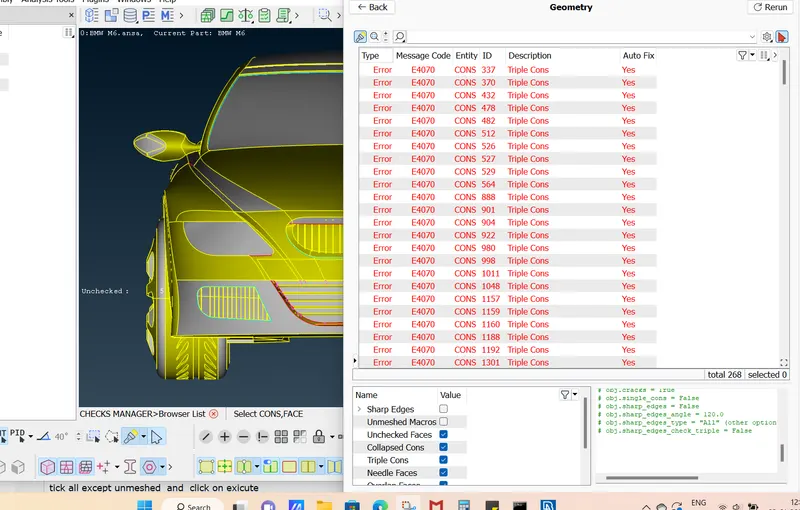
7-Go part by part and reomve all erorrs like single, cons triple cons and absent surfaces etc
to select a particular part isolate that part by using INOT option
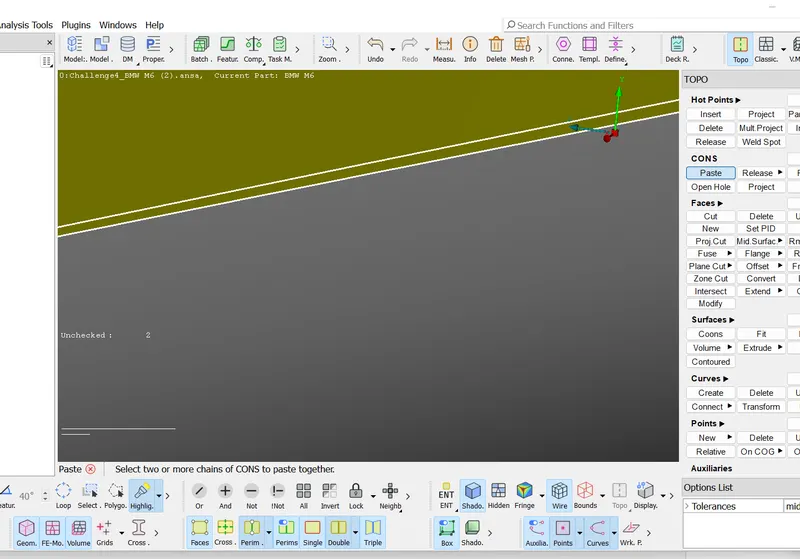
i) for example GRILLS before topo cleanup
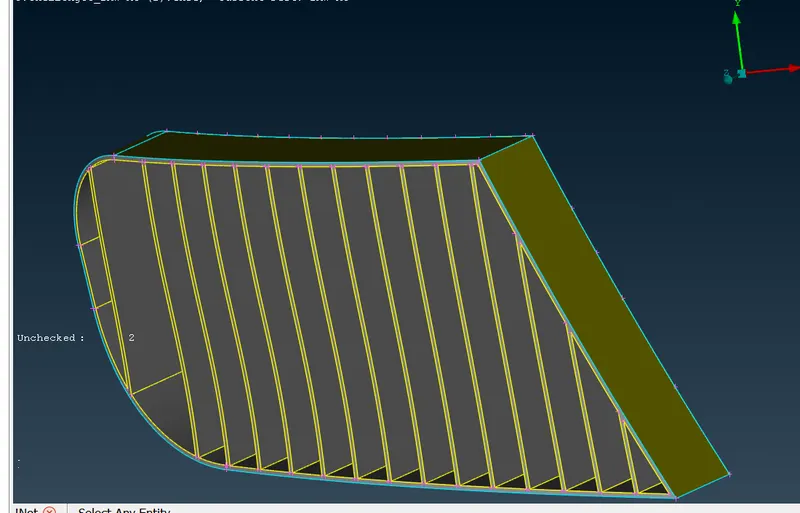
using project option under CONS to project cons on other surface
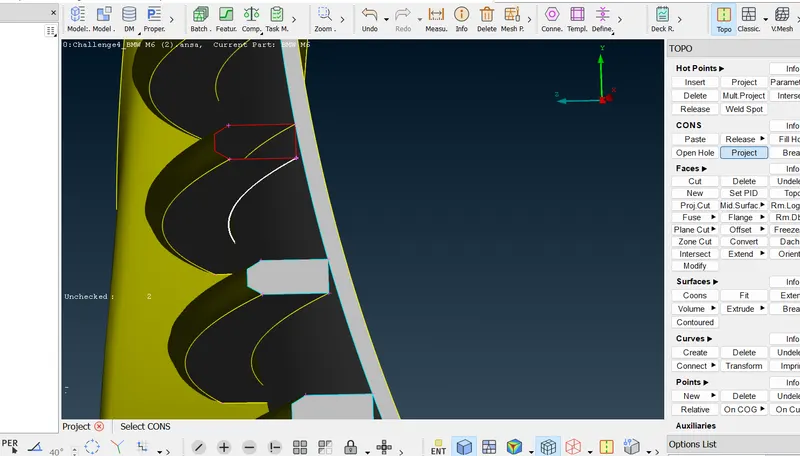
using paste option to paste two close single cons
ii) grill after topo cleanup
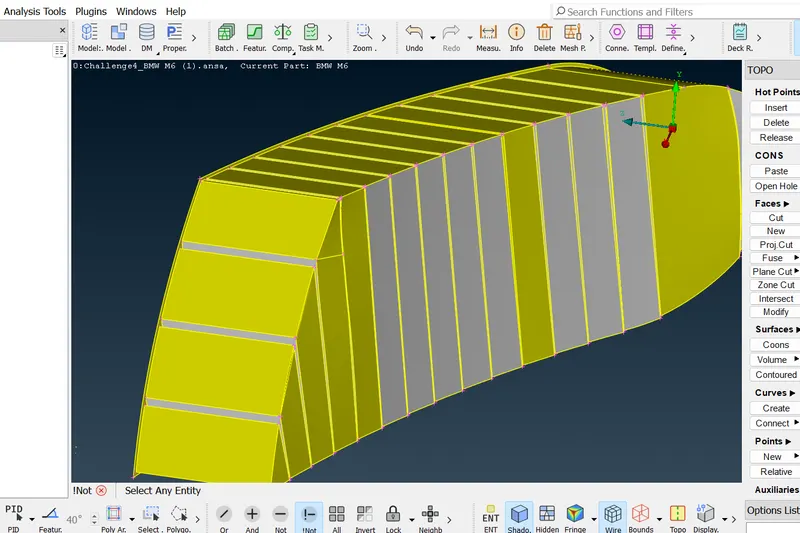
once topo cleanup of all parts is done ceate PIDs for all parts
8-create PIDs for different parts go propery>rightclick>new>pshell>pshell
following PIDs have been created
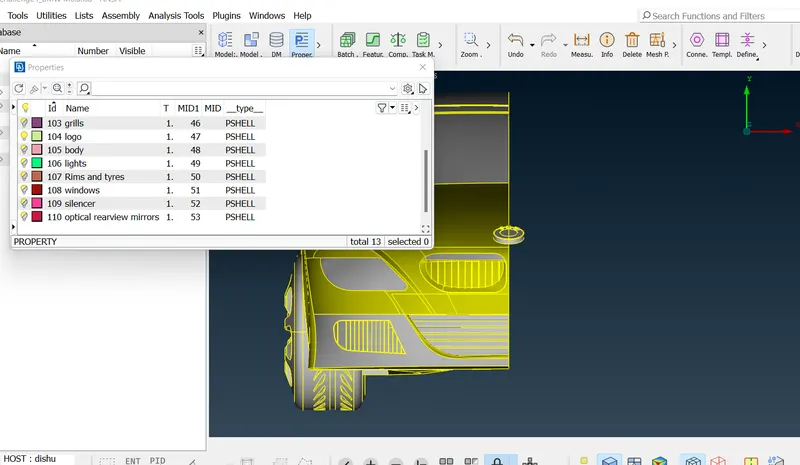
after creating PIDs and applying them to corresponding part go meshing
9-to create mesh go mesh deck>classic mesh
select quality criteria and mesh parameter
target length for each part should be as given in question
10-quality criteria as shown in figure should be same for each part except maxi and min length
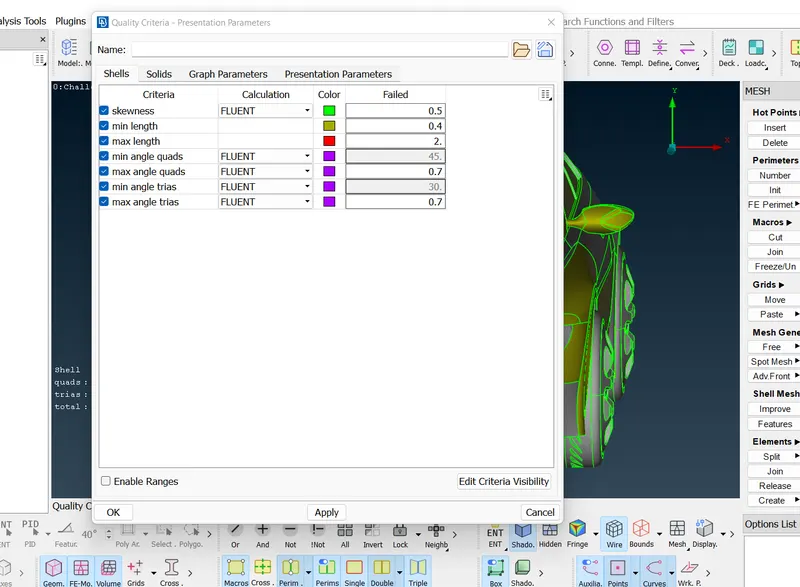
10-select mesh grneration>spot mesh>visible
if off element are there after meshing
go shell mesh>reconstruct>visible
if still some off element the go
grid>move/paste
element>split/join
parts after meshing as shown in fig.
1-grill
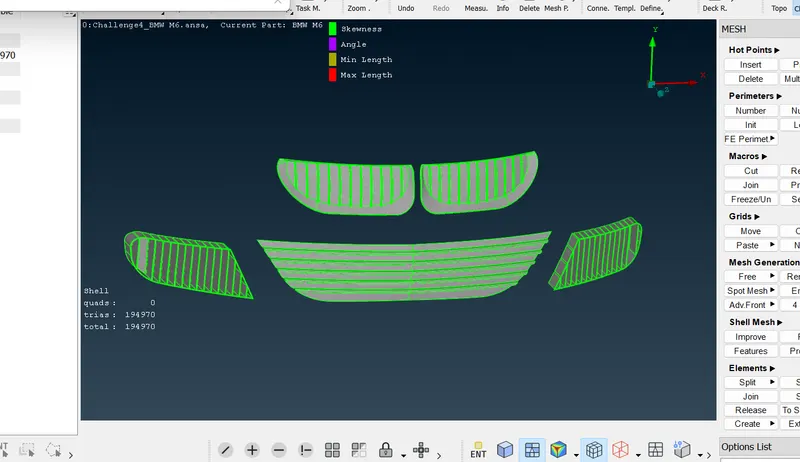
2-Logo
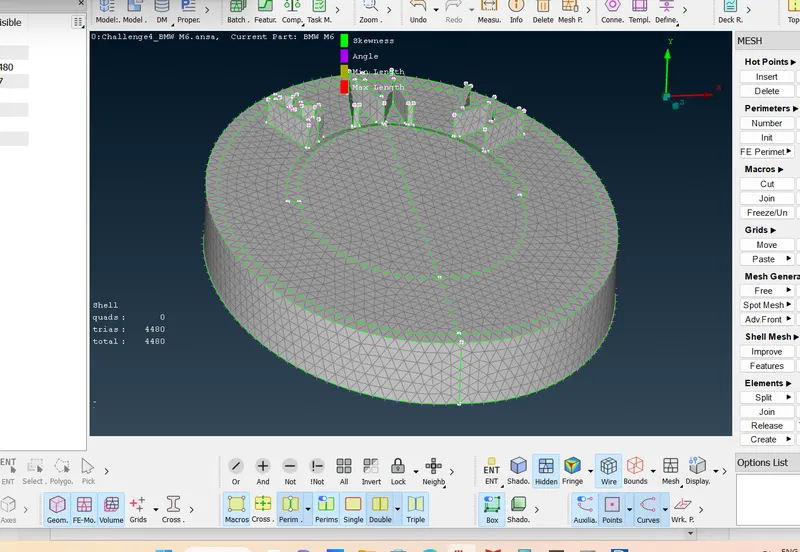
3-lights
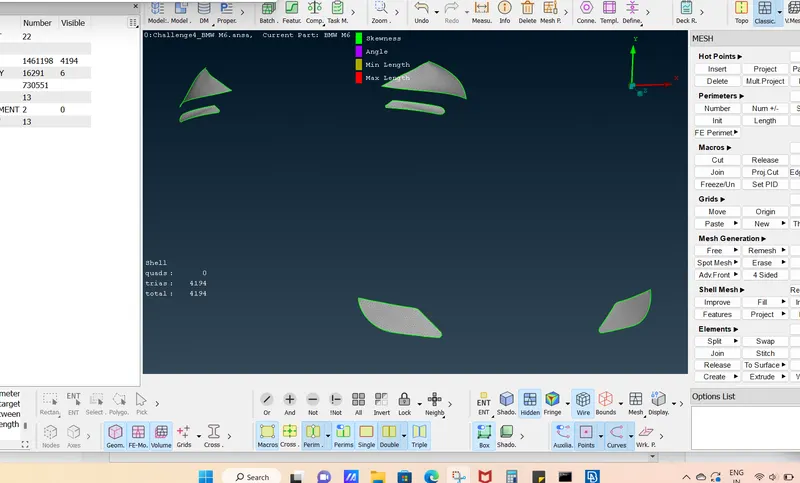
4-windows
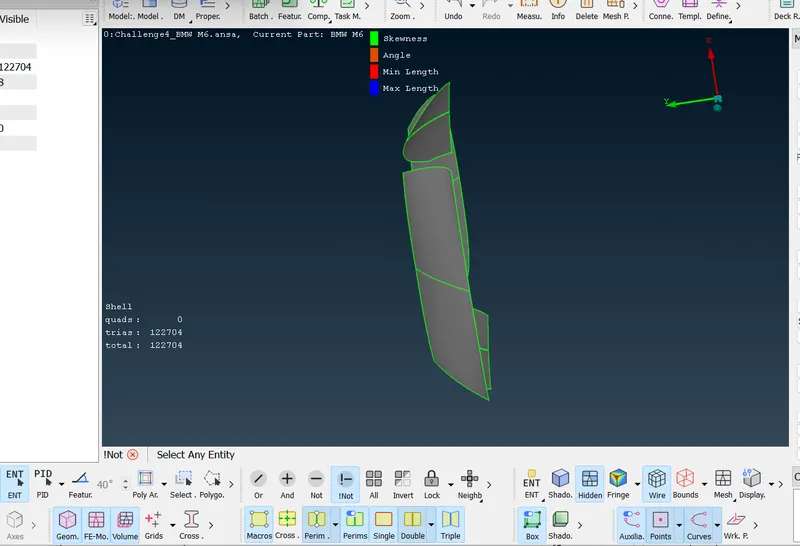
5-rearview optical mirror
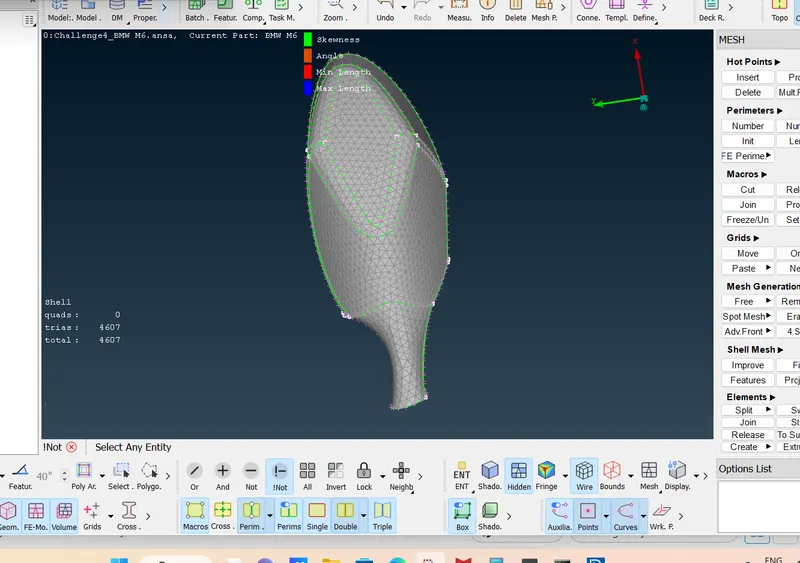
6-Silencer
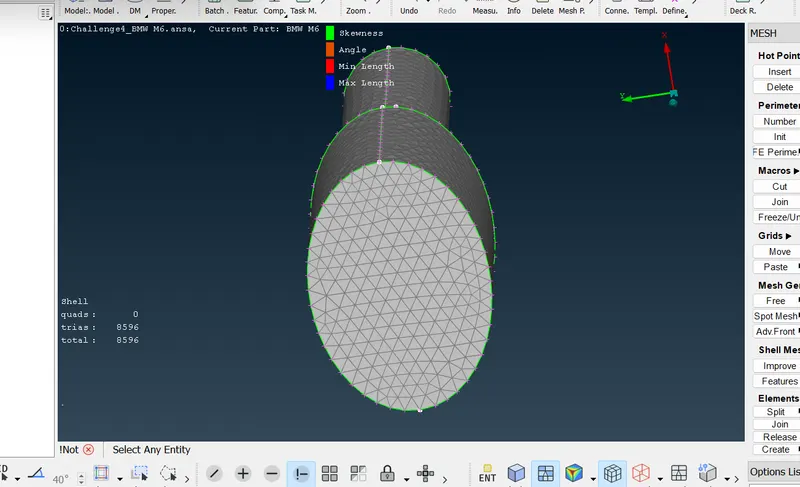
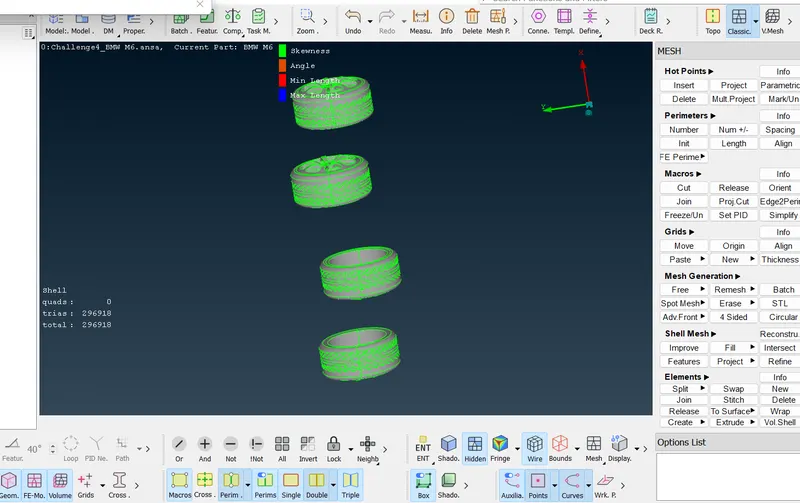
7-tyres
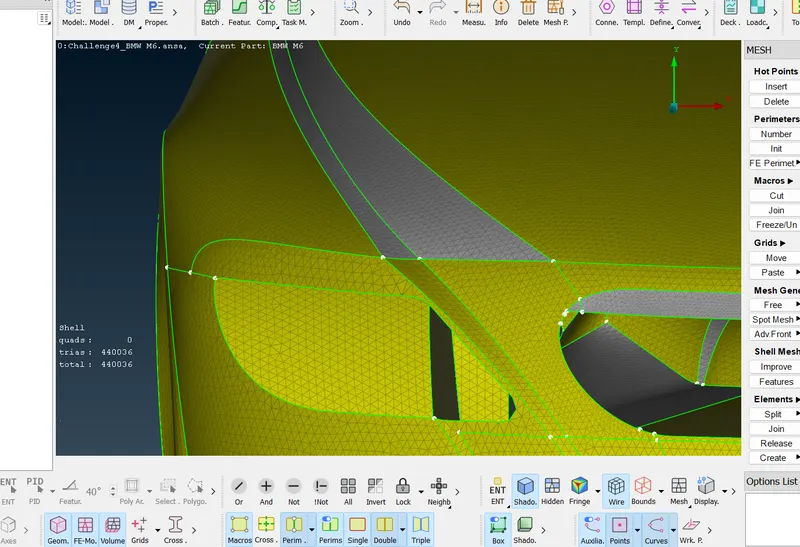
8-body
11-after meshing create mirror image of half part to get full car
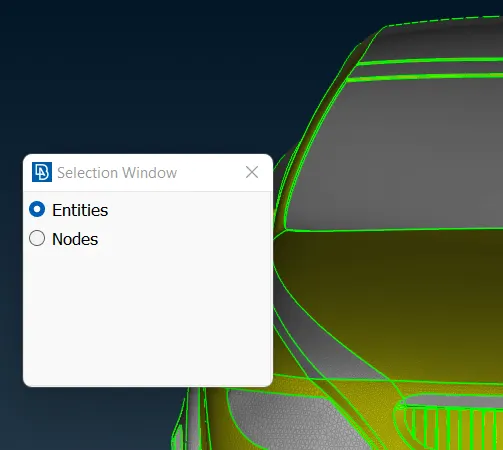
go Transform>copy
select entities >middle click>box selection of car
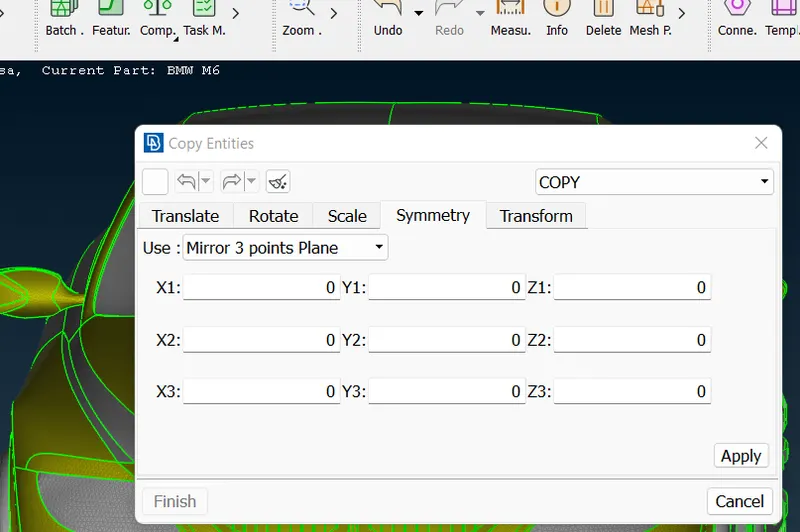
in symmetry>mirror 3 point plane
select 3 random point and CLICK ON APPLY
CHOOSE no offset
click on finish
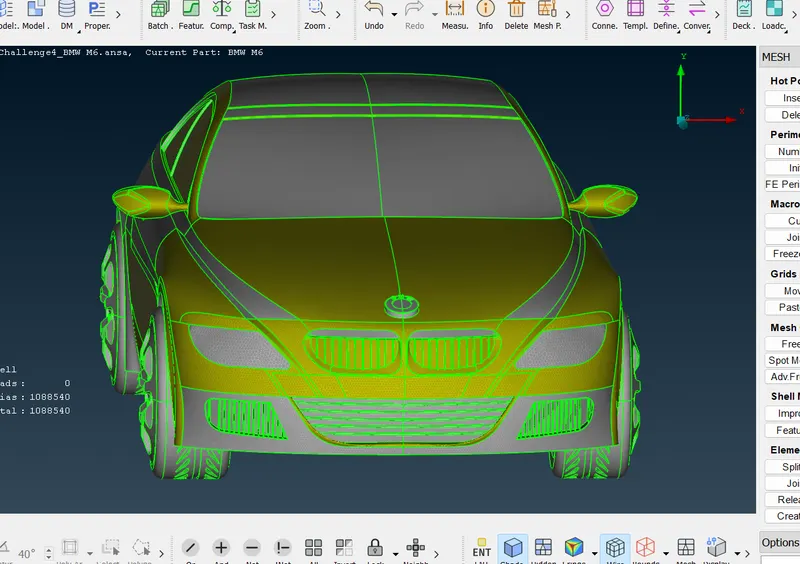
full model of meshed BMW car
11-for volumetric mesh create wind tunnel around car body
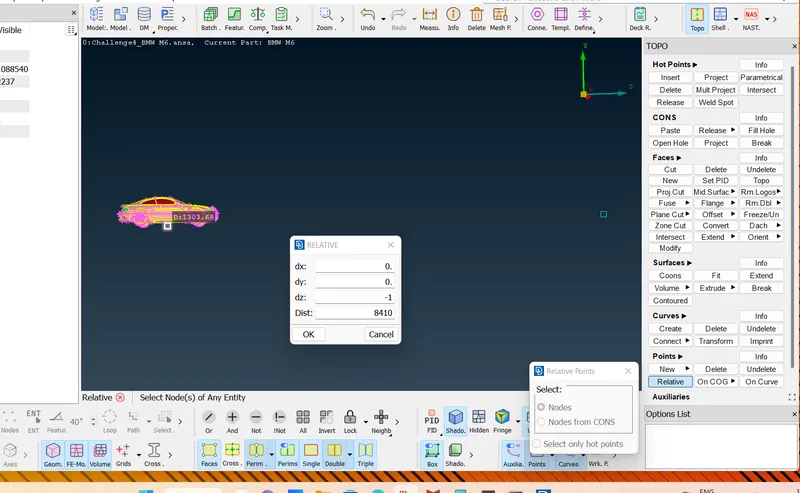
to create tunnel go TOPO>POints>relative>chose point on car base>middle click
following box will appear
enter dy=-75mm
measure car length form front to rear x=1300mm
12-taking this point as reference create two more relative point in z direction dz=3x+x/2=5840mm and dz=4x+x/2=-8410mm and two poin in x direction dx=x=-1300 and x= -1300
13-create curve go TOPO>Curves>create>select nodes
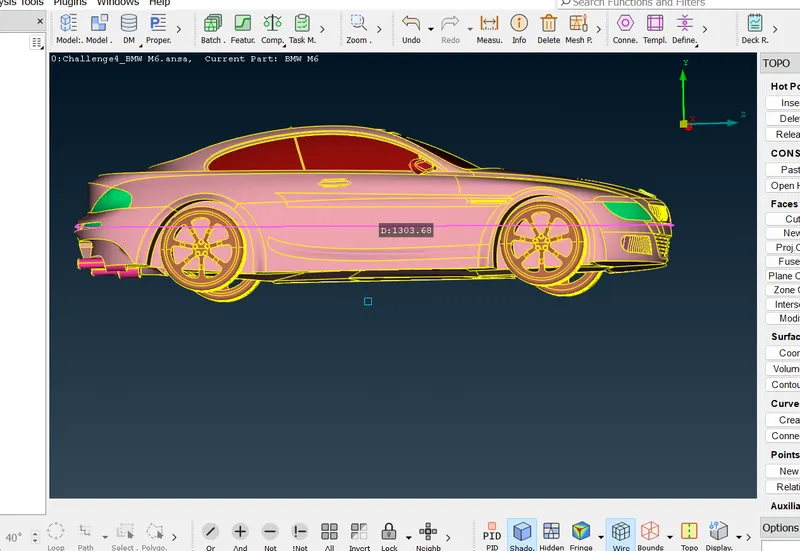
14-create base surface using these curves
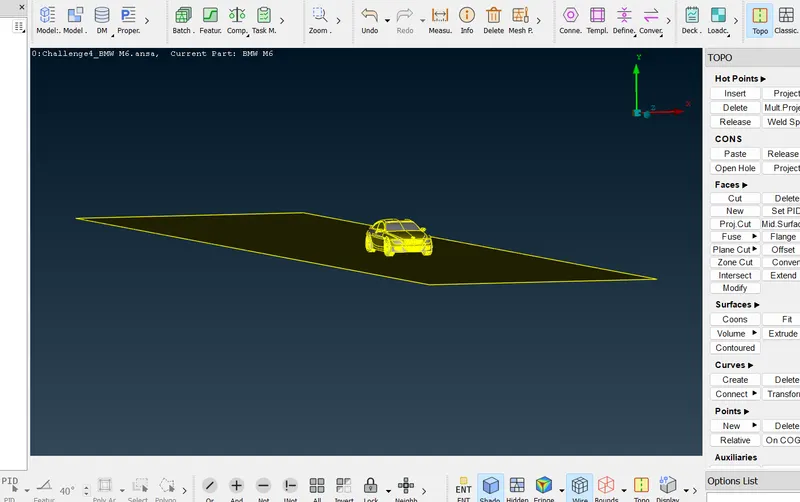
14-create top face using offset under faces
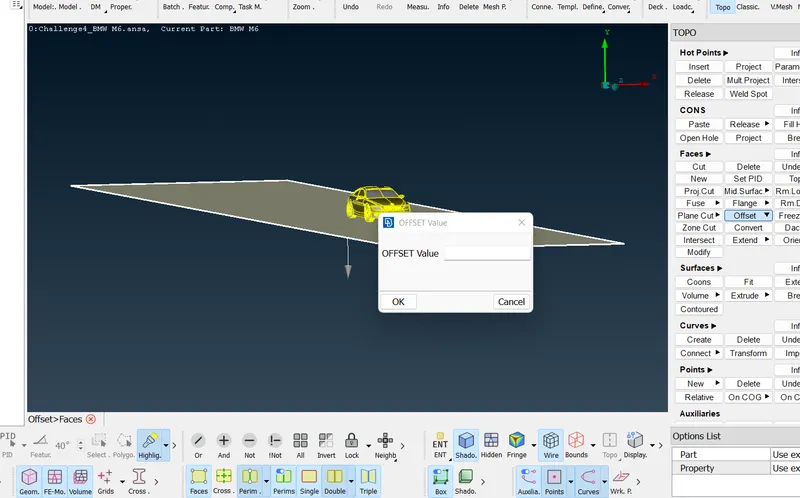
15 create rear and front face using create under faces
16 create PIDs for these faces
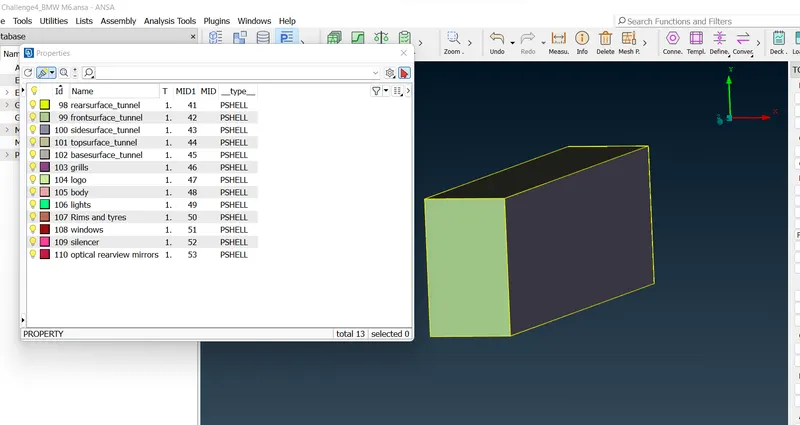
17-generate mesh on top surgace using target length 100mm
and for bottom surface 20 mm
18-for rest surface go mesh deck>perimeter>spacing>choose geomertic ans set dstart and dlimit as 20 an 100 resoectively
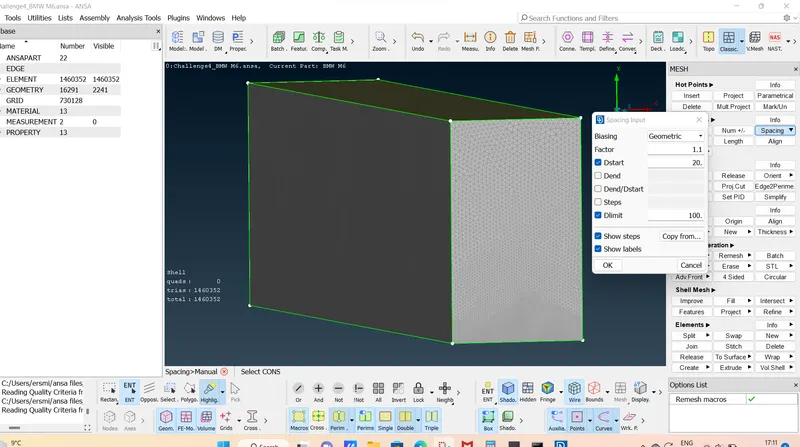
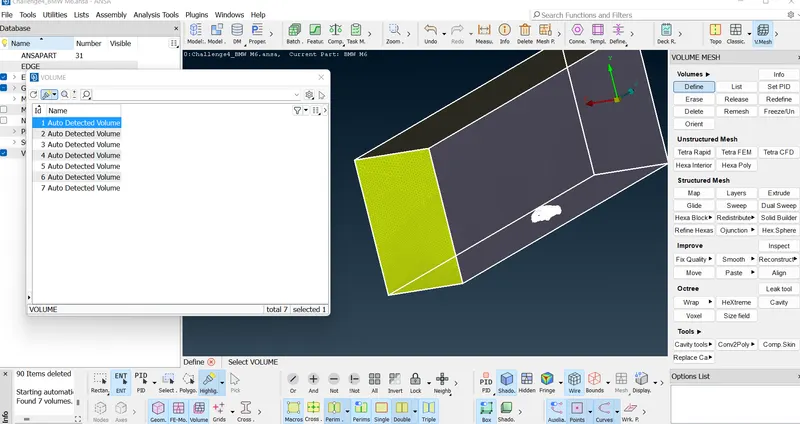
19- go vol mesh>define
following volumes have been created
of which required volume of wind tunnnel is shown in figure
delete rest and go for teta mesh