Week 3 Challenge : CFD meshing on Turbocharger
AIM- perform volumetric mesh on the given model with given target length.
OBJECTIVE-
1-topology cleanp of the given model of turbocharger
2-perform surface mesh using target length given for different part .
3-perform volumetric mesh using tetra cfd
BODY-
Steps to be followed-1 open the given model in ANSA using File>open
2-enable labels of given icons in ANSA window by right clock on bottom and tick show labels
3-Go for geometry check by following step tools>checks>geometry
tick all except unmeshed and click on exicute
4-created surface where single cons are present in the model
GO topo>faces>new
select any in existing surface/coon/fitted
selest cons where surface is to be created >middle click
alterante option go TOPO>cons>fill hole>select cons>middle click
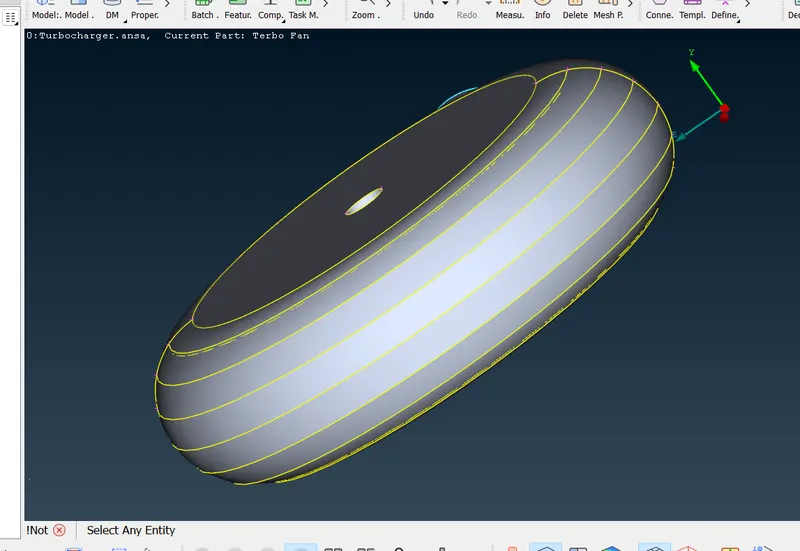
6-repeat step 5 to fill all holes or surface where surface is absent or single cons are present
7-repeat step 3 now there is no error except the needed triple cons
8-swich into mesh mode MESH>classic Mesh
change view fom EXT to PID
9-go LISTS>Properties
10-right click>new>PSHELL>PSHELL
enter name and ok
11-repeat step 10 and create all part's PIDs as shown below
12-apply these PIDs to respective parts of the model
right click on a particilar PID>show only
right click again on same PID>apply
enable PID or PID region>select shown model part by box selection>middle click
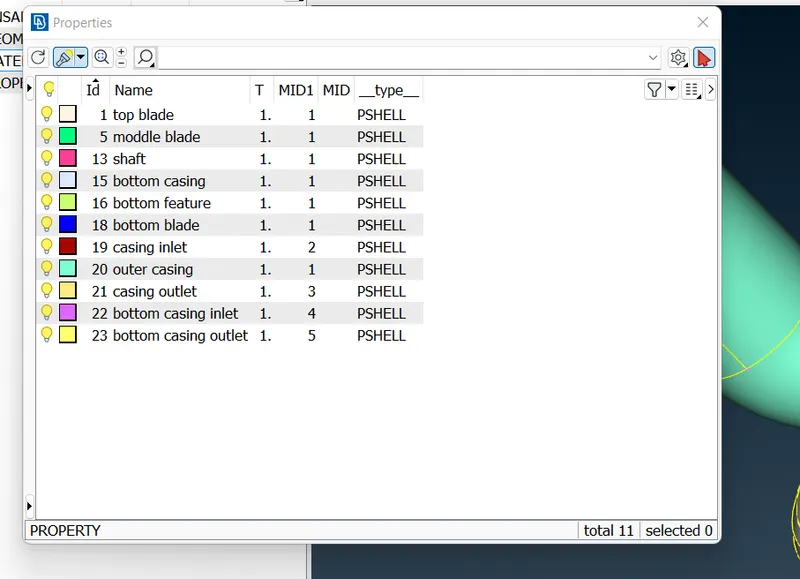
image of model after creating all PIDs is shown below
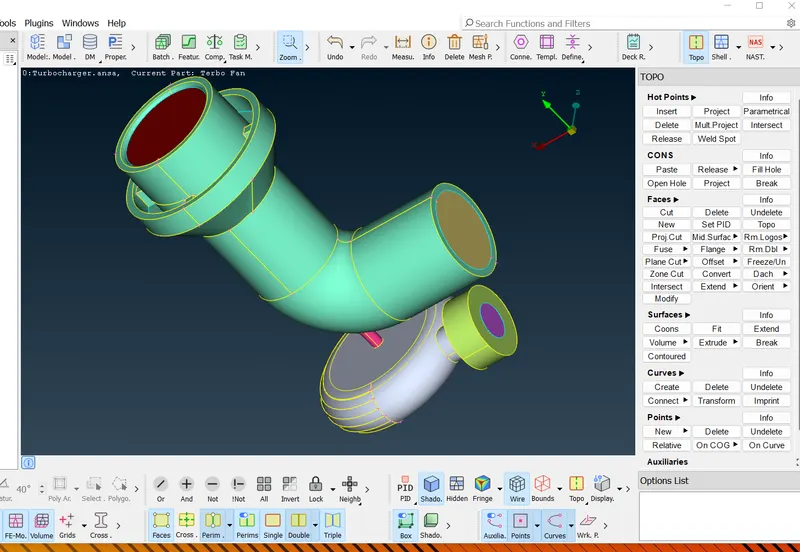
GO properties>right click any of PID>show only
set target length go classic mesh>Perimeters>length
for MACROS and PERIMETER one by one
select model by box selection >middle click>set target length as given in question
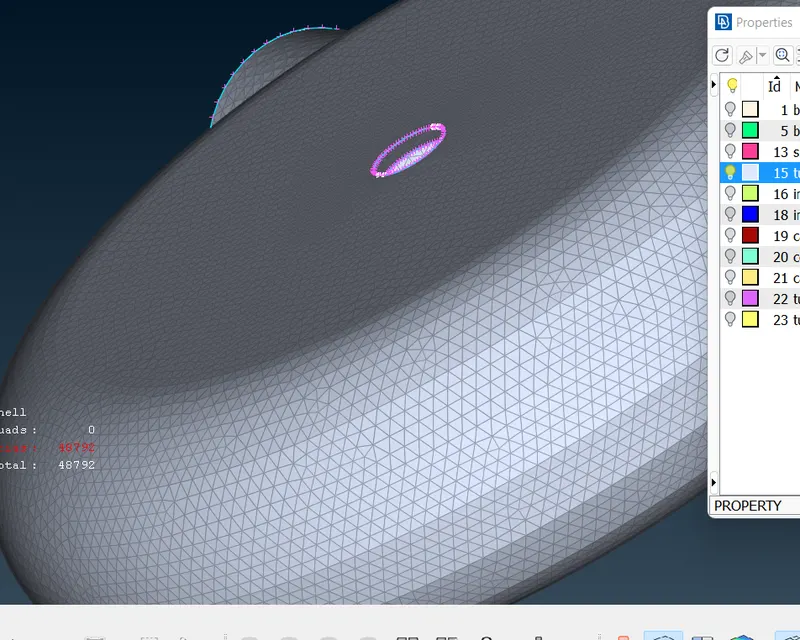
GO mesh generation>spot mesh>box selection of bse surface and middle lick
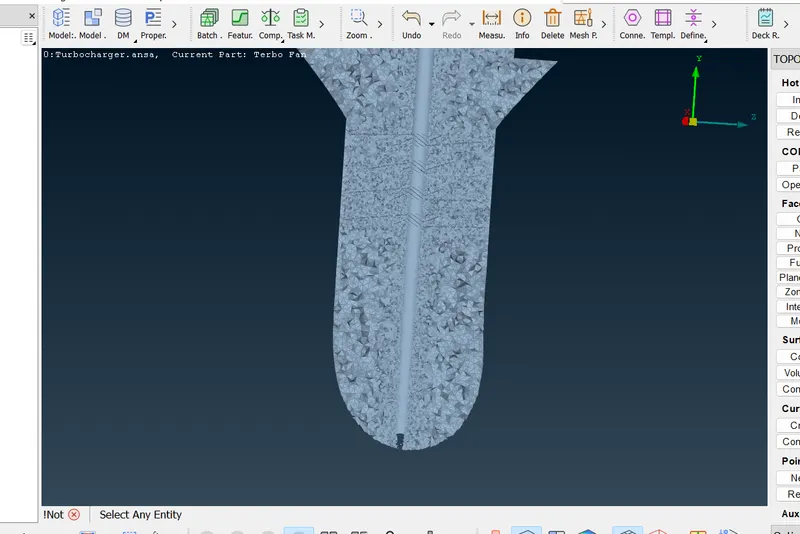
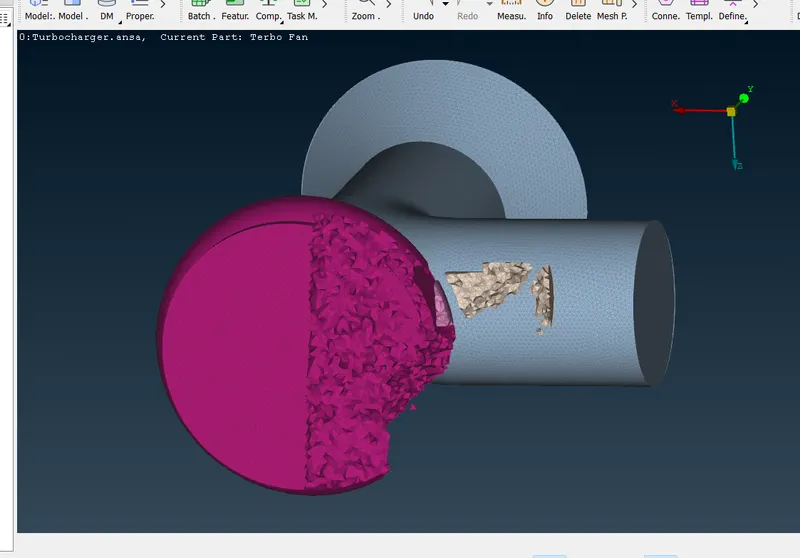
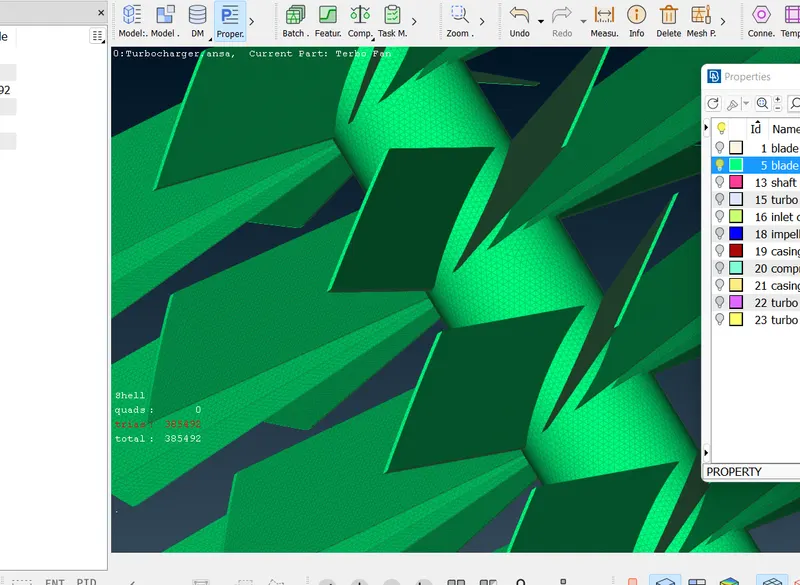
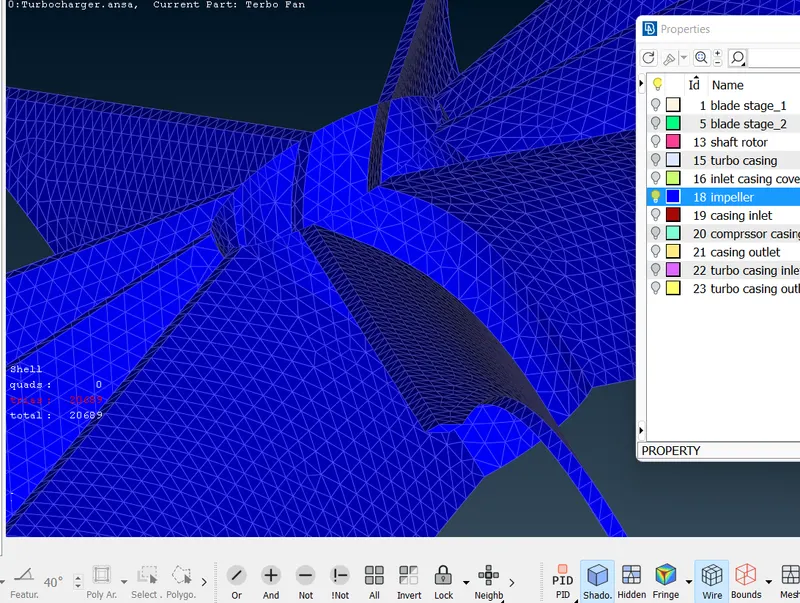
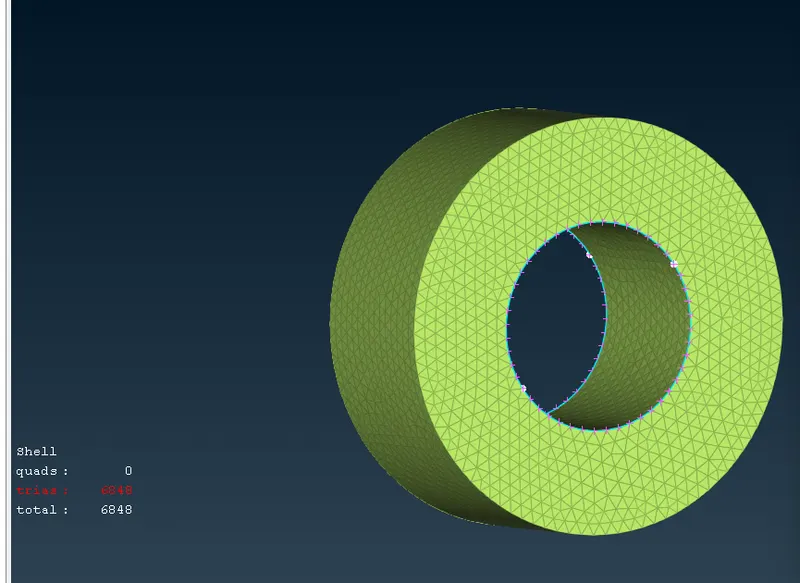
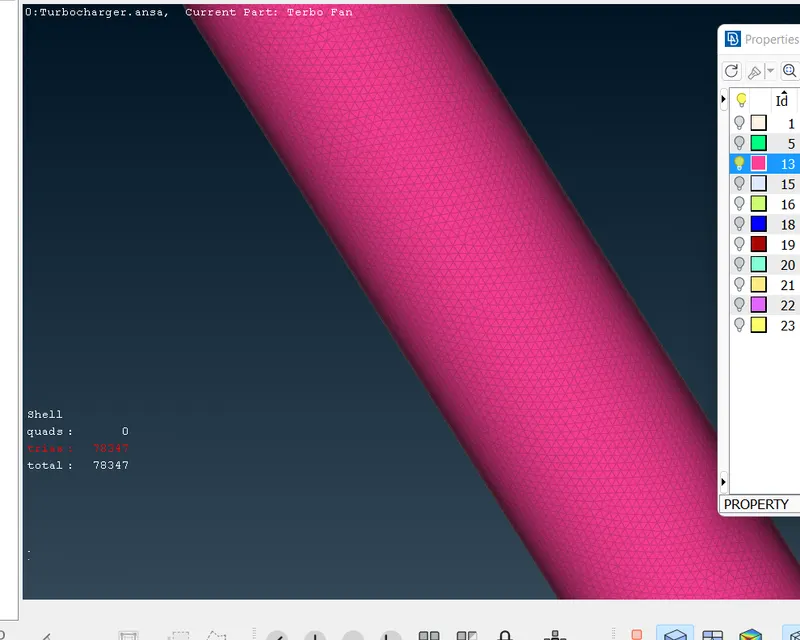
meshed part is given below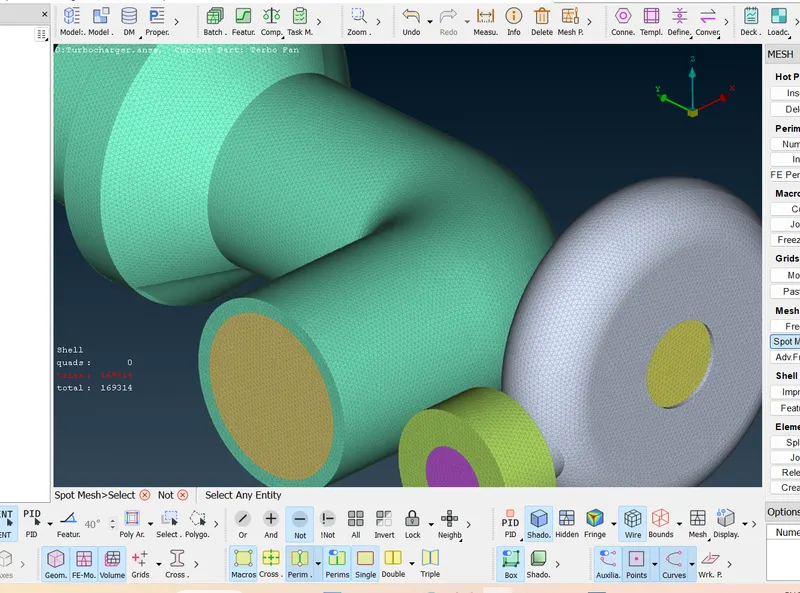
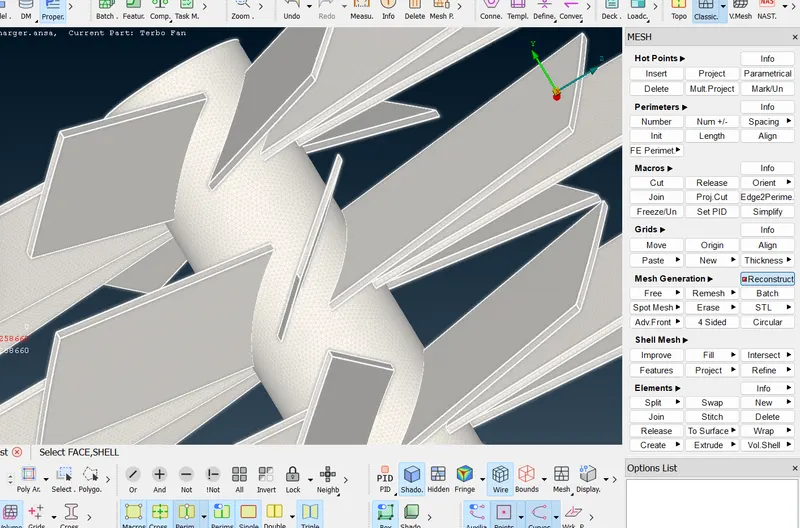
go-volumetric mesh>define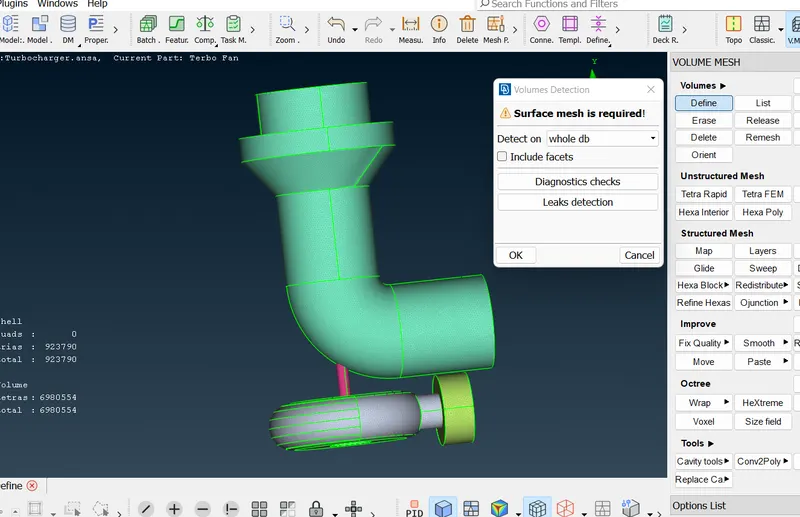
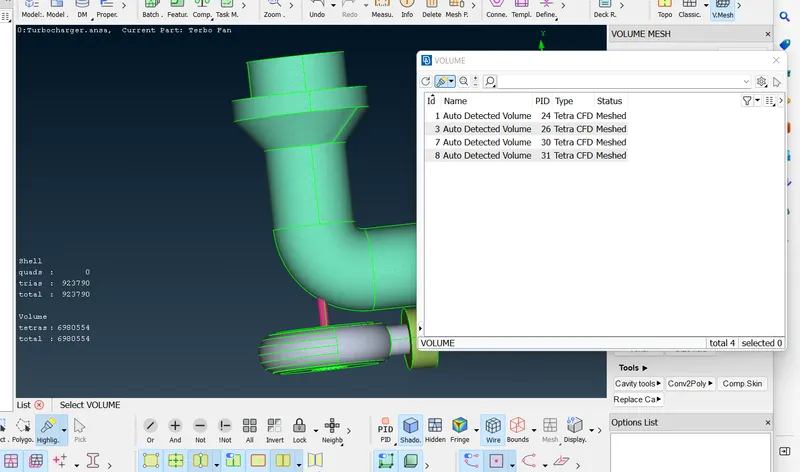
delete 4 outer shell PID and rest are as shown above
select each PID by right click>remesh
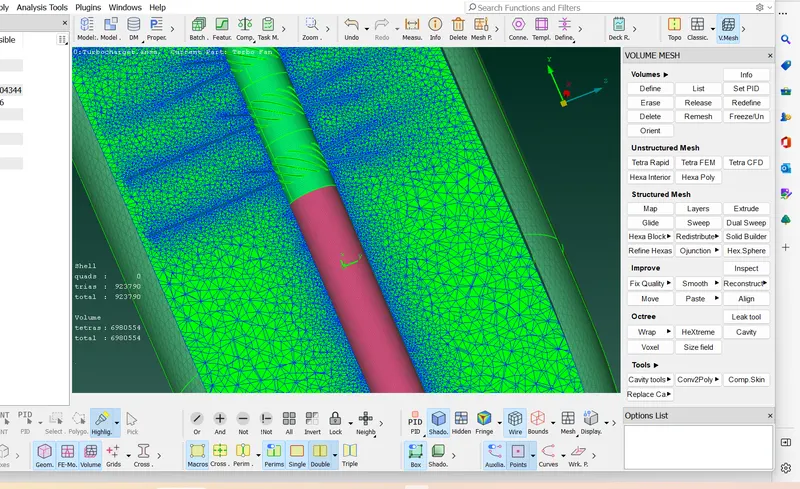
meshed part is shown below