2D mesh generation on IP Substrate
AIM: The aim of this challenge is to carry out the necessary actions on the given model using ANSA to check the geometry, defeature, and generate a smooth flowing 2D mesh.
PROCEDURE:
- The model assigned to me was IP Substrate. It is a plastic component, which means it has variable thickness components. The IP Substrate forms the dashboard, houses the display panels for the driver and other electronic instruments such as airbags, the infotainment system, and also the air vents.
- The first step was to carry out Topology on the given model in order to generate double cons.
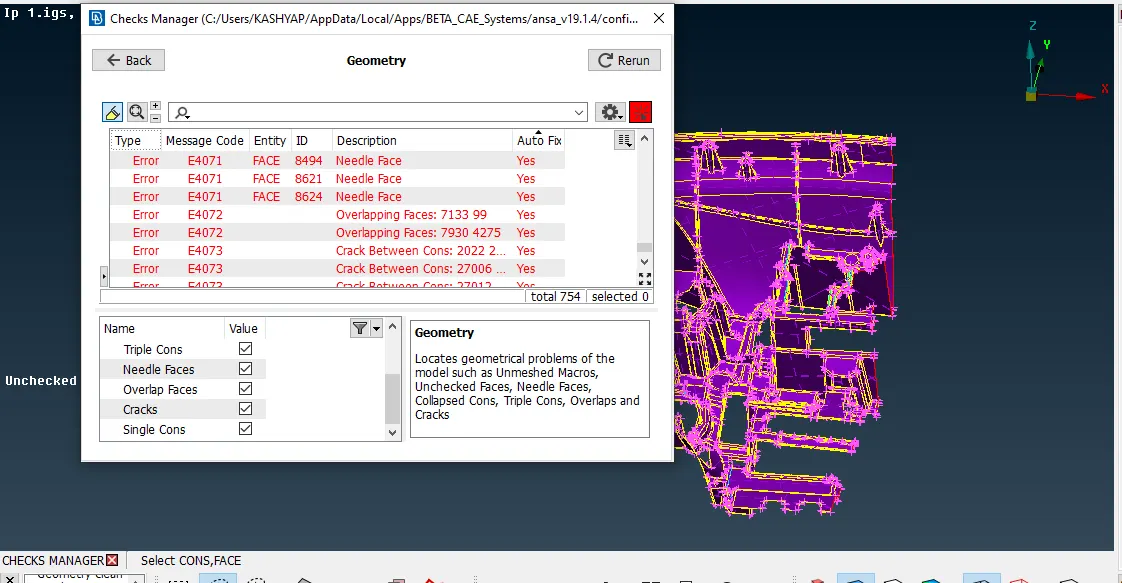
- Geometry check was done and errors such as single cons, triple cons, cracked and needle faces were removed using manual or auto fix methods.
- Once the model was error-free, the next step was to generate a mid surface. In order to generate a mid surface, it was important to have a uniform orientation for the model. The model was then oriented to grey using Faces-Orient-visible. Since the model had varying thicknesses, it was not possible to use the Skin option. The Casting option too was eliminated since the model had certain complex features which it would fail to effectively capture and it would be difficult to manipulate the generated mesh.
- The mid surface was generated using Faces-Offset and the faces were selected and the offset value was entered. Mid surface for certain features such as ribs was generated using Faces-Middle. The rib mid surface was then extended to the main surface using Faces-Extend and the edge to be extended was first selected and then the surface to which it had to be extended to was selected.
- Once the mid surface was generated, defeaturing was carried out in order to remove any feature which would fail for minimum element length criteria. Features such as fillets were removed using Dach-Divide Face.
- Once the defeaturing was completed, under Quality Criteria and Mesh Parameters, the element quality criteria were entered. Then under the mesh deck, for mesh generation, Mesh Generation-Best mesh/Map mesh was used.
- Meshing was carried out on the model, one area at a time, and for each area, the mesh was refined to eliminate tria elements and off elements. The off mesh elements were visible under the hidden mode. Options such as Reconstruct, Split and Paste were used in order to resolve the mesh. Using Split and Paste options a tria element was eliminated by pushing it to a free edge or to an opposite facing tria. The Smooth operation was then carried out on the area in order to generate a smooth flow. Care was taken in order to avoid generation of any rotating quad elements, and if present, were removed using reconstruct over that area.
- In certain places where the mesh was not resolving, the feature had to be defeatured again and the area was remeshed.
- The components were then assigned thickness value based on the parent geometry using Macros-Set PID. Certain places where there were varying thicknesses, the portion was divided using Macros-Edge2Peri, and thickness was assigned using Macros-Set PID.
INITIAL MODEL:
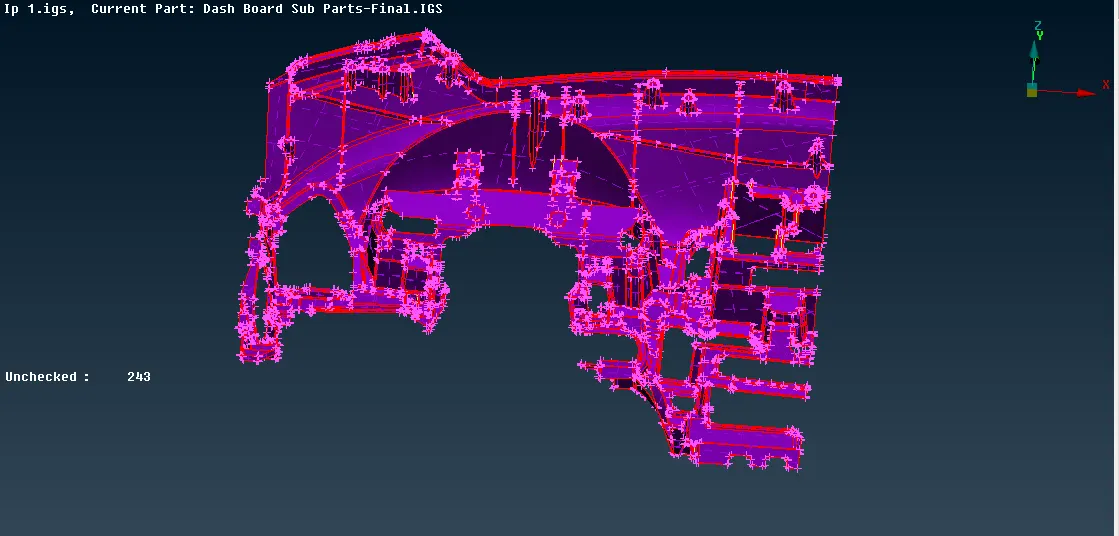
The initial model consisted only of single cons. Double cons were generated by carrying out topology action on the entire geometry.
AFTER TOPOLOGY:
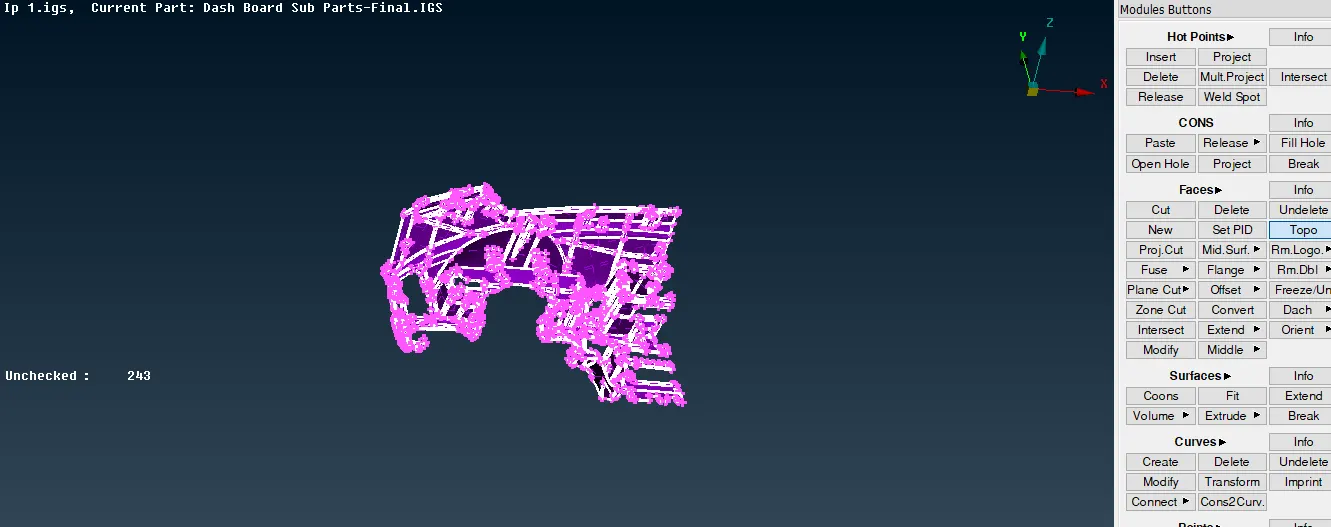
After topology was carried out, several errors were generated and they were visible by using the Checks-Geometry command.
GEOMETRY CLEANUP:
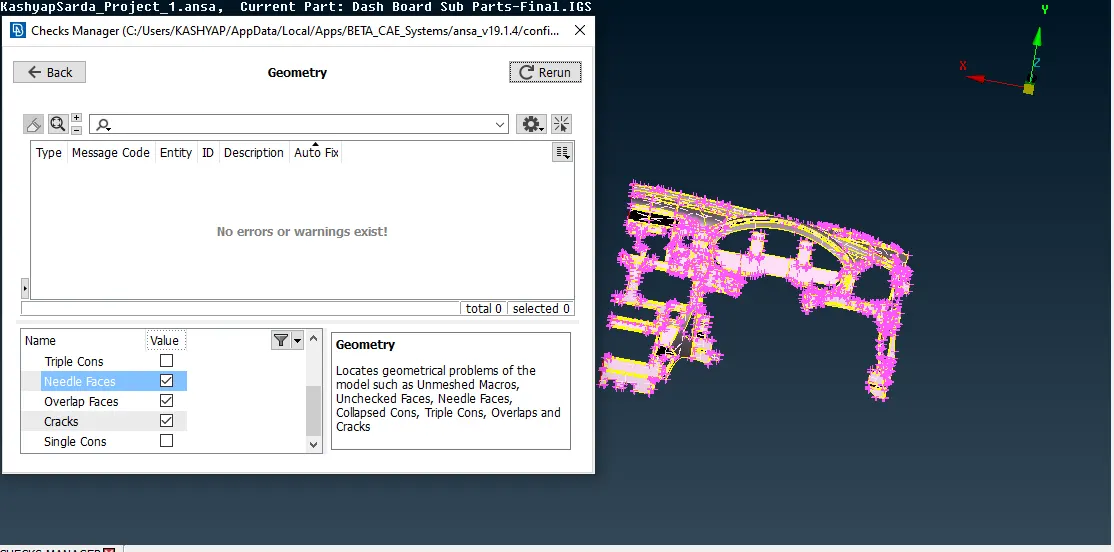
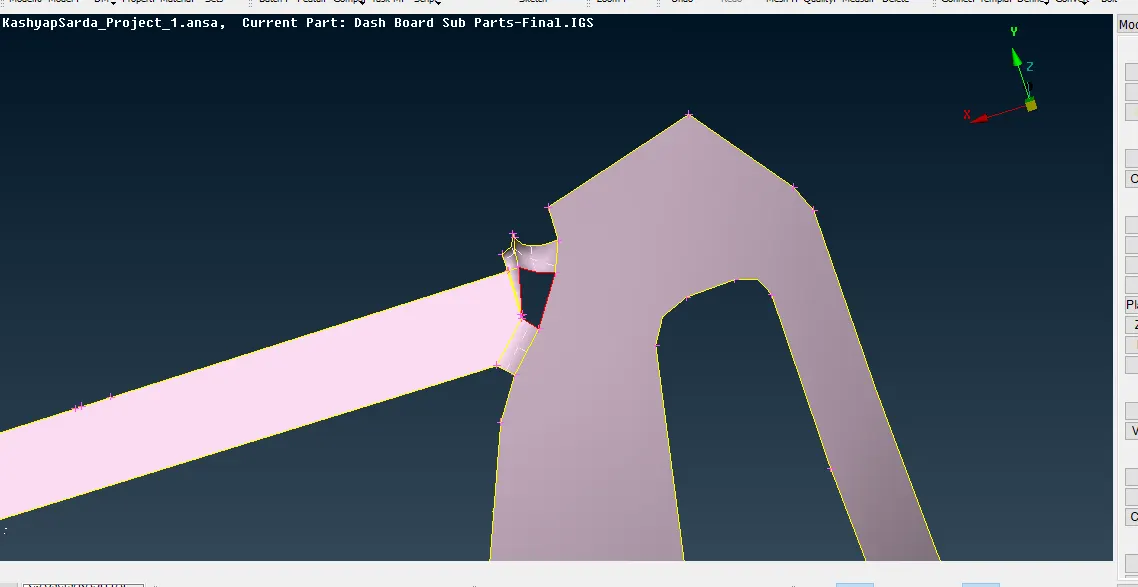
Geometry cleanup was then carried out on the model and auto fix and manual fix methods were used to rectify the errors. Unchecked faces were deleted and a new face was created using Topo-Faces-New-Coons/Fitted. Triple con errors were resolved by releasing the cons and performing topology action carefully. Needle faces too had to be deleted and recreated again.
The deformed face was first deleted-
A new face was created using Faces-New and the single cons were selected using Loop-
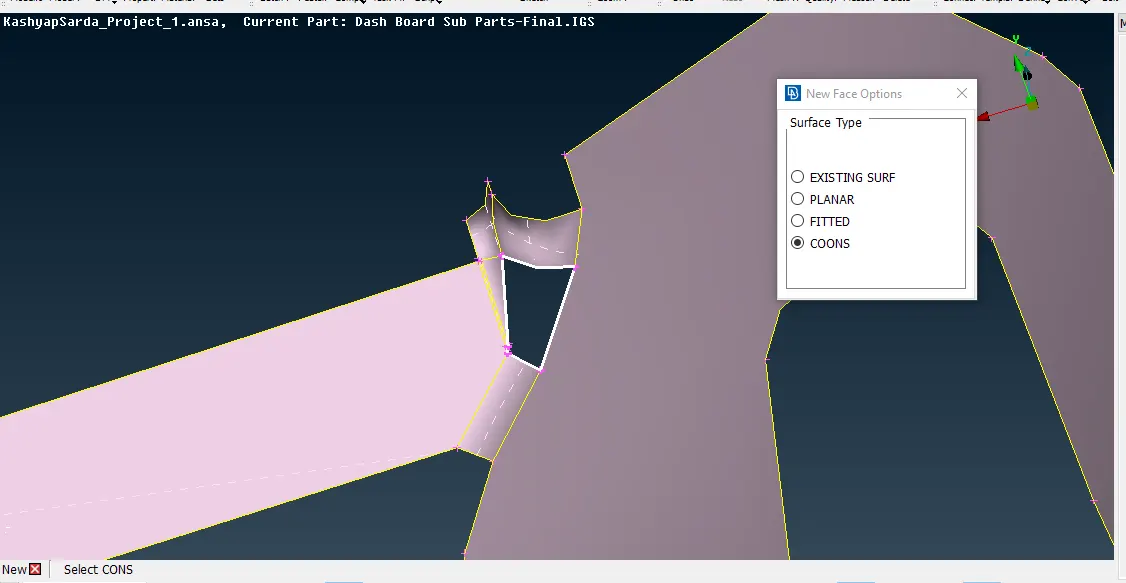
A preview of the new face was shown-
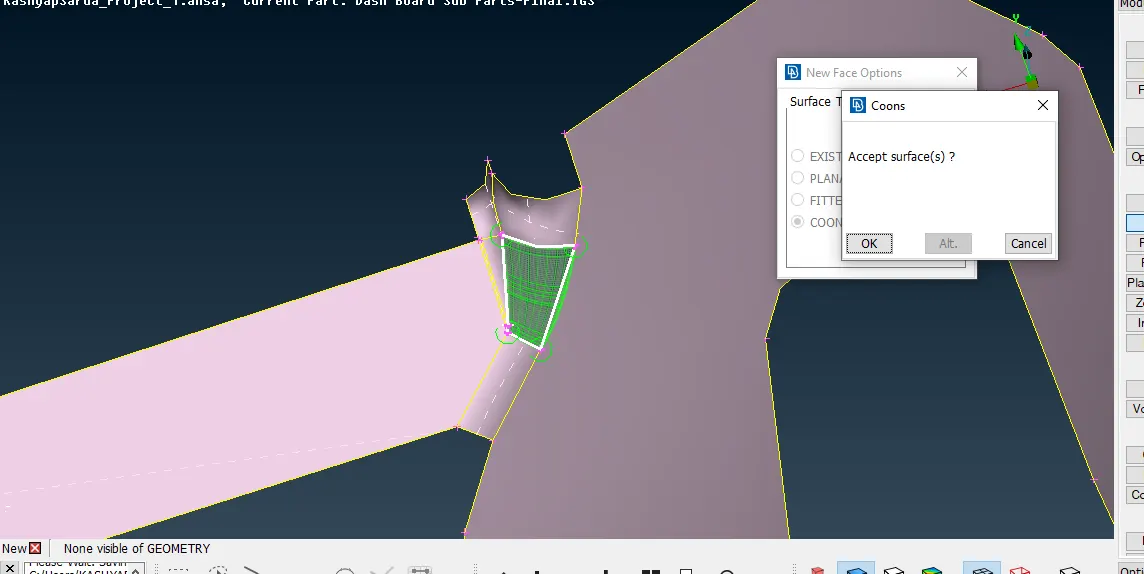
New error-free face was created-
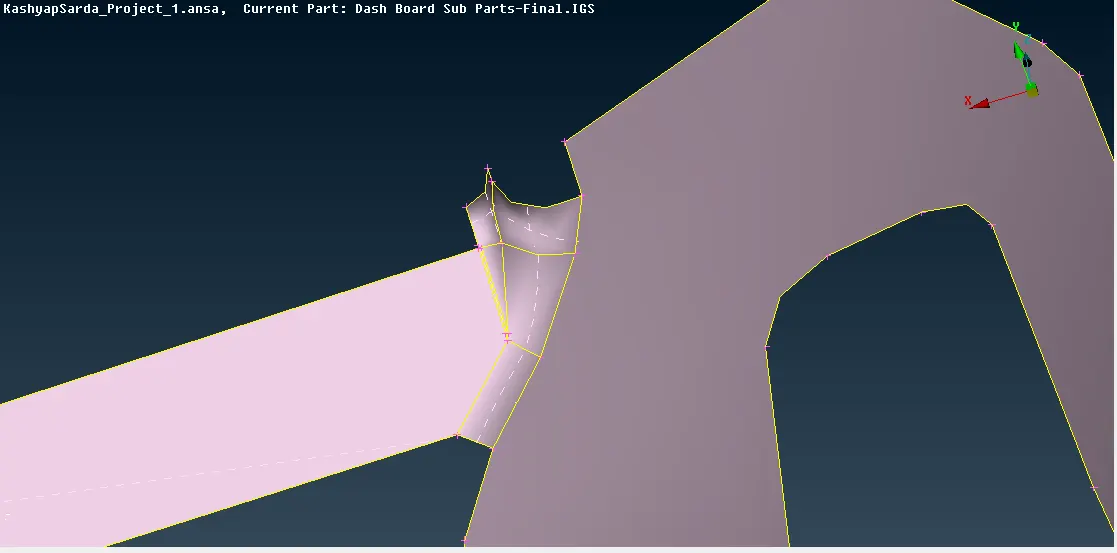
Once the model was clean, it was then oriented to a uniform orientation and Faces-Offset option was used in order to generate the mid surface. For the ribs, Faces-Middle was used, where the two opposite faces of the rib had to be selected.
DEFEATURING:
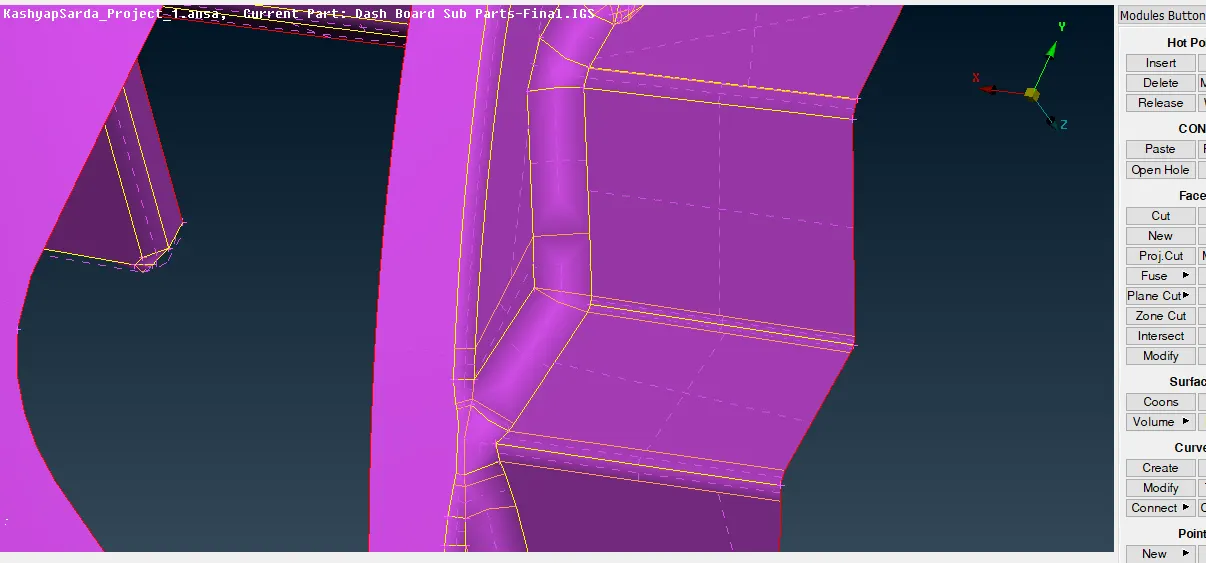
Areas that failed to satisfy the minimum length criteria were defeatured using Faces-Cut. Fillets were defeatured using Faces-Dach-Divide Face.
Thickness was assigned to the mesh using Macros-PID:
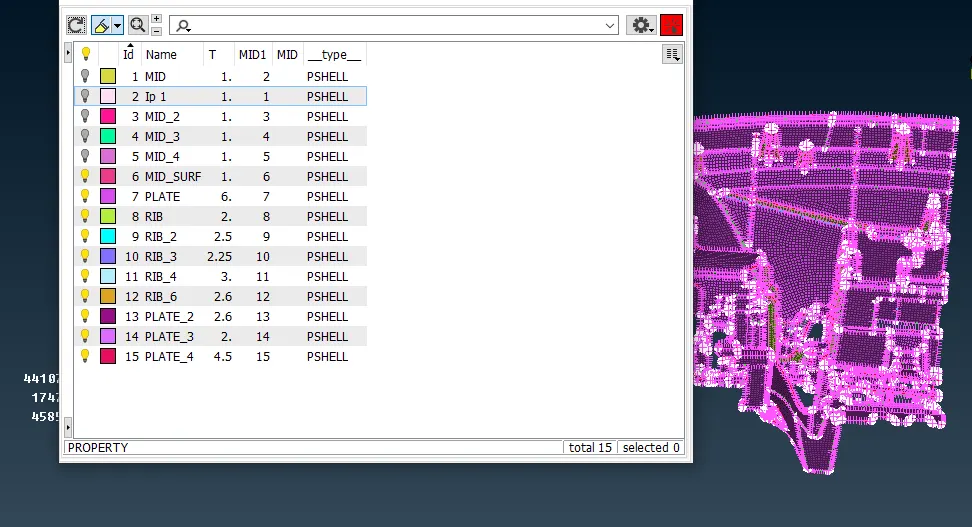
Thickness was assigned to the mesh based on the parent geometry.
FINAL MESH:
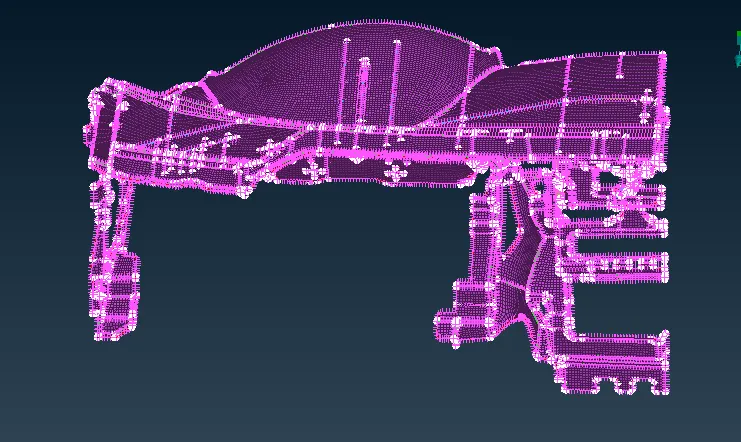
A smooth-flowing Mesh was captured for the given model.
LEARNING OUTCOMES :
Through this challenge I learned:
1. The shape, structure, and use of IP Substrate.
2. How to perform geometry cleanup for the given model.
3. How to generate mid surface for certain complex rib and structures.
4.How to generate a mesh based on assigned quality criteria and with min tria percentage and no rotating quads.
5. How to generate a smooth flowing mesh for the complex mid-surface regions.
6.How to assign thickness to the mesh based on the parent geometry.
CONCLUSION:
Through this challenge I was able to understand the geometry and shape of IP Substrate and how to perform geometry clean up on the parent model and generate a clean error-free mid surface. I learned how to generate mid surface for complex structures and how to mesh them effectively in order to get a smooth flow.