Door Arm Rest Week 8 Challenge
DESIGNING CLASS A, B & C SURFACE OF DOOR ARM REST
OBJECTIVE
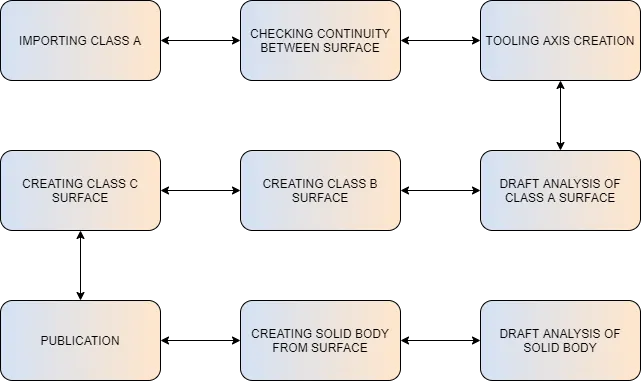
Create the coin holder Plastic component through the given Class-A surface, and create tooling axis, perform draft analysis and also create Class-B surface& Class-C surface.
INTRODUCTION
The Draft allows the part to easily eject from the mold. The draft angle is to reduce friction between the core, cavity and part and it also avoid the damages. The minimum draft angle is 0.5 degree and the most common draft angle used in the plastic design is 3 degrees.
In CATIA the draft analysis is performed based on colour ranges identifying zones on the analysed element where the deviation from the draft direction at any point, corresponds to specified values.
Tooling direction is the main element that to be consider while designing a plastic component. In moulding machine the arrangement is given to open the mould along the direction. It is the direction in which the core and cavity opens.
CLASS A SURFACE
1.Visible surface and aesthetic look
2.Surface with textures
3.Surfaces provided by customer(OEM)
4.Don't have any features like(rib ,snap ,bosses etc.) on class A surface.
5.Class A surface is made from scanned data with different software like alias etc..
6.Surfaces which is having CURVATURE CONTINUITY IS CALLED class-A.
CLASS B SURFACE
1.Invisible Surfaces.
2.Surface mostly don't have textures
3.Surface need to be create according to class-A surface.
4.Having all features(Rib, boss, snap etc.) in B-side surface only.
5.Surfaces which is having TANGENT CONTINUITY IS CALLED class-B
CLASS C SURFACE
Which join both Class-A and Class-B Surface
TOOLING AXIS
It is a direction in which core and cavity opens. The direction Some walls are difficult to clear in the main tooling axis itself. These features may have negative draft angle which cannot be ignored, so they need a different tooling axis to clear the part in the mold which is called as SIDE CORE AXIS
METHODOLOGY
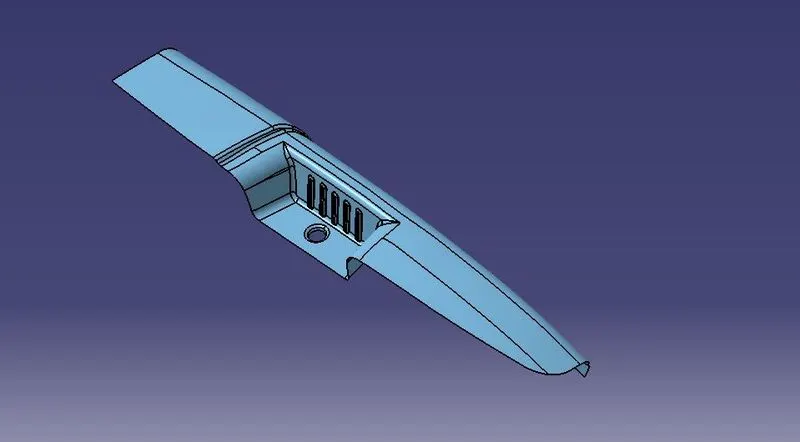
GIVEN CLASS – A SURFACE (DOOR ARM REST)
PROCEDURE
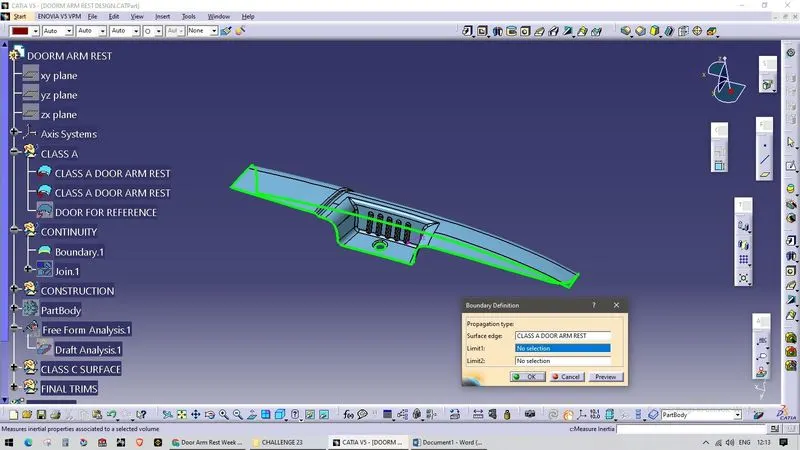
Continuity check:
Input the class A surface
After receiving the class A surface check the continuity of the given class a surface to ensure that there is no discontinuity in the class A surface. This can be checked using join or boundary option.
Tooling axis creation:
Identify the surface which can create problem while manufacturing with all 3 axis
After analysing tooling axis direction of class A surface, it found that there is need of two tooling axis
Dummy tooling axis creation:
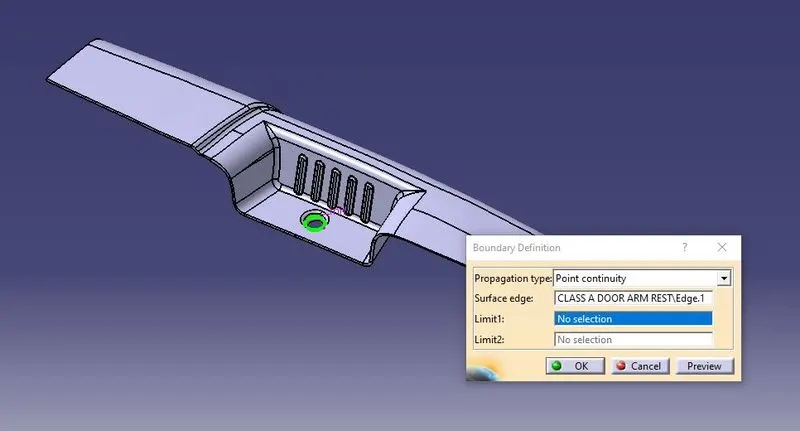
Create a boundary of the hole in the base of the door arm rest, fill the boundary
Create a point on the surface at centre using point command
Generate a line along the Z direction. This is the dummy tooling axis for reference
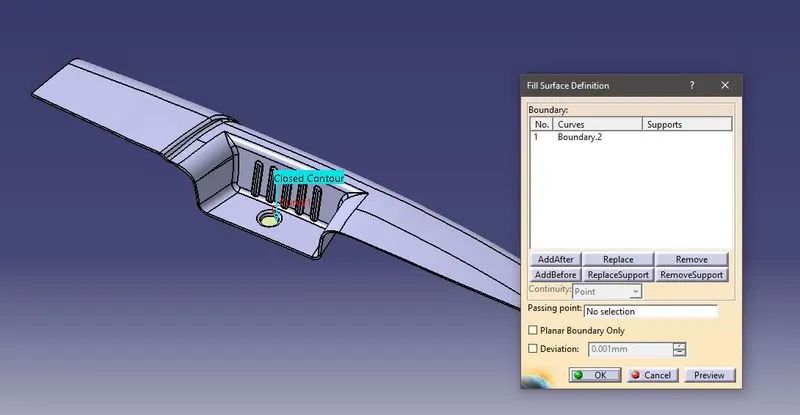
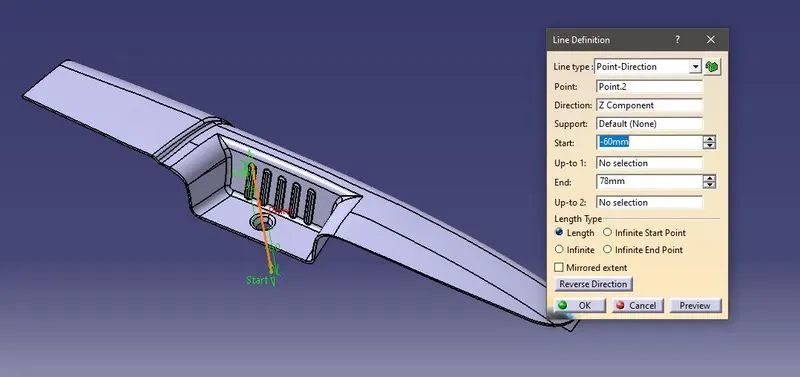
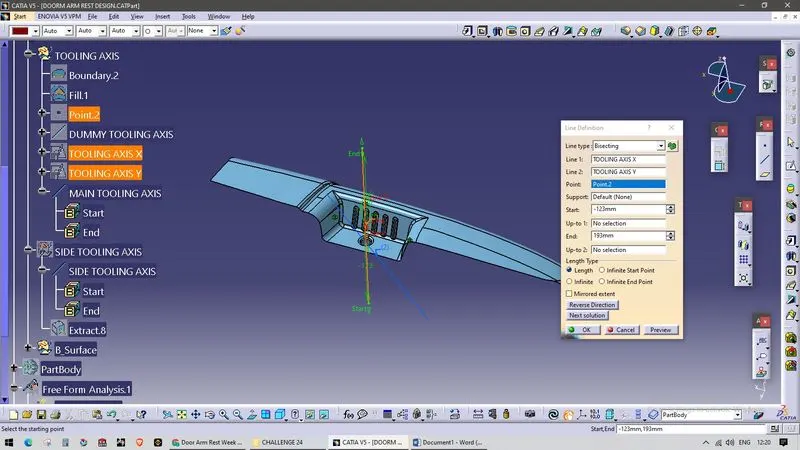
Tooling axis in X direction
Create a position sketch on ZX plane and create an 3D intersect on it
Draw two lines along the inclined line and bisect the line. This is the tooling axis y direction
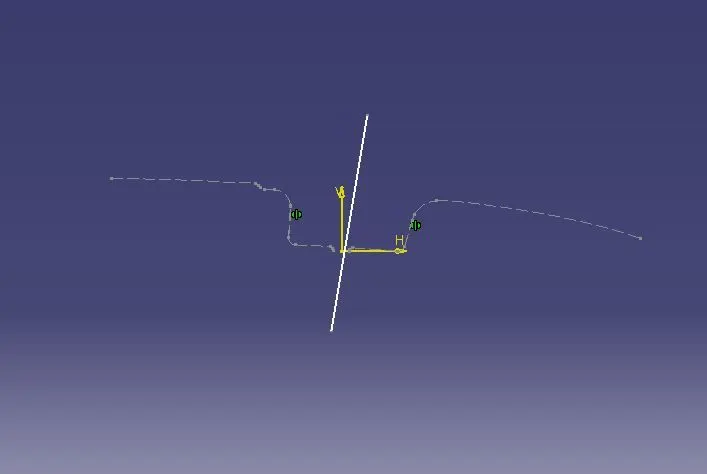
Tooling axis in Y direction
Create a position sketch on YZ plane and create an 3D intersect on it
Draw a line on the inclined surface and line from centre with 5° angle
Take bisection for both the lines this is the tooling axis X direction
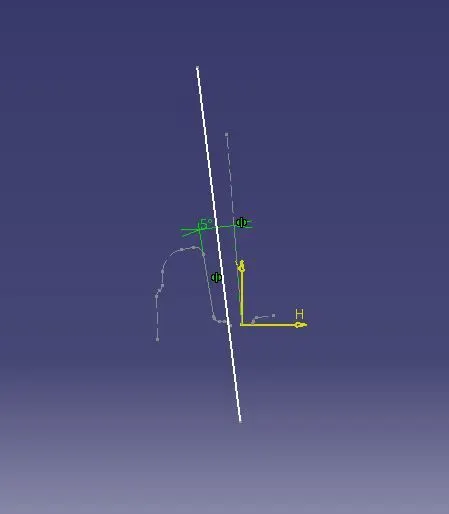
Main tooling axis
By bisecting both X and Y tooling axis direction to get Main tooling axis
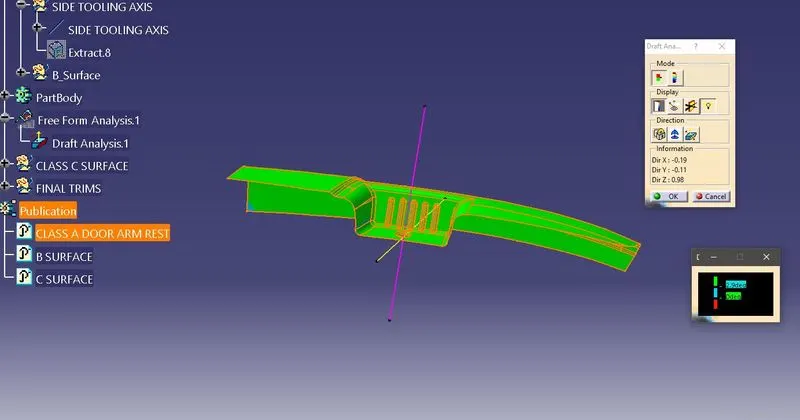
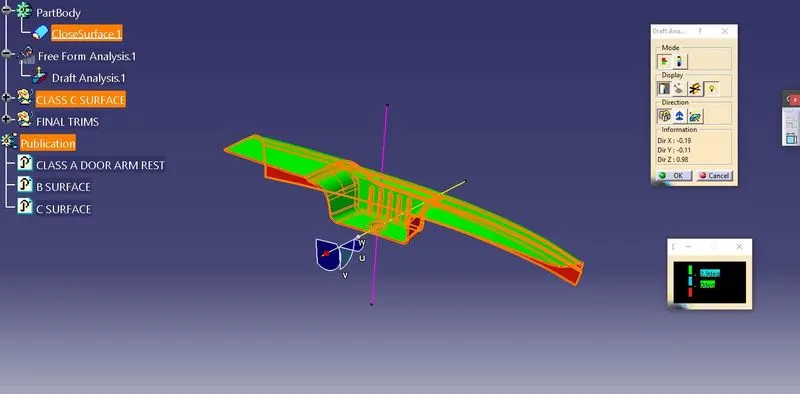
Perform Draft analysis
Draft analysis along main tooling axis
Insert - analysis - feature draft analysis
Make sure the part should be in customer view parameter with material option of mesh
Align the tooling axis with the Class A surface by dragging and placing the compass on the tooling axis
Click on the surface, the draft analysis colour scale tab will pop up
The minimum draft angle is 3°
Draft analysis using main tooling axis
Side core axis creation
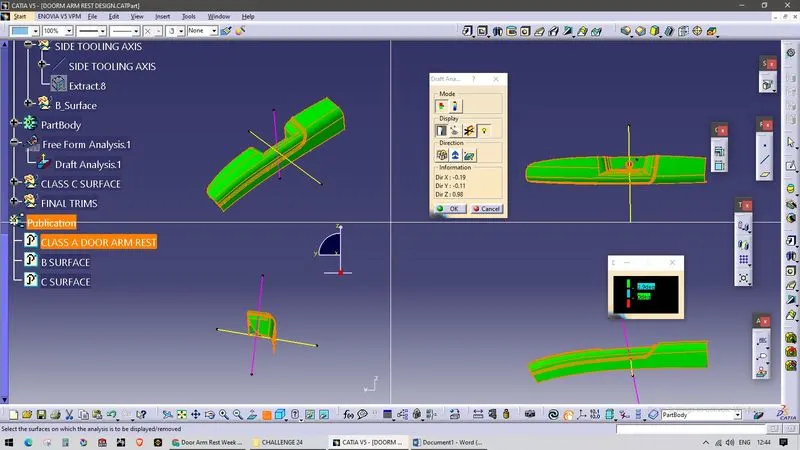
To clear the bin wall surface, create a side core axis
Extract and untrim the bin wall surface. create a point using on surface command. Create a line using the point-direction command along y axis and the point
Perform the draft analysis along the line. If it does not clears orient the compass as per requirement. Lock the compass orientation.
Now create the line along compass direction. This is our final side core axis.
Class B creation
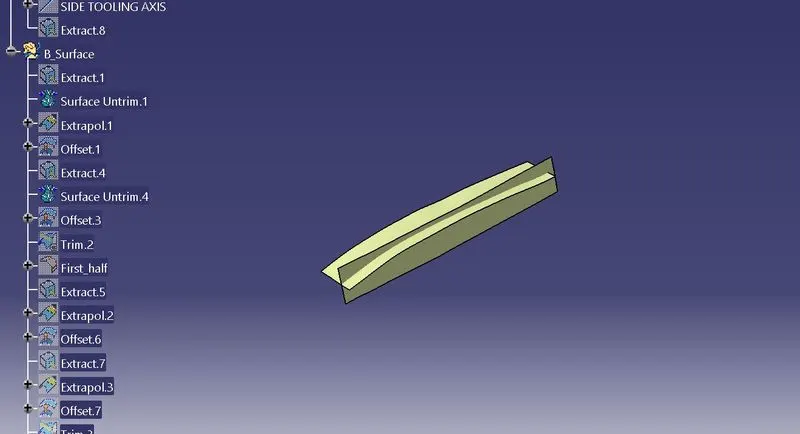
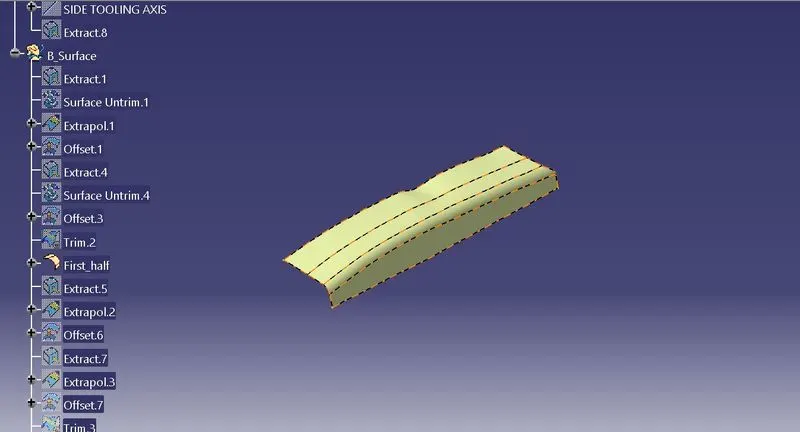
To create B surface the Class A surface should be offset to the component thickness
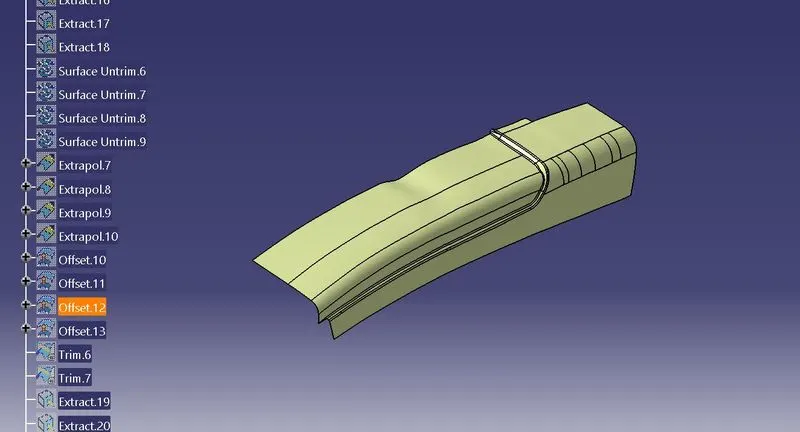
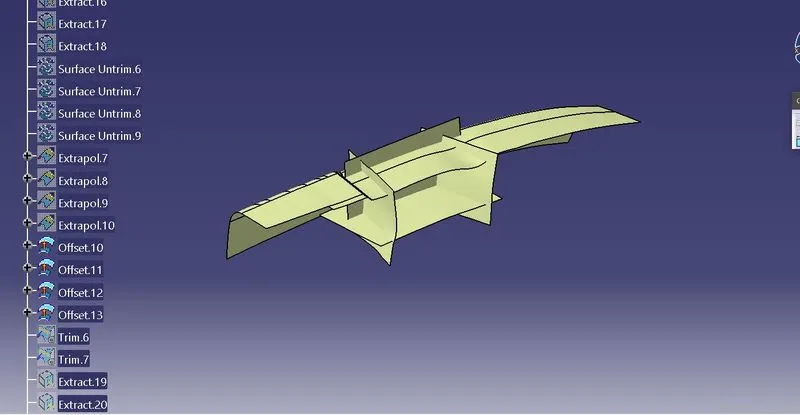
For that the surface should be extracted, untrimmed and extrapolated such that the surface intersects with each other
If some Surfaces are not intersect with each other Create blend using Sketch extract and 3D spline option
Trim the surface and offset it to 2.5mm (component thickness)
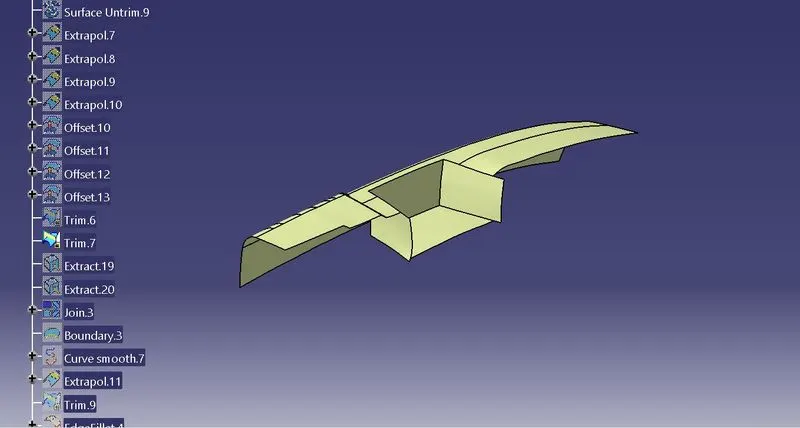
There is a hole in the Class A surface. Extract the inclined cylindrical wall and perform the same operations to it
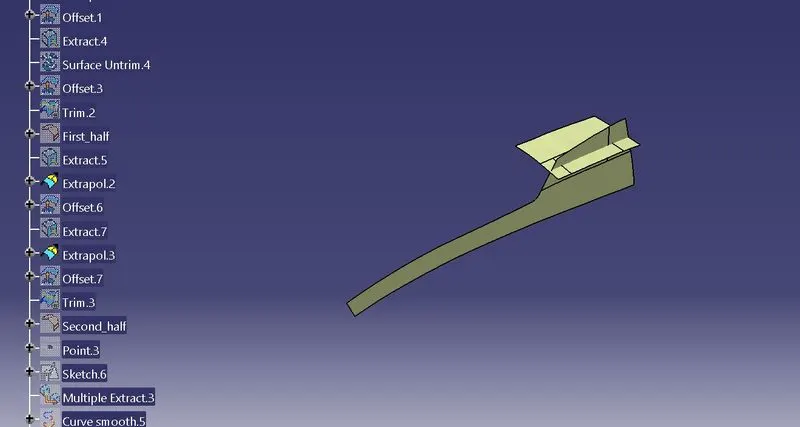
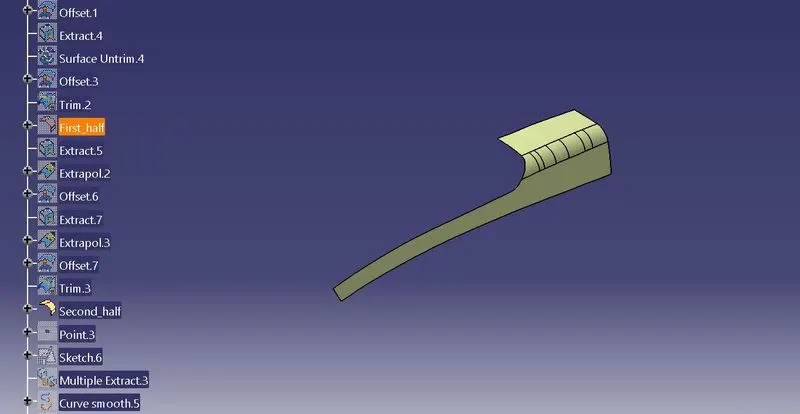
Now perform trim operations to the surfaces to get the single B surface
Apply appropriate fillet to the B surface with reference to the Class A surface
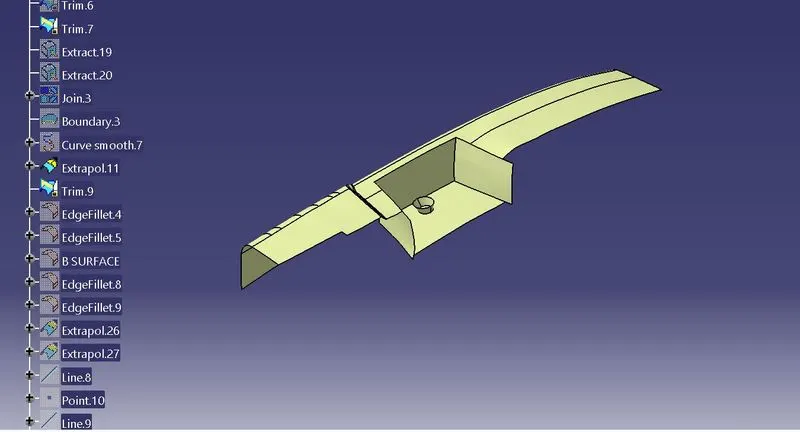
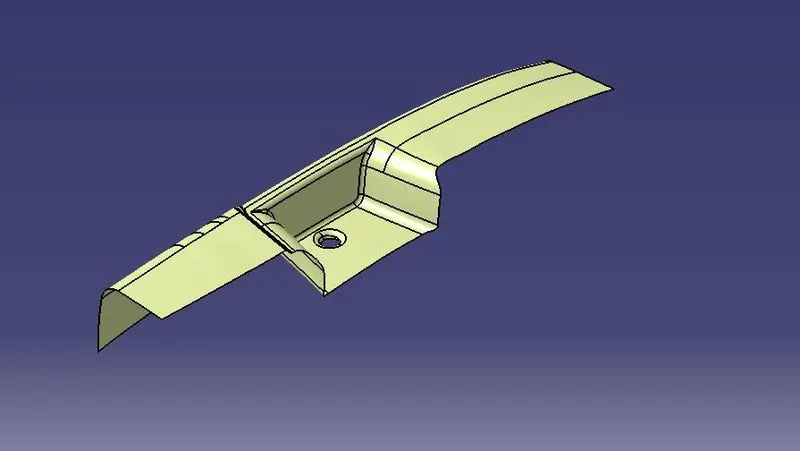
C surface creation
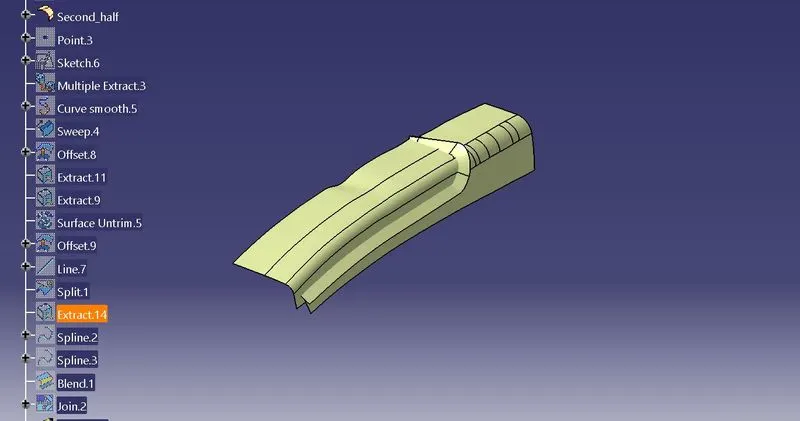
Extract the boundary of the class A surface with Multiple extract option and make it smooth curve
Create a sweep with smooth curve previously created and the reference surface as the class A surface with angle as 90°
Join the sweep surface and the class A surface together
Trim the B surface with the joined surface
The class C surface should not contain any open surface or boundary
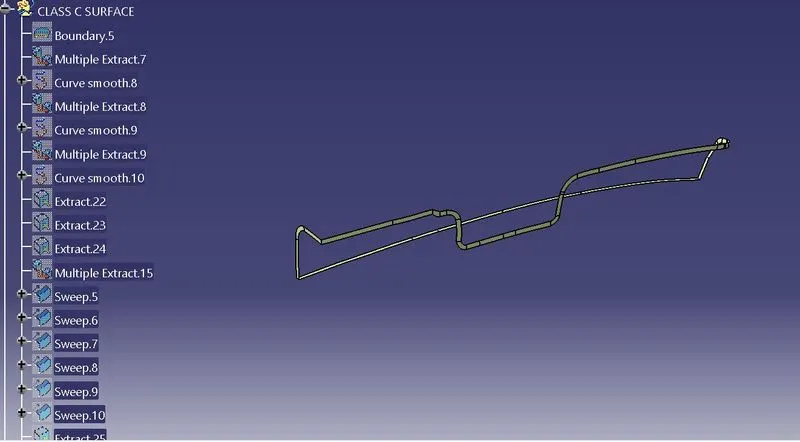
SOLID BODY CREATION
The created surface sholud be changed to solid body
Switch to part modelling
By using close surface option change the surface into solid body
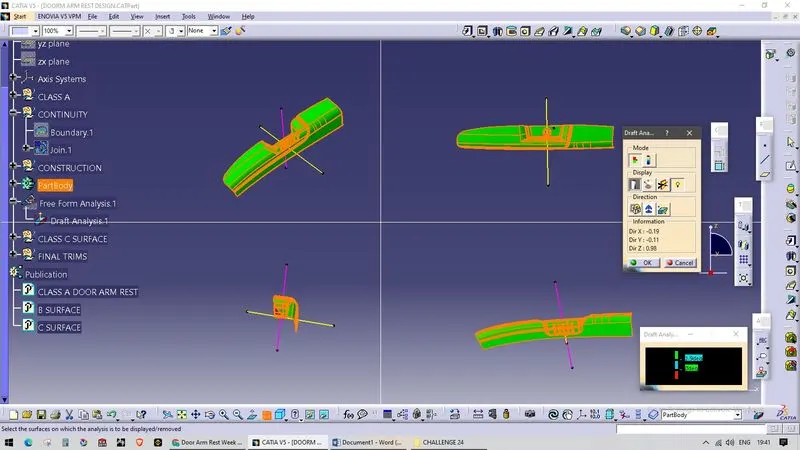
perform draft analysis to the solid body
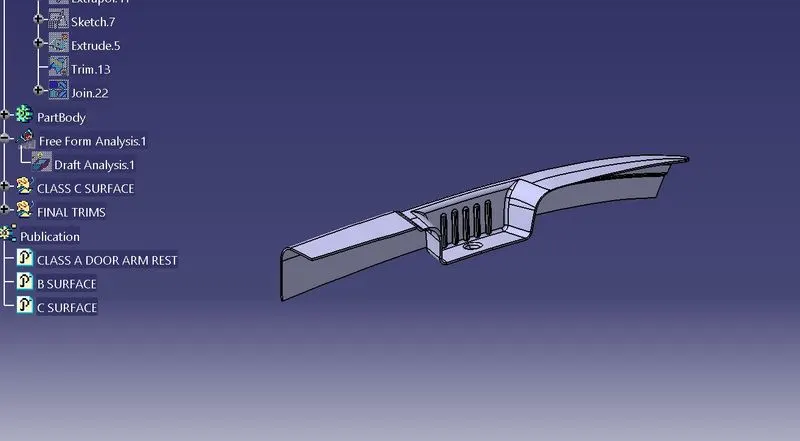
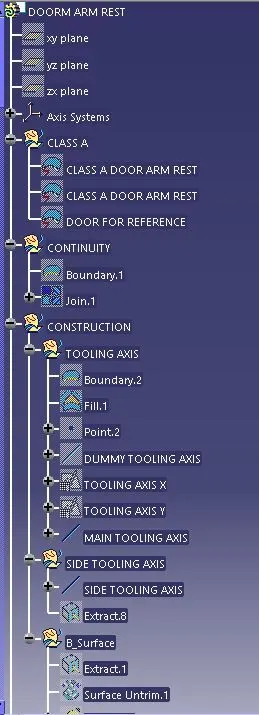
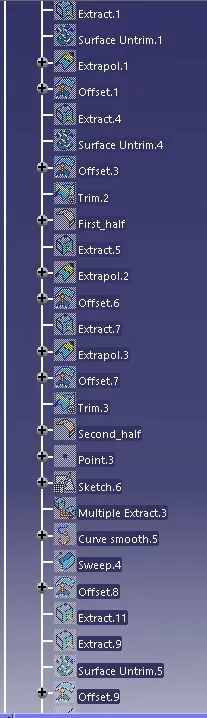
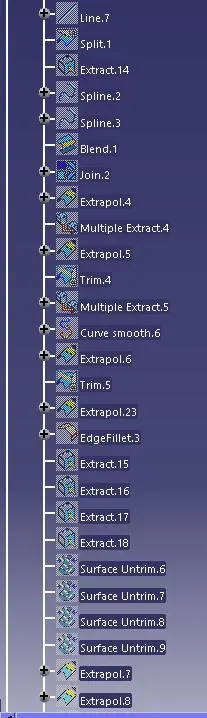
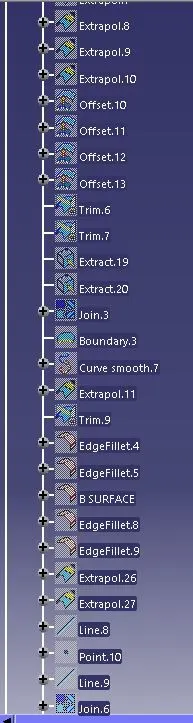
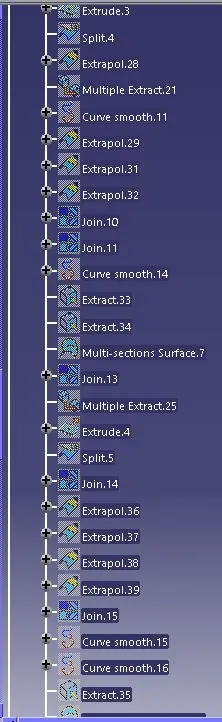
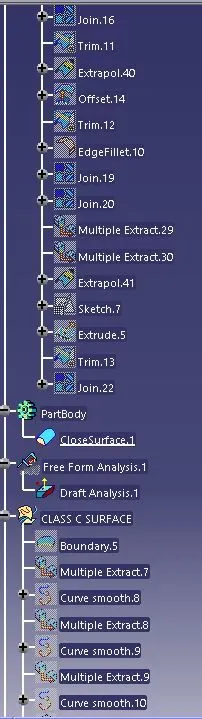
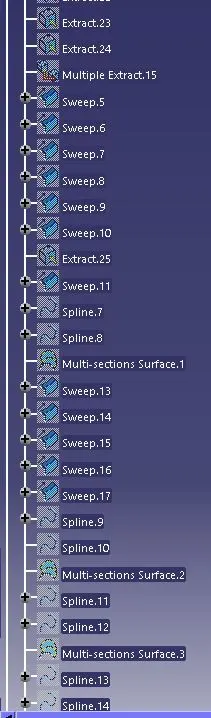
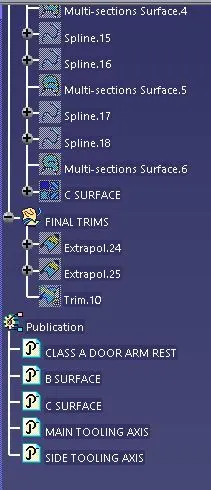
FEATURE TREE