3D - Tetra and Hexa mesh Tet Collapse Cleanup and Engine file calculations
Aim
1)To Calculate speed, time and Tfreq for given Engine file
2)To Generate 3d Meshing Tetra mesh and hex mesh
1)Calculation the speed of sound in steel rail
`c = sqrt (E/rho)` = `210000 /0.0078 (mm)/(ms) = 5188.7 (mm)/(ms)`
2)Calculate the time takes for a shock wave to travel from one end of the rail to the other
`l = 1000mm; trianglet_c = l/c ; trianglet_c = 1000/5188.7 = 0.1927`
3)Time for sound to travel length of rail =
from 2) `trianglet_c =0.1927`
4)Stress wave can be monitored model Parameters obtained
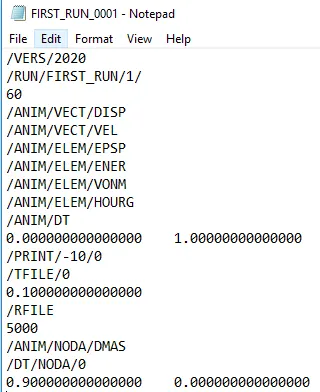
5&6)Frequency set to obtain animation output to a time that will give 20 animation steps(/ANIM/DT)
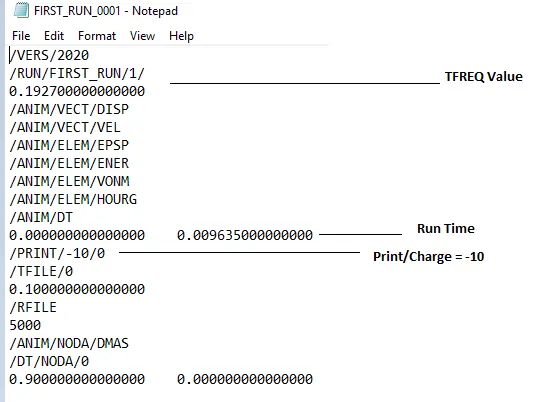
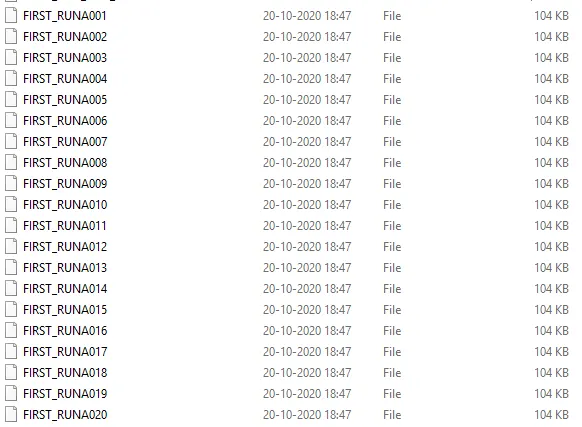
Animation Files = 20
Procedure
1)Given file of Engine snippet is downloaded and imported in hypermesh
2) Cards- materials properties are obtained E - Youngs Modulus and Density values are obtained
3)Units can be seen in FIRST_RUN_0000 in this file
4)Speed of sound in rail is calculated using above data
5)FIRST_RUN.h3d from this file run time and other data is monitored
6)From above data `trianglet_c` is calculated
7) Frequency of animation output to a time that will give 20 animation steps by changing parameters in cards section - ENGINE_ANIME_DT and ENG_RUN
7) Procedure and Outputs
Cover with Hub Unmeshed
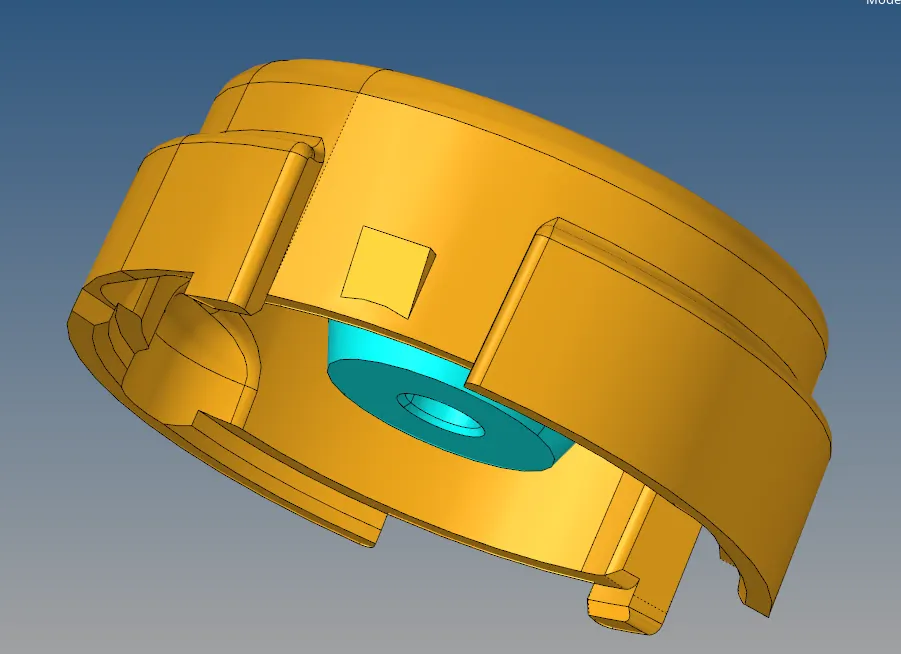
Hub Meshed first 2D meshed then Tetra Meshed
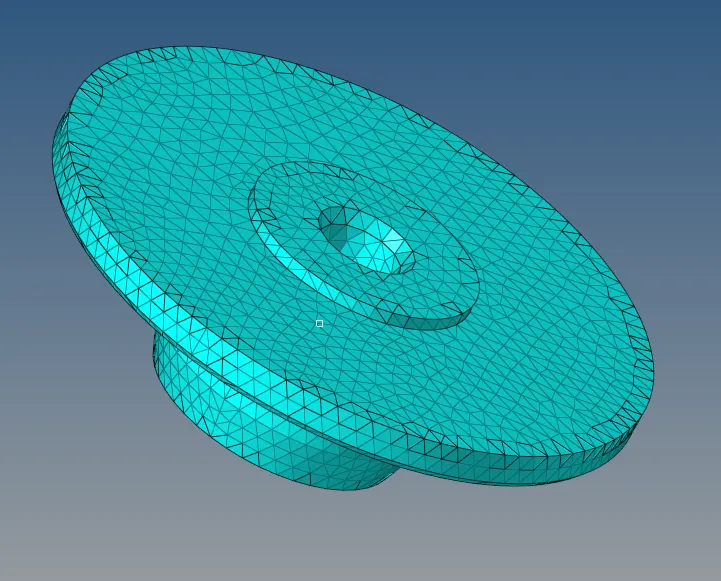
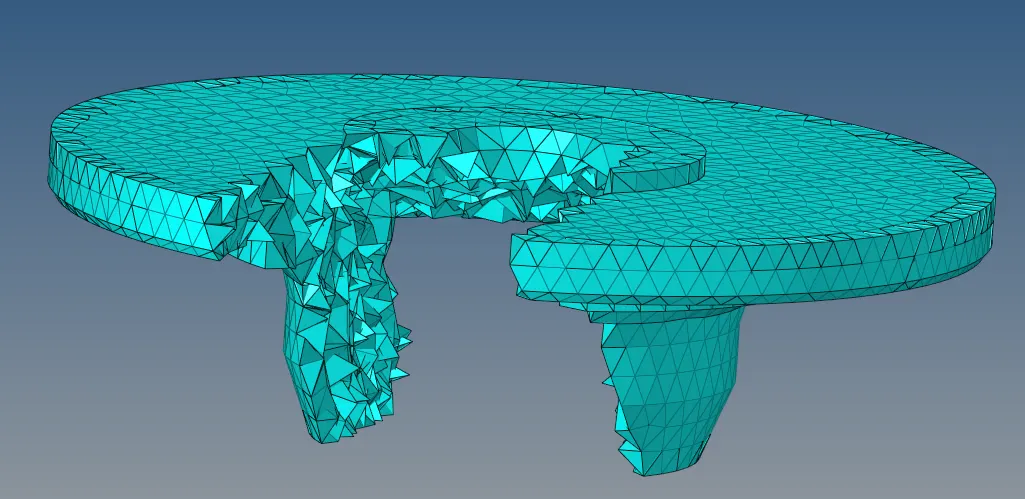

Cover Meshed
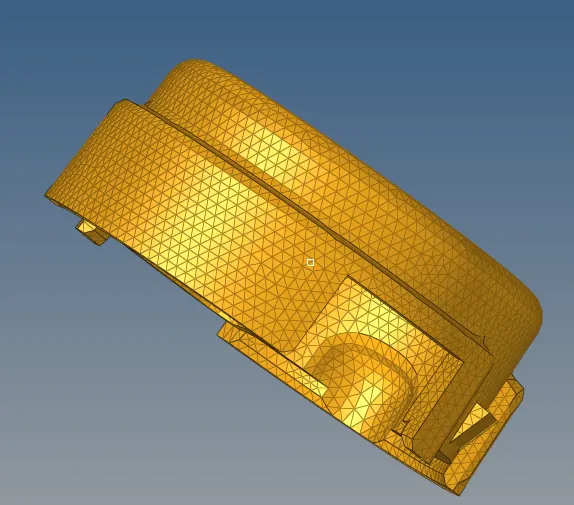
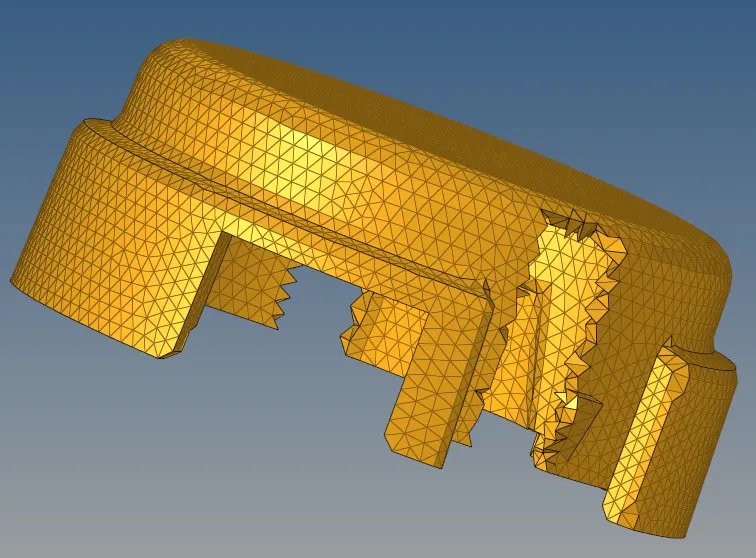

Hub and Cover Meshed
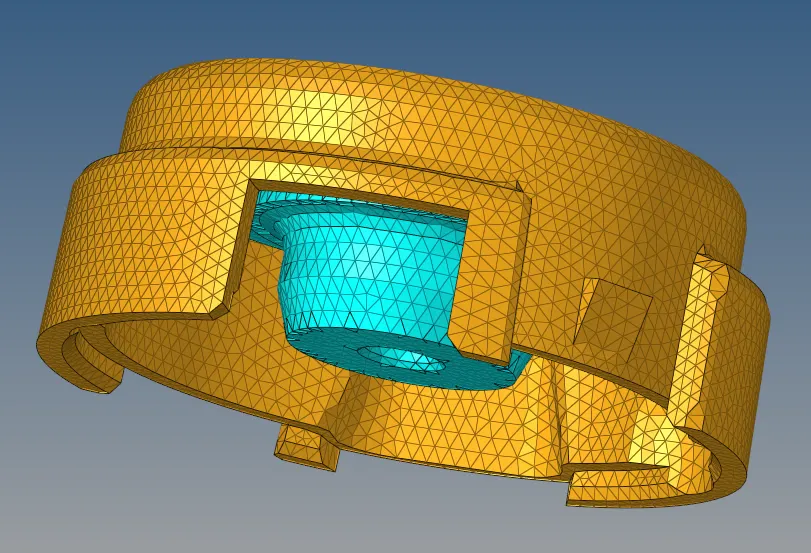
To make tet collapse 0 Tetraremesh can be done again if there is Tet Collapse
Go to view browsers - Hypermesh-Utility- Quick Tetramesh
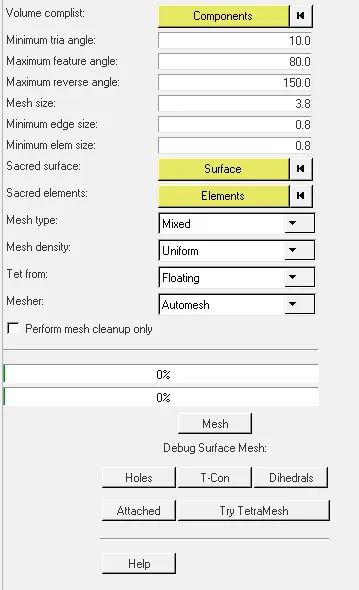
then tet colllapse can be made 0 again if there are tet elements Tetremesh can be used to clean geometry of tet collapse
Arm Unmeshed
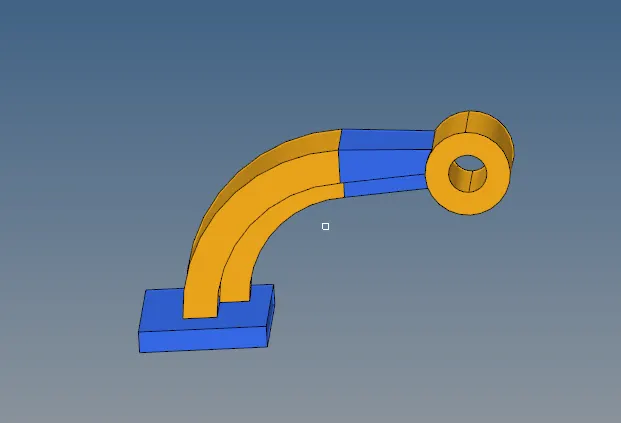
Arm Hexa Mesh
Base 2d meshed and then Element offset of 25mm for 4 layers
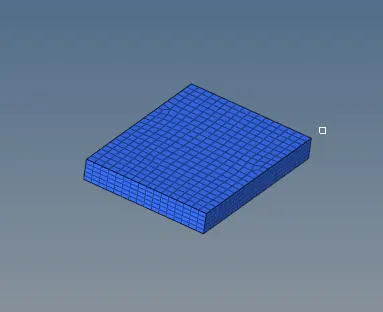
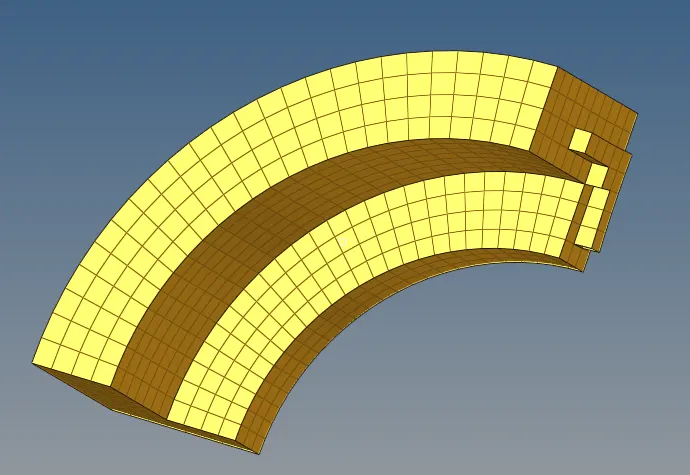
Arm curve - In base- Mask elements - by config - hexa8 and use spin command by adding nodes on arm curve with respect to it's center normal to the base x - Axis Spin -
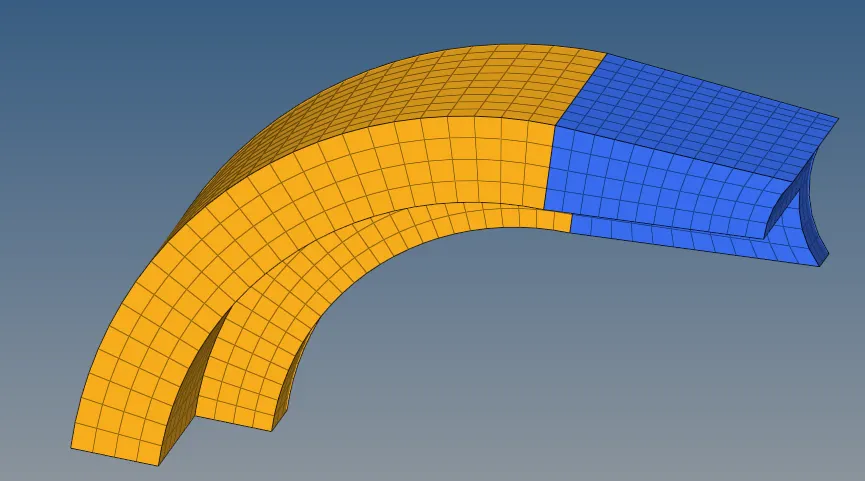
Arm Straight - Keep the Arm Straight in Wire frame geometry - Select front face of Arm straight mesh it and match it with elements on the face of Arm curve then use Linear Solid tool select uniform nodes and convert to solids to obtain uniform mesh
Boss - Mesh on side of circle surface matching Arm Straight elements adjust the elements uniformly, Add a node on other end and project it with respect to surface
In 3d go to Solid Map Source geometry ; none
Elements to drag ; Select meshed surface ; Select line then mesh Solidmap is created;
Make boss as current and click Shift + F11 to move solidmap to boss
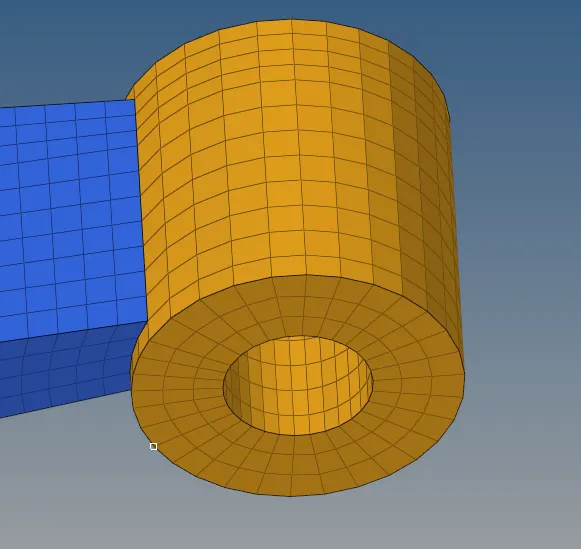
Delete all 2d elements by config quad4
Arm Meshed
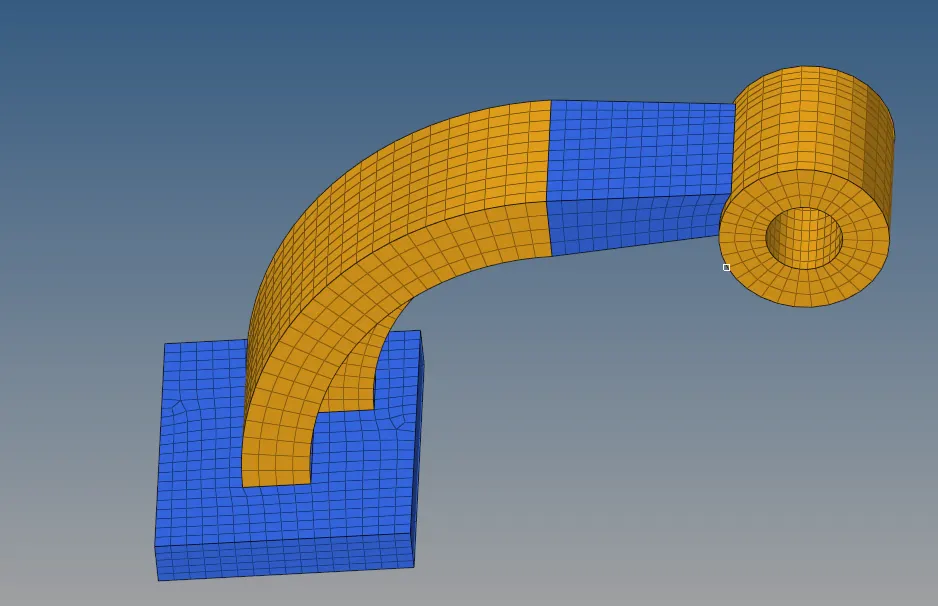
Result
1)Target tet size=5mm,hex size=10mm,tet collapse=0.15 was achieved
2)Engine file snippet Tfreq and runtime for given values were calculated.