Week 6- Challenge
Aim
To perform meshing on given hood model using Hyperworks
Objective
- To generate midsurface and cleanup geometry
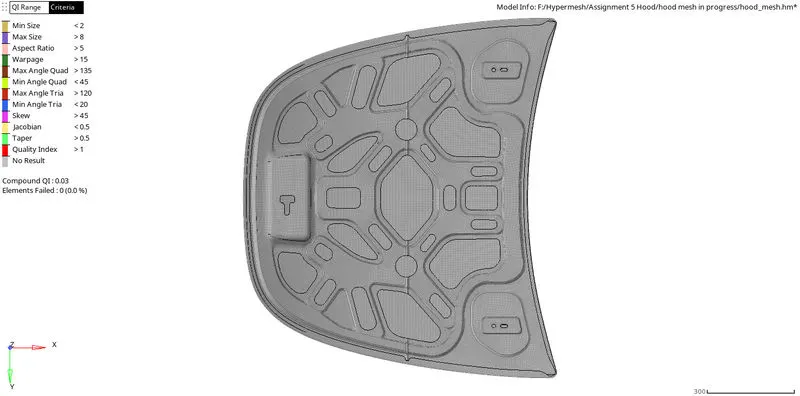
- To generate 2D mesh according to given Quality criteria
- To generate mesh in away it passes all Quality criteria
- To reduce trias concentration possible ways
Procedure
1. Import the given cad file to be meshed
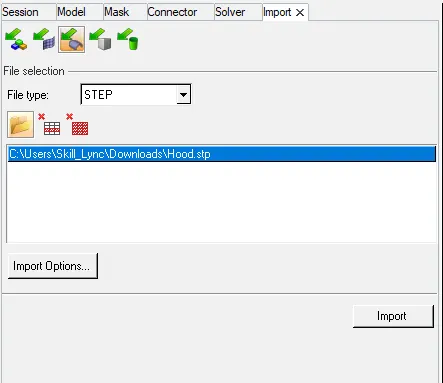
2. Delete solids
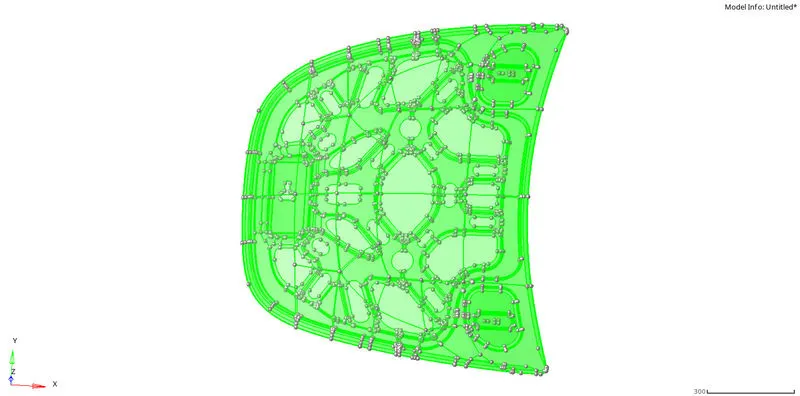
After deletion of solids create mid surface and geometry cleanup
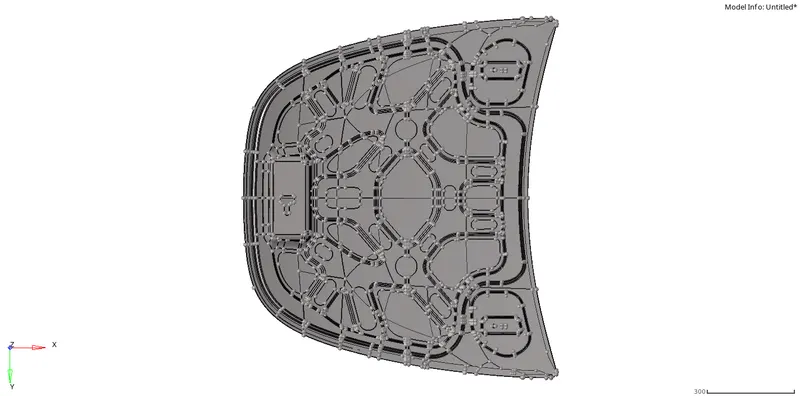
Creation of Mid Surface and Manual Geometry Cleanup
Latch Mid Surface and manual geometry cleanup
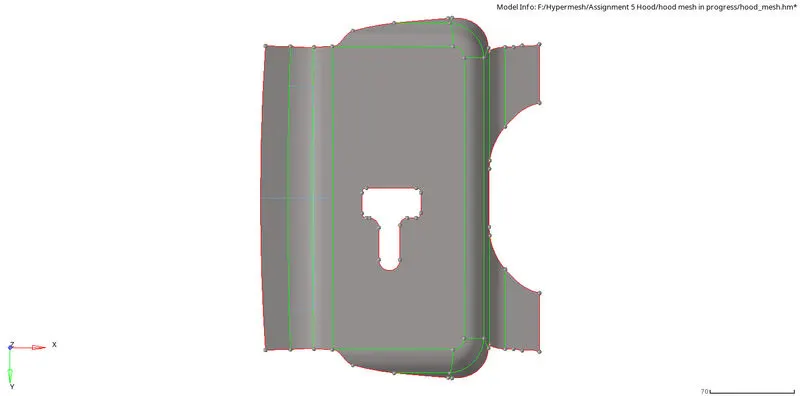
All the element size were found within given Quality criteria
Hinge Mid Surface and Geometry cleanup
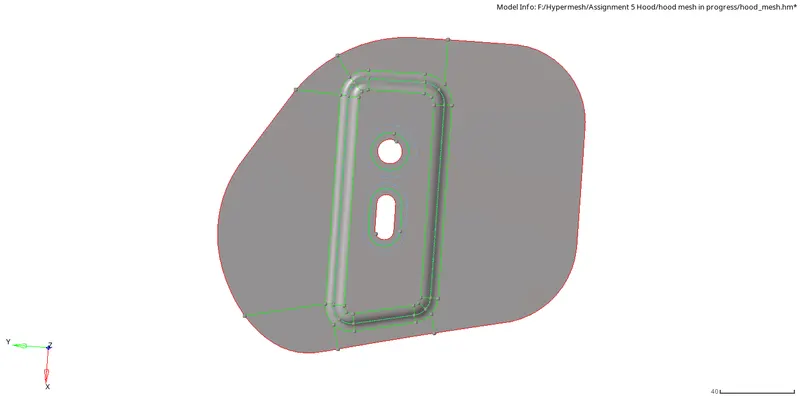
Outer Extract Mid Surface and Geometry cleanup
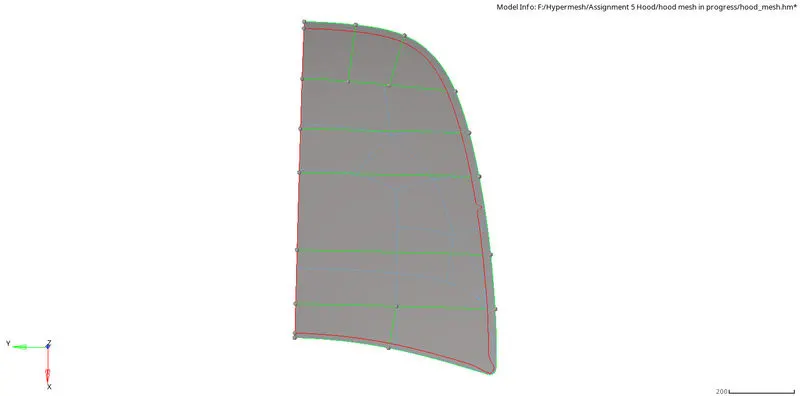
Inner Extract Mid surface and Geometry Cleanup
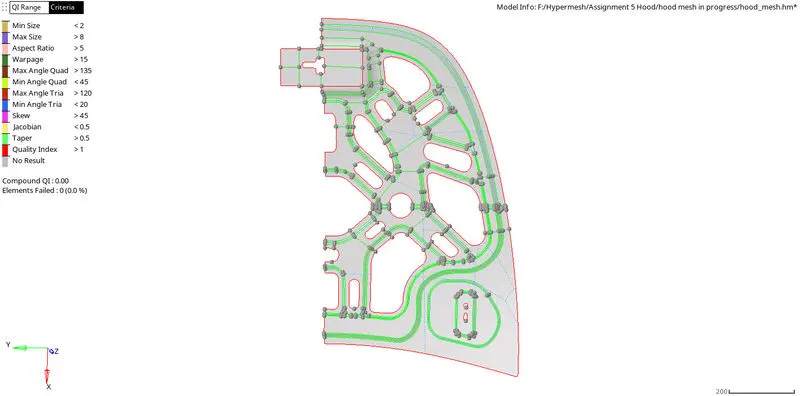
Tools used for Mid Surface and Geometry Cleanup
Midsurface generation tools

Geometry Cleanup tools

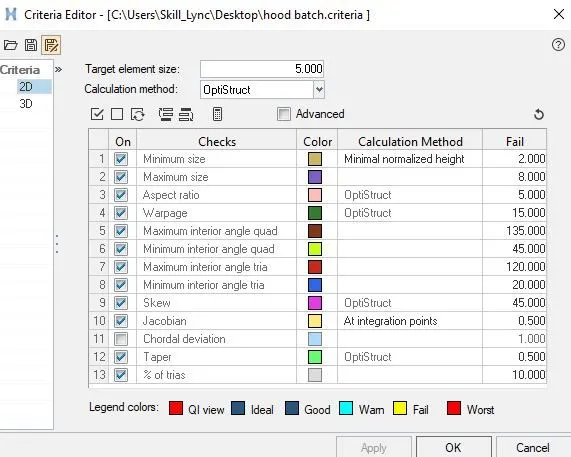
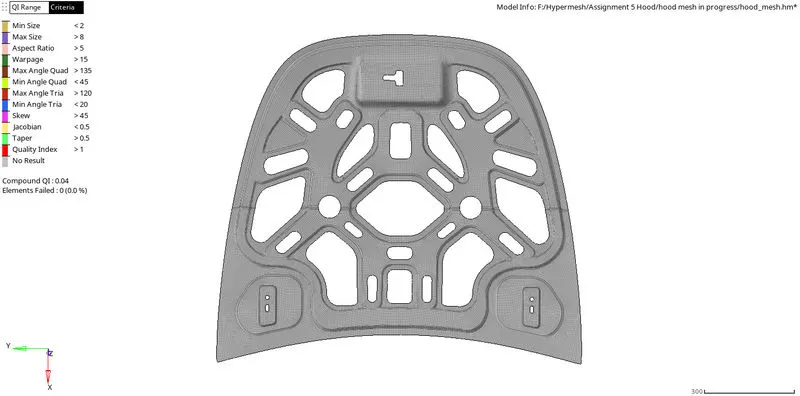
Quality Criteria Setup
Latch Meshed
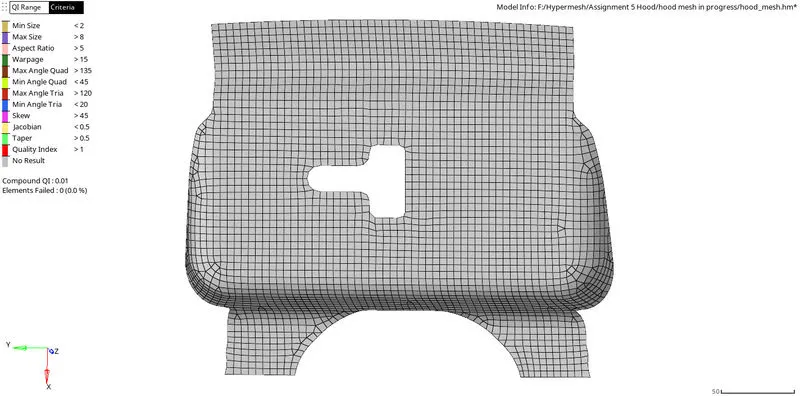




All the element size were found within given Quality criteria
Hinge Meshed
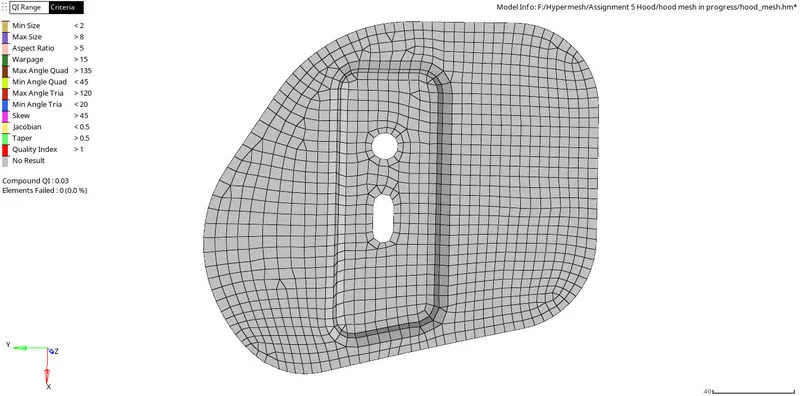



Outer Extract Meshed
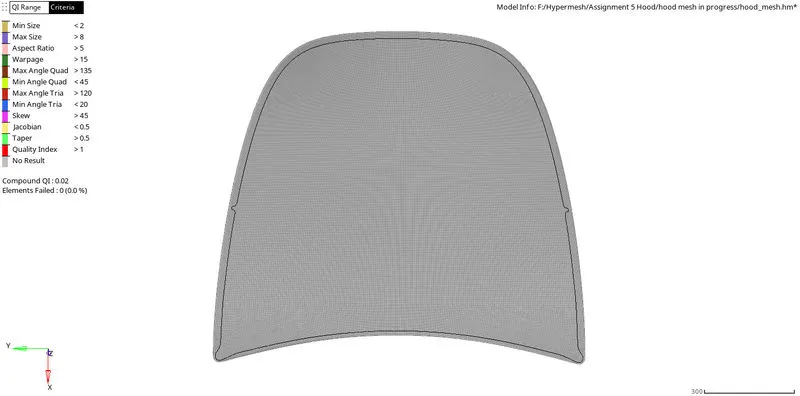



Inner Extract Meshed



Tools used to
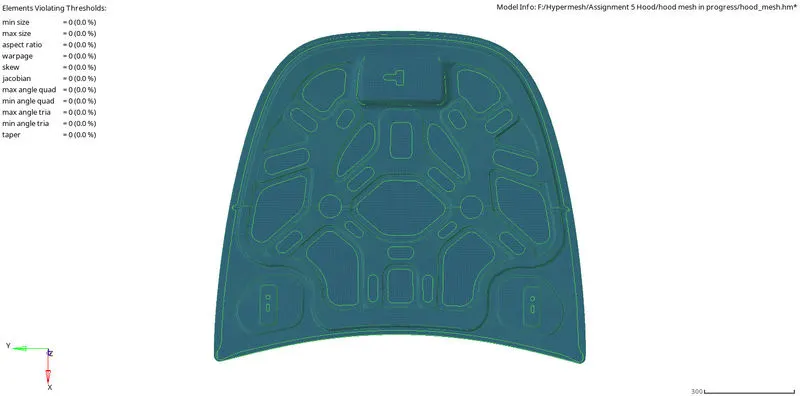
Quality Index

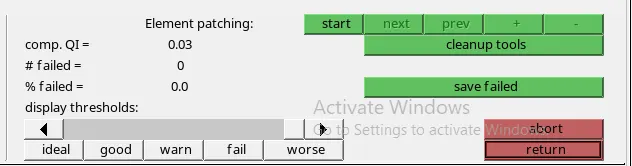
Hyperworks tools used to perform geometry cleanup and maintain element Quality
Shortcuts like ;
F12 - Automesh
F11- Check elements panel
F3- Node Equivalence
F7- Align nodes/Node Operation
F6 - Combine or Split elements
Shift+F12 - Smooth
F4 - Distance between two nodes or points
F2 - Delete
Shift +F7 - Project line or point
Defeature command in Geometry was used to toggle edges at a time
Quik edit tool was used to for geometry clean up and after mesh operations
During the entire process tria elements were optimized
F10 - Check Mesh quality
Element Size was given as 5mm
The mesh was adjusted to obtain uniformity by using replace nodes or points tool and other tools
Final meshed Hood model