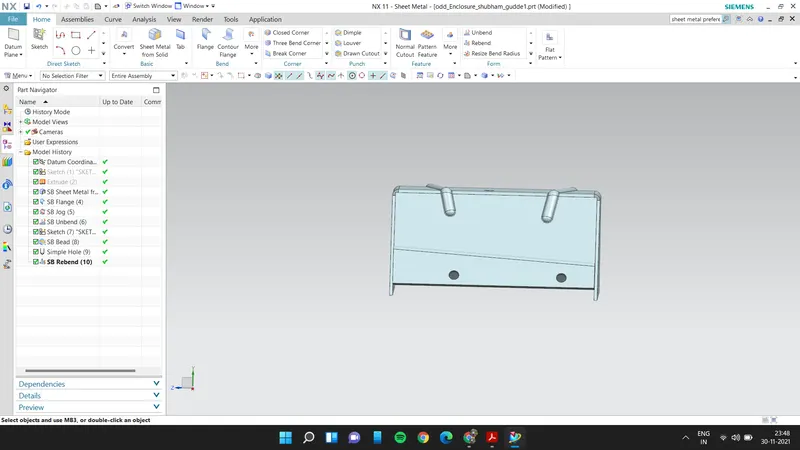
Advanced Sheet Metal Design Using NX Cad Challenge_5_Odd Shaped Enclosure
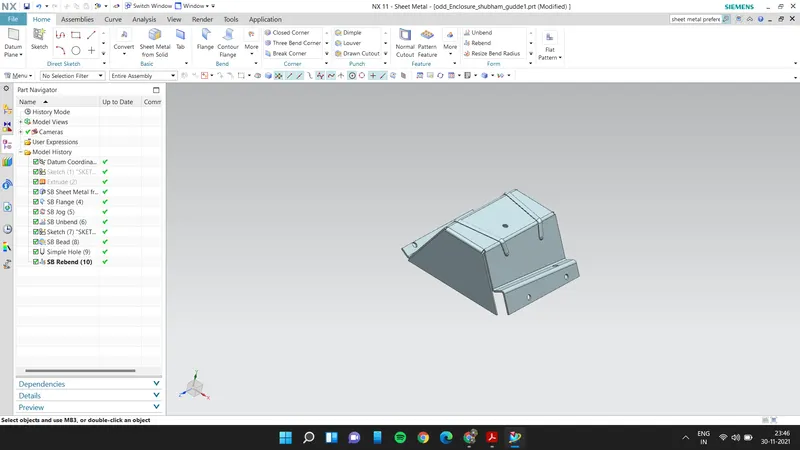
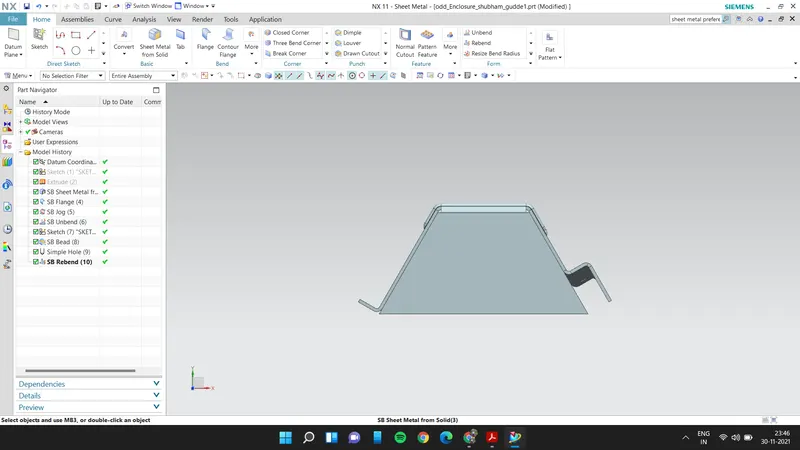
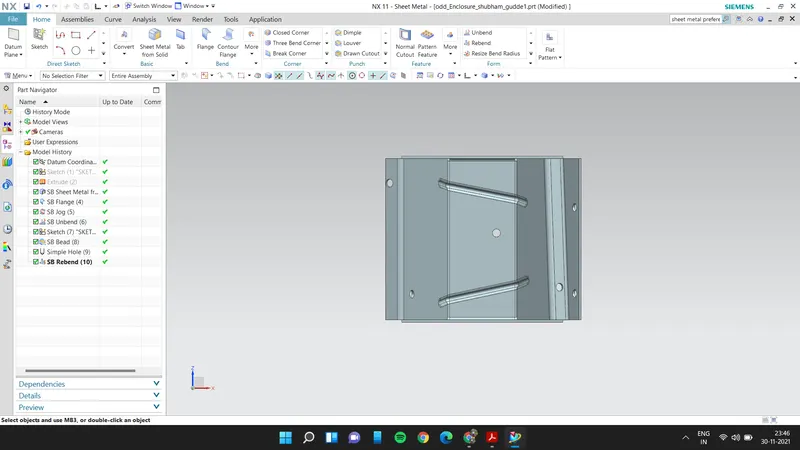
Tittle : Odd Shaped Enclosure design by using NX Cad Challenge.
Objective:
- To design and modelled odd shape enclosures using siemens NX-CAD.
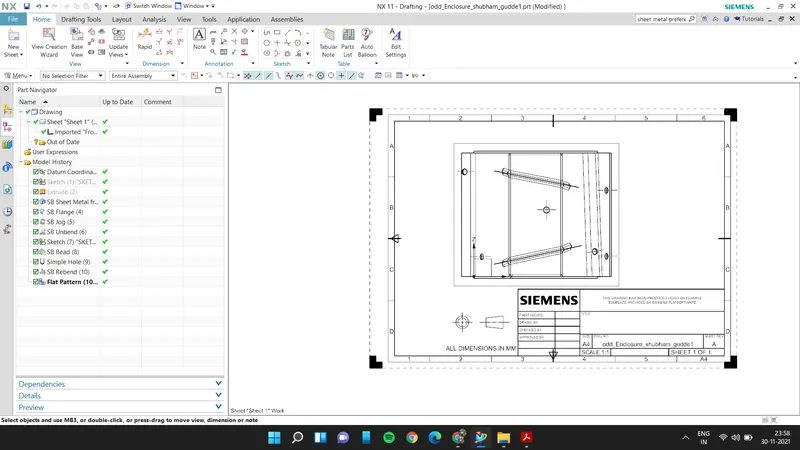
- To draw the drawing for the designed model using drawing application in NX.
Introduction :
Unigraphics NX (also known as Siemens nx) is an advanced High-end CAD/CAM/CAE software package originally developed by UGS Corporation, But since 2007 it is owned by Siemens PLM Software. It is used, among other tasks, for Design ,Engineering analysis ,Manufacturing finished design by using included machining modules.
NX Sheet Metal provides a set of tools within the NX design environment that allows for simple and fast design of sheet metal parts, dependent on their material and manufacturing process, the most common of which is straight brake sheet metal forming.
Design approach:
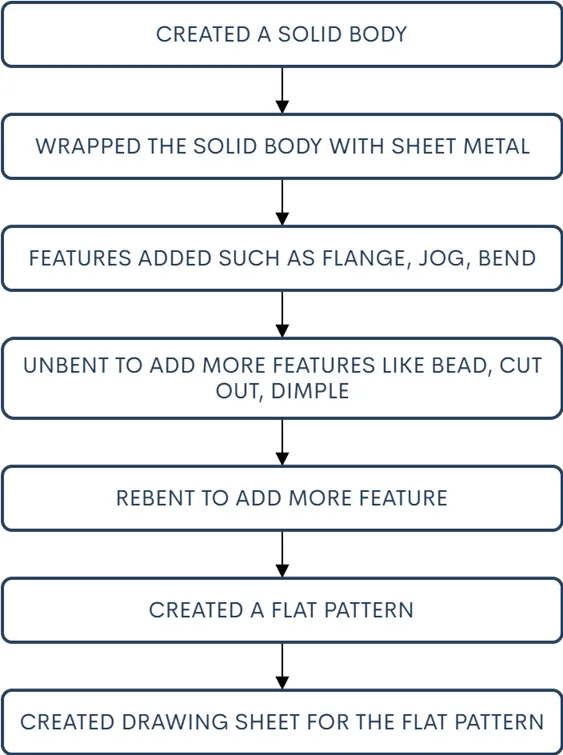
Description:
- Extrude: Creating a features by extruding the sketch.
- BEND : Bends sheet metal model through a line.Modified the model by bending material.
- Flange :Ads flange on an edge and create a bend between two walls. The flange can only be made on a straight edge.To activate command.Click on command on (When sheet metal application activated.)
- Unbend : It allows all the bend to unbend sheet.It is necessary to choose the bend, it can also to box select all the bend at once.
- Hole : Hole feature is just like the same as the put a hole in the sheet eith respective measurements of sktch.
- Dimple: Dimple in the sheet metal which will make more rigidity and stregth to that flat sheet component.
- Beads: Beads are the features added in the sheet metal to increase the stffness of the component.
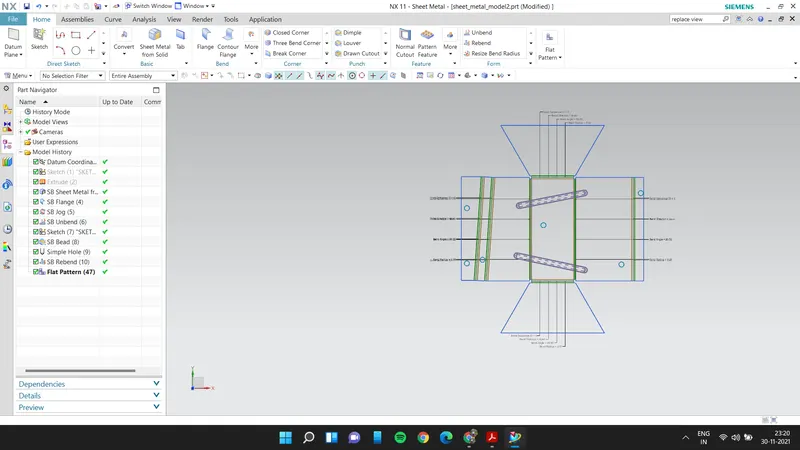
- Flat pattern: Create a flat pattern from the formed sheet.