Week 9 - Project - Master Section Development
AIM-
To create a B pillar of a car using the master section and Class A surface as an input and performing Draft analysis on the final model.
Objective-
- To ensure proper tree structure is followed.
- Creating a tooling axis and following design rules.
- Creating Class B and C surface using Class A surface as an input.
- Following the master section to create flange.
- Following the master section for thickness and to create the closed volume.
- Following the master section to create attachment features.
Procedure-
Tooling Axis-
First import the given Class A surface model of the B pillar in Catia V5.
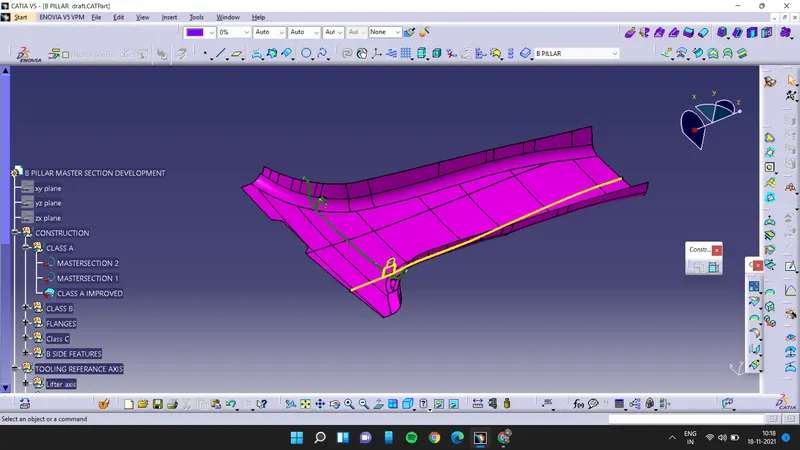
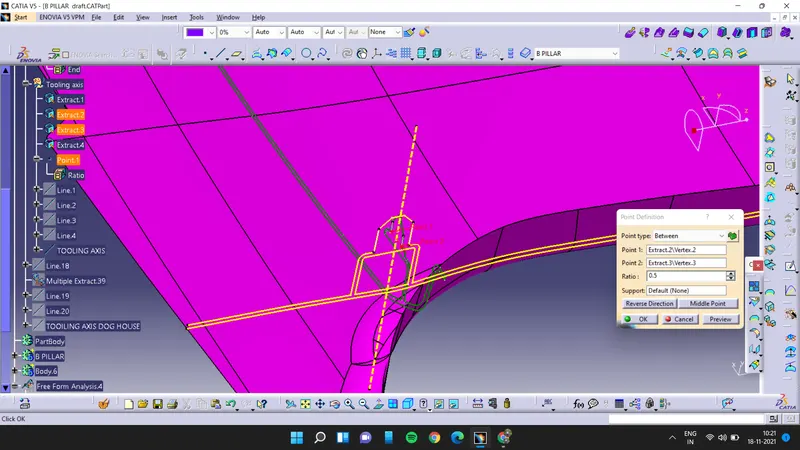
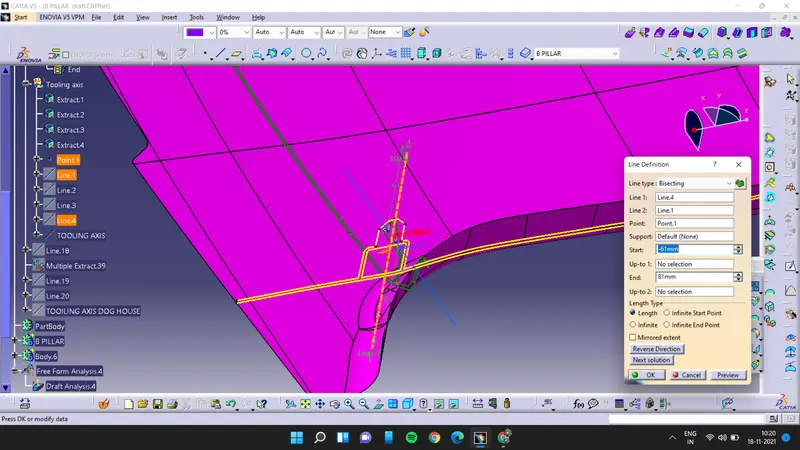
extarct the sides of master curves and then create a point with the help of extracts then create a line by using the point and extracts.
this is tooling axis of the B-pillar.
now creating the B-surface by offseting the improved Class A surface
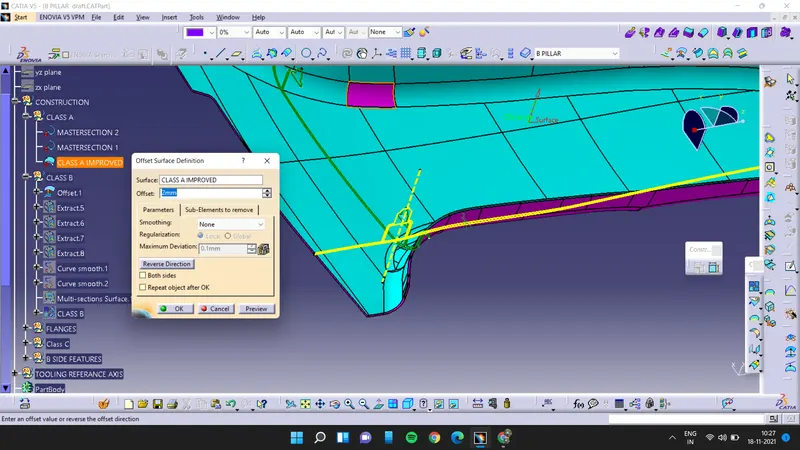
but the b surface is not accurate so to make the B surface complete we have to extract the boundaries of that surface
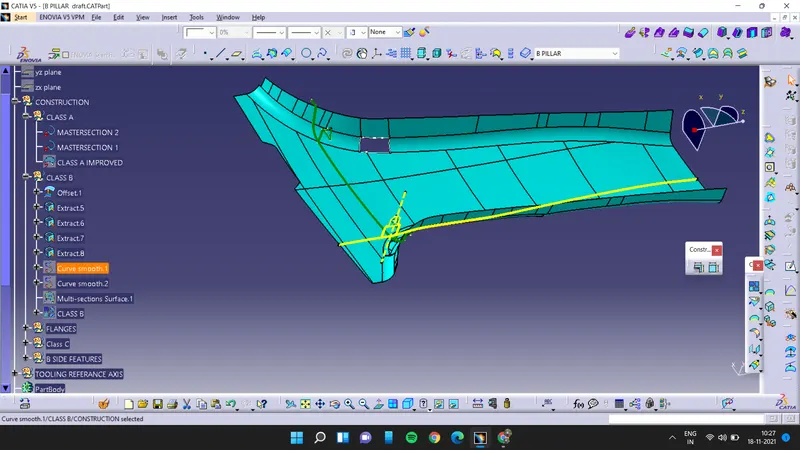
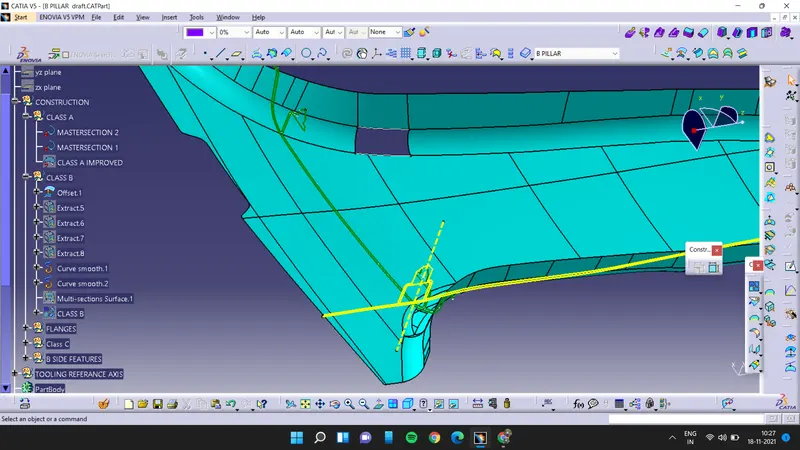
and then using curve smooth option make the extract smooth and then use multi section surface to make surface complete. and then
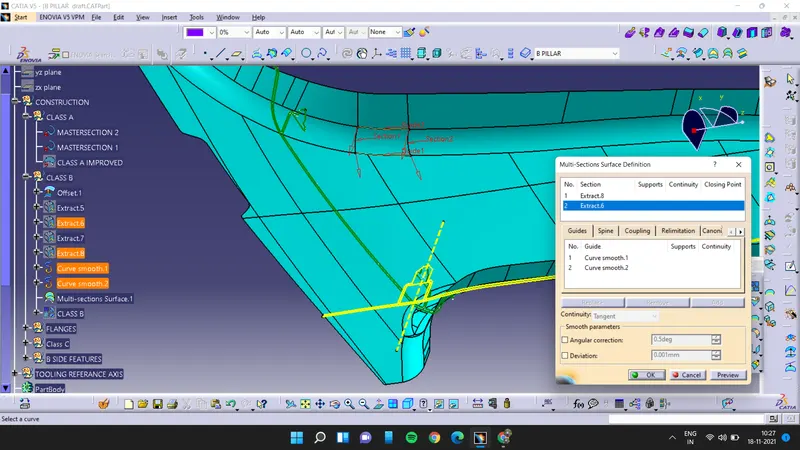
join the surface which will complete the b surface
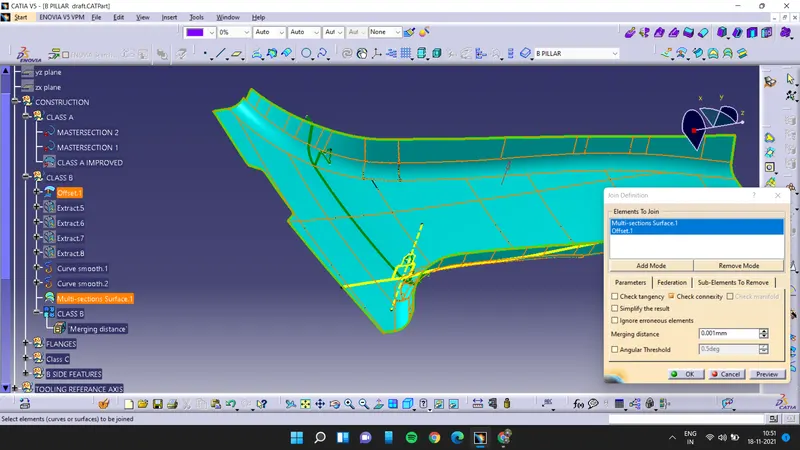
now creating the flanges for the b surface firstly we will create a plane by using 3 poitns then
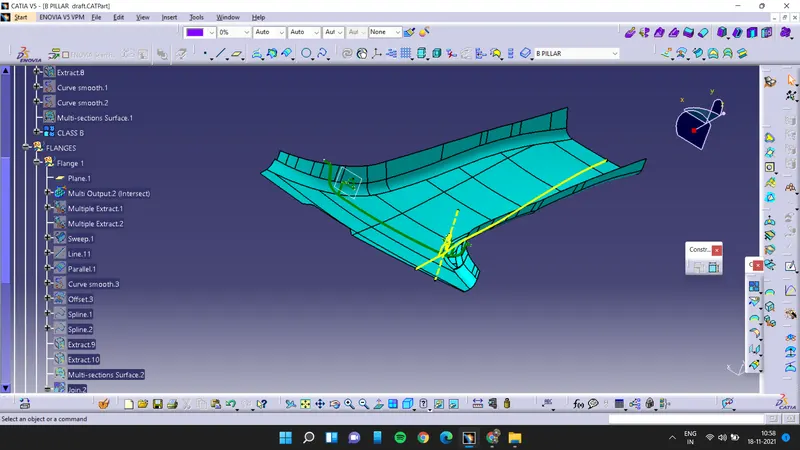
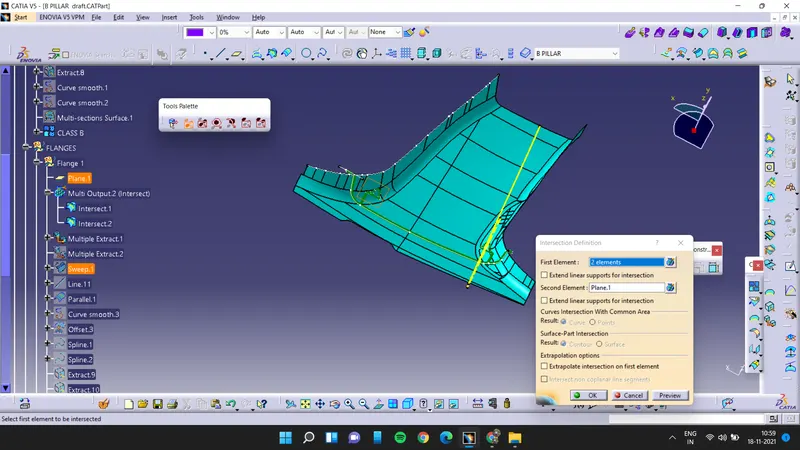
By the use of this above created plane we create the intersection curve of class B surface.Then extracted the edges of class B surface.
Creating the flange by the use of sweep features perpendicular to the extracted surface as a reference surface.
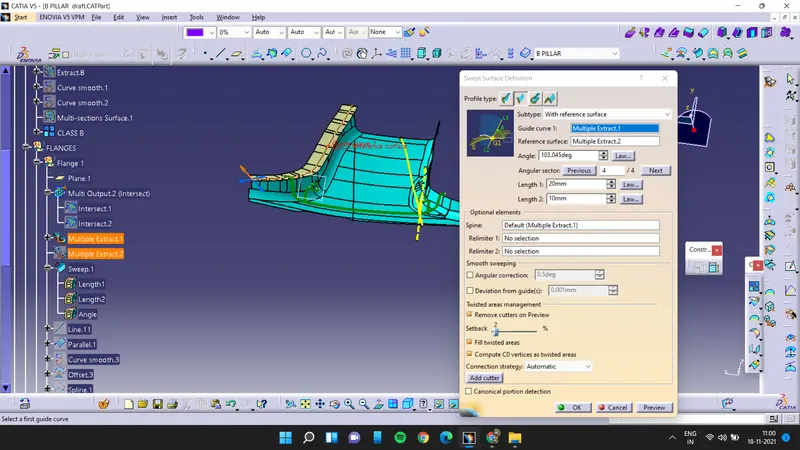
Repeated this same process on other side of Class B surface edges and create the flange.
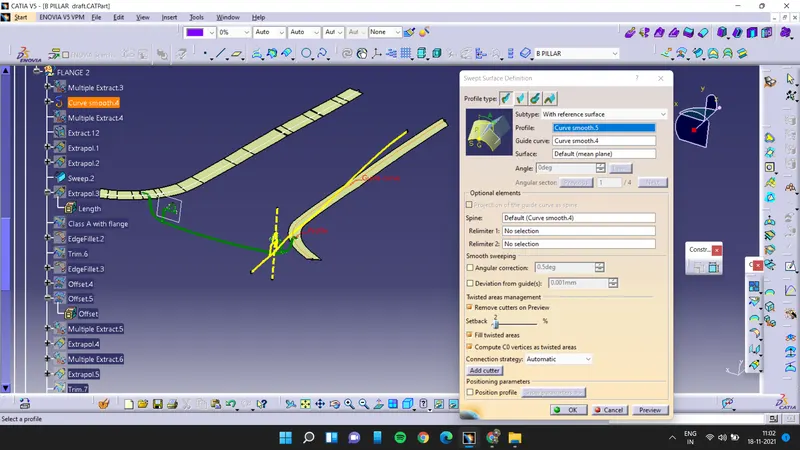
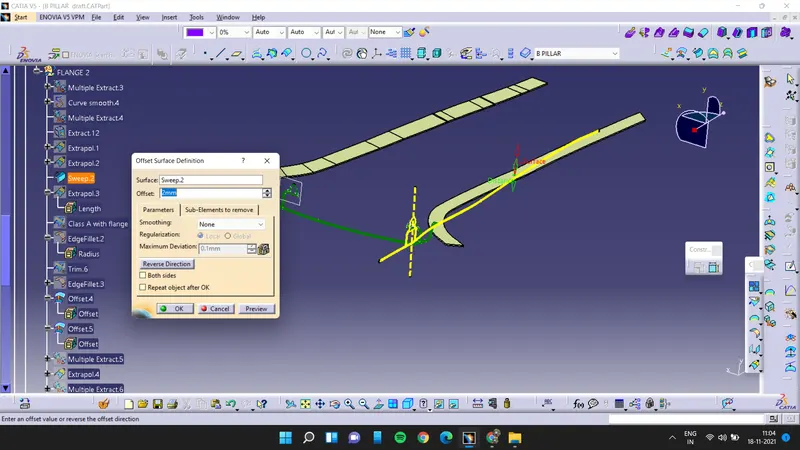
Then offset this flange of 2 mm for creating the flanges of class A surfaces.
Then trim the class A surface with its created flanges.
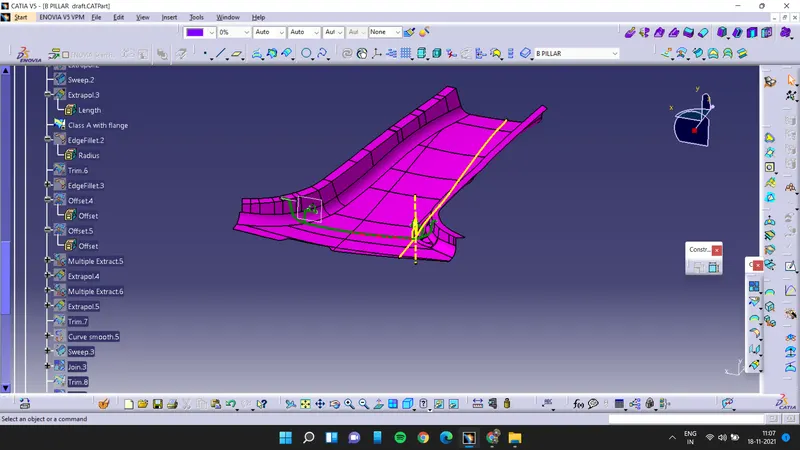
Then trim the class B surfaces with its created flanges.
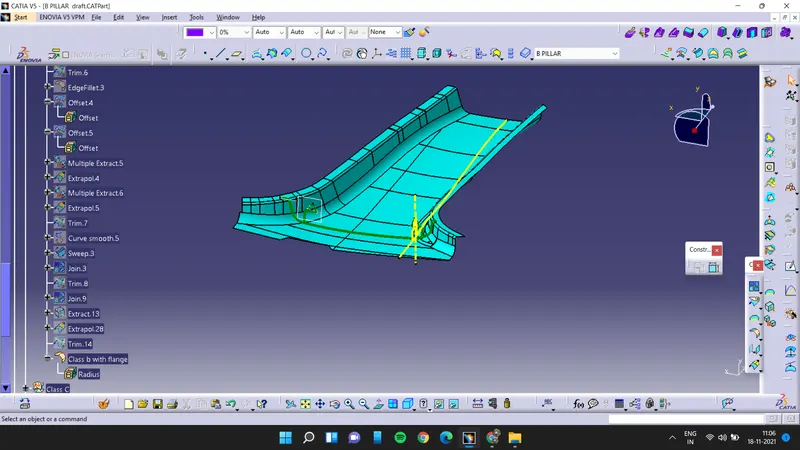
crate the class C surface by extracting the boundary of class A surface and then sweep it along the draft direction
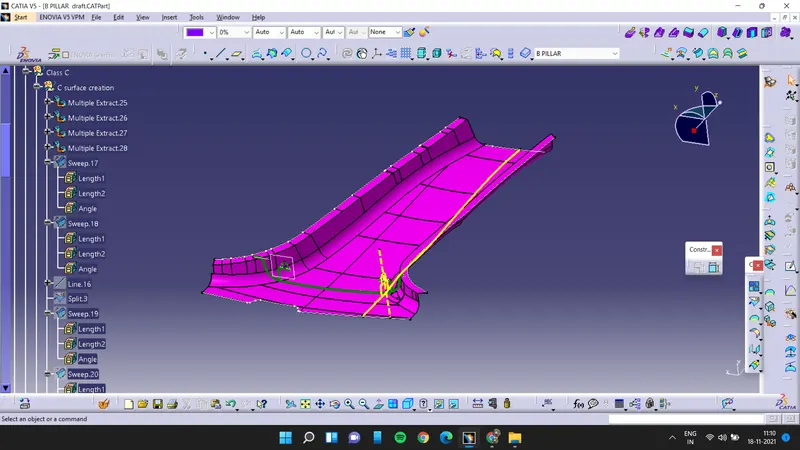
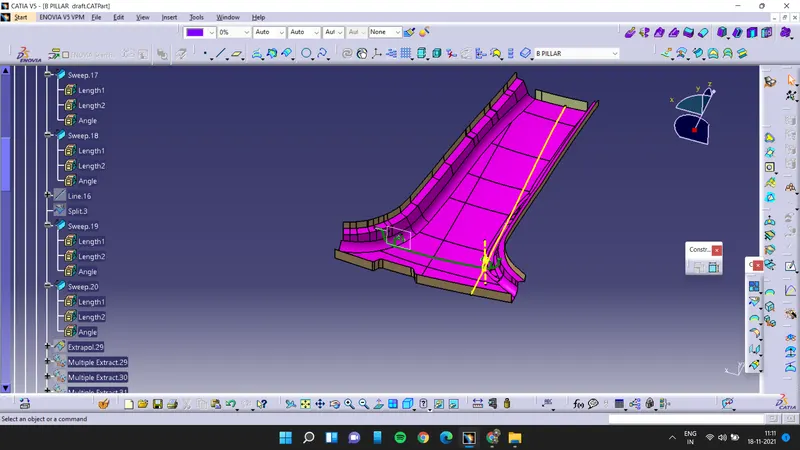
extrapolate the boundary of swept surfaces to make a intersection then trim it and join all the surfaces of class c
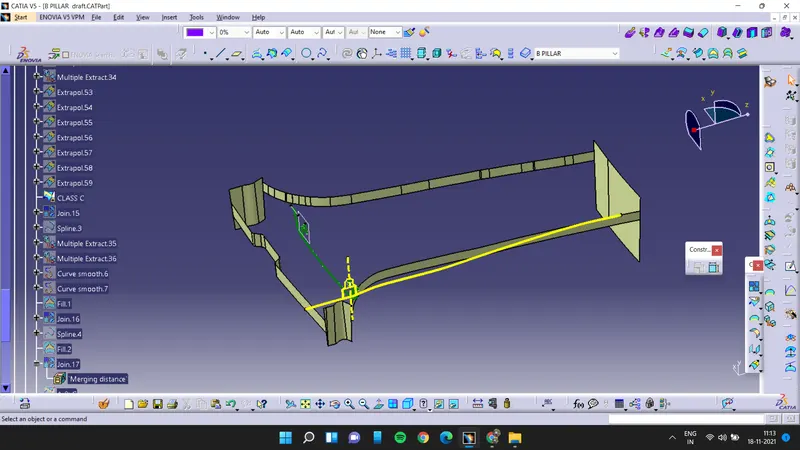
then join class C surface and class A surface with the flange and trim the output with the class B surface it will give a closed surface
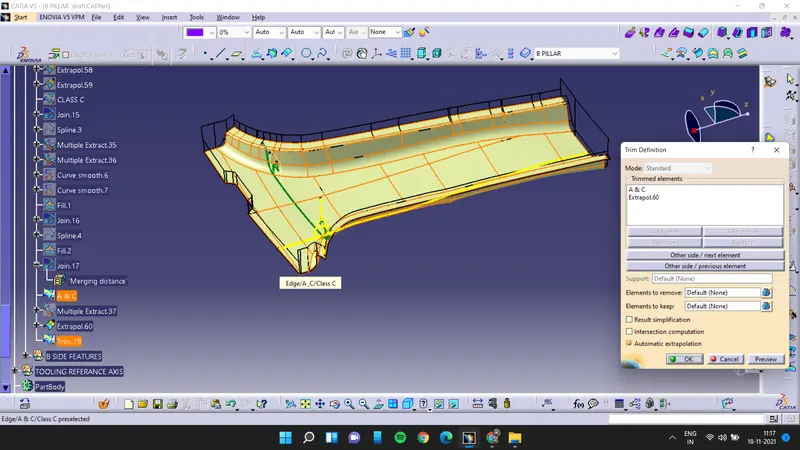
using closed surface option to make a close body.
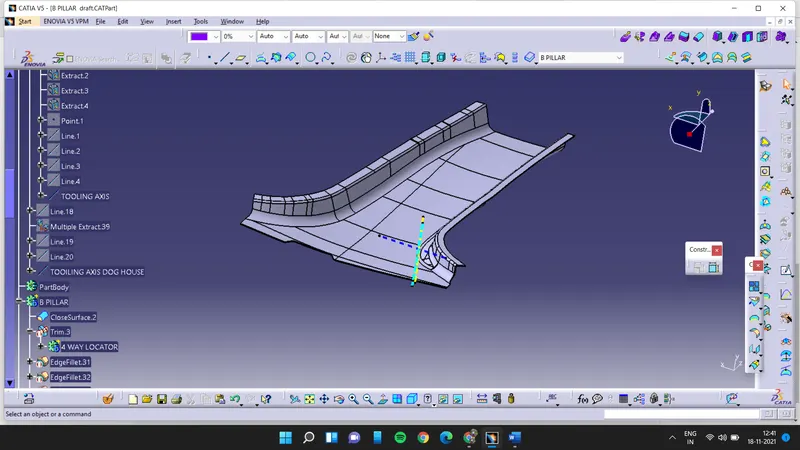
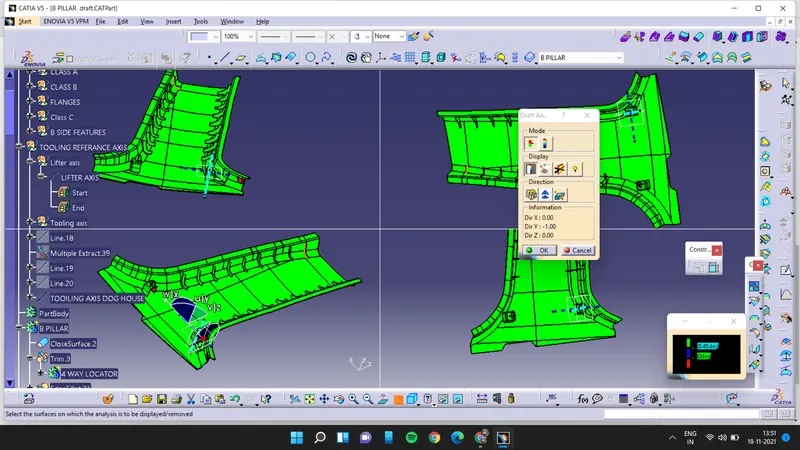
draft analysis
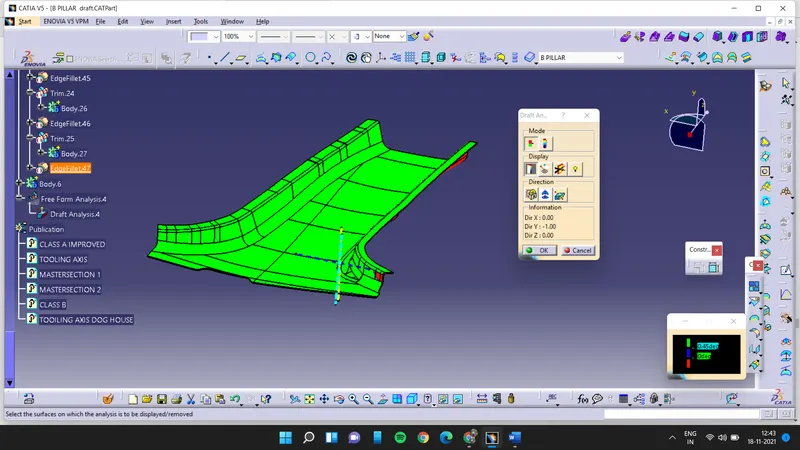
their is red surface showing on the surface this is because of improper class A surface from the provided surface.
now we have to create the dog house for the b pillar for that we have to create plane by using yz plane and point.
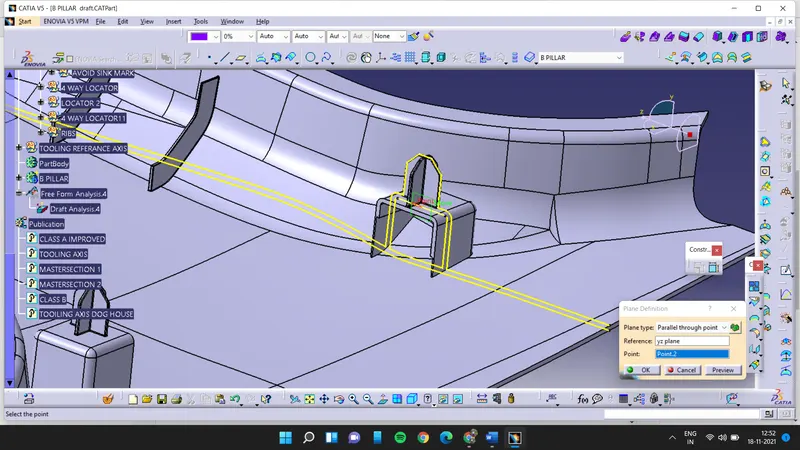
draw the sketch for the dog house and extract the sketch and then trim it
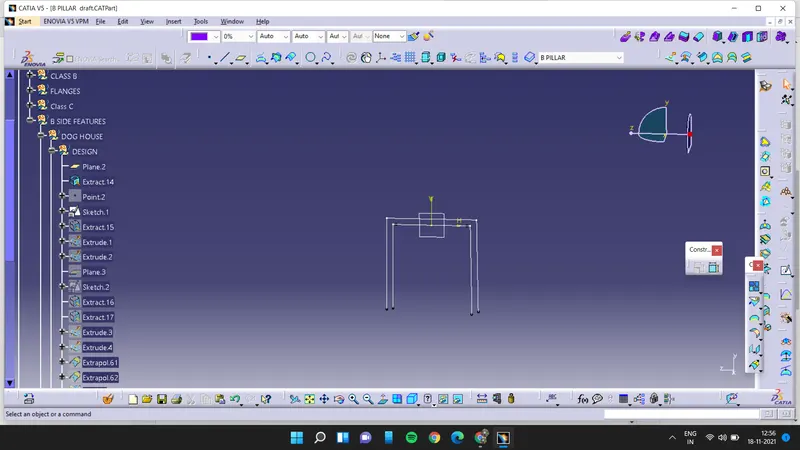
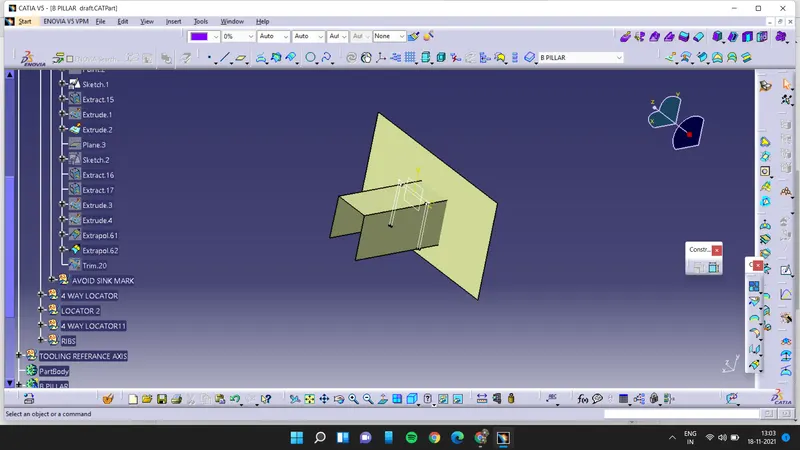
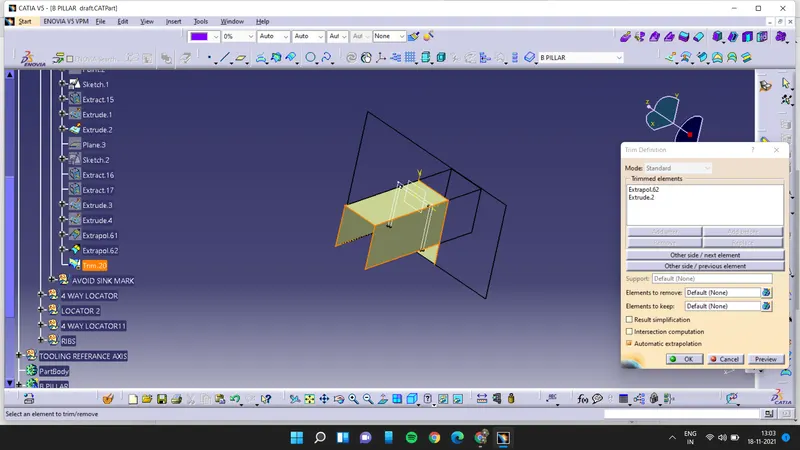
now split it
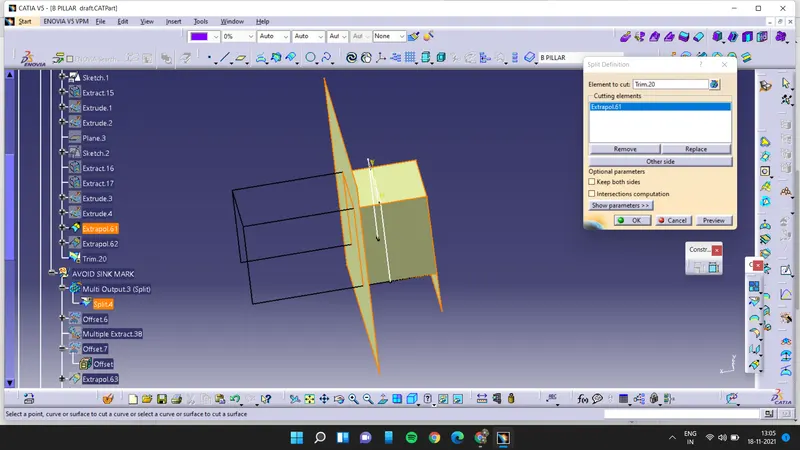
now use thick surface for 2mm
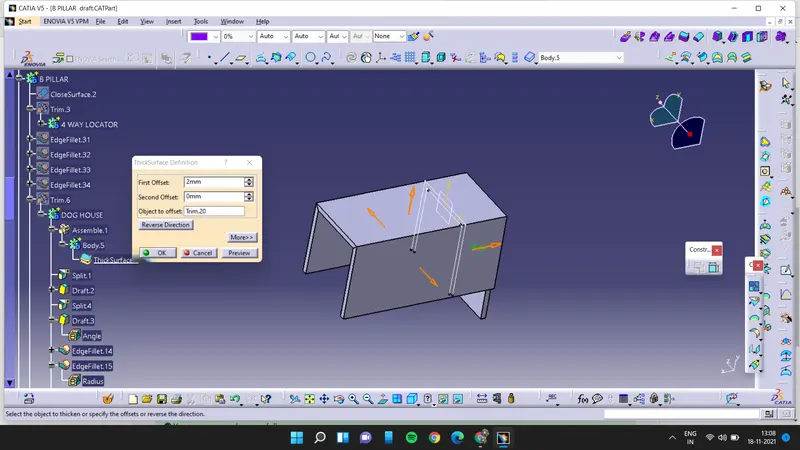
and then apply dressing features to the dog house and split it
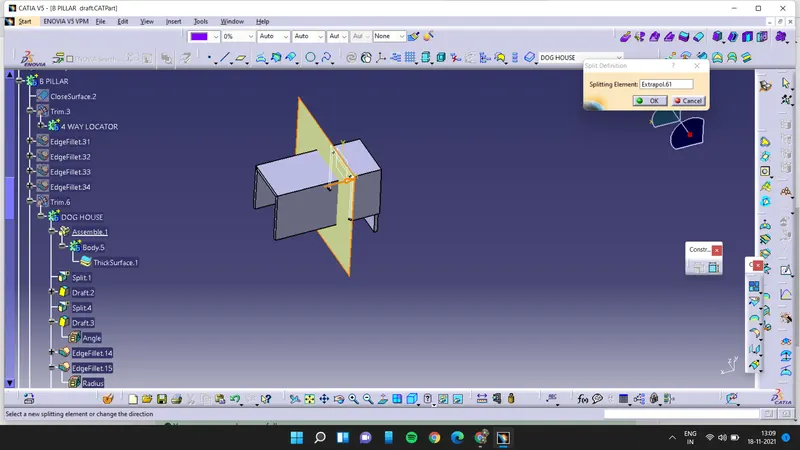
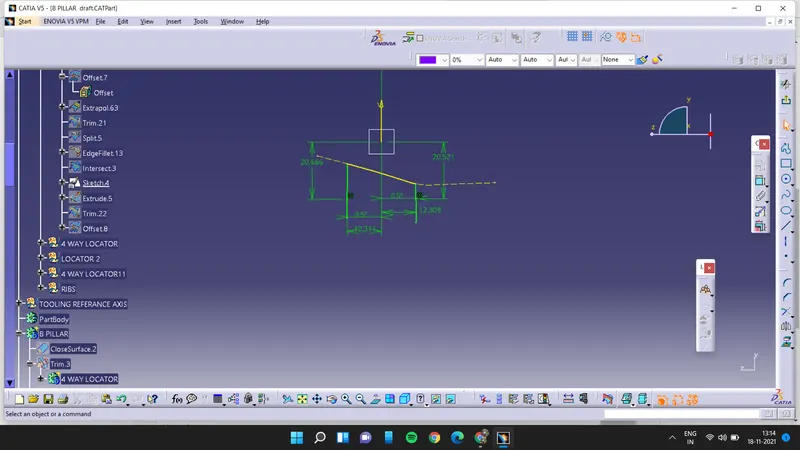
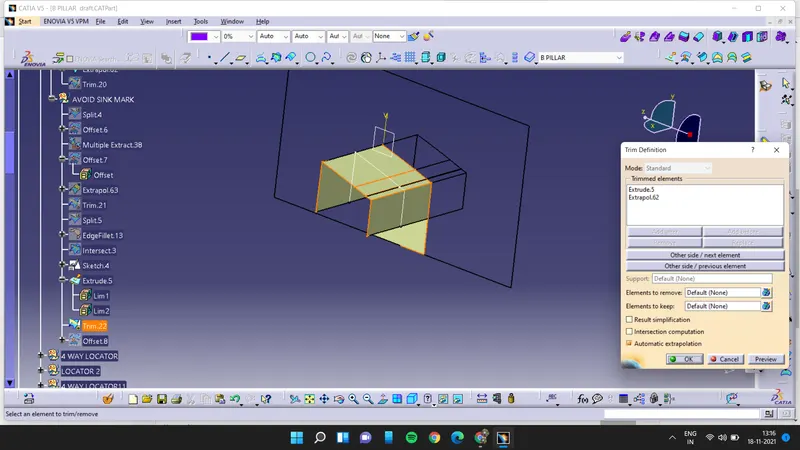
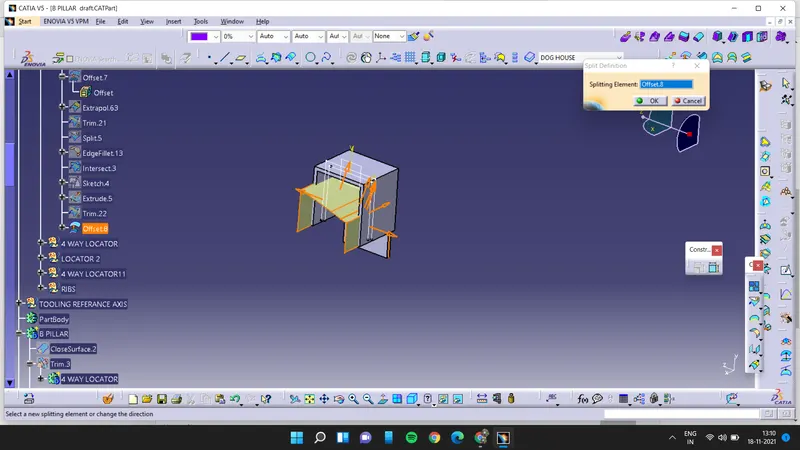
and then untrim it with the surface and to avoid the sink marks draw the sketch and extrude it and trim with the extrapolated surface and the offset it inwards for 1.2mm and then split it with the dog house
 ]
]
now
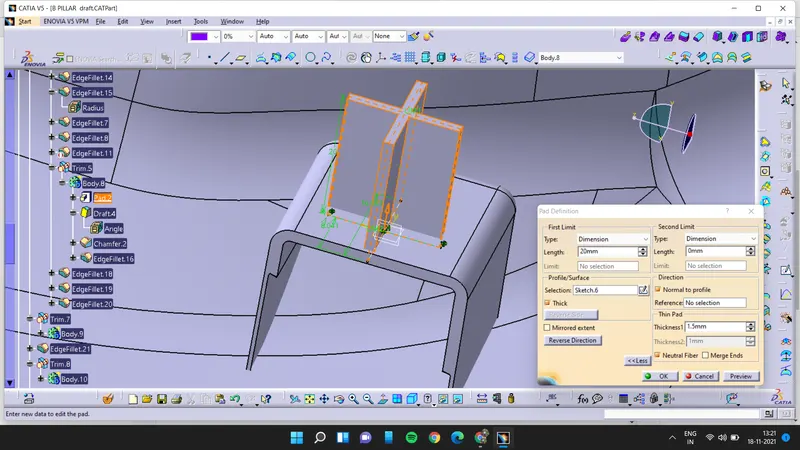
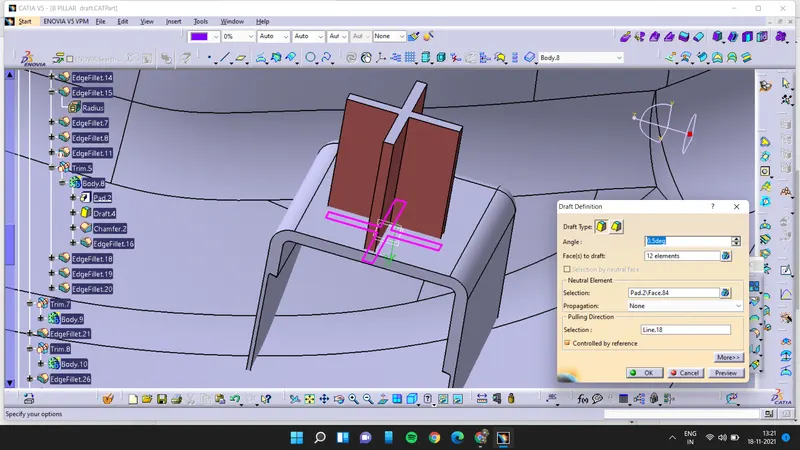
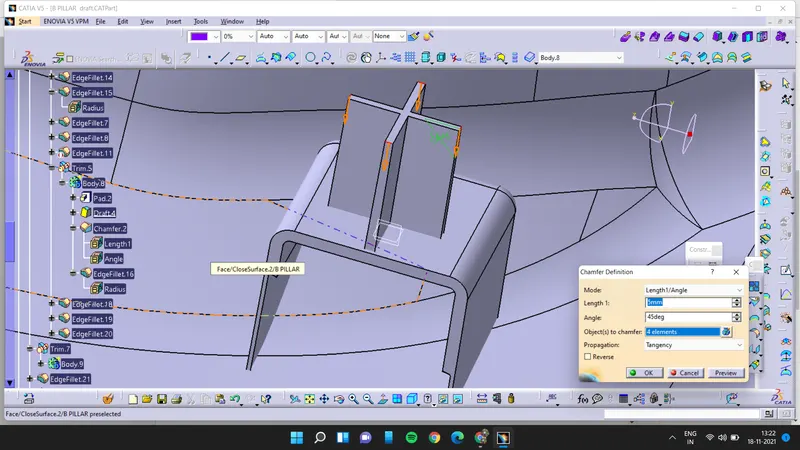
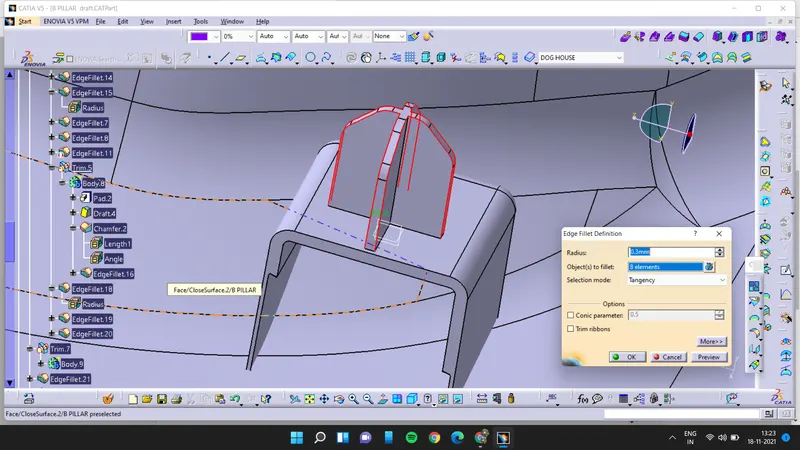
Create the sketches for four way locator and pad it. Now apply chamfer, draft and fillet on it
Creation of ribs
Create a sketch and draw a line of gap 50 mm up to the end point of B pillar. Extruded line
Applying the thicken features for providing the thickness in each extruded surface.
Now first offset the surface below 10 mm for splitting the ribs.
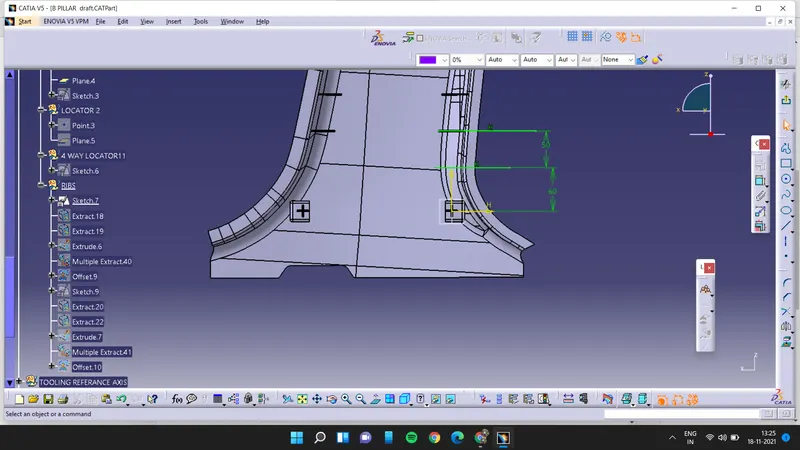
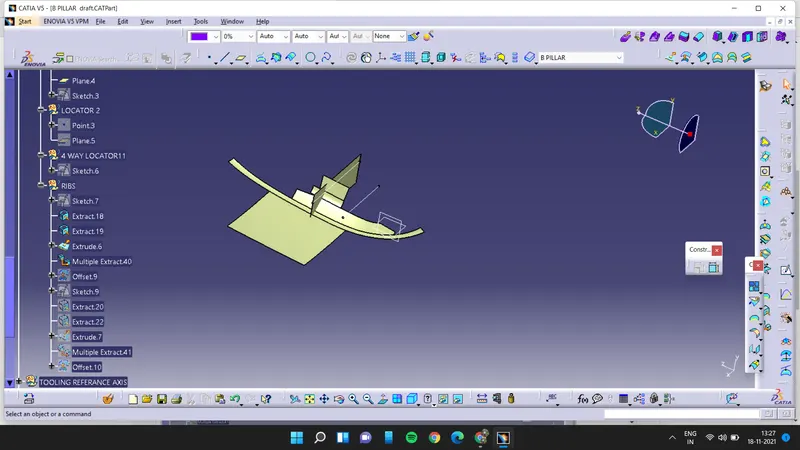
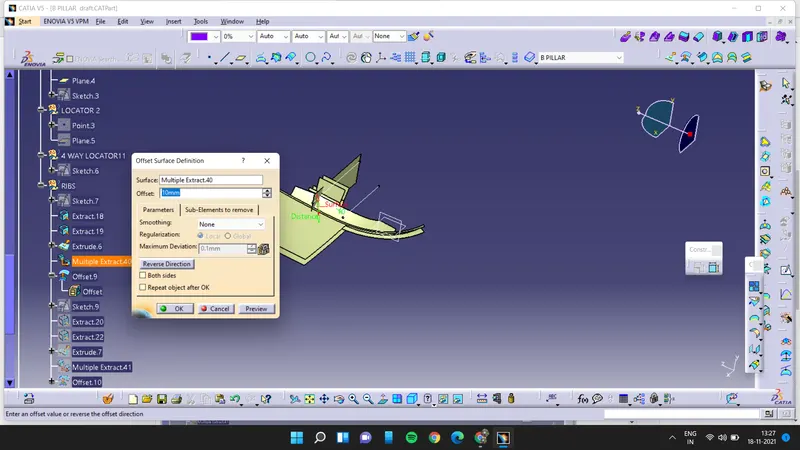
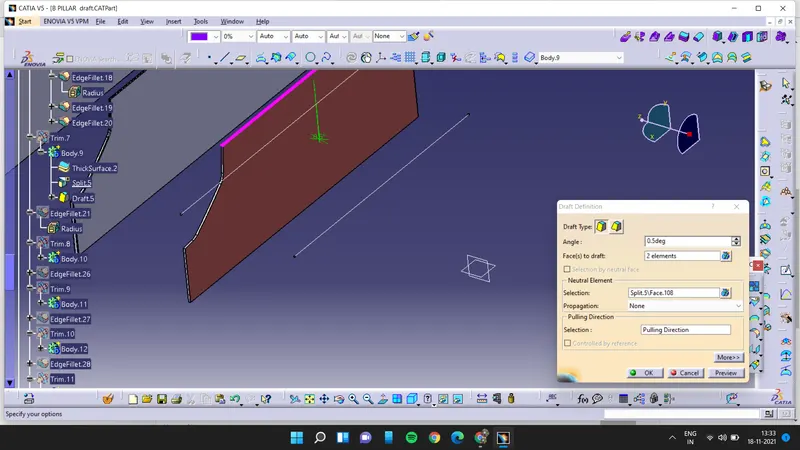
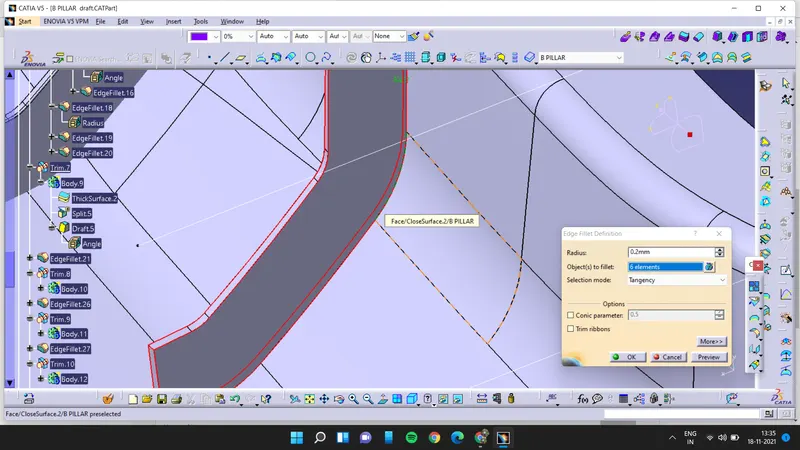
now coyping the ribs and translating it at minimum 50mm apart from each till the right end assemble it with the main part
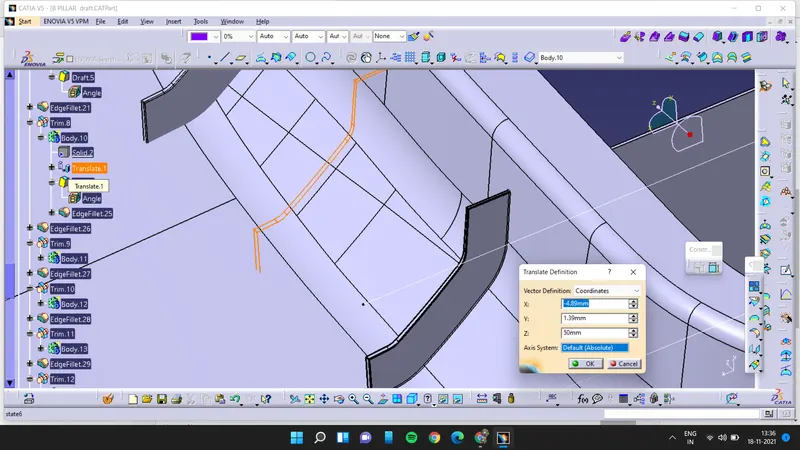
then drawing same sketch to the other side following the same procedure to create the ribs of left side
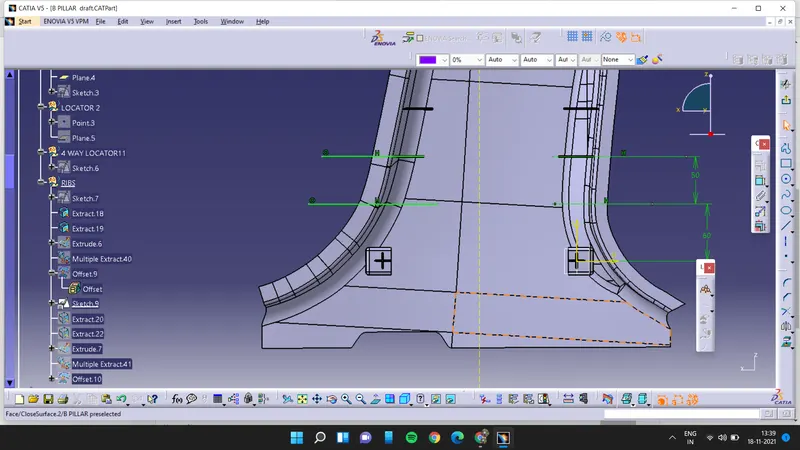
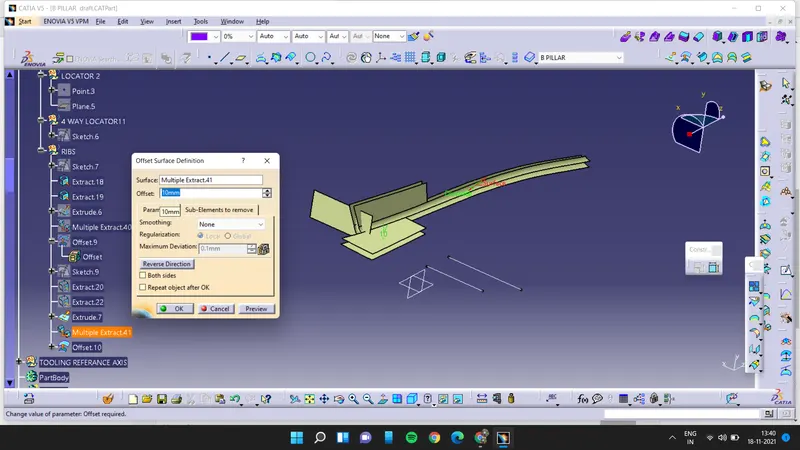
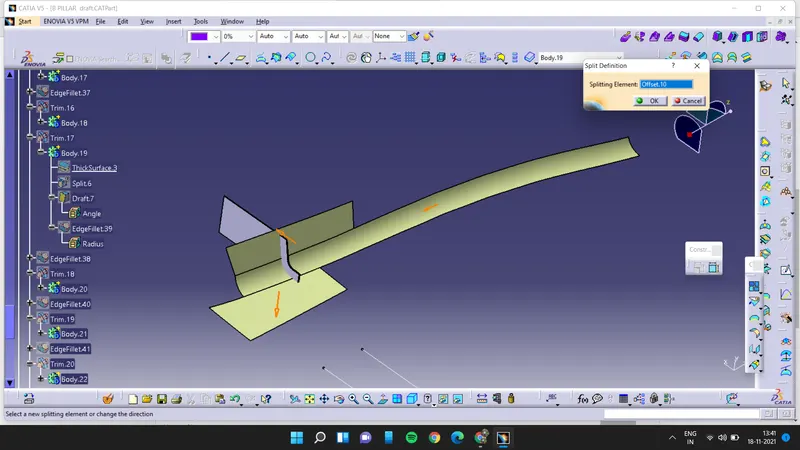
copy this rib and paste it by using result with the link and translate it at a minimum distance of 50mm copy and paste till the end and assemble it with the b pillar apply the draft and edge fillets
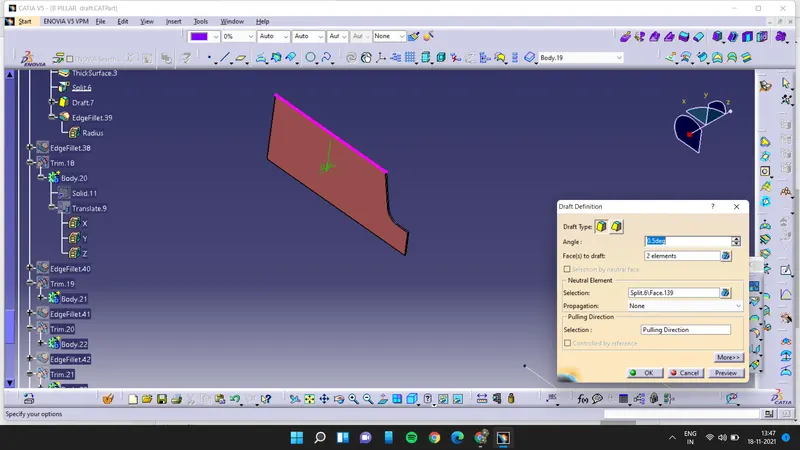
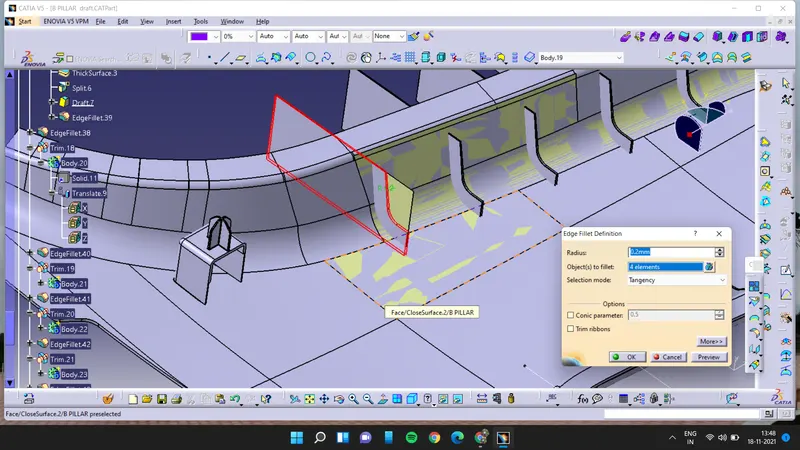
final product:
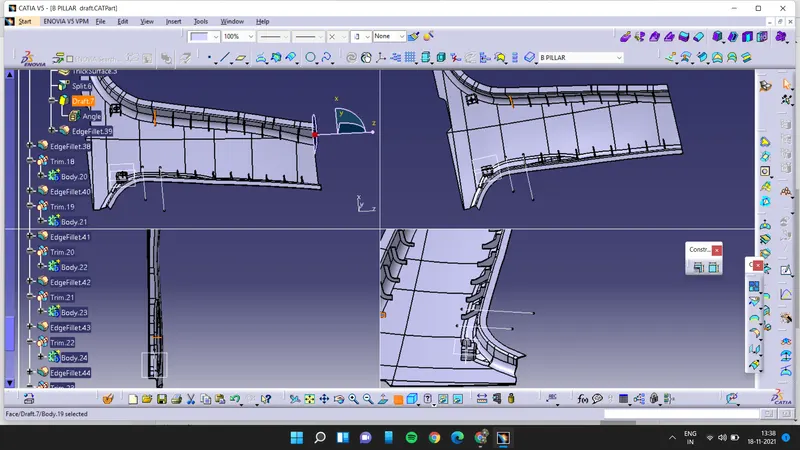
draft analysis
- Green color indicates that the model passed in the draft analysis also it represent the draft angle of 2.9 and above 2.9
- Red color indicates that the model darft angle is 0 deg.
- Blue color defines the negative draft angle or less than zero draft angle.