Advanced Sheet Metal Design Using NX Cad Challenge_2_Box Assembly
TITLE OF PROJECT
Box assembly
OBJECTIVE
The objective of design is to create box assembly with the help of nx advanced sheet metal
INTRODUCTION
NX, formerly known as "unigraphics", is an advanced high-end CAD/CAM/CAE, which has been owned since 2007 by Siemens PLM Software. In 2000, Unigraphics purchased SDRC I-DEAS and began an effort to integrate aspects of both software packages into a single product which became Unigraphics NX or NX.
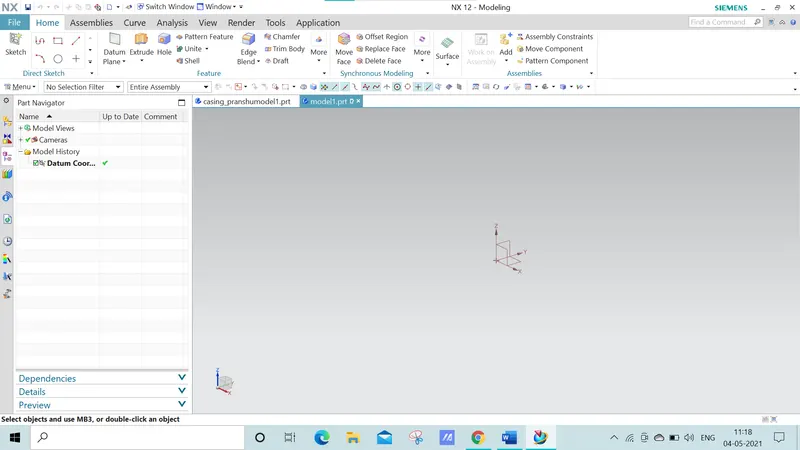
Sheet metal is metal formed by an industrial process into thin,flat pieces.sheet metal is one of the fundamental forms used in metal working and it can be cut and bent into a variety of shapes. Sheets metal is a semi finished products that can be produced over a large area. Whereby sheets are genrallt light, thin,stable,elastic and flat.
DESIGN APPROACH METHOD

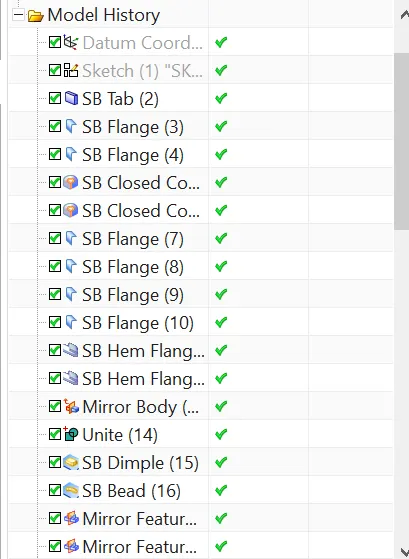
- Create a tab
- Create flange
- After flange click on closed corner
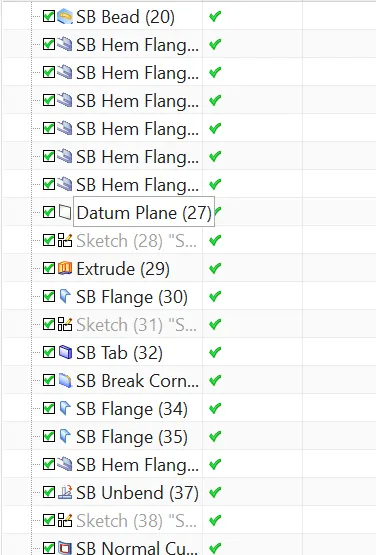
- Click on hem select the edges with bent radius of 0.5mm
- Mirror the half of the box by selecting the bodies and plane.
- After than unite the both bodies into one body.
- Create a dimple.
- Mirror the feature.
- Create a dimple on bottom plane
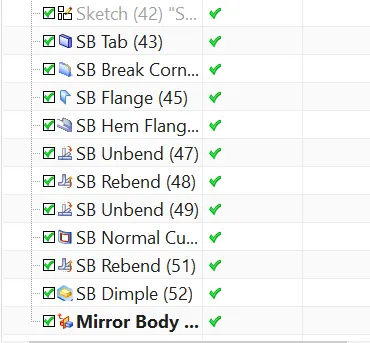
- Normal cut out
- Unbend and rebend the box
DESCRIPTIONS OF TOOLS/FEATURES
TAB
This feature is used to extrude the sketch with required thickness.
NORMAL CUT
Creates a cut profile to the tab with required depth.
BEND
This is to created by a single line on the surface,with required bend parameters.
FLANGE
Flange consist of one bend region and one web region with respective of the any edges with required length and angle.
BEND CORNER
Give a smooth radius to the sharp edges with required radius.
CLOSE CORNER
When two flanges are adjacent to each other there will be gap between them , this feature helps to close the gap between the flanges.
UNBEND
Unbend is a very important feature . before creating any feature the model the model should unbended for easy understanding.
HOLE
For creating a screw type , screw size hole feature is used.
DIMPLE
Creating a dent profile on the model is called dimple.
BEAD
Making a dent along the contour hole with respective to the direction required is bead.
REBEND
Rebend of unbend profile is called rebending. This is done in the final stage of model.
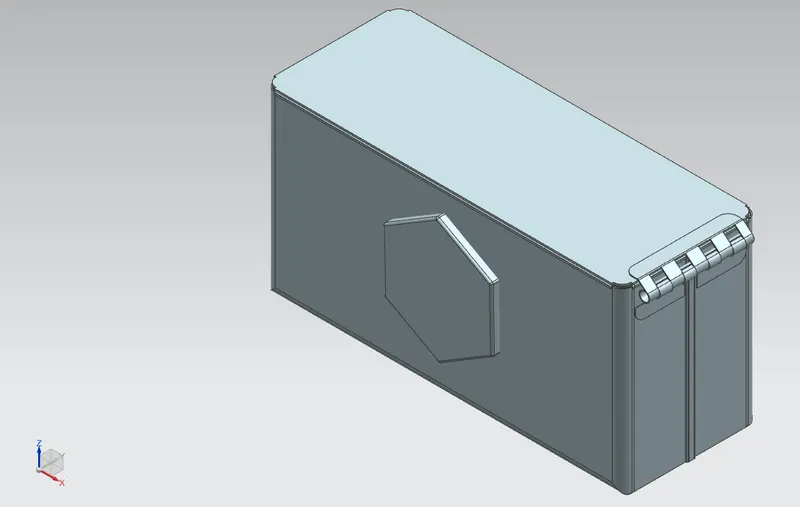
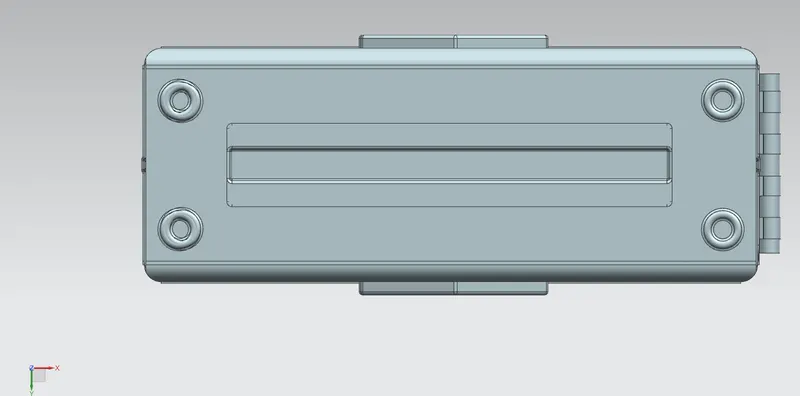
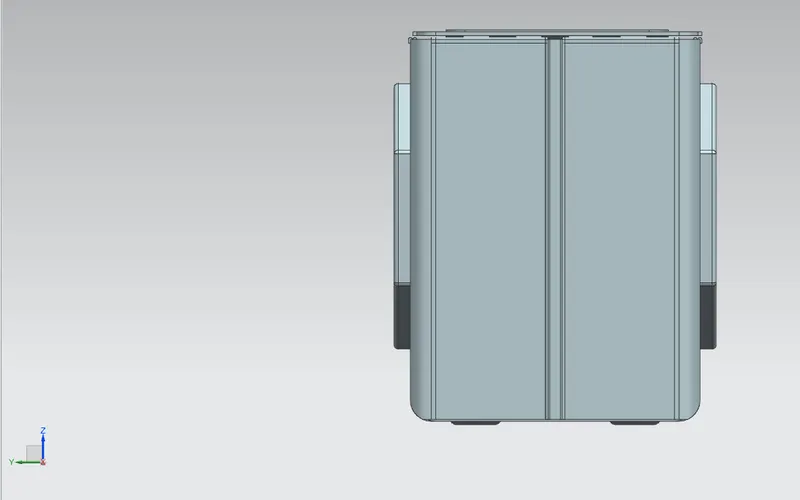
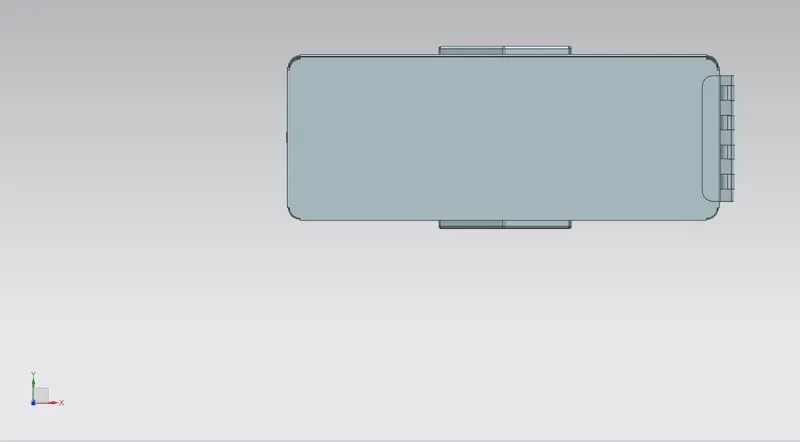
SCREENSHOT OF MODEL
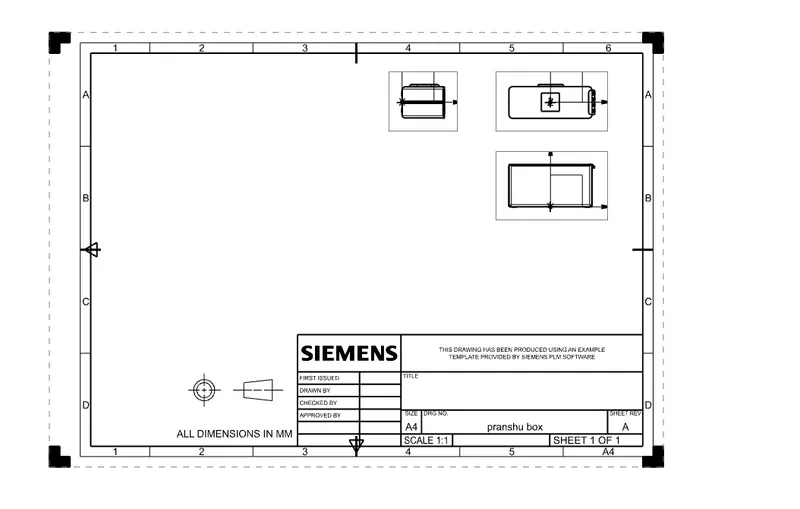
DRAFTING
CONCLUSION
Sucessfully creating the box assembly in nx cad sheet metal.