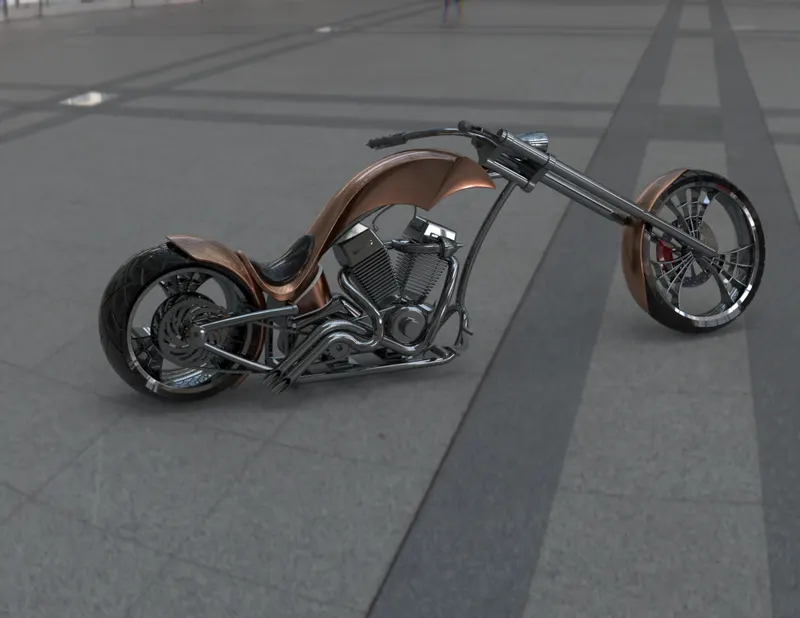
Photo Realistic Rendering
MODELLING OF AMERICAN CHOPPER IN SOLIDWORKS
INTRODUCTION
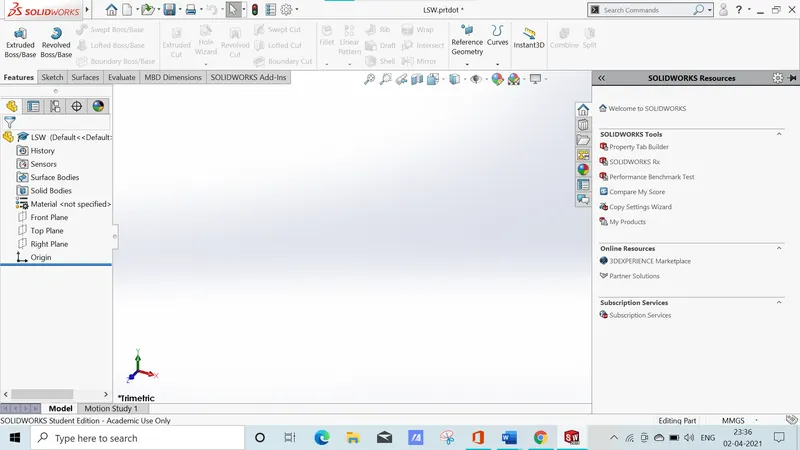
Solidworks is one of the prominent modelling software available .This software is mainly used to model 3d parts using 2D sketch .It also has the option to specify the material and look for the model which we create .It has the option to specify the material and look for the module which we create .It has add-in-features like 360 which helps in rendering of the final model to make it look photo realistic. In this project we will learn about design of an American chopper parts and assembling them and rendering the final chopper after the assembly.
Objective
The main objective of this project are
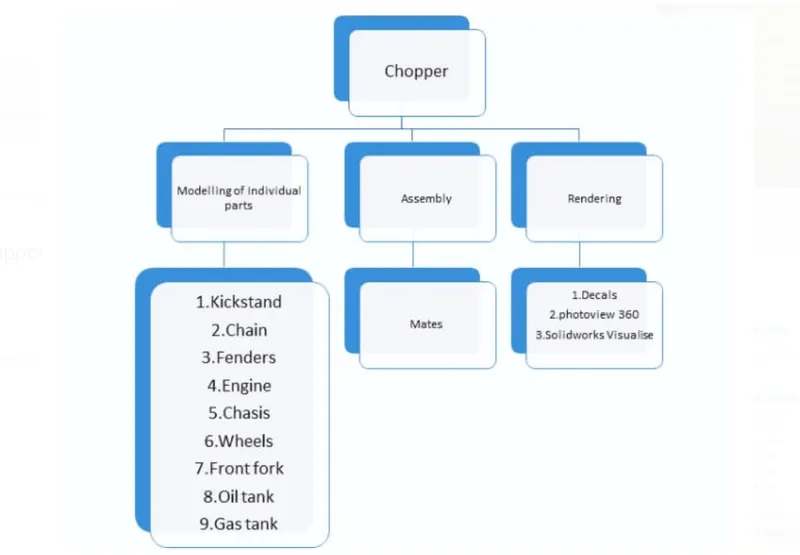
- To create individual parts of chopper using solidworks
- To assemble all the individual parts into a chopper
- To know application of decals,lights and cameras
- To create photorealistic model render it using photoview 360 and solidworks visualize.
Design methodology
- Sketch
Sketch is a two dimensional representation for converting 2D sketch to 3D modelling. In solidworks , there are different sketch options to create a sketch and these are known as sketch entities – lines, circle, arc , rectangle etc
- Extrude boss
This feature is to convert 2D into solid modeling only when the 2D into a solid modeling only when 2D sketch is completely closed. It also allows to extrude the surface in both directions and also offset is to require distance.
- Fillets
This is to create a curve surface on the profile edges on solid model by selecting the required lines or the faces the fillet also has a feature to select multiple lines which reduce time consumption.
- Extrude cut
It is used to remove materials from a solid model in desired patterns and also it can be extruded with both directions.
- Split tool
This tool is very handy ,when two or more solid body intersect in between or intersect each other then split tool allows to delect unwanted solid body formation gives a clean look.
- Trim entities
There are two types of entities:
- Extend entities- which allows the broken lines to intersect each other and this can be done only in 2D sketch.
- Trim entities- this helps to remove unwanted lines which are intersecting.
Swept surface
surface generated from section curve positioned along the path.
Chamfer
It is similar to the fillet feature but in chamfer ,it cuts the solid model intersection area into recurred length and angle
Dynamic mirror
To make the solid body identical to each other this feature is used.
Combine
Combine feature is used to combine two or more bodies when intersecting to each other and make it single body.

Fig- feature tab

Fig- sketch tab

Fig- surface tab

Fig- rendertool tab
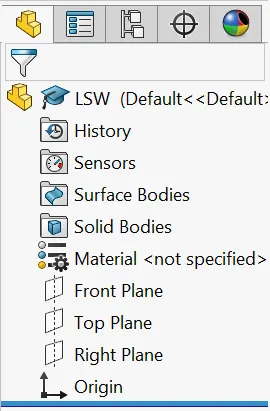
Fig-feature tree
Modelling of individual parts
Kickstand
It is also known as side stand. It is used to support the chopper while it needs to rest on the ground.
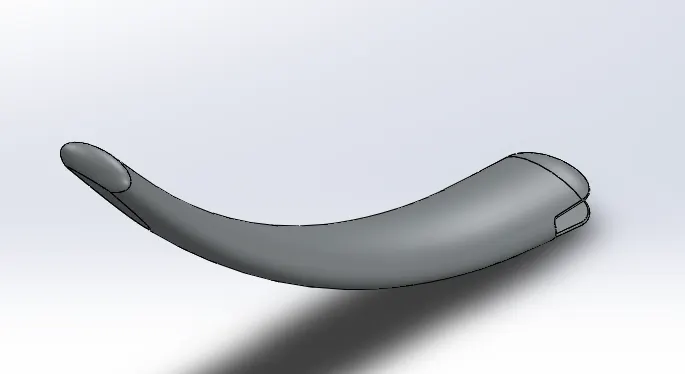
Features used to create kickstand:
- Sketch
- Loft
- Dome
- Extrude boss
- Extrude cut
- Fillet
- Split
Transmission belt
This is used to transmit power from engine to gear box.
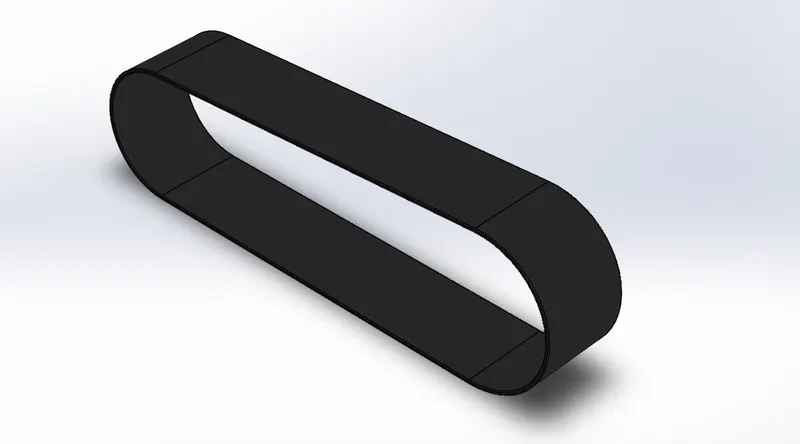
Features used to create transmission belt:
- Sketch
- Offset
- Extrude
- Fillet
- Appearances
Front fender
The front fender is mounted on the front fork above the wheel to protect the rider and the chopper other parts from debris and foreign particles.
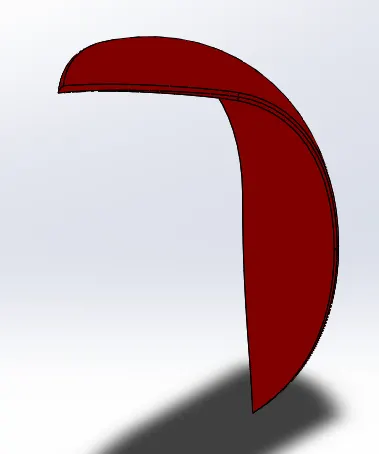
Features used to create front fender:
- Sketch
- Offset entities
- Trim entities
- Revolve
- Dynamic mirror
- Split
- Appearances
Rear fender
The use of rear fender is the same as front fender. The rear fender is mounted on the chasis of the rear wheel .
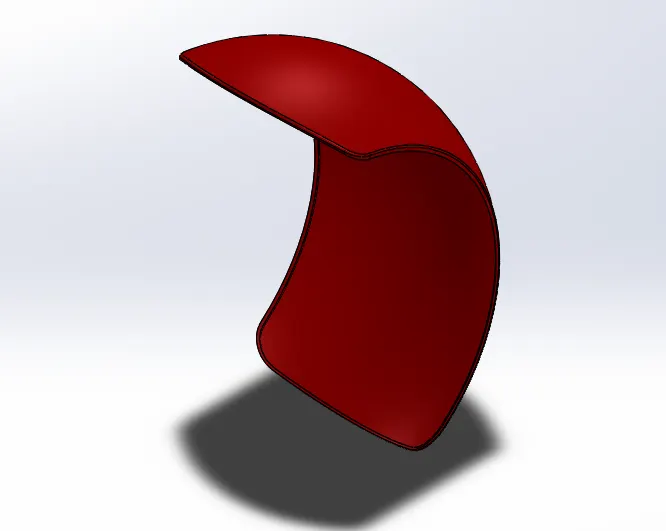
Features used to create rear fender:
- Sketch
- Offset entities
- Trim entities
- Revolve
- Appearances
Chain
Chain is a type of transmission system that is used to transmit a power from the engine to the rear wheel . The sprocket is used to transmit the power to the chain. The sprocket is connected with the shaft with the help of a key.
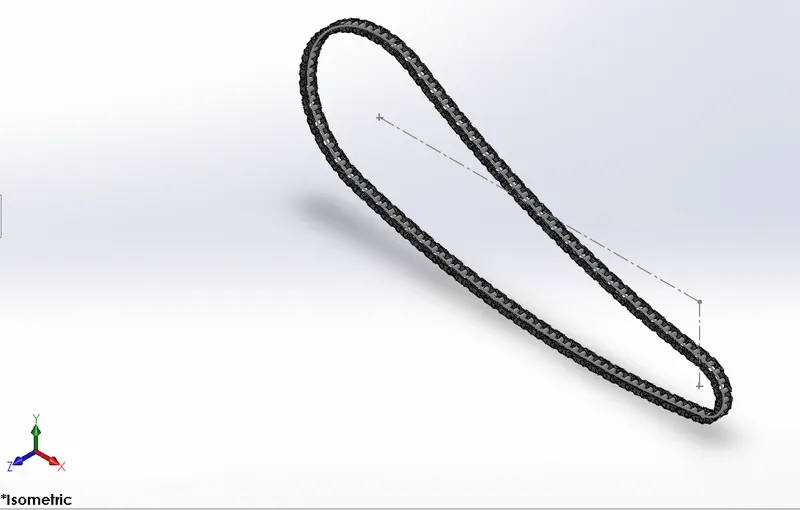
Features used to create chain:
- Sketch
- Trim
- Fillet
- Blocks
- Extrude
- Patterns
- Appearances
Oil tank:
The oil tank is used to store the oil required to run the engine. It is a hollow one. The thickness of the oil tank is given by 3mm in our chopper model.
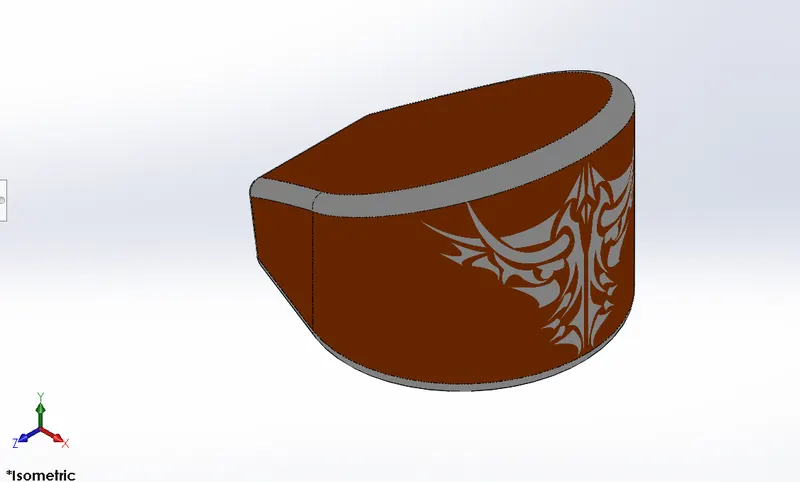
Features used to create oil tank:
- Sketch
- Boss extrude
- Combine
- Fillet
- Shell
Pedal:
Pedal is the external part attached to the chassis. The pedal is used to place the leg on the top of the that to give comfort to the rider.
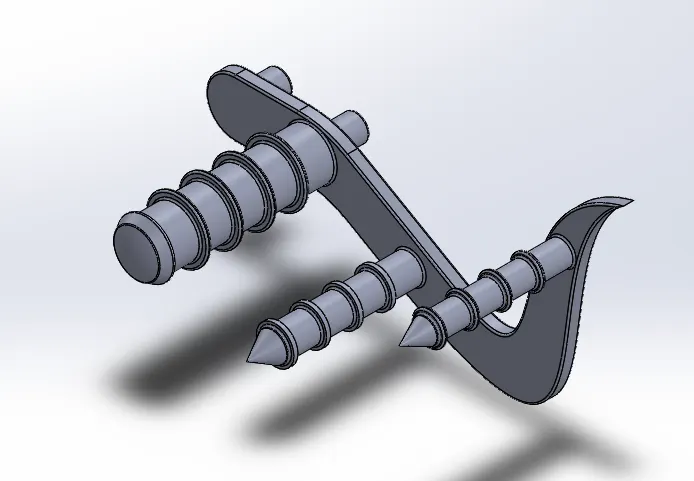
Features used to create pedal:
- Sketch
- Extrude
- Fillet
- Linear pattern
- Dome
- Chamfer
Front wheel:
A wheel is a circular block made of alloy. On the top of wheel, the tyre is covered .
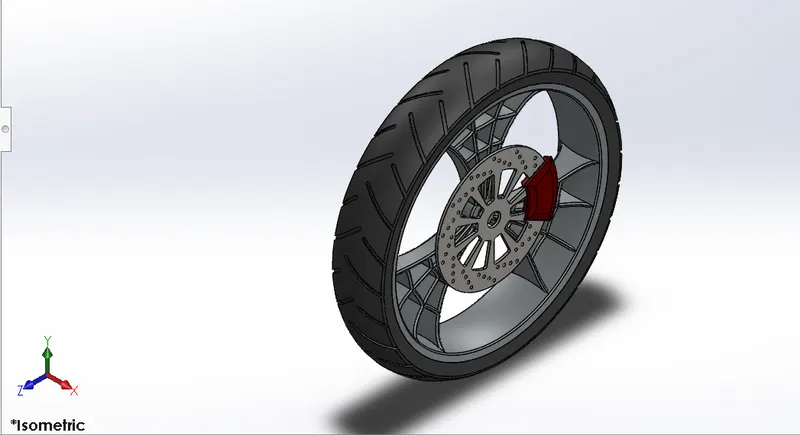
Features used to create front wheel:
- Sketch
- Revolve
- Trim
- Fillet sketch
- Boss extrude
- Revolve cut
- Linear pattern
- Chamfer
- Cut extrude
- Circular pattern
Rear wheel:
A circular object that revolves on an axis and is fixed below a vehicle or other object enabling it to move easily over the ground.
The disc and sprocket are attached with rear wheel.
The chain is connected between engine and the rear wheel.
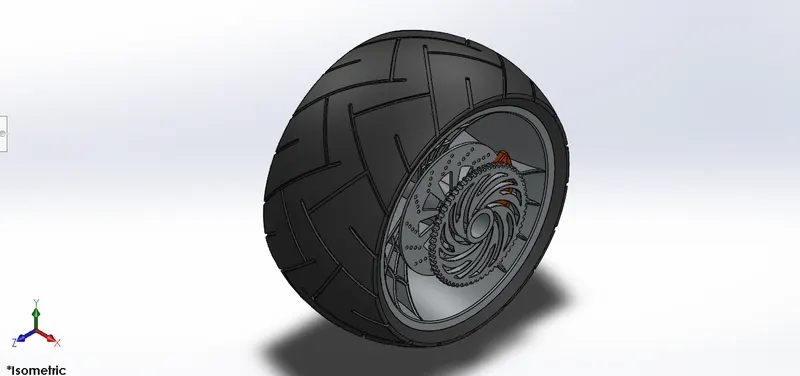
Features used to create rear wheel:
- Sketch
- Revolve
- Trim
- Sketch fillet
- Extrude boss
- Planes
- Revolve cut
- Linear pattern
- Chamfer
- Fillet feature
- Extrude cut
- Circular pattern
Front fork:
Most bikes today used telescopic front suspension. The fors can be most easily understood as simply large hydraulic shock absorber with internet coil springs.
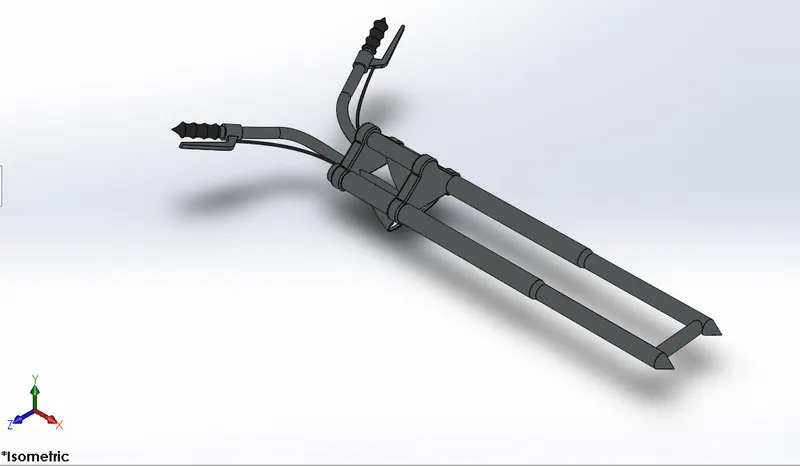
Feature used to create front fork:
- Sketch
- Extrude
- Trim
- Revolve
- Split
- Move
- Combine
- Projected curve
- Sweep
Chassis:
It is frame forms its skeleton. All the components of chopper are mounted to this base structure which tends a chopper its strength and ability to handle well.
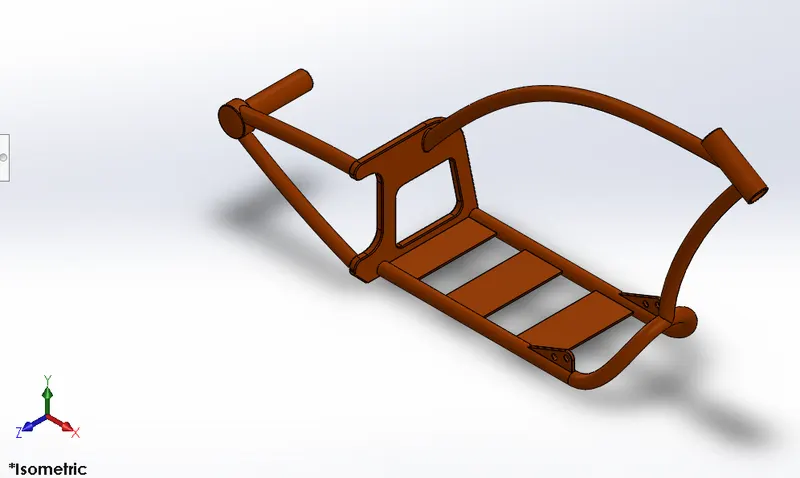
Features used to create chassis:
- Sketch
- Offset
- Covert entities
- Project curve
- Trim
- Sweep
- Split
- Revolve
- Cut extrude
- Fillet
- Combine
Engine:
Engine is the prime mover for the bike.
The engine converts a chemical energy into the heat energy and then heat energy is converted to mechanical work.
The mechanical work in the engine is a rotational motion.
The rotation is transmitted to wheel with the help of chain and sprocket through the gear box and clutch.
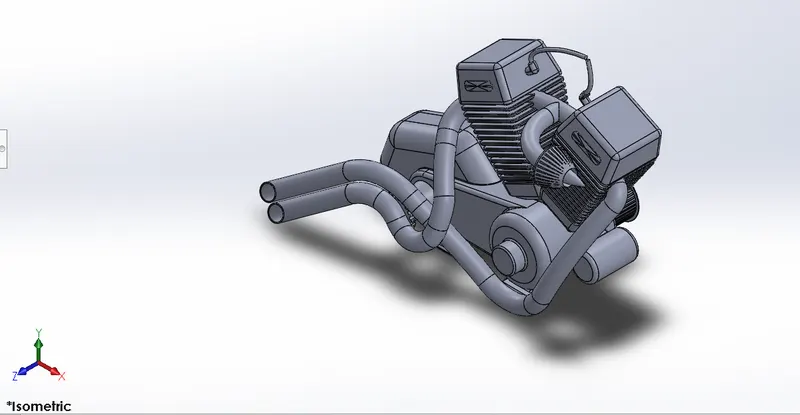
Features used to create engine:
- Sketch
- Trim
- Revolve
- Boss extrude
- Extrude cut
- Offset
- Dome
- Fillet
- Projected curve
- Composite curve
- Sweep
- Mirror
- Circular pattern
- Split
Gas tank:
Gas tank are used to store gas and gives to engine when required.
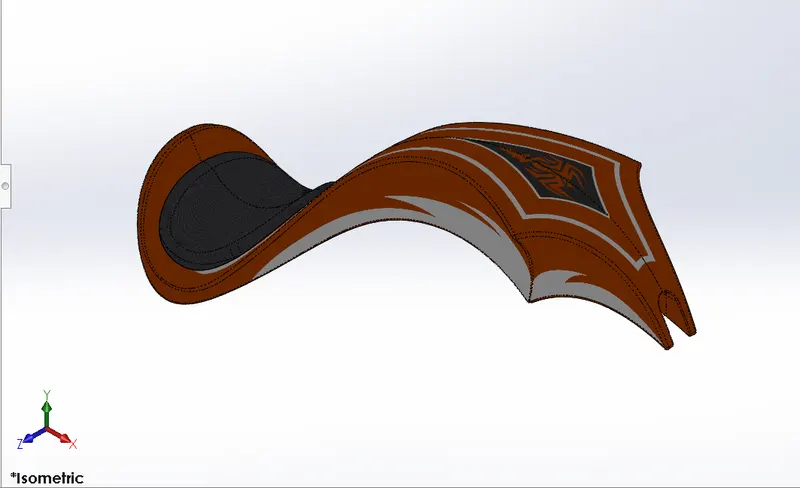
Features used to create gas tank:
- Trim
- Projected curve
- Sweep surface
- Loft surface
- Fill surface
- Surface trim
- Sweep cut
- Fillet
Assembly of chopper
- Initially the chassis part is inserted in the assembly by using insert parts in the option.
- After the parts is inserted in the assembly and click ok to fix the chassis.
- After the other parts of the chopper are inserted into the assembly and given mate conditions.
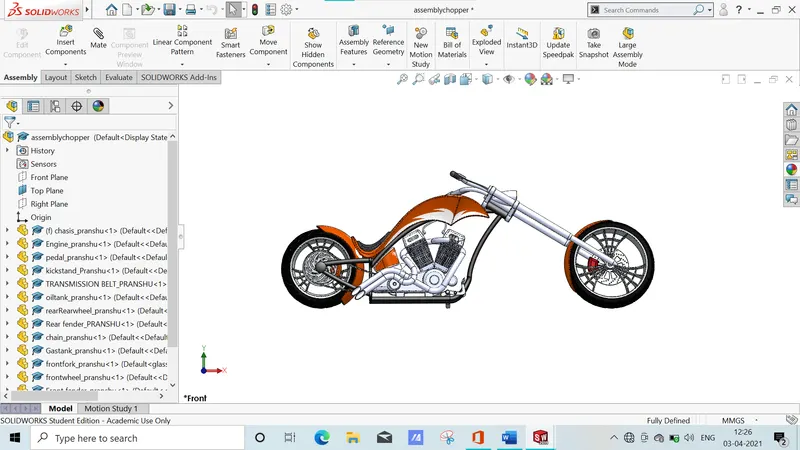
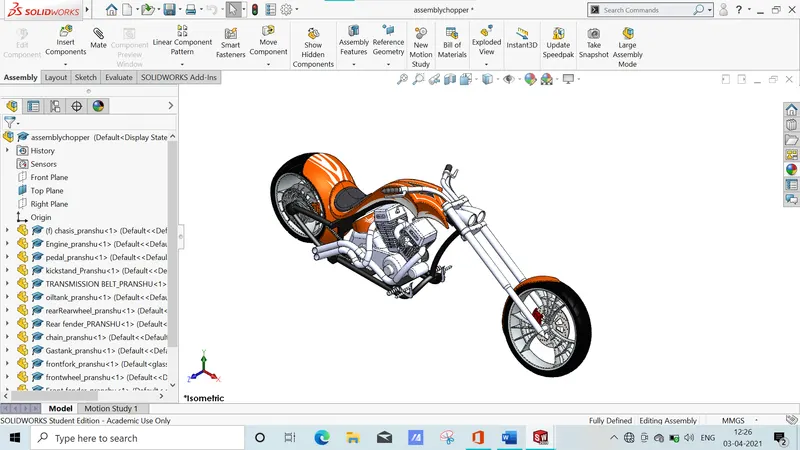
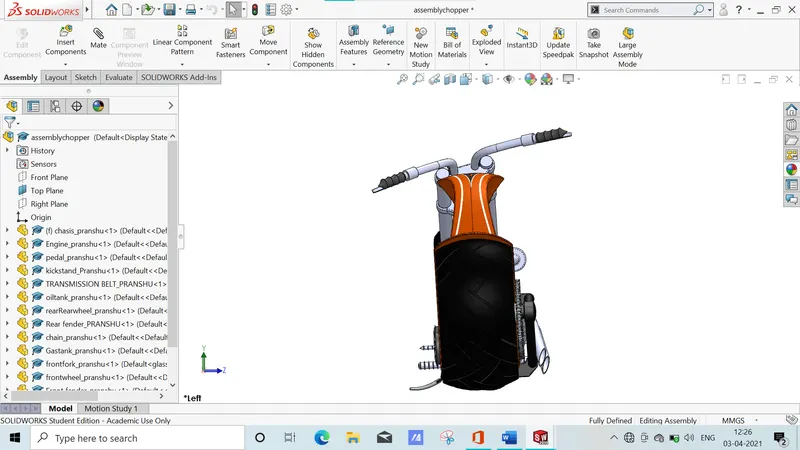
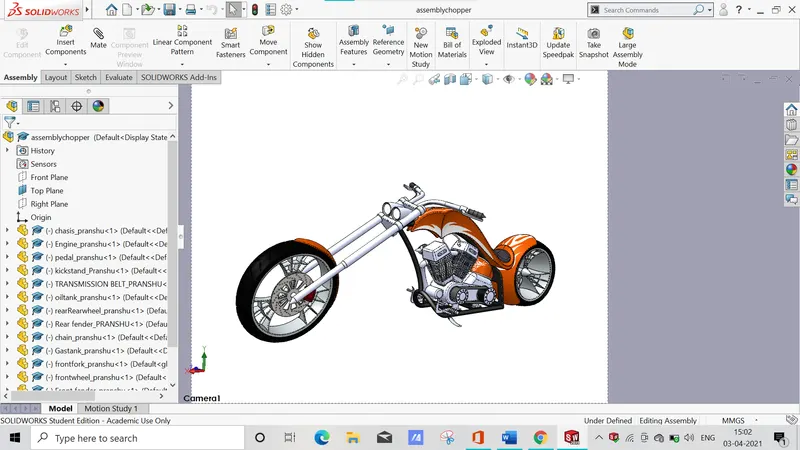
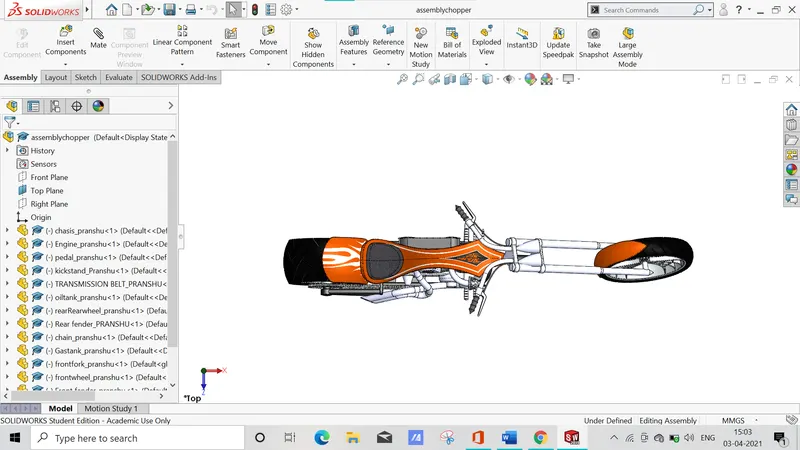
Features used to assemble chopper;
- Inserting parts
- Mates
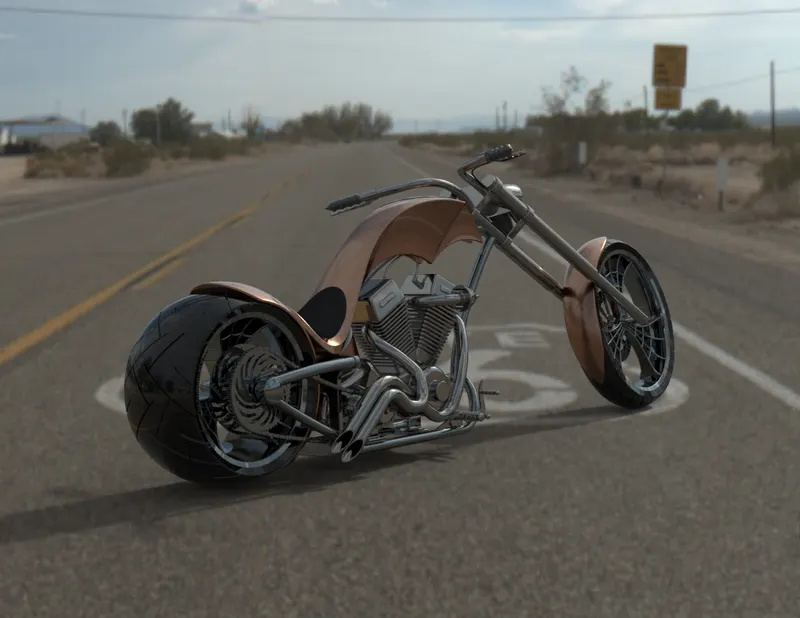
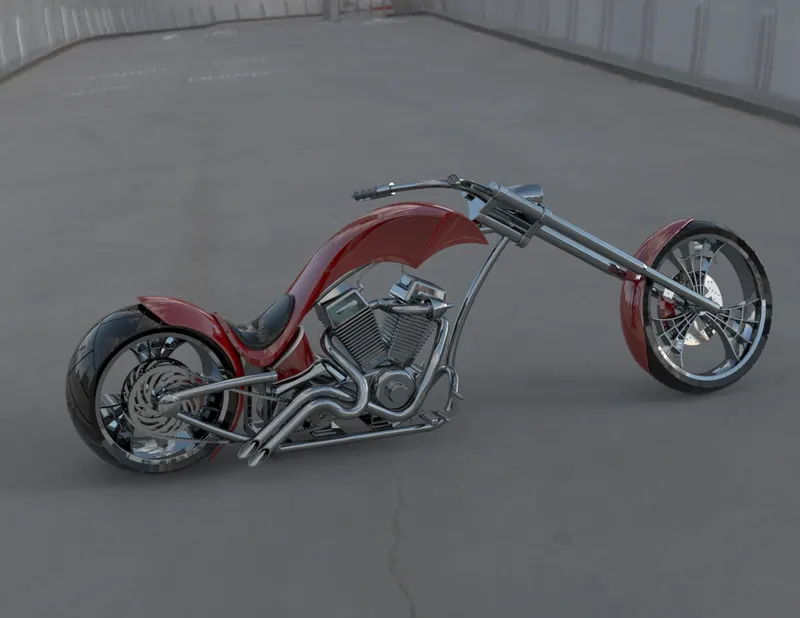
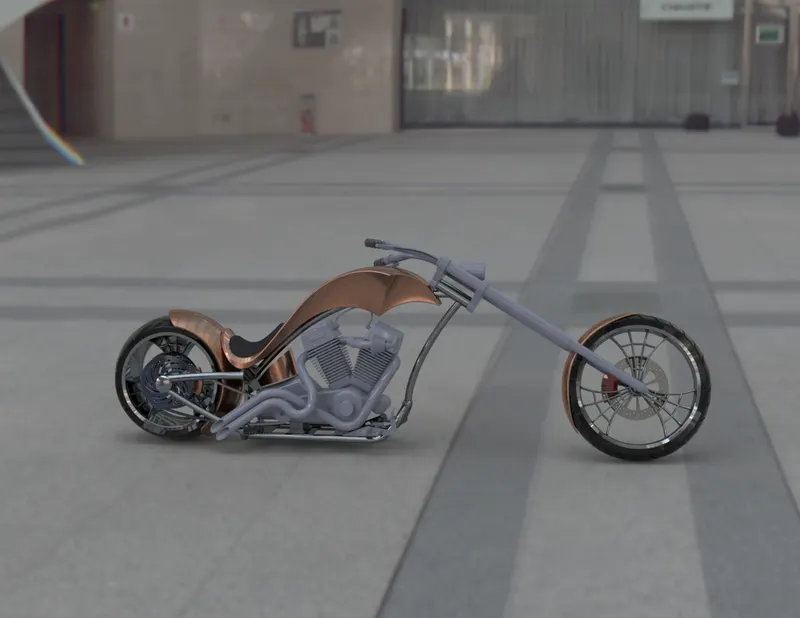
Photoview 360:
Photoview 360 is a visualisation and rendering solution includes with solidworks. Providing a highly interactive environment for viewing design as well as for creating photo realistic rendering.
Solidworks visualize
Solidworks visualize provide a suiteof stand alone software tools that combine industry leading rendering capabilities with usual design oriented features and workflows.
Conclusion:
- The parts of the chopper are modelled.
- The parts are inserted into the assemble environment and the chopper is assembled.
- The realistic image was rendered with the use of the photoview 360 and solidwork visualize.