Wiring harness design in CATIA V5 - 3D modeling Week 7 Challenge
Wiring harness design in CATIA V5 - 3D modeling
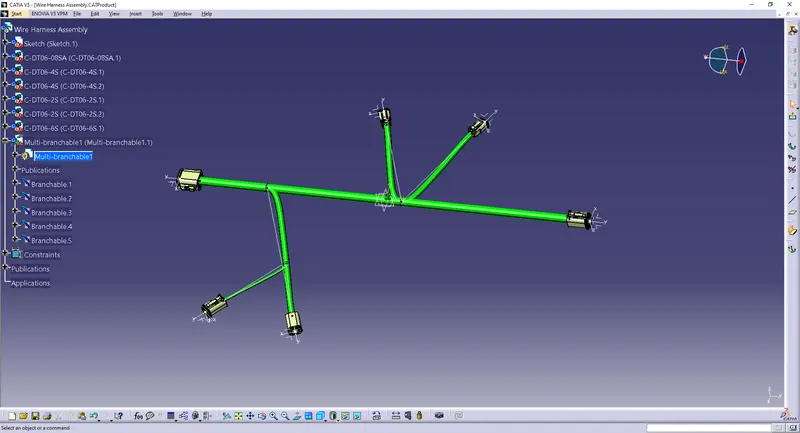
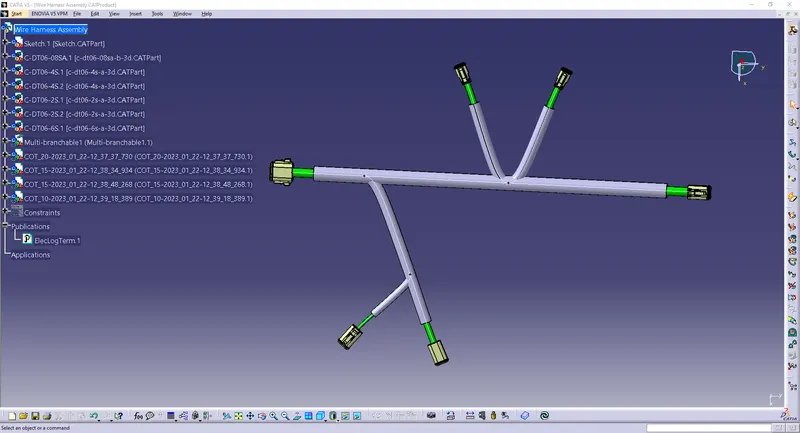
Objective:
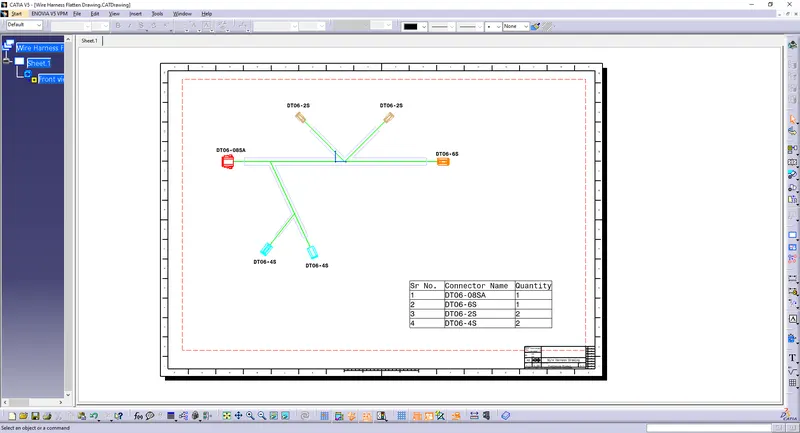
Flatten the harness assembly completed in the “Week 4 challenge”. Place the flattened view on the drawing sheet. Ensure bundles with protective coverings has different visuals on the drawing view.
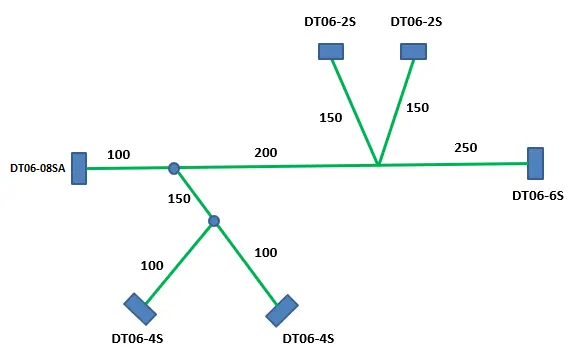
Procedure:
Taking the Week 4 Challenge:
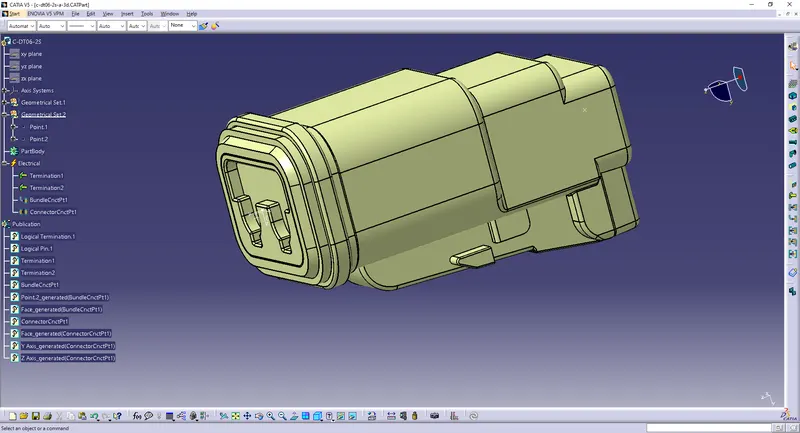
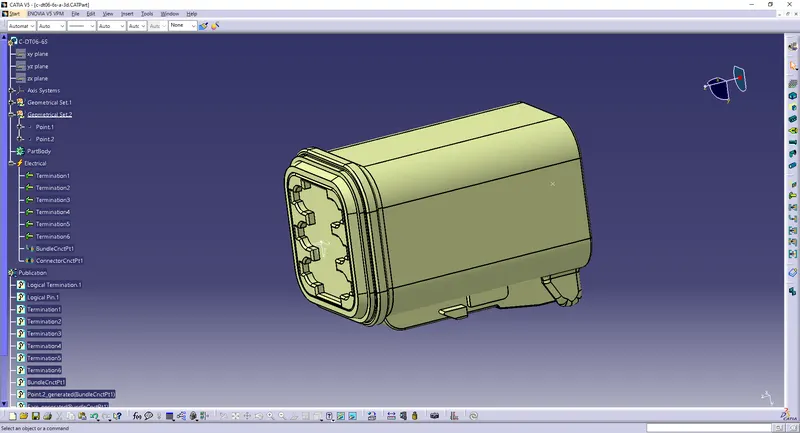
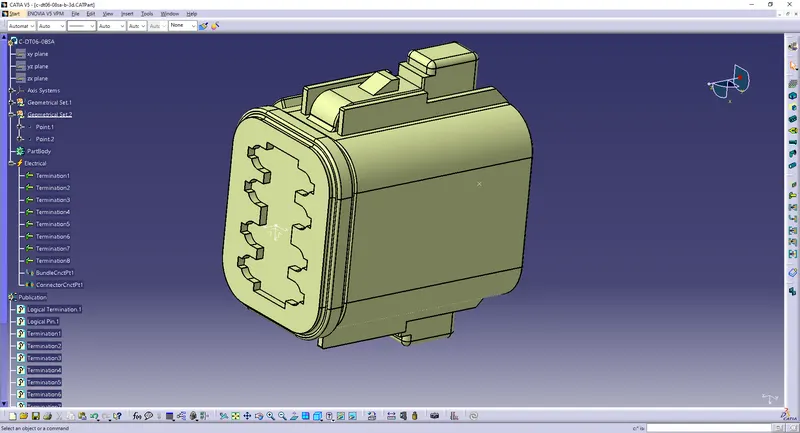
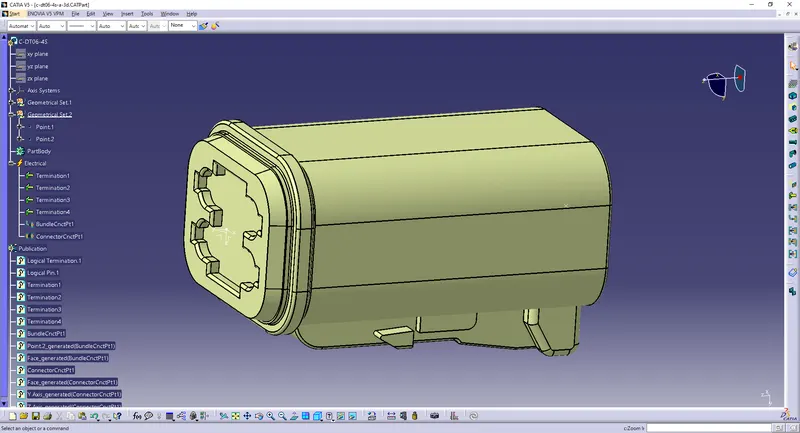
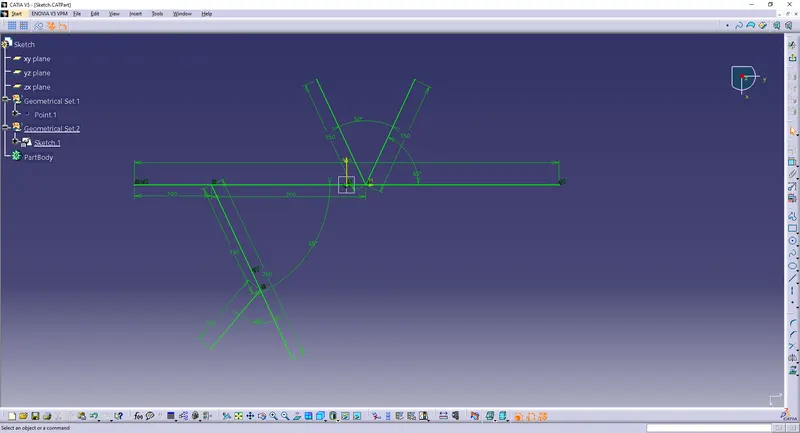
Open all the connectors and sketch in a new product file:
File>>New>>Product
Use 'Catalog Brower' to open the connectors
or
Copy and paste / Drag in the saved connector part files.
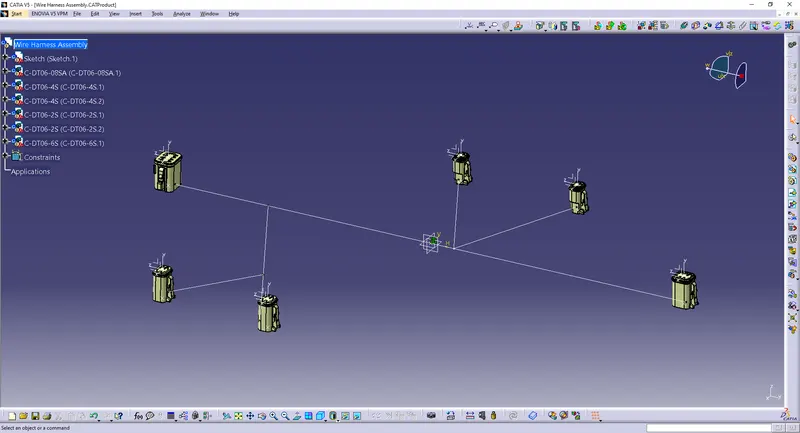
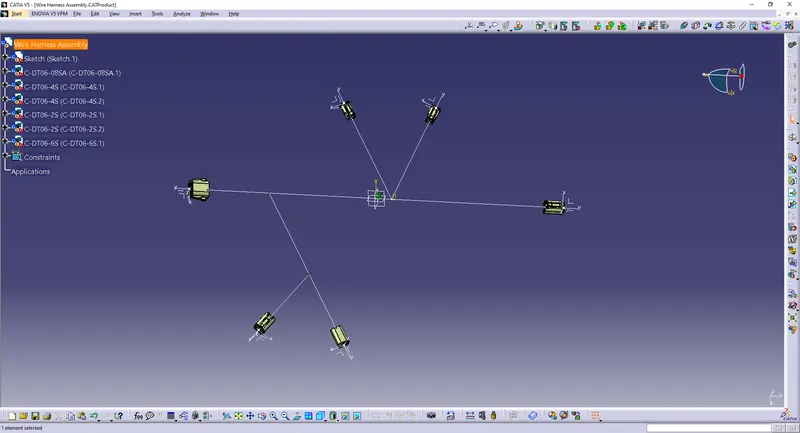
Create a new product and go into the "Electrical Harness Flattening" Workbench.
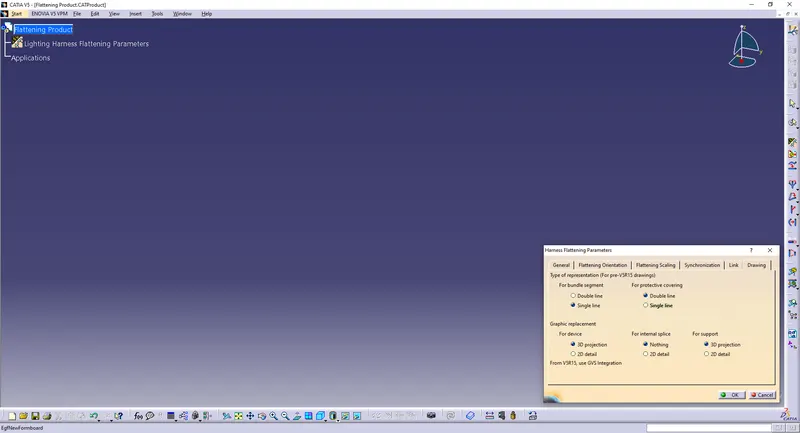
Click on the "Harness Flattening Parameters" option to adjust the parameters.
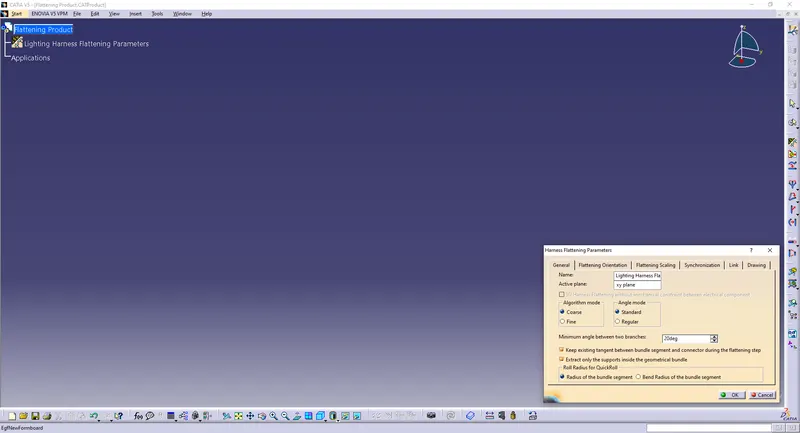
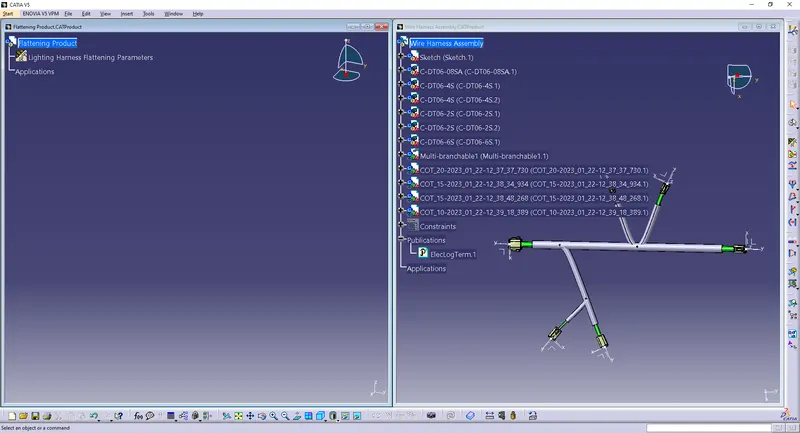
Open the windows and use the "Extract" option to move it into the new product file.
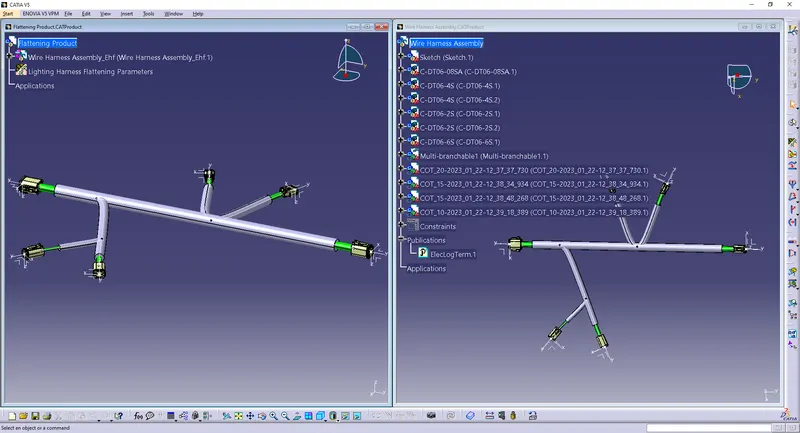
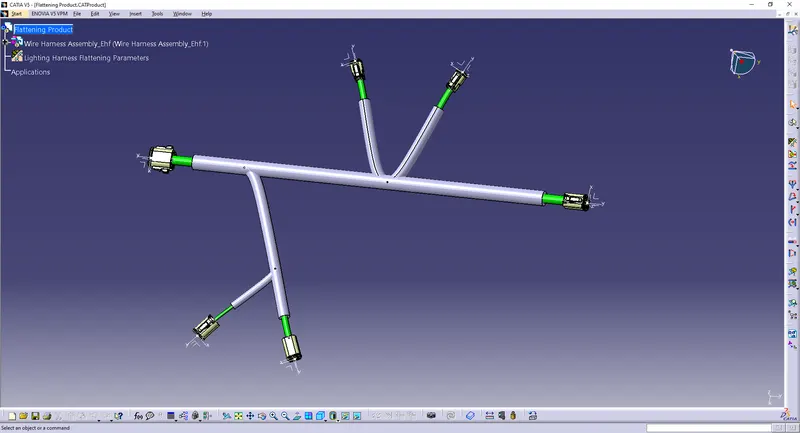
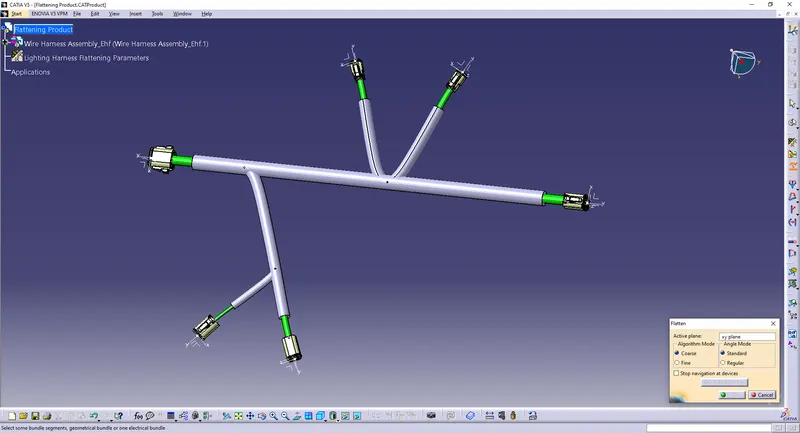
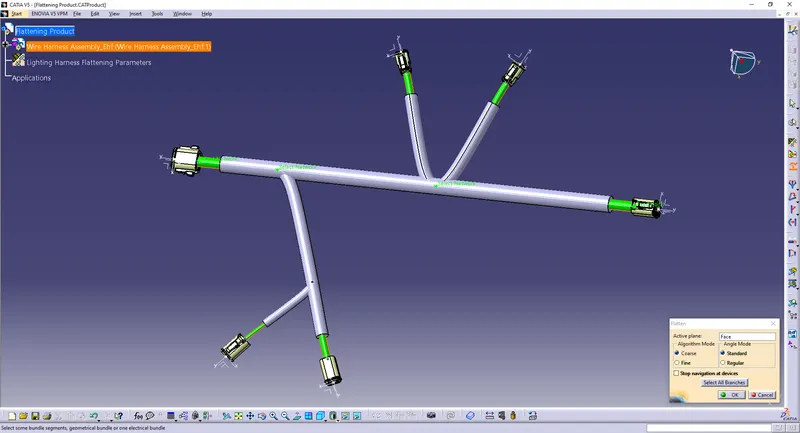
Use the "Flatten" option to flatten the assembly.
Select a plane/flat surface or a connector and all the branches.
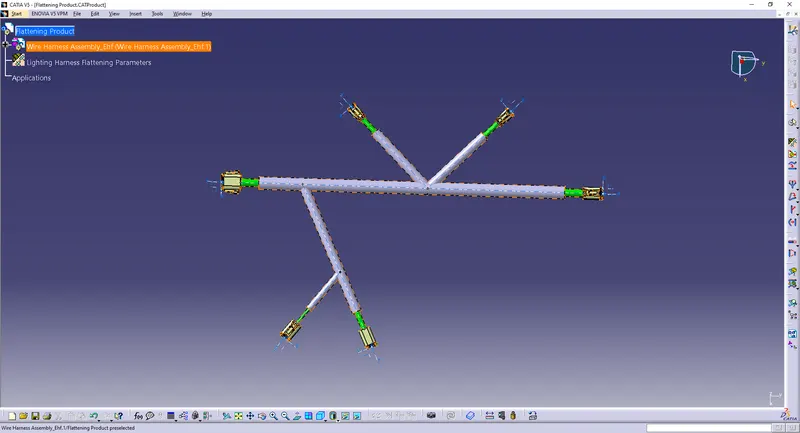
Create a drawing file.
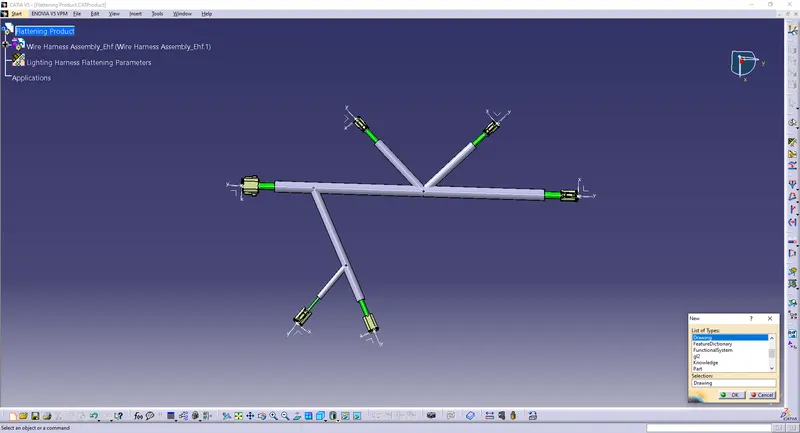
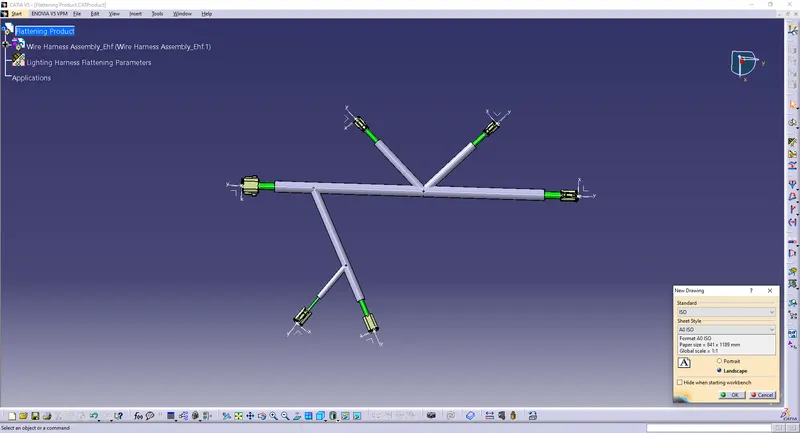
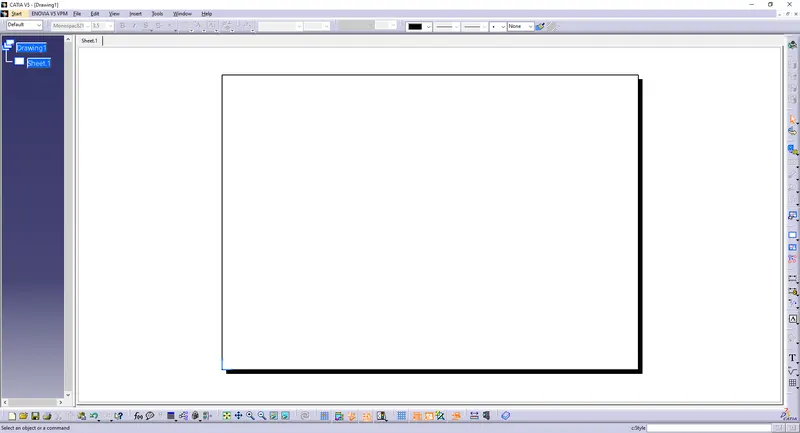
Add the assembly to the drawing.
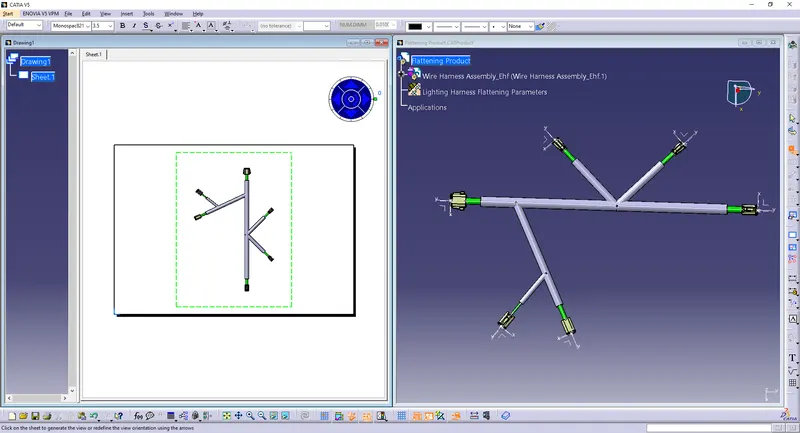
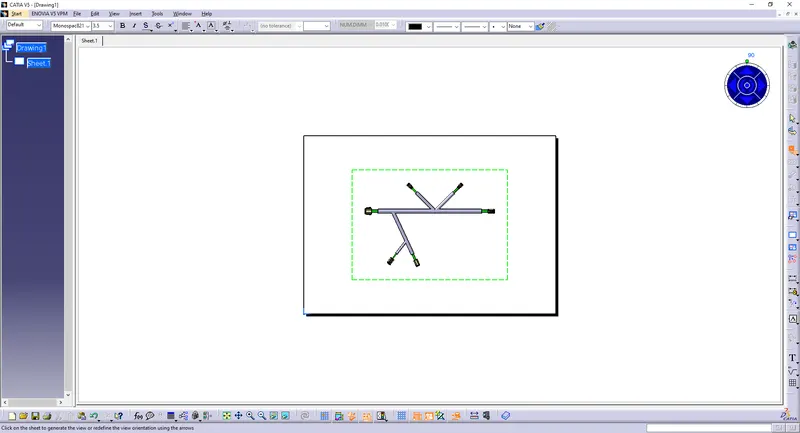
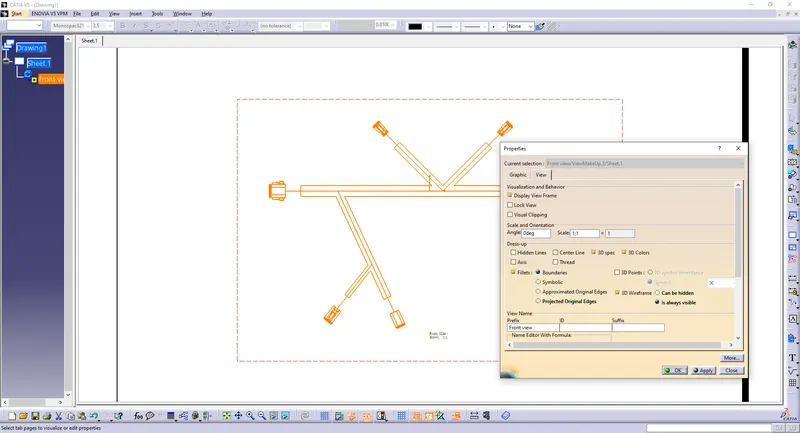
Edit the properties.
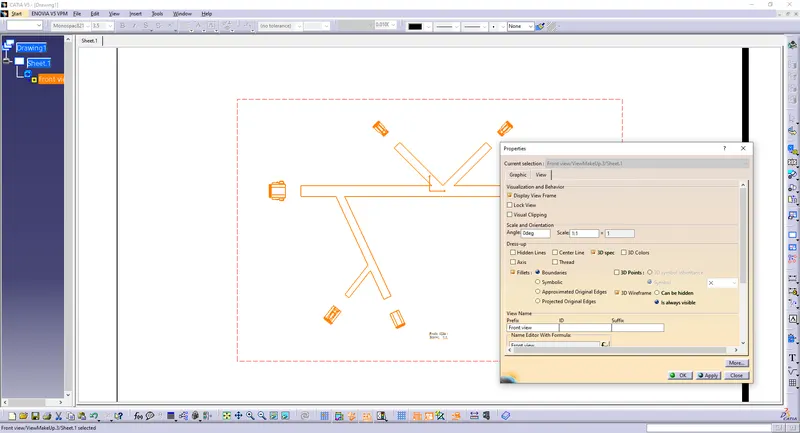
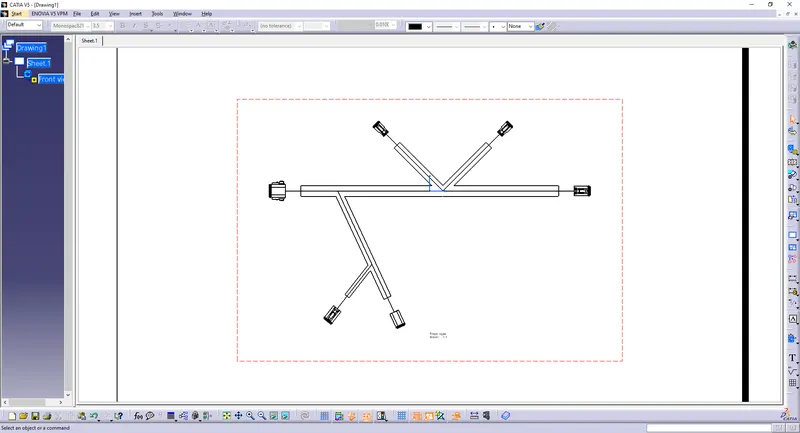
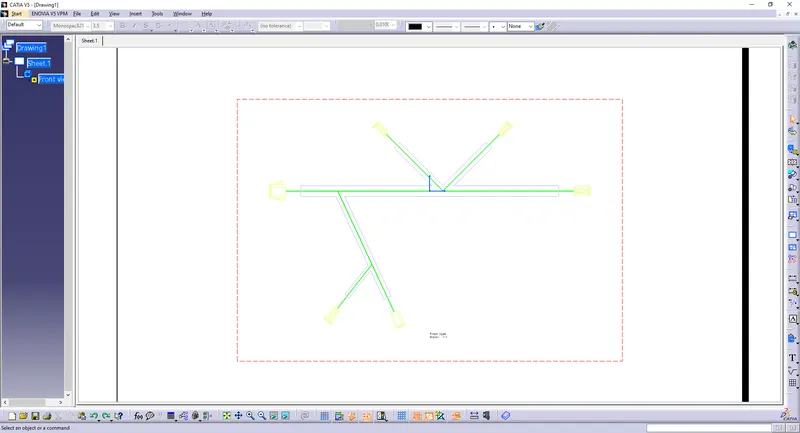
Select the "3D Colors" option to change the color of the connectors.
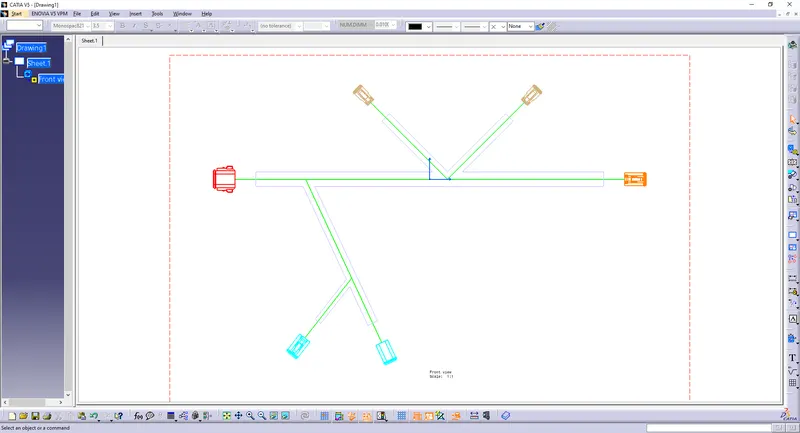
Add connector name texts and a table to the drawing.
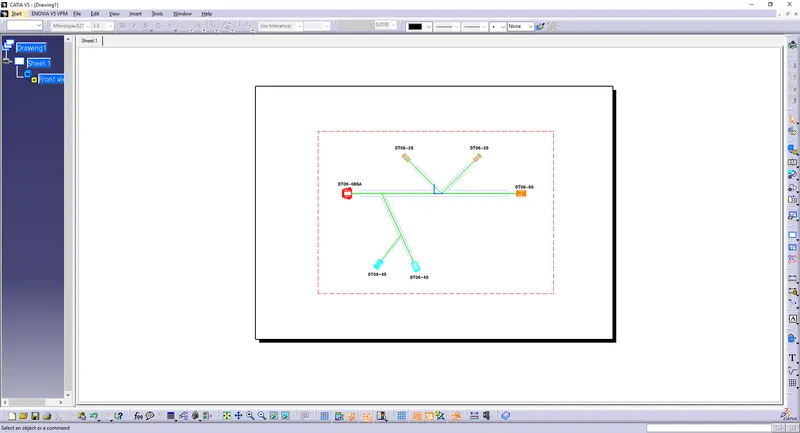
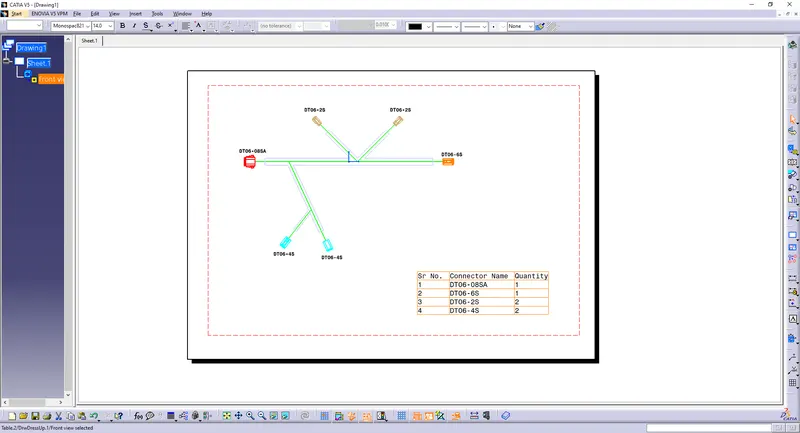
Conclusion:
All the necessary properties of Connectors.
Flatten the harness assembly completely.
Placed the flattened view on the drawing sheet.
Bundles with protective coverings have different visuals on the drawing view.