Week 9 - Project 1 - Door Applique Design with Engineering Features
- AIM: To create Plastic design and attach the Engineering features and generate the Draft Analysis for the given Door Applique Class Amodel.
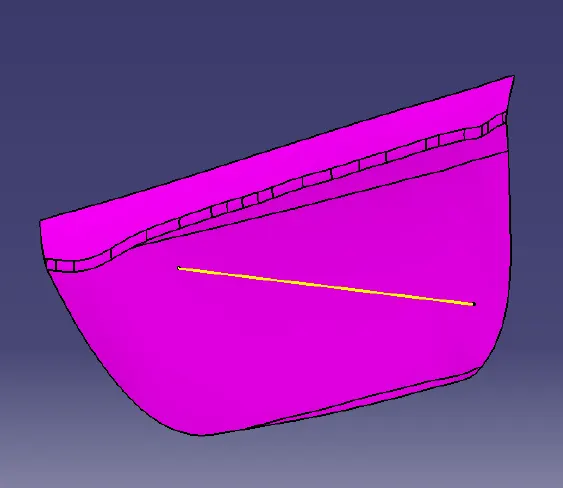
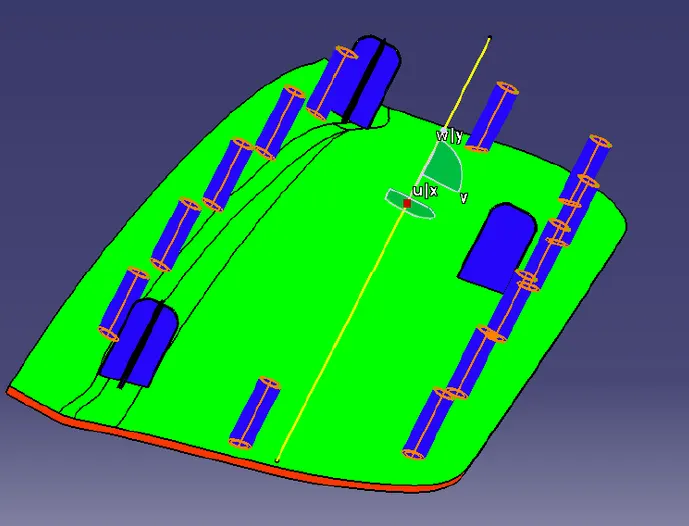
DOOR APPLIQUE
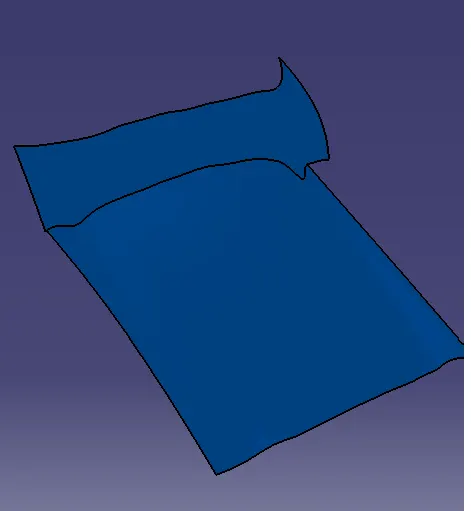
DOOR ATTACHMENT SURFACE
PROCEDURE:
1.Check for any openings in the given model Door Applique by using
BOUNDARY . In BOUNDARY > select edges - select the surface tocreate the boundary at the openings.
2. Create a point at the center of the surface by using Point Definition by :
Point Type - on surface , Surface - select the surface and Distance- 0
3. By using the Line Definition option create a line in Y direction by : Line Type - Point-Direction, Point - select the point and Direction Y which will be the Main Tooling Axis(Yellow)
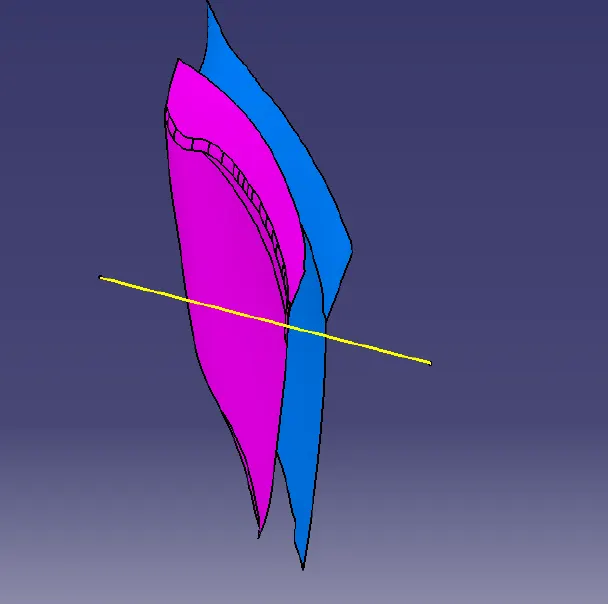
4. Do the draft analysis on Class A surface.
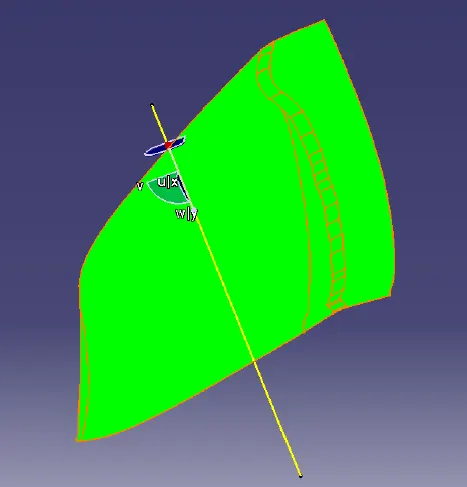
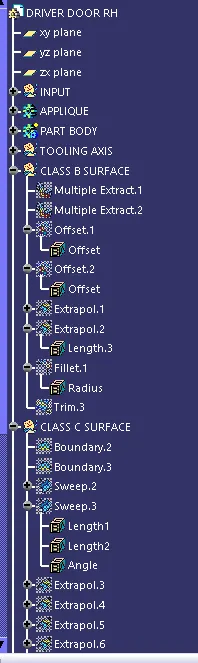
5. Extract the Class A surfaces by selecting the surface to extract and Untrim the surfaces by selecting the surfaces which arerequired and offset the untrimmed surfaces by selecting the surfaces to offset to a distance of 2.5mm and then trim the surfaces.
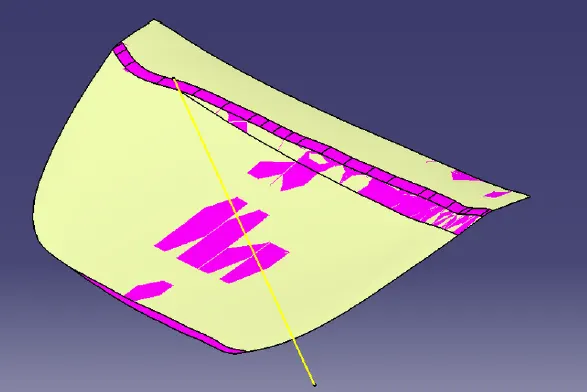
6.
Fillet the surface with a radius and extrapolate the surface.
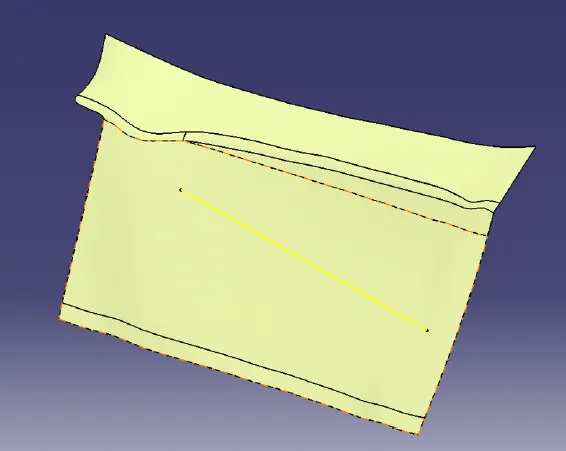
CREATING C-SURFACE FOR DOOR APPLIQUE:
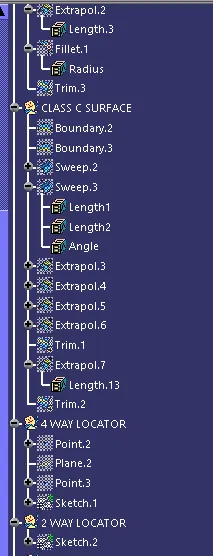
7. Extract the Boundary of Class A by Extract option and Using Sweep option create the Class C surface.
8. Smooth curve the extracted boundary and then in Sweep option : Type - With draft direction , Guide Curve - Boundary and Draftdirection
- Tooling axis and angle as 3 degrees.
9. Create the C surface for 2 boundaries separately.
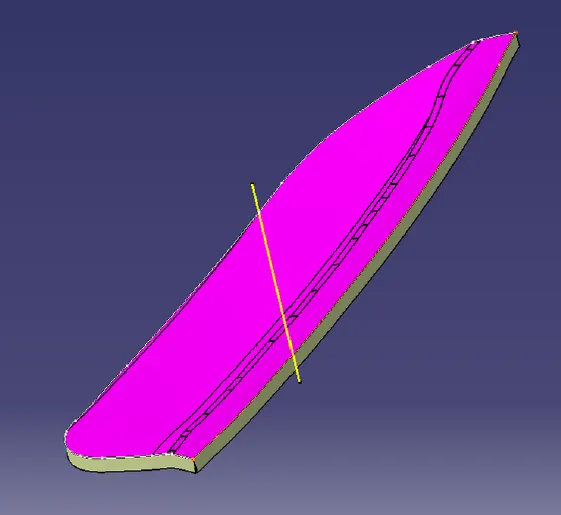
10. After creating the C surface,join the Class A and Class C surface by Join option and then trim it with the B surface.
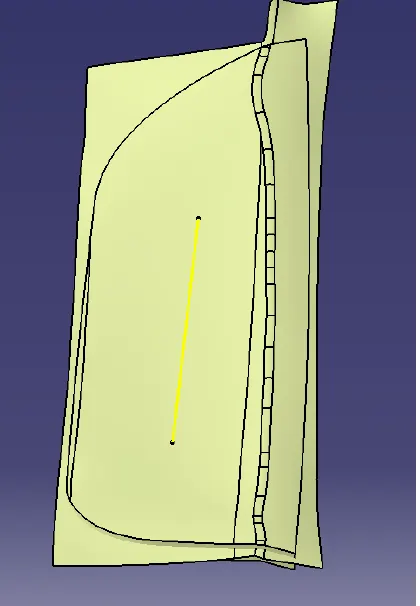
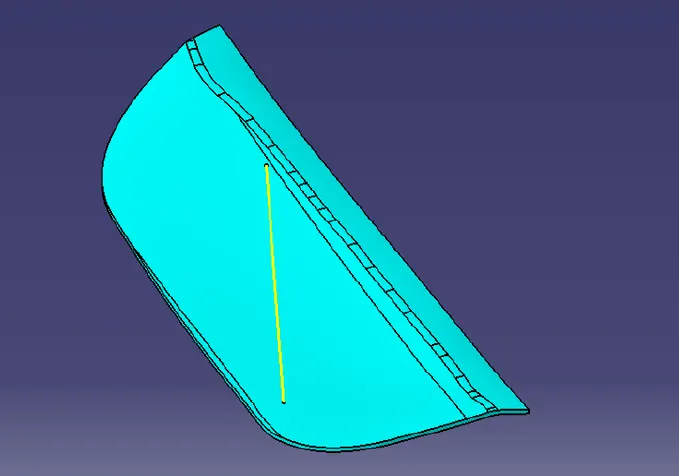
11. In Part Design ,fill the surface body with the solid using Close surface . ADDING LOCATORS(4 WAYand 2 WAY) TO DOOR APPLIQUE:
12. Create a point at the center of the surface of Door Attachment by Point Definition.
ADDING HEAT STAKES TO DOOR APPLIQUE:
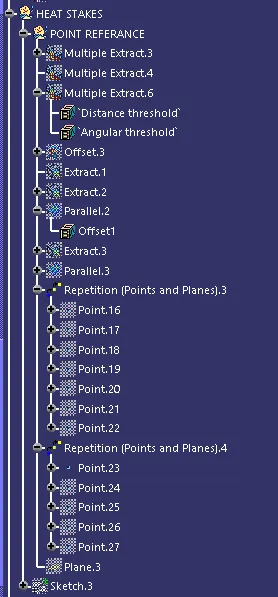
13. Offset the Class A surface to 2.5mm and extract the boundaries of the offsetted surface.
14. Parallel Curve the extracted boundaries by Parallel Curve Definition : Curve - extracted boundary, Support - surface , Constant -distance.
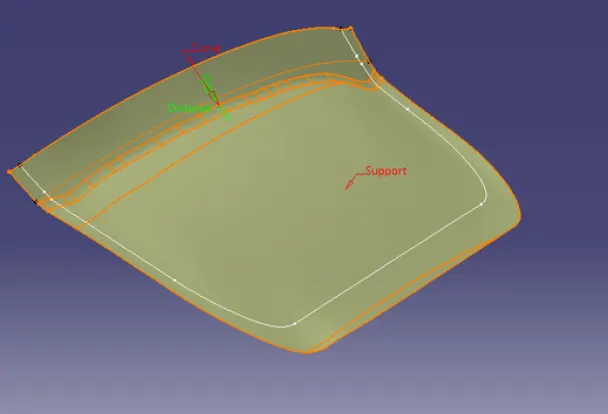
15.Now create a sketch on the point created on a Parallel curve.Draw the circles with diameters of 5mm and 7mm and in PartDesign,Pad it : Type
- to surface , Limit - select the Class A surface.
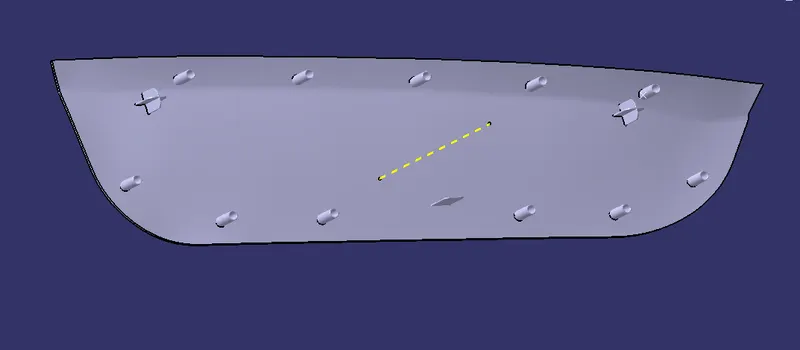
THICKEN THE DOOR ATTACHMENT SURFACE AND CREATING CLEARANCES FOR LOCATORS AND HEAT STAKES
16. Thicken the Door Attachment surface by Thicken option in Part Design by selecting the surface to thicken to 2.5mm.