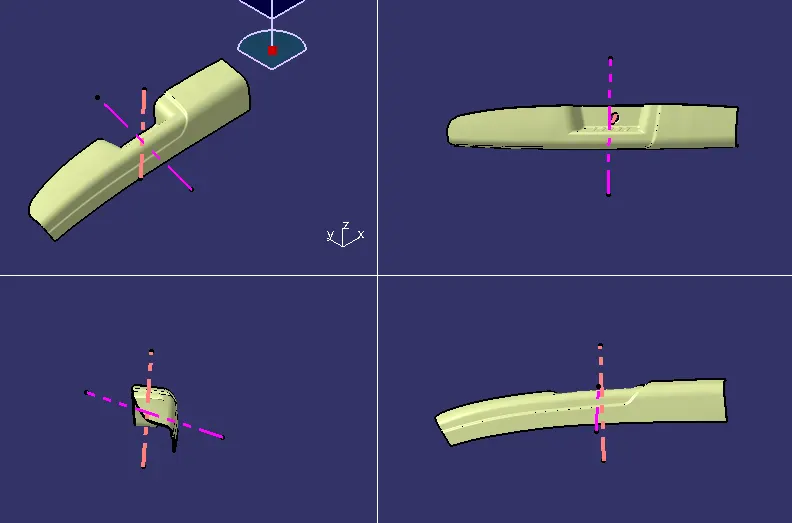
Door Arm Rest Week 8 Challenge
PROCEDURE:
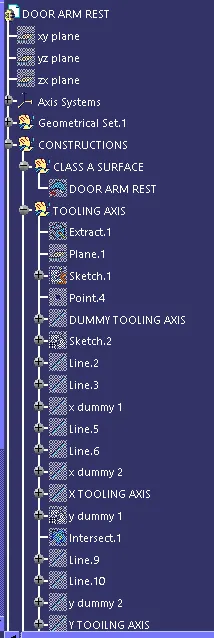
CREATE TOOLING AXIS:
1.
Create point on the middle of the hole. And insert the system axis.
2.
Create intersection on the XY plane.and draw a line on the two walls and create bisecting line using with two lines
3.
And create another intersection on the YZ plane cut half section and creating intersection it has only one wall. Creating one line on the wall inter section and draw a random line on the point this line gives angle from the inter section line.
4.
After creates Tooling Axis with using above bisecting and random line.
5.
Create another tooling directioon through Y direction.
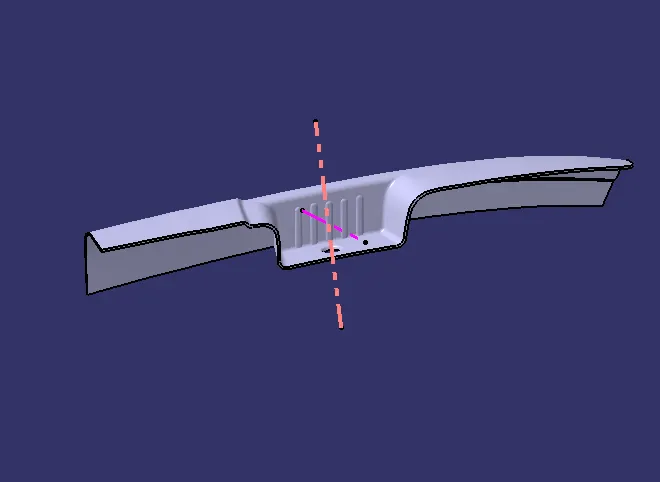
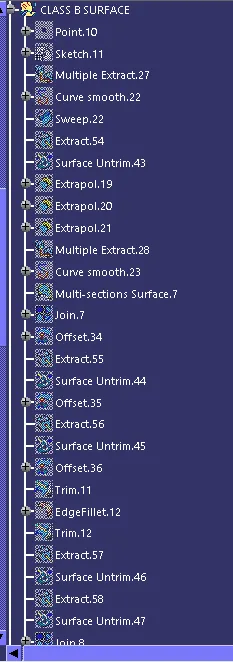
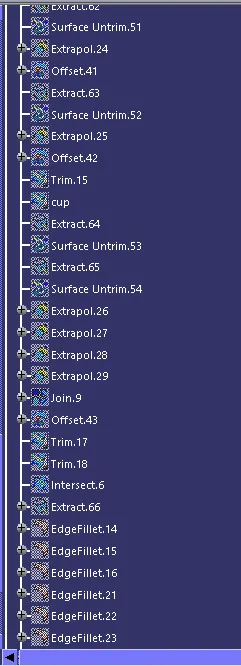
B SURFACE CREATION:
1.
Extract the arm rest top surfaces.and un trim and do extropolate up to 50mm.
2.
Create a sketch on the middle othe surfaces for getting two curves between the surfaces.create a line through y direction. andexrude a surface using guide curve and create a bend between the one of the top surface and middlle plane.
3.
and trim the all surface of the top and offset 2.5 mm
4.
And extrude walls and untrim it than extrapolate up to 50mm.and trim the surfaces.
5.
give the edge fillets based on dimensions of the fillets.
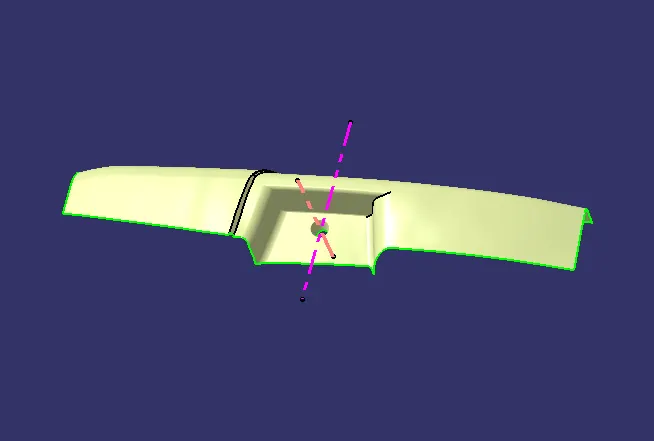
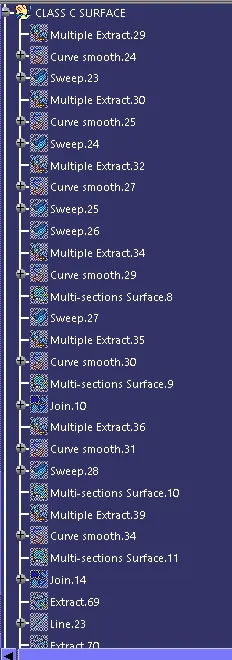
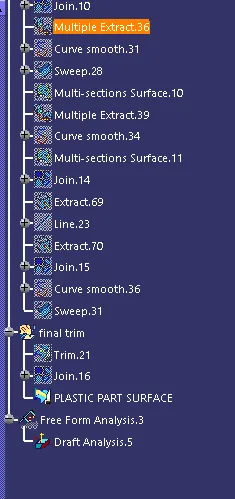
CRATION C SURFACE:
Create a boundaries on class A surface on step by step based on staright plane and curved planes.
creates boundaries differently divided by the angle of tghe boudary.
crerate sweeps on boundaries
we will get small gap between the surfaces .its cleared using with joinig otption gap value is mantain 0.3.
trim the sirfaces and join the classA And class b surfaces.than will get c curface.
Than will go to part design and fill the surface.