Week 6-Meshing of Hood Challenge
Aim:
- The aim is to generate a mid surface and to generate the mesh on the hood model.
Methodology:
- Import the file.
- Generate the mid surface.
- Giving quality criteria.
- Generate the mesh.
Theory:
Hood:
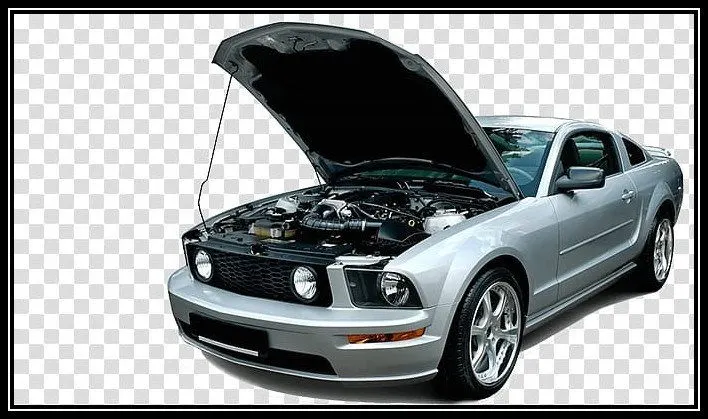
The hood or bonnet is the hinged cover over the engine of motor vehicles. Hoods can open to allow access to the engine compartment or trunk on rear-engine and some mid-engine vehicles) for maintenance and repair.
On front-engine cars, the hood may be hinged at either the front or the rear edge, or in earlier models (e.g. the Ford Model T) it may be split into two sections, one each side, each hinged along the centerline. A further variant combines the bonnet and wheel arches into one section and allows the entire front bodywork to tilt forwards around a pivot near the front of the vehicle.
Hoods are typically made out of the same material as the rest of the bodywork. This may include steel, aluminium, fibreglass, or carbon fibre. However, some aftermarket companies produce replacements for steel hoods in fibreglass or carbon fibre to make the vehicle lighter.
Procedure:
Import the model:
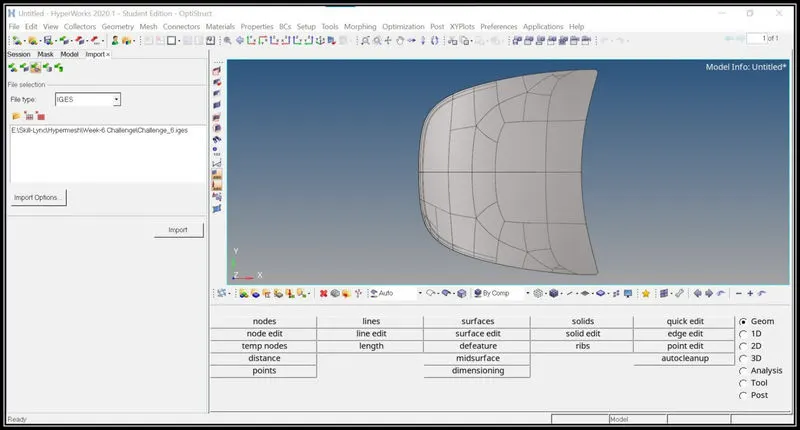
- The model is imported using the import option and the file type is selected as IGES file type.
Creating Mid surface:
- The mid surface is created using auto mid surface option.
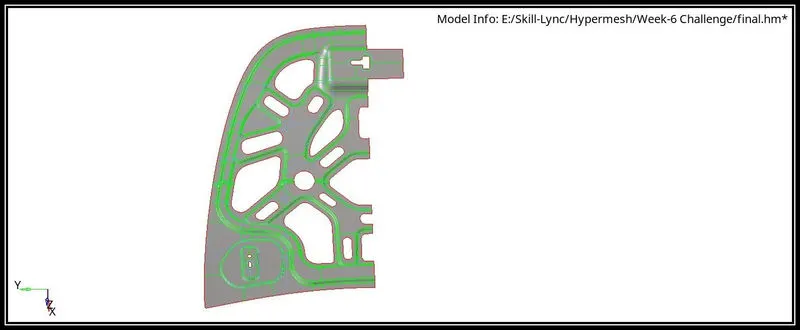
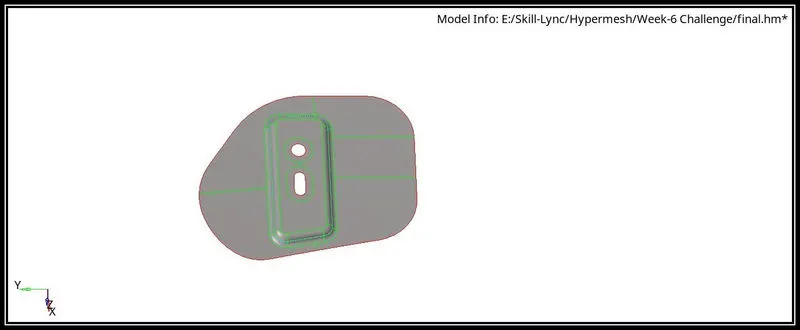
- In the Geometry tab, Select Midsurface, then in extracting options skin offset is selected and then click on the surface and then select extract option.
- Then inner panel and the outer panel are symmetrical in nature and therefore, After extracting one half is deleted and it is used for meshing.
- The construction lines are arranged in such a way to achieve better mesh flow.
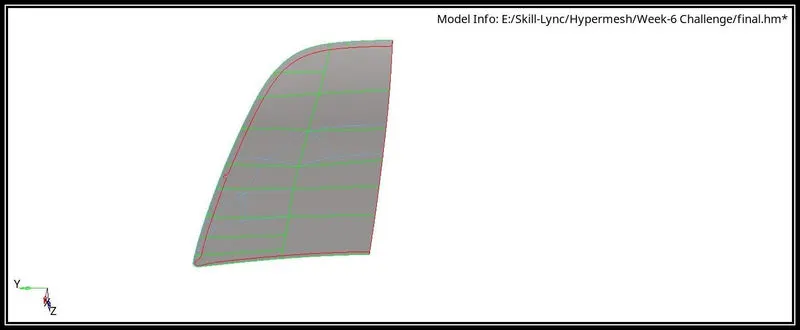
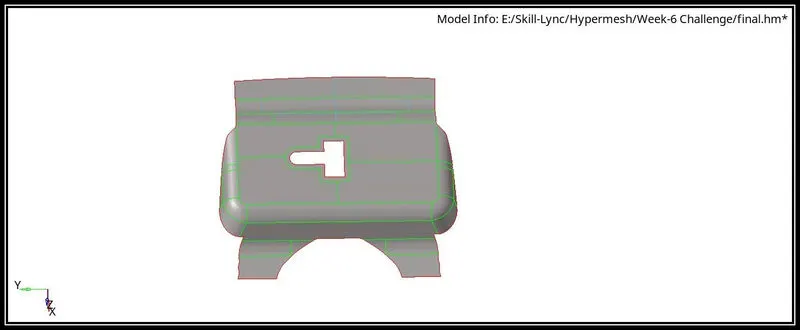
- The mid surface for the components is as follows:
Outer extract:
Latch:
Inner Panel:
Hinge:
Mesh Generation:
- The given quality criteria is entered in the element cleanup in the edit criteria option.
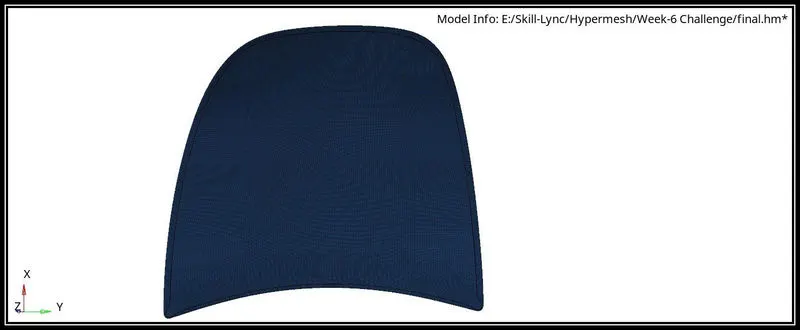
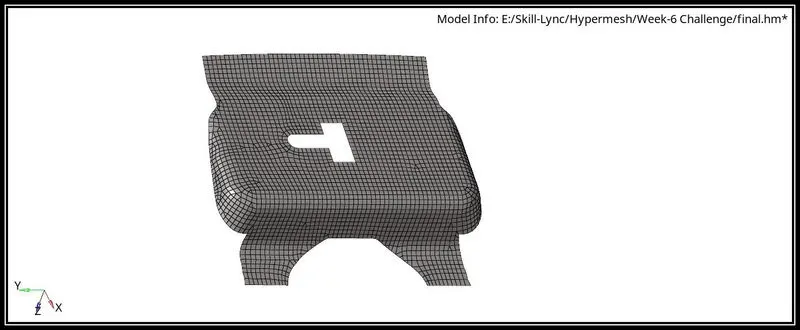
- After entering the given quality criteria the mesh is generated.
- The mesh created can be optimized using the tools like split, element optimize, drag tria etc.
- The mesh can be recreated using rebuild mesh in order to create a better mesh.
- After meshing one half of the model, the elements are selected and it can be reflected using reflect option in the tool option.
- After reflecting the elements to the other side,the free edges are to be checked and it can be fixed using equivalence option in the edges option under tool option.
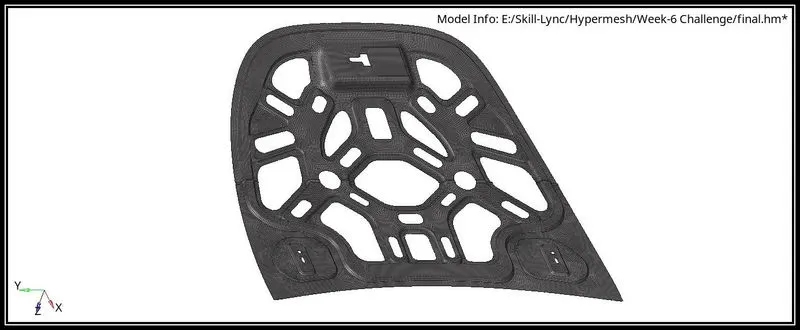
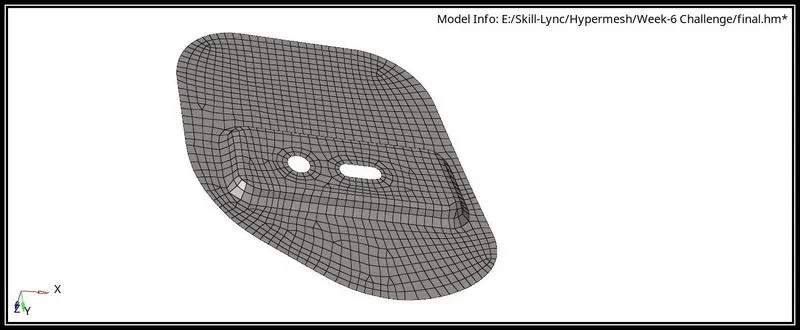
The Mesh generated component is as follows:
Outer extract:
Latch:
Inner panel:
Hinge:
Conclusion:
- Learned how to create a mid surface.
- Learned how to generate the mesh.
- Learned how to optimize the mesh flow.