Week 12:Project-1-Meshing of Door Inner Panel Challenge
objective: mesh the given model according to the quality criteria provided and assign the thickness.
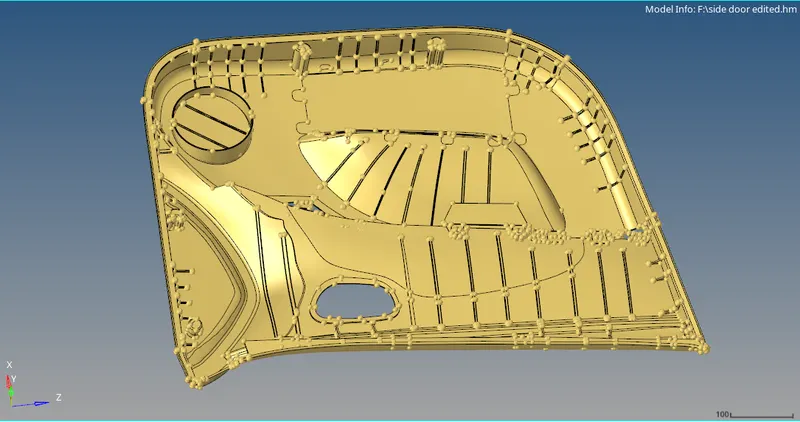
this is the door panel. it is a plastic component, hence chances are that it will have variable thickness.
as we can see tht it deos not have any symmetry, the entire components has to be meshed
meshing the component as one single component will be unfavourable as we will cotrol over the flow, the system will take more time to create nodes and elements and overall geometry being complex
hence we will split the comonent into sub components. as we can see can cut it in a way that it will divide into 4 simple parts
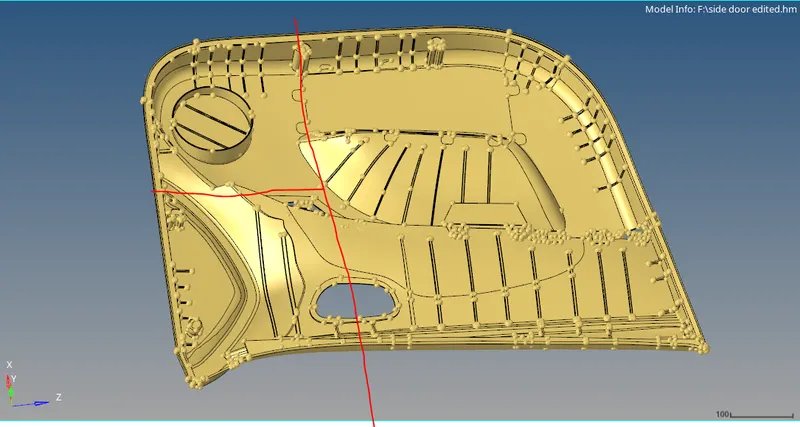
after splitting the component, we will assign it into 4 different collectors
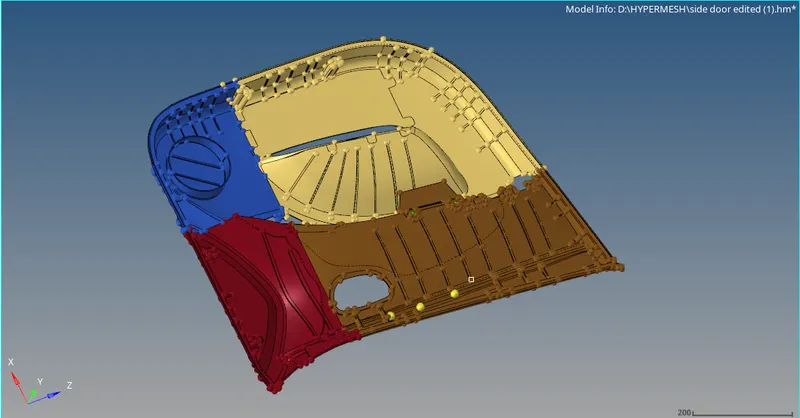
first we will consider the blue colour component
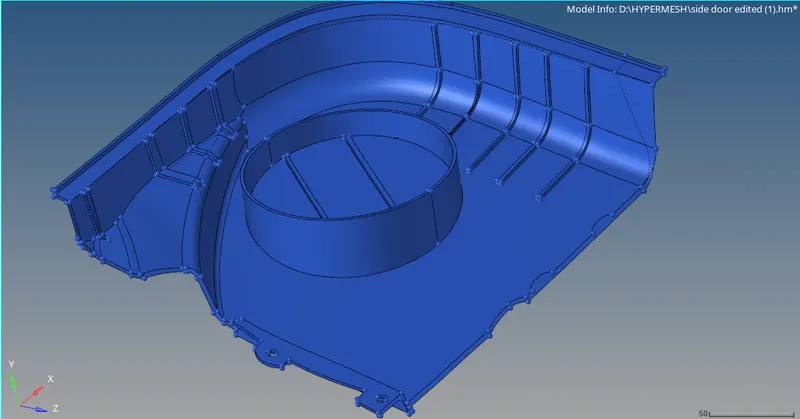
we will look for geometric glitches
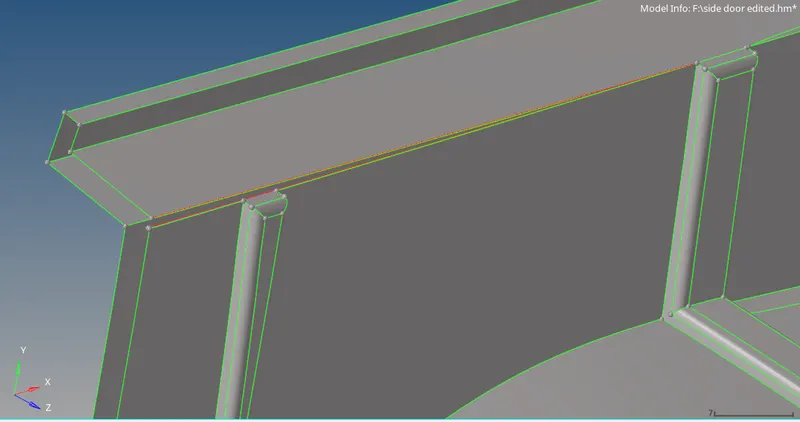
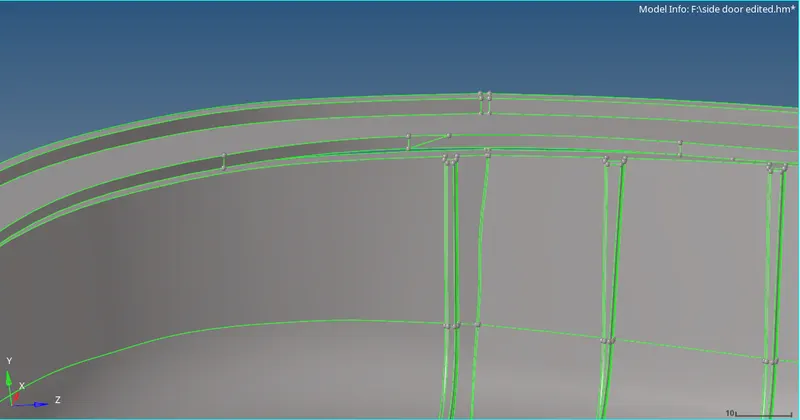
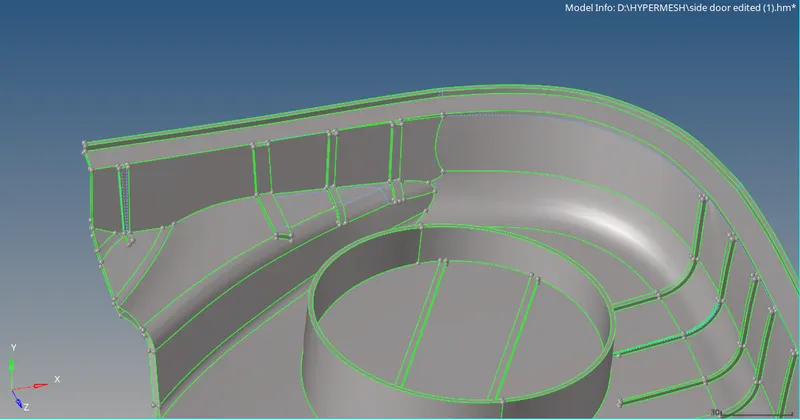
now we will defeature the fillets within the range of 0.5 to 15 units.
since the first geometric cleanups is done we can extraact the midsurface. we will be using offset option method instead of the auto midsurface option, as the surface is complex
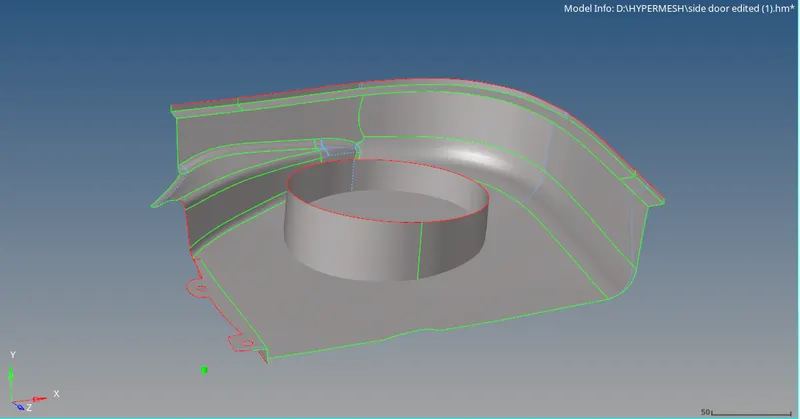
now we will extract the midsurface for ribs. some of the ribs are of constant crossection but some are variable. the constant ones can be easily extracted by the final edit tool in the auto midsurface panel. for the variable ones we have to use midline method
midline method:
go to line option in the geometry menu
select midline option, we have to select the edges of the ribs as 2 seperate groups and click create
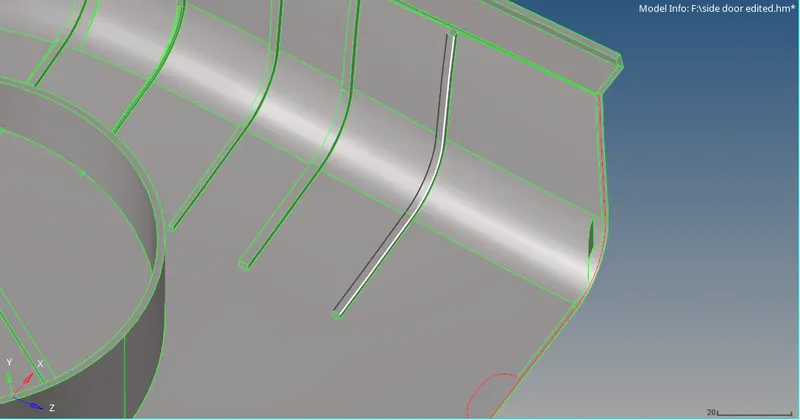
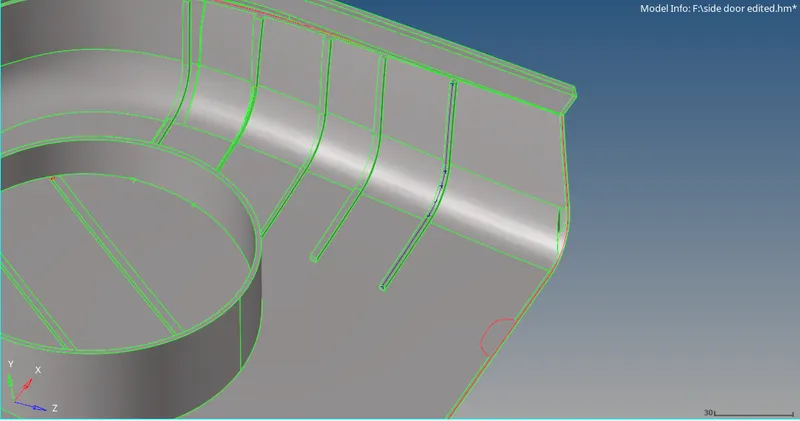
now we will make a cut on the surface below the line
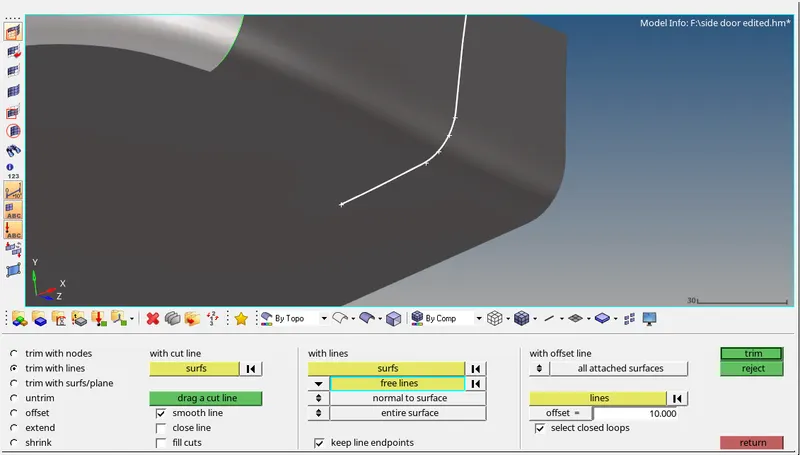
now we will use the cut and line to make a surface between them using ruled surface option
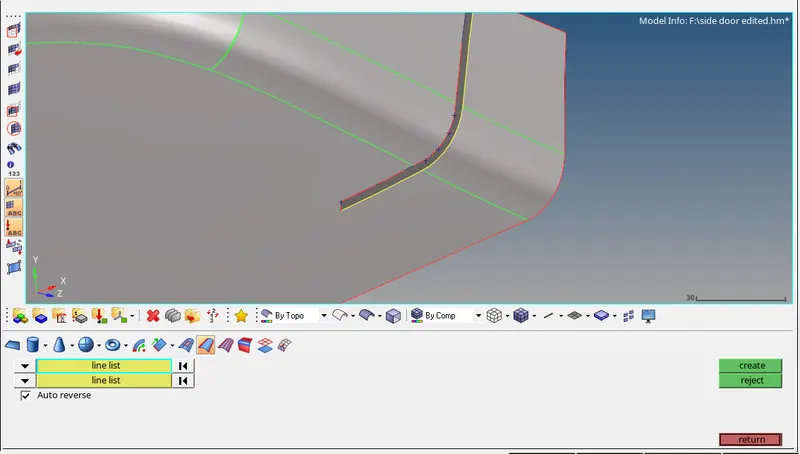
we have to repeat this for extracting the midsurface for all the ribs
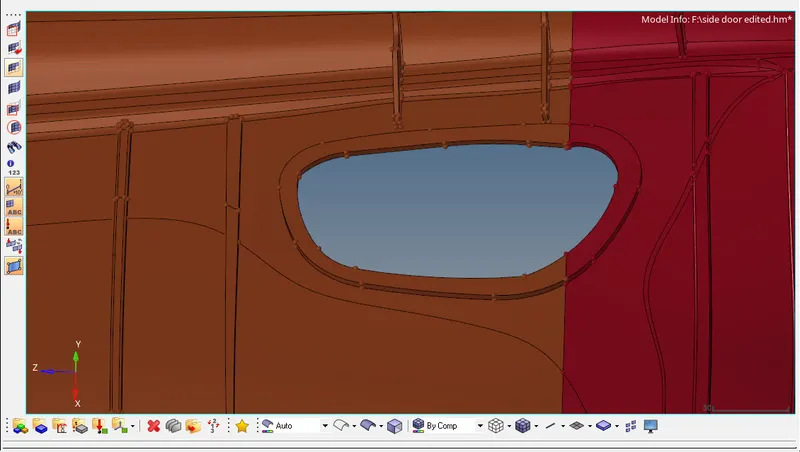
next we have to extract the midsurface of this hole and surrounding area
first of all we will extract the midsurface of the 2 components
we will use the shared as the cut line and make a cut normally
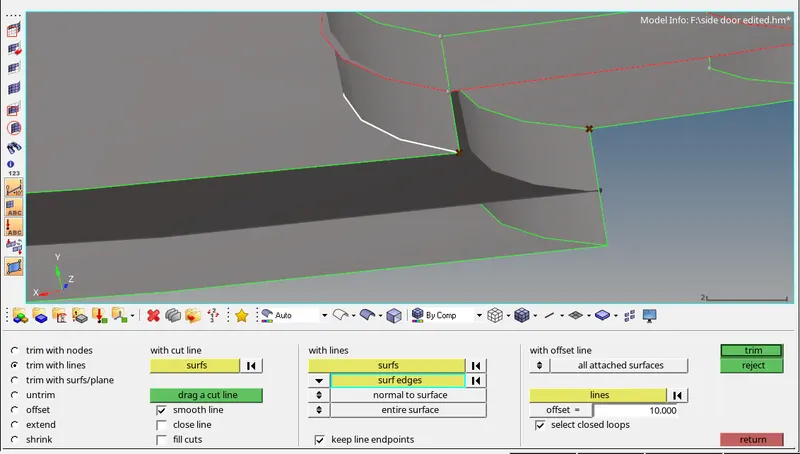
we will delete the extended surface and use the free edges and to create a ruled surface in between them
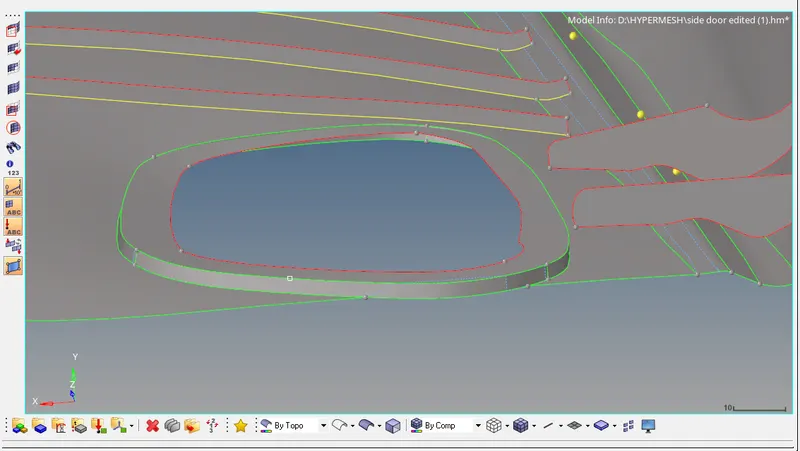
these are changes required to be done on the model. rest of the geometric cleanup can be done by simply deleting a specific section and create or offset the parent geometry again to get a better quality surface
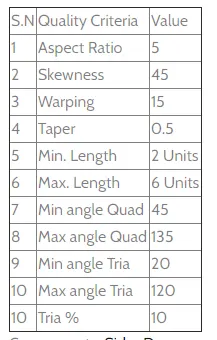
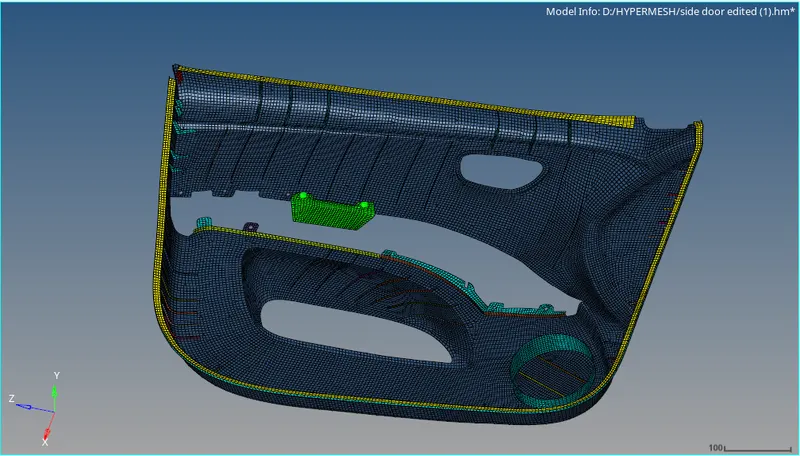
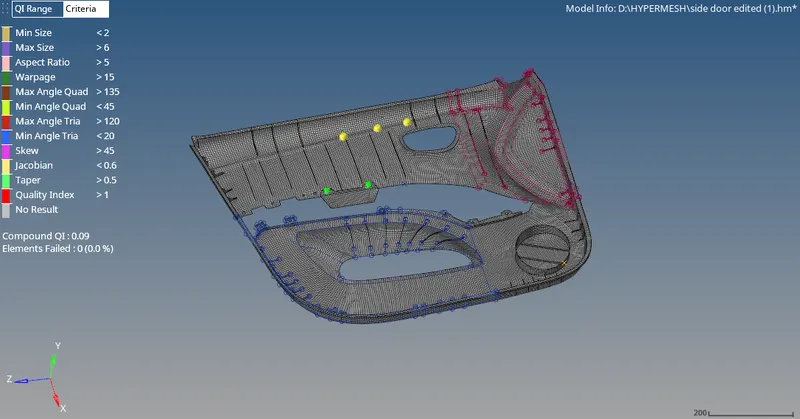
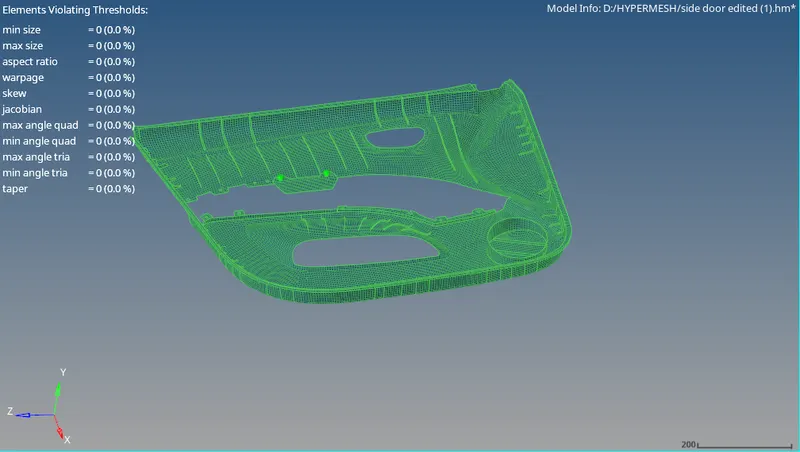
now we will mesh the components individually using element size 4
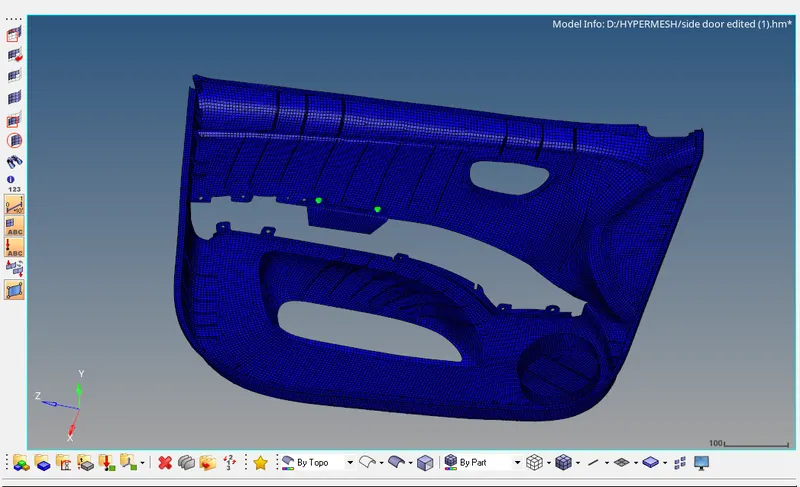
orgnazing the elements into different components based on their thickness and providing property