Week 12:Project 2-Meshing of Rear Wheel Holder challenge
OBJECTIVE: To mesh the component according to the quality criteria given and assign the thickness.
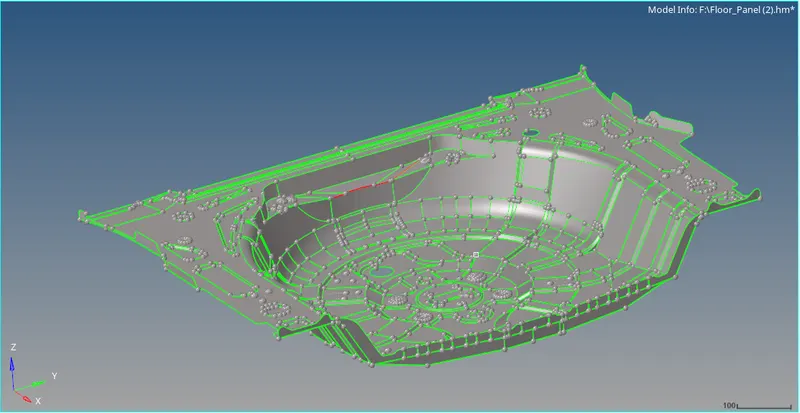
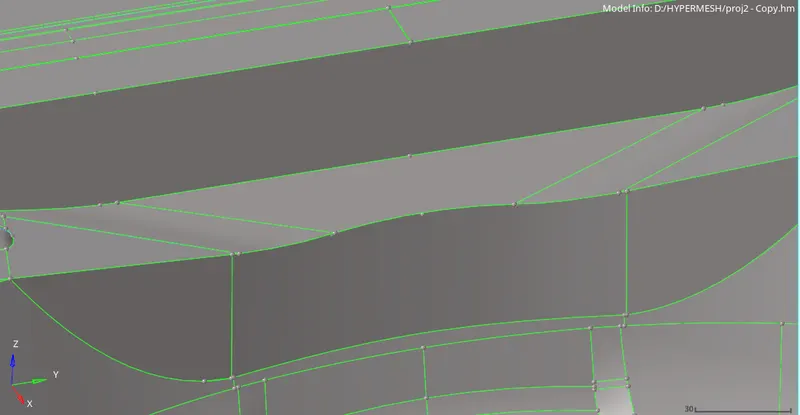
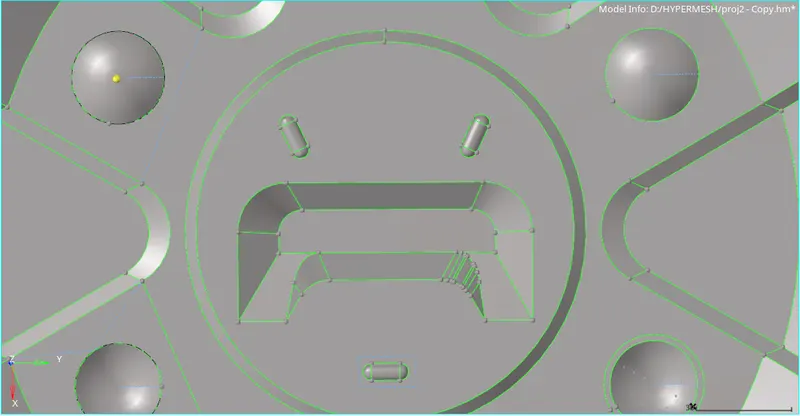
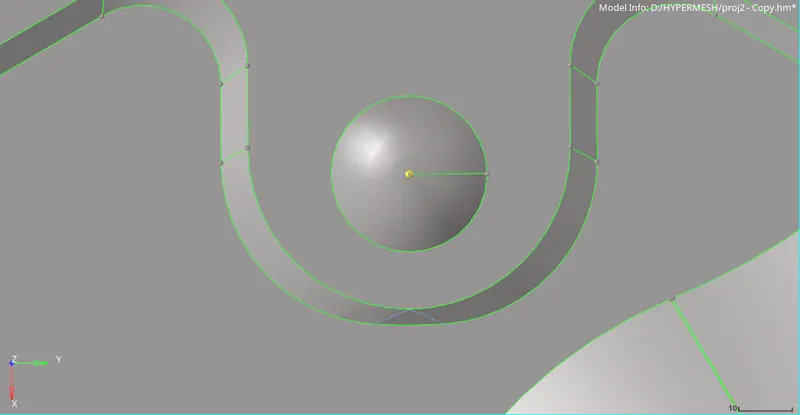
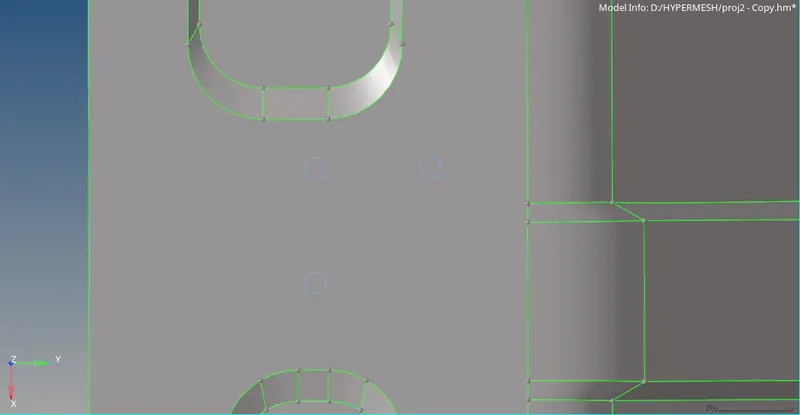
this components requires some geometric cleanup, majority if them are simple which only requires the edges to toggled or replace the points
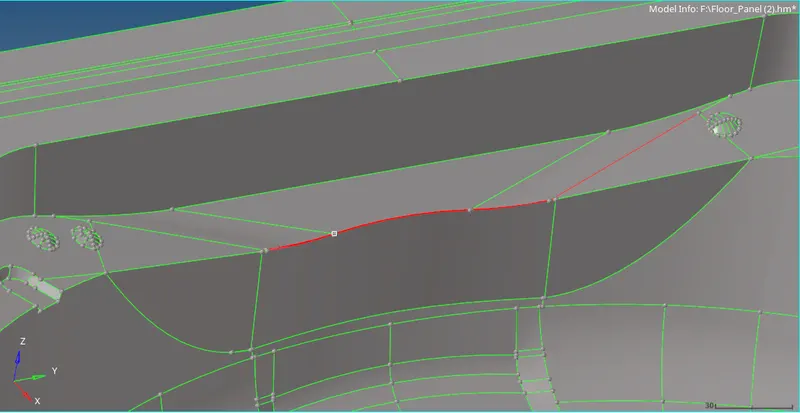
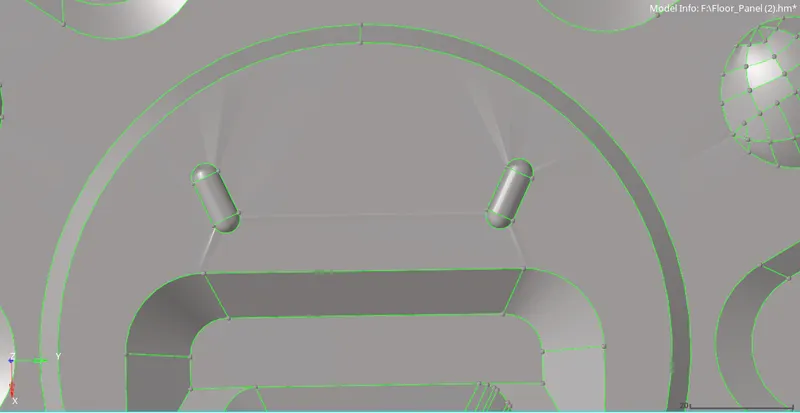
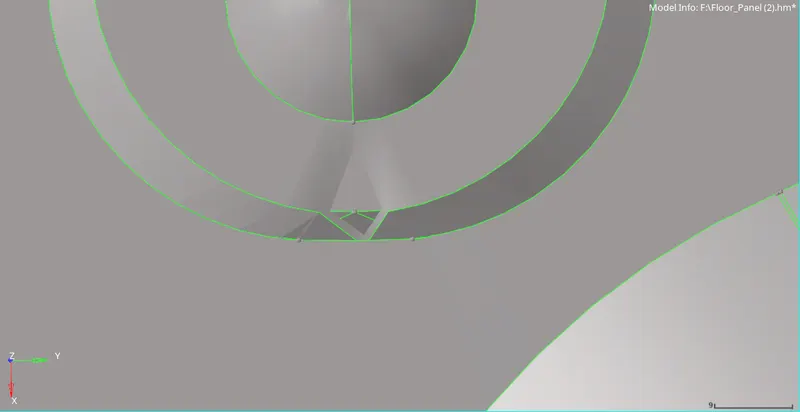
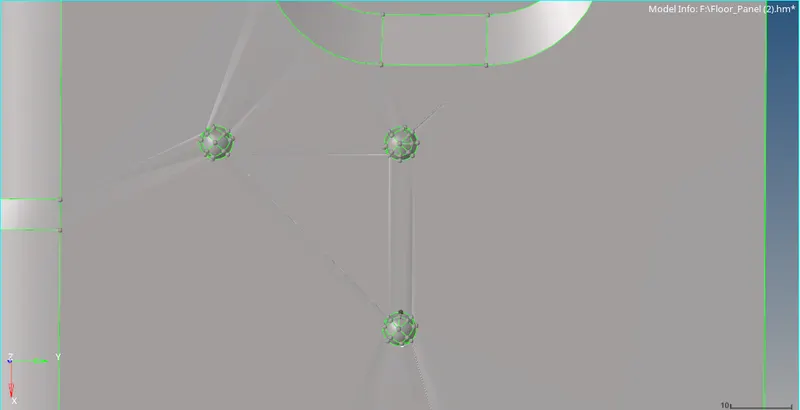
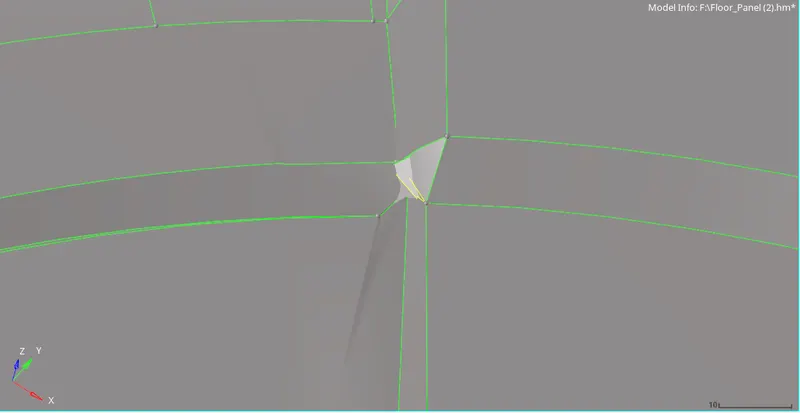
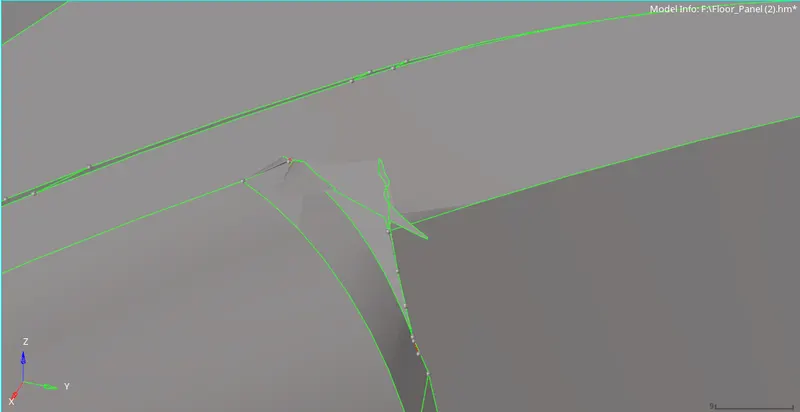
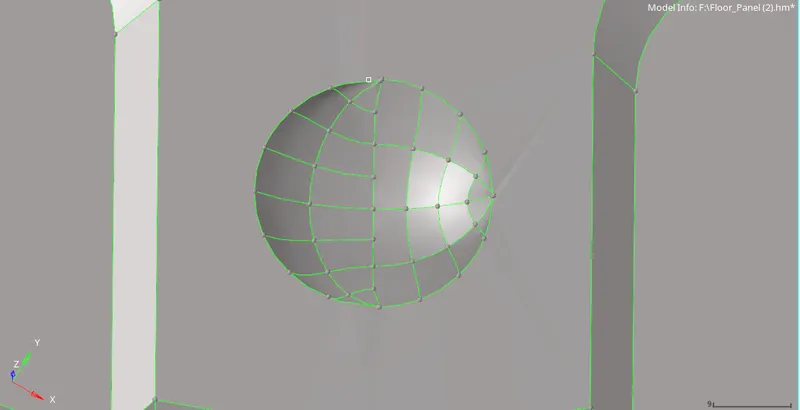
after solving the surface errors
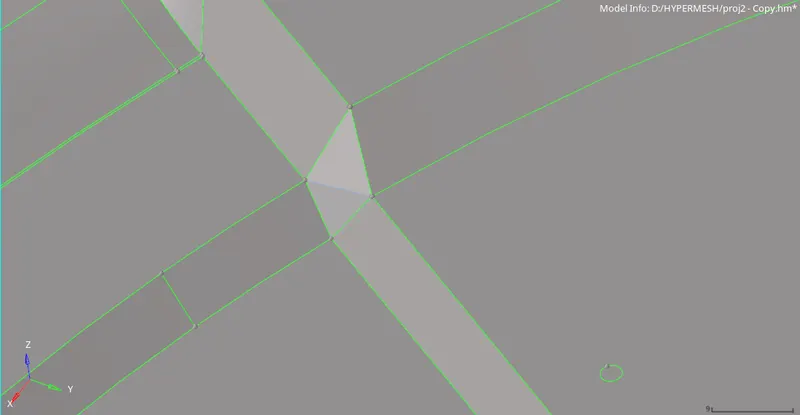
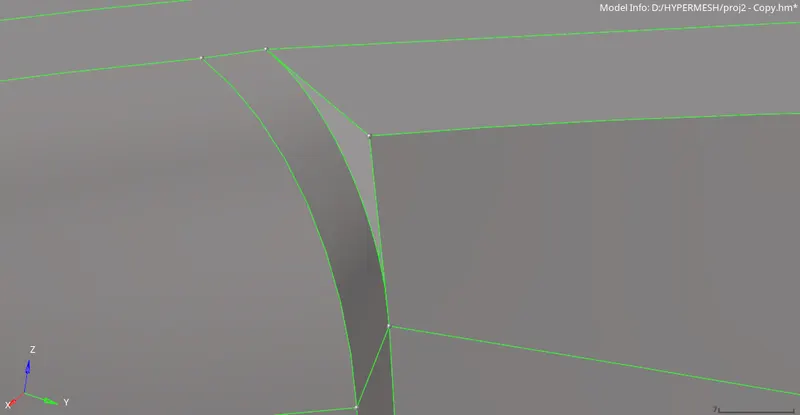
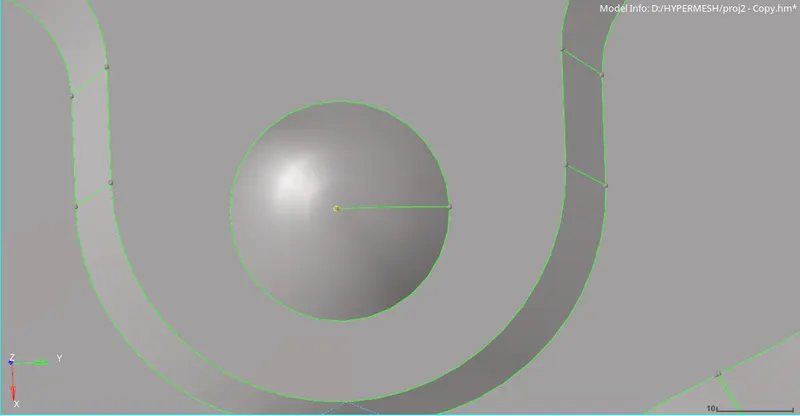
Now we will extract the midsurface
geometry ->mid surface-> automidsurface->
changing the extracton method into offset in the extraction menu
selecting the entire component in the dialog box and clicking extract.
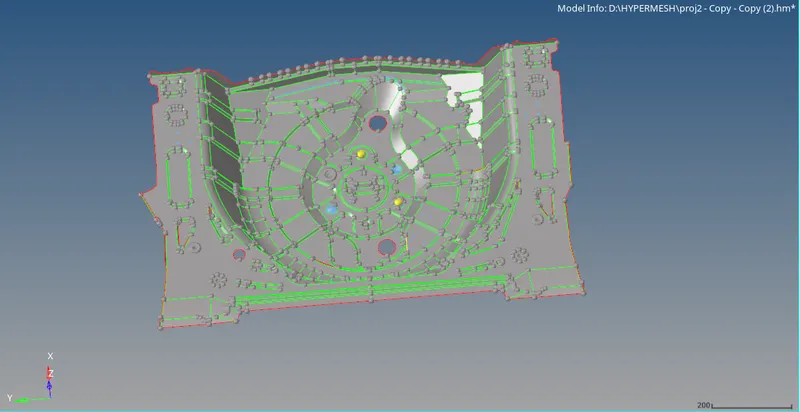
as we can see the midsurface is not perfect. we have to remove and/or create new surfaces to get perfect midsurface
the surface error in the midsurface
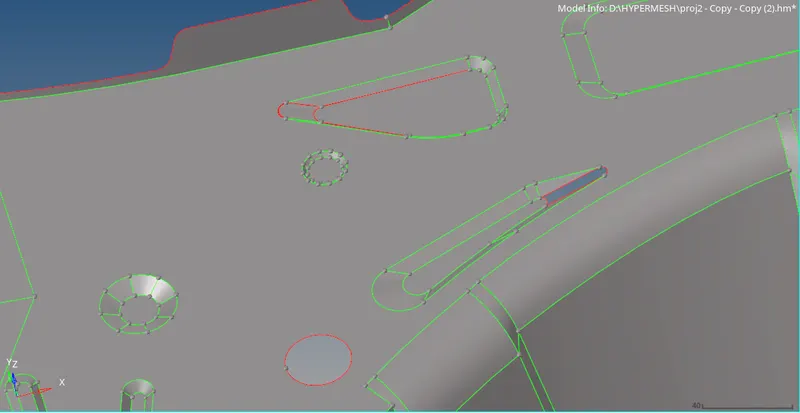
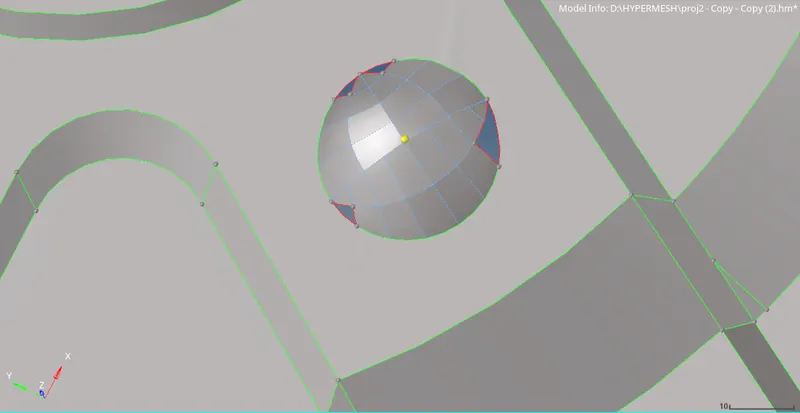
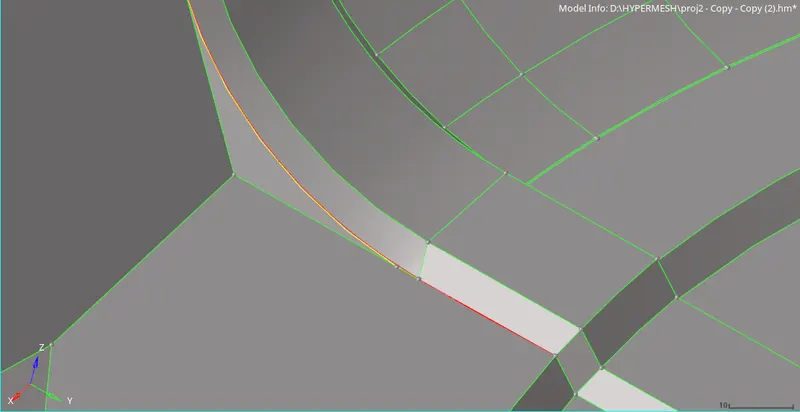
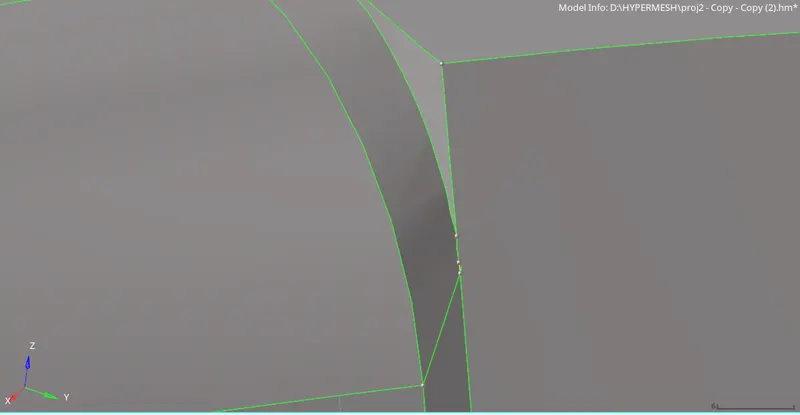
after solving the errors
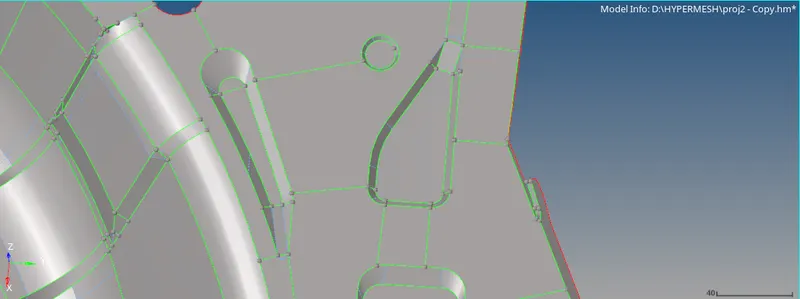
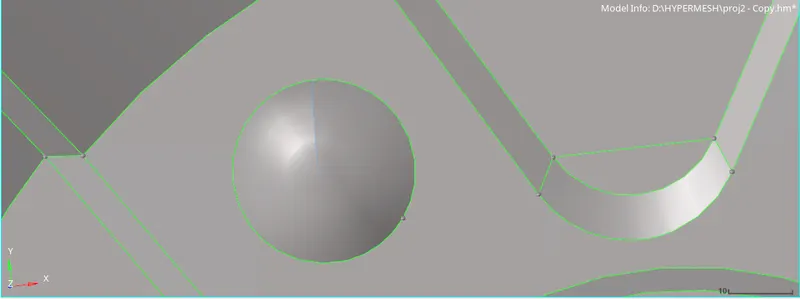
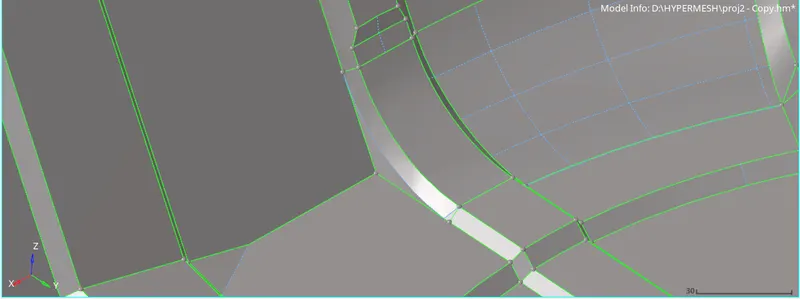
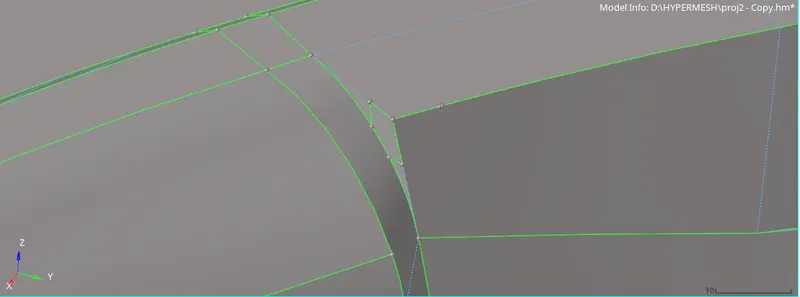
the geometric errors has been solved, we will now mesh the midsurface with elements size 5
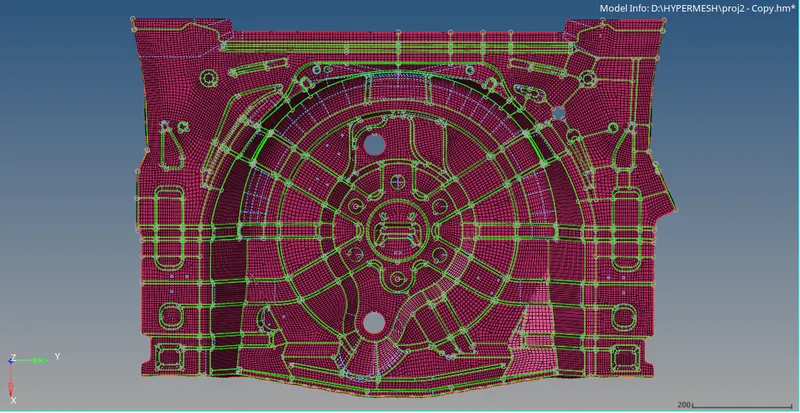
skew, min tria angle and max quad angle failure are common.
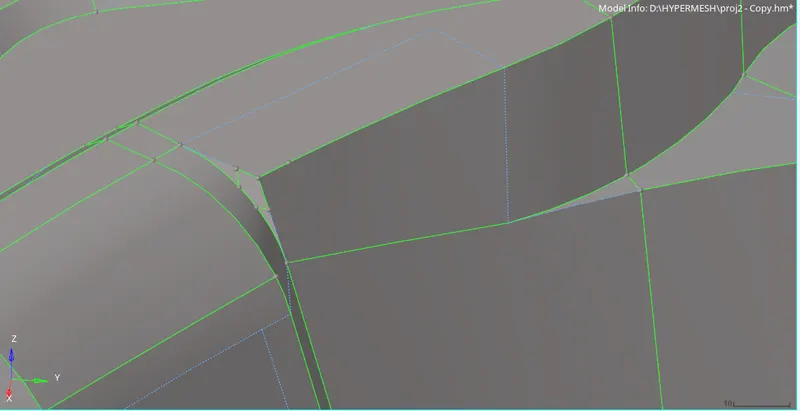
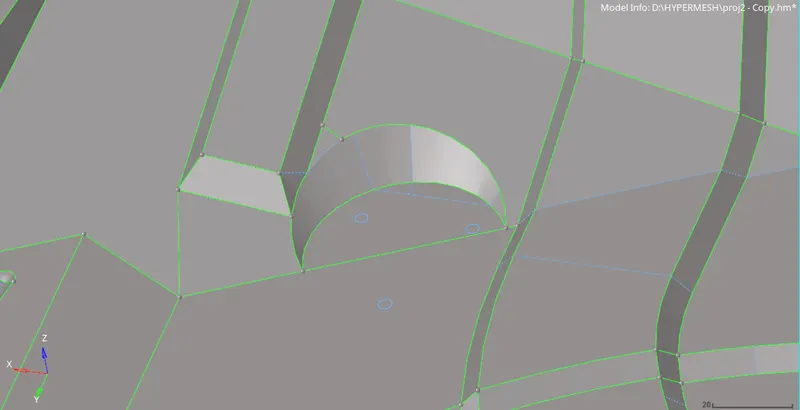
to resolve thse errors cuts shown inthe above images should be made.
rest of the eroors such as min length max length and warpage errors can be slved in the usual way.
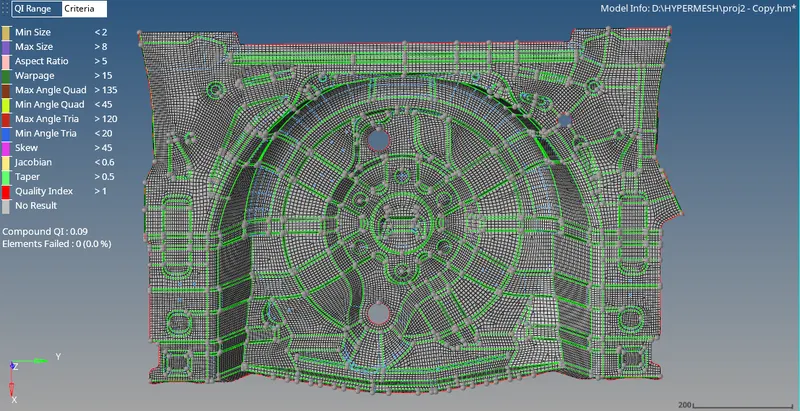
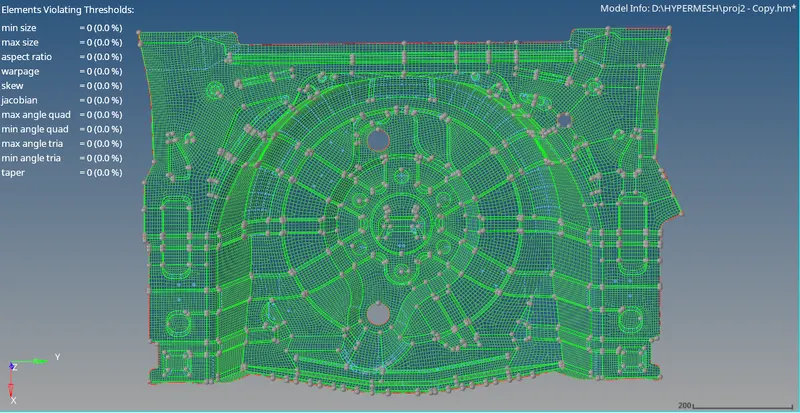
the thickness of the component is 0.75 creatinga property having thickness .75 and assigning it to the component
creating material named plastic and assigning the it to the component
CONCLUSION: the component has been meshed according to the quality criteria and thickness has been assigned.