Week 11 - Project - A pillar Design with Master Section
CHALLENGES 11-A PINNAR DESIGN WITH MASTER SECTION
AIM:
To create the a pillar desing with the master section given as the intersection sketch with the class A surface and create the tooling axis and perform the draft analysis for the final solid part.
CLASS A SURFACE:
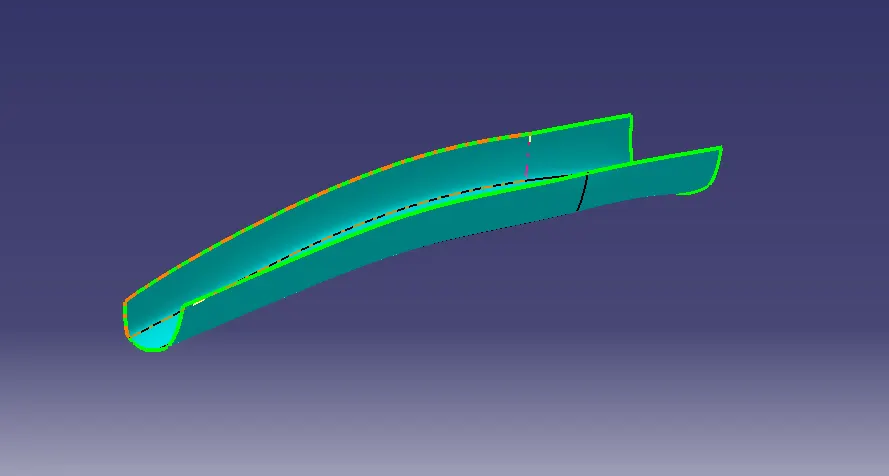
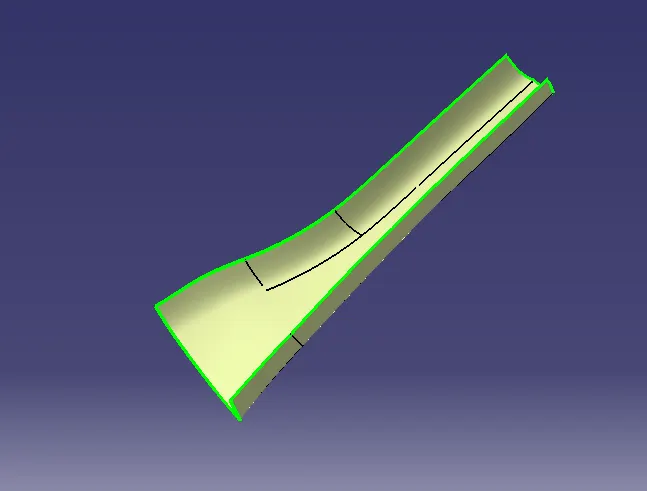
The class A surface is given and we want to check all parts are closed or not. check with join tool or boundary tool.
TOOLING AXIS:
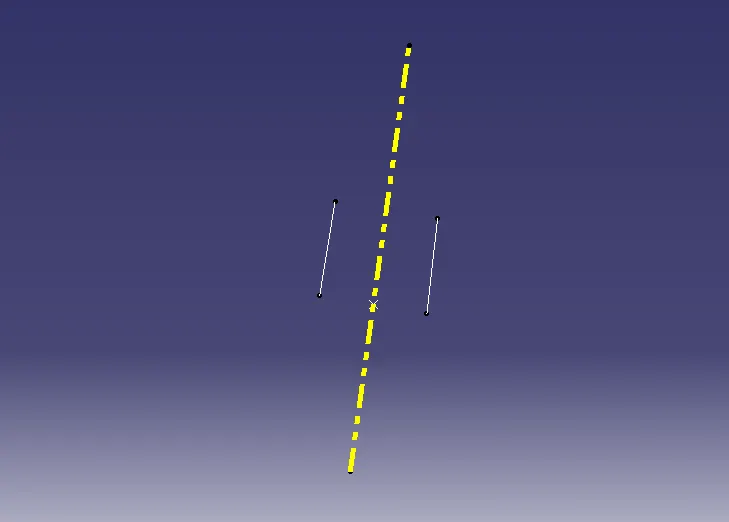
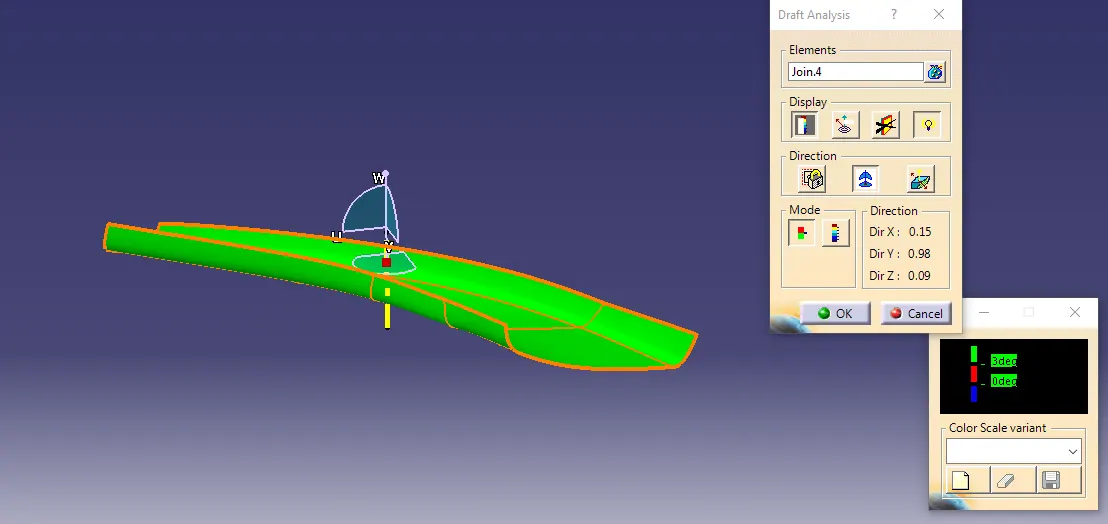
The tooling axis is created by bisecting method make two lines and create a two lines for center point and use bisecting line to create tooling axis.
CLASS B SURFACE:
The class B surface is want to offset from class A surface. offset with 2.5mm thickness.
CLASS C SURFACE:
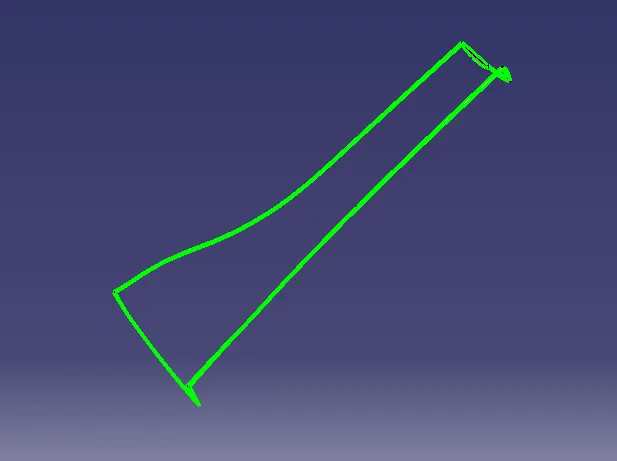
The class C surface create by using sweep tool and extrude tool.
CLASS A AND C SURFACE JOIN:
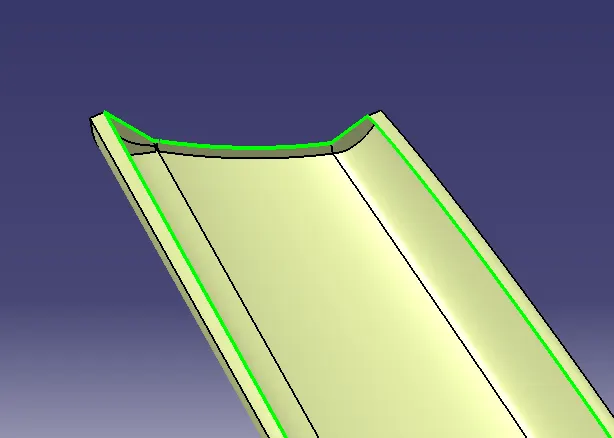
The class A and C surface want to join by use of join tool.
FINAL TRIM A+B+C:
The final trim is add with class A and B and C surface all surface want to overlap each other and do trim by use trim tool.
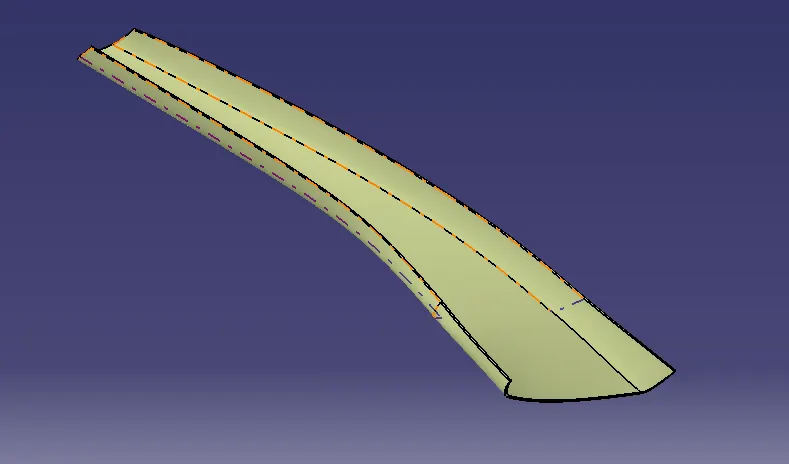
SOLID PART:
To create the solid part by using closed surface tool.
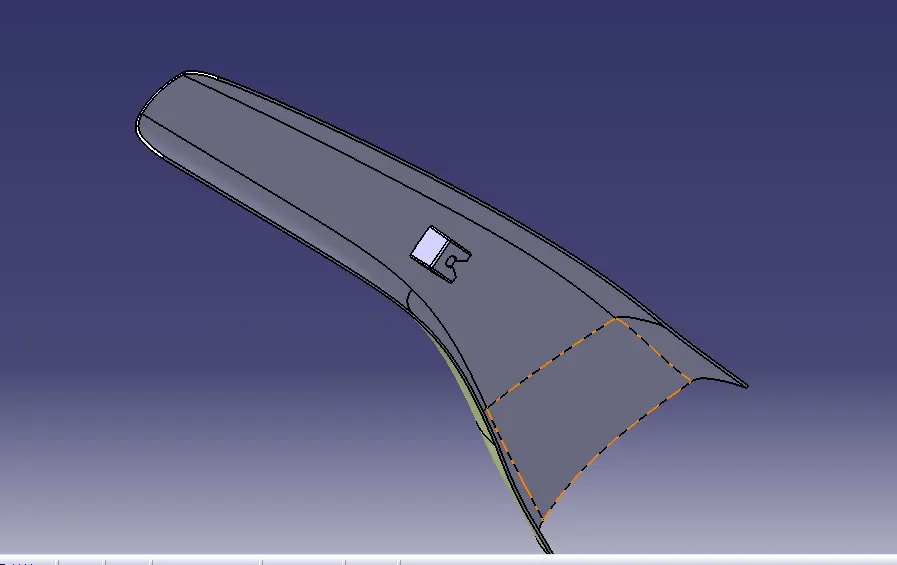
DOG HOUSE:
Create the dog house followed by design rules and given master section guid line. create the sketch use of master section guid line.
Dog house is followed design rulse outer side 1.5deg and 2mm thickness. And do draft analysis.
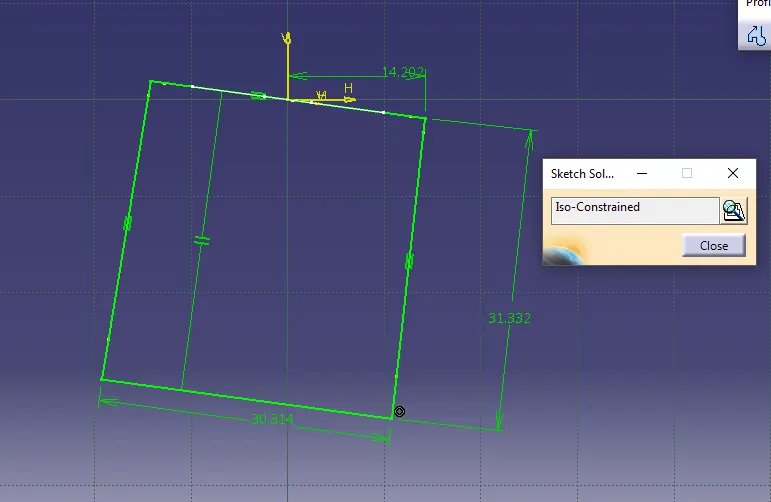
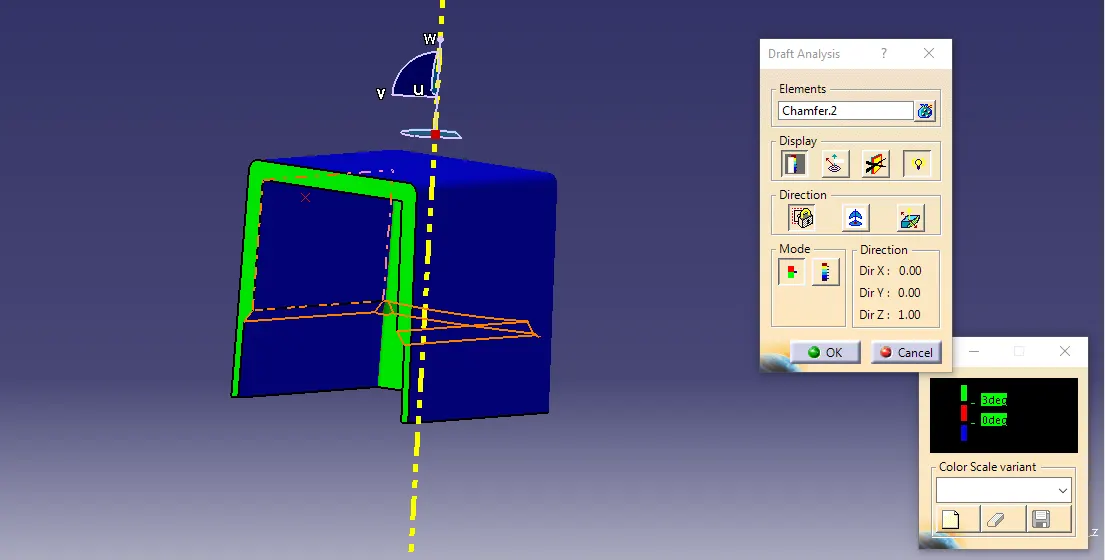
CENTER TWO RIBS:
Create the dog house inside center two ribs by use of given master section guid line. make sketch use guid line is reference.
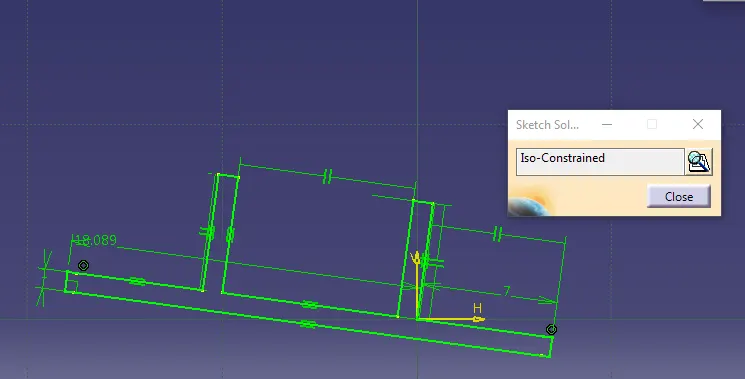
DOG HOUSE TOP CUT:
Dog house top cut is created by sketch followed by design rules. And extrude the sketch downward more than 2mm and use split tool to dog house and top cut.
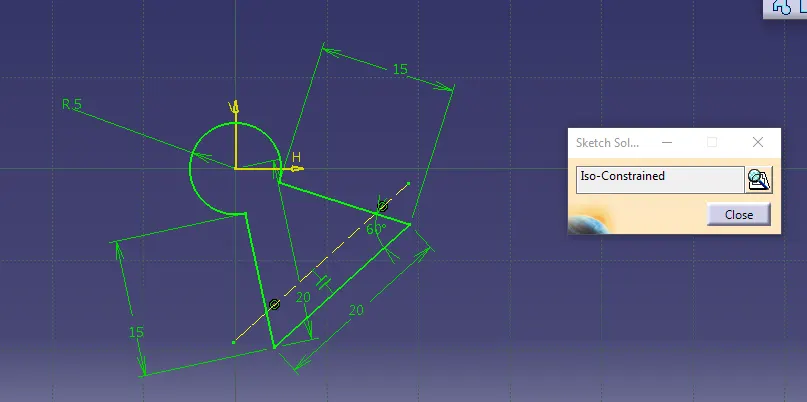
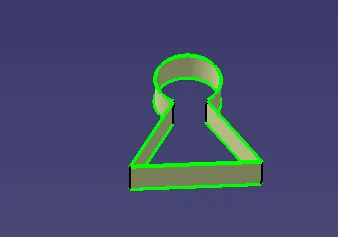
Final dog house want to add in closed solid part.
FINAL DRAFT ANALYSIS:
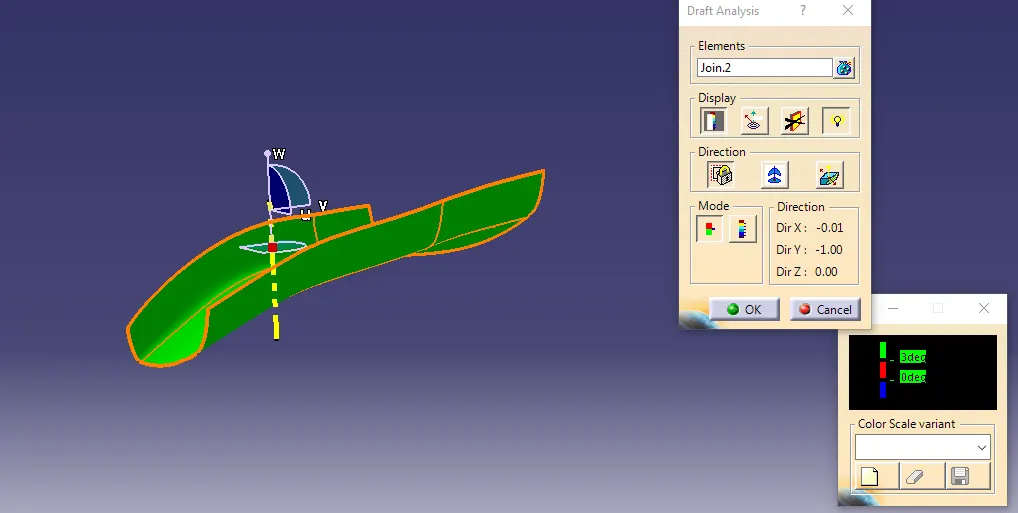
The draf analysis is use the featured draft analysis toolin the tools to now analysis the draft tool.
do draft analysis by use of tooling axis.
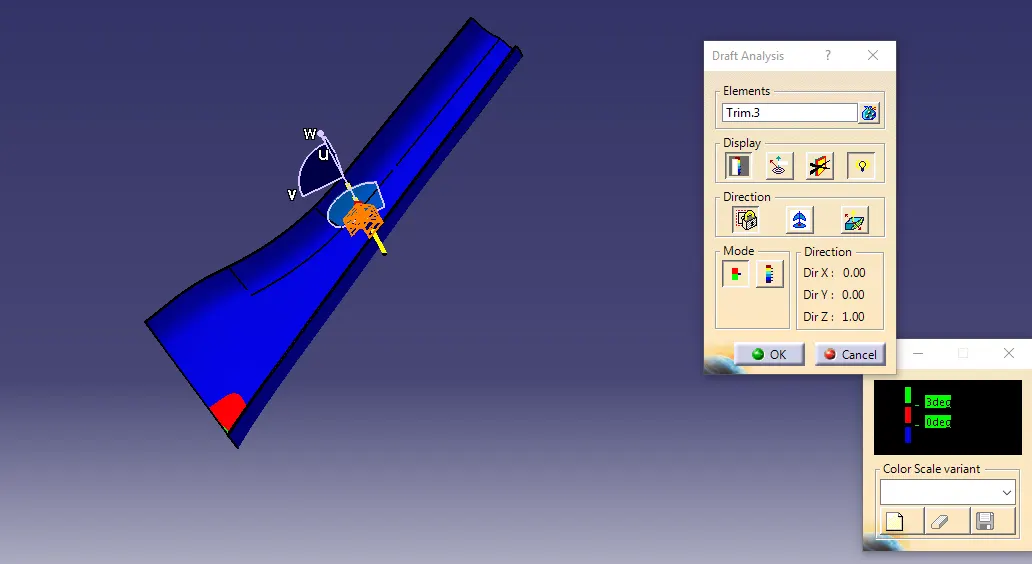
This draft analysis is very much helpfull to avoid final product mistakes and material design errors.
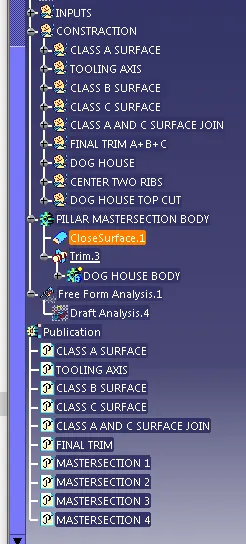
TREE STRACTURE: