Hood design-Week 2
Aim : To design the hood of a car provided with outer panel and master section.
A car hood or bonnet is the hinged cover that rests over the engine of a front-engine vehicle. its purpose is to provide access to the engine for repair and maintenance.
Components of hood : hood consists of several parts but as per the challenge we will be focusing on these below mentioned parts.
- Outer panel
- Inner Panel
- Hinge
- Latch
- Outer Panel -: It is considered as closure sheetmetal component.We mostly use steel and alluminium alloys for manufacturing of Outer panel, as steel has higher weight which effects in the over all performance of car. we try to maintain as light weighted as possible, accordingly we are using alluminium alloy sheets.Production process includes Blanking,drawing,Trimming,turnup, Etc.
- Inner Panel -: Inner panel is not visible to customer but it should have high reaction force against the impact exerted on the hood.It should distribute and minimize the impact forces which may damage the hood.
- Hinge -: A hinge is a machine element that connects two bodies allowing angular movement about a fixed axis of rotation.
- Latch -: latches are mechanical components that allows temporary joining of parts that are moving relative to each other.
Other parts and processes
Mastic sealant :
It is placed between inne panel and outer panel to properly seal all the hood area.This seal is done to reduce NVH (Noice,Vibration & Hinderance) & to provide waterproof seal.Mastic sealant is an elastic compound that behaves like a rubber.each mastic has an influencial circle of 80 mm. mastics allows the outer panel to deform and regain its original palce after the impact is removed.
Embossing :
Sheet metal embossing is a stamping process for producing raised or sunken designs or relief in sheet metal.embossing is achieved by combination of heat and pressure application on sheet.
Deep Drawing :
it is a sheetmetal forming process in which a metal blank is radially drawn into a forming die through mechanical push. balnk changes its shape to shape of die in which it got pressed.
Hemming :
Hemming opertaion is used to connect to sheetmetal parts together.it improves the appearance & reinforces part edges. hemming is done because spot weldings effects the aesthetics of sheet or leaves marks on the face of sheet. in hemming one sheet is bent into it self which provide the room for placing of other sheet into it.
Designing Hood
there are various design consideration for hood i am gona point out a few,
- Head impact zone : this is the zone which comes into contact when a cloision happens between a pedestrian and a car. this zone should take most of the impact when caused and should give less harm to pedestrian. Head zones are defined by considering average hieghts of pedestrians.
- Wrap around distance : it is a trace of points recieved on the front structure when one end of the flexible tape is held at the ground reference line and other end in contact with front structure.
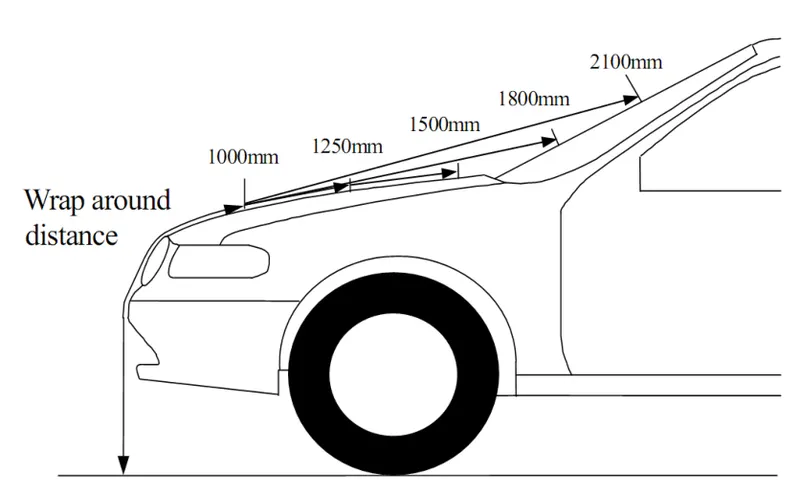
When a child hits on hood his head will fall between 1000-1500mm area. When an adult hits on a hood his head falls between 1500-2100mm.
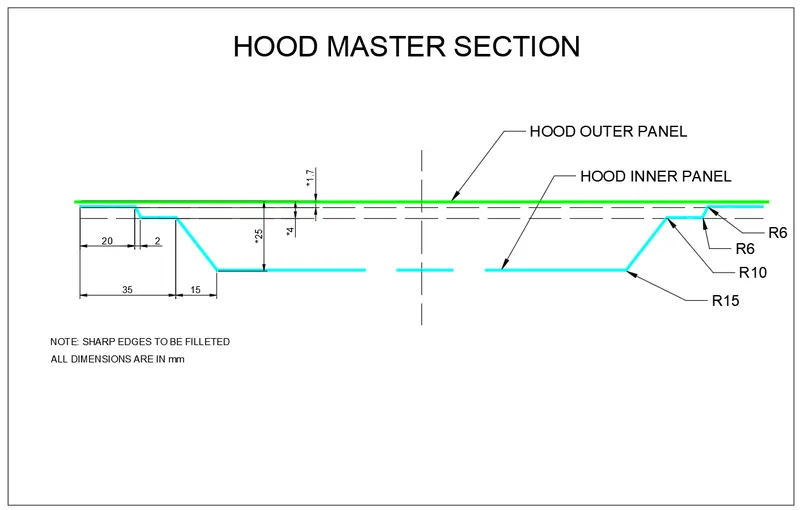
Master section provided.
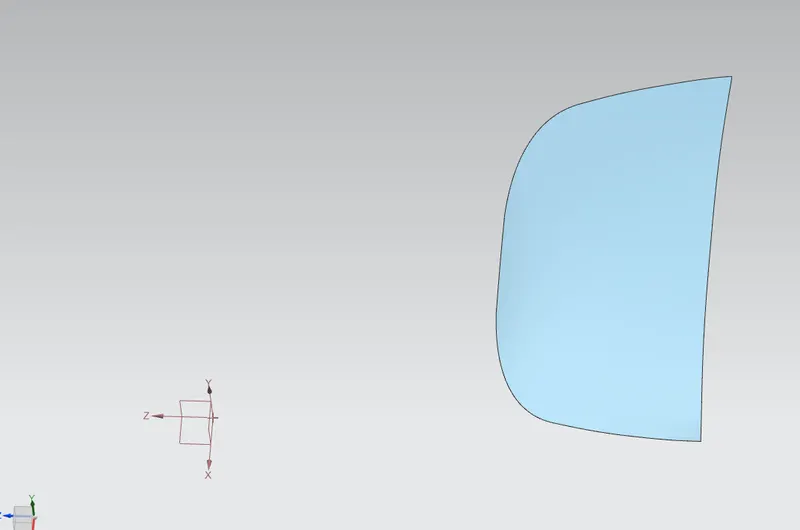
Hood outer panel provided :
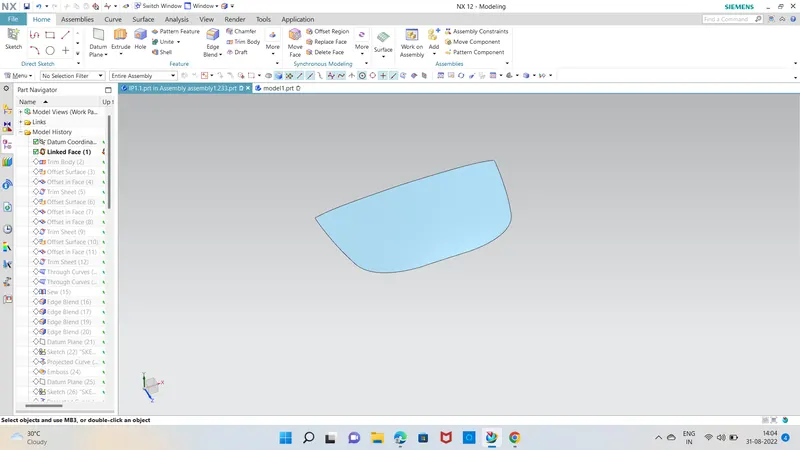
So we start by creating a new part and adding a outter pannel into new part with wave geo linker. we trim the inner pannel it helps us to work on the half part then we will mirror the part to get whole part
1)
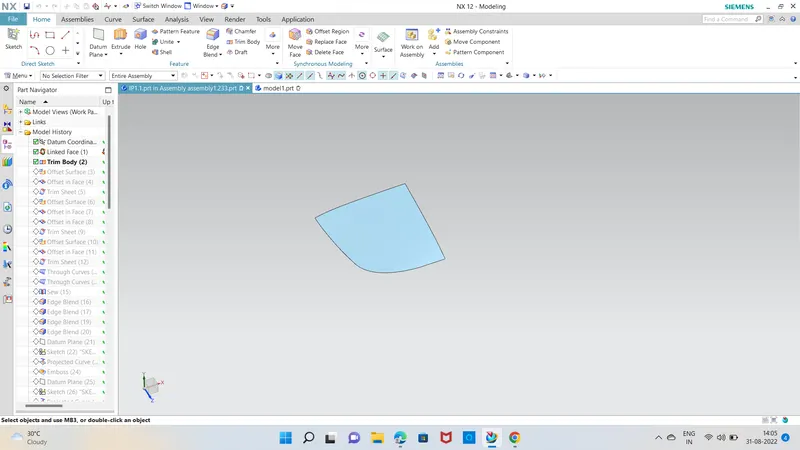
2) we will add the curve on the face and trim the sheet on the given dimension in master section
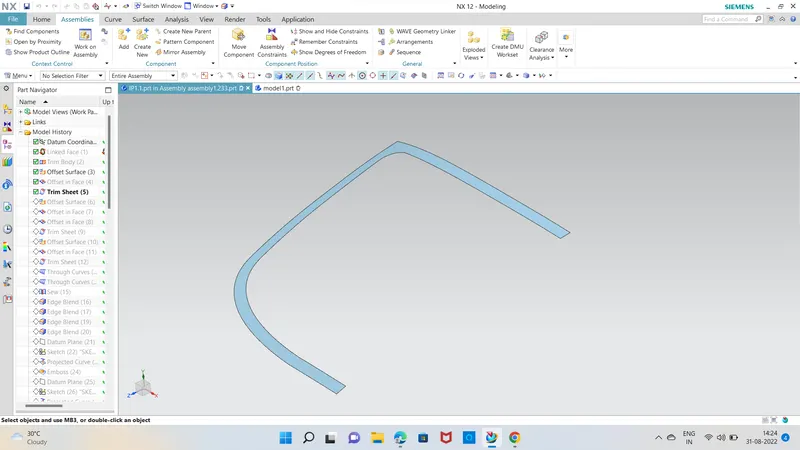
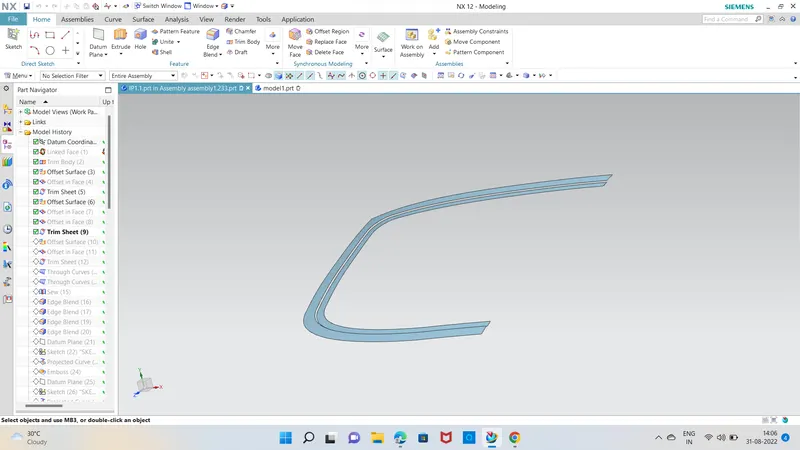
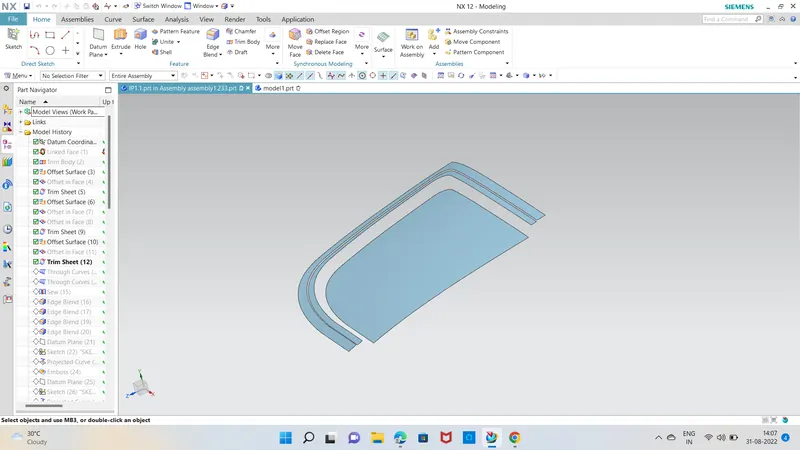
3) We will join all the three sheet by using thru curve.
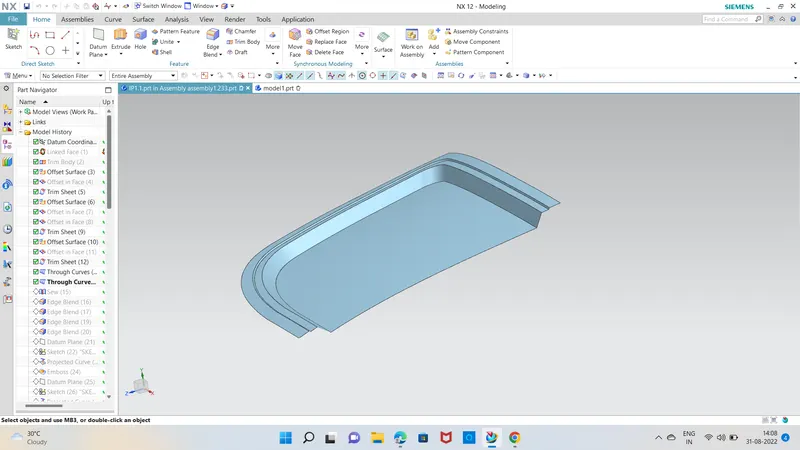
4) we will sew these sheet together then we can do edge blends
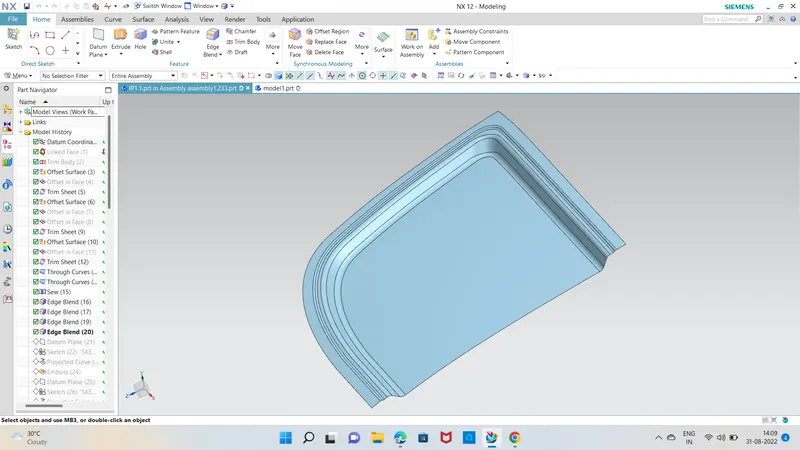
5) we can create a sketch for embossing which will strengthen the part.
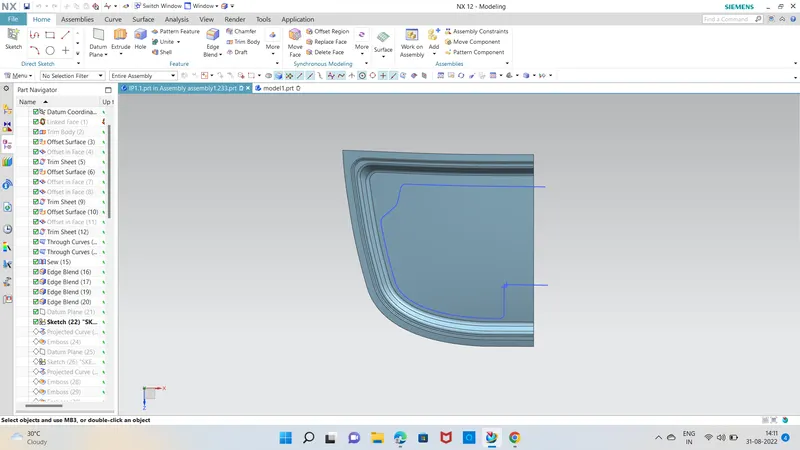
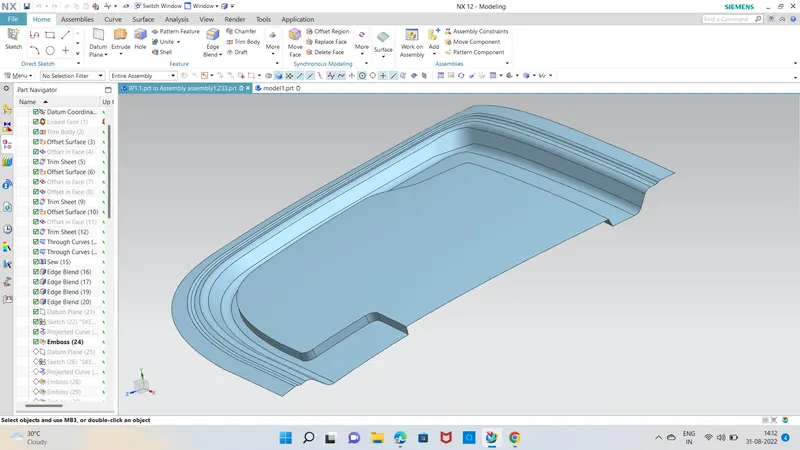
6) we will create one more sketch for trimming and embossing.
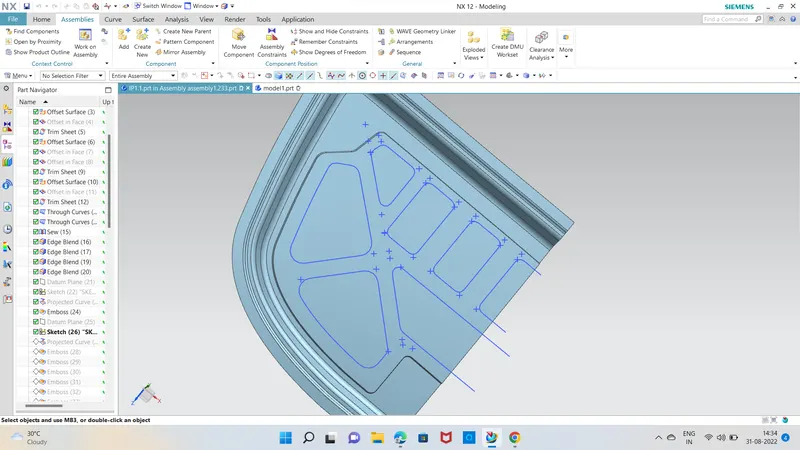
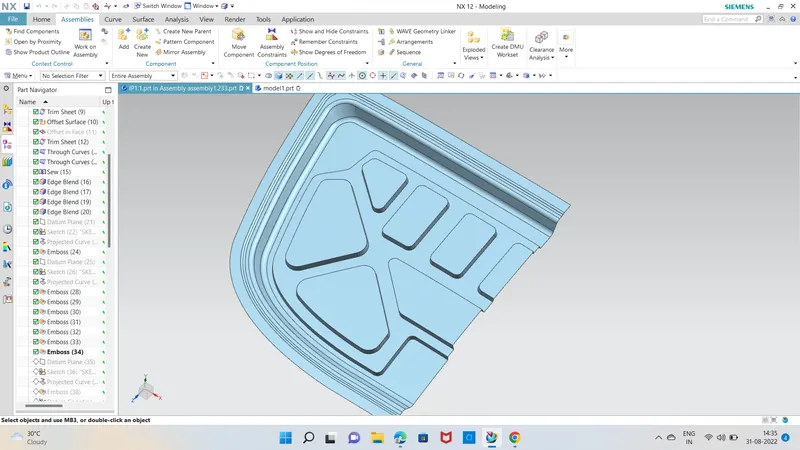
7) creating one more sketch for trimming out the material and trimming it.
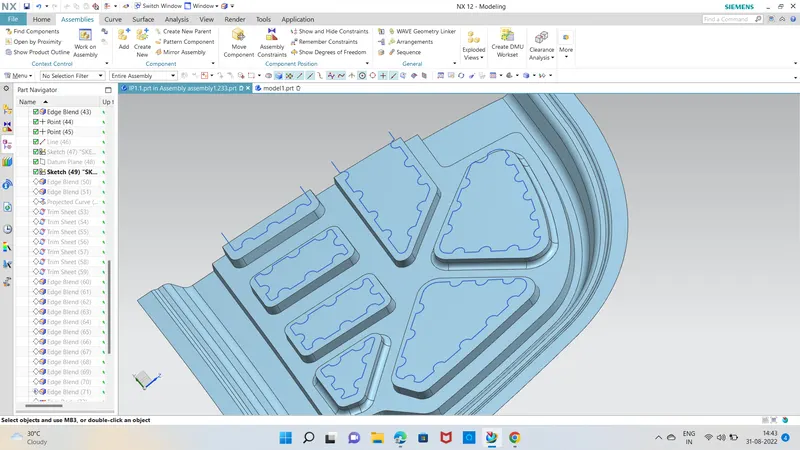
8) create a sketch for embossing of hinge support
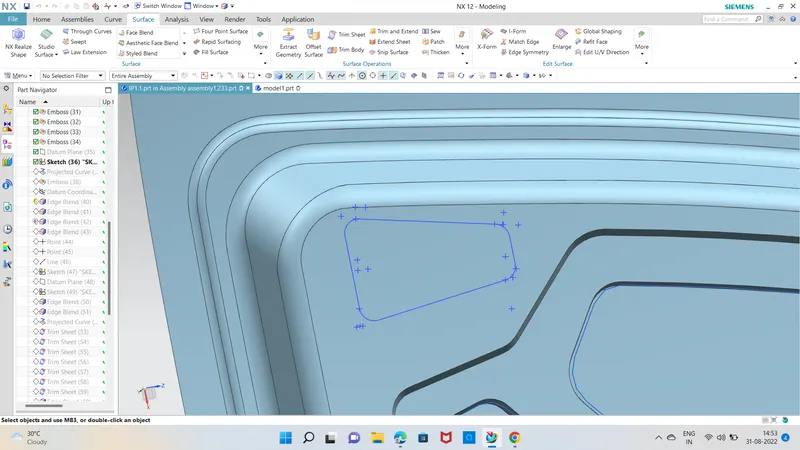
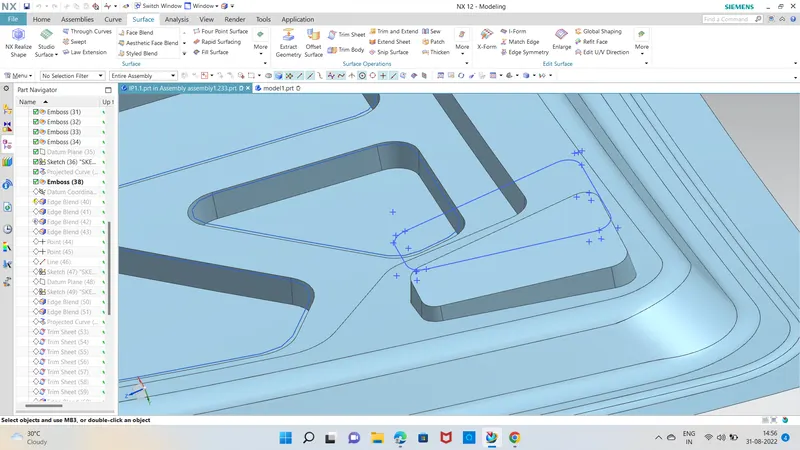
9) will assemble the hinge on the embossed surface with constraints
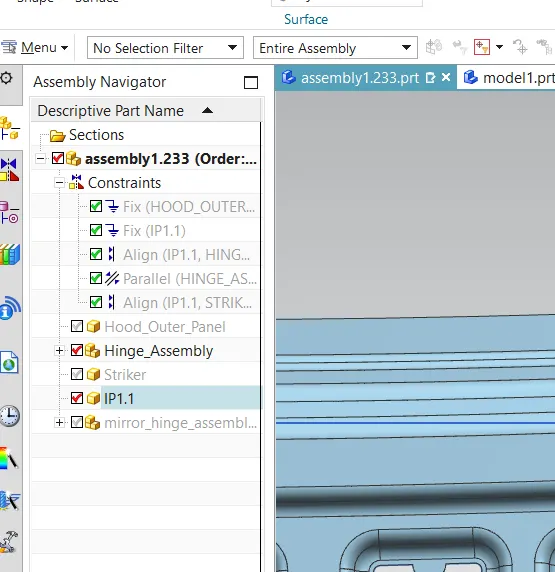
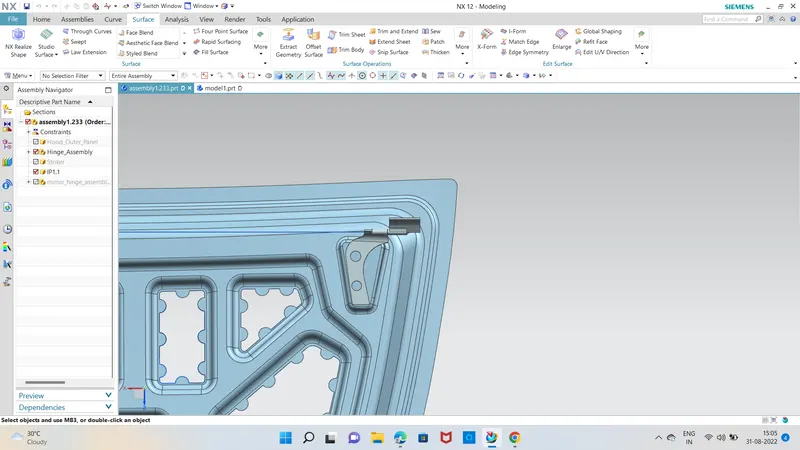
10) mirroring the half body.
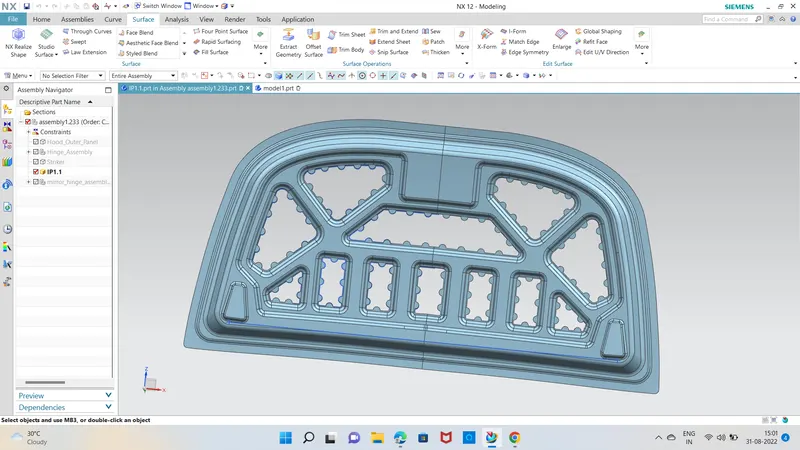
11) placing striker and mirroring hinge & creating striker trajectory
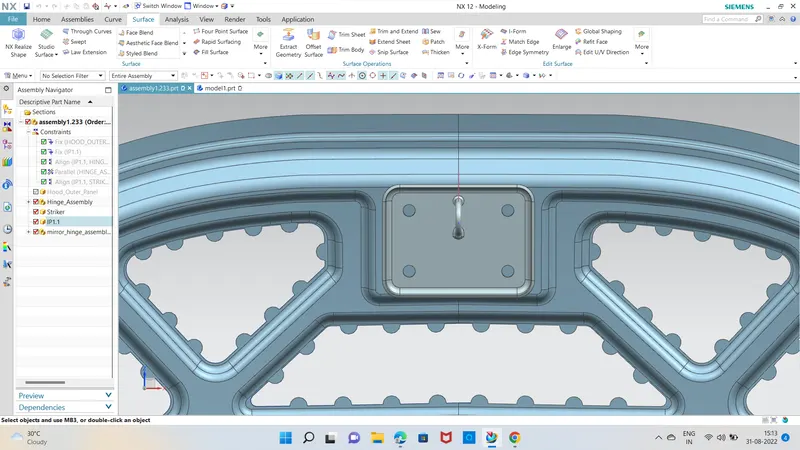
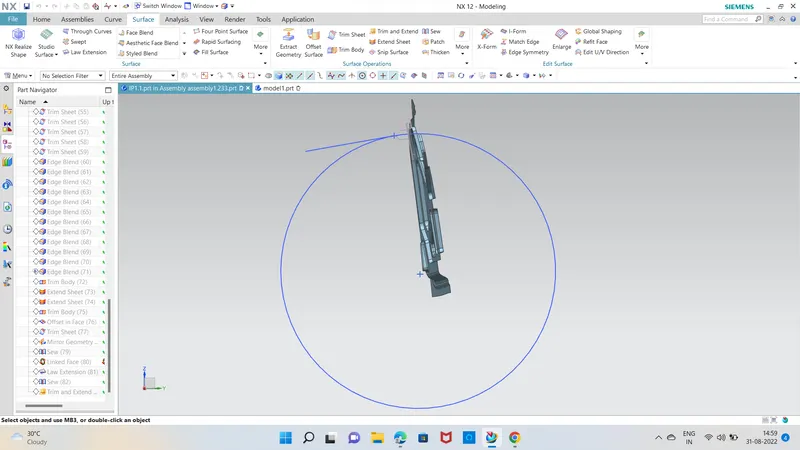
12) Now going to the outer part and creating hem flange there
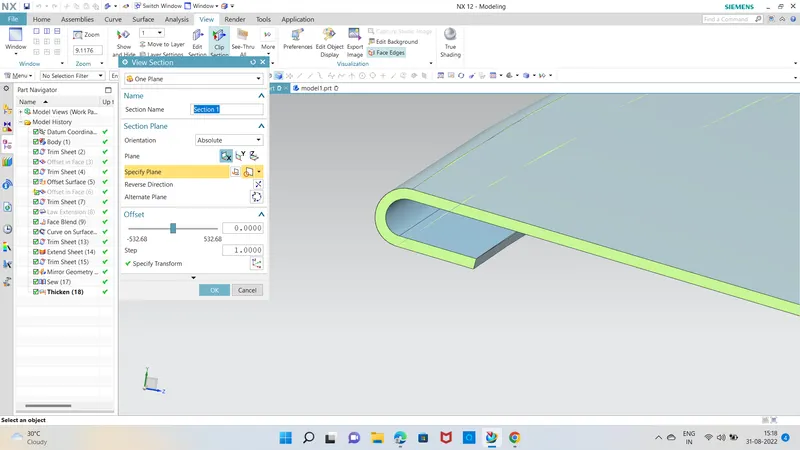
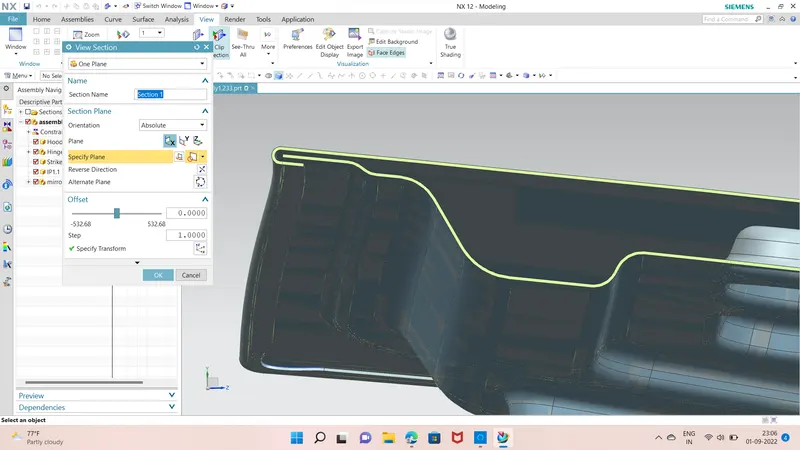
13) End results
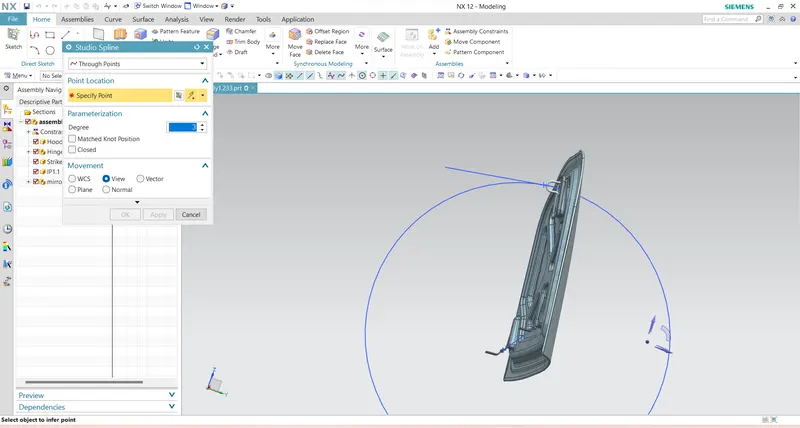
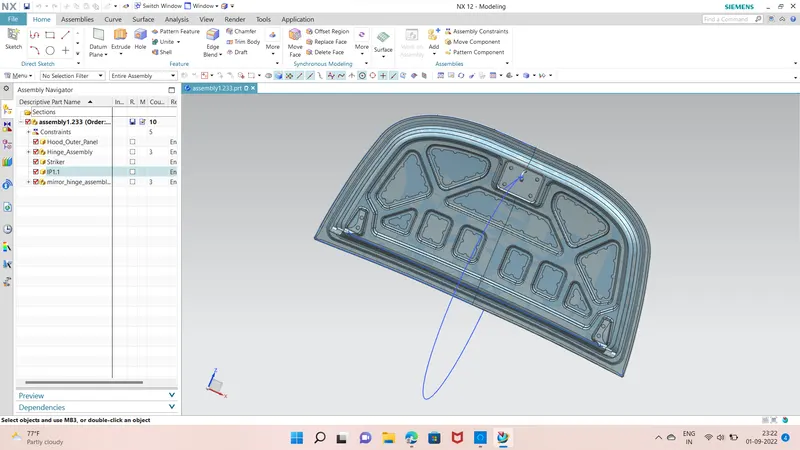
14) Final Product after assembly and thickening are presented in the zip file. as i was getting difficulty in thickening inner pannel at the end, So some design changes are done accordingly. the final design in the zip file is a bit different from the presented pictures (some embosses are added and reduced mastic pionts).