Wiring harness routing & packaging Rules Week 3 Challenge
Question 1 Ans:
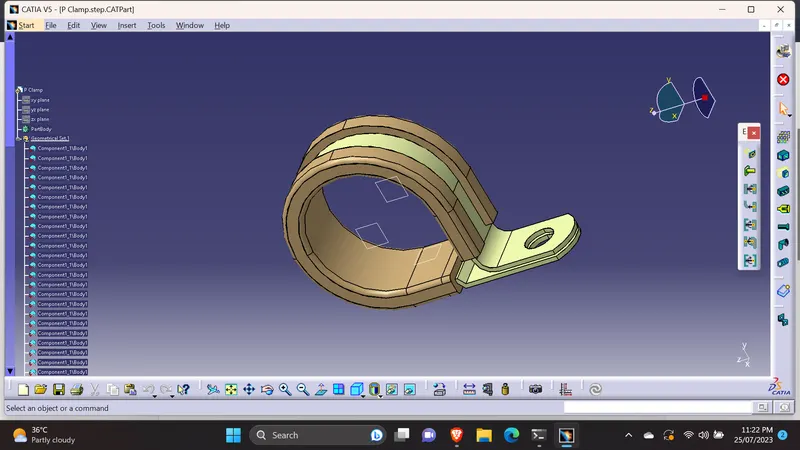
Downloaded the P Clamp CAD part file(IGS File) from the given link.
Defined the geometrical parameters.(Axis, Planes & Point).
According to the P Clamp, should define the 3 planes. Geometical bundle entry plane, exit plane & the base plane.
Moved to electrical part design workbench.
Defined the part as support part & defined the planes.
Question 2 Ans:
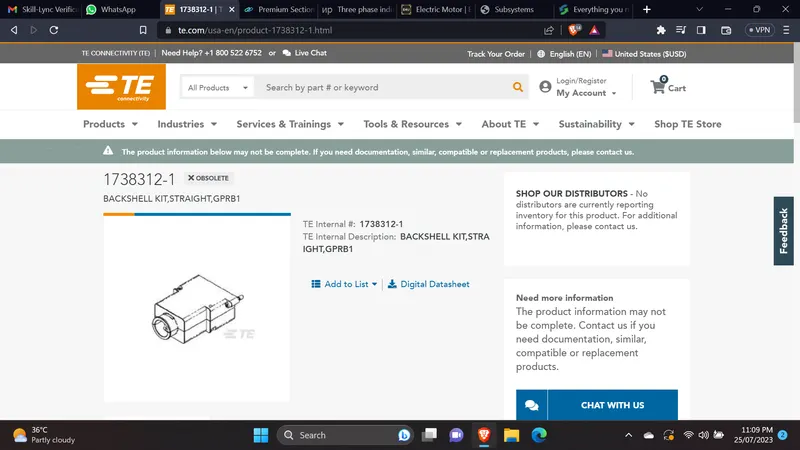
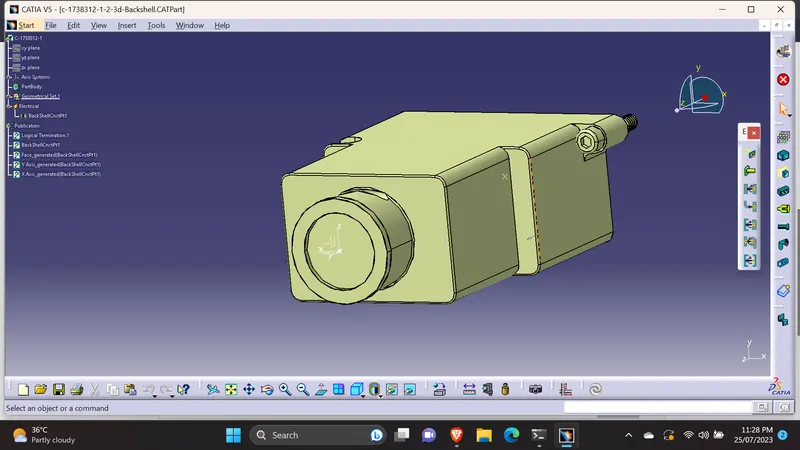
Downloaded the CAD part file from the given above link.
Created the geometry parameters. ( Axis and point).
Moved to electrical part design work bench & Defined the backshell part as 'Backshell'.
As the same we done in the connector, Defined the Backshell connection point & the Bundle entry point.
Question 3 Ans:
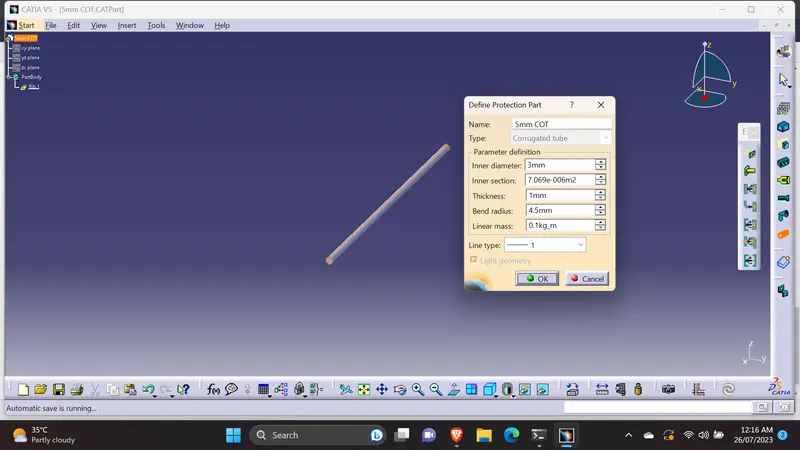
According to the given information on the question, created the 5,10,15,20,35 mm corrugaed tubes.
Created the part for & renamed as 5mm COT as mentioned on the question.
Then moved to electrical design workbench to create the Corrugated tube.
Selected the 'Define Protection Part' and selected the part body of the geometrical tree, then filled the required details on the box which opened.
Filled the inner diameter, the thickness & the bend radius(1.5 times of the inner diameter).
Inner section was automatically calculated according to the inner diameter & Line type choosed default type.
Prefered to choose the light geometry.
If we need to change the parameters or any other, again need to select the 'define protection part', then we can edit/change parameter.
Like above, done the rest of tubes for 10,15,20,35 mm Outer diameters.
Created a catalogue &stored tubes as 'SLIT COT'
Attached all the required files.