Wiring harness design in CATIA V5 - 3D modeling Week 2 Challenge
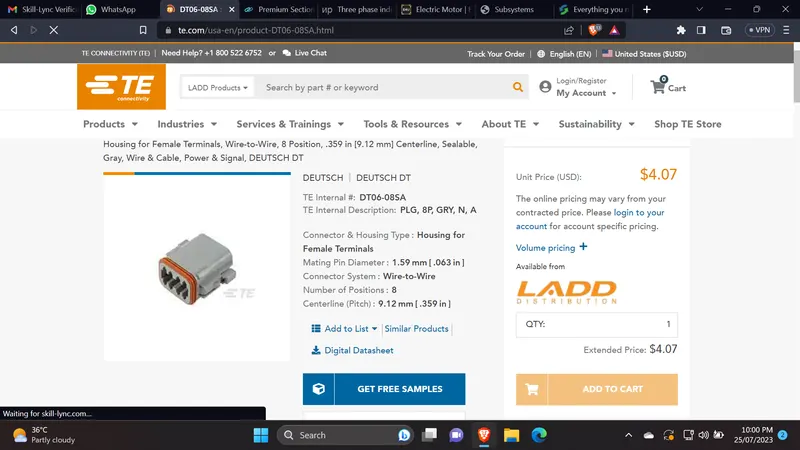
Deutsch DT06 – 08SA
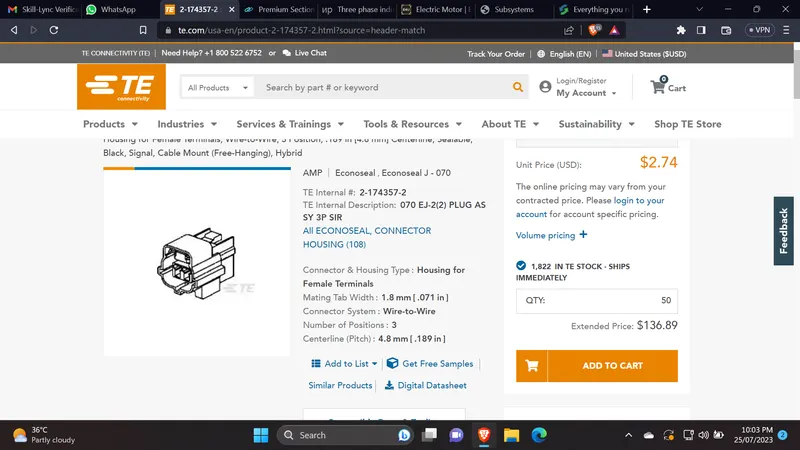
Tyco 174357-2
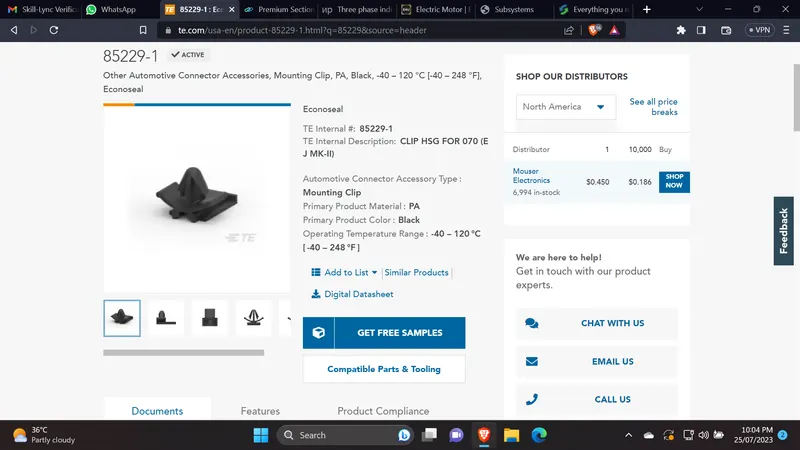
Tyco 85229-1
Downloaded the above Connectors CAD file(IGS File) from the given link.
Downloaded the cavity connection clip also from the given link.
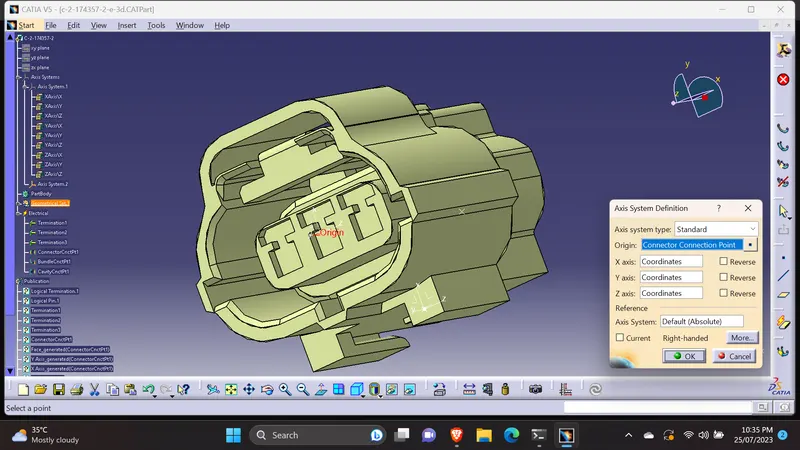
Created the required geometrical parameters(Axis & Point) at the part design workbench.
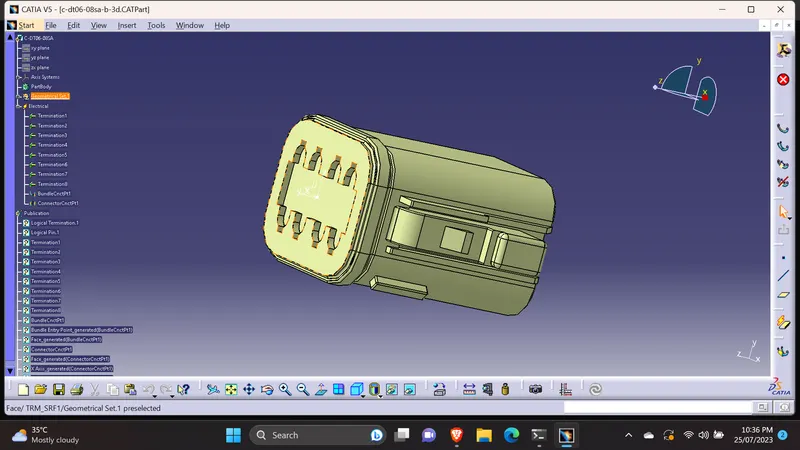
first connector( Deutsch DT06 – 08SA ) has no cavity connection. so created the bundle entry point & the connector connection point.
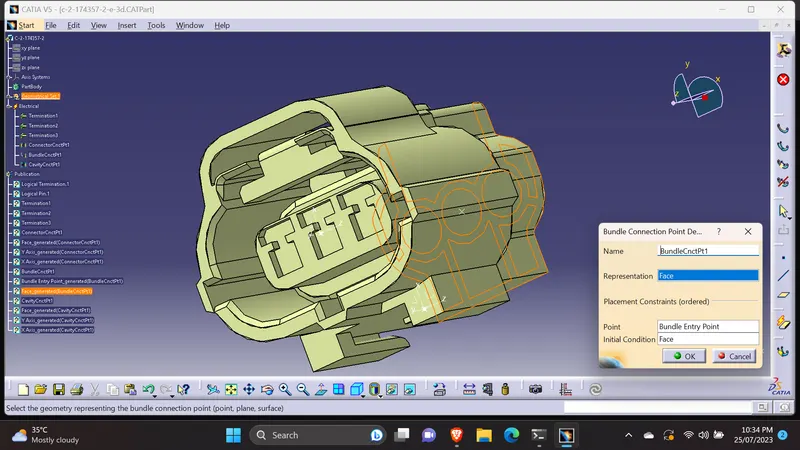
For the both connectors Bundle entry & connector connection points creating procedures are same.
Moved to Electrical part design workbench & Defined the parts (connectors CAD files) as connector.
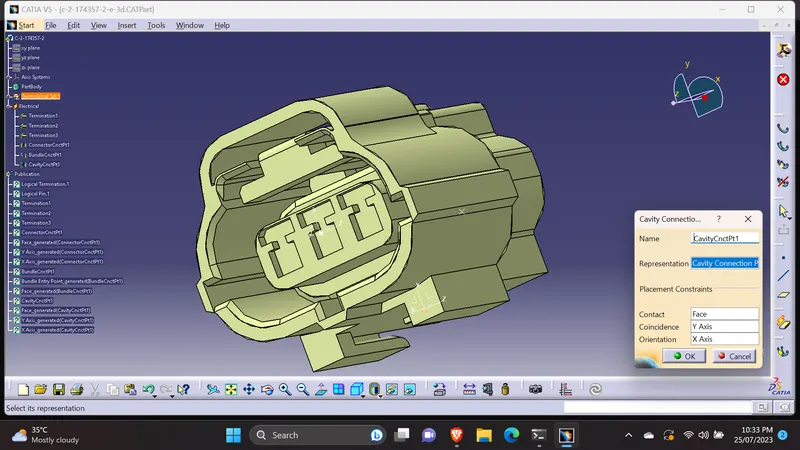
Defined the Bundle entry point & the connector connection point.
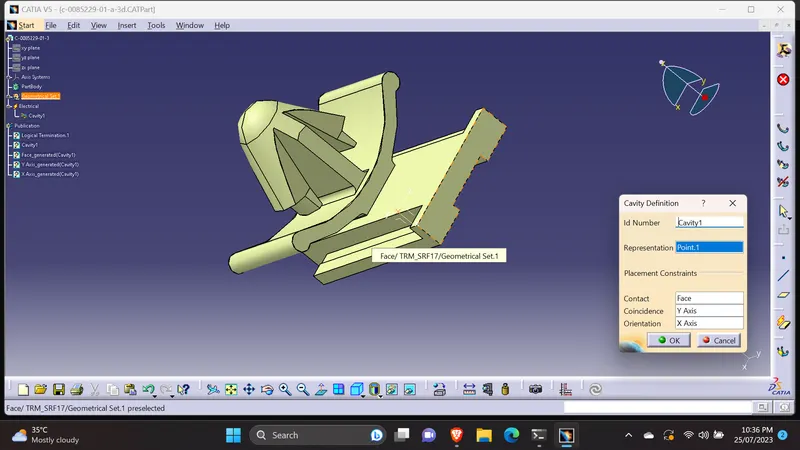
Connectors & the cavity clip, created the axis & points. Defined the Connector & Cavity clip as cavity.
To merge the connector & the cavity clip, created a new product & added the both parts.[Connector( Tyco 174357-2) & cavity connection clip]
The axis should be same while merge the both parts.
Moved to electrical assembly design workbench to merge the connector and cavity mounting clip.
Used the 'connect electrical devices'command to merge the parts. We can disconnect the parts by using the 'disconnect electrical devices' command.
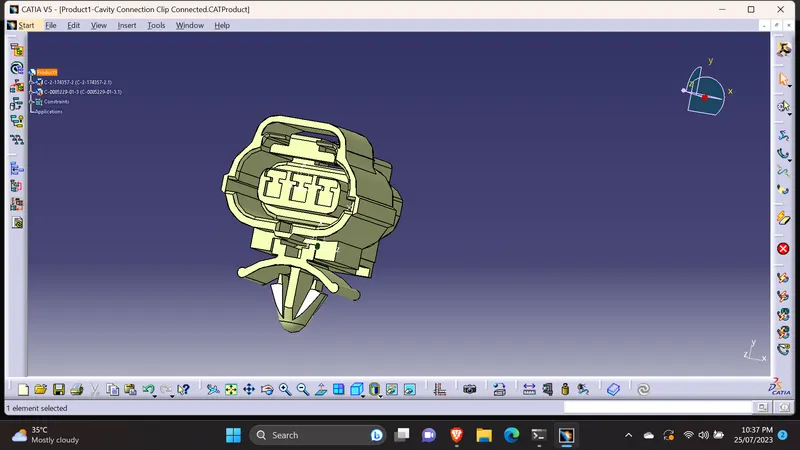
Attached all the required files.