Wiring harness design in CATIA V5 - 3D modeling Week 5 & 6 Challenge
Question 1 Ans:
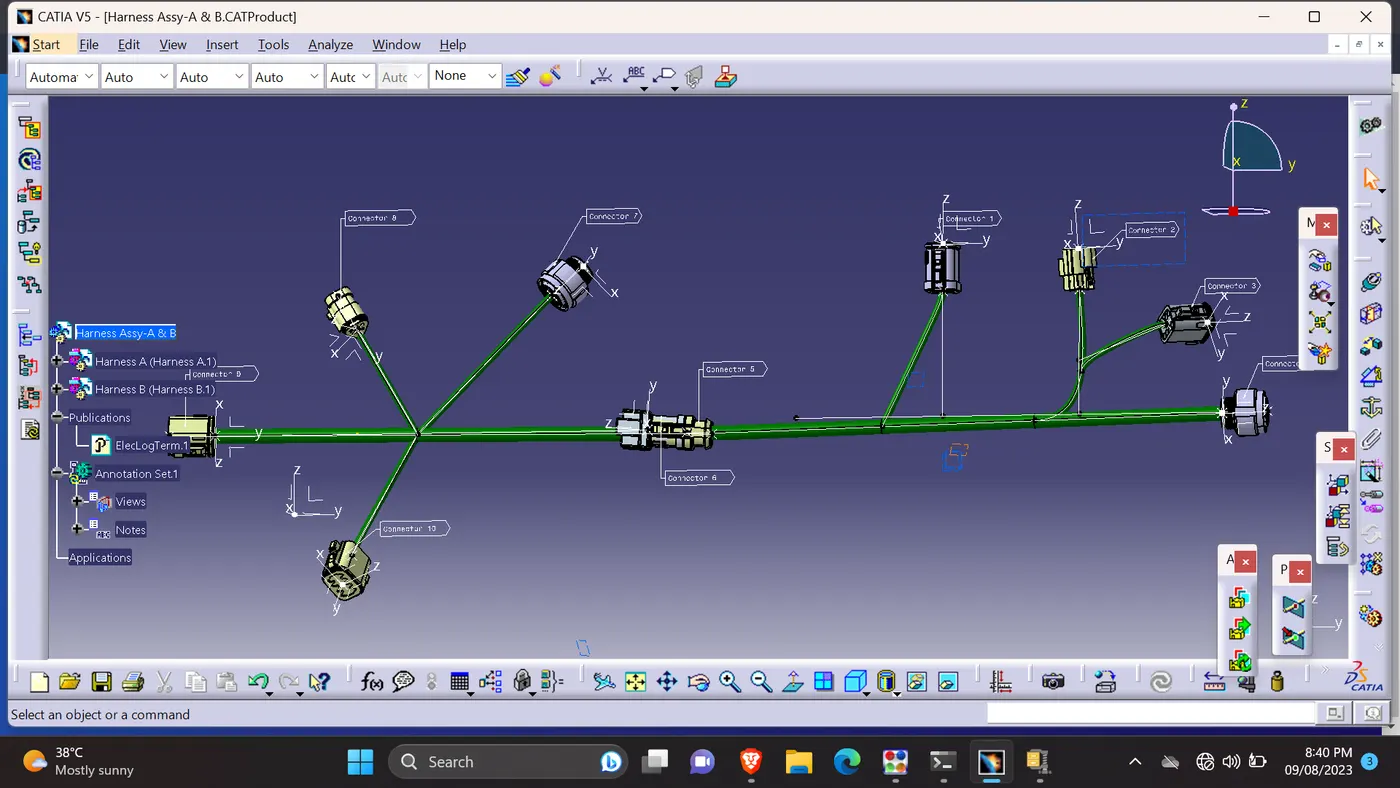
Description:
- Downloaded the connectors 3D CAD part from the above given link.
- Most of the connectors we have done already, so i used that.
- Used 2D sketcher workbench to drew the lines & points to fix the connectors in the appropriate place as mentioned in the question.
- Created the Harness A & Harness B. Created a product file to combine the both harness assembly.
- Named(Annotation) each connector as connector 1,2,3..... & checked the continuity of the whole wiring harness assembly.(Snap Attached).
- Generated the CAT Part by using the tools bar 'generate CAT Part' command.(Kept the wiring harness in assembly design workbench)
- Created 'igs; file from the CAT Part which created early.
Bundle Continuity:
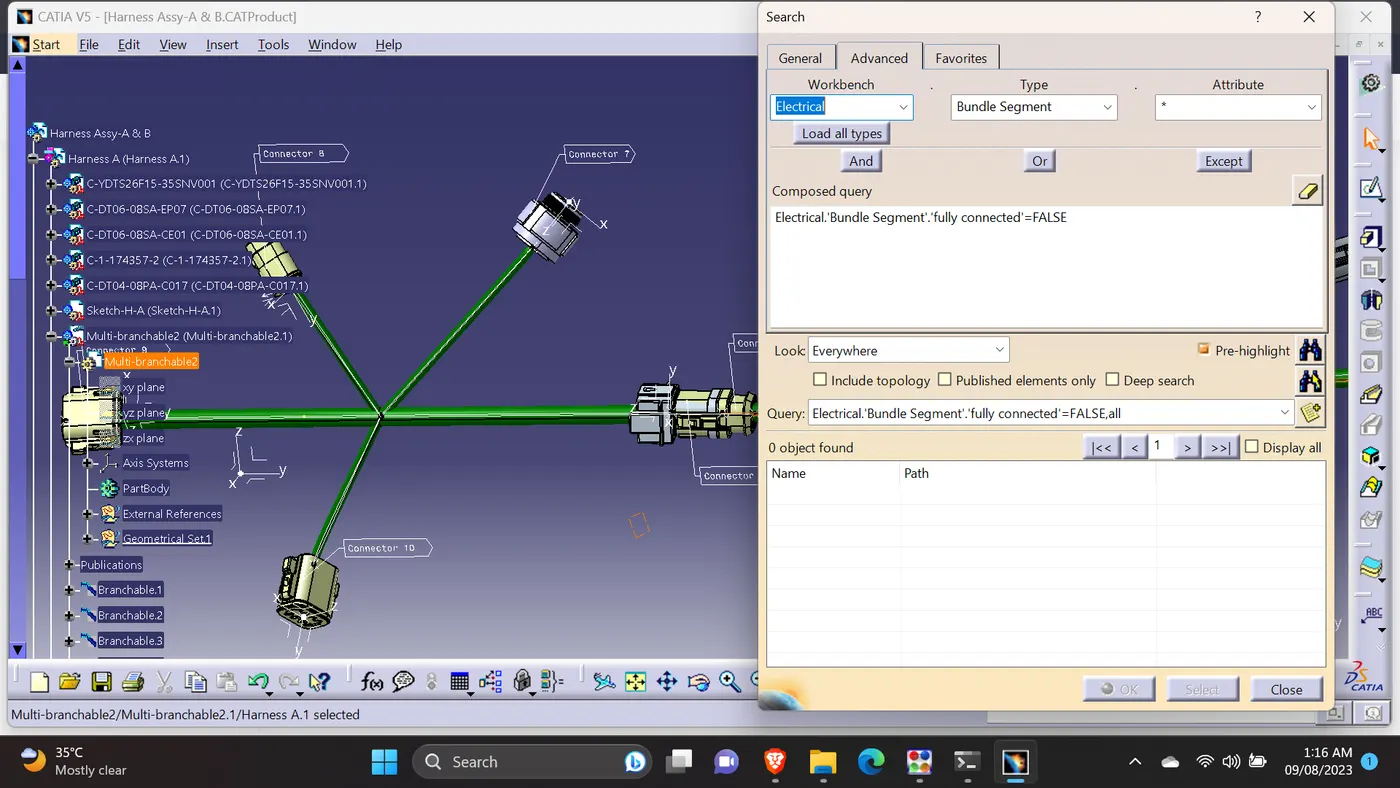
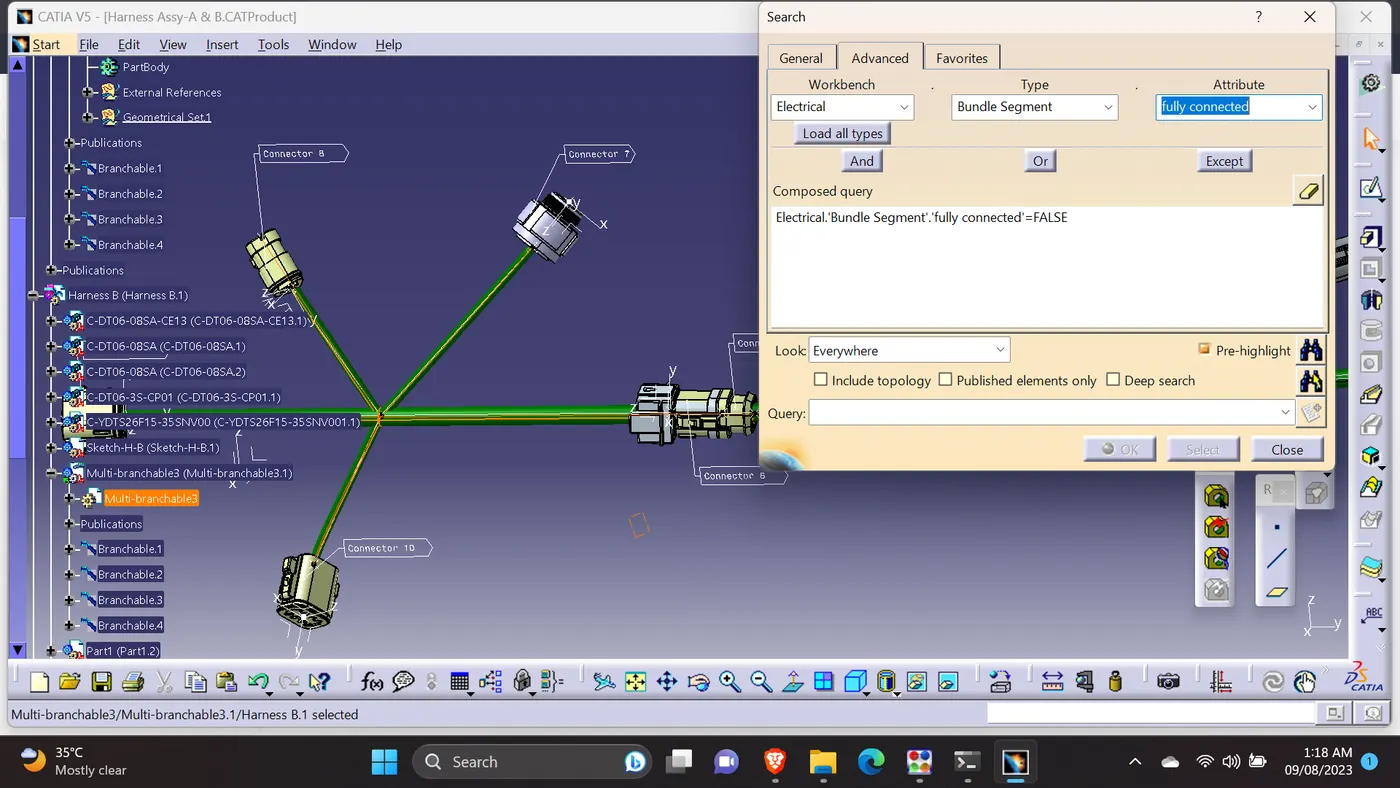
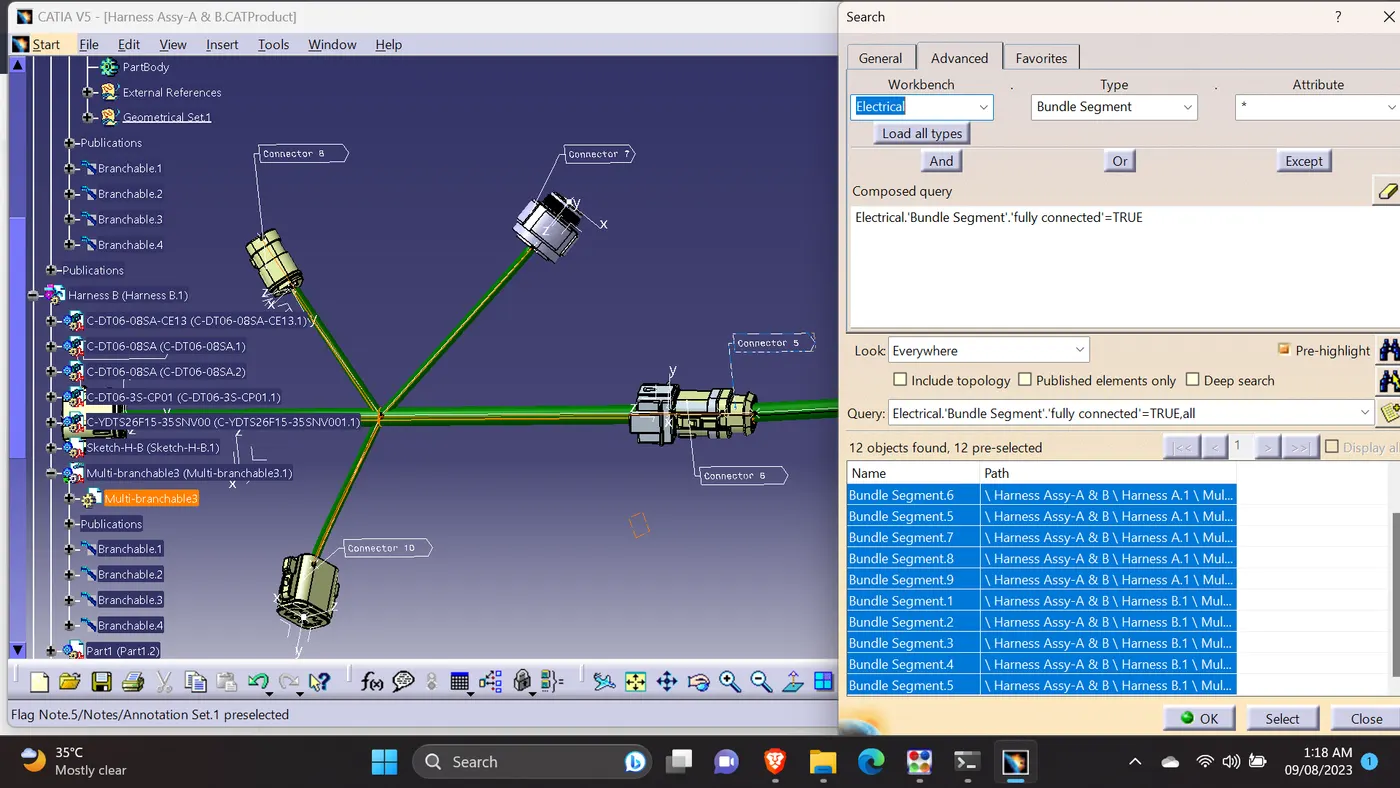
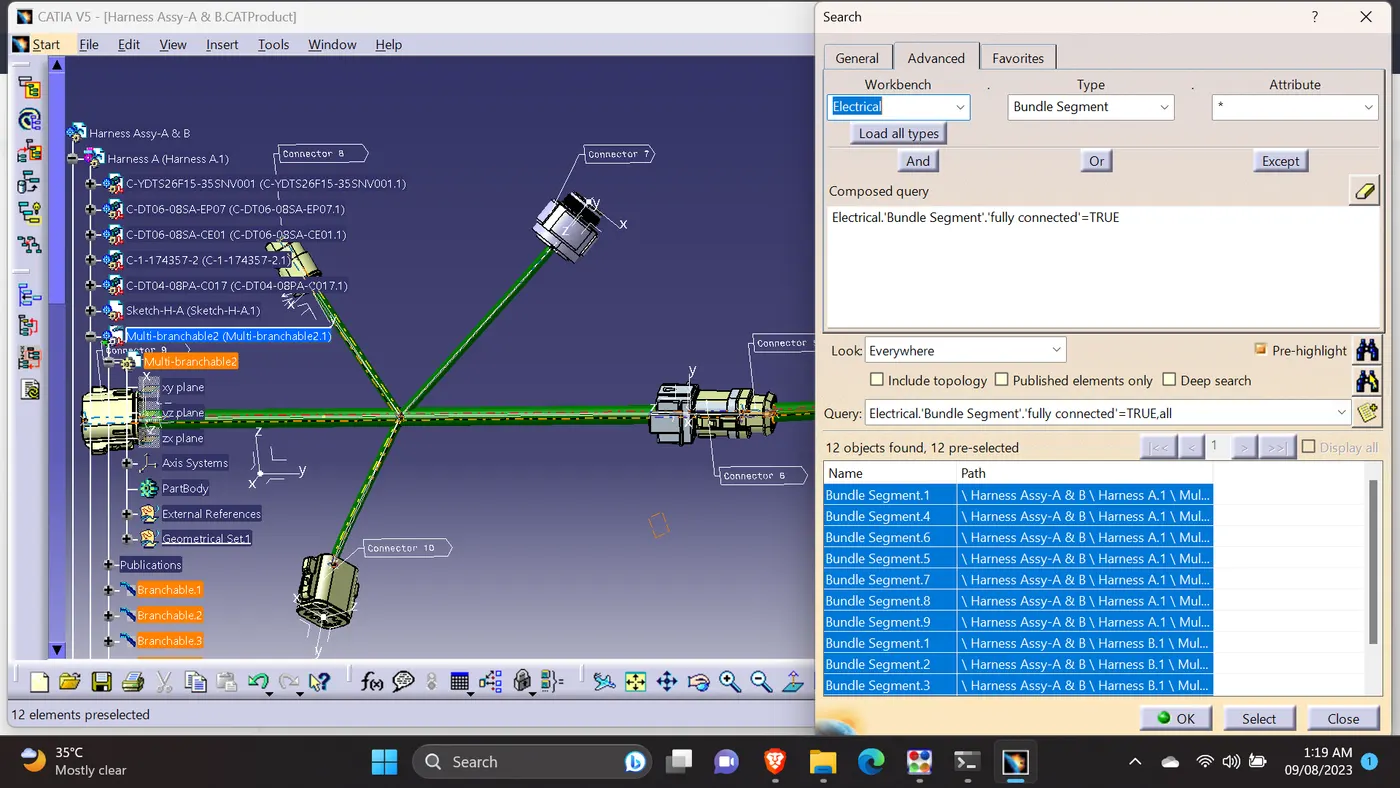
- Checked the bundle Continuity. Added snap.
- Added annotation to all connectors. Made the connectors name as Connector 1,2,3....
- Checked for the bundle warning. Didn't get any warning.
- Generated CAT.part of harness assembly and converted in. igs format & Attached.
Attached the required files.