Wiring harness design in CATIA V5 - 3D modeling Week 7 Challenge
Question 1 Answer:
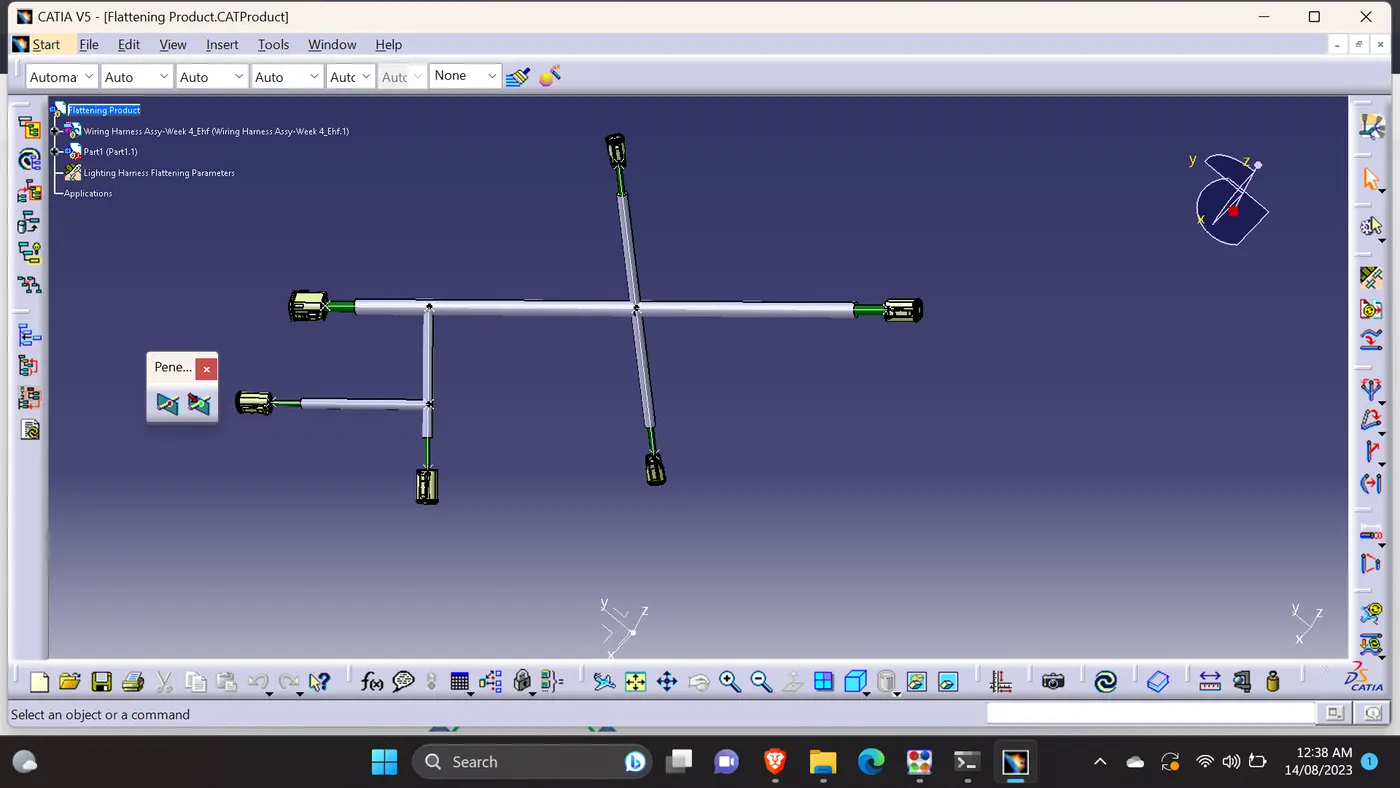
Flattening Product:
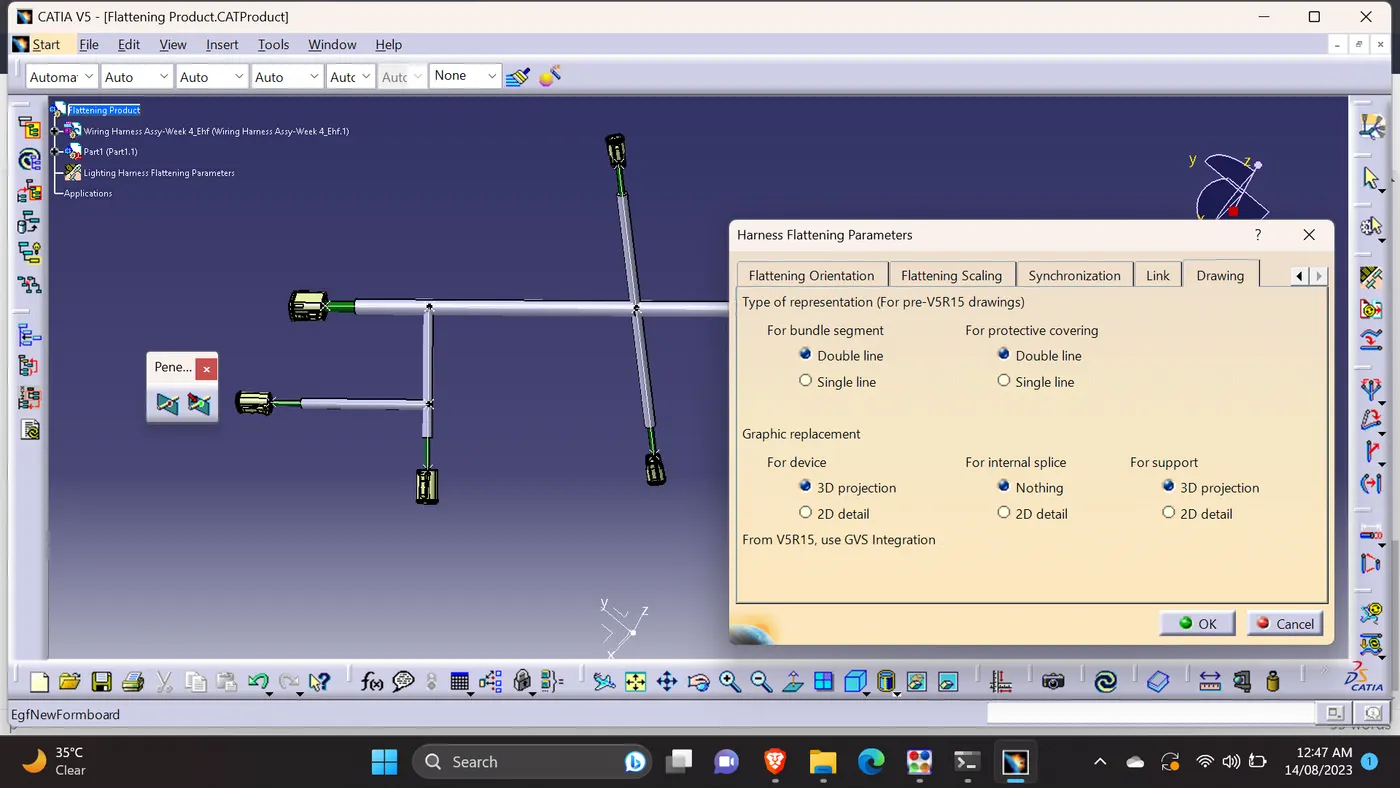
Harness flattening parameters:
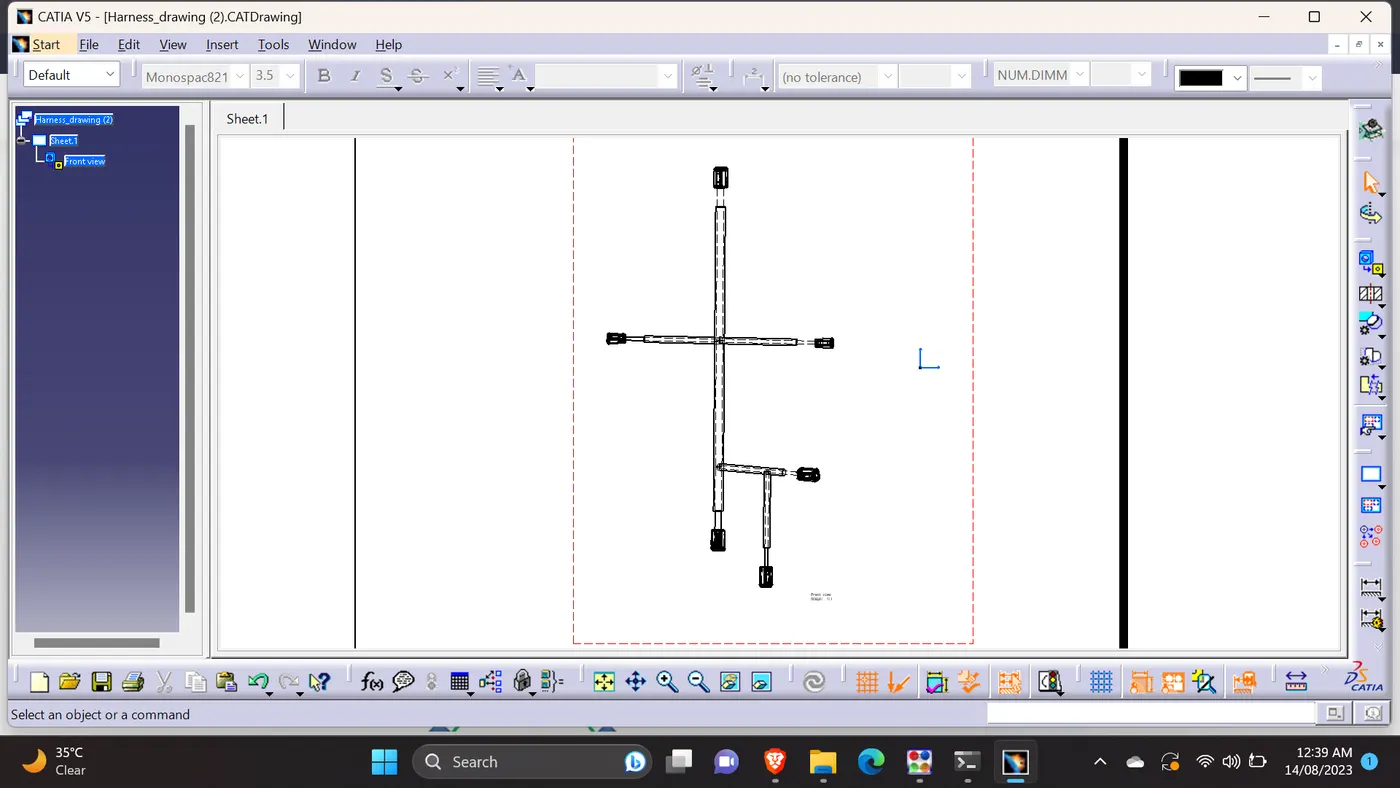
Flattening drawing sheet:
Description:
- Took the wiring harness assembly from week 4 challenge as mentioned.
- Moved to Harness flattening workbench & defined the parameters.
- To differenciate the bundles & Protective coverings (Corrugated tubes) in the drawing sheet, checked & adjusted the parameters.
- 3D Projection selected for the connectors in the parameter settings.
- After finished the flattening process, moved to drawing sheet.
- Opened the window vertically to do drawing easily & selected the front view from the drawing workbench command bar.
- Then selected the flattening product & selected the reference plane from the geometry. Then selected the drawing sheet window.
- Rotated the drawing & saved.
- Generated the CAT Part file from the flattening product & created IGS file.
Attached all the required files.