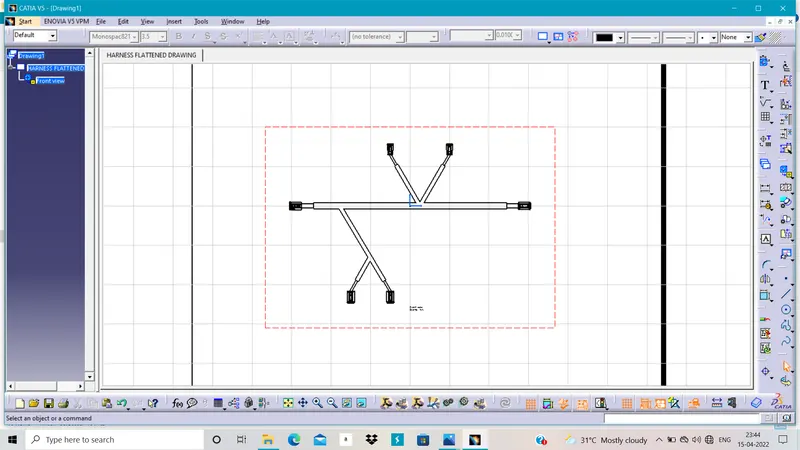
Wiring harness design in CATIA V5 - 3D modeling Week 7 Challenge
Flatten the harness assembly :-
For this we have to first take parts as connector and make it as a electrical component and then in assembley design make the position of it as given above.
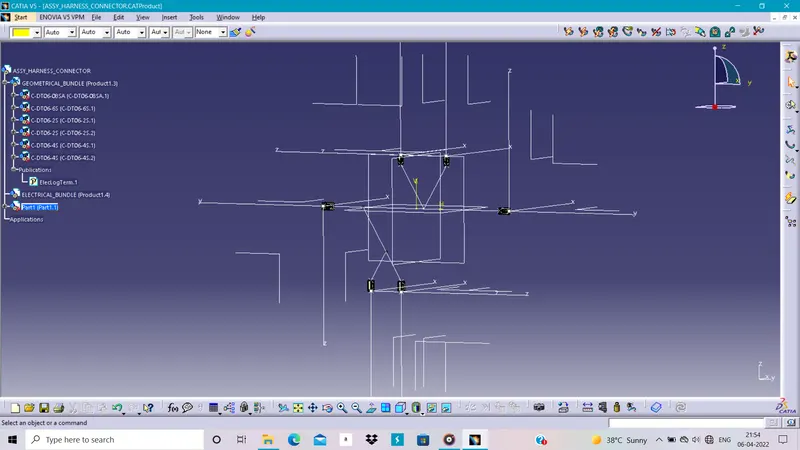
Then we have to start the harness design and make the branches of the harness and route as we need by using the bend radius and diameter of the branch.
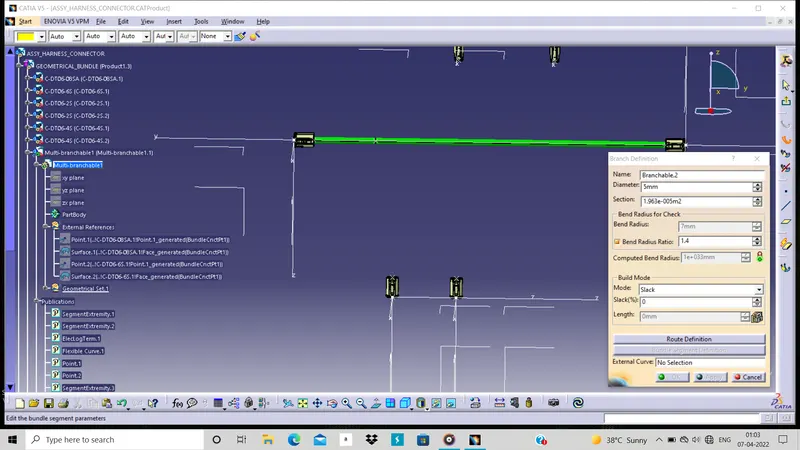
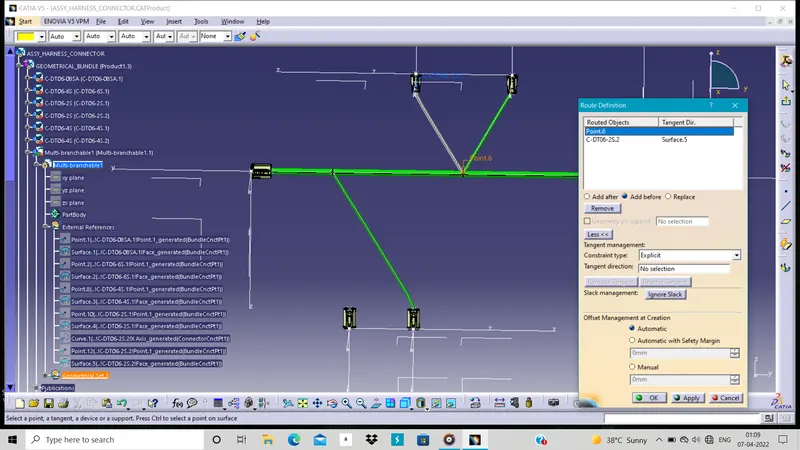
After the harness branching we have to add the corrugated tude to it by using the catalogue of proper diameter.
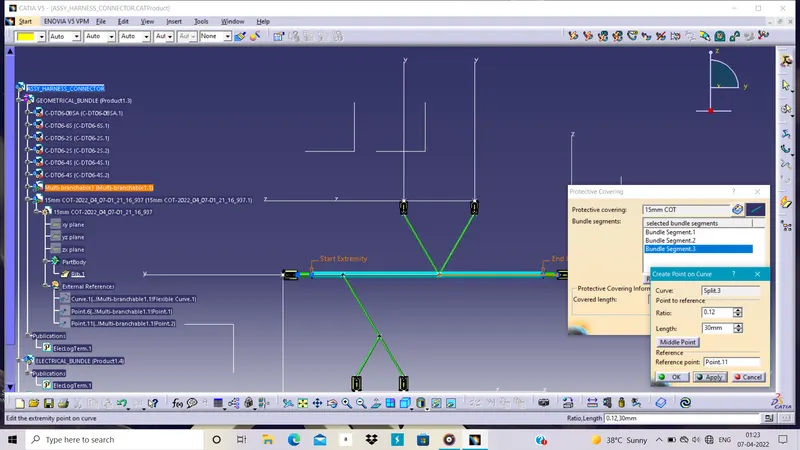
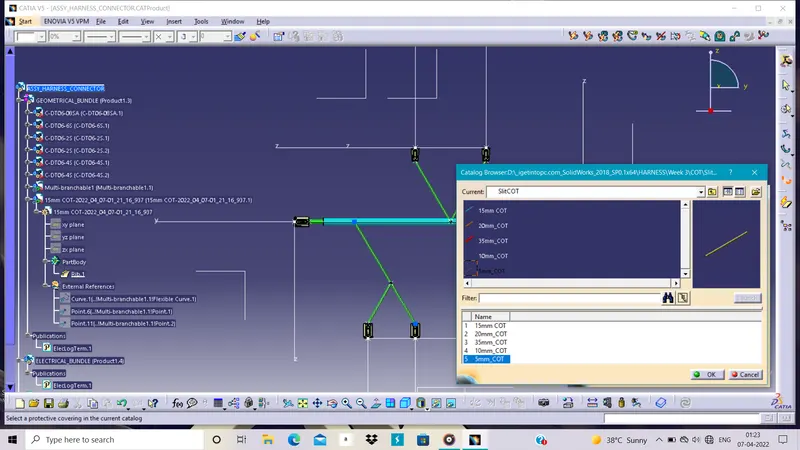
In this way our harness making is done .
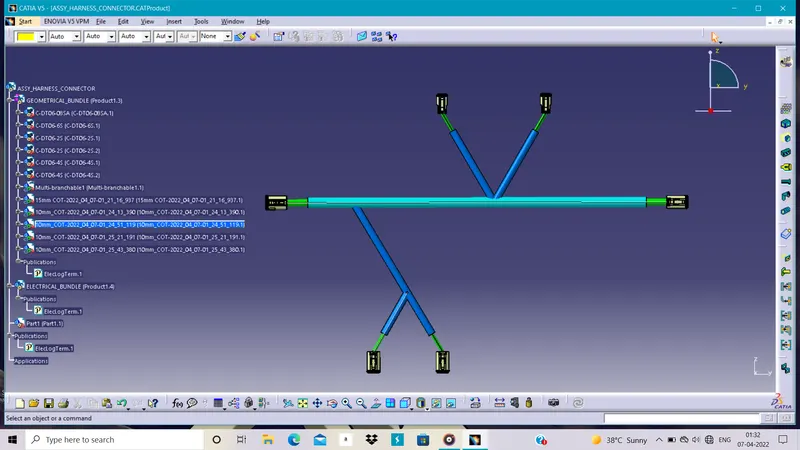
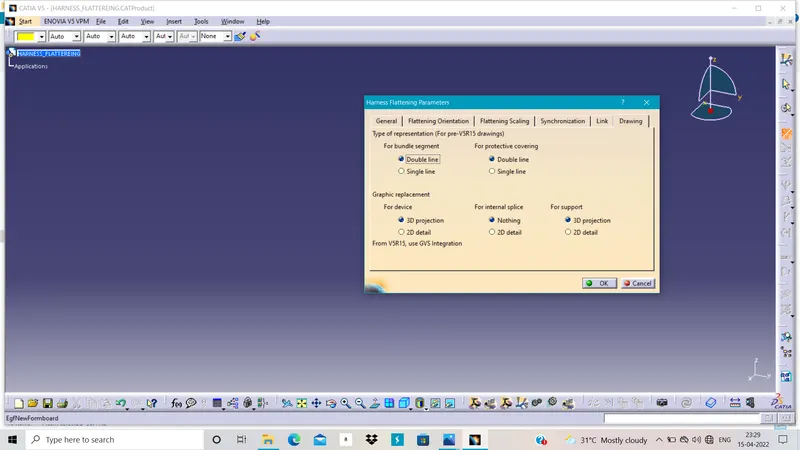
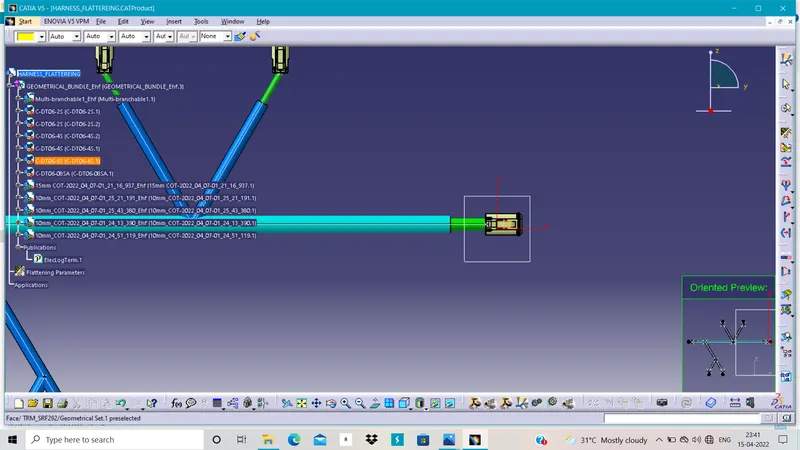
Now we have flatten the harness so first make new product file and go to the harness falttering workbench.Then we have define the harness fattering parameters before adding the harness assembly.
Now extract the harness assembly into the product file as it is.
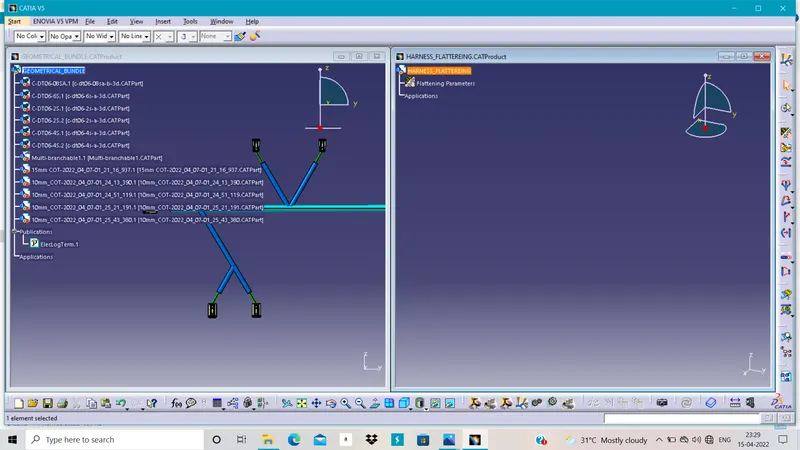
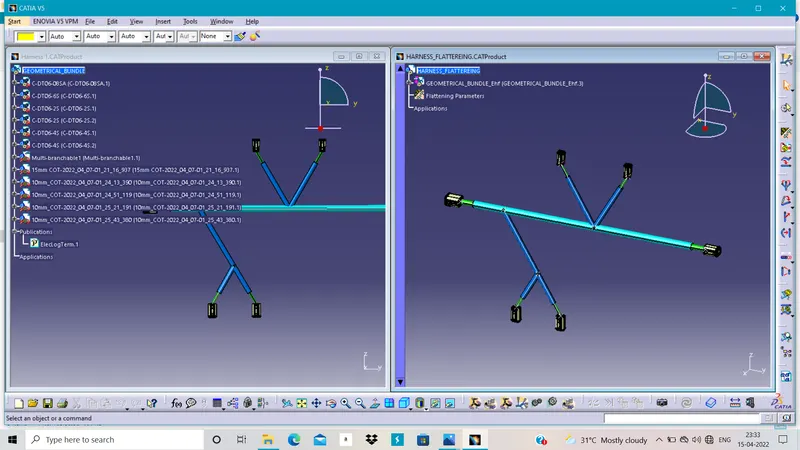
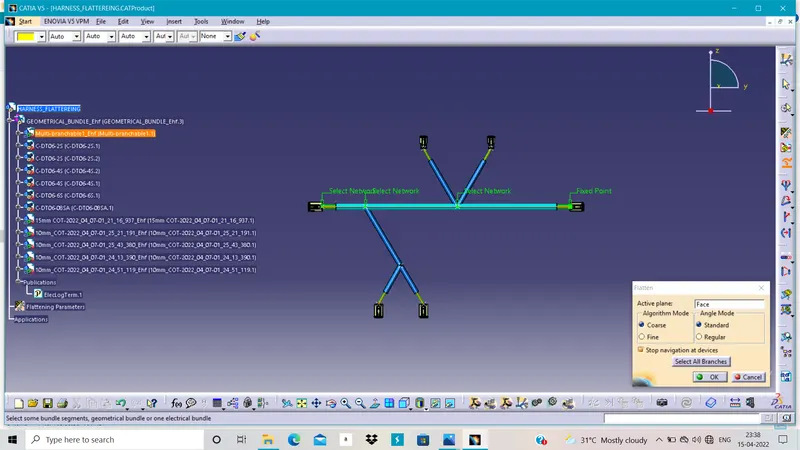
Then we have to use the Flatteren command to make the harness in one plane.then we can do many operation in it by using other cammand.
Then we have to make harness drawing so we have to make the new drawing file with the ISO format and size A0.
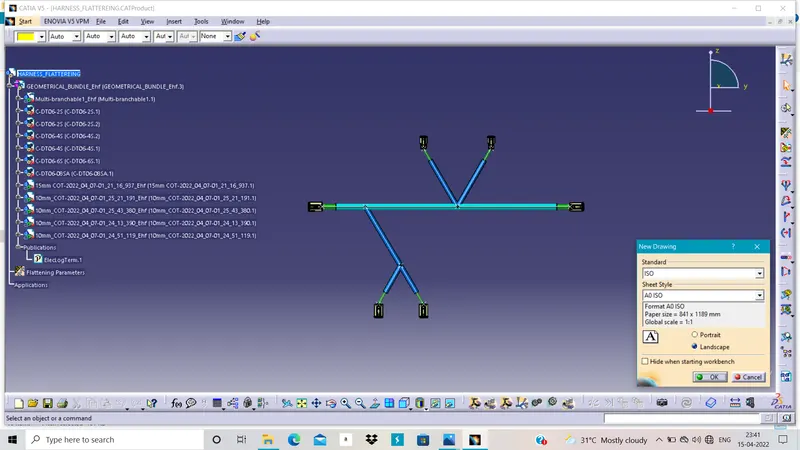
In drawing we have select the front view for the harness view as we want in the sheet.
Then we have to define the some properties in it such as 3d wireframe in the dress-up.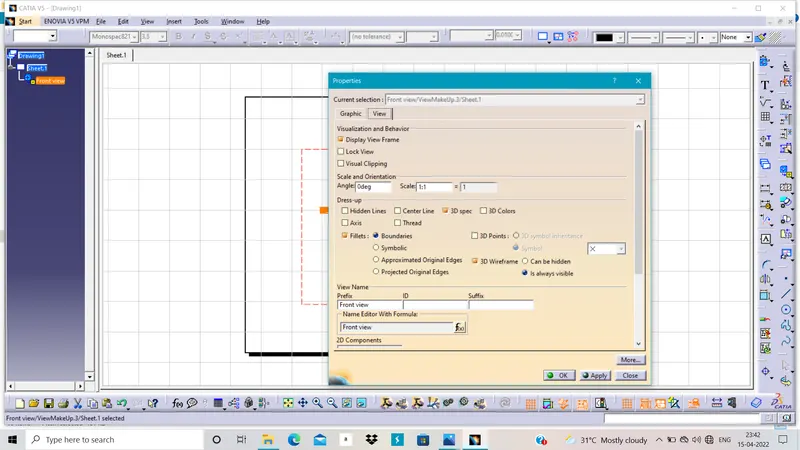
In this way we have done harness Drawing and Flatten the harness assembly.