Wiring harness design in CATIA V5 - 3D modeling Week 4 Challenge
Aim :
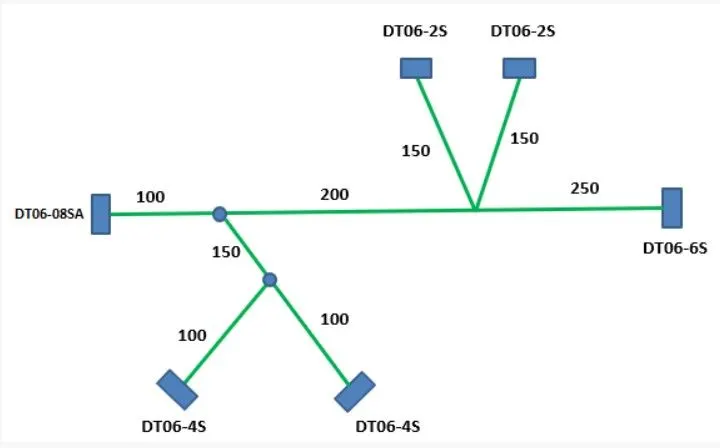
- To Route the Harness layout in Electrical Workbench by using the given connectors as per the following design
- Adding the protective covering on all branches with end extrimity of 30mm
flowchart: This is the procedure that I follwed to complete the harness assembly
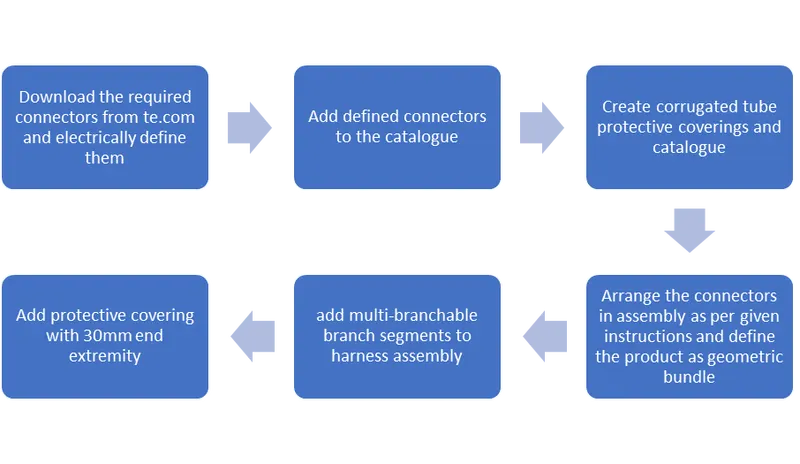
Procedure :
The given connectors were downloaded from www.te.com
- First the connectors have been given connector connection point with individual axis and a point for bundle connection
- Then all the connectors are electricially defined as connectors with required number of terminations and the connector connection and bundle connection is defined
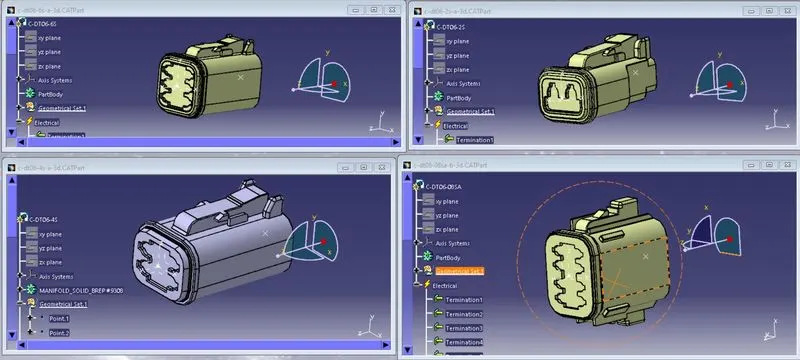
- After defining them, they are added to connectors catalogue, so we now have protective covering with COT tubes and Connectors catalogue for further use
- In assembly design all the connectors are inserted and then arranged as per given design.
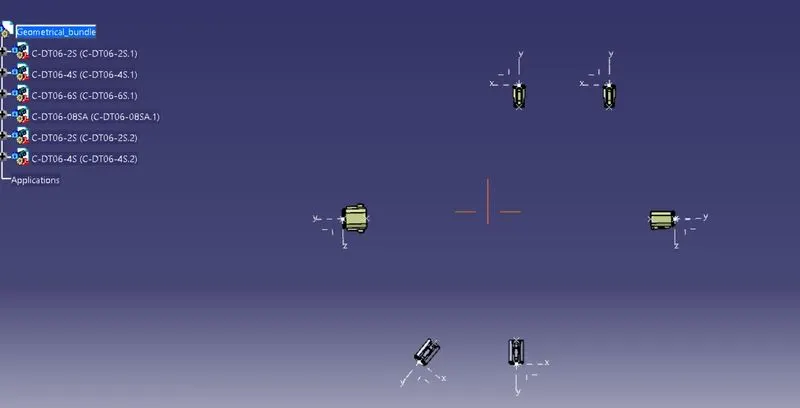
- Then the product is defined as geometric bundle in Electrical harness assembly workbench.
- After that by using Multi-branchable, bundle segments with branch points at correct distance are added in the wiring harness assembly
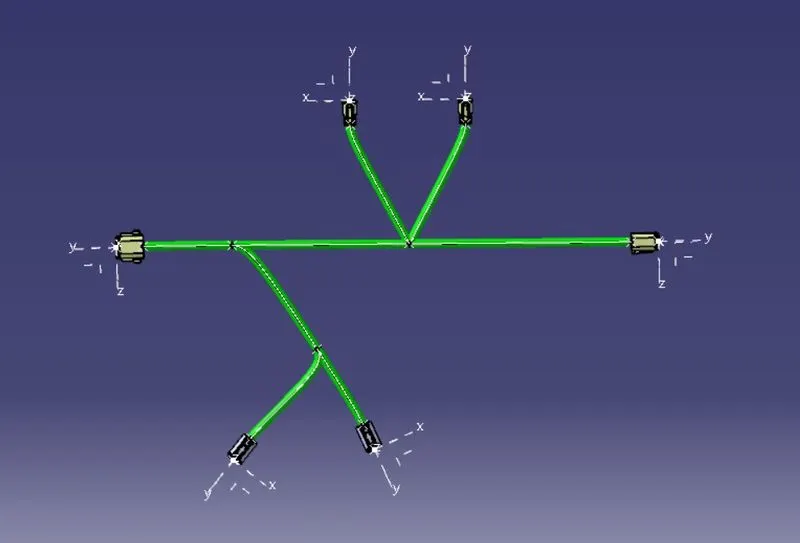
- After inserting the mult-branchable, protective covering with end extremities of 30mm is added to branch segments of multi-branchable by using the protective covering catalogue.
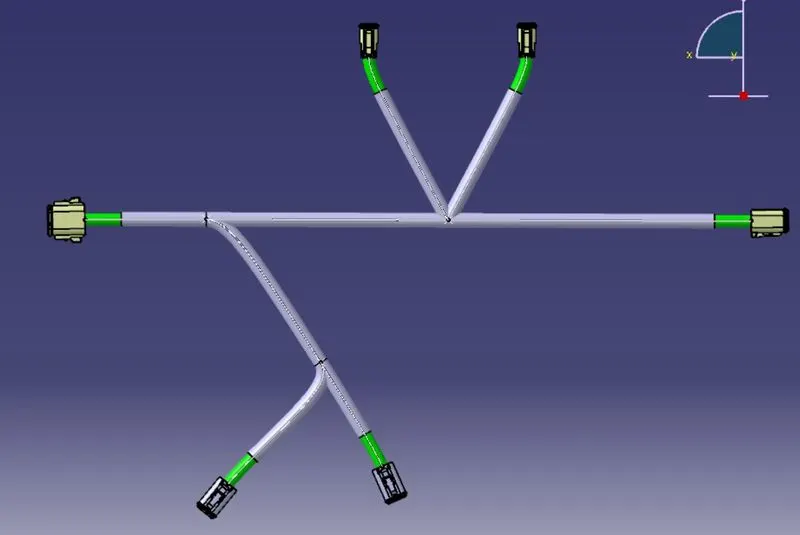
This is the final design of the wiring harness assembly as per given instructions