Week 9 - Project - Master Section Development
Design B-Pillar Through Master Section Development
AIM:
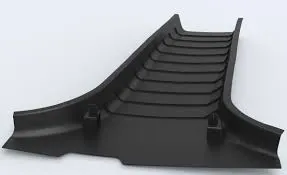
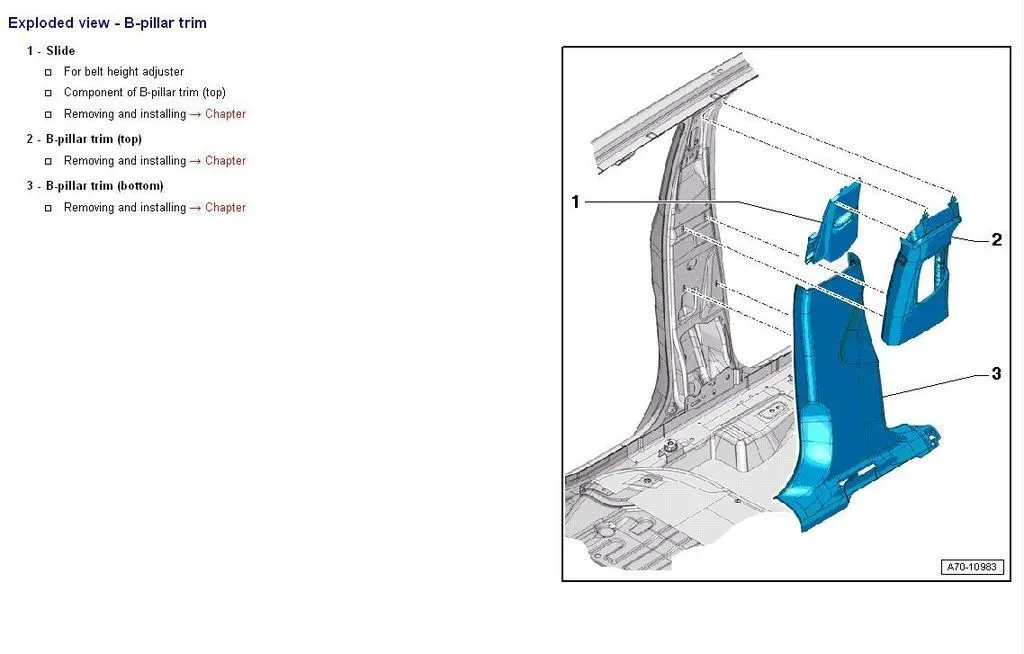
DESIGN AND DEVELOPMENT OF THE B-PILLAR THROUGH MASTER SECTION DEVELOPMENT (INTERIOR TRIM).
B-PILLAR:
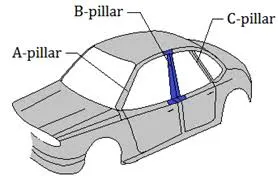
B-Pillar is the pillar on both sides just behind the driver's seat.
B Pillar is the most complex component/structure of the vehicle body. This is because the front door closes on the B pillar while the rear door hinges onto it. The B pillar or the center pillar in vehicles is made of steel. It is welded to roof panel on top and the vehicle’s floor pan at the bottom. This pillar provides structural support to the vehicle’s roof.
INPUTS:
- CLASS A SURFACE
- MASTER SECTION
- DISTANCE BETWEEN THE RIBS SHOULD BE 50MM.
DESIGN METHODOLOGY:
CLASS A SURFACE IMPROVEMENT:
The given class A surface have some patches so the pateches are need to be recreated.After recreating the class A surface all the patches are to be joined by using join option.That is our required class A improved surface.
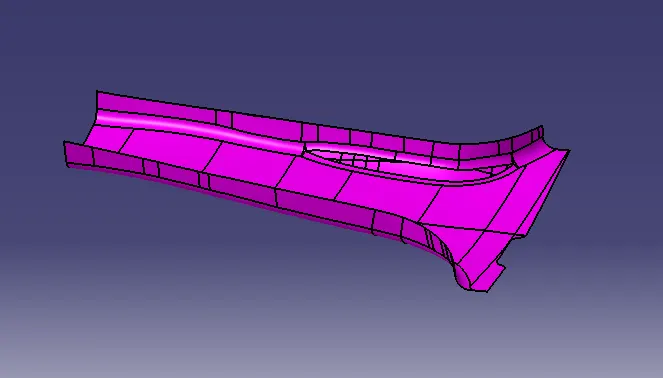
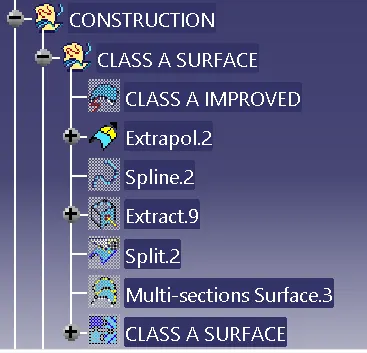
These are the steps are to be followed to be create the improved class A surface.
CLASS B SURFACE:
For class B surface creation first offset the class A surface 2mm, that is the wallthickness of the final part.After offeseting the class A surface there are some patches are showing in the offseted surface they can be solved by using multisection solid command.finally join the all surfaces to get an class B surface.
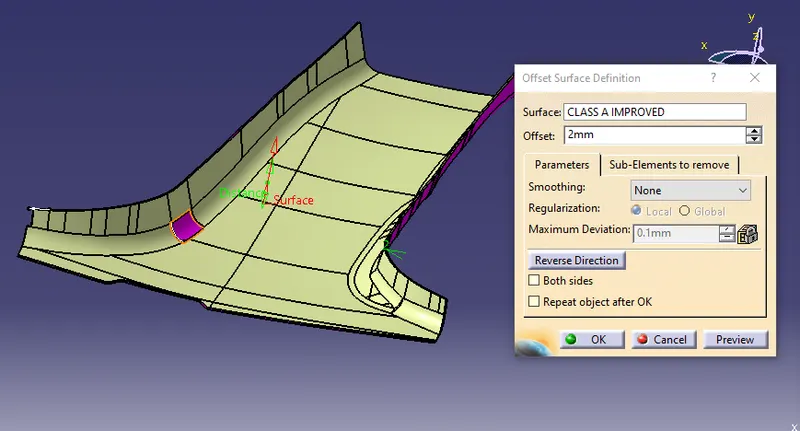
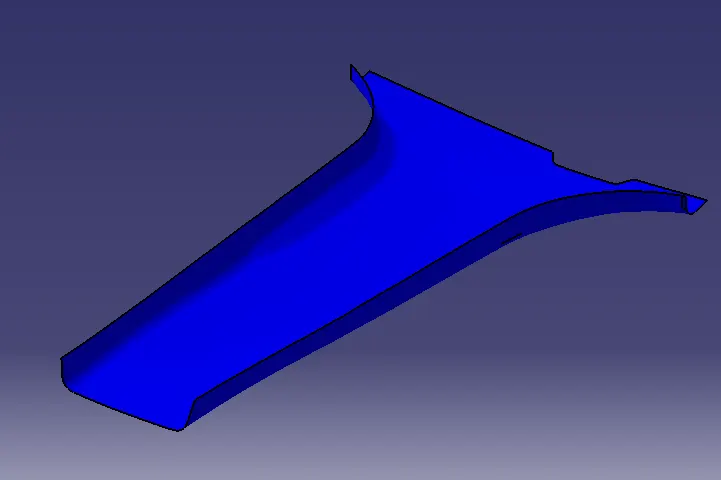
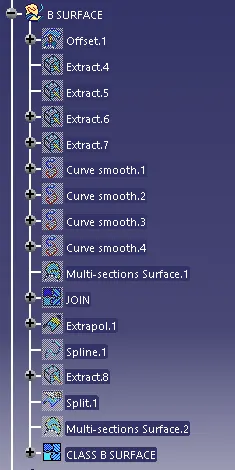
The above following commands are used to be create the class B surface.
CLASS A FLANGE:
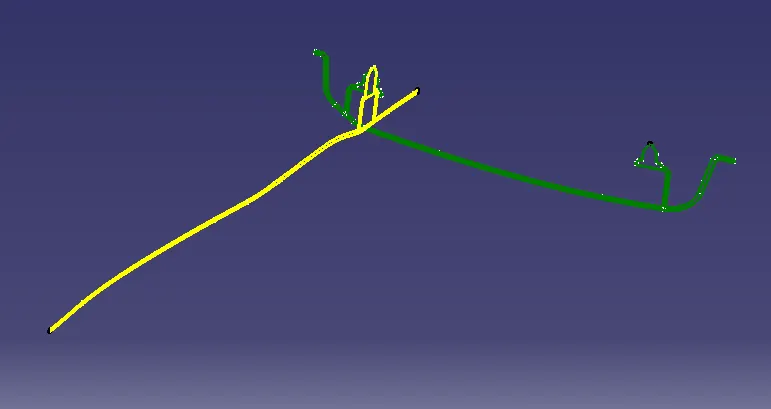
Next step is to create the class A surface flange by using the given master section 1 and master section2 and class A surface.
Given master sections.
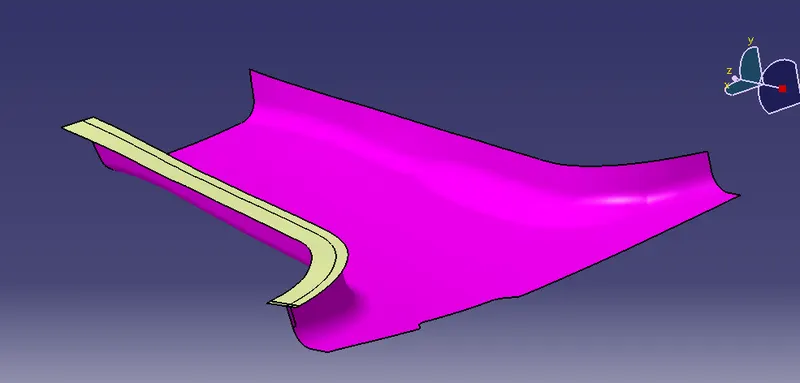
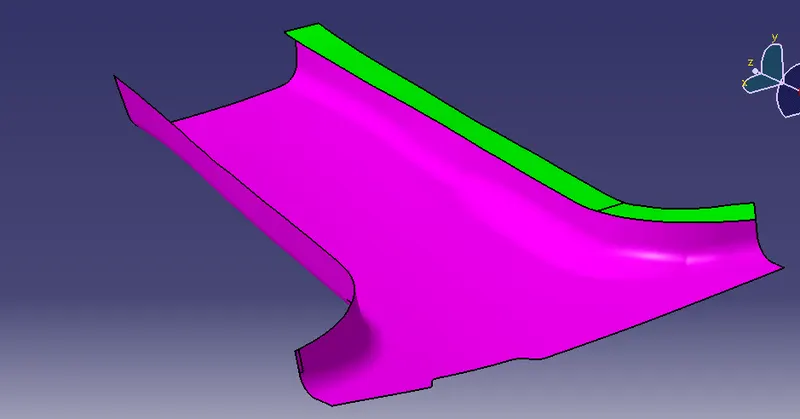
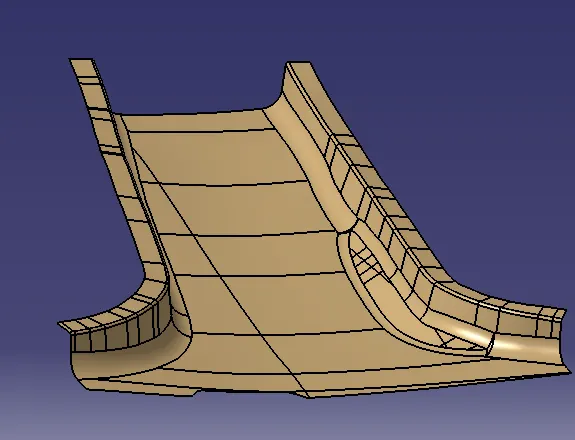
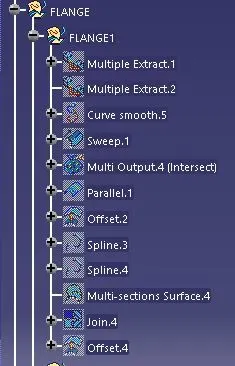
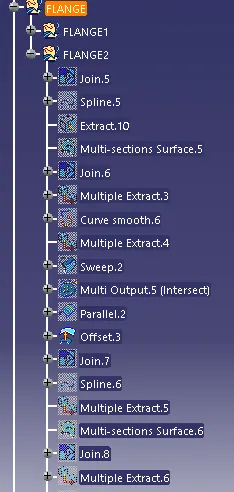
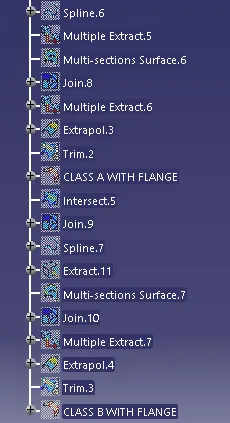
These are the steps to be followed to be create the class A surface with flange.
CLASS B WITH FLANGE:
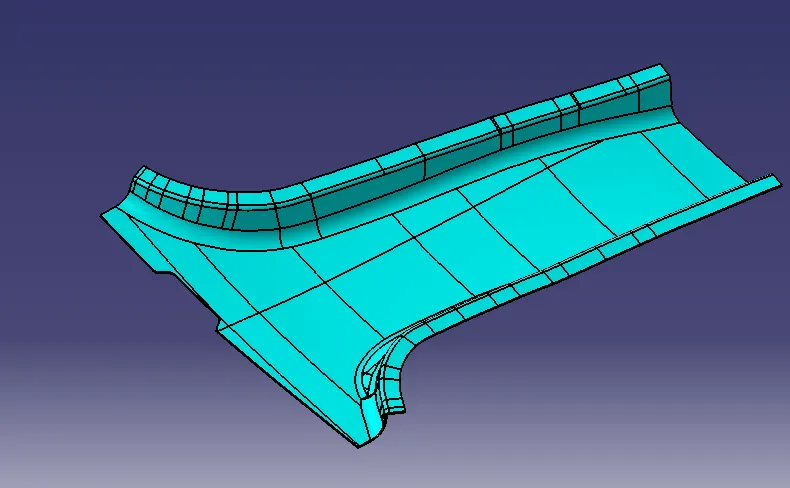
Follow the same procedure to create the class A surface with flange for the class B surface with flange.
CLASS C SURFACE:
By the usage of class a surface and the swpt command the class s surface are created.
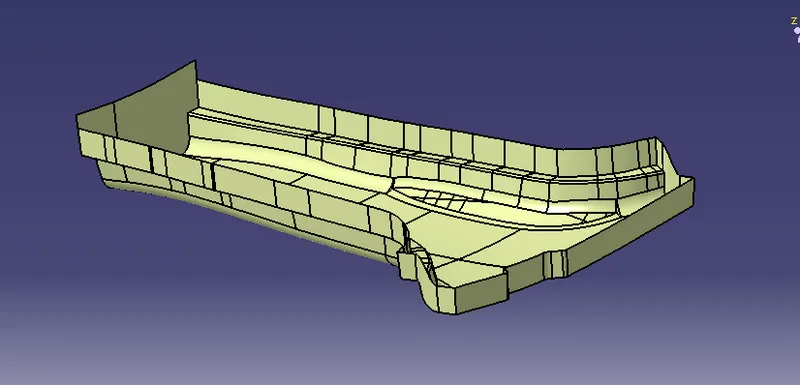
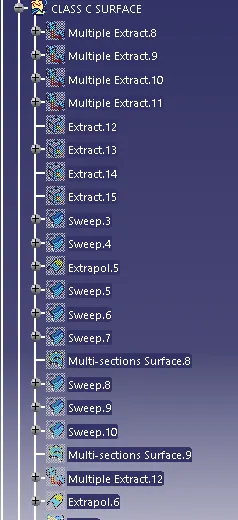
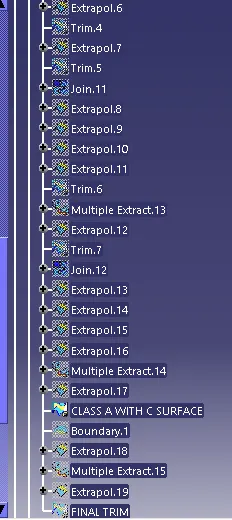
The above following commands are used to be create the class c surface.
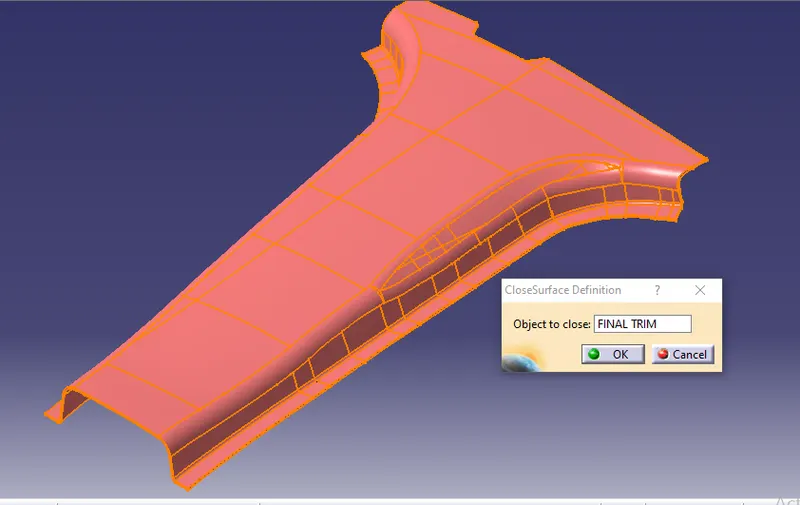
FINAL TRIM:
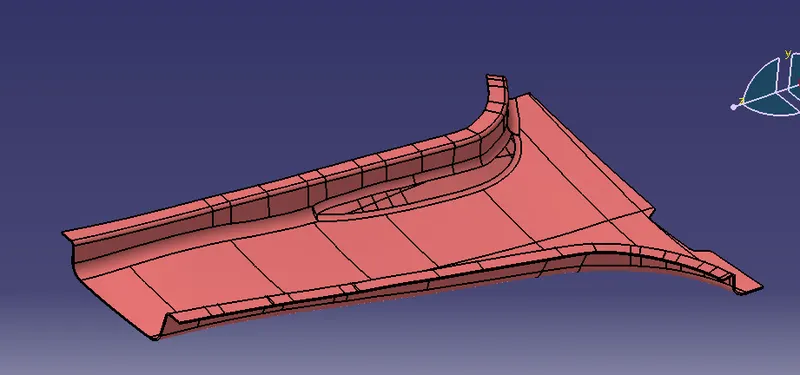
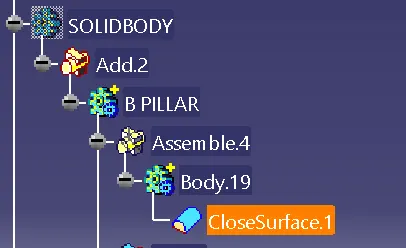
SOLID BODY: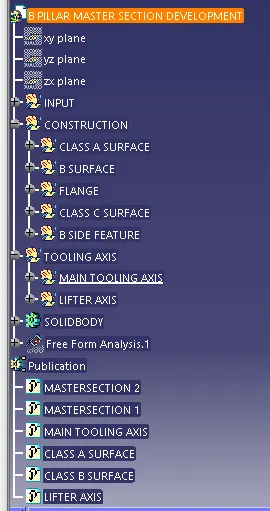
B SIDE FEATURE:
- Ribs
- Screw Bosses
- Dog houses
- Locators
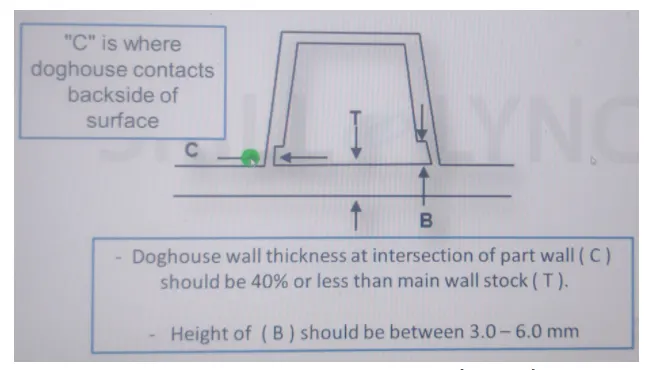
DOG HOUSE WITH 4 WAY LOCATOR:
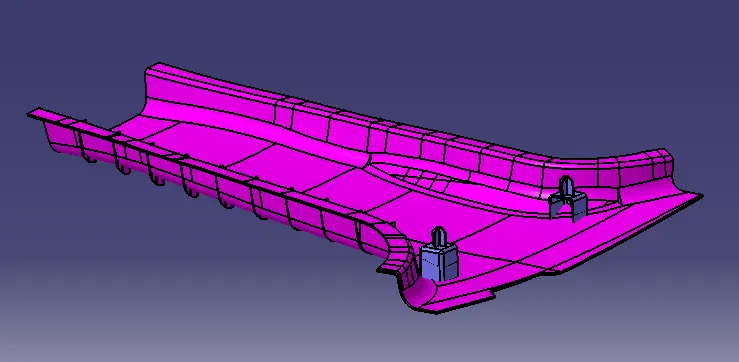
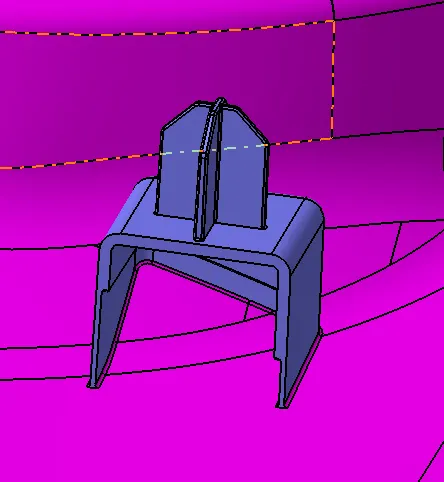
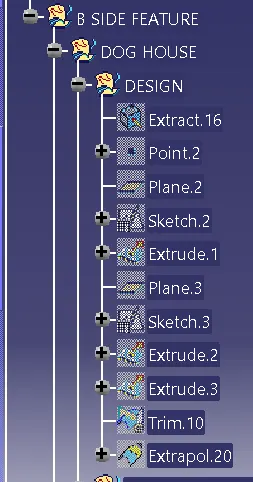
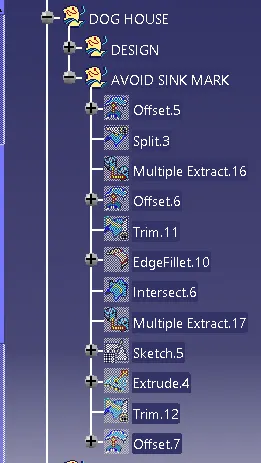
Dog house is an engineering feature used in plastic trim design. Dog houses are used as supporting feature. Dog houses are subjected to draft analysis to prevent breakage of the component during ejection from mould cavity. Dog house and other engineering components are built on B-surface.
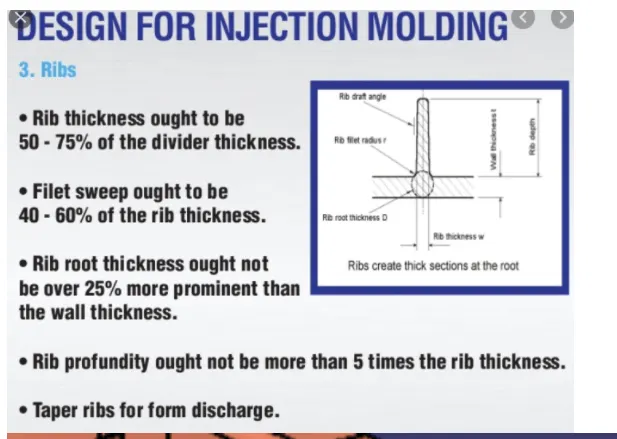
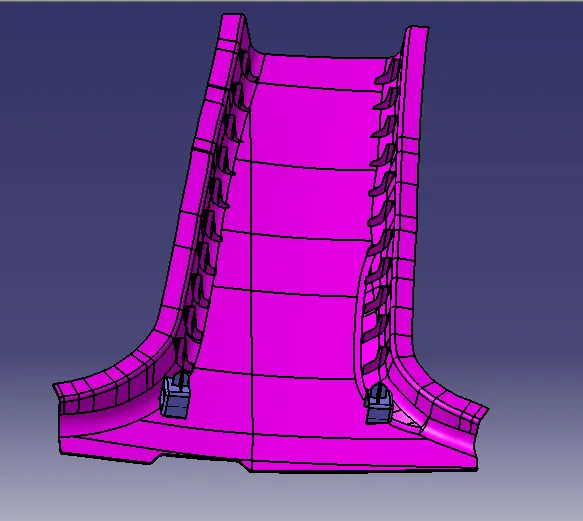
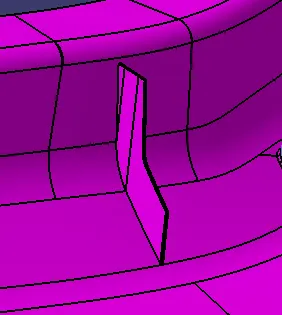
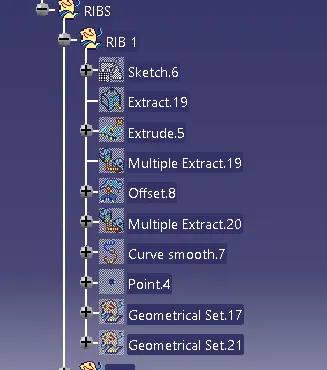
RIBS:
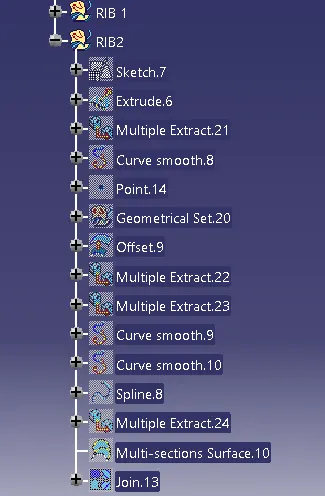
Ribs are thin, wall-like features typically designed into the geometry of a part to add internal support to walls or other features like bosses. In a similar fashion, gussets are support features that reinforce areas such as walls or bosses to the floor.
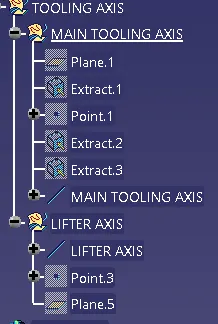
TOOLING AXIS:
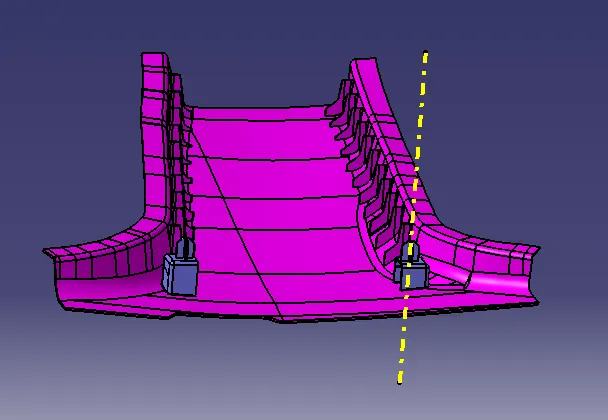
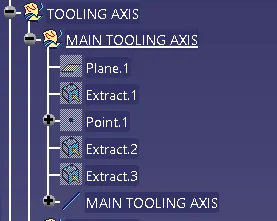
Tooling axis: The direction in which the mold or core and cavity opens is the tooling axis.
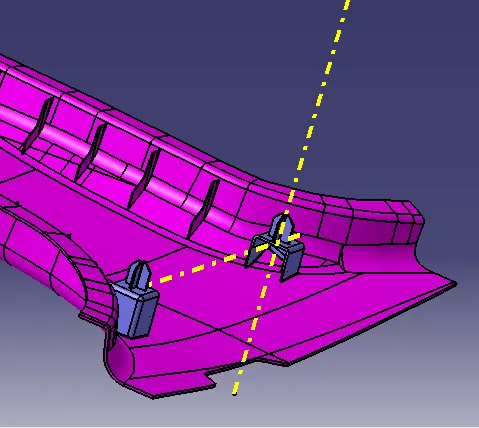
In this case B pillar required two type of tooling axis one is main tooling axis and another one is lifter axis.
Main tooling axis:
LIFTER TOOLING AXIS:
DRAFT ANALYSIS:
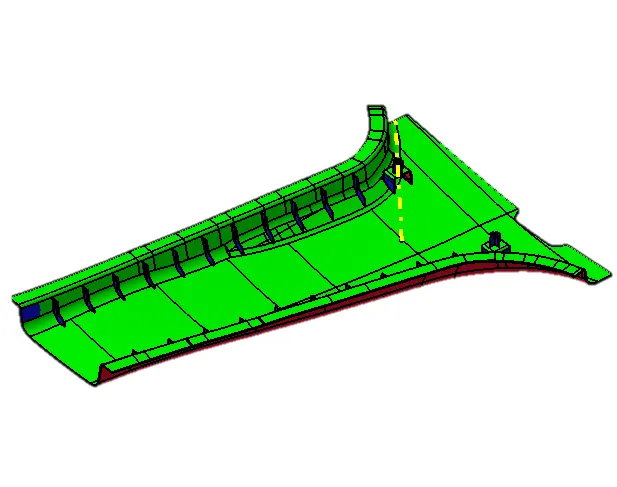
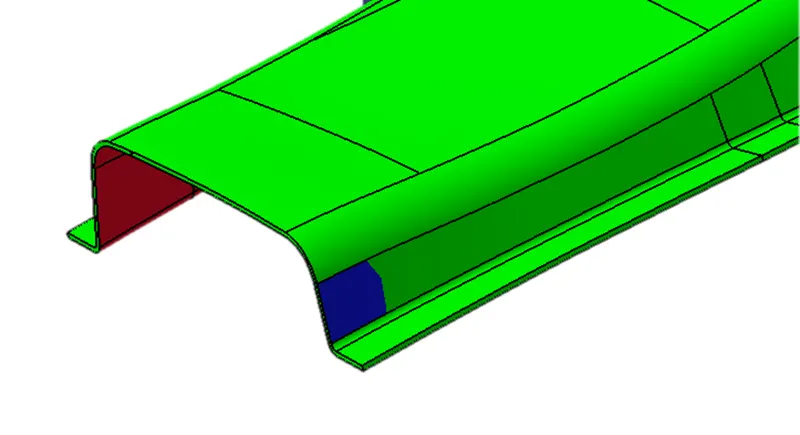
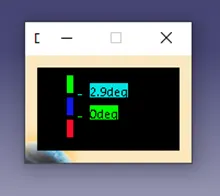
The Draft Analysis command enables you to detect if the part you drafted will be easily removed. This type of analysis is performed based on color ranges identifying zones on the analyzed element where the deviation from the draft direction at any point, corresponds to specified values.
- enter part in Catia.
- Go to Material Mode.
- 03.go for draft analysis.
- drag axis bar to the tooling direction of part.
- check for draft and make parting line as per analysis.
CLASS A SURFACE:
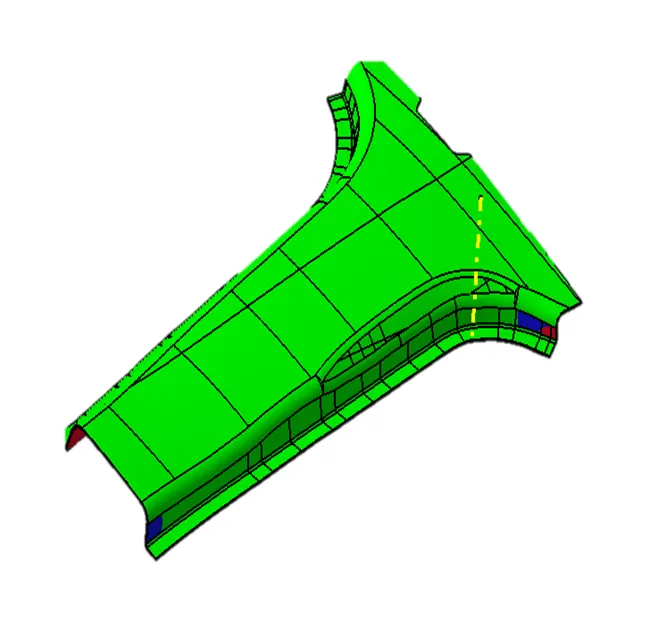
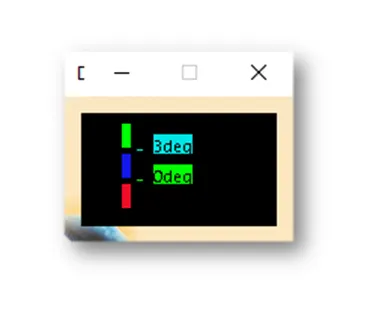
All areas are with minimum draft of 3 degrees expect the areas shown in the next slide.
CLASS B SURFACE:
CLASS C SURFACE:
DOG HOUSE AND RIBS WITH MAIN TOOLING AXIS:
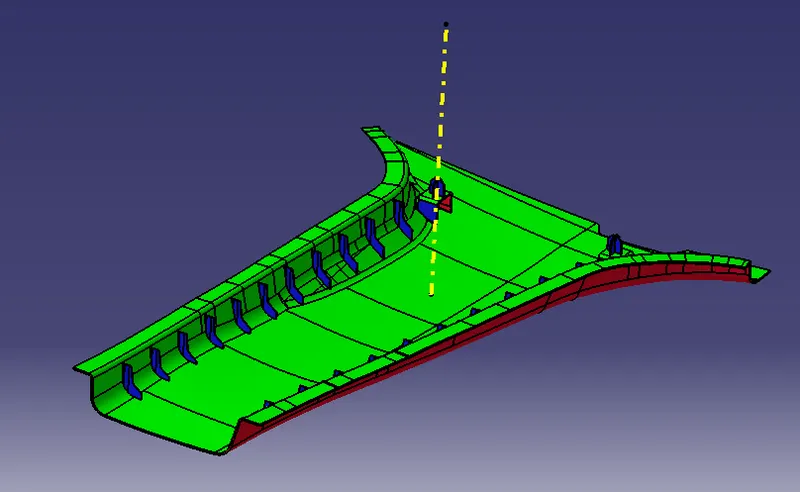
Minimum of 0.5 degree on the blue faces and 3 degree on the other faces.
LIFTER AXIS:
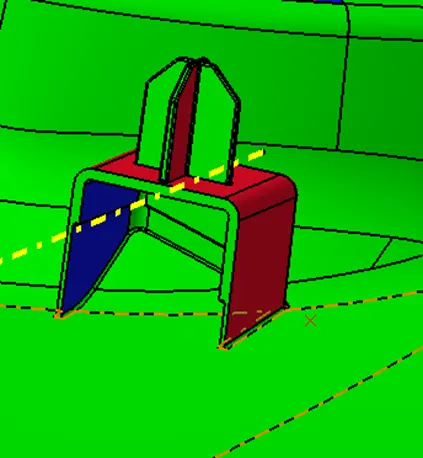
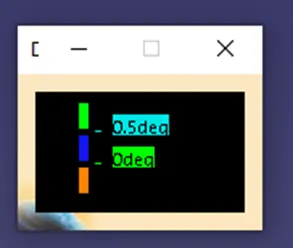
Minimum of 0.5 degree on the blue faces and 3 degree on the other faces.
VIEWS:
FRONT VIEW:
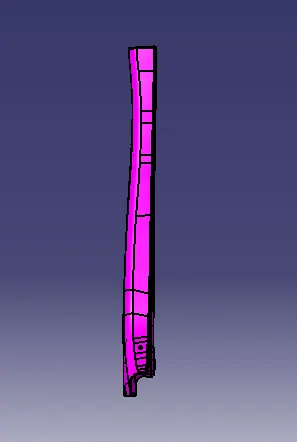
SIDE VIEW:
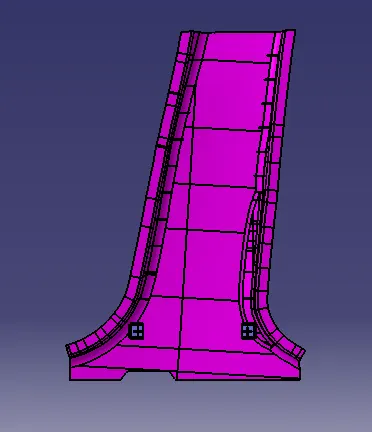
TOP VIEW:
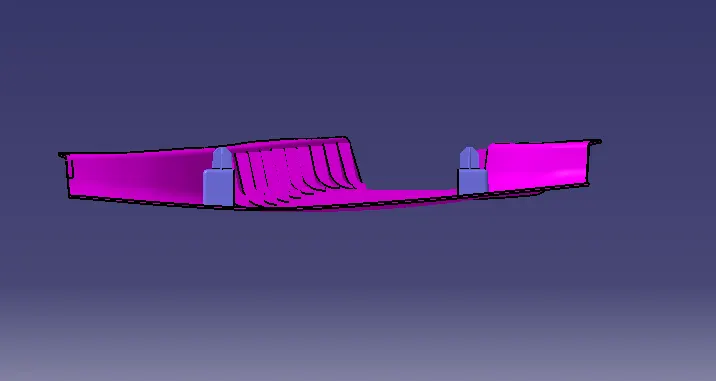
ISO METRIC VIEW:
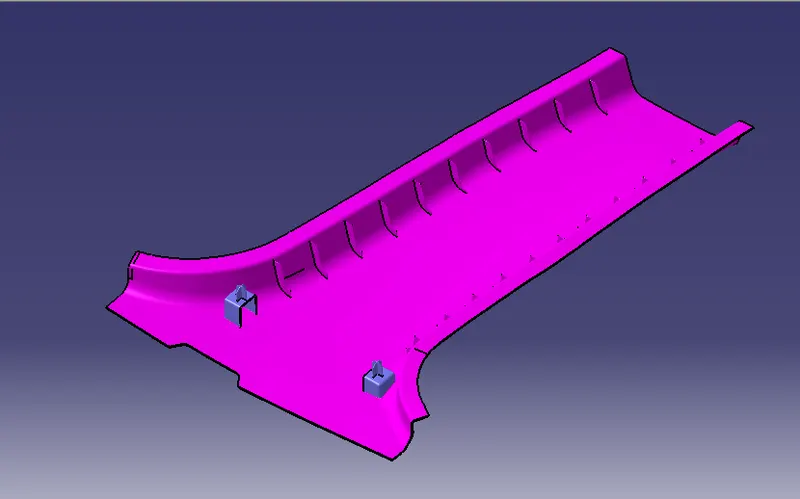
RESULT:
The creation of class B surface and class C surface and the b side feature like dog house with 4 way locators and ribs.Then created the tooling axis and performed the draft analysis is sucessfully done by using the catia software.