Week 9: Project 1 - Surface preparation and Boundary Flagging (PFI)
Surface Preparation and Boundary Flagging of Port Fuel Injectected Engine
l. INTRODUCTION
ll. OBJECTIVE
- Perform surface preparation and boundary flagging of the PFI model
- Setup a no-hydro simulation.
lll. SURFACE PREPARATION
Converge utilizes geometry provided in the '.stl' format, which contains a triangulated surface that makes up the body.
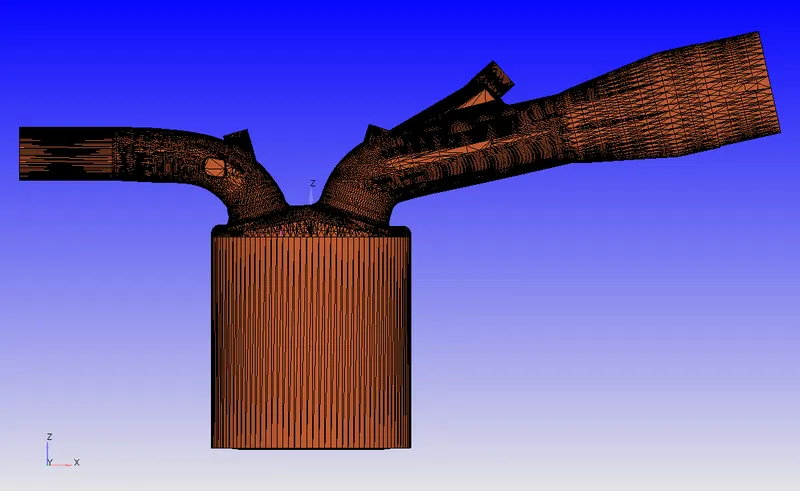
The geometry of the PFI engine is provided with certain geometrical errors. Some of the errors and methodology to correct them are listed below:
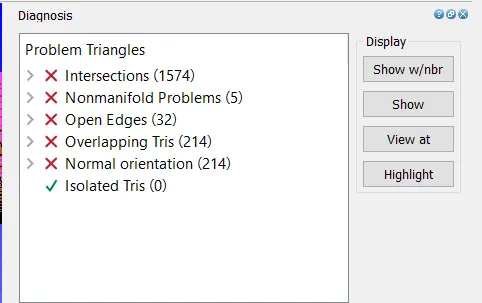
1. Intersections
This problem occurs, as the name suggests when triangles pass through another in the imported geometry.
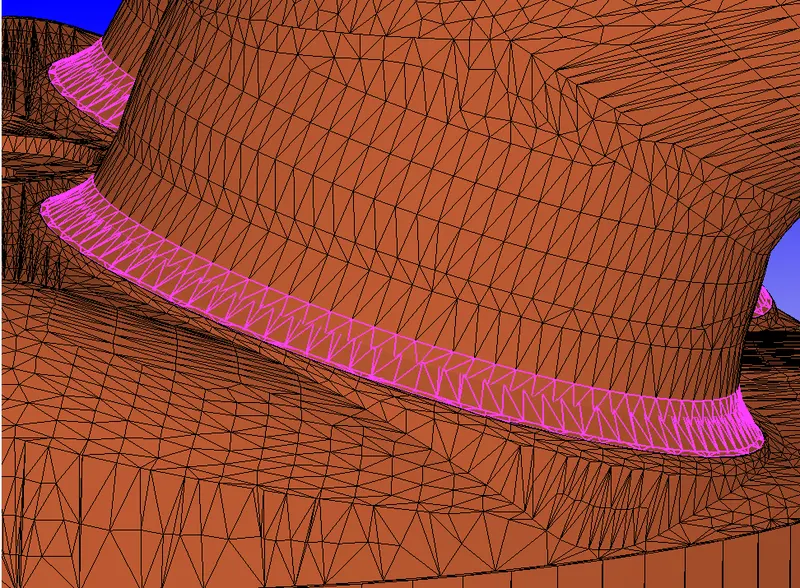
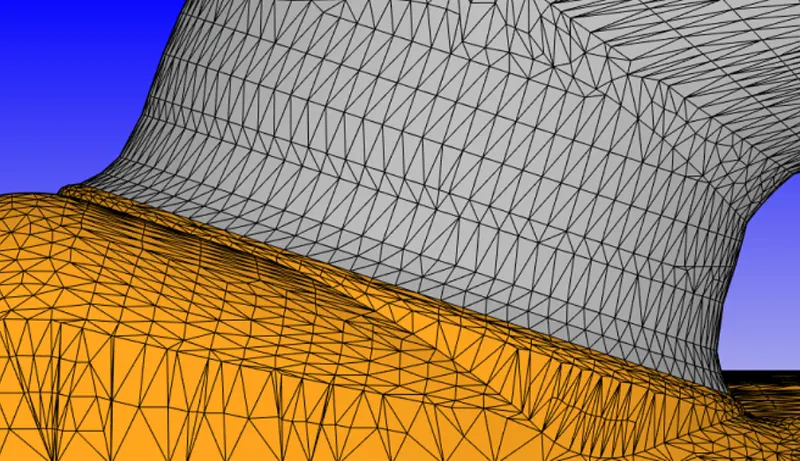
This problem can be resolved by moving the intersecting triangles (translation/ rotation). This is done after boundary flagging (discussed later) so that only the intersecting triangles can be selected and moved. After proper boundary flagging and translation of the triangles along the normal axis, we get the following geometry without any intersecting trangles.
2. Non manifold Problems
Non manifold problems occur when an edge is shared by more than two triangles. This usually occurs in the case of duplicate or wrongly created triangles
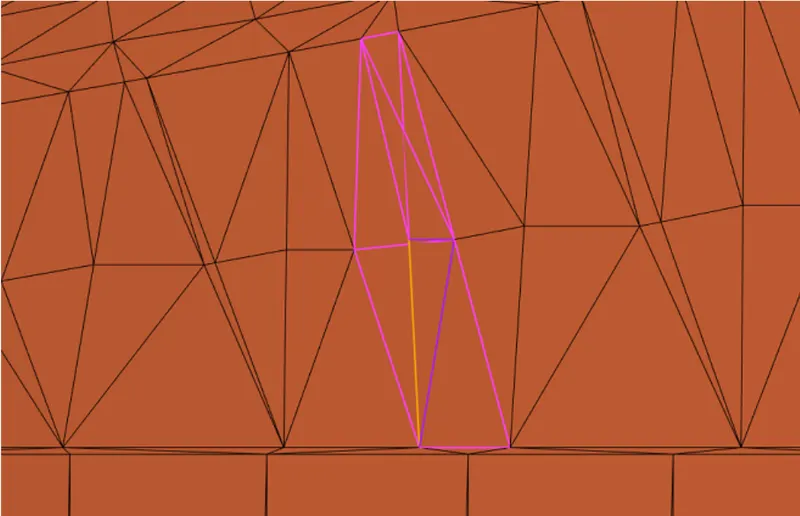
This problem is resolved by deleting the conflicting triangles, then filling the empty area through triangle patching.

3. Open Edges
This problem arises when there are holes in the surface geometry.
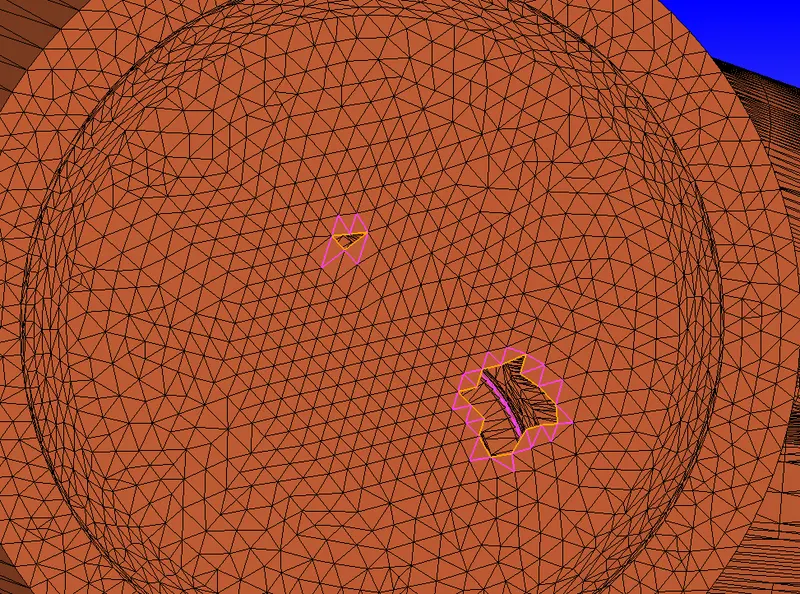
This can be resolved by patching new triangles in the holes.
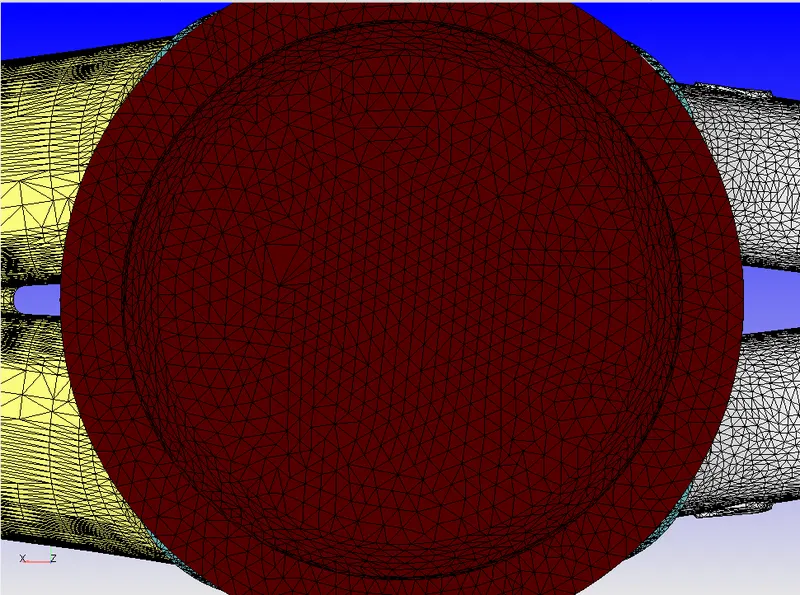
4. Overlapping Triangles.
This problem arises when there are overlapping triangles in the geometry. This problem is not easily visible, but the Diagnosis tool of CONVERGE Studio can effectively identify the overlapping triangles in the geometry.
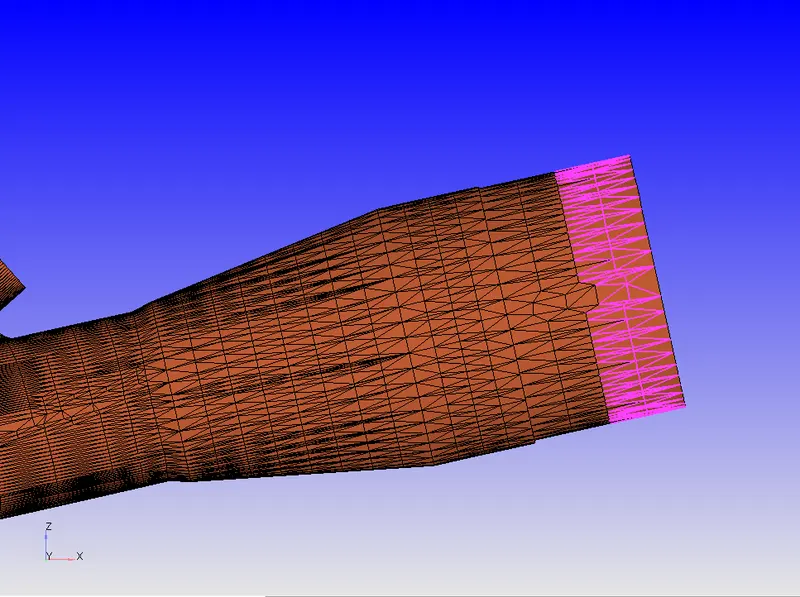
This issue can be easily fixed by deleting one set of overlapping triangles.
5. Normal Orientation
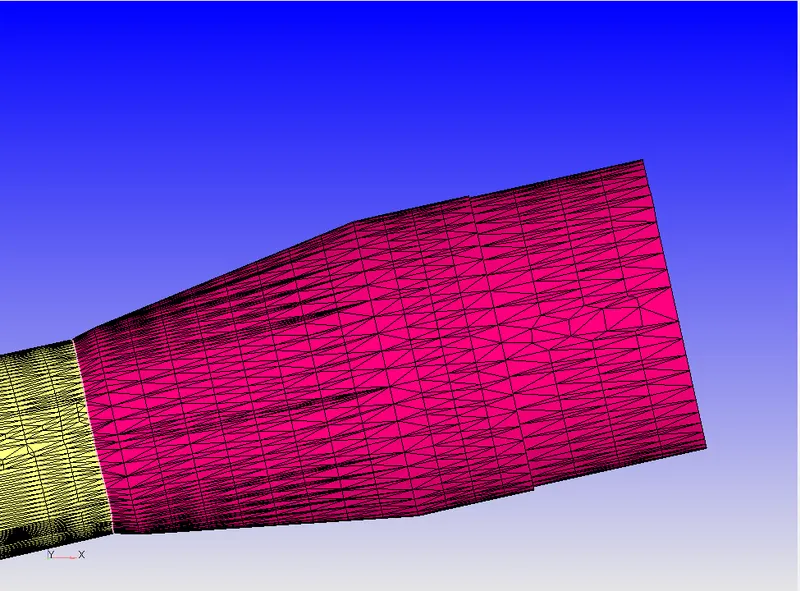
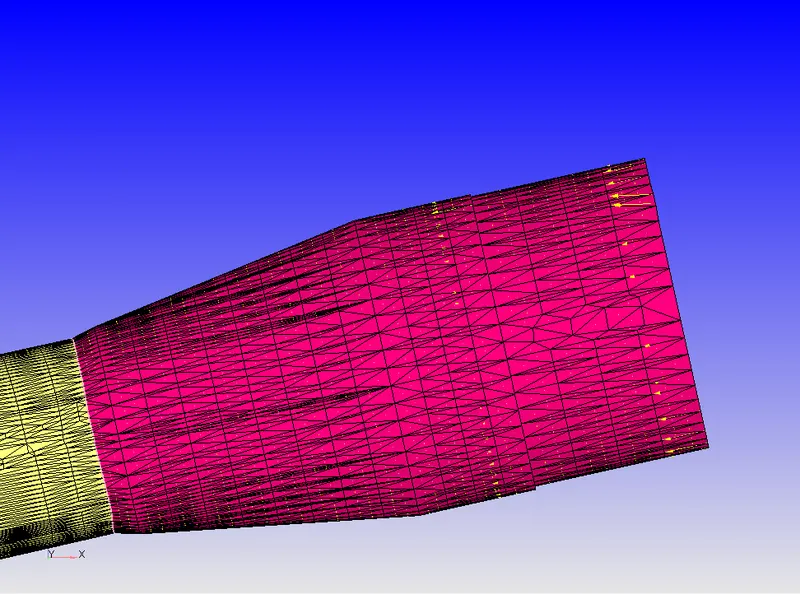
CONVERGE Studio requires that the normal for all the triangles be pointed inwards (towards fluid flow). The Diagnosis tools can identify Normal Orientation issues by considering the directions of normals of the neighboring triangles since they need to be pointed in the same direction.
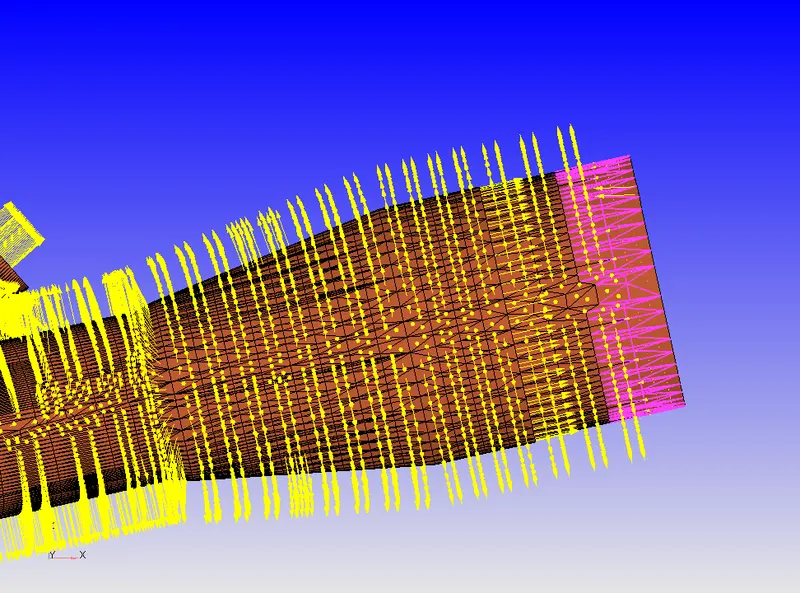
CONVERGE Studio provides the tool which can invert the normals of all the connected triangles propagating from one location.
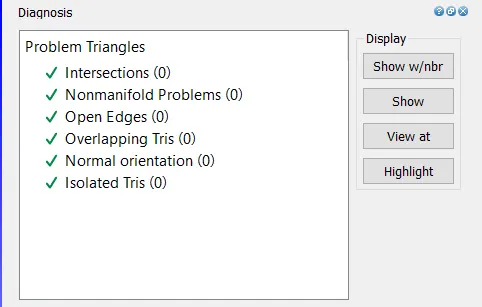
After all the surface issues are resolved, the Diagnosis tool is run again to check whether there are any remaining errors.
lV. BOUNDARY FLAGGING.
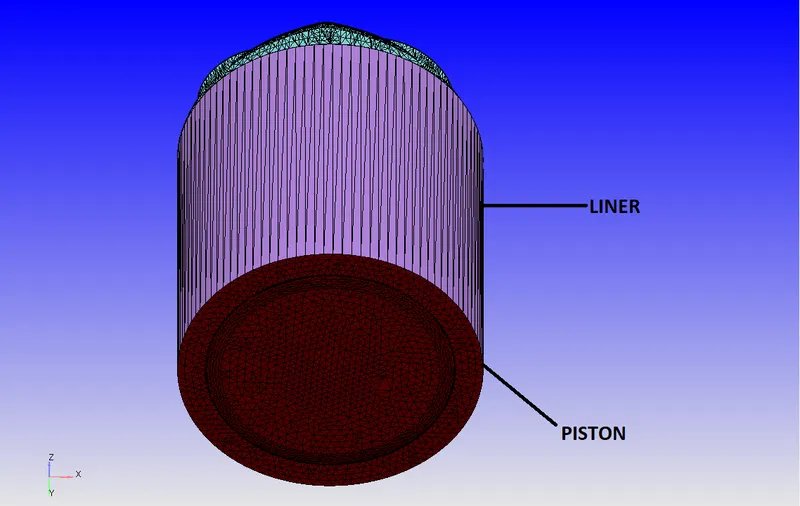
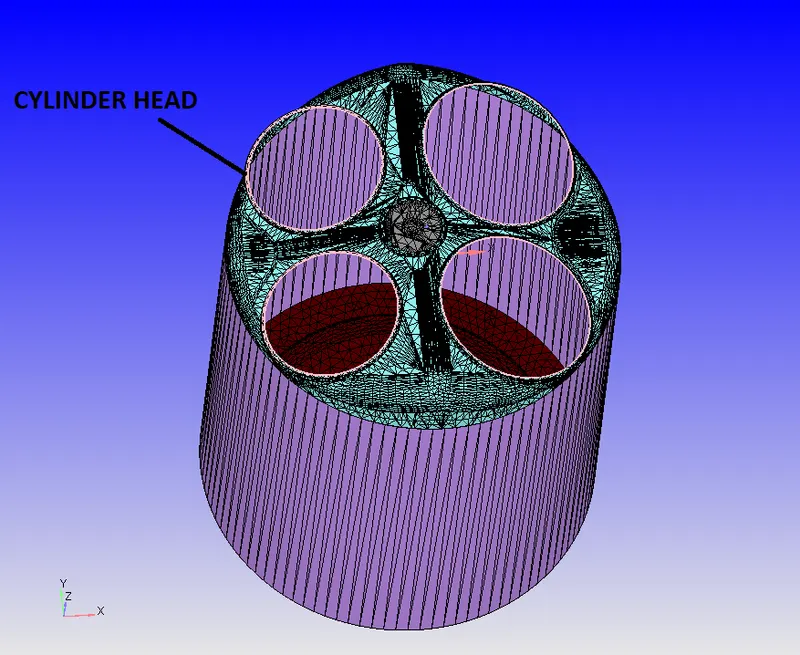
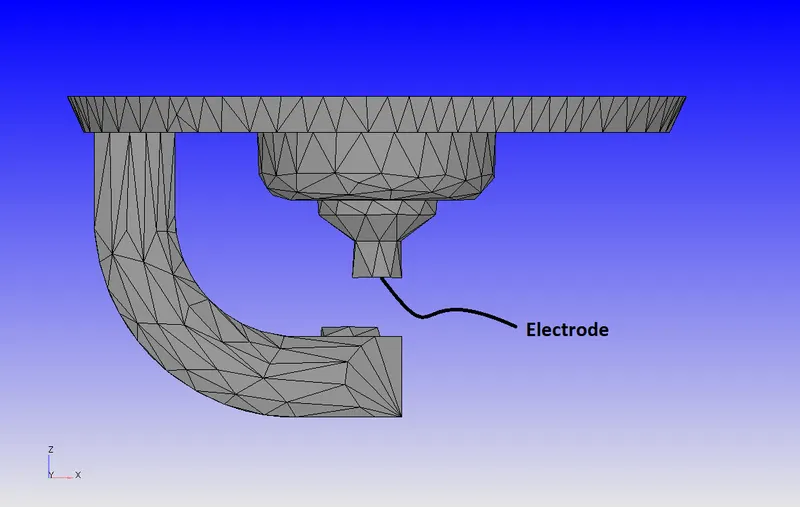
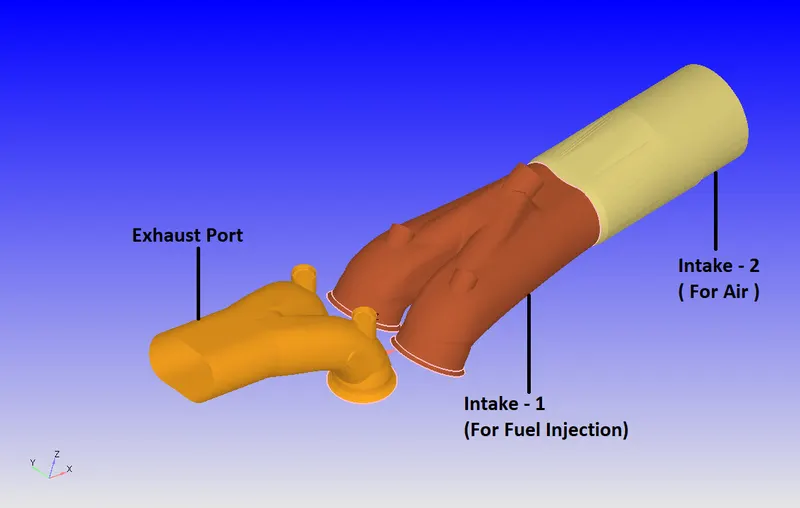
Boundary flagging is an important aspect of running CFD simulations. Proper boundary flagging is essential to apply realistic boundary conditions and assign them to proper regions in the computational domain. The boundary flagging is performed based on the guidelines provided by CONVERGE CFD to model a proper crank-angle-based IC Engine simulation in the Software.
1. Piston, Liner, and Cylinder Head
2. Spark Plug and Spark Plug Electrode
3. Intake and Exhaust Ports
4. Inflow and Outflow
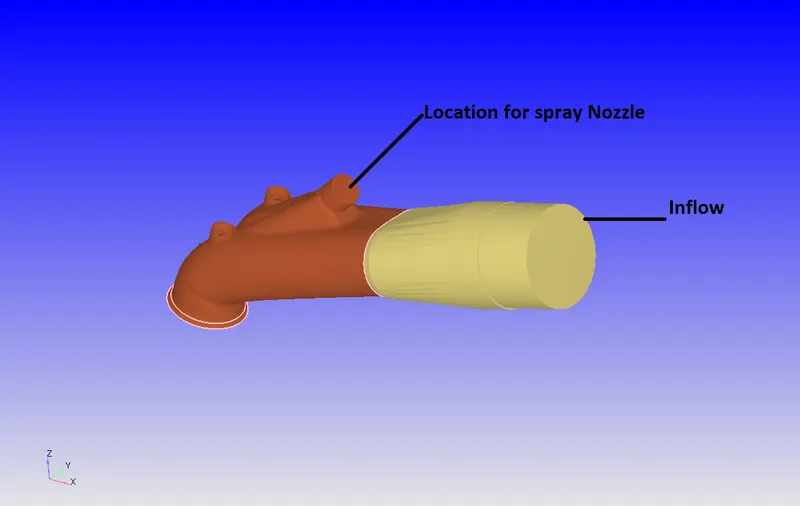
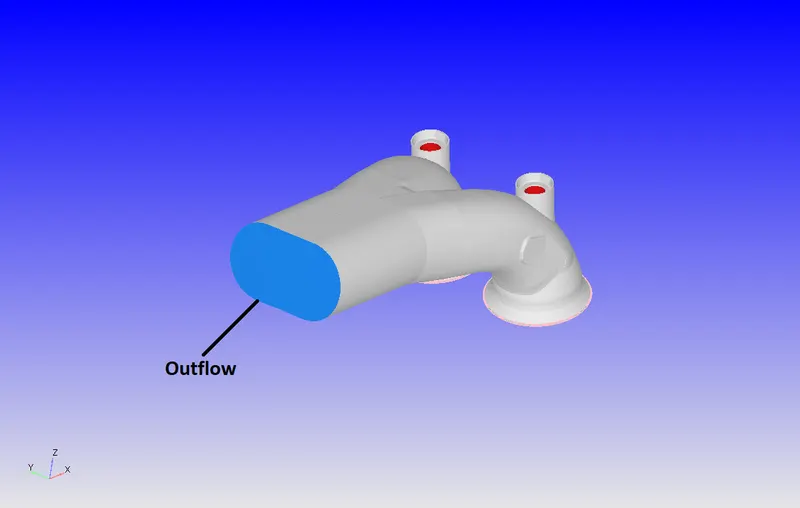
5. Intake and Exhaust Valves
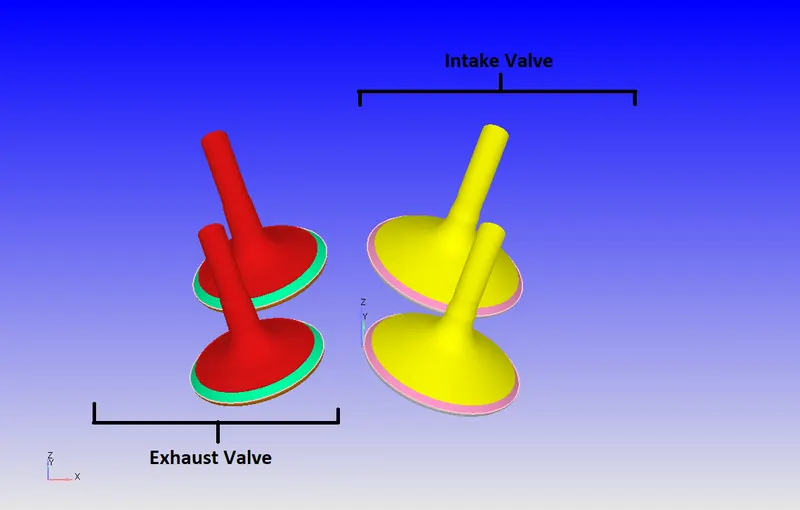
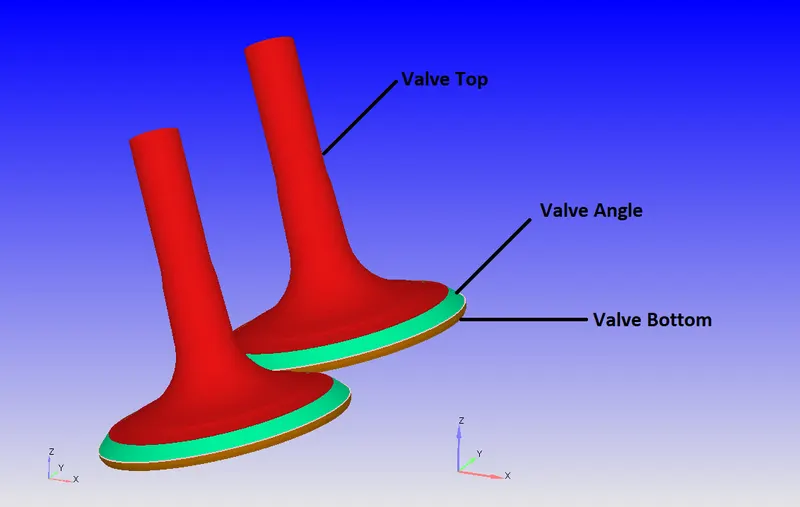
The valves are divide into three parts based on the guidelines provided by CONVERGE CFD.
(a) Valve Bottom - This is the part of the valve that is considered inside the Cylinder region.
(b) Valve Angle - This is the part of the valve which connects the Cylinder region to the Intake/ Exhaust regions. This flagging is extremely essential to generate " disconnect" triangles during the simulation based on the valve lift profile.
(c) Valve Top - This is the remaining part of the valve which is part of the Intake/ Exhaust region.
V. SETTING UP THE FLOW PHYSICS:
Once the boundary flagging is done properly, we proceed to the Case Setup. This is Crabk Angle-based IC Engine simulation. We will Run the no-hydro Simulations for which the results are as follow:
Vl. Results
Vll. CONCLUSION
Surface Preparation and boundary flagging for PFI Engine are studied. Various geometrical errors are studied and corrected as they occur in the geometry.