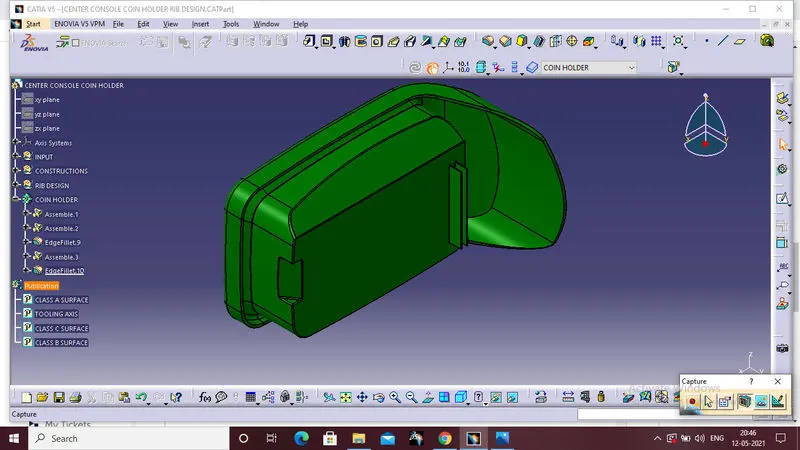
Week 9 - Attachment Feature Creation - Challenge 1
RIB DESIGN:
AIM:
To create the rib on the surface of the Centre console coin holder considering the design rules for rib creation.
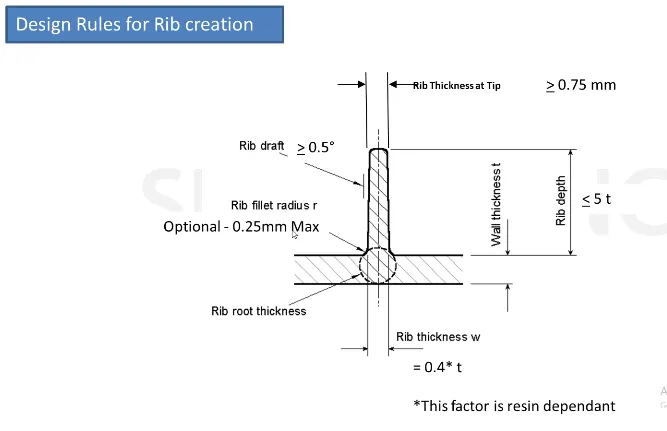
DESIGN RULES FOR CREATION OF RIB:
This is the following rules for creation of rib
PROCEDURE FOR CREATION OF RIBS:
First open the given component,the given component is coin holder.Ribs are created on the back side surface of the coin holder.
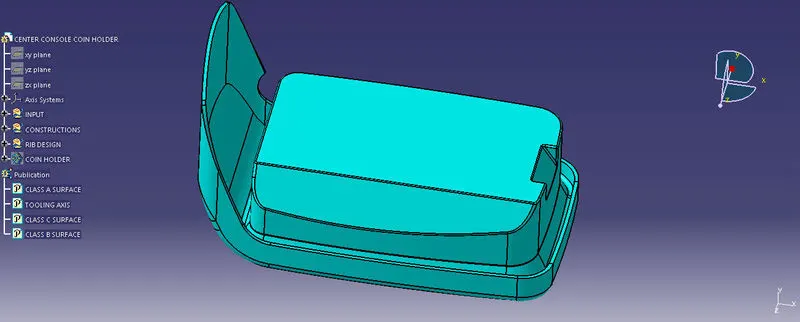
Insert the geometrical set for the creation of rib design,and inert an sketch at the bottom plane of the surface.
Draw one line and constrained the line properly by giving dimensions.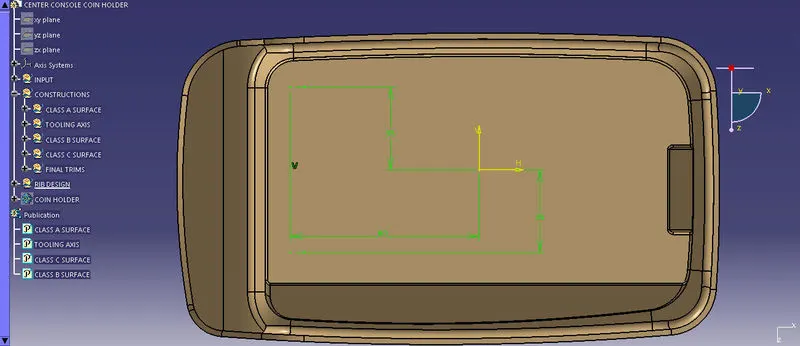
Than extrude the line ,that extruation height is the height of the Rib.The design rule for the HEIGHT OF THE RIB IS 5 TIMES THICKNESS OF THE COMPONENT.
So the thickness of the component is 2.5mm to multiply the 2.5x5=12.5mm is the height of the Rib.
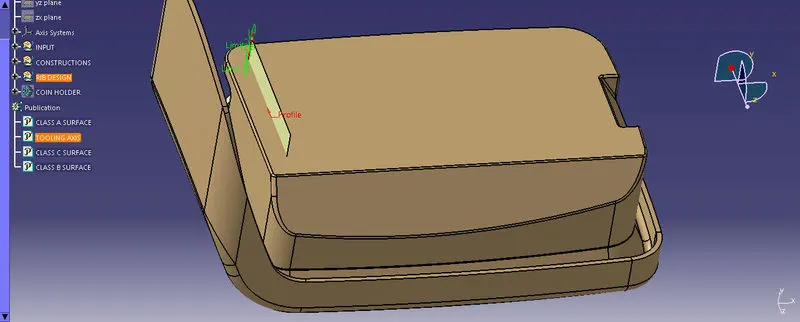
Than add the thickness to the Rib,open the part work bench and use the thicken command for adding the thckiness to the Rib.
The design rule for the thickness of the Rib is 0.4 times of the thickness of the component.so thickness of the component is 2.5mmx0.4=1mm is the thickness of the RIB.
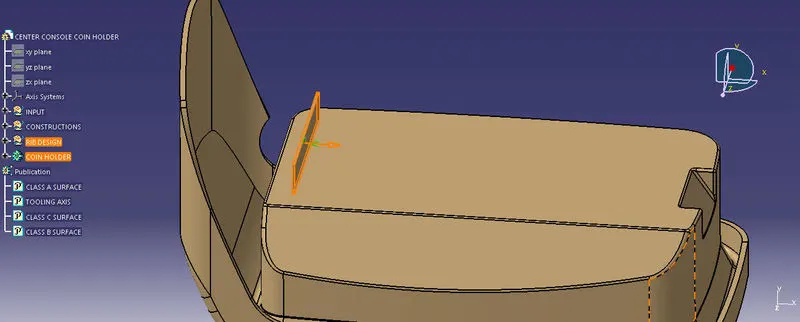
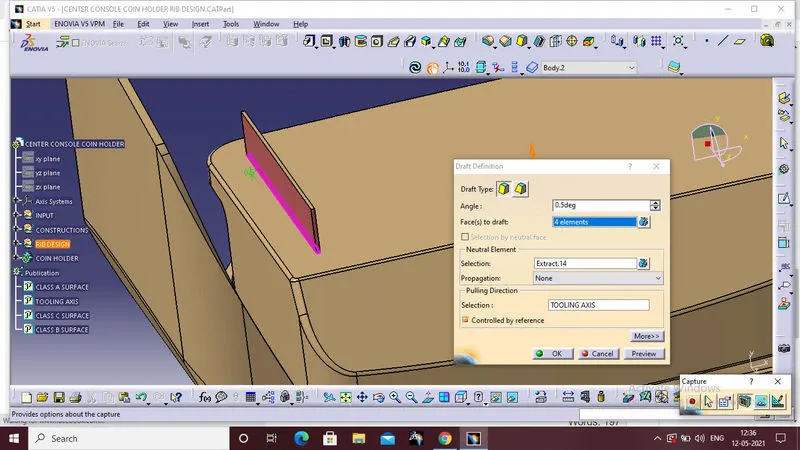
Next step is draft angle for the rib faces.Design rule for the draft angle of the rib is,the draft anle should be greater than 0.5deg or equal to 0.5deg.First select the 4 faces of the rib and than select the neutral element as an base surface,than select the tooling axis direction is the pulling direction,than click ok.
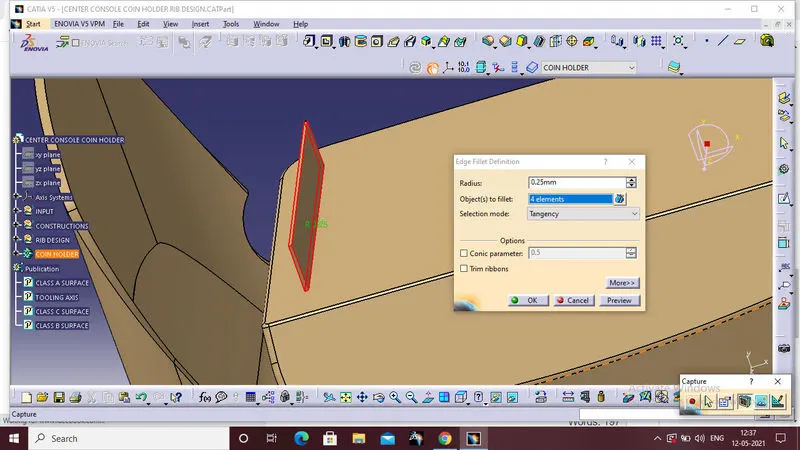
Than add the rib body to the main solid body by using assamble option.Finally give the radius to tha all face sof the ribs.Design rules for the radius of the rib is The ideal rib fillet radiusb must be 0.25mm.
To create the another Rib,by follow the same procedure and using the same sketch and offest the line by some distance.The distance between the two ribs can be calculated by the design rule ,Standard rib sapcing which is 3:1 ration height/width.Which is 2 times thickness of the component.
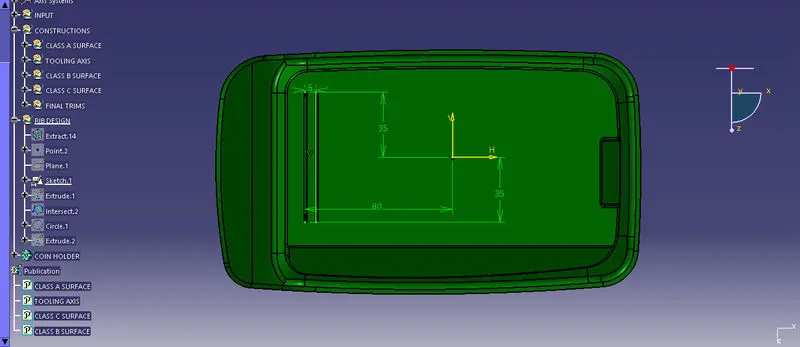
The sapce between the two rib is 6mm by calculation.
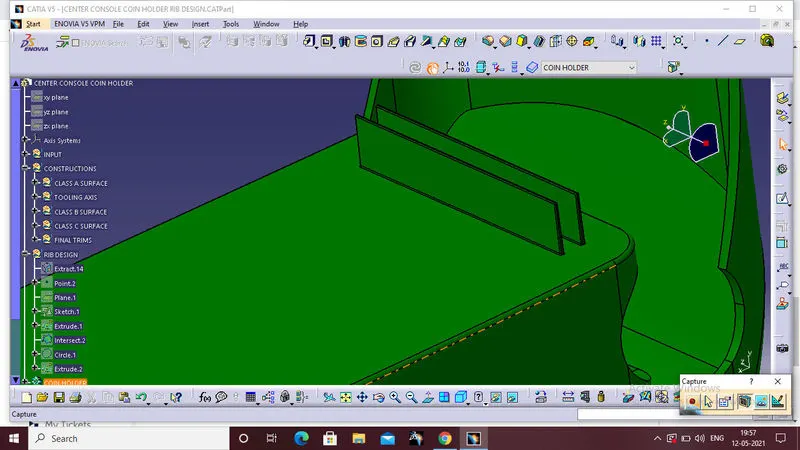
Now ro inspect the measurement of the ribs section.Create a planein the X plane from the projection point,and intercect the coin holder full body with the new plane.Than measure the values of the rib,and check that value is maintain the design rules or not.
Rib root thickness = 25 % of wall thickness. It is suggested to have deeper ribs than thicker ribs. Rib depth should be less than 5 times the rib thickness.
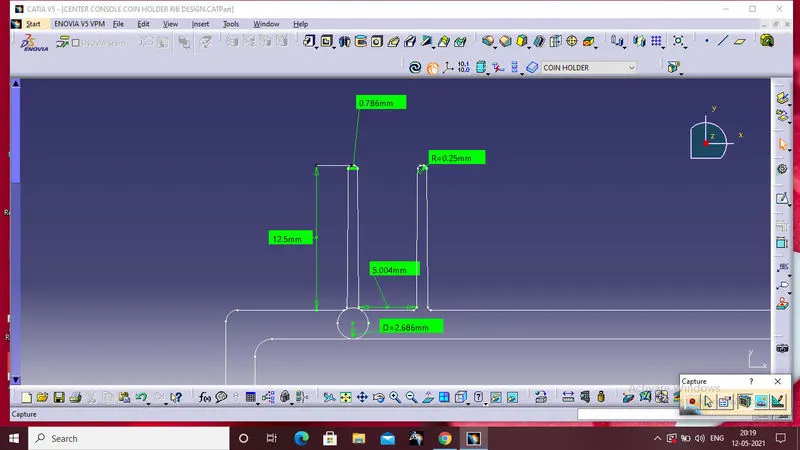
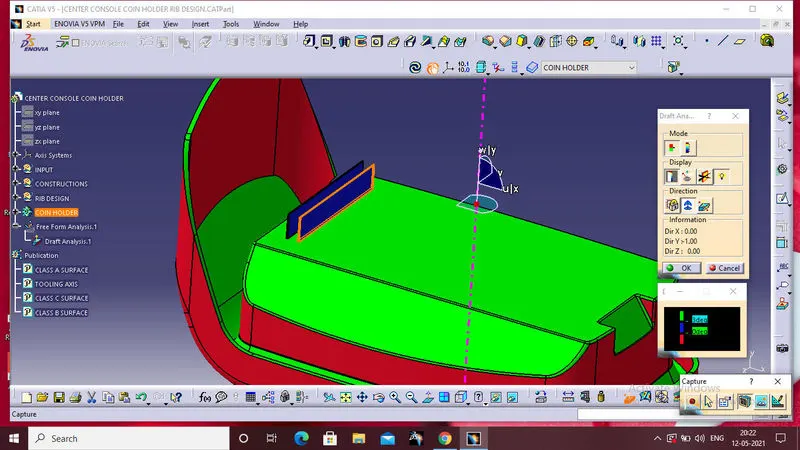
Now perform the draft analysis of the whole component added with the ribs.Select the draft analysis option from the toolbar,
- enter part in Catia.
- Go to Material Mode.
- 03.go for draft analysis.
- drag axis bar to the tooling direction of part.
- check for draft and make parting line as per analysis.
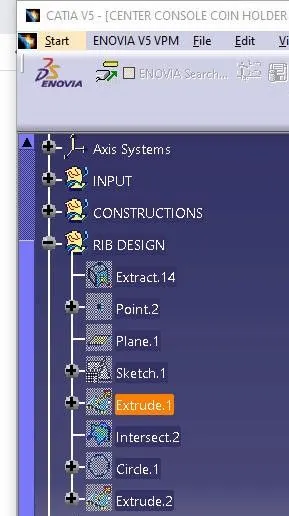
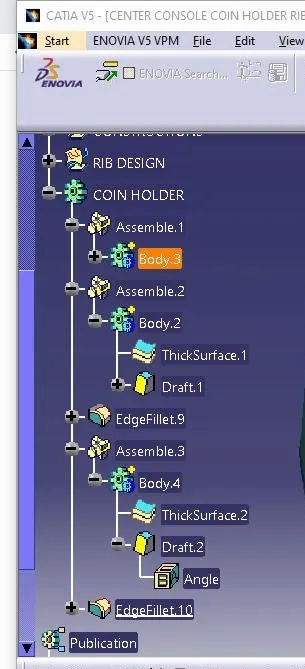
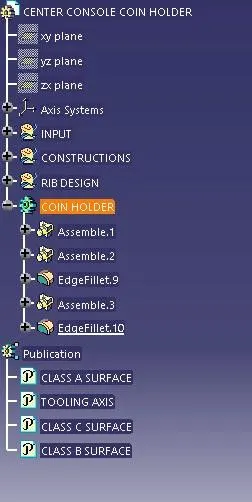
Tree structure:
VIEWS:
FRONT VIEW
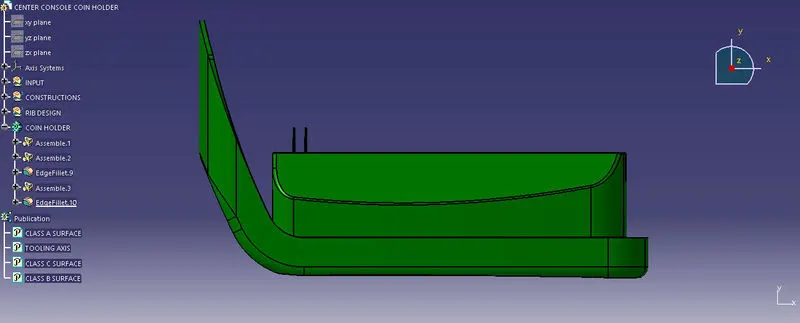
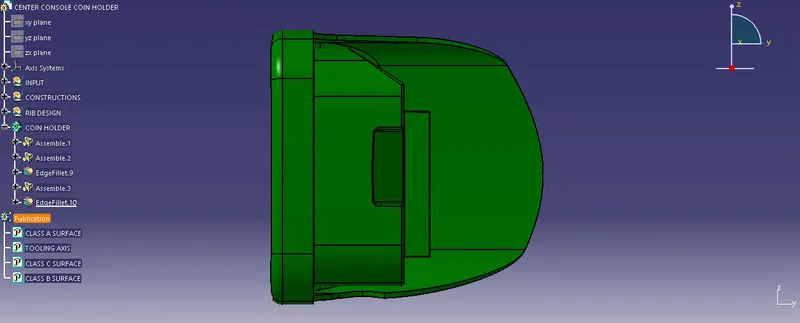
SIDE VIEW
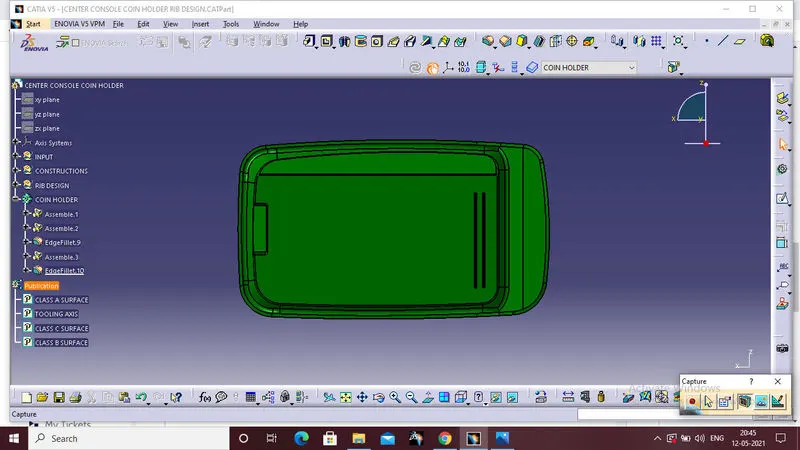
TOP VIEW
ISOMETRIC