Week - 8 - Morphing
MORPHING OPERATION ON A GEOMETRY AND FE MODEL BY USING ANSA
AIM :
To perform a morphing operation on a given component and FE model by using ANSA.
OBJECTIVE :
- To perform a morphing operation on a given geometry by using BOX morphing method.
- To perform a morphing operation on hand rest by using BOX morphing method.
SOFTWARE USED :
Preprocessing software- ANSA V 22.1.1.
MORPHING :
- Its one of the ANSA features which is used to change the geometry as well as FE
- After creating FE user wants to make any change in that like creating or filling the hole, copying or moving the features , it is used to do those.
PROCEDURAL STEPS
PROCEDURAL STEPS FOR MODEL 1
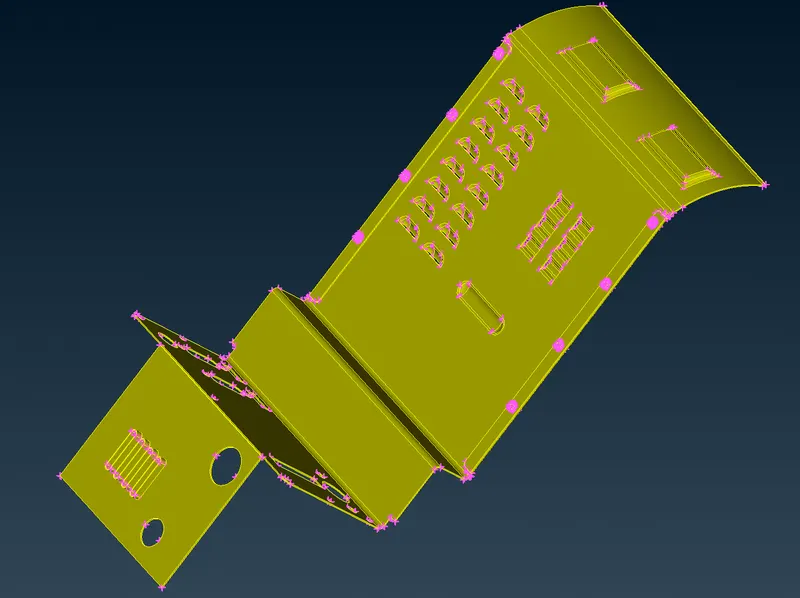
STEP 1 : Importing the igs file of the CAD model in ANSA software by using GUI option.
 \
\
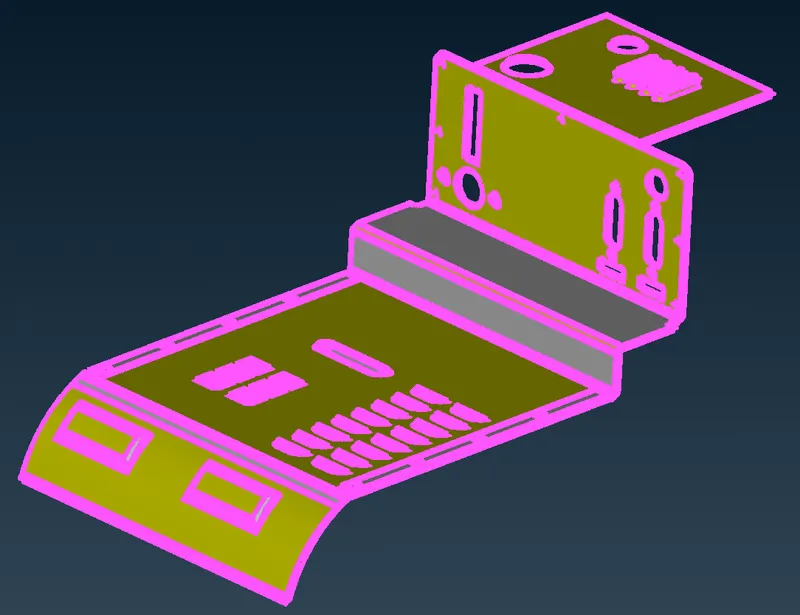
STEP 2 : Increase the cons resolution by using MESH > PERIMETER > LENGTH = 1mm
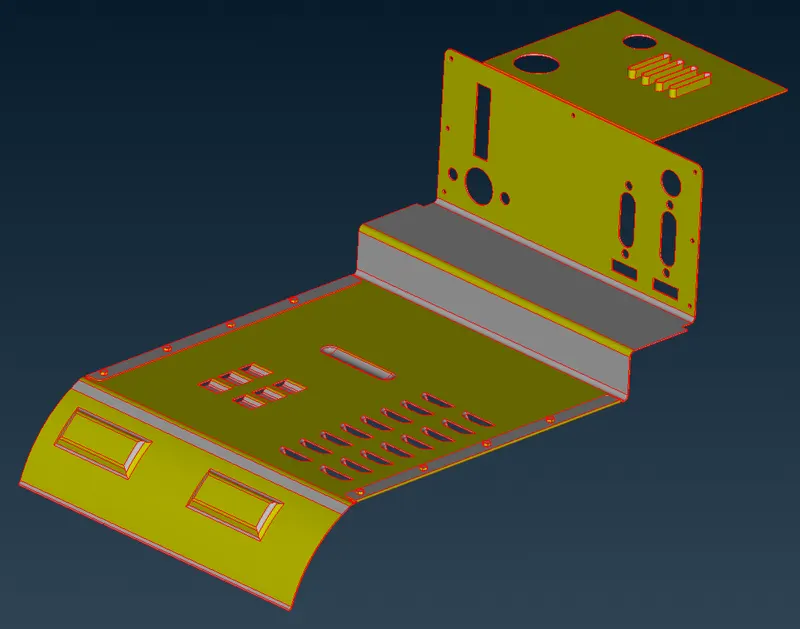
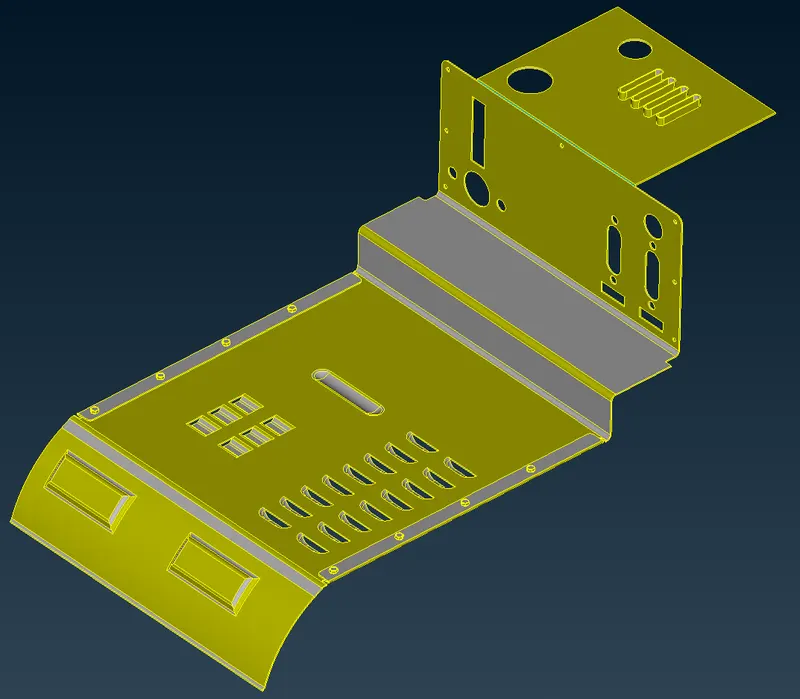
STEP 3: To perform TOPO to connect all surfaces in the cad model.
Without Topo
With Topo
STEP 4: To orient the surfaces to make sure all surfaces are in one direction.
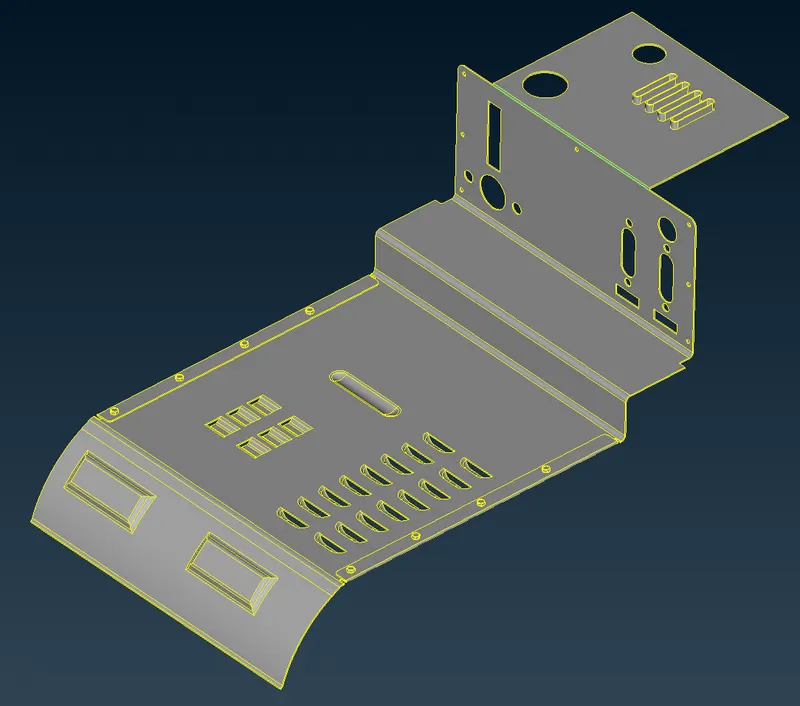
STEP 5 : Check the geometrical errors and cleared the geometrical errors
Removal of triple cons by using TOPO MODULE > CONS > RELEASE
Then single con is converted into double cons by using TOPO MODULE > FACES > TOPO.
The crack between the surfaces and needle face errors was fixed.
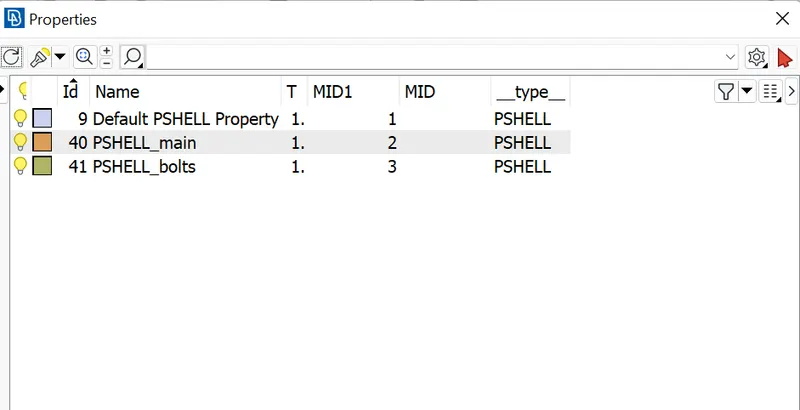
STEP 6 : Create PIDS for the model by using TOPO MODULE > FACES > SET PID.
STEP 7 : To perform a morphing operation on a given geometry by using BOX morphing methods.
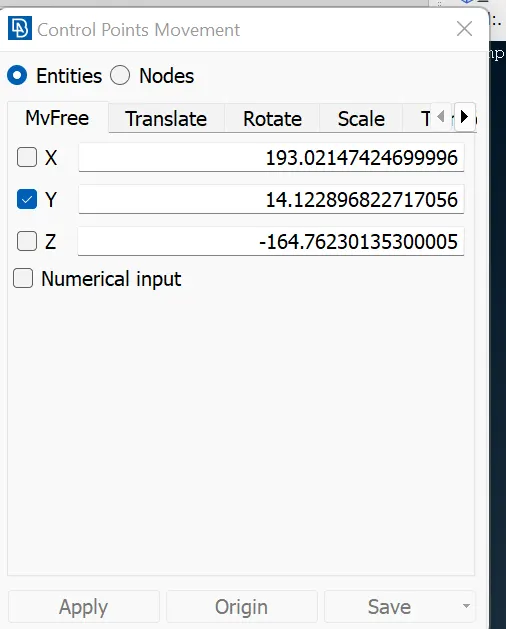
CLASSIC MORPH > MORPH > BOXES > NEW > ORTHO > selected the features entities need to change the geometry
MORPH > BOX MORPHING > MOVE > selected feature entities in which direction movement assigned by the x or y or z direction.
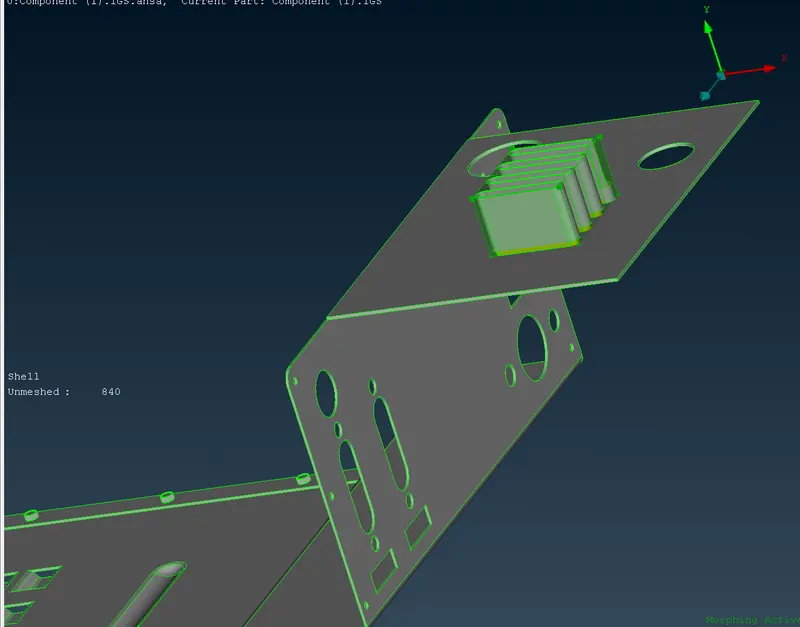
Before morphing in feature one
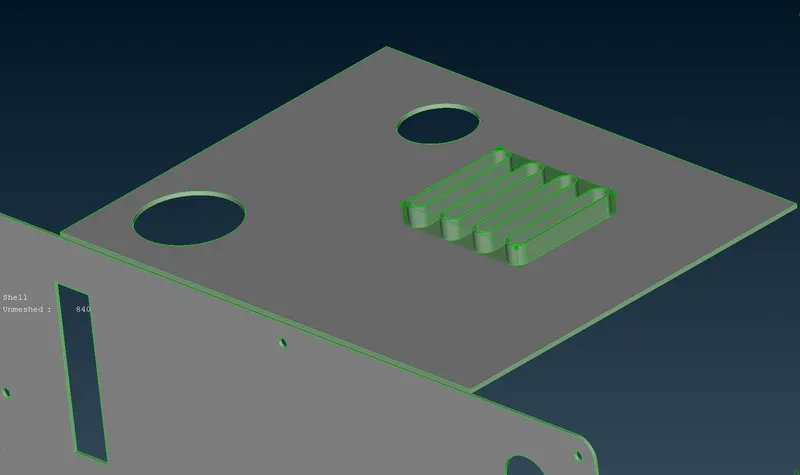
Increased the height of the feature one after morphing.
Before morphing in fillet area
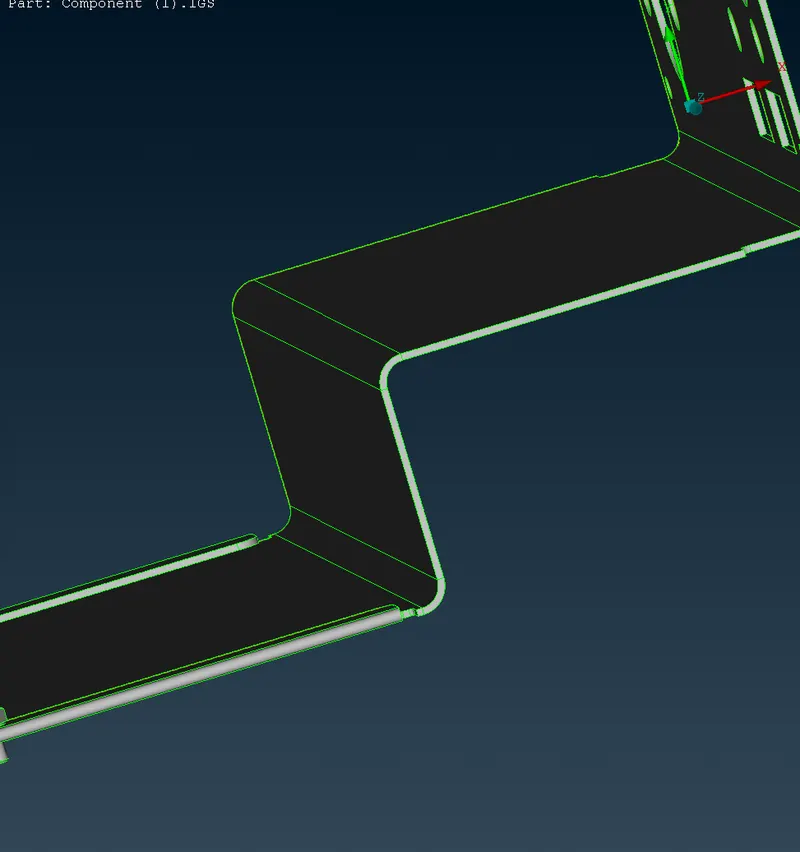
Increased the fillet size after morphing
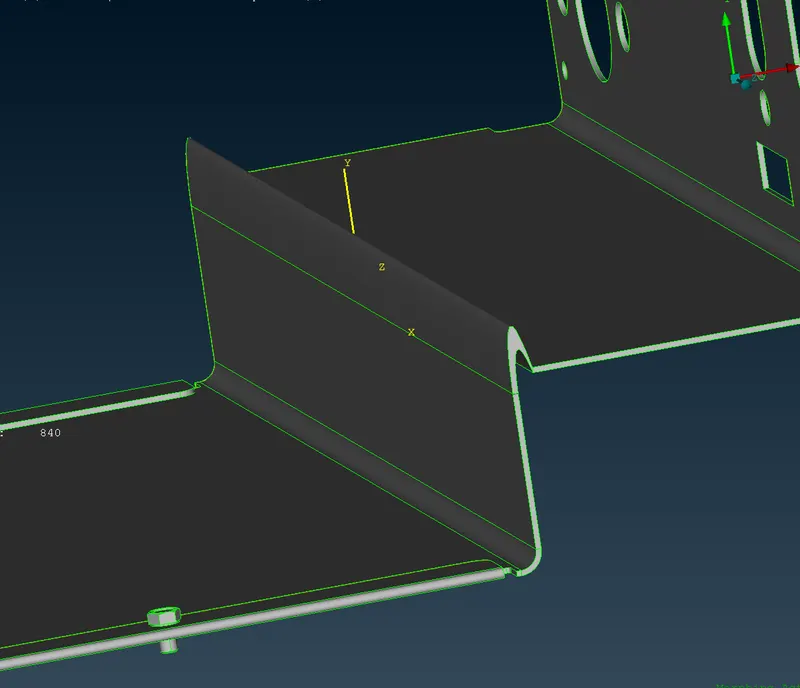
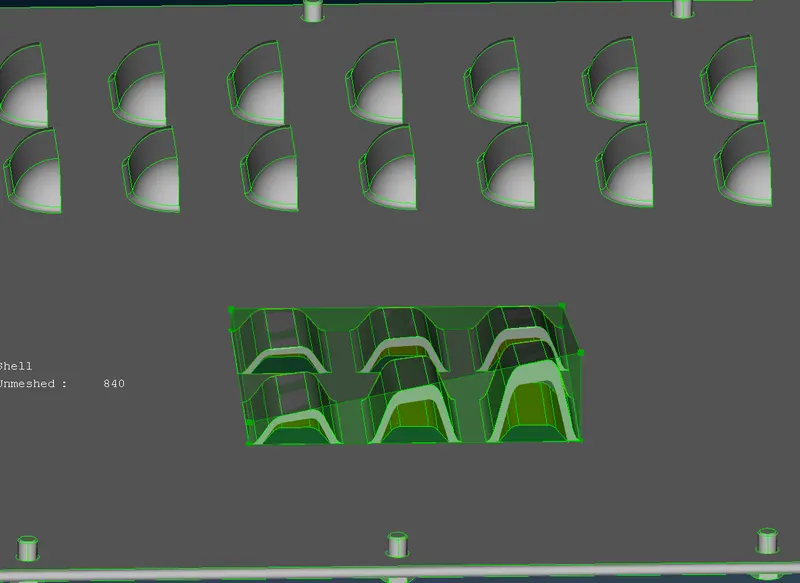
STEP 8 : To perform a morphing operation on a given geometry by using BOX morphing methods.
CLASSIC MORPH > MORPH > BOXES > NEW > ORTHO > selected the features entities need to change the geometry
MORPH > BOX MORPHING > MOVE > selected feature nodes in which direction movement assigned by the x or y or z direction.
Before morphing the feature 3
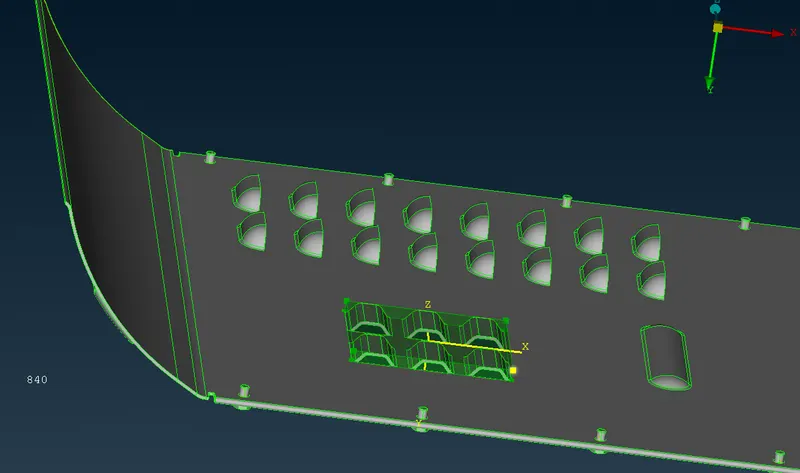
After morphing the feature 3
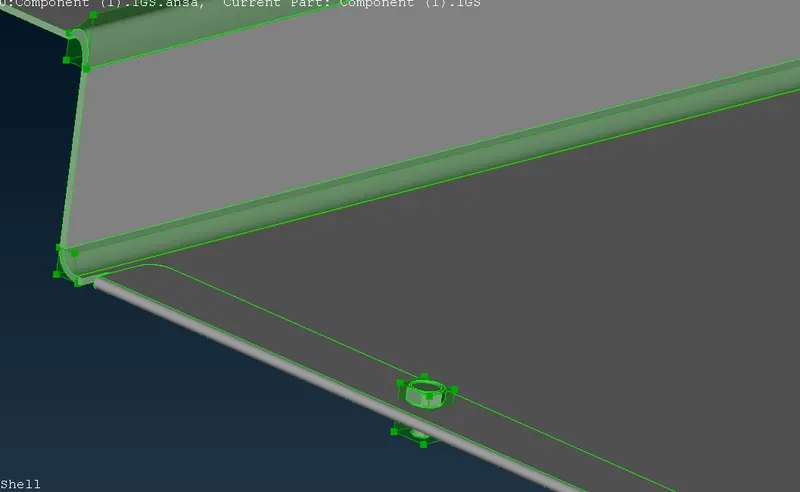
STEP 9 : To perform a morphing operation in the bolt
CLASSIC MORPH > MORPH > BOXES > NEW > ORTHO > selected the bolt need to increase the size by scaling factors.
MORPH > BOX MORPHING > MOVE > SCALE > SELECTED MASS COG points in the bolt and asssigned the x=1 , y=1 , z=1 and scaling factor =10
Before morphing the bolt
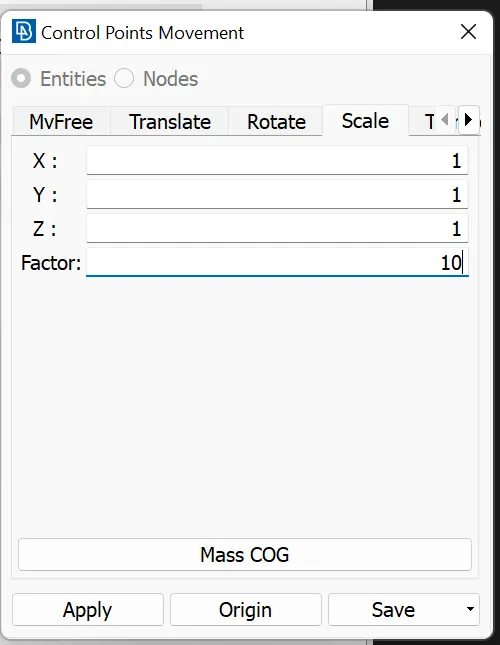
After morphing the bolt
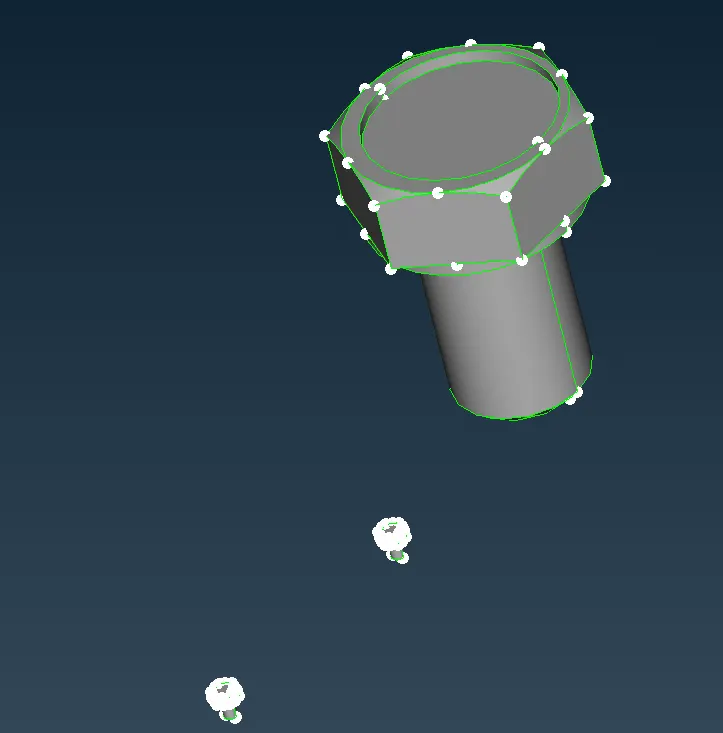
STEP 10 : MORPH > BOX MORPHING > MOVE > SCALE > asssigned the x=1 , y=1 , z=1 and scaling factor =0.10 by regaining into original position by selecting 2 nodes.
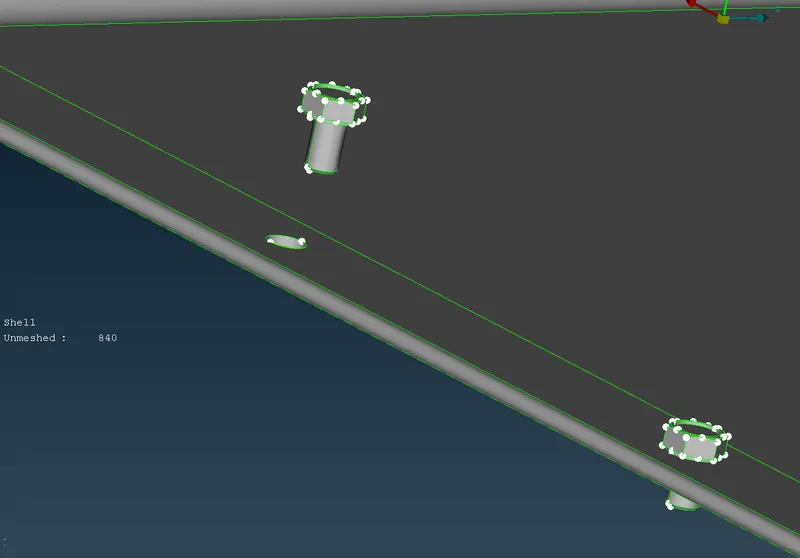
After translating into the original position
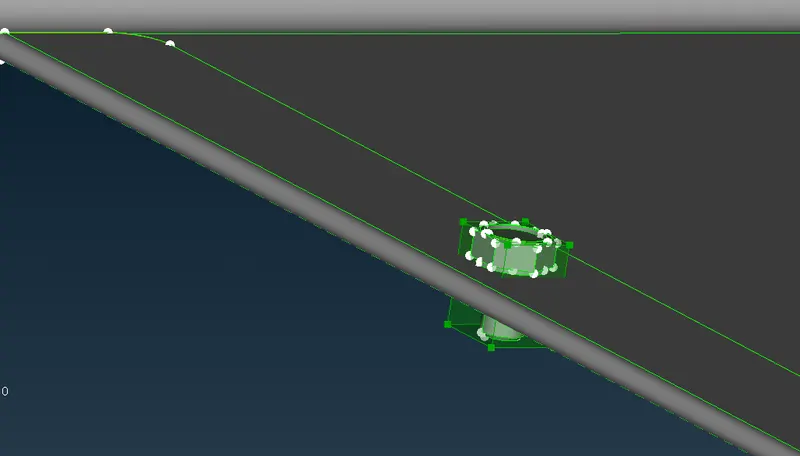
STEP 11 : Stretching the fillet area before morphing
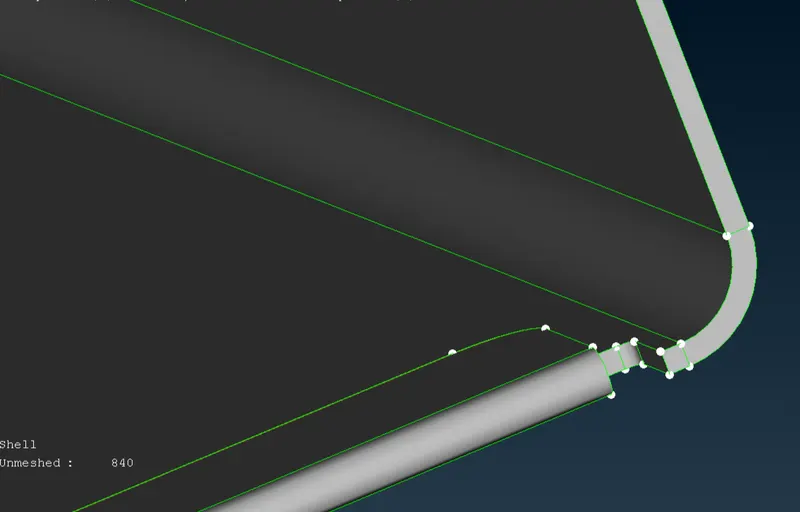
After morphing the fillet area
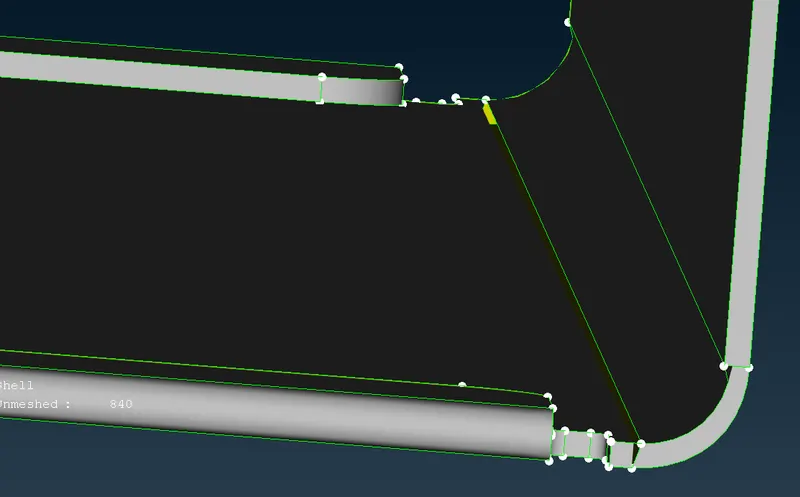
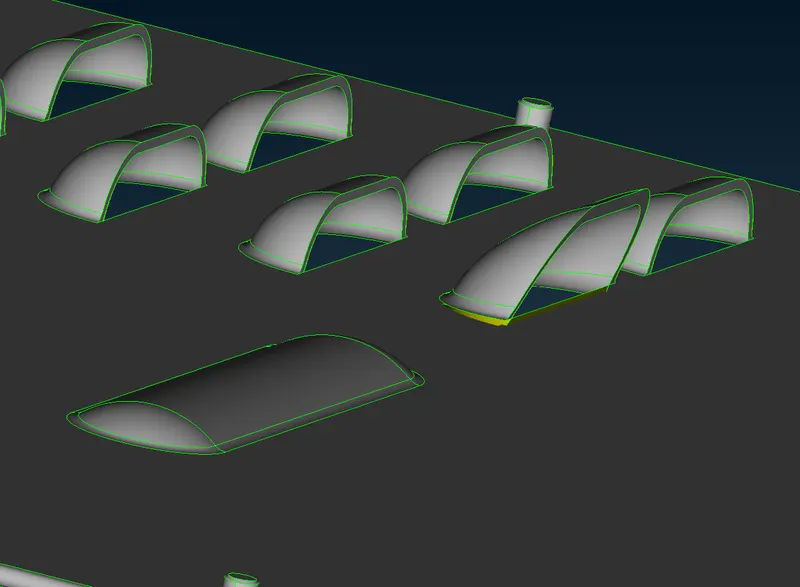
STEP 12 : Increasing the hieght in feature4 by morphing along Y direction.
Before morphing in Feature 4
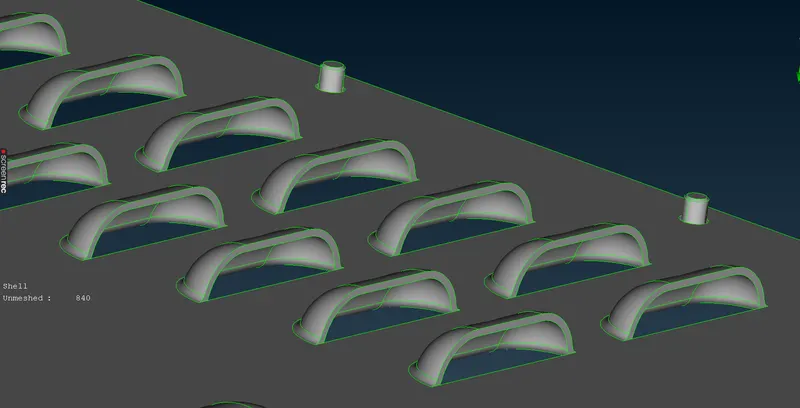
After morphing in Feature 4 (along X-direction)
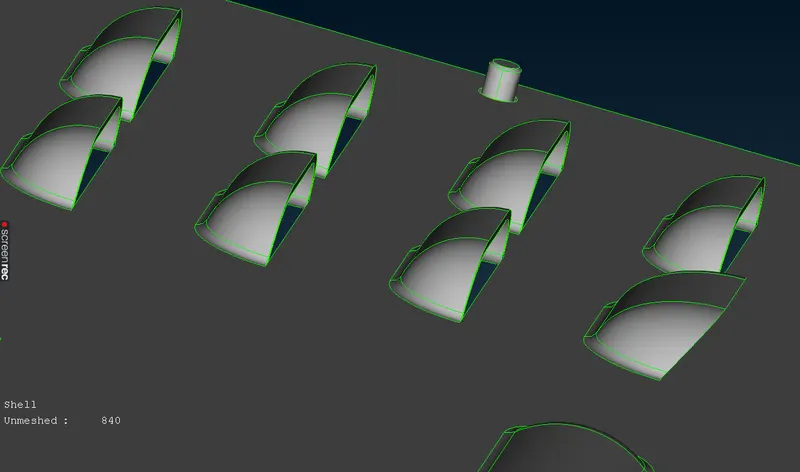
After morphing in Feature 4 (along Y-direction)
PROCEDURAL STEPS FOR MODEL 2
STEP 1 : Importing the igs file of the CAD model of Hand rest in ANSA software by using GUI option.
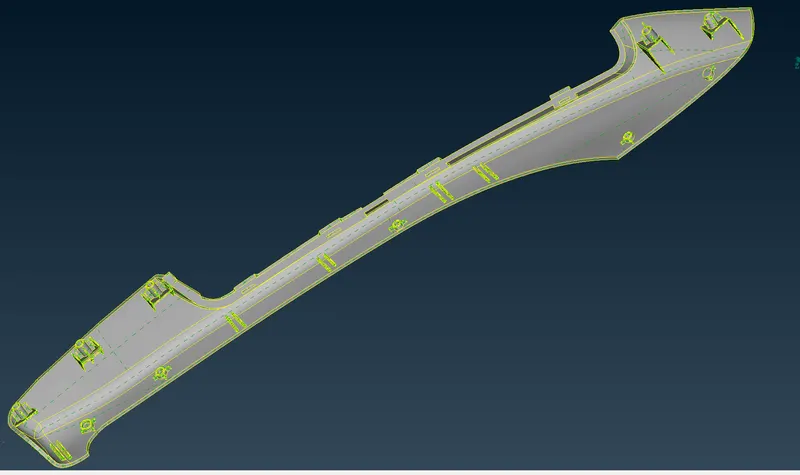
STEP 2 : Increase the cons resolution of the hand rest by using MESH > PERIMETER > LENGTH = 1mm
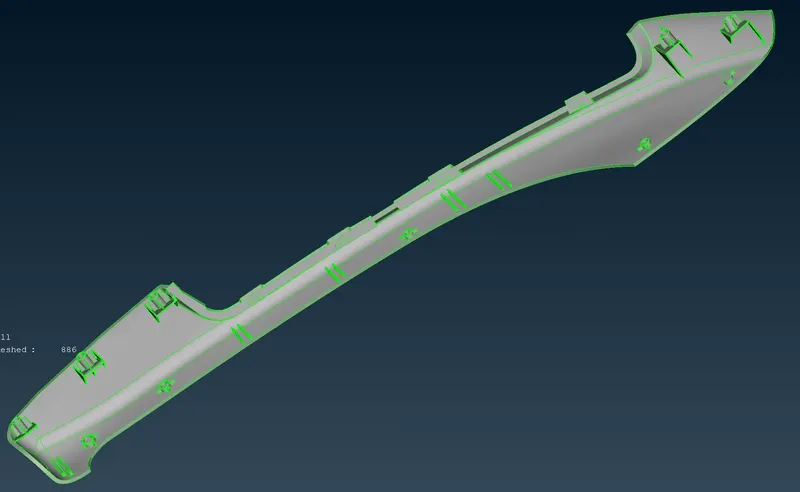
STEP 3: To perform TOPO to connect all surfaces in the cad model.
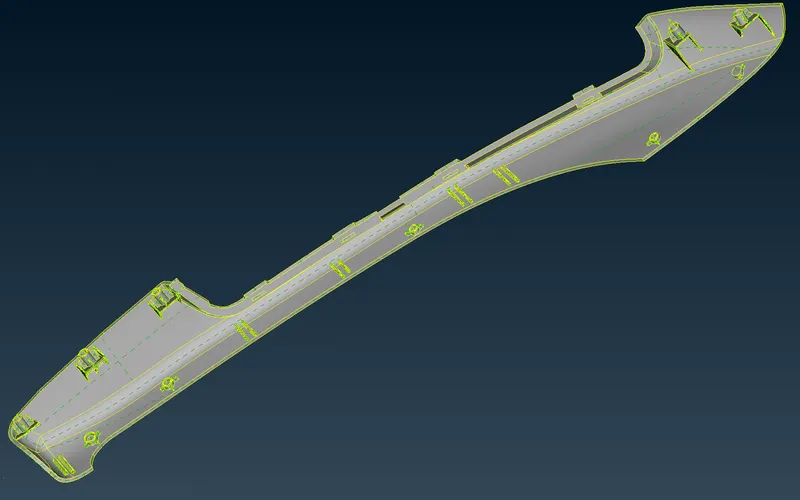
STEP 4: To orient the surfaces to make sure all surfaces are in one direction.
Check the geometrical errors and cleared the geometrical errors
Removal of triple cons by using TOPO MODULE > CONS > RELEASE
Then single con is converted into double cons by using TOPO MODULE > FACES > TOPO.
The crack between the surfaces and needle face errors was fixed.
STEP 5 : Create PIDS for the model by using TOPO MODULE > FACES > SET PID.
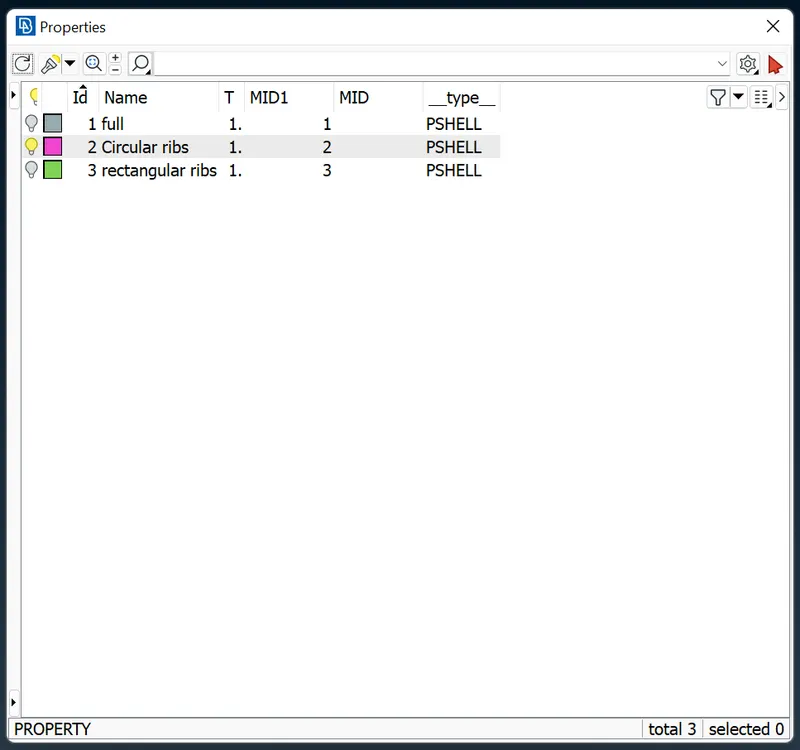
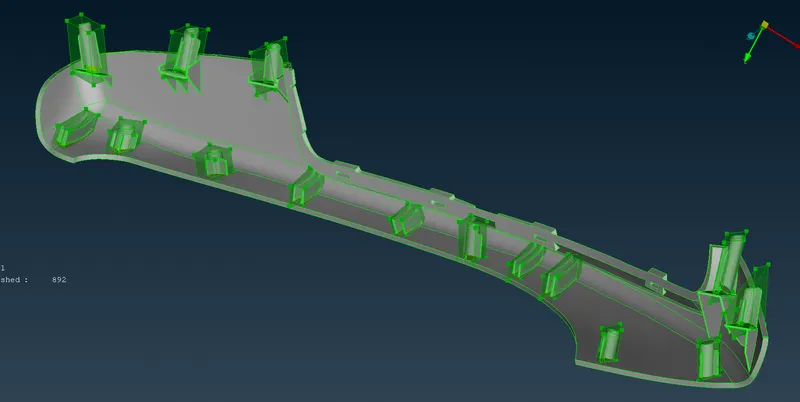
STEP 6 : To perform a morphing operation on a given hand rest geometry by using BOX morphing methods.
CLASSIC MORPH > MORPH > BOXES > NEW > ORTHO > selected the features entities need to change the geometry
MORPH > BOX MORPHING > MOVE > selected feature entities ot nodes in which direction movement assigned by the x or y or z direction.
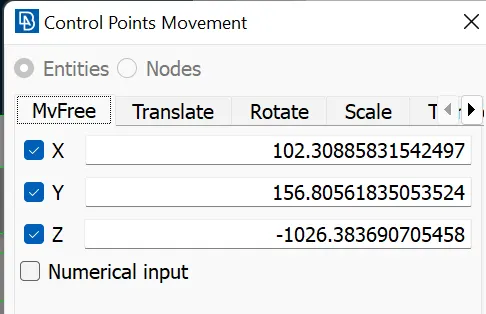
STEP 7: Before morphing in hand rest.
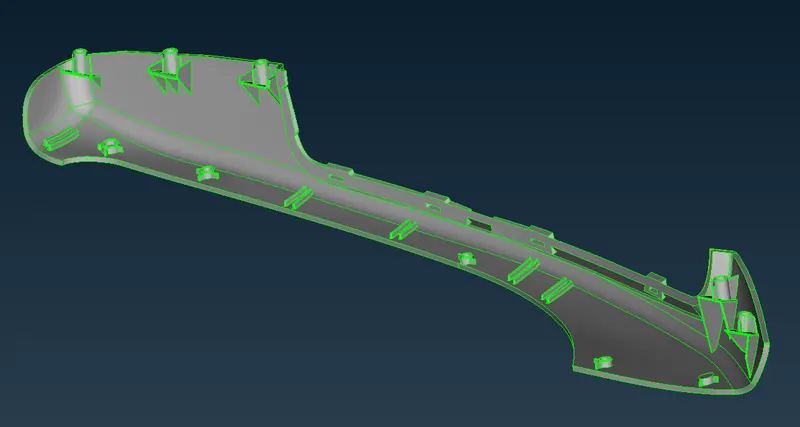
After Morphing increaseed heights of the dog houses and ribs as per the given data (image)
RESULT :
- Hence two model given were successfully morphed.
- The model-1 has been morphed according to the week-8 video, what the instructor taught.
- The model-2 has been morphed, the circular( Dog houses ) and rectangular ribs has been increased sucessfully.
LEARNING OUTCOMES:
- In this week-8 challenge , i came to know
- How to morph the miodels.
- Learned how to create the morph box and change the shape of the model.
- Learned about various commands which are used morph the models.