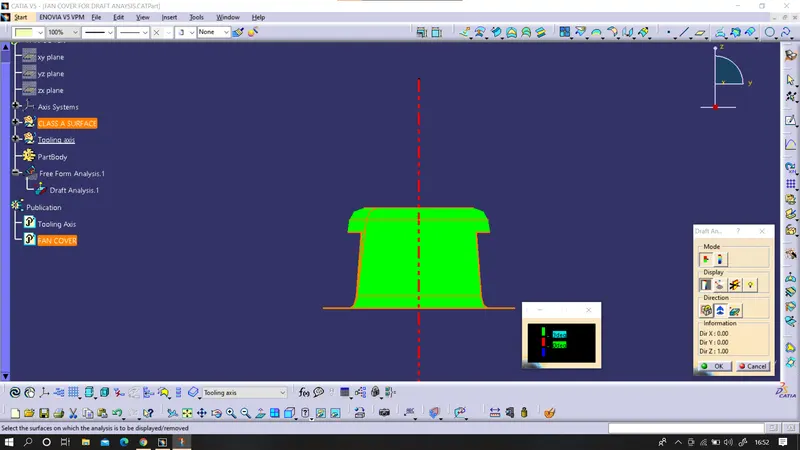
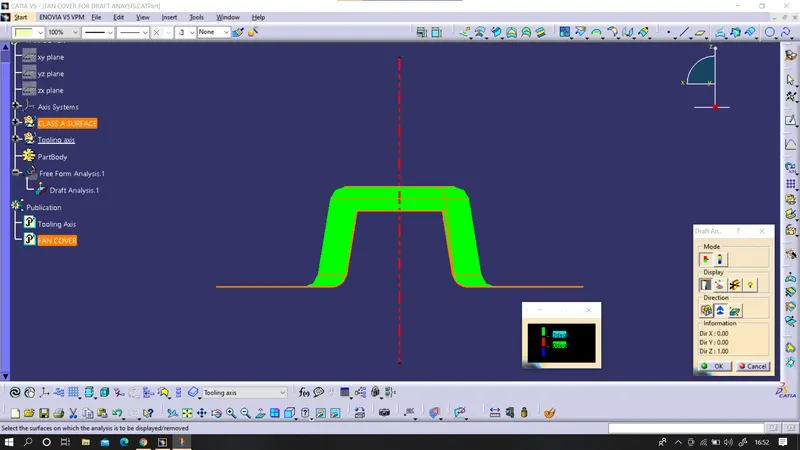
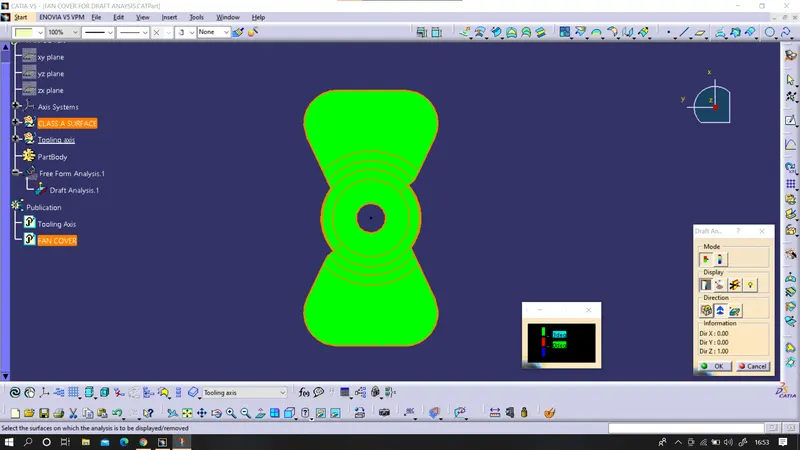
Draft Analysis on a Fan Cover (Basic Analysis - CATIA)
Draft Analysis
When a plastic component is made, we can observe that there is a draft angle given on each side from the base which is lesser than 90 degrees. This is because in the criteria of making a plastic material the mold should release the material when finished. if the mold surfaces are 90 degrees the material won't release from the mold because of friction due to contraction of material when cooled.
To resolve this problem we CAD engineers maintain a standard rule to design the plastic mold or die's in such a way that there is no problem while ejecting the plastic component. So a minimum of 3 - 10 degrees of draft angle is given to every plastic component while designing.
Tooling axis creation
The tooling axis is the direction of drawing a sheet metal where the finished component is easily ejected on a particular direction and axis. The tooling axis is important for removing the material when finished.
Creation of tooling axis (bisecting method)
Step 1:
Identify the required and most perfect plane which is suitable for creating a tooling axis.
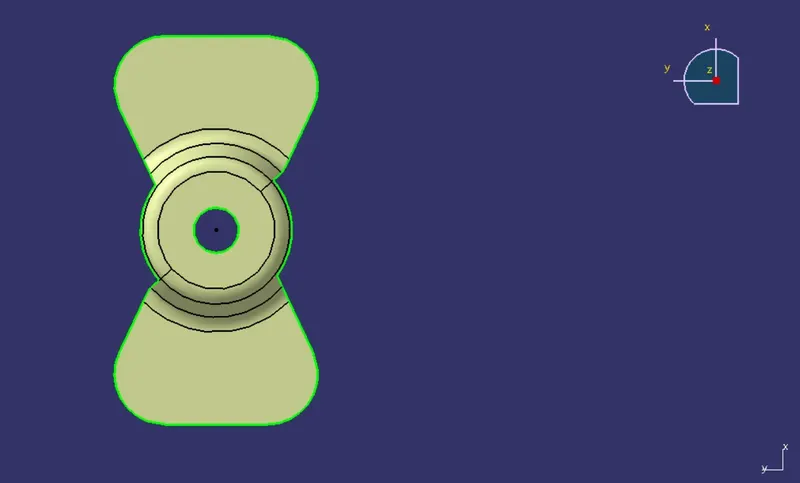
in this class -A surface XY plane is the best and suitable option for creating a tooling axis.
Step 2:
Create a dummy axis that will be used until creating an original tooling axis. And then take reference curve by taking a section from the ZX plane and using those boundary curves for creating a bisecting curve and that curve will be the tooling clearing for x-direction.
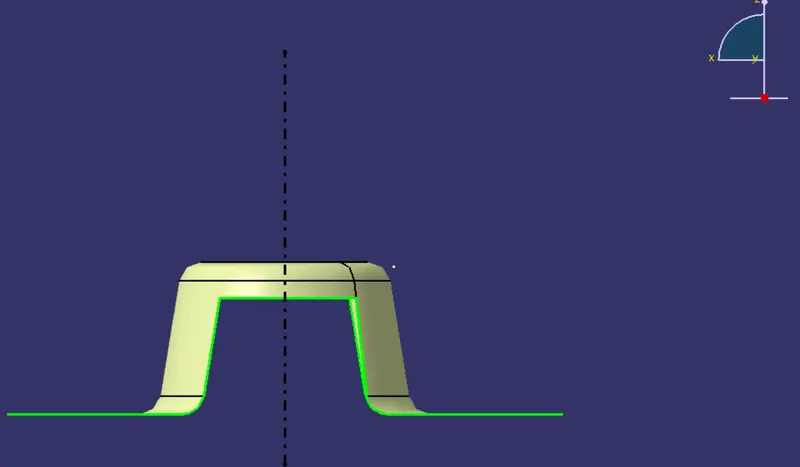
dummy tooling axis
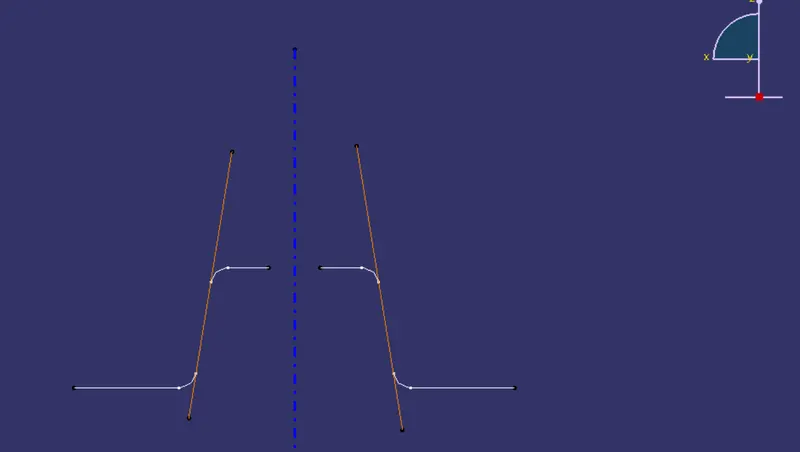
bisecting curve from ZX plane boundary curve
Step 3:
Make another bisecting curve in another plane such as the ZY plane and make tooling clearing for the y plane.
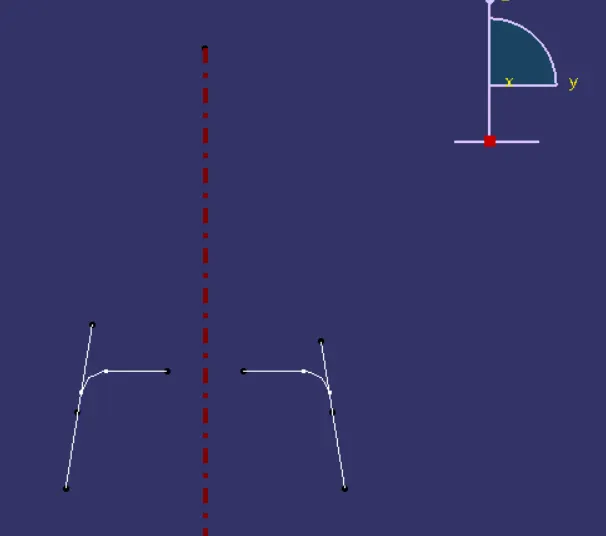
bisecting curve from the ZY plane boundary curve.
Step 4:
now using these 2 tooling axes from a different plane, create another bisecting curve which will be the original tooling direction axis for manufacturing the model.
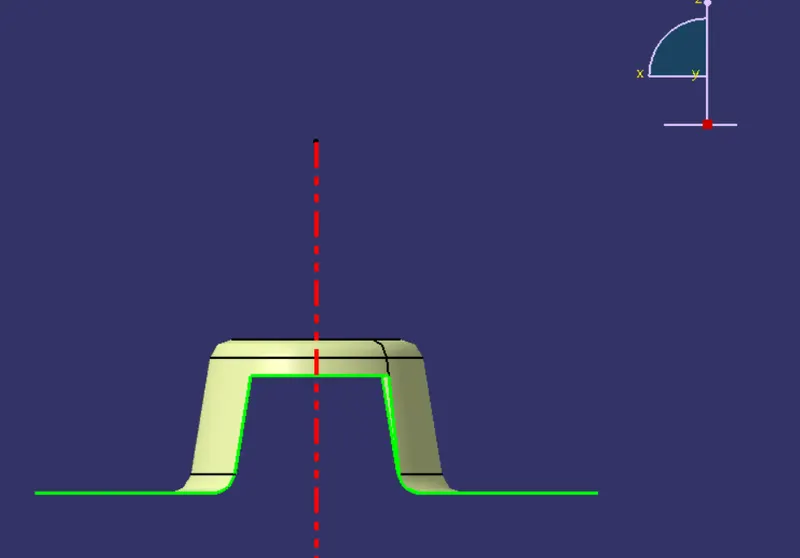
final tooling direction axis.
Step 5:
after creating the actual axis curve we can now perform the draft analysis on the given class-A surface. before performing the analysis change material property to customizable view parameters.
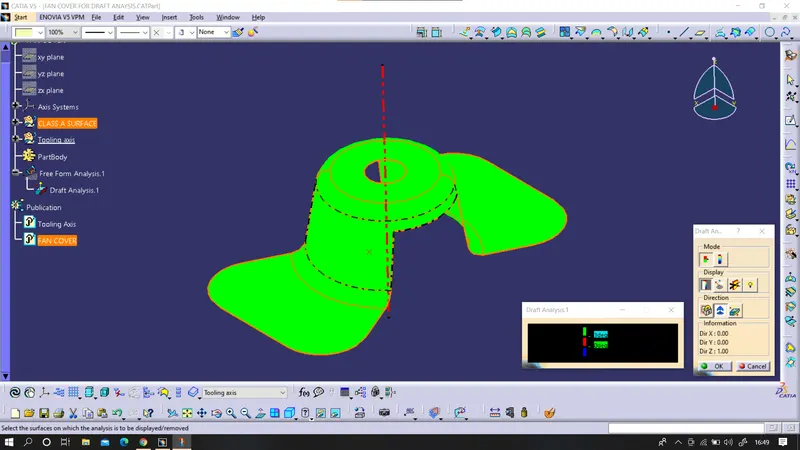
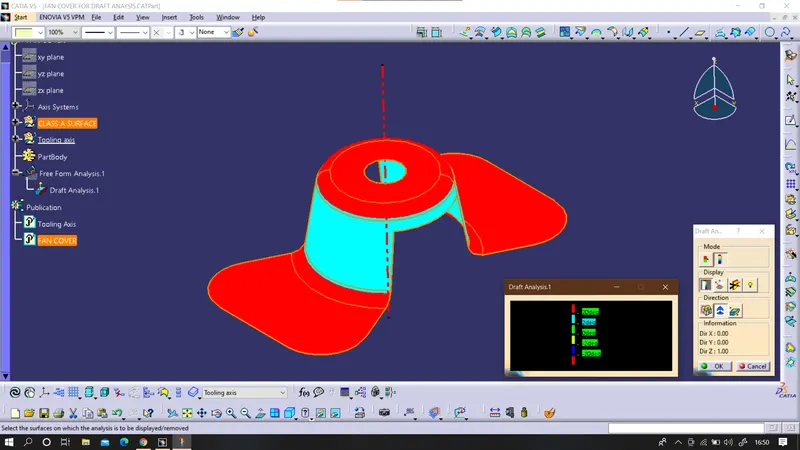
various views