Week 6-Meshing of Hood Challenge
Objectives:-
To mesh and extract the mid-surface of the given component.
Procedure:-
Firstly, import the geometry from the folder.
Now, select the latch_enforcement_extract
Then, delete the solid of component.
[Command: Delete>>solid>>delete entity]
[Command: Geometry>>midsurface>>select surface>>Extract]
[Command: Geometry>>quick edit>>replace point]
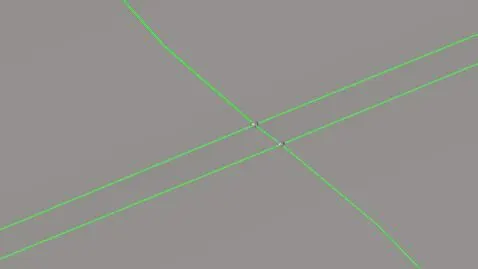
Midsuface is done. Now do meshing of the given component.
[Command: 2D>>automesh>>element size =5>>mesh]
Select one by one part and mesh.

As a given criteria we have to check the following details and fix these errors.
[Command:Tool>>check element>>2d]

So now we have found warpges,length,etc.
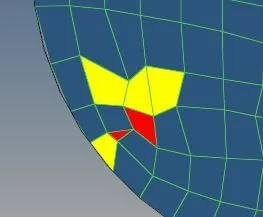
[Command: 2D>>qualityindex>>cleanup tool]

Final part of latch.
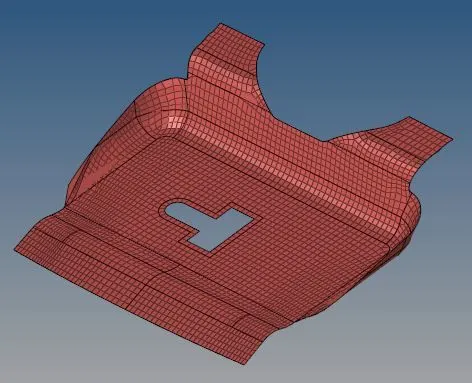
Now ,select the component one by one.
Do same as previous .
Meshing of Hinge 1 & Hinge 2 components.
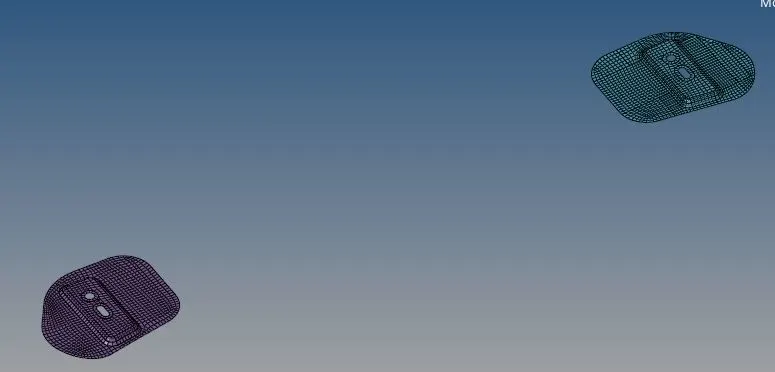
Meshing of Outer surface.
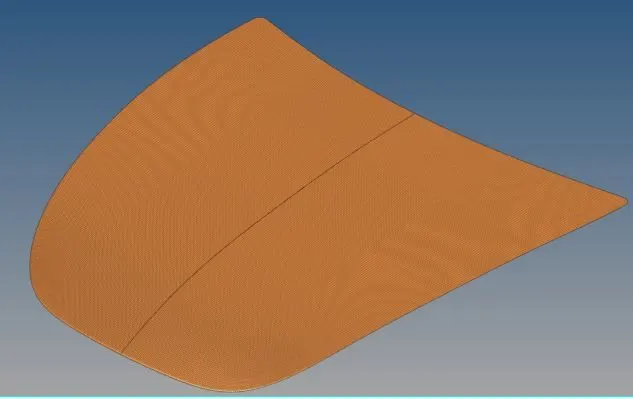
Meshing of inner surface.
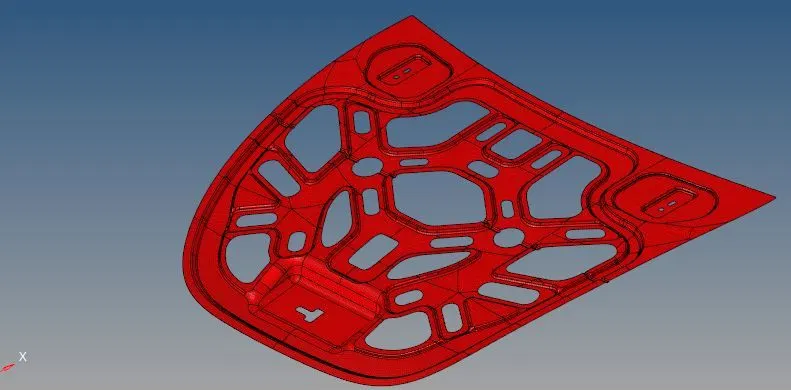
Conclusion:-
In this challenge we learn about meshing and check the quality of the meshing as per given data.