Week 12:Project-1-Meshing of Door Inner Panel Challenge
Objectives:- Create a mid surface by manual method and mesh the model with given criteria and also give specific thickness to each component.
Procedure:-
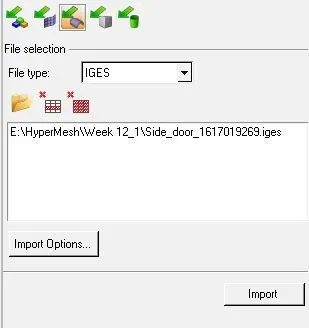
1.Firstly,Import the given model / iges file.
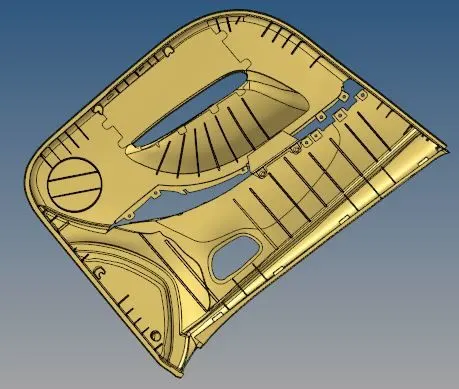
2.Given model are as follows:-
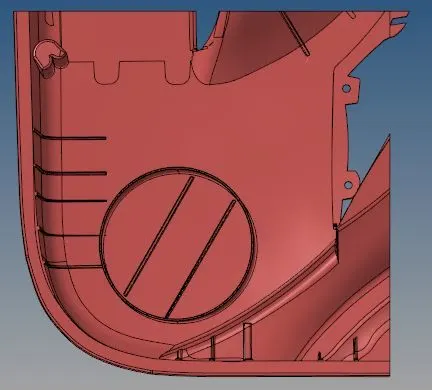
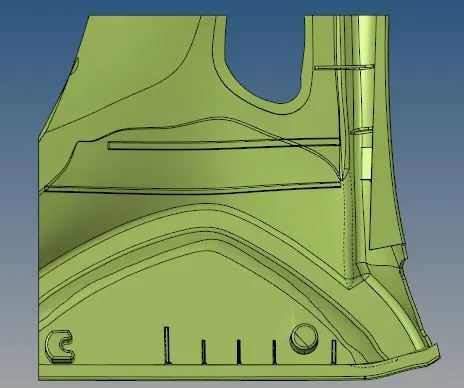
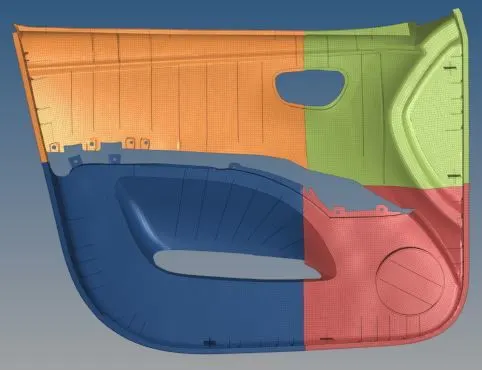
3.Trim the model in four parts.
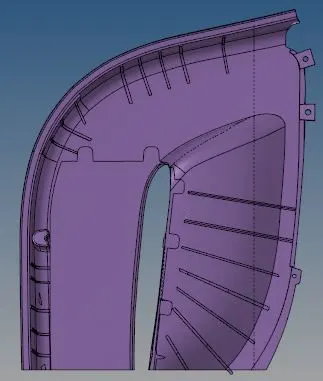
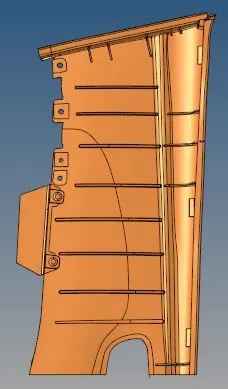
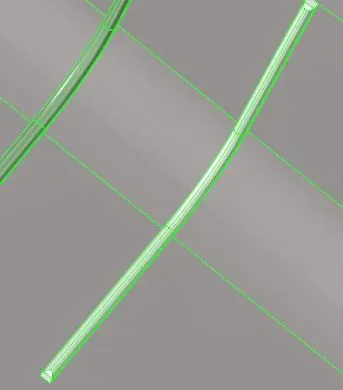
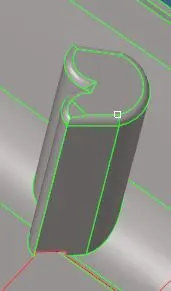
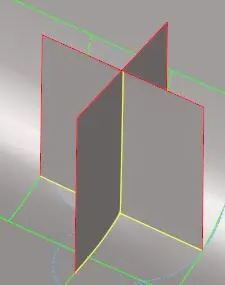
4.Now, remove the fillets by using defeature command.
Command:-[Geometry>>Defeature>>surface fillet>>select surface>>find]

 >>
>> 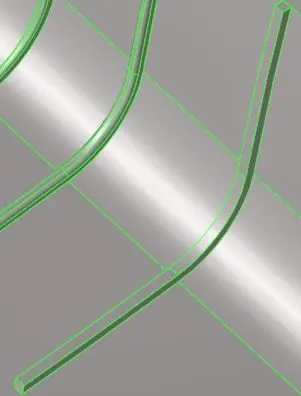
Do this procedure for all fillets.
 >>
>> 
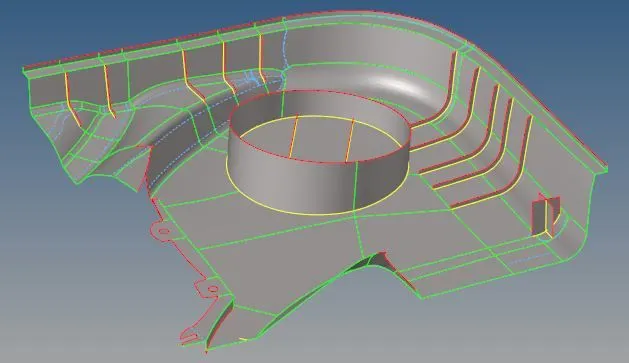
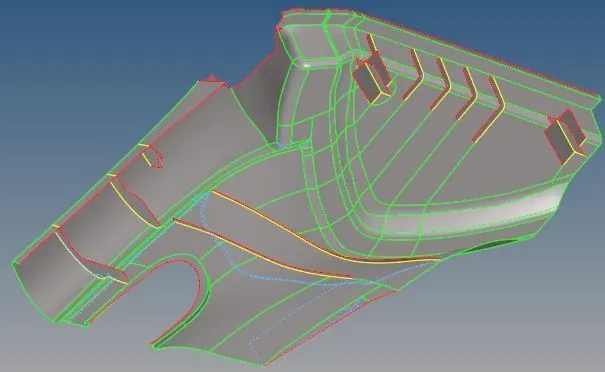
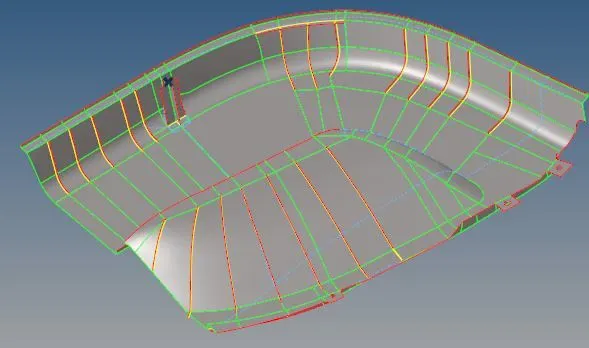
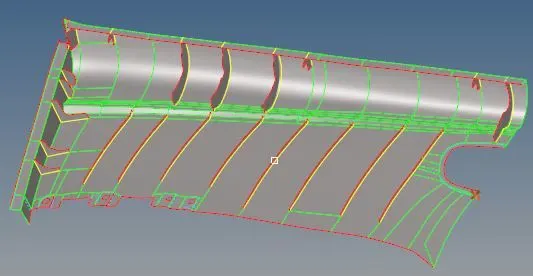
5.Now, take mid surface of a part one by one by manually.
Command:-[Geometry>>Surface edit>>offset]

Offset the component by their half distance.If the distance is 4mm take half of the distance so offset is 2mm.
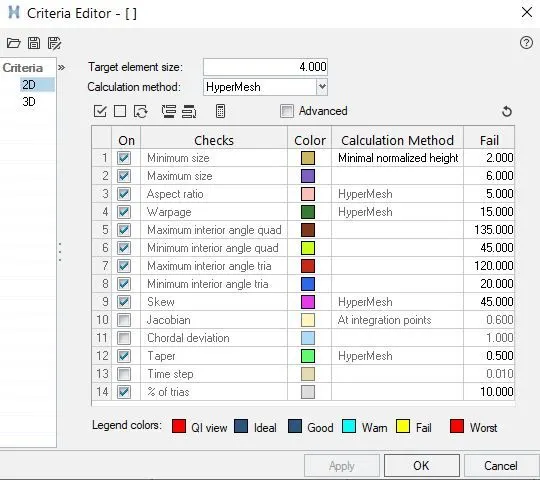
6.Mesh the component with the given quality criteria.
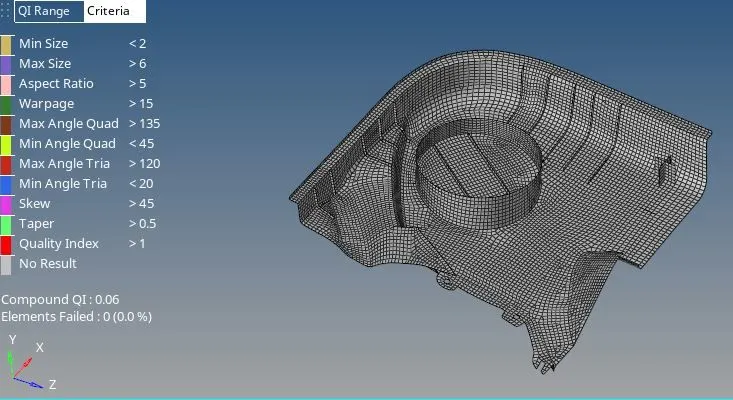
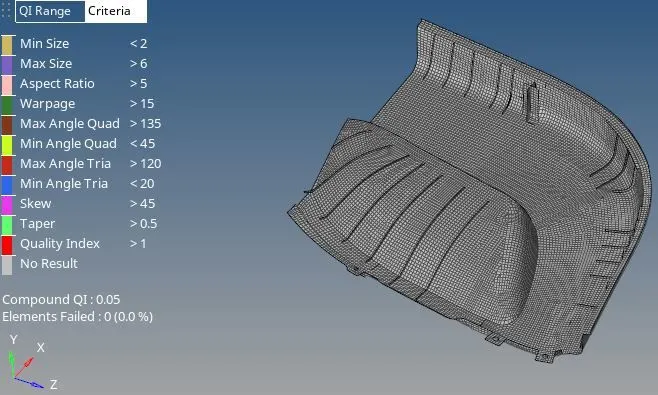
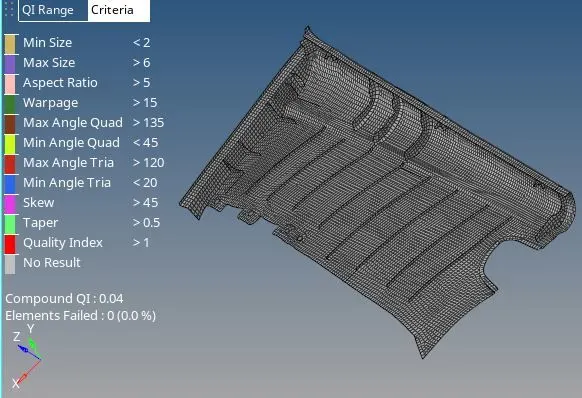
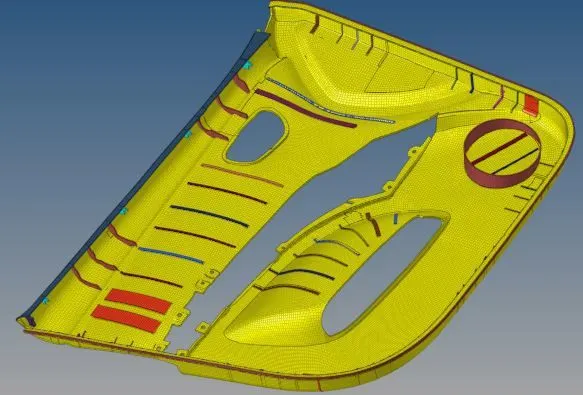
Final Mesh:-
7.Lastly, assign the thickness to each component.
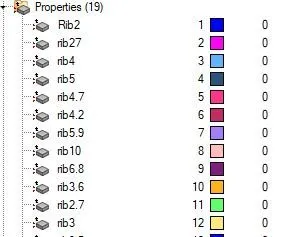
Final Model:-
Conclusion:-
1.In this challenge , we learn about manual mid-surface and assgning the thickness to each component seperately.