Week 12:Project 2-Meshing of Rear Wheel Holder challenge
Objective:- Meshing the Rear wheel holder and assign the thickness.
Procedure:-
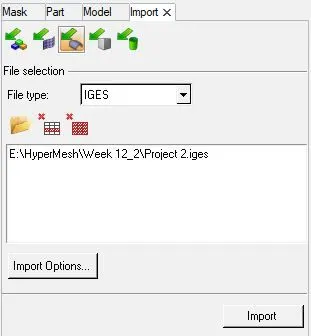
1.Firstly,Import the IGES file.
2.Check the geometry and delete the solid if any.
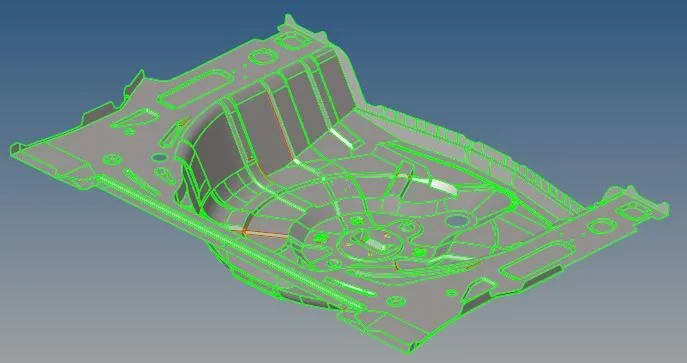
3.Now, take the mid surface by manual method.

4.Mid surface of the geometry.
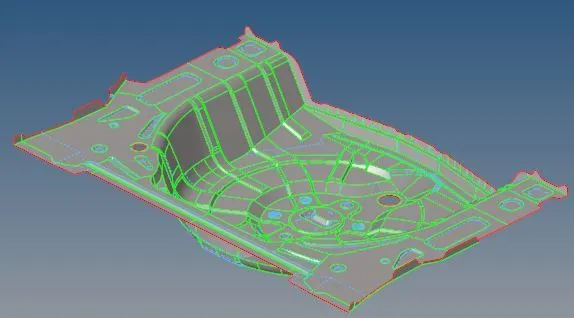
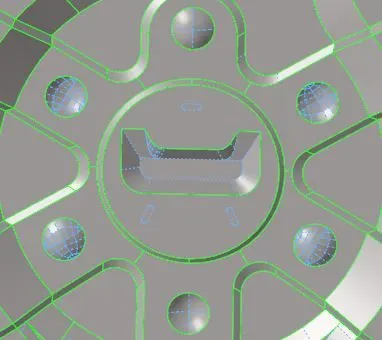
5.Then , toggle the unnecessary lines and remove the buttons.
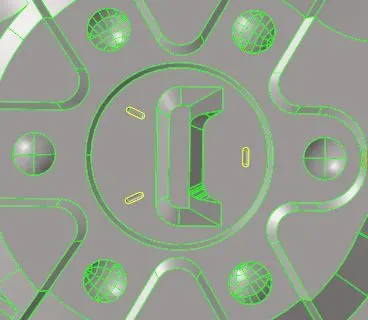
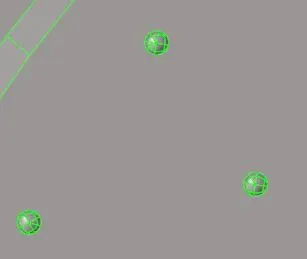
6.Toggle lines and remove buttons.
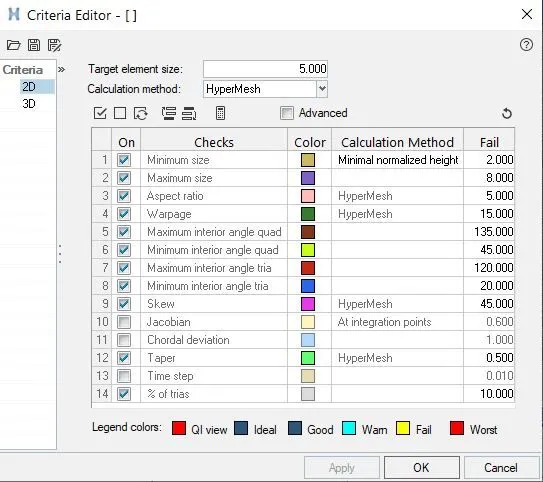
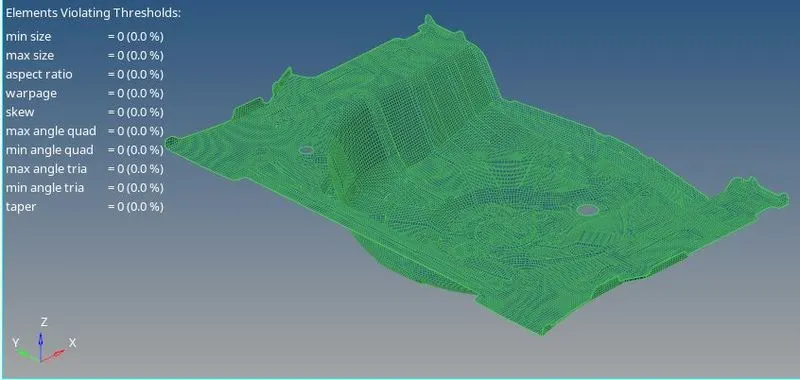
7.Quality criteria for meshing.
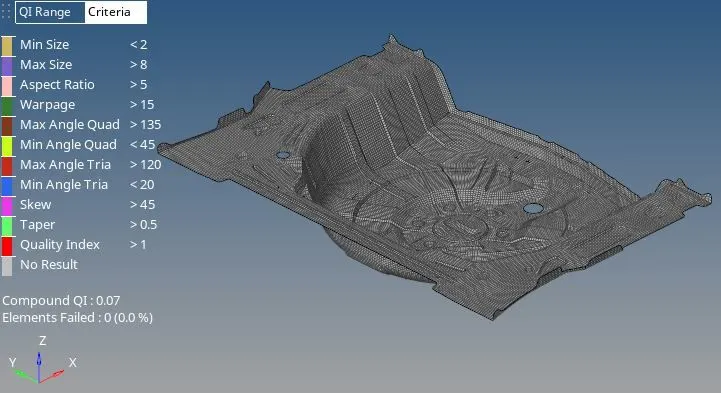
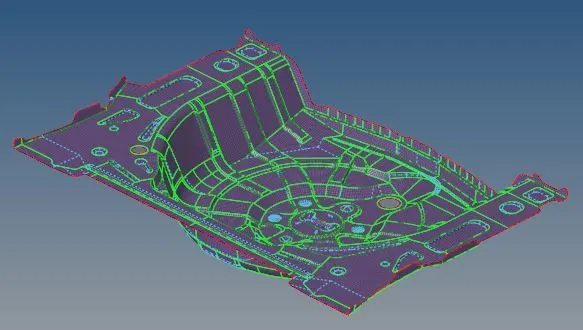
8.Mesh the geometry.
9.Now , check the free edges.
Command[Tool>>edge>>Select element>>Find edges]

i.Free edges are shown below.
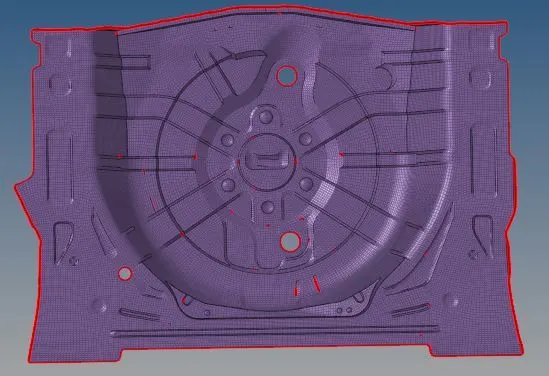
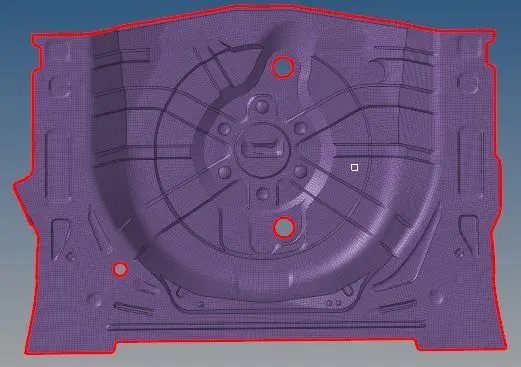
10.Equivalence the nodes and if its not working for some elements go to the 2D and select replace.

11.All the free edges are fix.
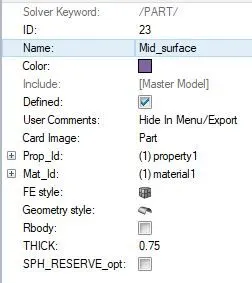
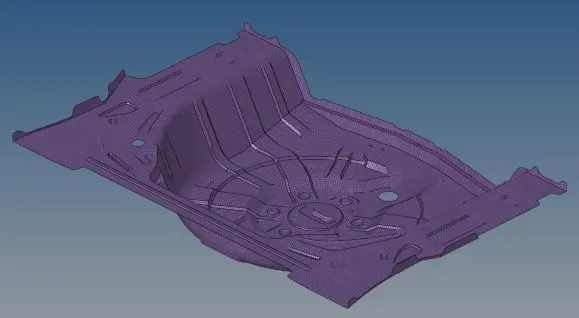
12.Lastly, assign the thickness in the property section.
13.Final Model:-
Conclusion:-
1.In this challenge ,we mesh the rear wheel holder and assign the thickness.