Week- 5 - Solid meshing
AIM:- To use tetra elements to mesh the Volumes defined in the Rearview mirror model.
OBJECTIVES:-
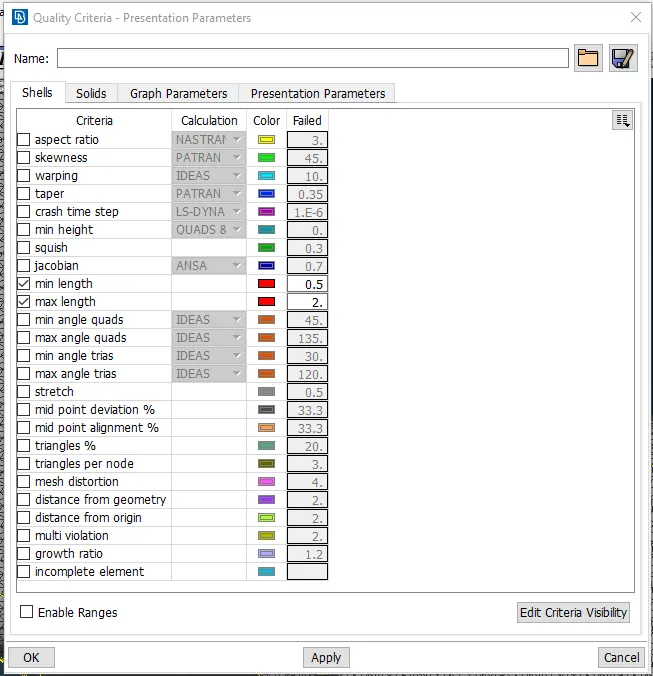
1. To check for the geometrical errors and mesh the Surfaces with the given 2D element Quality criteria.
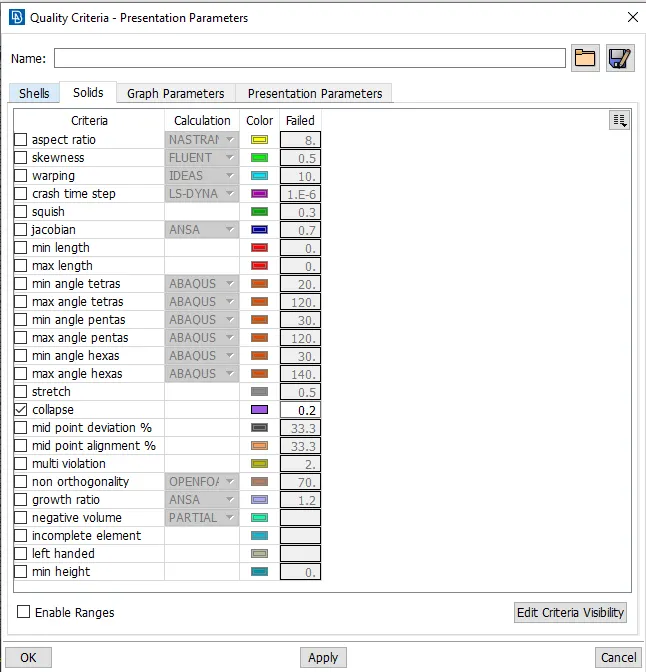
2. To check for the quality after Volume meshing with the given Quality criteria.
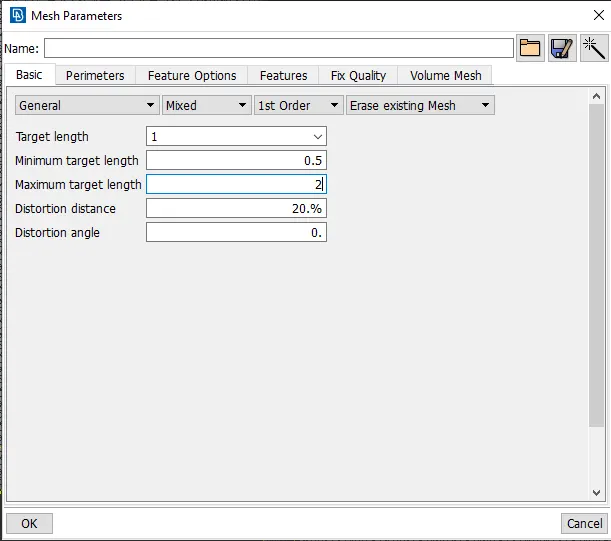
Quality Criteria:-
|
S.No |
Quality Criteria |
Value |
|
1 |
Target/Average length |
1 |
|
2 |
Minimum Length |
0.5 |
|
3 |
Maximum Length |
2 |
|
S.No |
Quality Criteria |
Value |
|
1 |
Tet collapse |
0.2 |
PROCEDURE:-
1. Quality Checking:-
Import the model into the ANSA and check the Geometry.
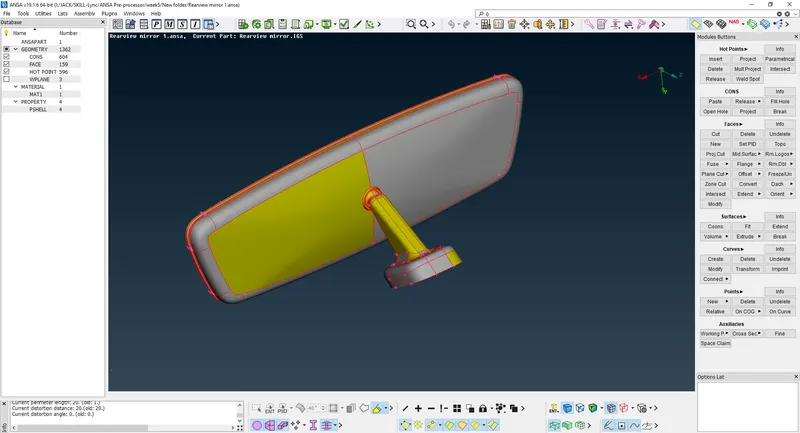
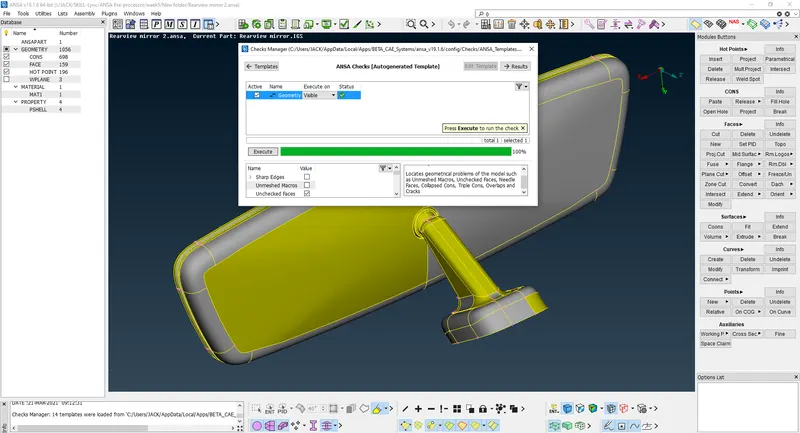
Perform the topo. Fix the quality of the component automatically. Remove the remaining error by using different manual methods if errors are not removed by the auto fix.
Quality Criteria:-
2. Meshing:-
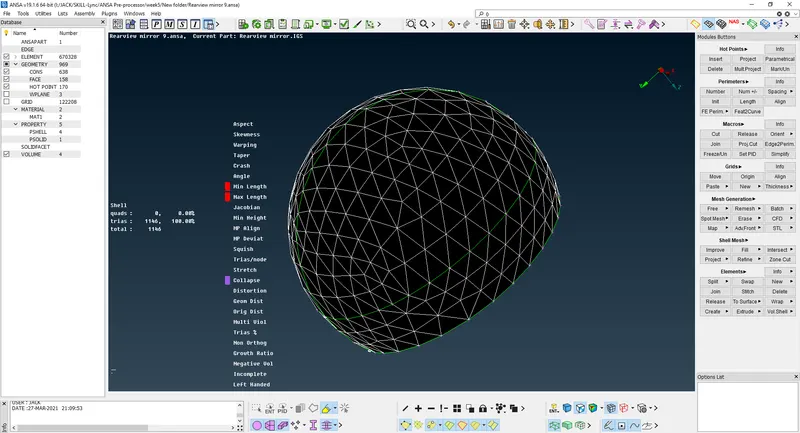
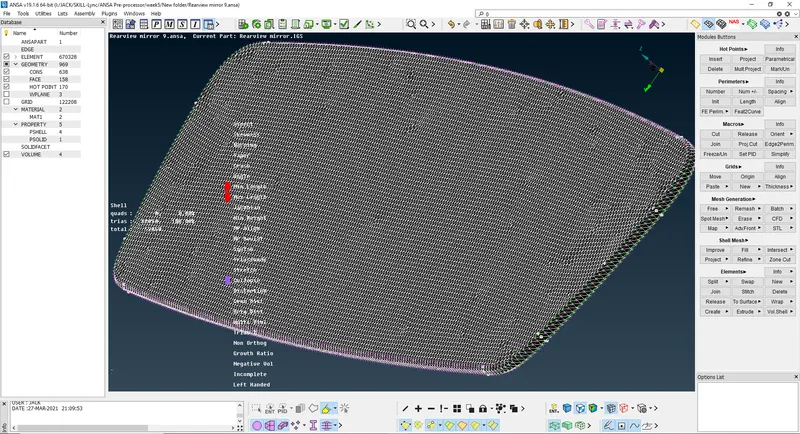
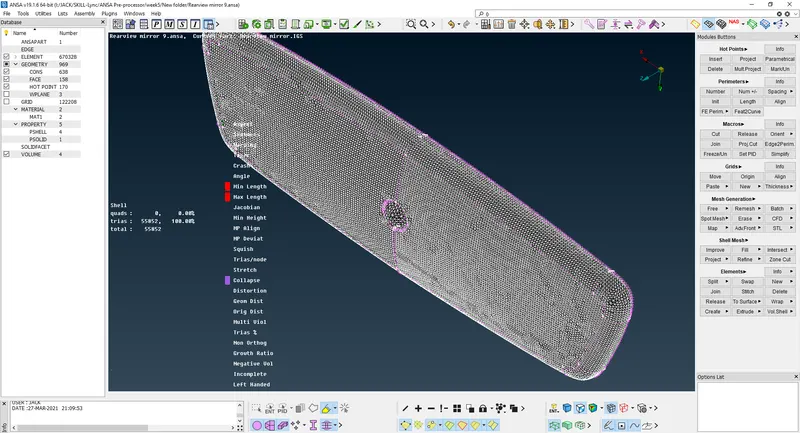
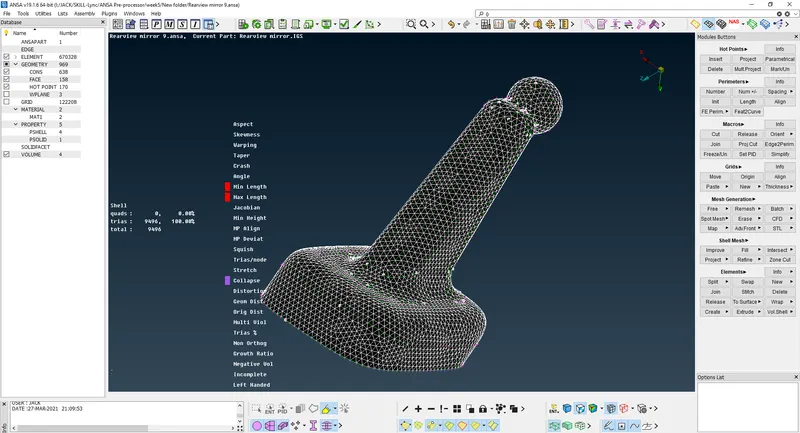
For 2D mesh> mesh generation> spot mesh, for fillet, the round region we will use ortho tria and the rest of the plane region as tria. There is the total of 4 parts as given below. The parts are check for min and max length and by using the reconstruction command the errors are removed and defeaturing is done by ANSA automatically.
3. Volume Definition:-
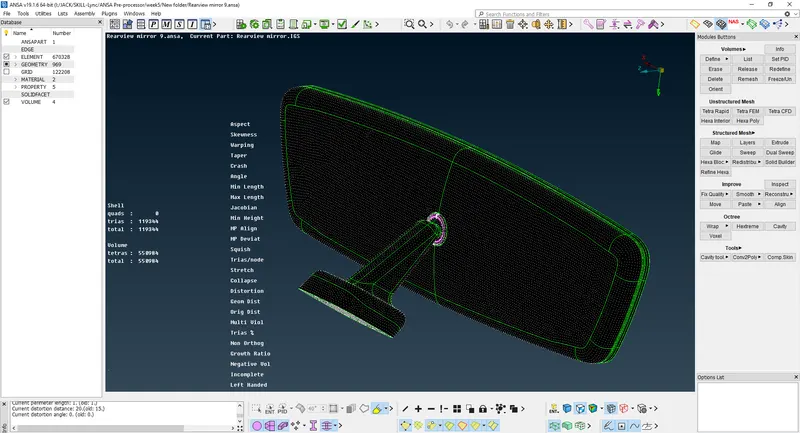
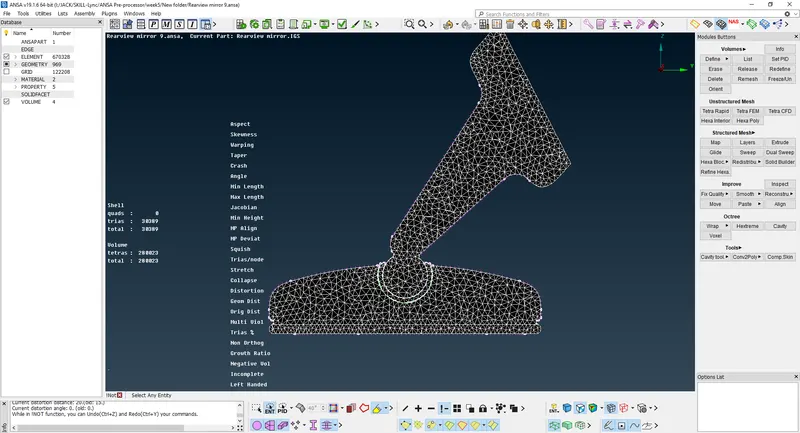
After meshing is done, define the volume under volume mesh>Define>Manual>Auto and select the part. After that Remesh the volume parts by using Tetra Rapid or tetra FEM, here Tetra Rapid is used.
CONCLUSION:-
Tetra elements are used to mesh the Volumes defined in the model and checked the quality after Volume meshing. There are not any kinks and dips on the surface of the component.
LEARNING OUTCOMES:-
In this challenge, I have learned how to do solid meshing using ANSA pre-processor with tria and ortho tria elements.