Week - 8 - Morphing
AIM:- To perform the Morphing for the given model.
CAE Morphing:-
Morphing is an adaptation of a given shape to a new form.
The geometry of a given concept model can be modified to the required proportions to create new designs.
CAE Morphing allows users to work on the FE mesh directly reducing the time taken to go back to the designer to update the geometry.
Procedure:-
1. import the cad models and check for geometry.
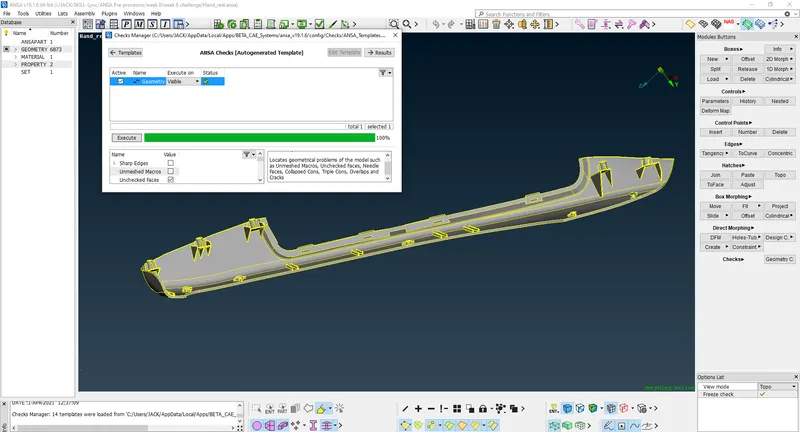
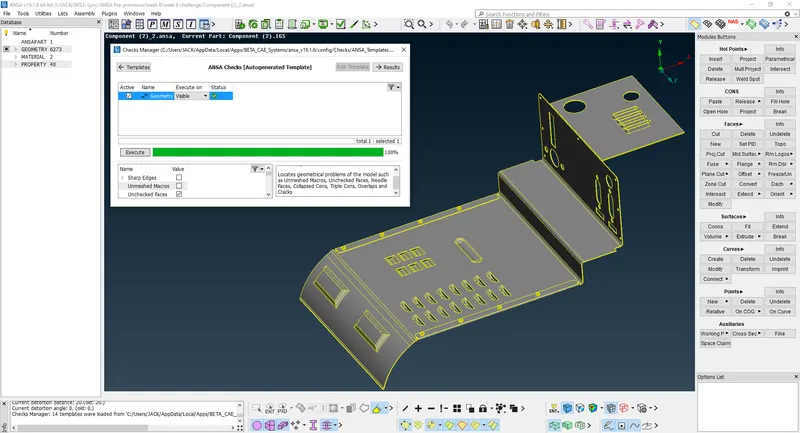
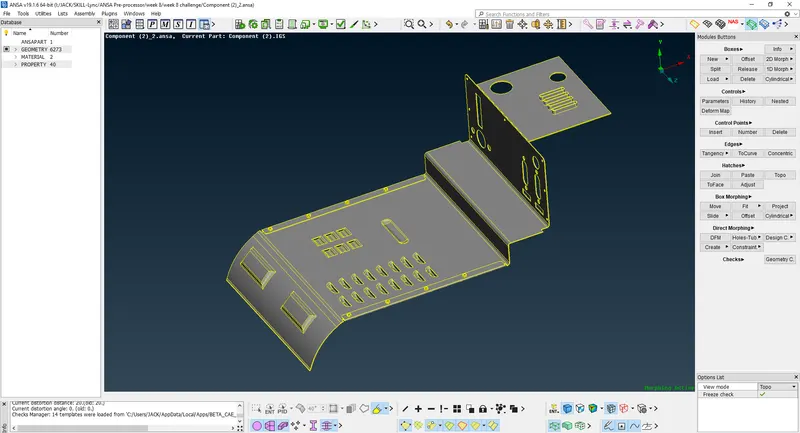
2. Switch to the Morphing module. We can see it at the right bottom corner.
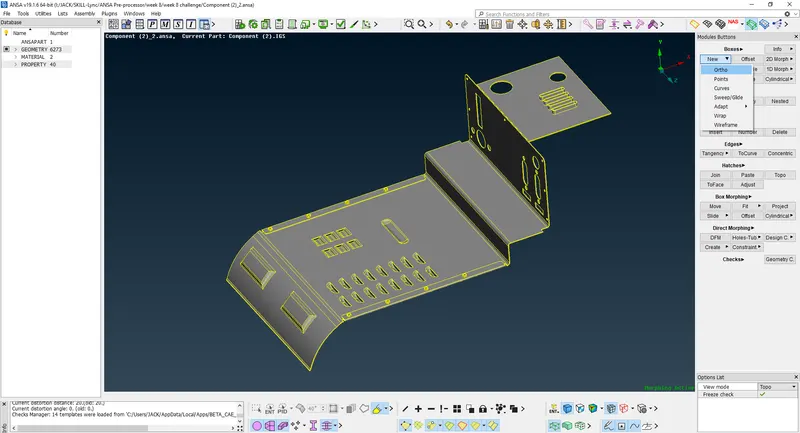
3. In the Boxes>New>Geometry>Ortho select the model or any part that has to morph.
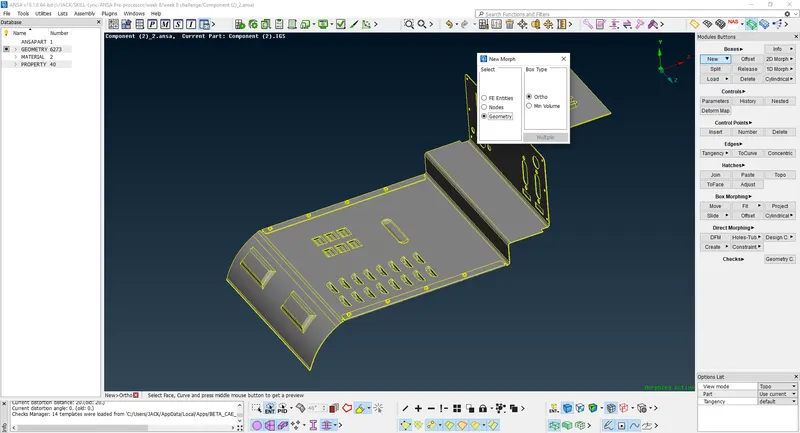
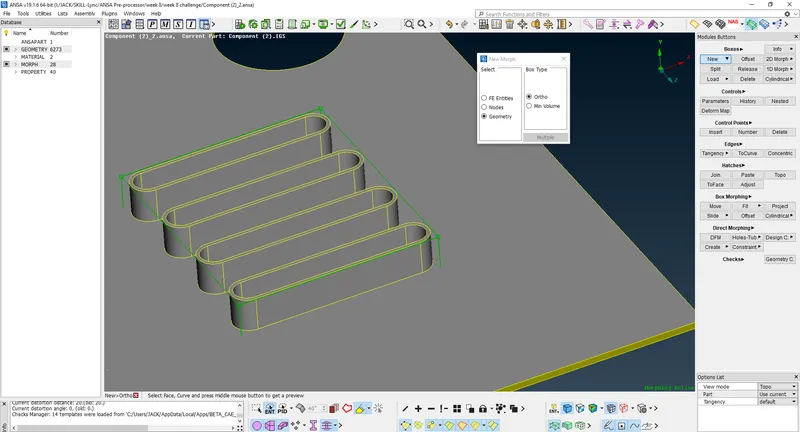
4. The green box will generate. To move it click on the generated green points at the corner of the box. Click the middle button and move the given box at x,y, and z-direction to change the shape.
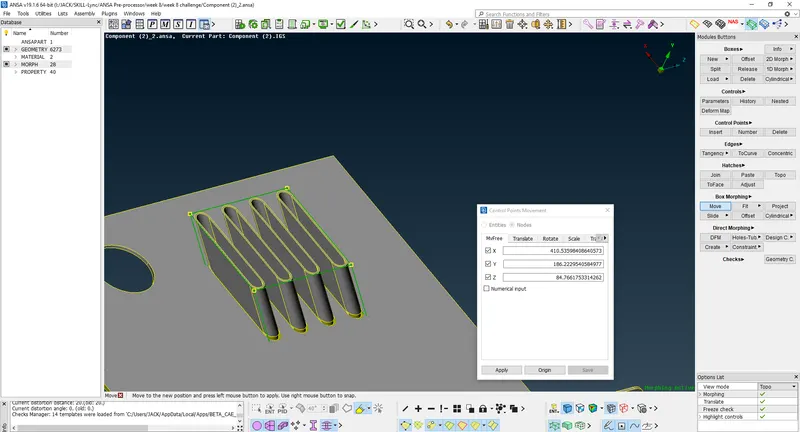
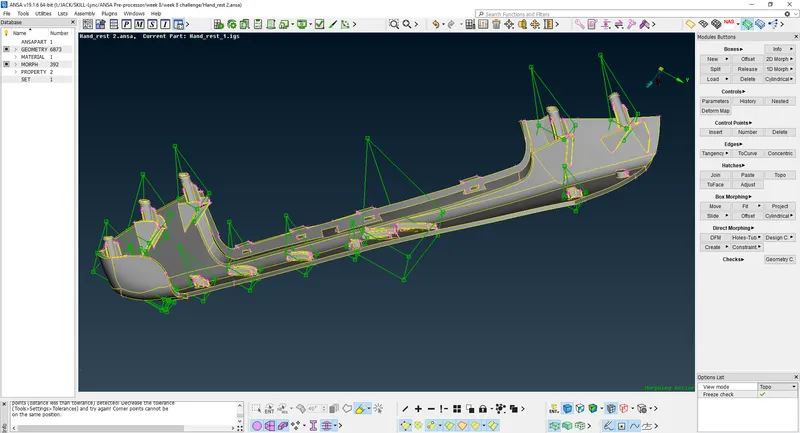
5. After that delete the boxes directly going to the Boxes>Delete
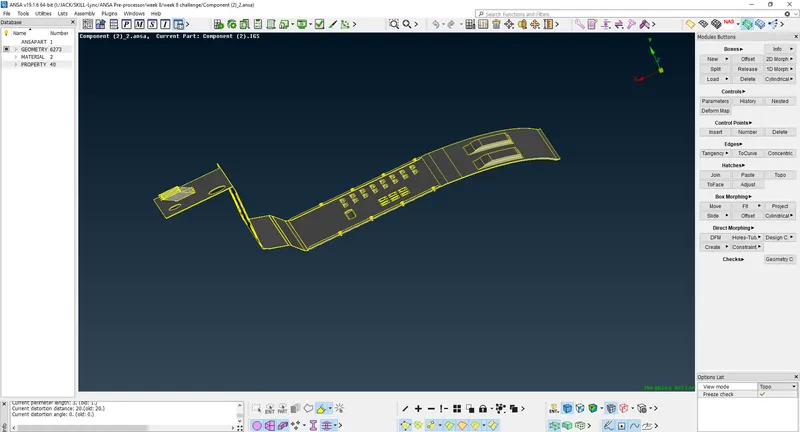
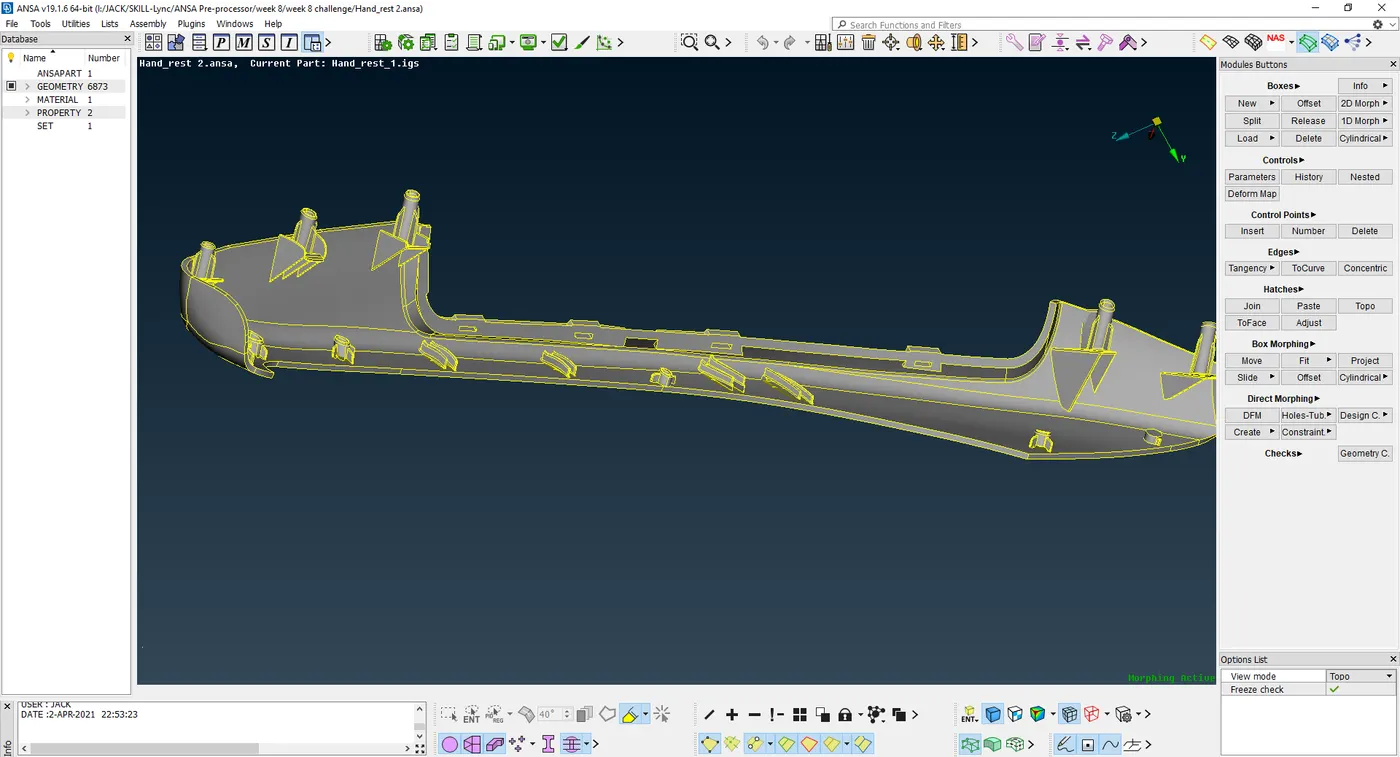
LEARNING OUTCOMES:-
1. Learned to use the Morphing module.
2. Different tools are used to morph both the modules.