Advanced Sheet Metal Design Using NX Cad Challenge_2_Box Assembly
Box Assembly
OBJECTIVE: To create a box assembly using advanced tools of NX sheet metal.
Introduction: Sheet metal is metal formed by an industrial process into thin, flat pieces. Sheet metal is one of the fundamental forms used in
metalworking, and it can be cut and bent into a variety of shapes. Countless everyday objects are fabricated from sheet metal. The sheet metal comes from various materials such as steel, aluminum, brass, titanium, etc. Sheet metals are widely used in Aircraft Bodies, Automobiles, Utensils used for domestic purposes, Beverage cans, etc.
In this project, using the advanced tools of NX sheet metal we have to create the box assembly with the given requirements.
Design methodology: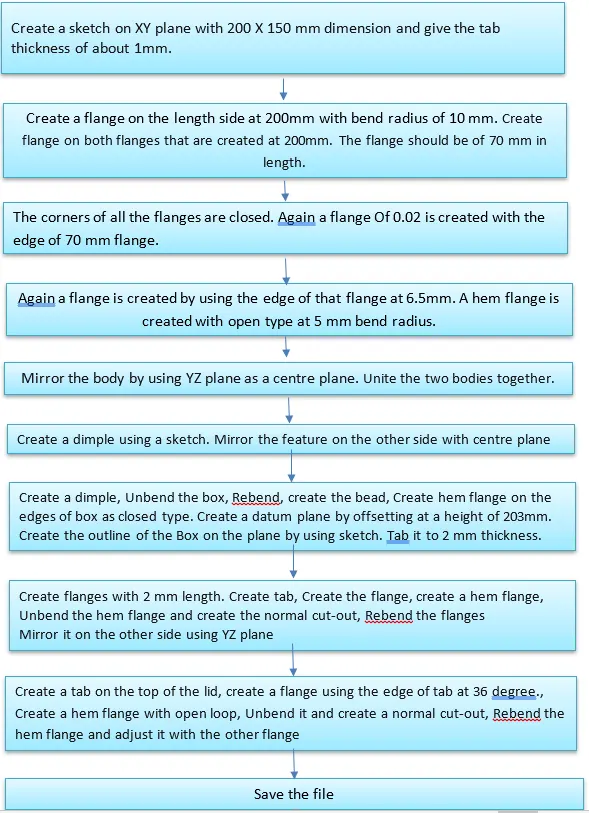
Description:
All the tools and features used are given below
1. Sketch- To draw the required diagram with given dimensions.
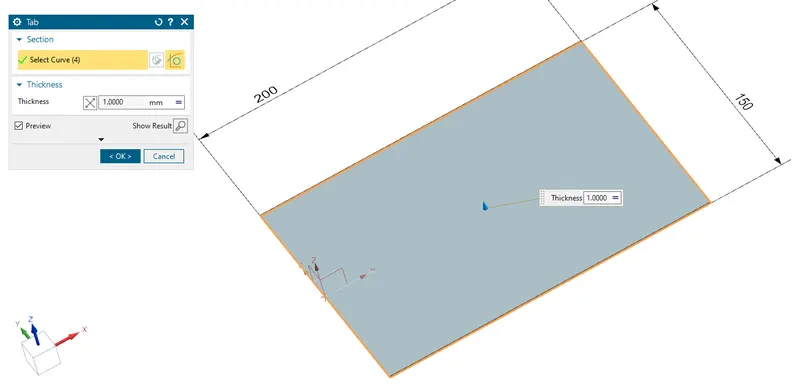
2. Tab - The base feature created using the sketch with the required thickness.
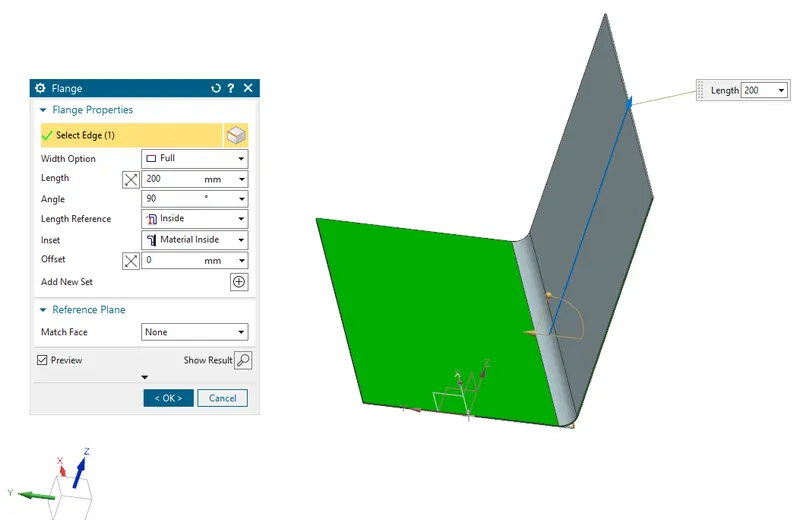
3. Flange - To create a flange at the required distance with the use of an edge in the tab.
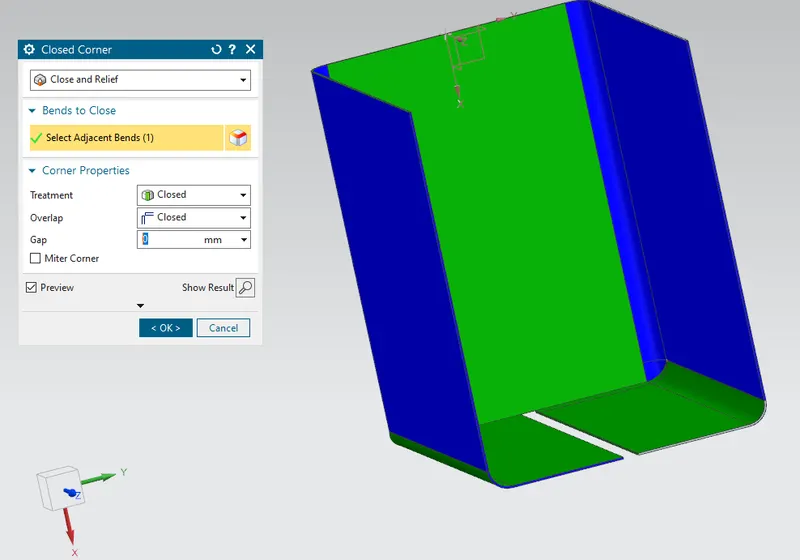
4. Closed Corner- Closes a corner where two adjacent flanges meet by extending the bends & flanges.
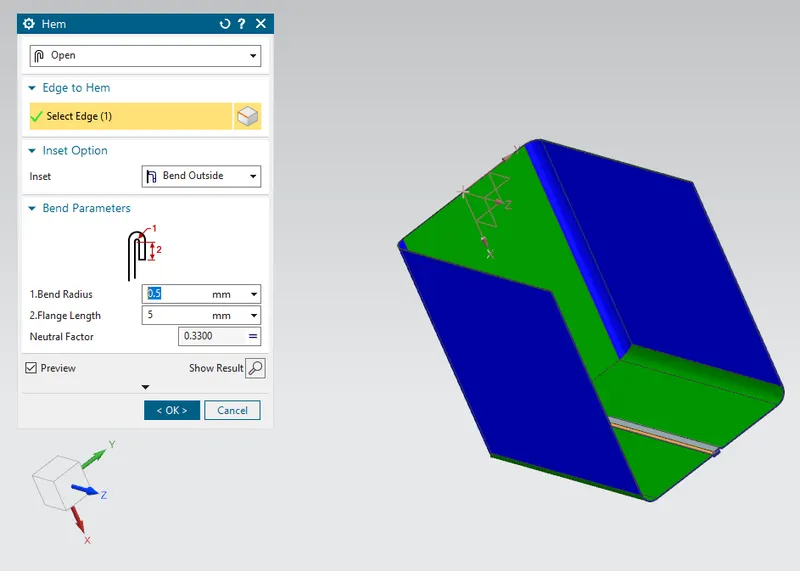
5. Hem flange - Same as the flange but it has various types but here we use an only open loop and closed types only.
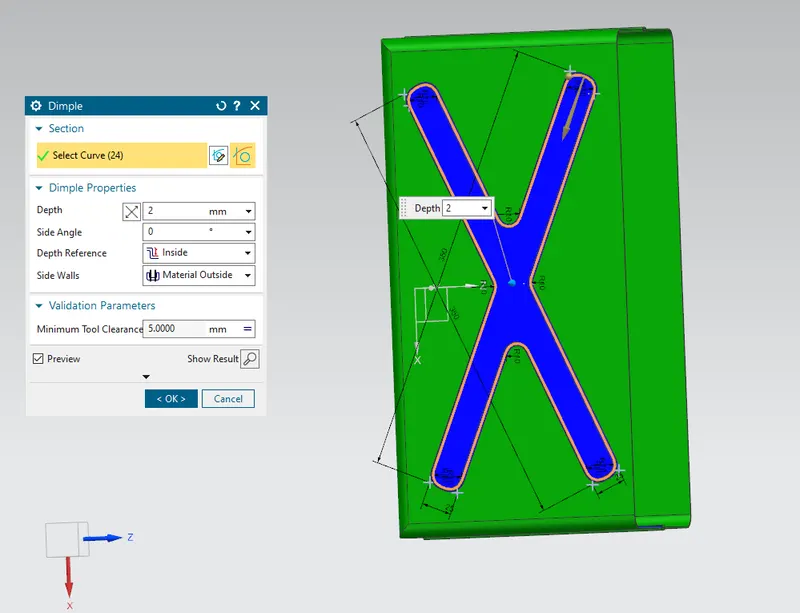
6. Dimple - With the use of a sketch we will create the depression on the part.
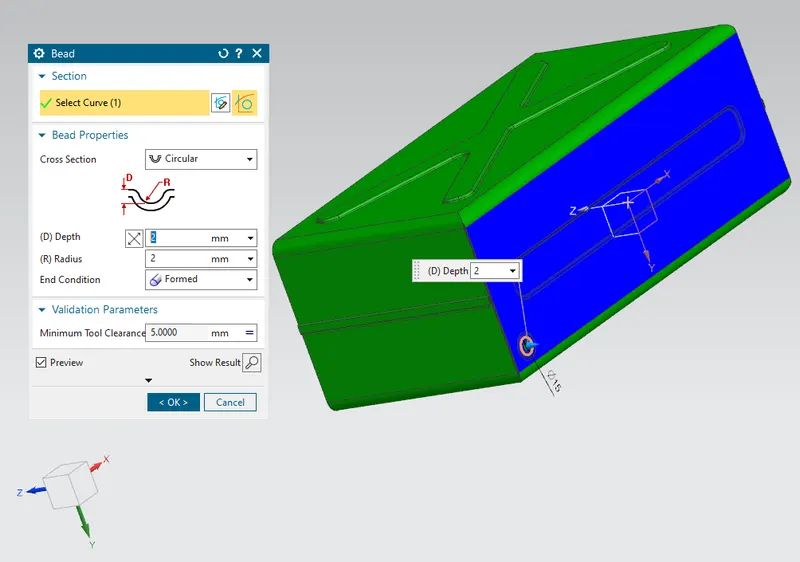
7. Bead - With the use of a sketch the bead is created, it gives strength to the part.
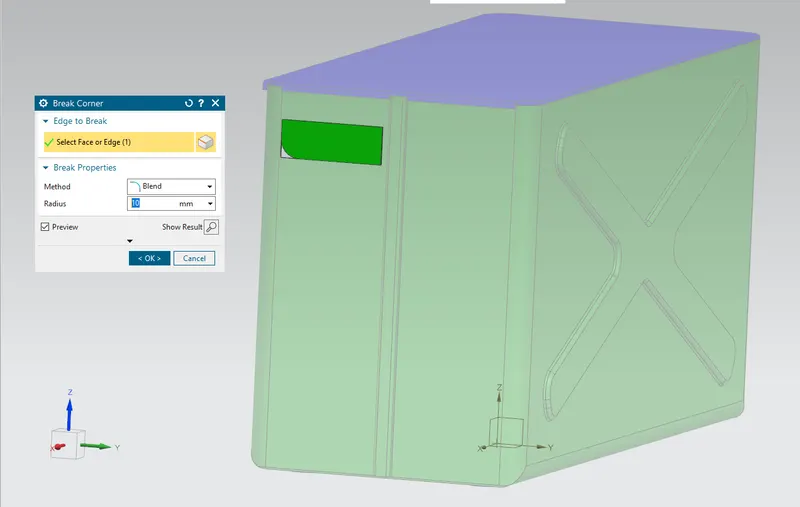
8.Break Corner: Rounds a sharp corner.
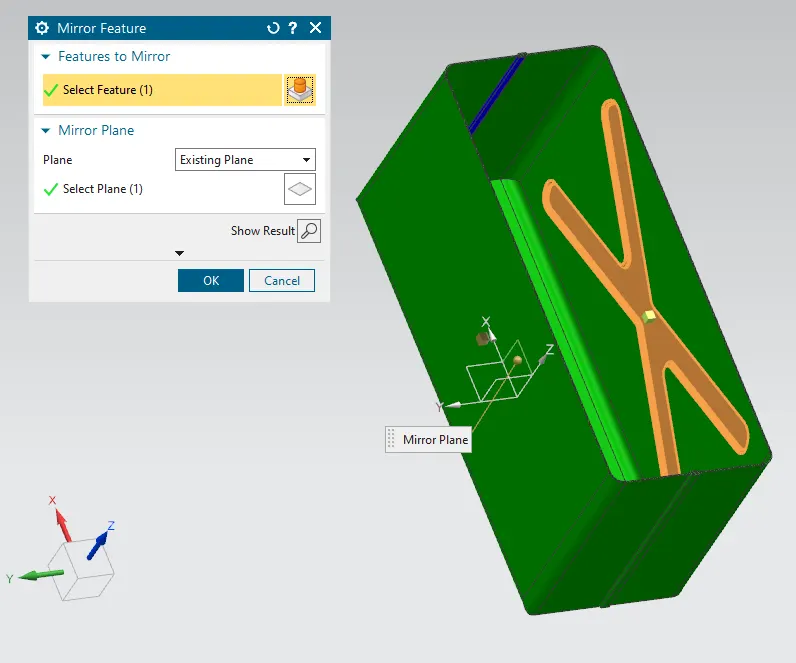
9. Mirror feature- To create the same feature on another side exactly by using a center plane.
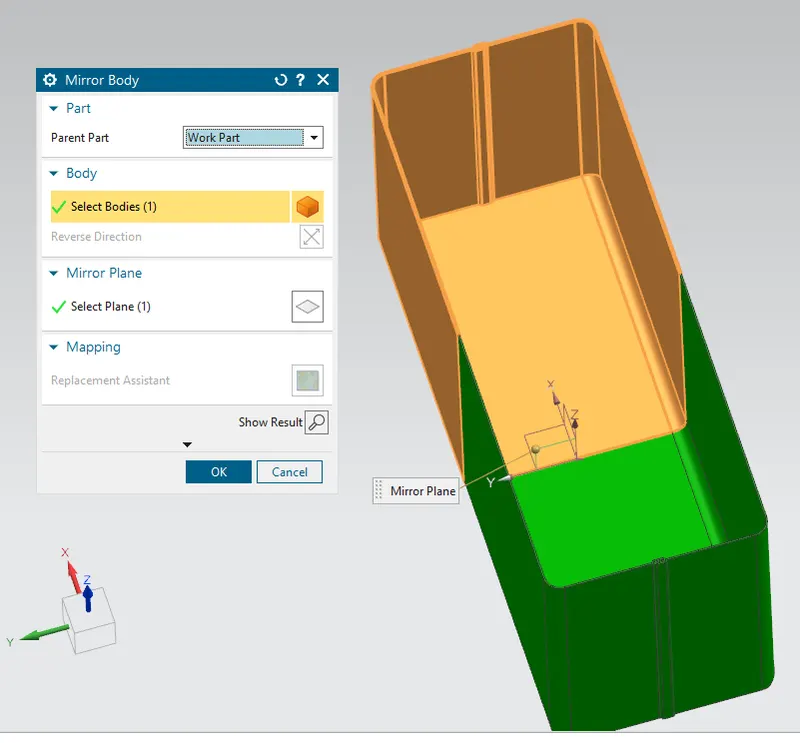
10. Mirror Body - It is used to create the same body on the other side also with the use of a center plane or line.
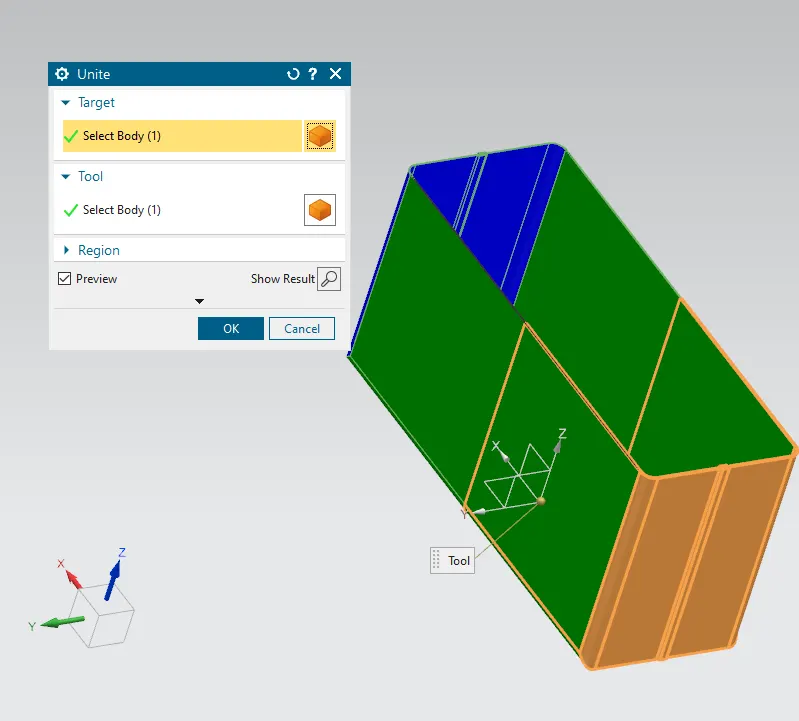
11. Unite- Join two bodies or features.
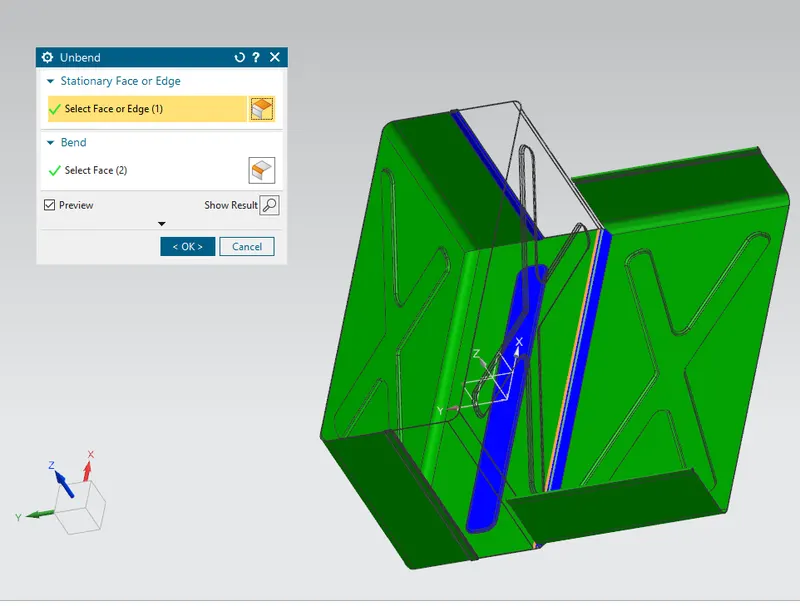
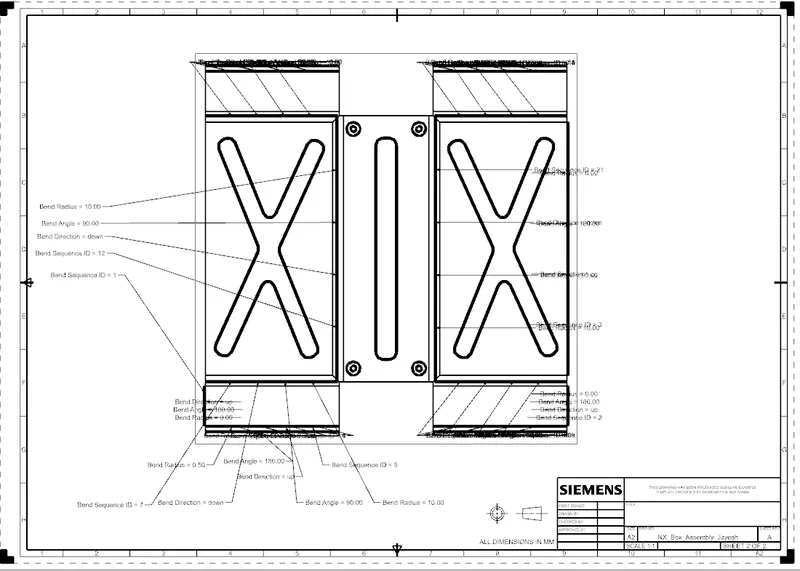
12. Unbend- To flatten the feature by specifying the base and the bend regions.
13. Rebend - To rebend the bend areas by specifying the base feature.
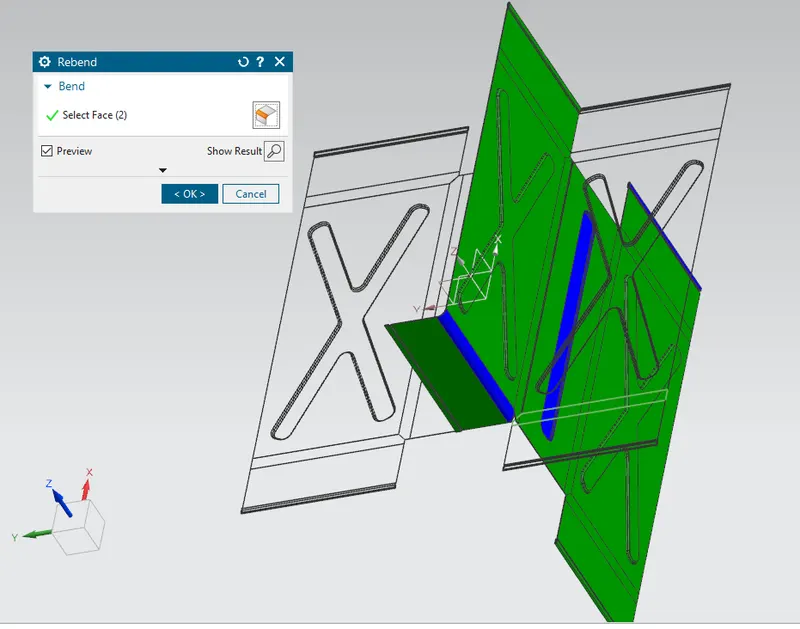
14. Normal Cutout- To remove the specific area by using a sketch.
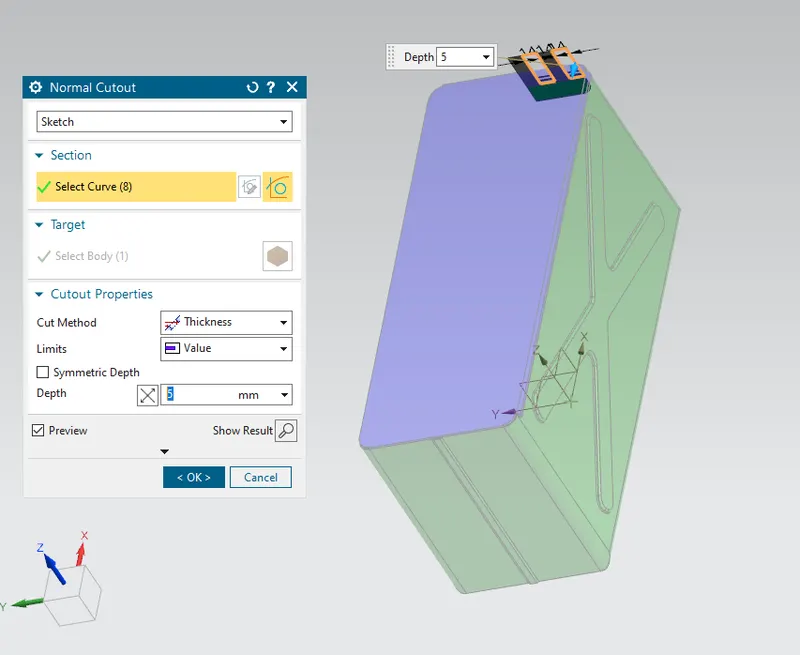
15. Flat pattern- The 2D view of the flattened solid.
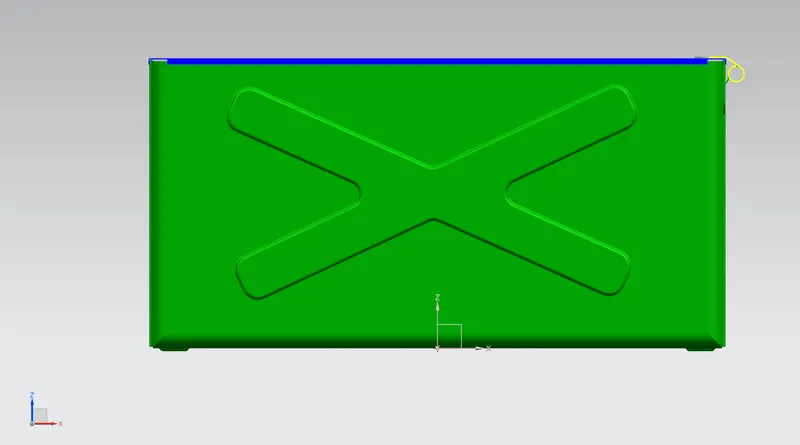
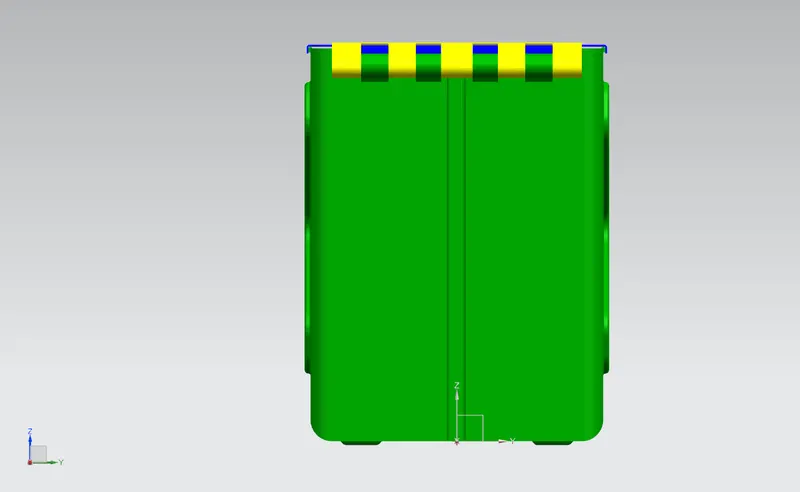
Front View:-
Left Side:-
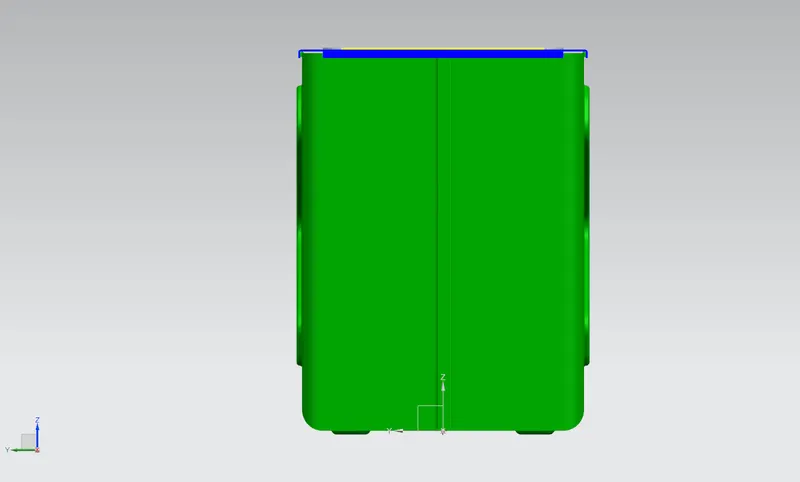
Right Side View:
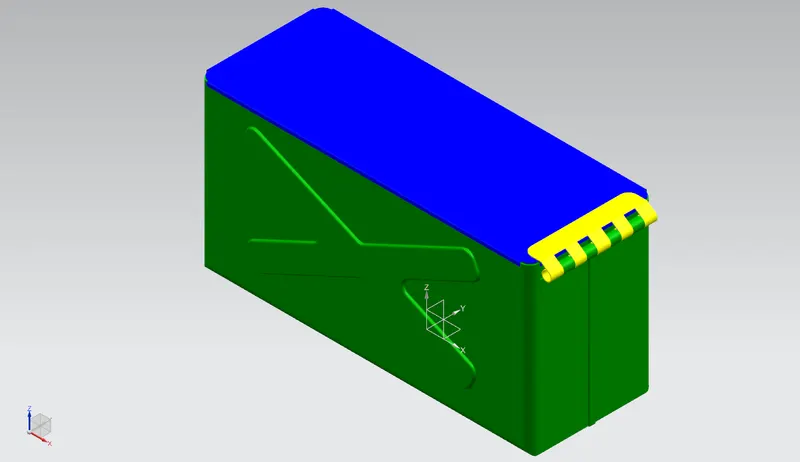
Isometric View:
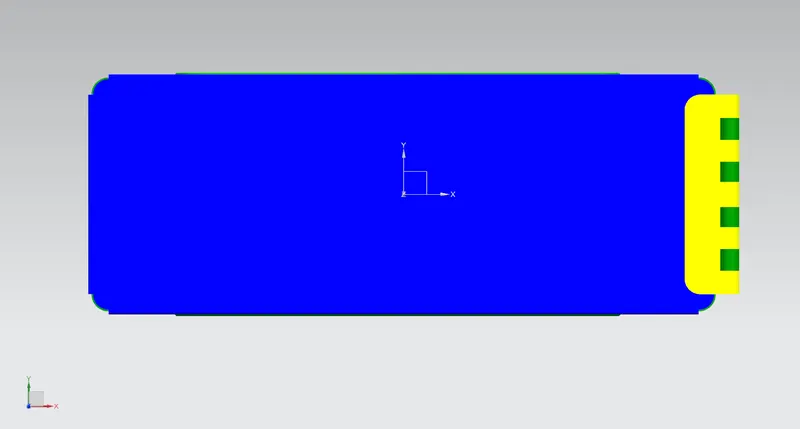
Top View:
Drafting:-
Conclusion:
Thus the Box assembly is created using NX Cad.