Week 5 Challenge
1 )
Aim: To Calculate the wind loads manually
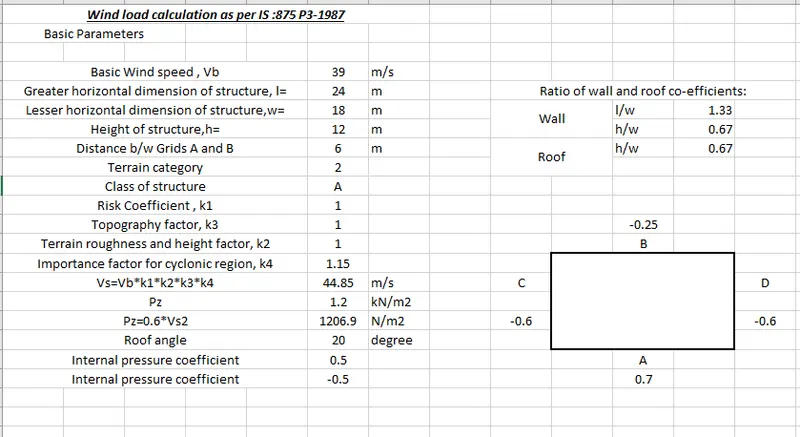
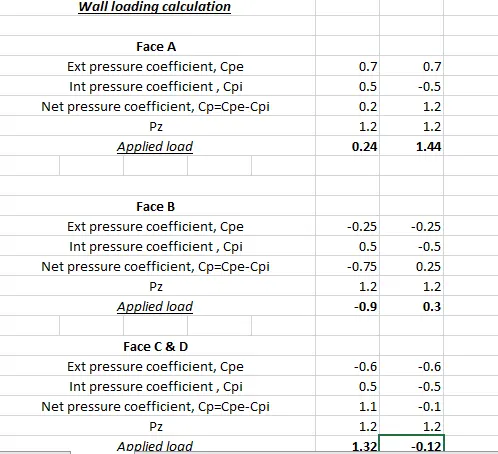
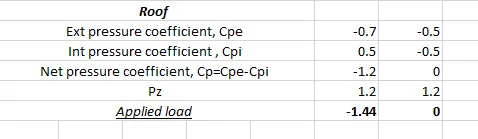
The manual wind loads are calculated in the Excel sheet as shown below
This load calculation is of Y direction.
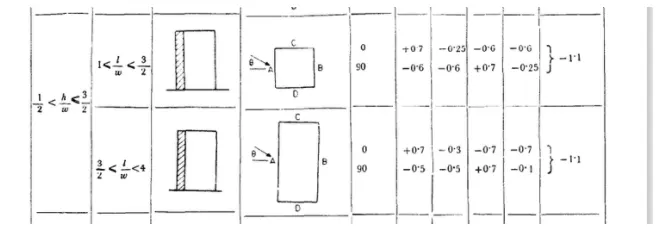
Similarly the wind loads are calculated in the X direction as the same procedure followed above
2 )
Aim: To apply the above calculated loads
Procedure:
1. Defining the load cases.
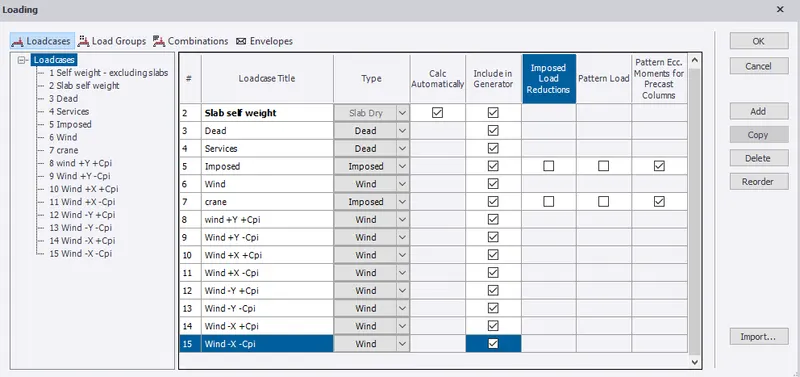
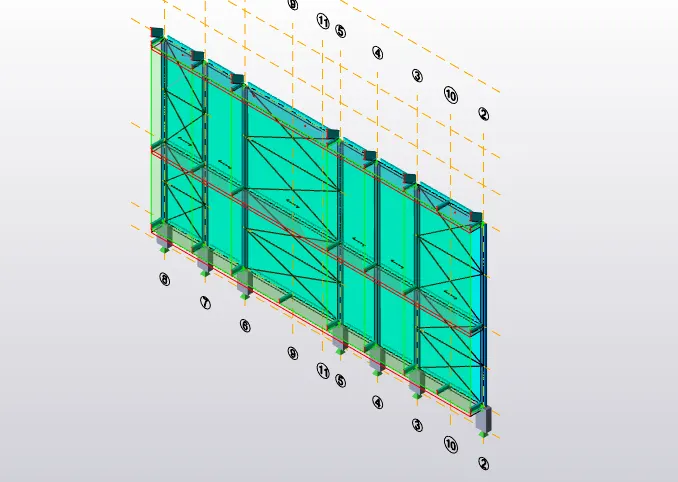
2. Selecting Frame D and Selecting the +Y +cpi applying the load of 0.24 on Face A
Selecting Frame D and Selecting the +Y -cpi applying the load of 1.44 on Face A
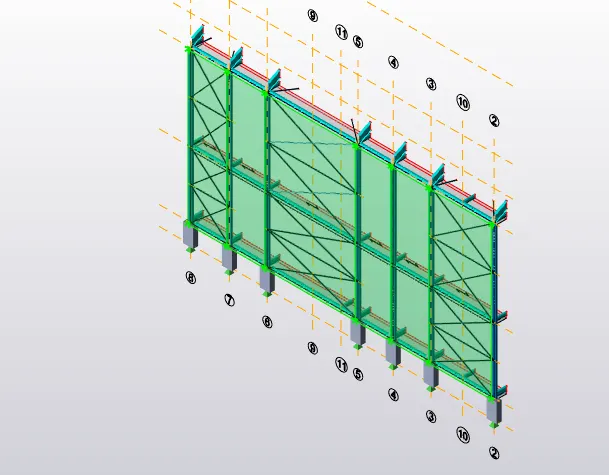
3. Selecting Frame A and Selecting the +Y +cpi applying the load of -0.9 on Face B
Selecting Frame A and Selecting the +Y -cpi applying the load of 0.3 on Face B
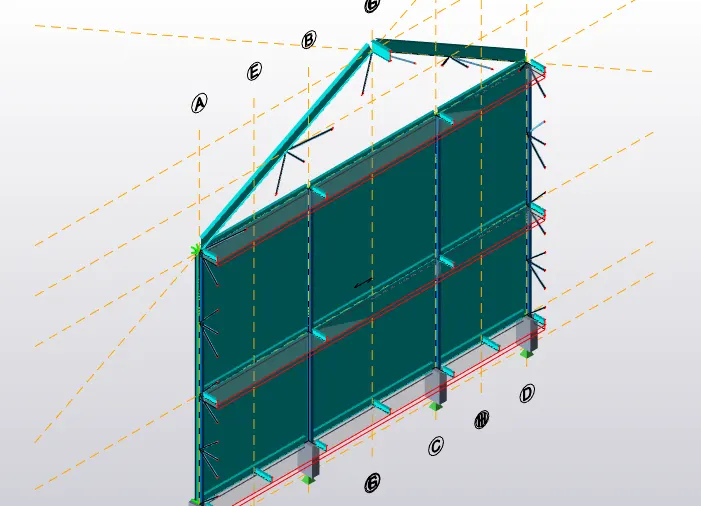
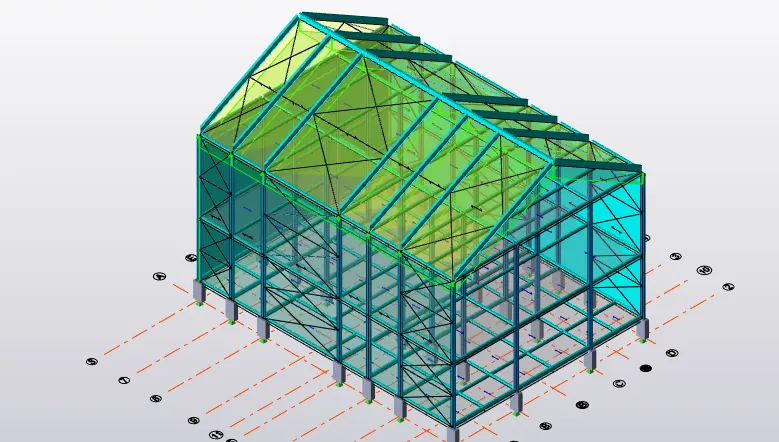
4.Selecting Frame 2 and Frame 8 and Selecting the +Y +cpi applying the load of 1.32 on Face C and Face D.
Selecting Frame 2 and Frame 8 and Selecting the +Y -cpi applying the load of -0.12 on Face C and Face D.
5. Applying Roof loads of -1.44 and 0 on both the roof tops on both sides.

3 )
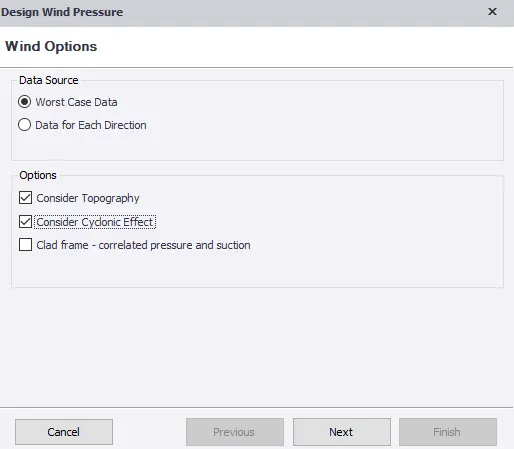
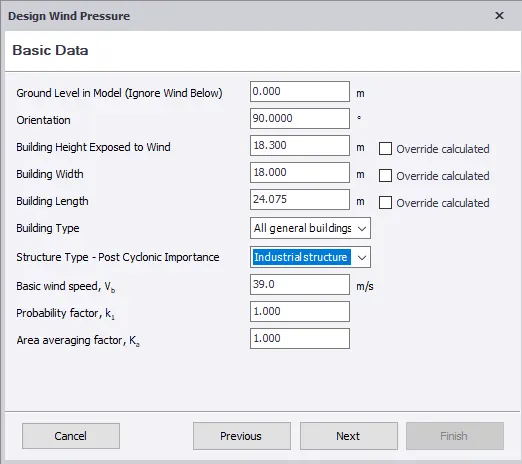
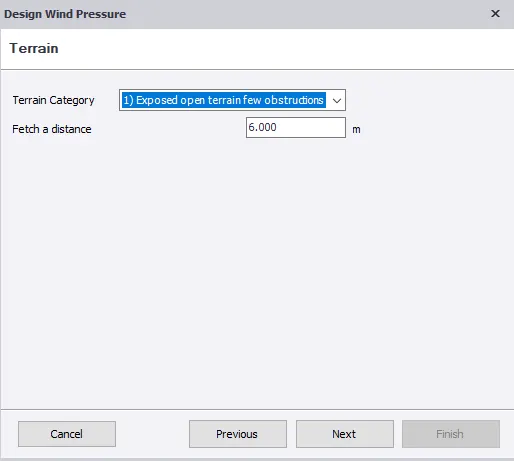
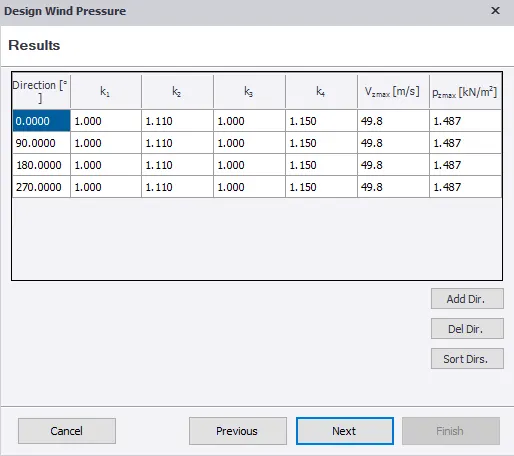
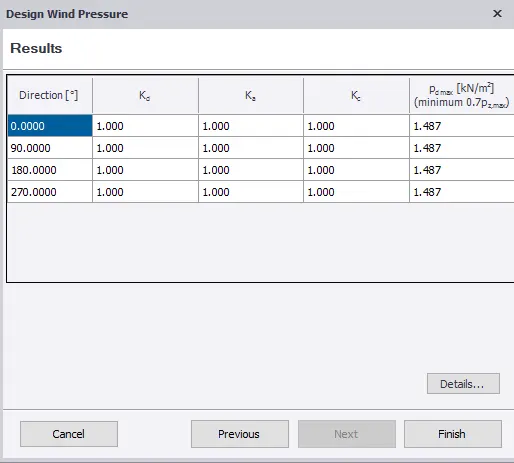
Aim:To Produce wind loading using wind wizard on structure.