SOLID MESH ON REAR-VIEW MIRROR
AIM:
To perform solid mesh on rearview mirror model by satisfying all quality parameters
PROCEDURE
1.GEOMETRY CHECKS
- First, we need to import the model and save it in .ansa file.
- Then we need to perform topo operation to all entities to perform the connection between them.
- After that, we need to perform a geometry check and if an error occurs then we need to fix them.
- If an error occurs we fix it automatically if else it must fix manually the geometrical errors must be zero.
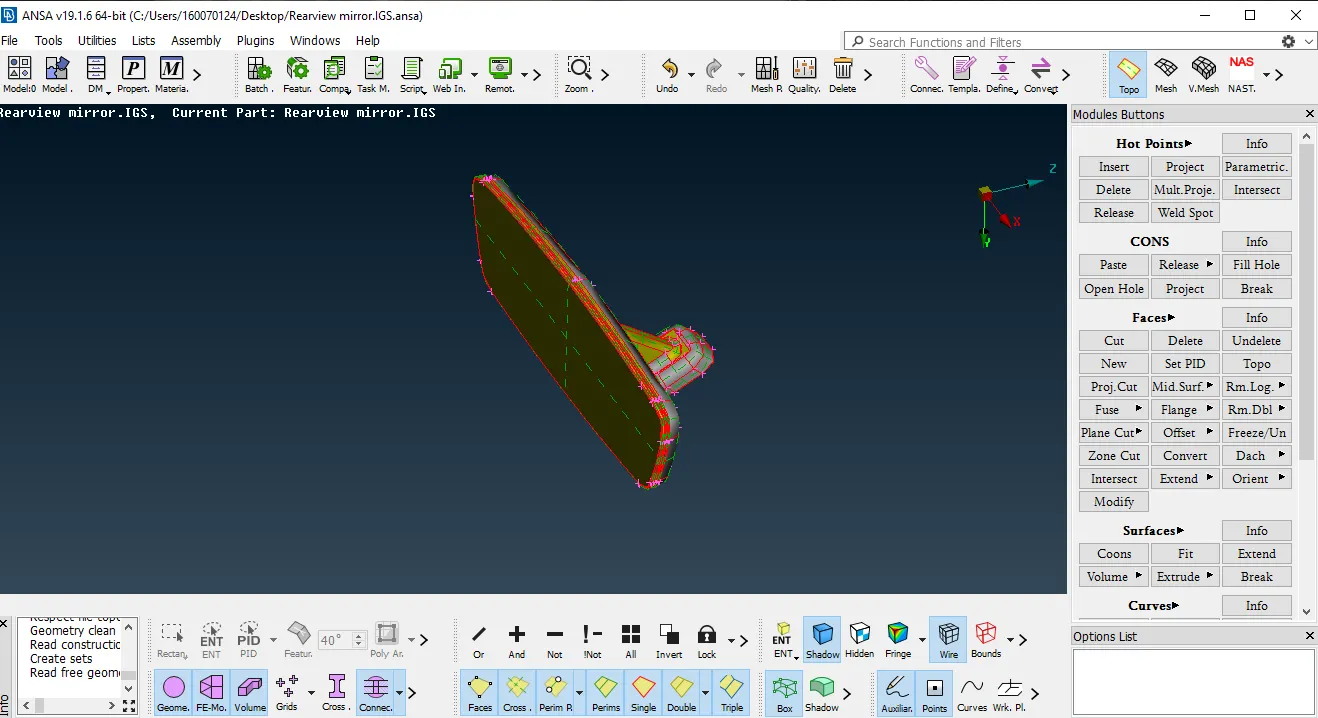
1- Model when imported
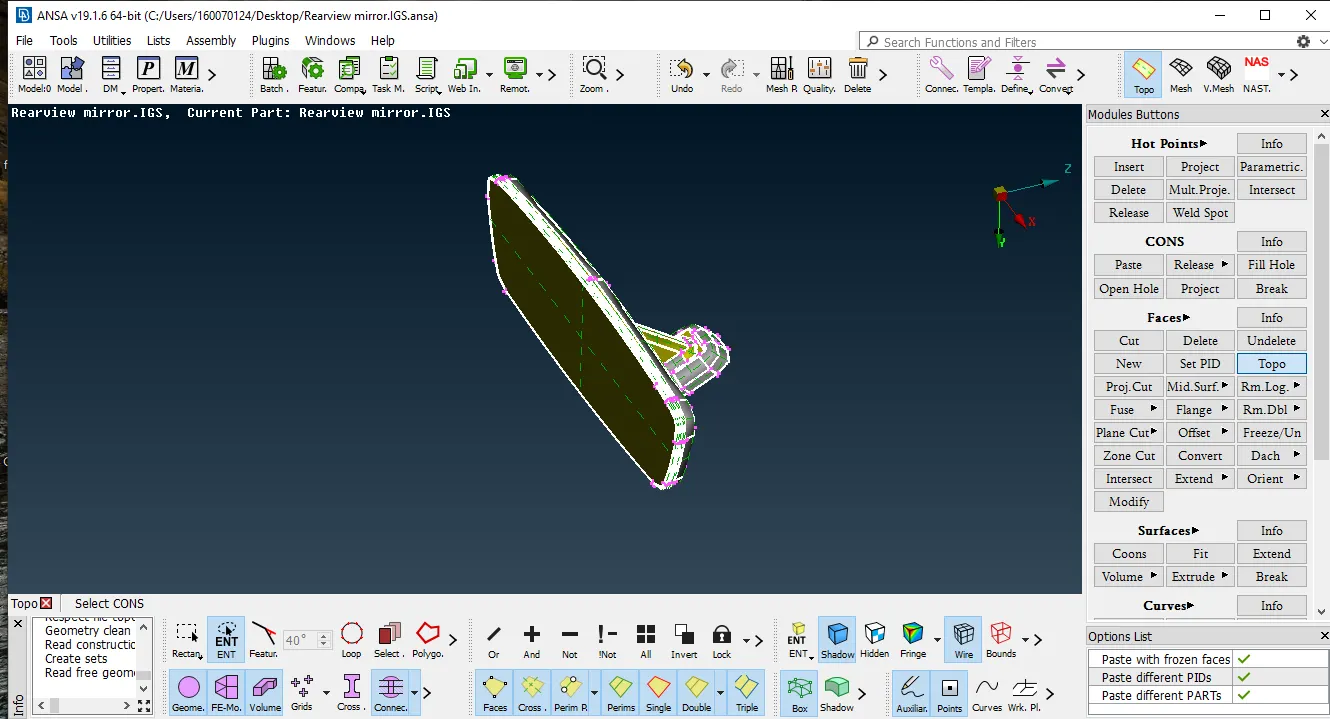
2- Performing topo operation
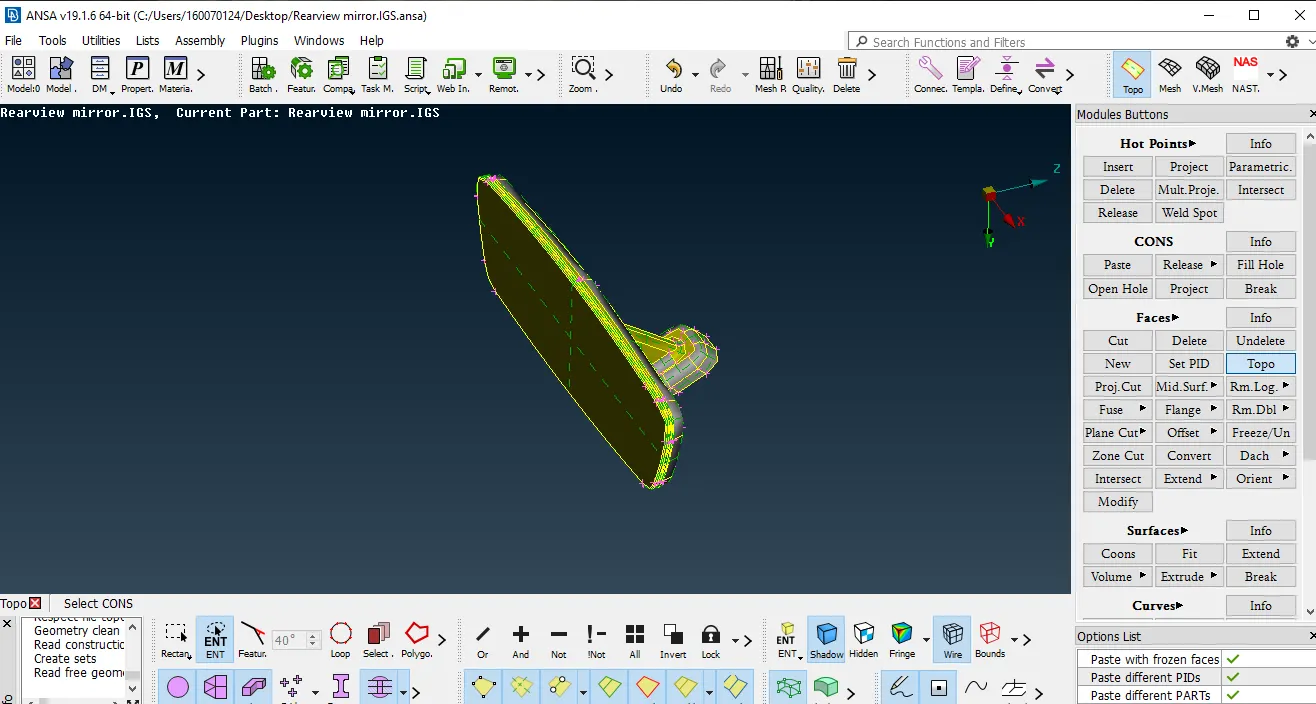
3- Result after topo operation
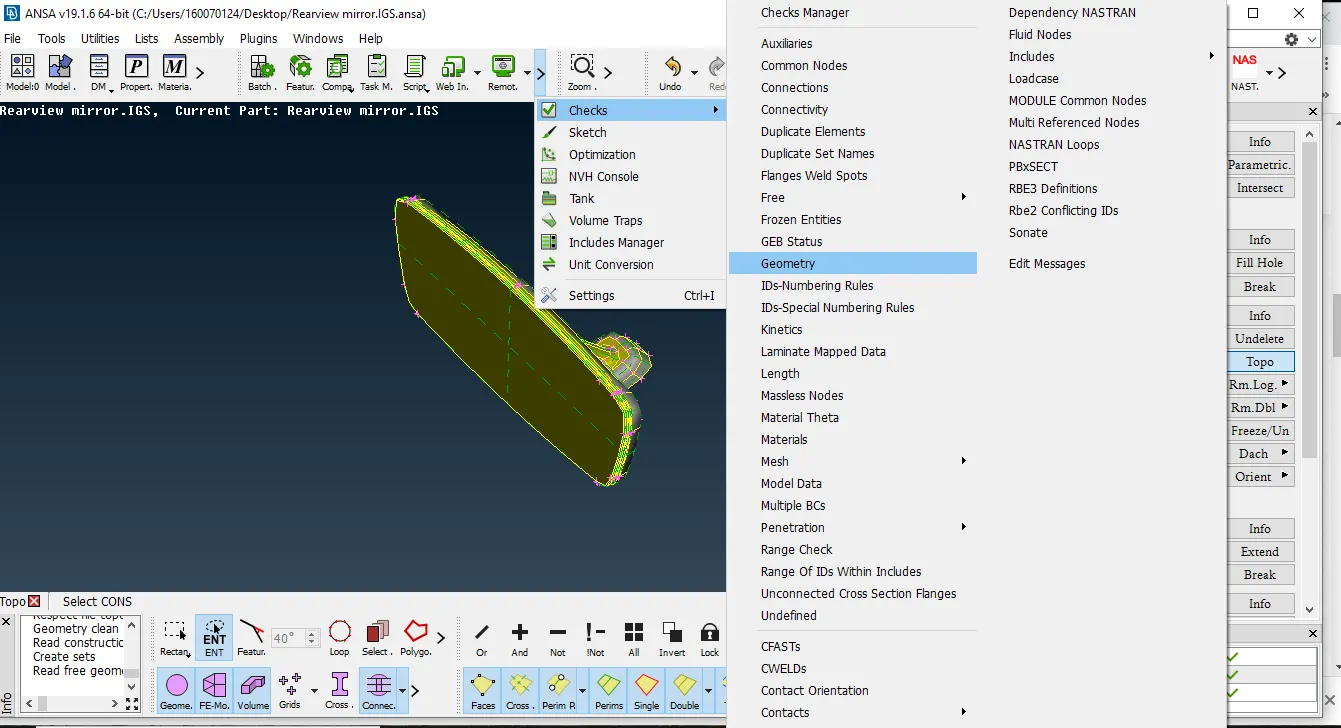
4-Performing geometrical checks
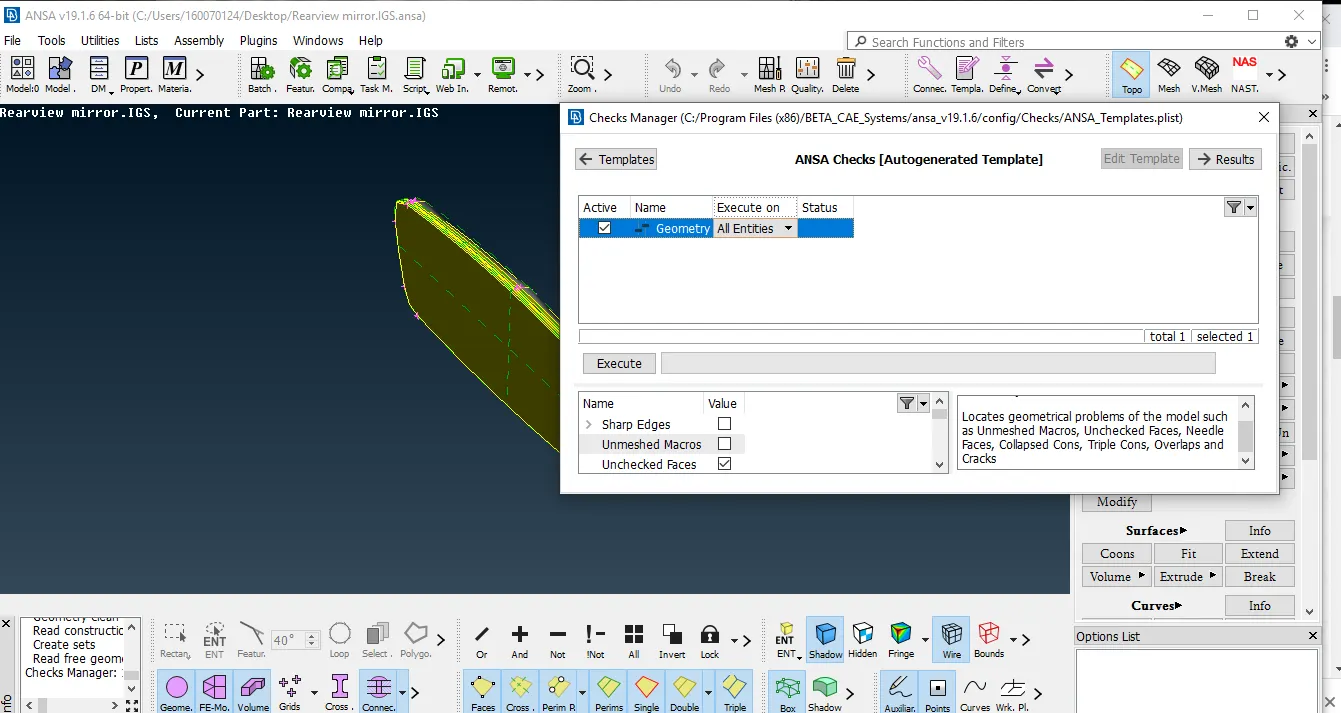
5-Performing geometrical checks to all entities
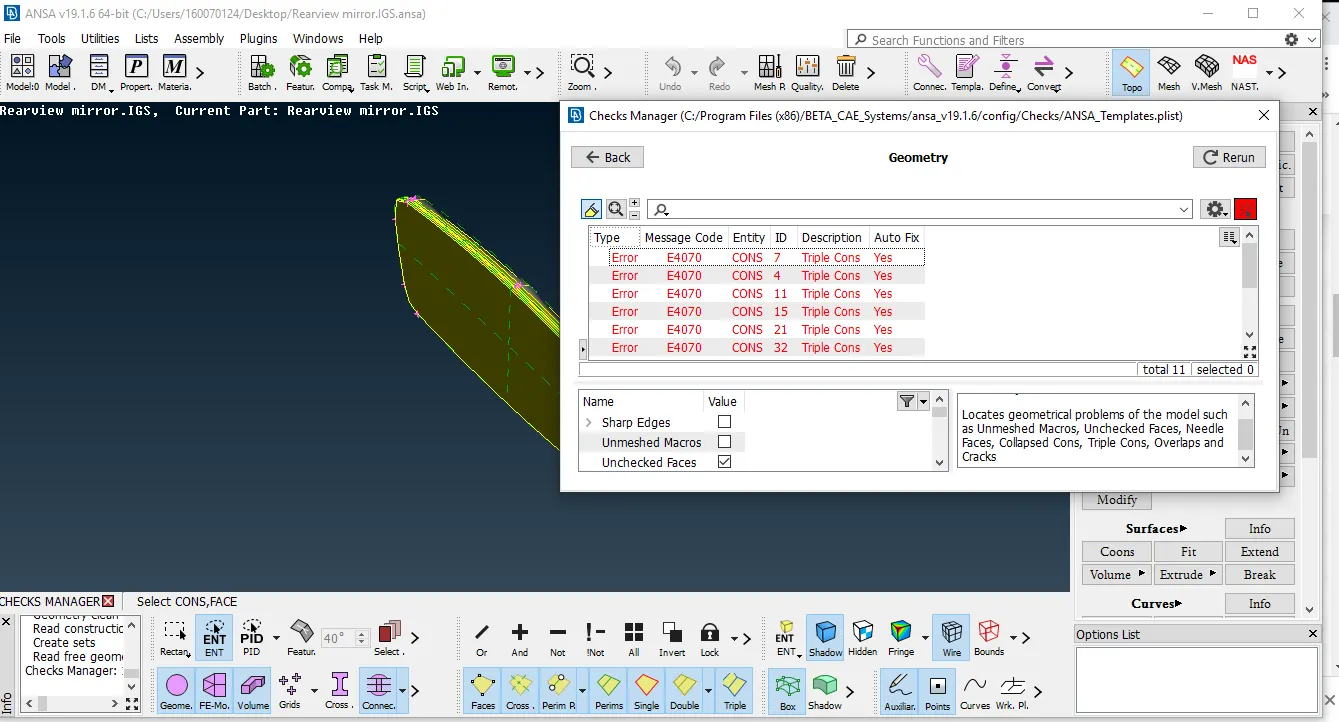
6-Error occurred while performing checks
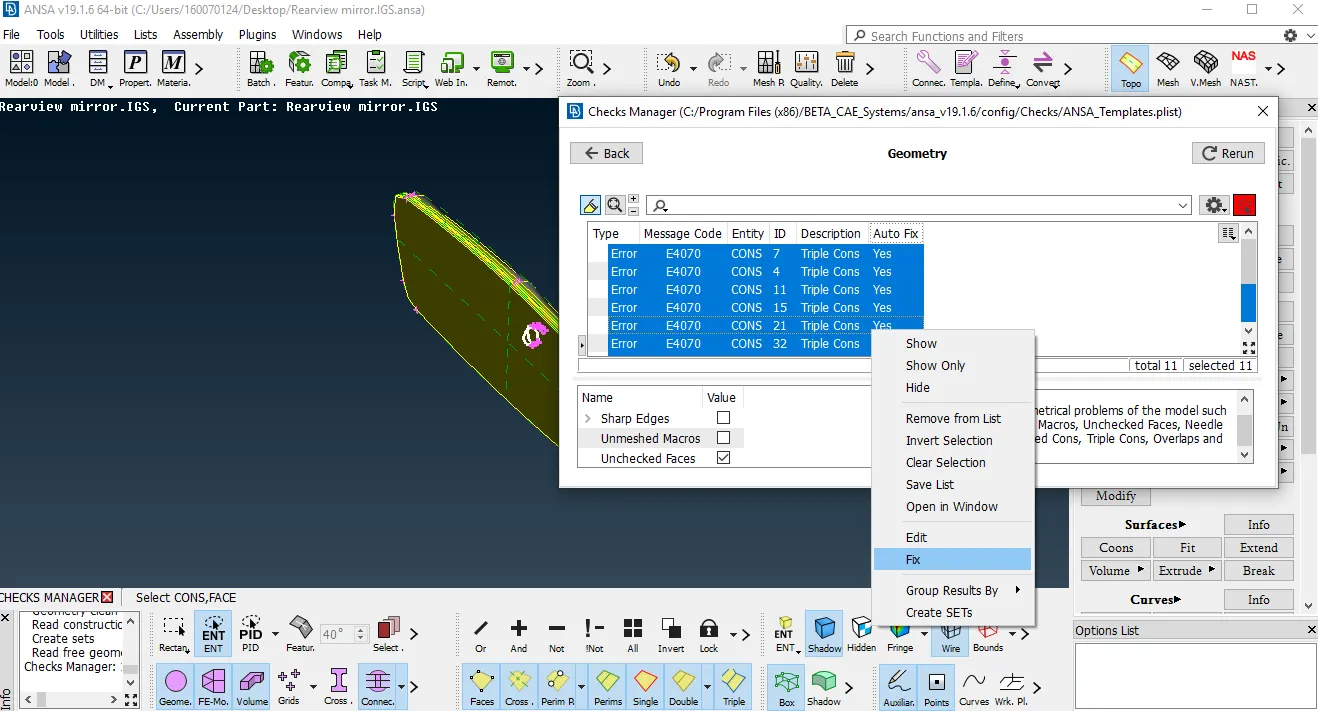
7-Fixing errors automatically while performing checks
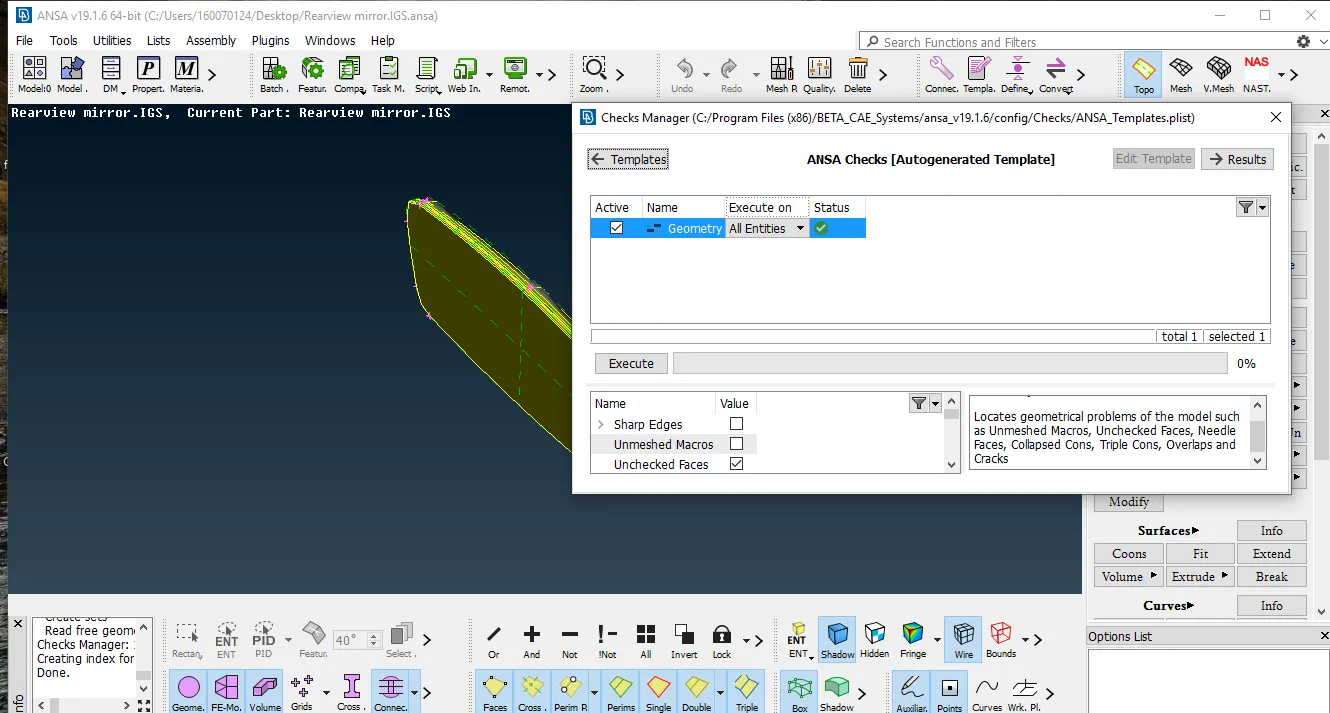
8-Component finished checks
2.SHELL MESH
- Before meshing, we need to assign quality and meshing parameters
- Then after we need to give perimeter and macro length to component
- Then we need to start meshing
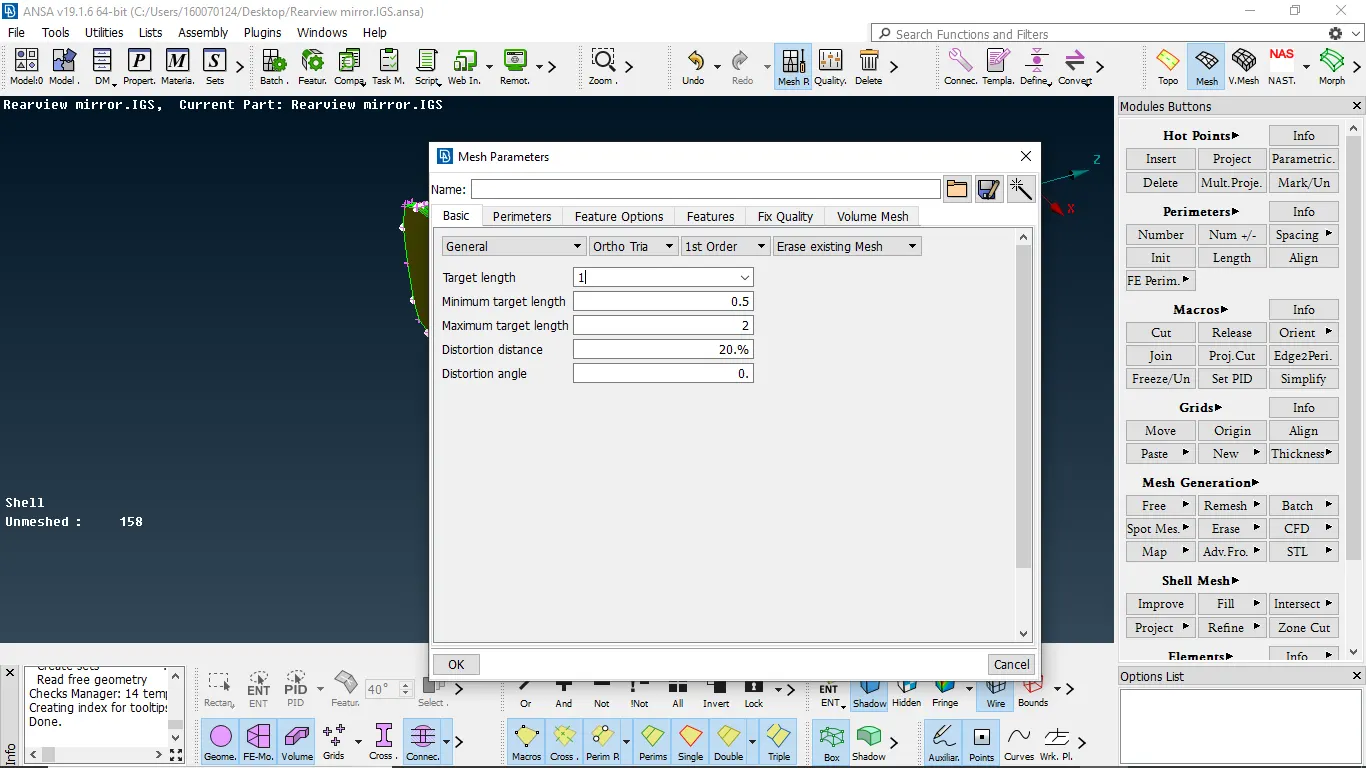
1- Assigning the meshparameters
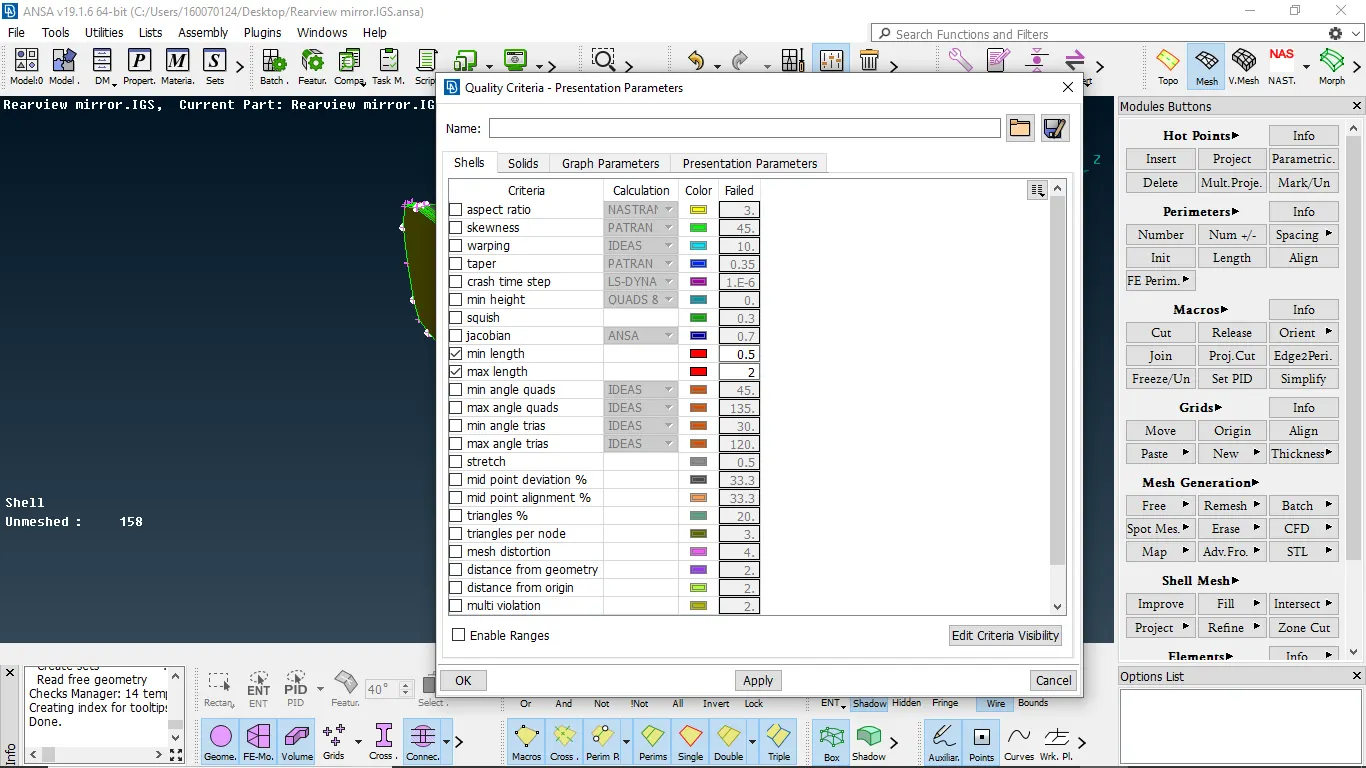
2- Assigning the quality parameters
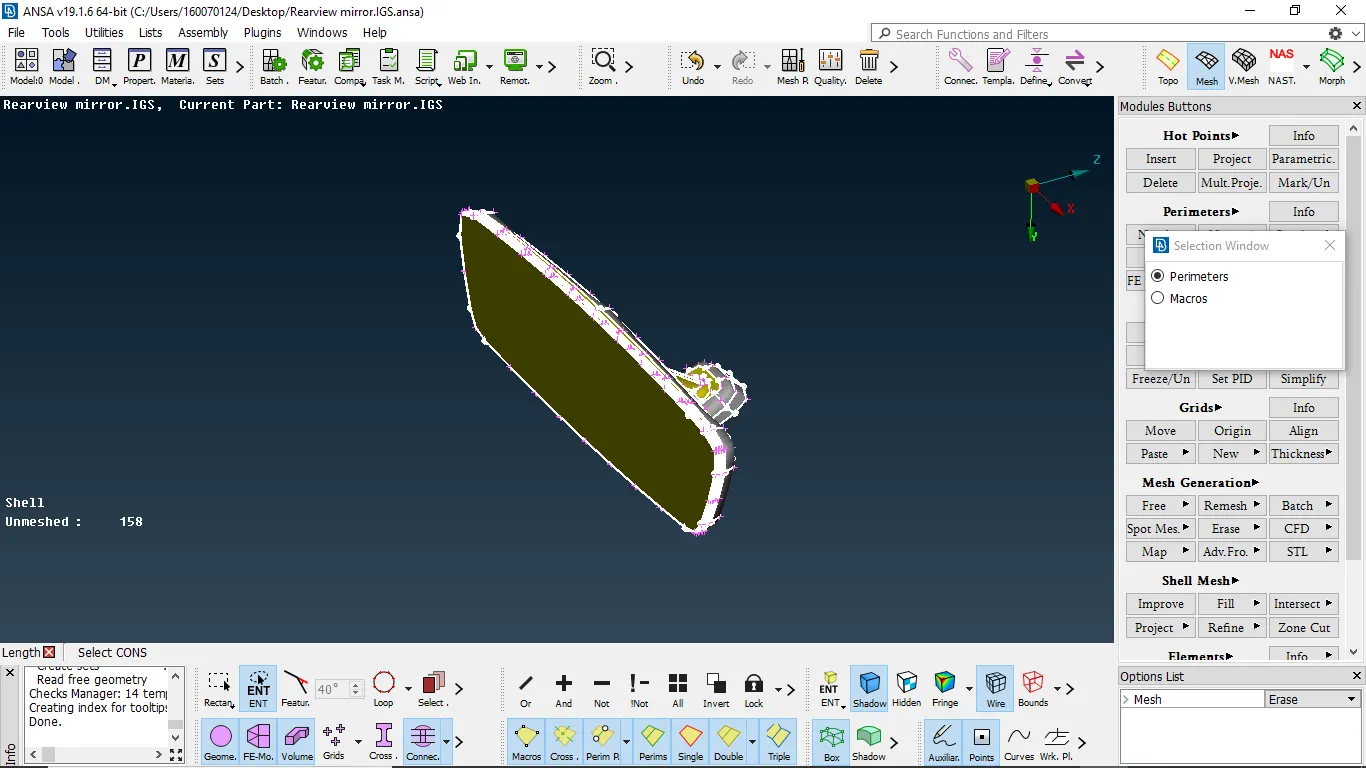
3- Assigning the perimeter and macro length
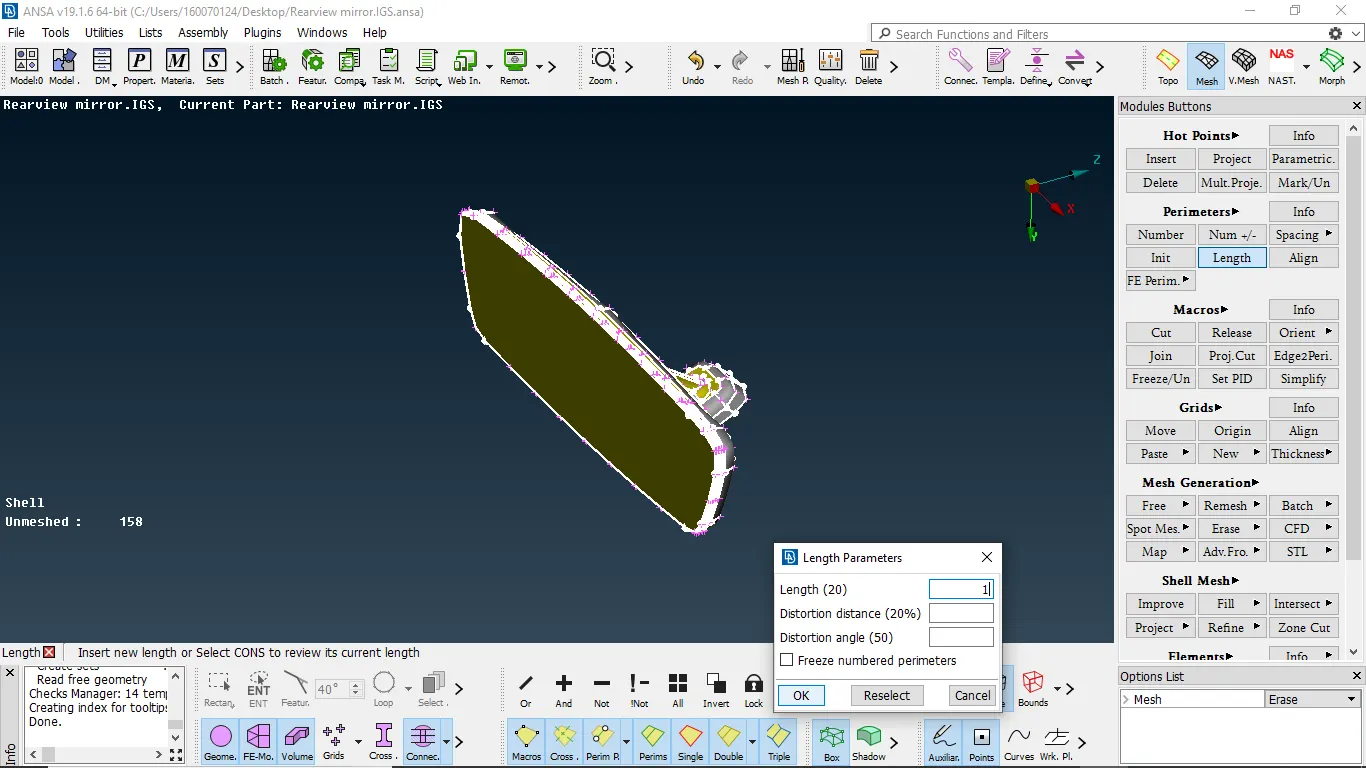
4- Assigning the perimeter and macro length value
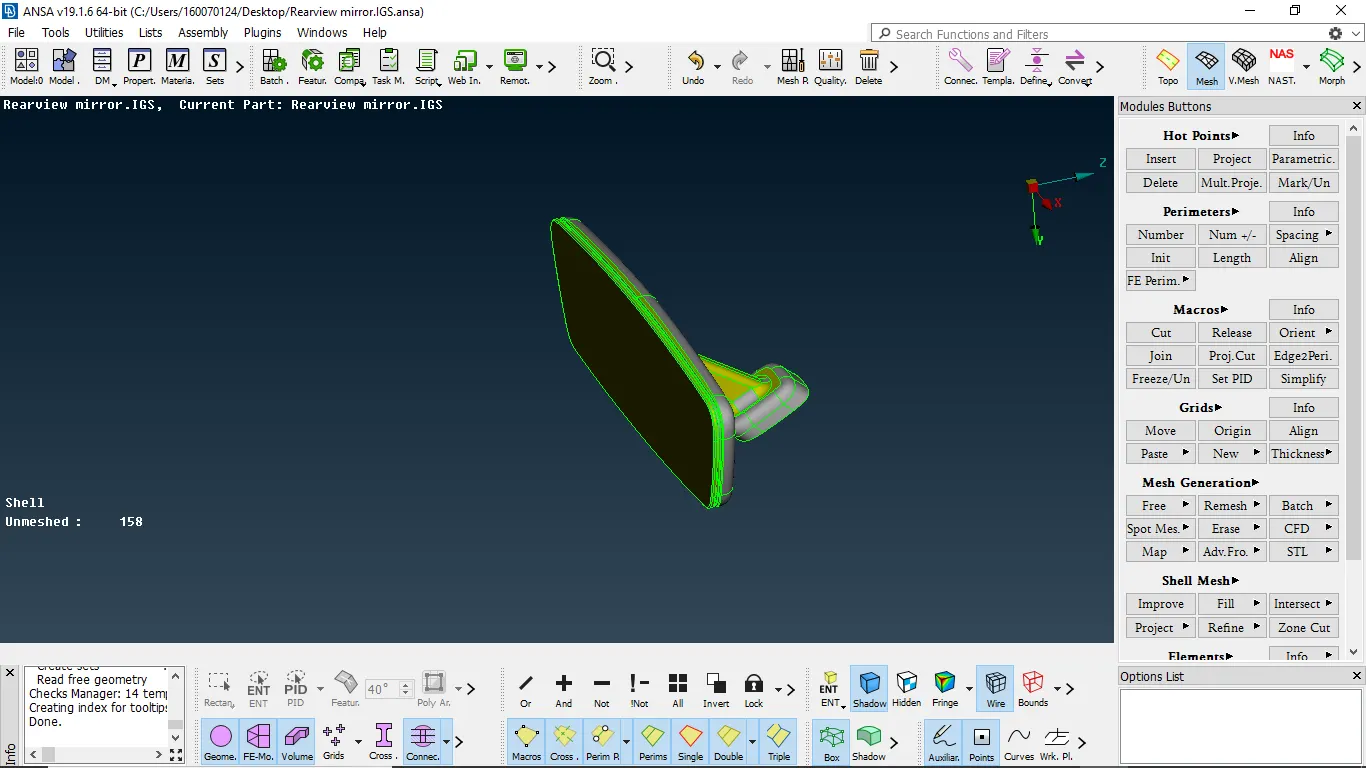
5- Component after assigning perimeter and macro length
NOTE:-
- In the purpose of solid meshing, we perform shell mesh first to the surface and then we need to perform volume mesh
- In this type, we use trias and ortho trias for meshing
- Majorly ortho trias capture features without any dips and kins
- And also ortho tria take more time to computate than tria mesh
2.1 MESHING
- we need to measure the length of fillet and find minimum length if it is less than the minimum length we need to defeature them]
- Then after we need to select spot mesh and we need to select all features and mesh them by using ortho tria
- after completing that we need to mesh all flat face by using spot mesh but by using trias
- to get better mesh we need to perform reconstruct option
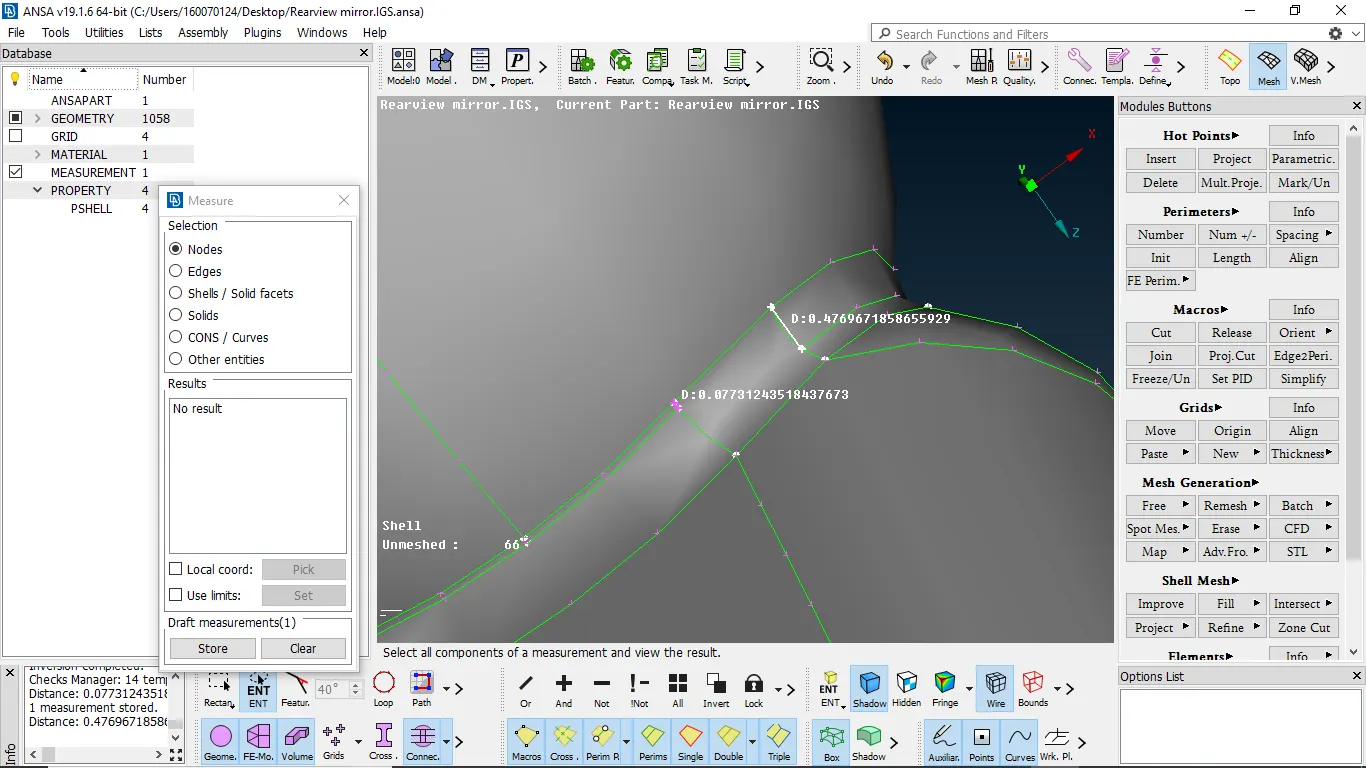
2.1.1- measuring the feature length
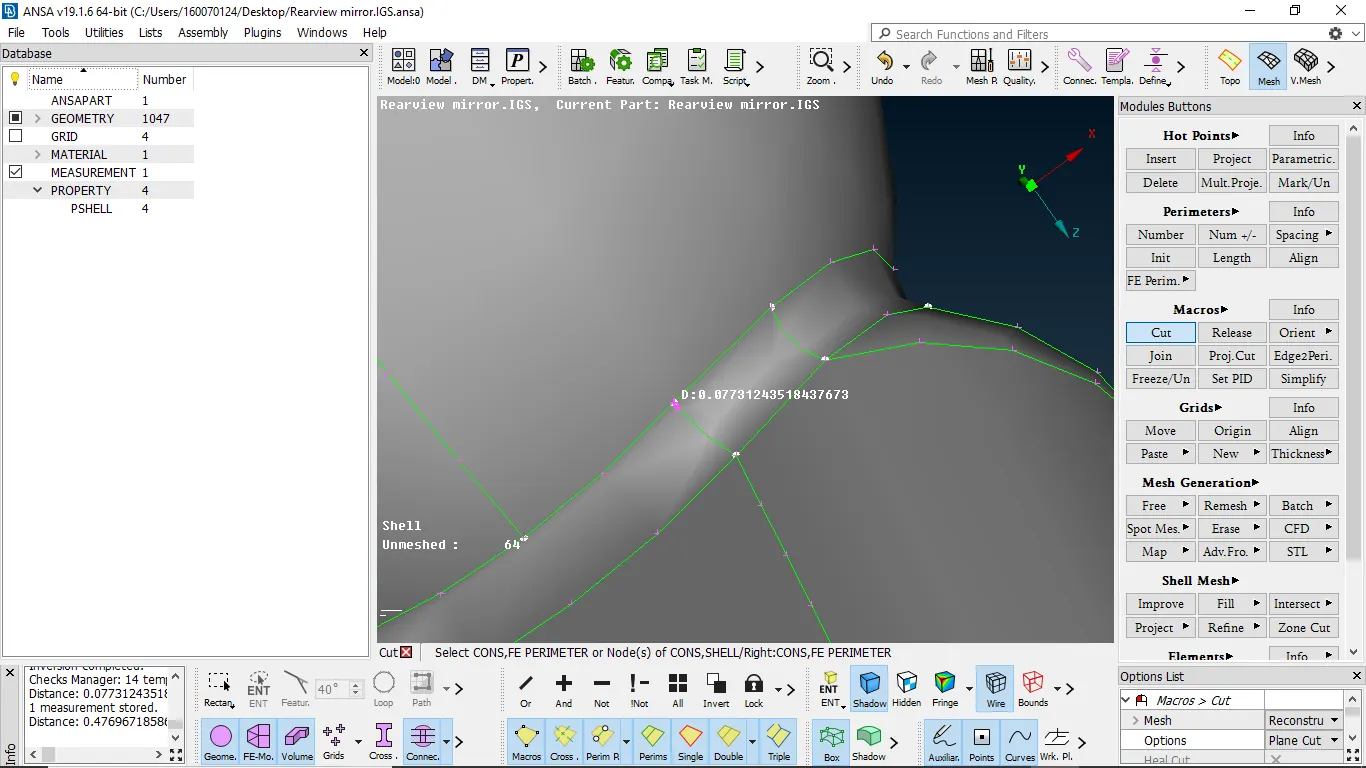
2.1.2-defature the construction lines which fails
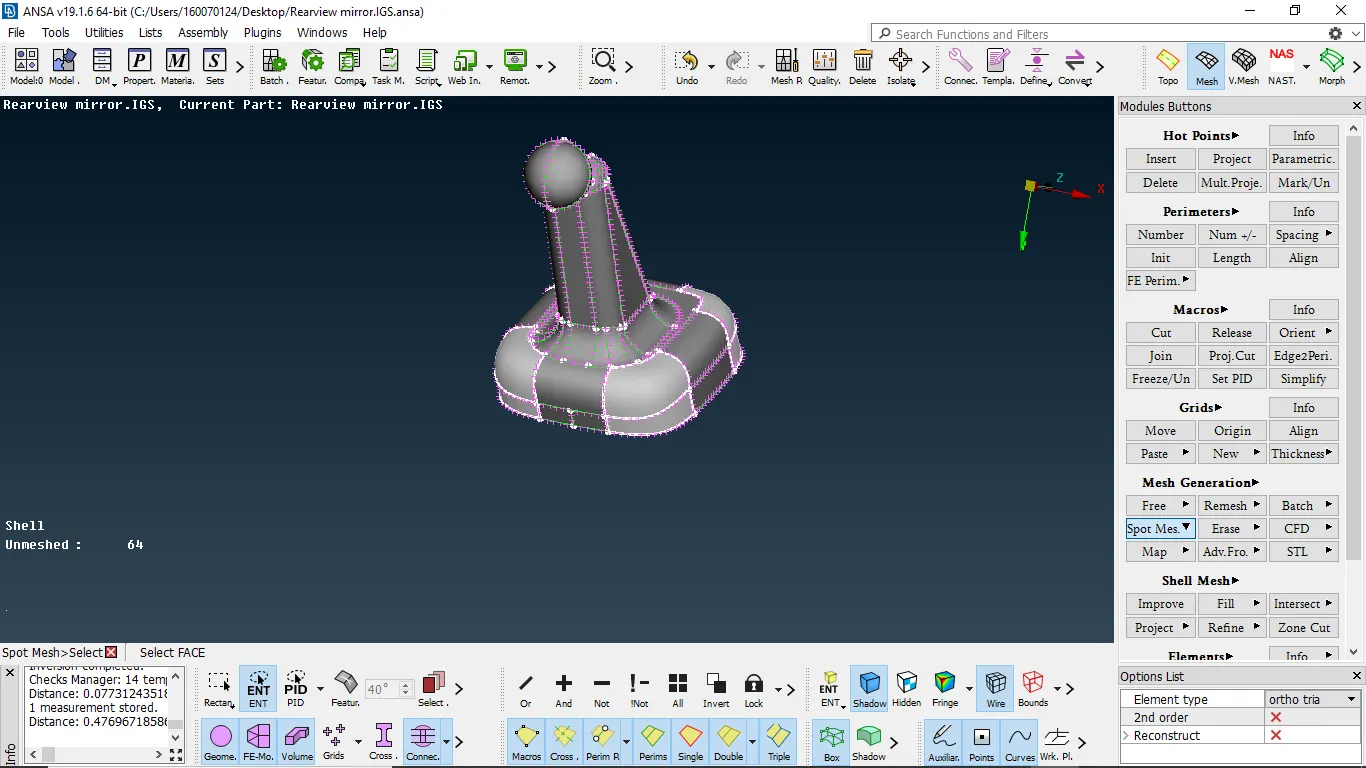
2.1.3-selecting features by using spot mesh w.r.t ortho tria
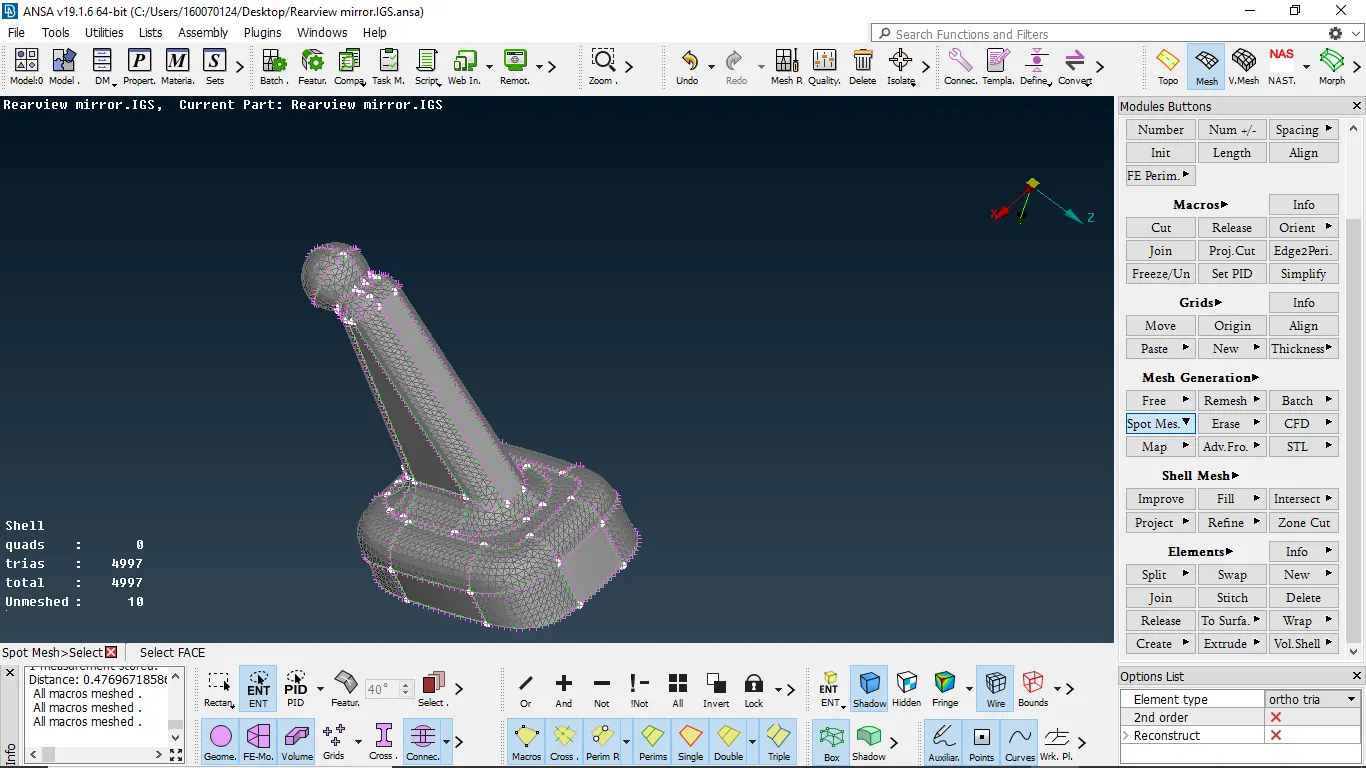
2.1.4-meshing done for all features
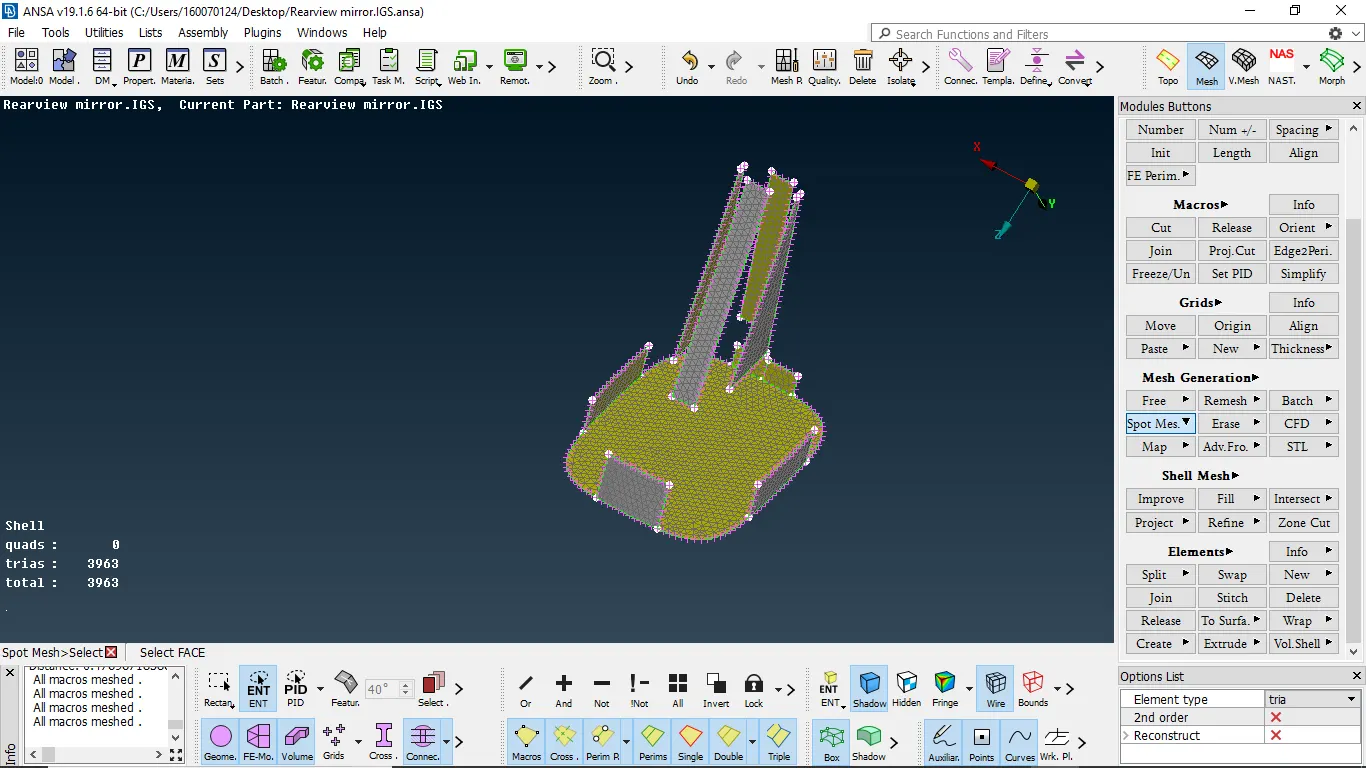
2.1.5- meshing flat surface using spot bu trias
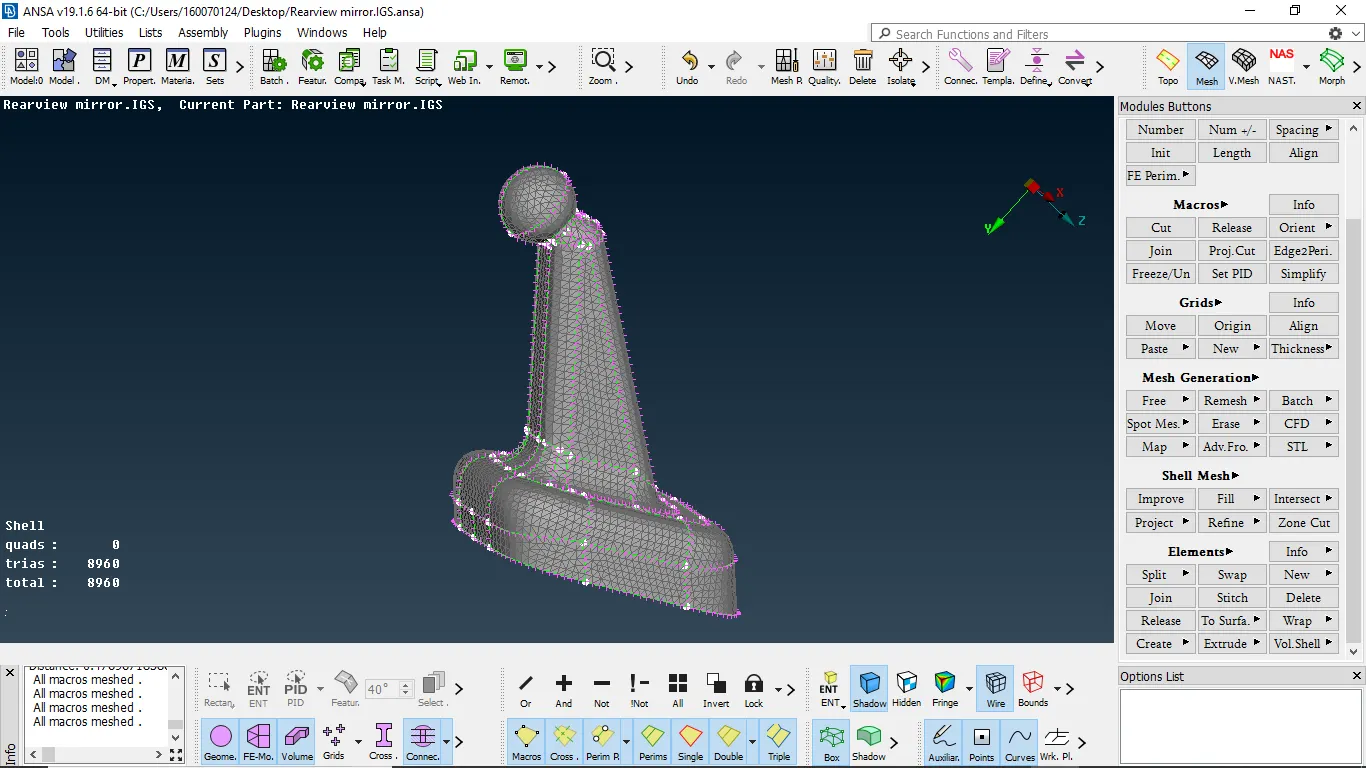
2.1.6 meshing done with a mixture of trias and ortho trias
3.Volume mesh
- To perform volume mesh we need to define it and we need to add it to list
- Then we need to go to the list and right click it then selects remesh and we can select tetra fem /tetra rapid
- After meshing we need to check the quality if any tetcollapse are present we need to eliminate them by manually or by using fix quality
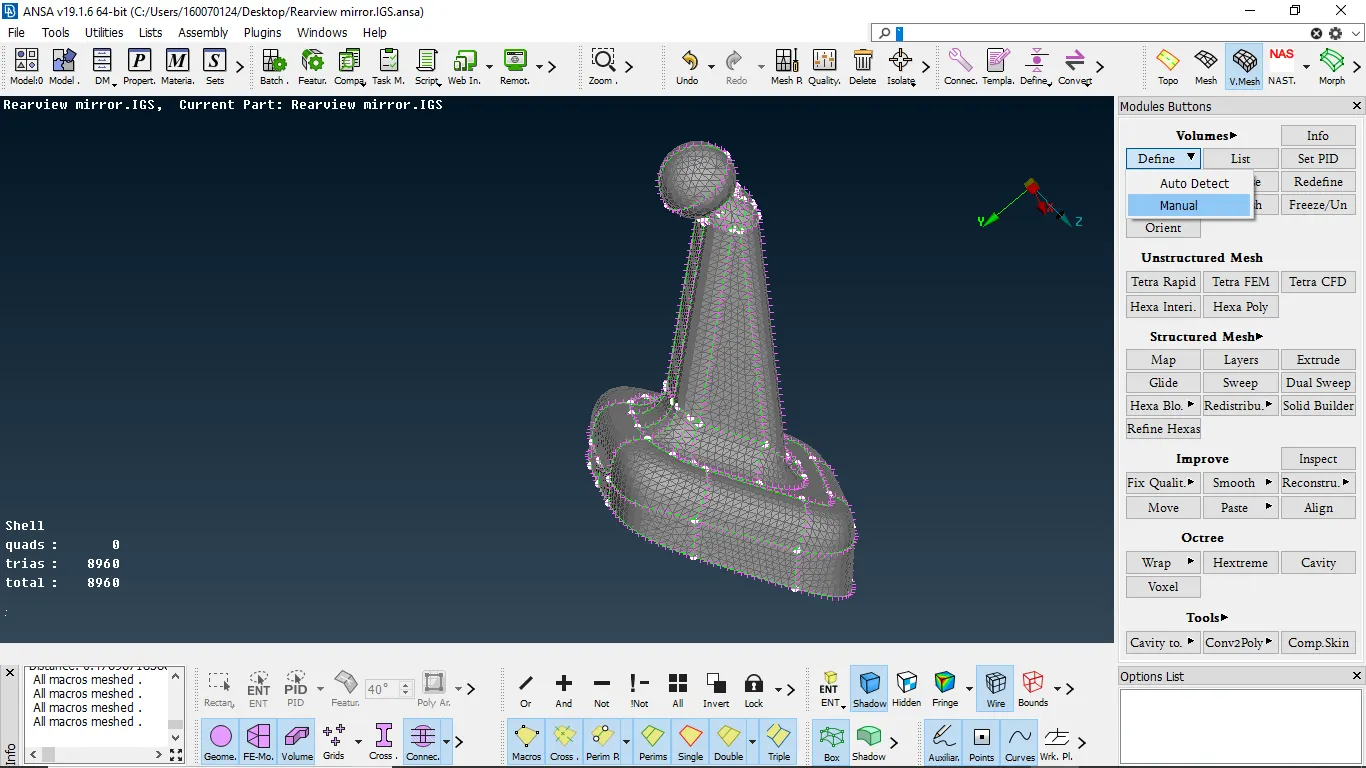
3.1-Defining component for volume mesh
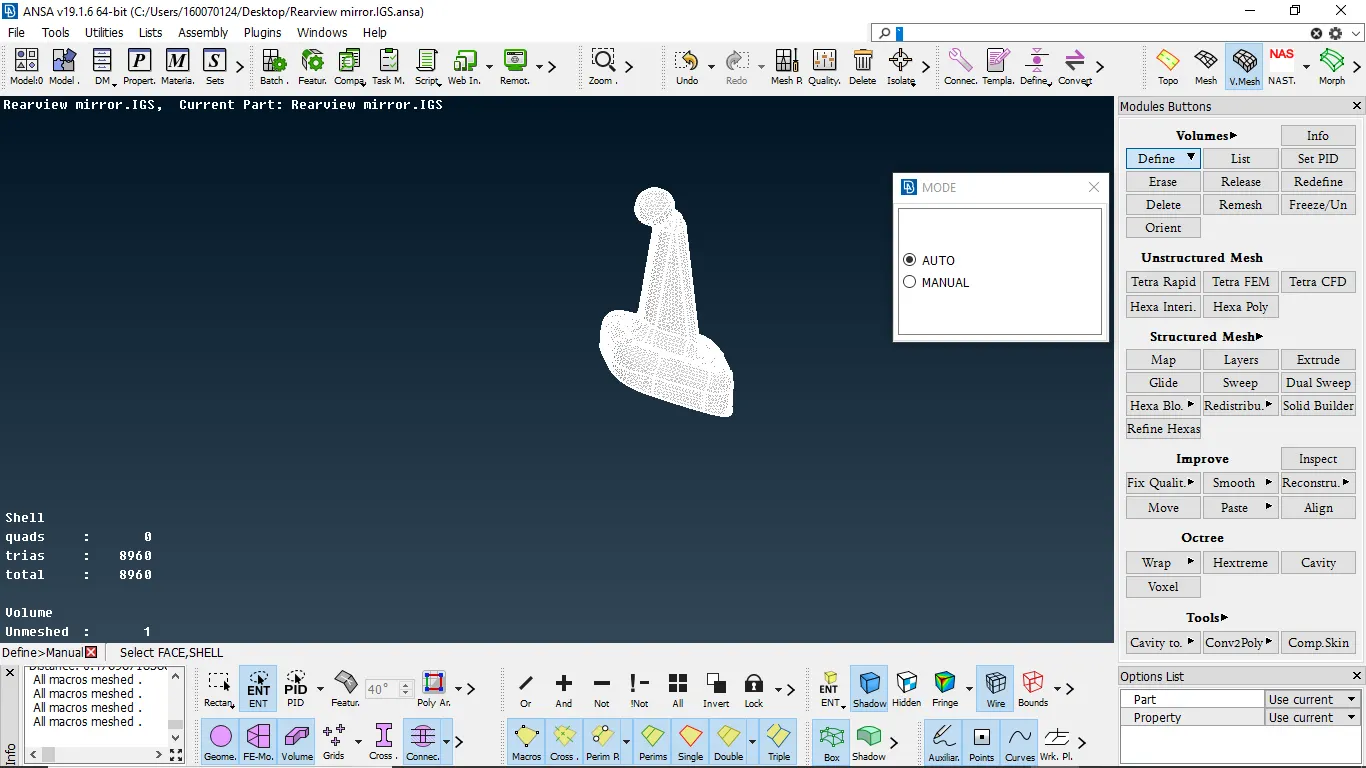
3.2-Defining component for volume mesh
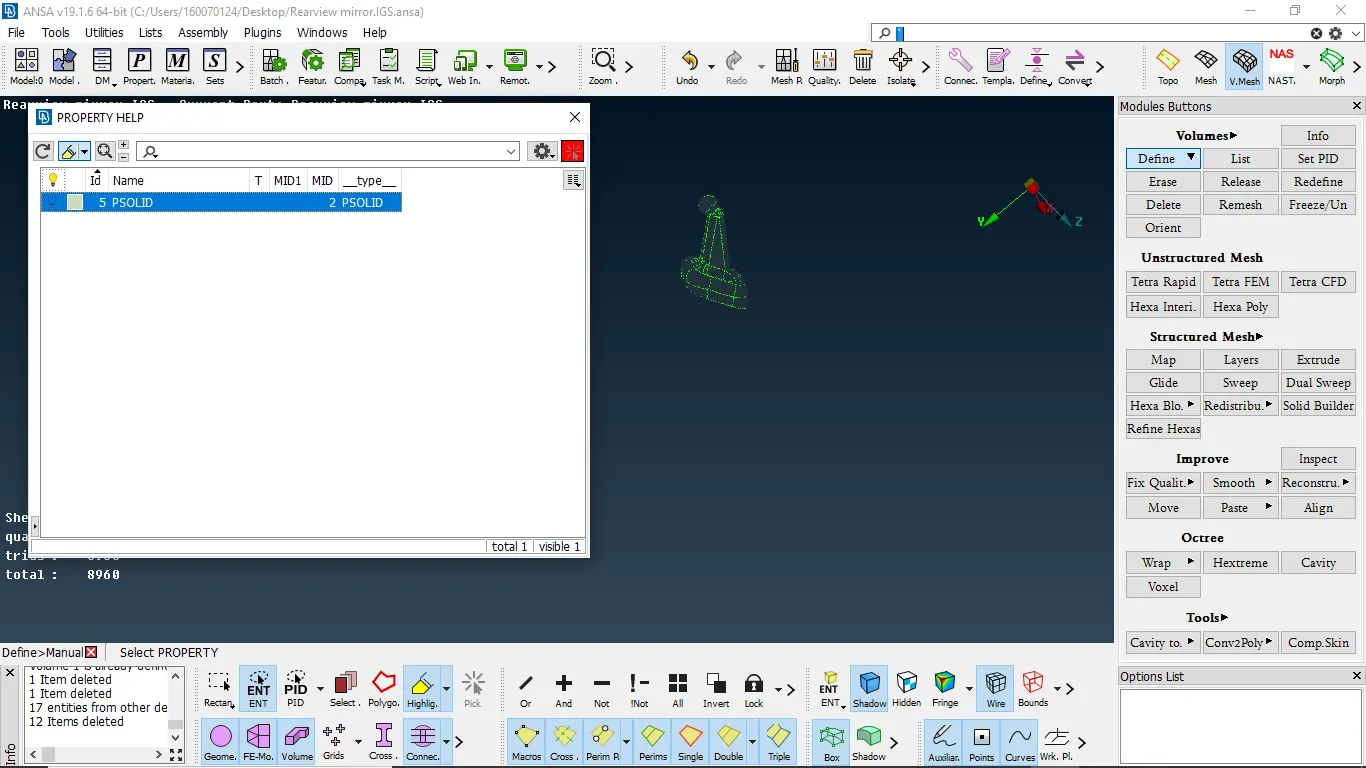
3.3- component is defined for volume mesh
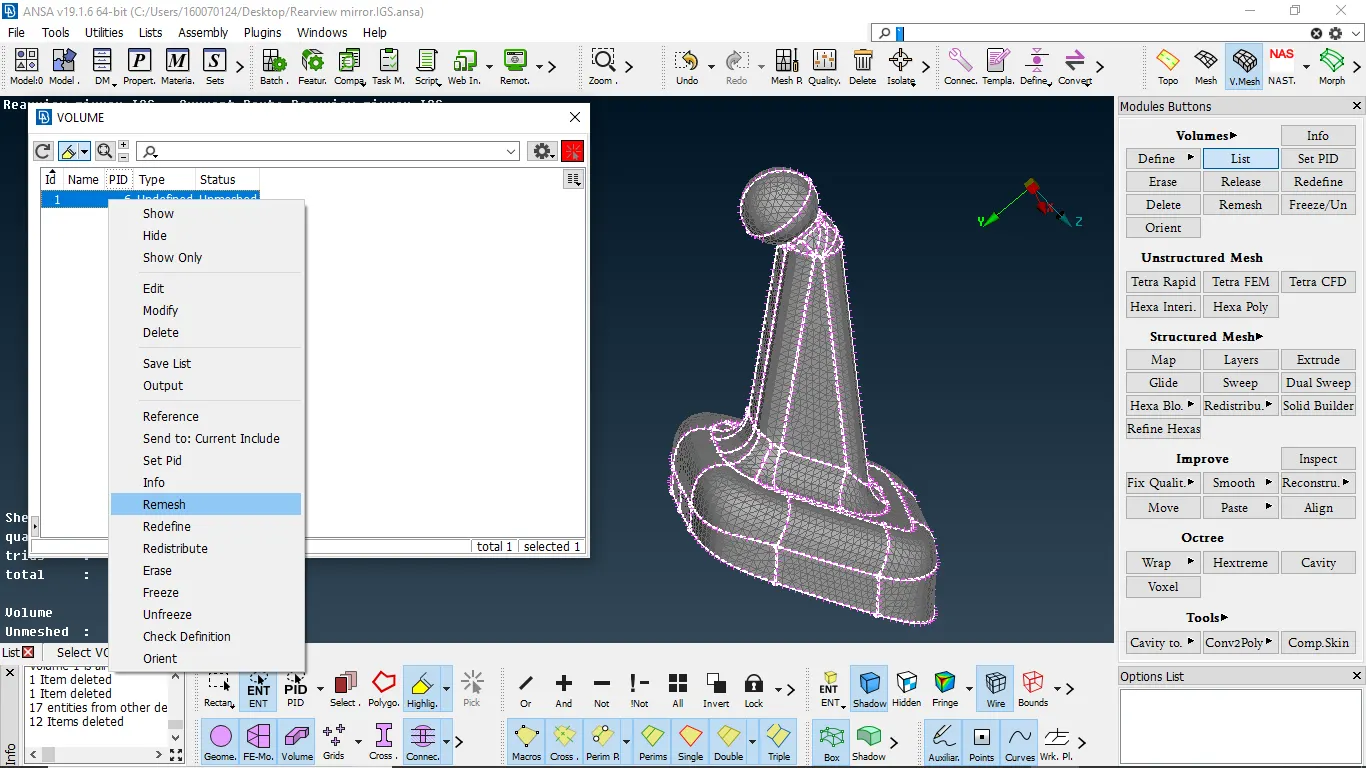
The 3.4-from list we going to mesh component
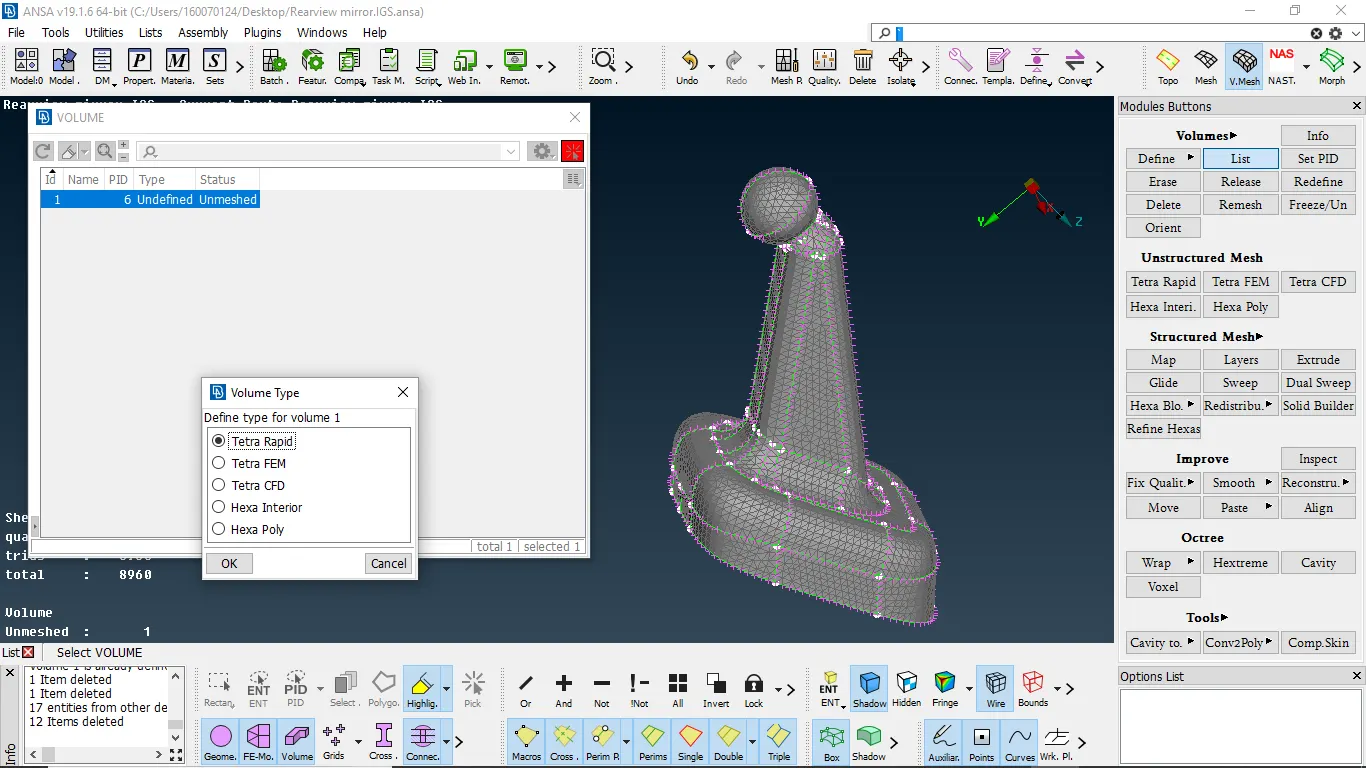
3.5-selecting correct algorthim for meshing
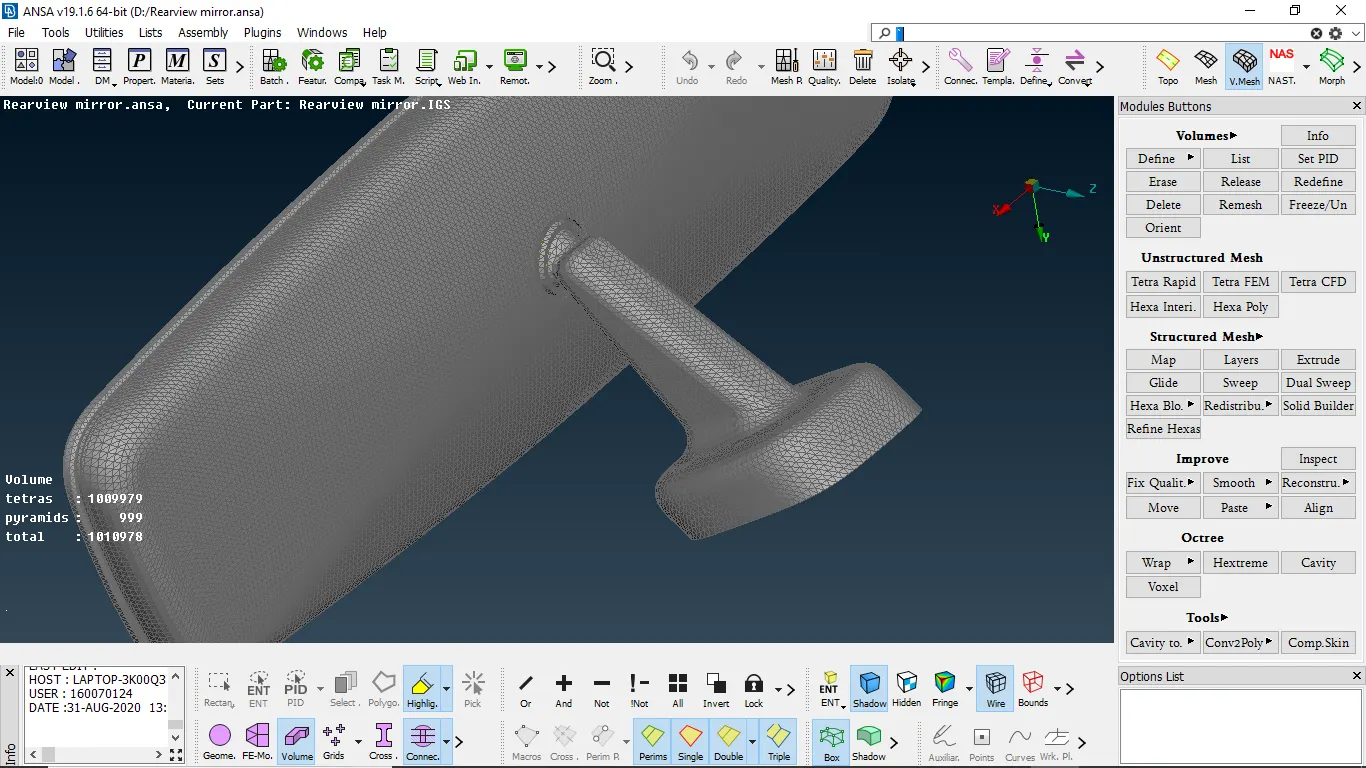
3.6-volume mesh done for all components
4.CONCLUSION:
- learned how to perform volume mesh
- learned how to capture fillet area properly
- learned the difference between structured and unstructured mesh
- learned how to resolve tetcollapse issues