Week - 4 - Crash Box Simulation
Crash Box Simulation
Aim:
To simulate the crash box of different thickness 1.2mm and 1.5mm crashing under the rigid wall using LS Dyna software.
Introduction:
Crash box is an energy absorbing device that crashes on application of load and reduces impact on other components nearby. In this work a simple rectangular crash box is used for the analysis and the results are compared for different thickness 1.2mm and 1.5mm.
Procedure:
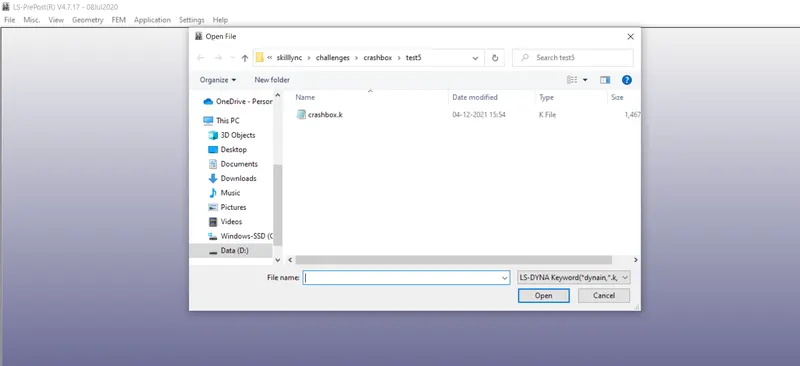
1) Open the keyword file File-Open-LS DYNA Keyword file and select the 'crashbox.k' file.
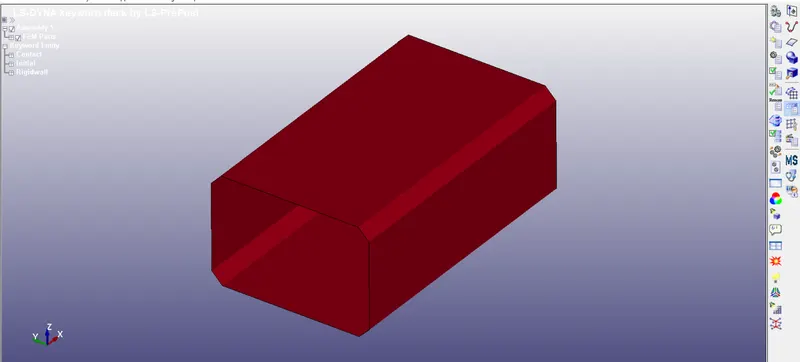
2)Since the model is already meshed by using Hyper mesh there is no need for meshing process.
3) Rigid wall is created by using Rigid wall-Planar command
(XT,YT,ZT) & (XH,YH,ZH) represents the tail and head of the normal vector
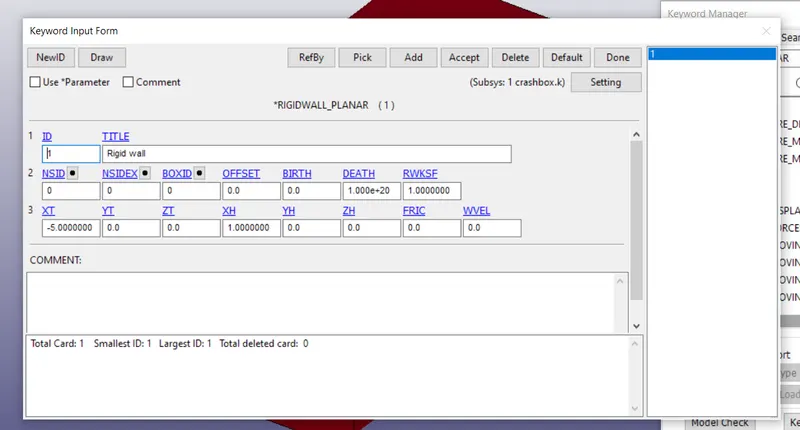
4) Thickness of the crash box is given by Keyword Manager-Section-Shell command
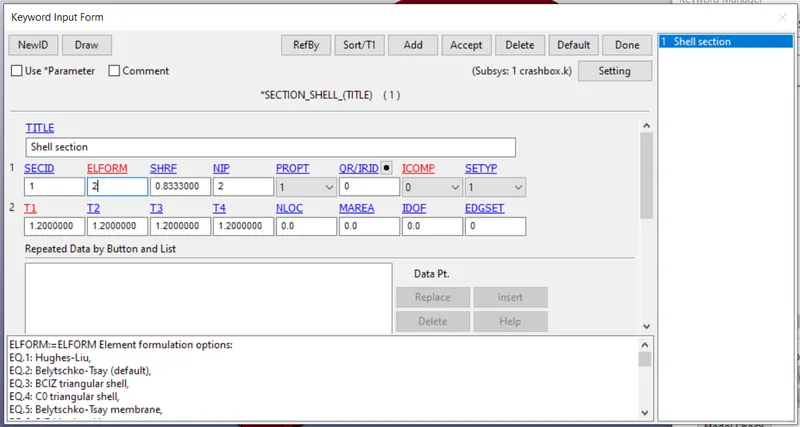
T1,T2,T3 and T4 represents the thickness of the shell.
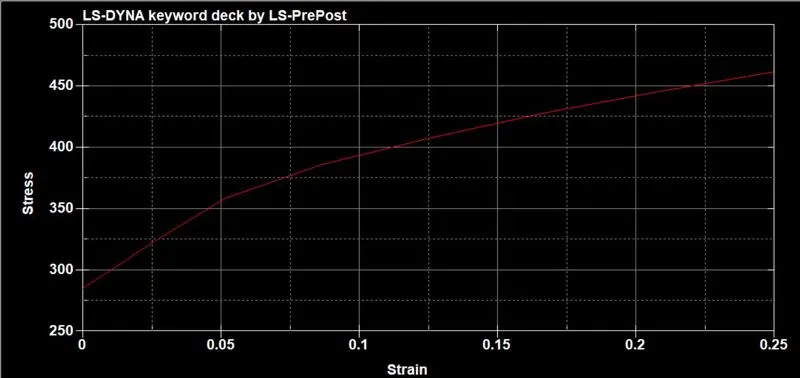
5) Material of the crash box is given by Keyword Manager-MAT-PIECEWISE LINEAR PLASTICITY command.
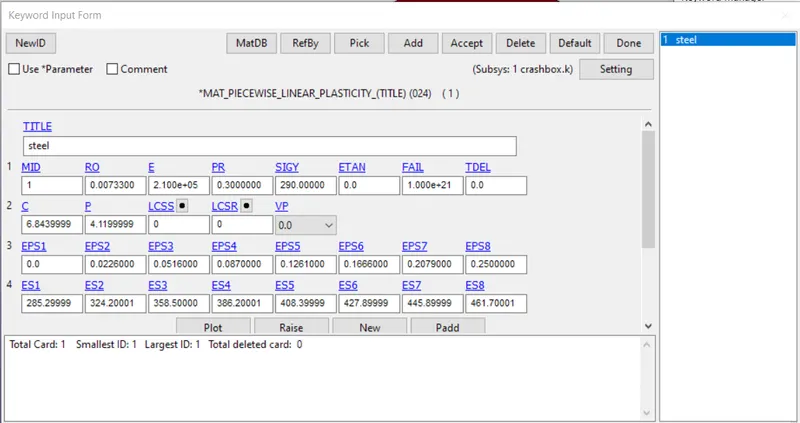
The material for the analysis is Mild steel St37 and their material properties are referred from the book
"Perangkat Lunak LS-DYNA dan LS-PrePost untuk Analisis Daya Gempur"
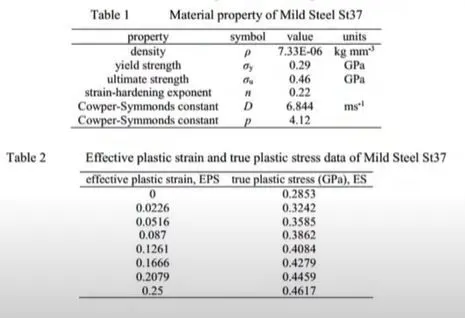
Stress strain plot for the material is
6 Now it is necessary to link the material and section with the part and this can be done by using Keyword Manager-Part command.
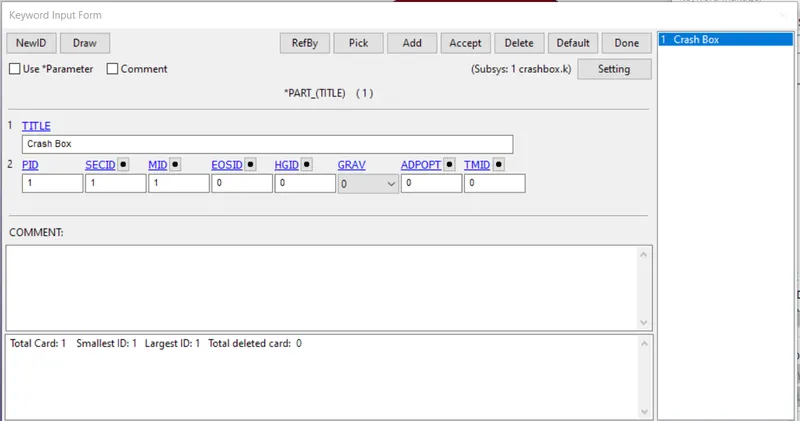
7 It is necessary to define the velocity of the crash box for the analysis the velocity is chosen to be 50km/hr. The velocity is defined by using Keyword Manager-Initial-Velocity Generation command.
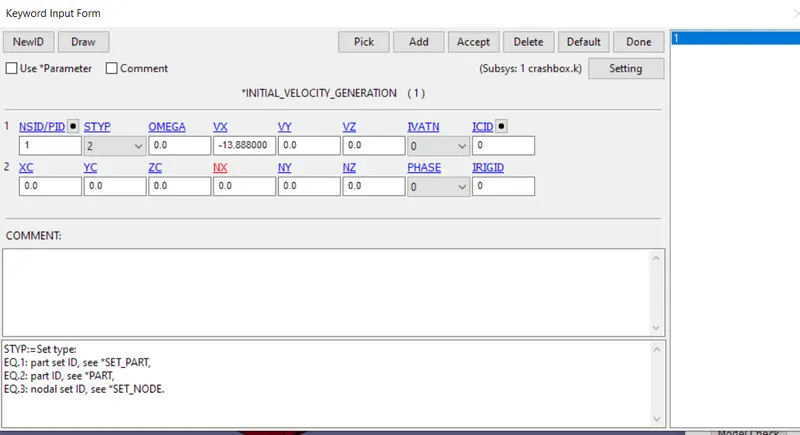
NSID /PID defines the node/part set ID (STYP=2 represents part ID)
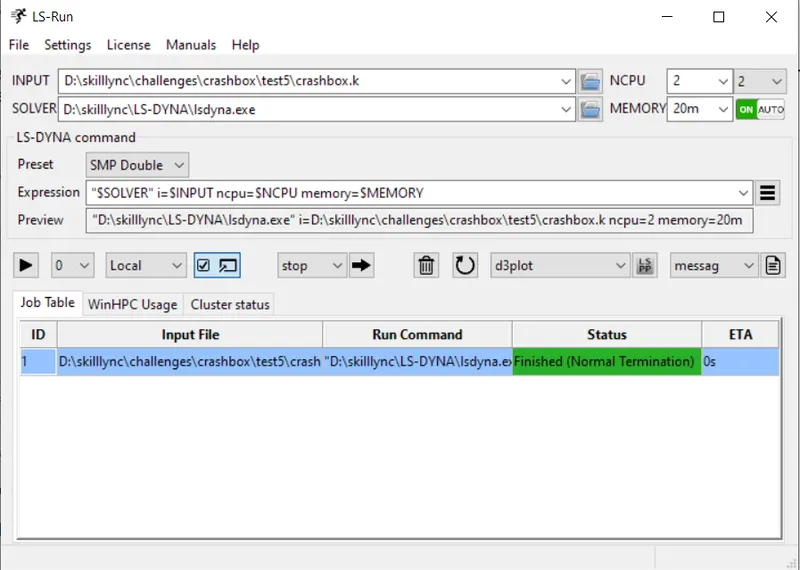
8) After all the process the LS dyna file is run by using LS Run
Results and discussion:
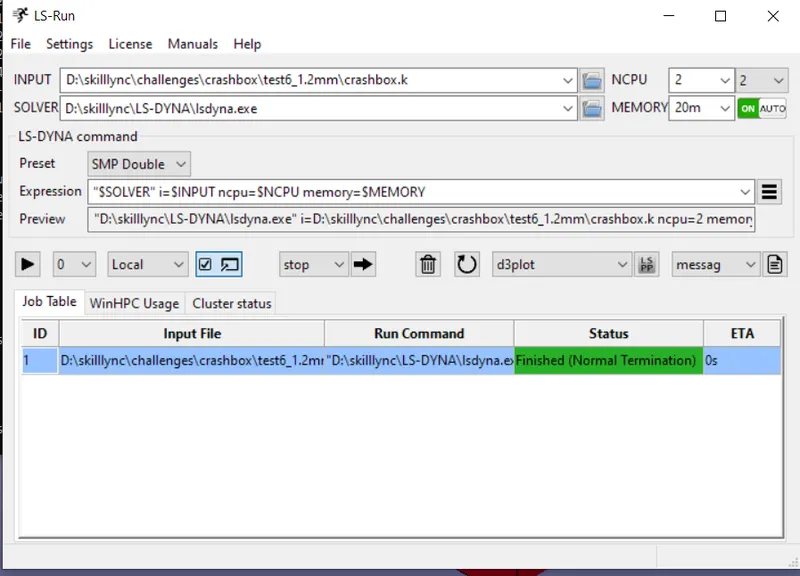
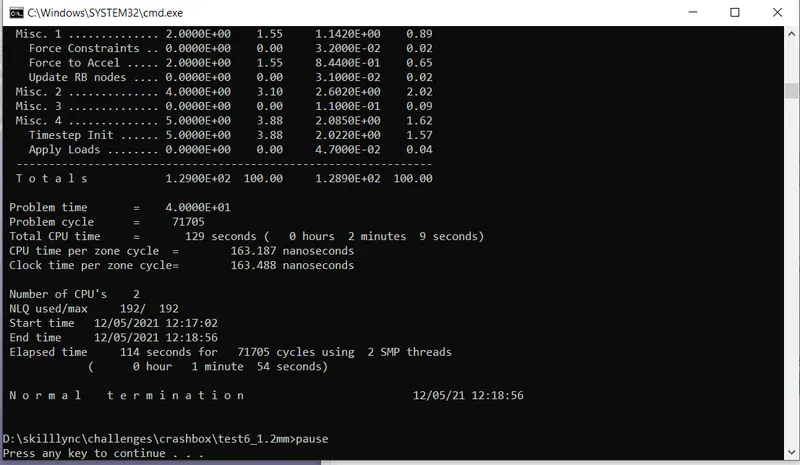
For thickness 1.2 mm the results are
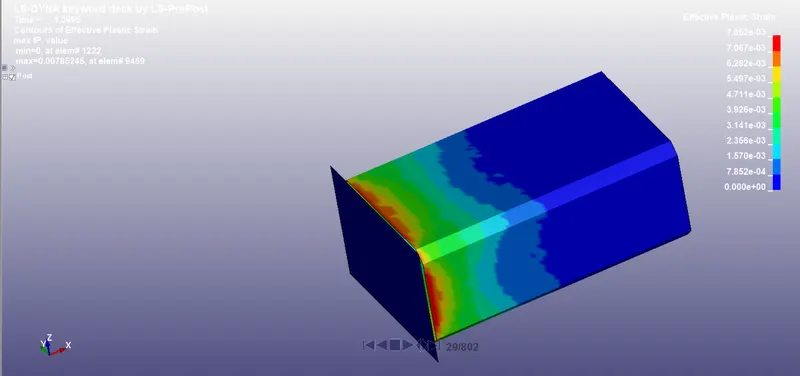
The Maximum value of plastic strain is 7.852e-3
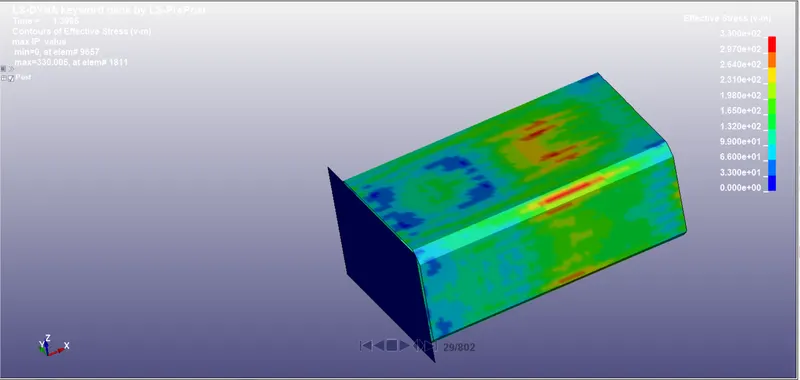
The Maximum stress value is 3.300e+2 V-m
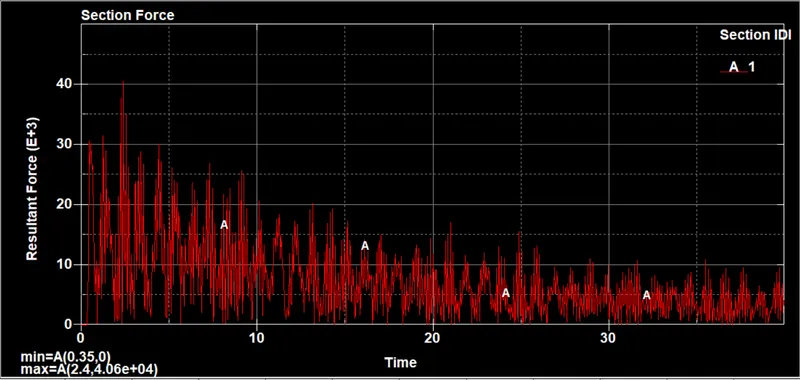
Section force for 1.2mm thickness
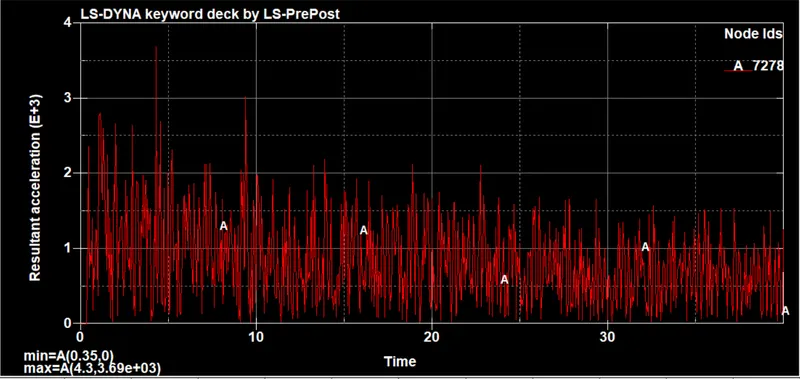
Resultant acceleration of 1.2mm thickness
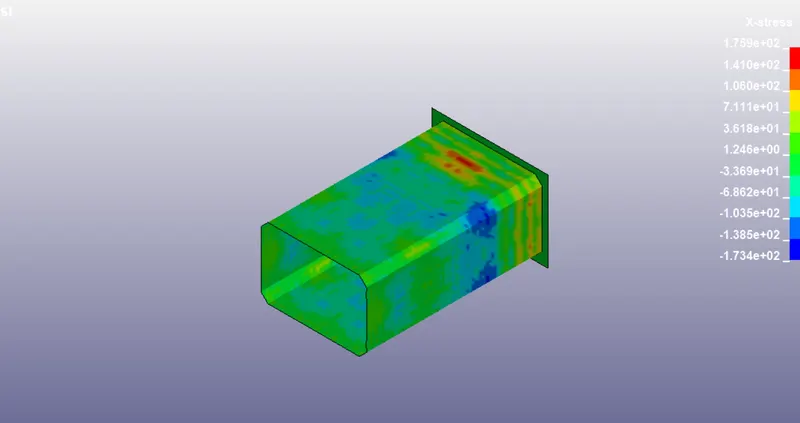
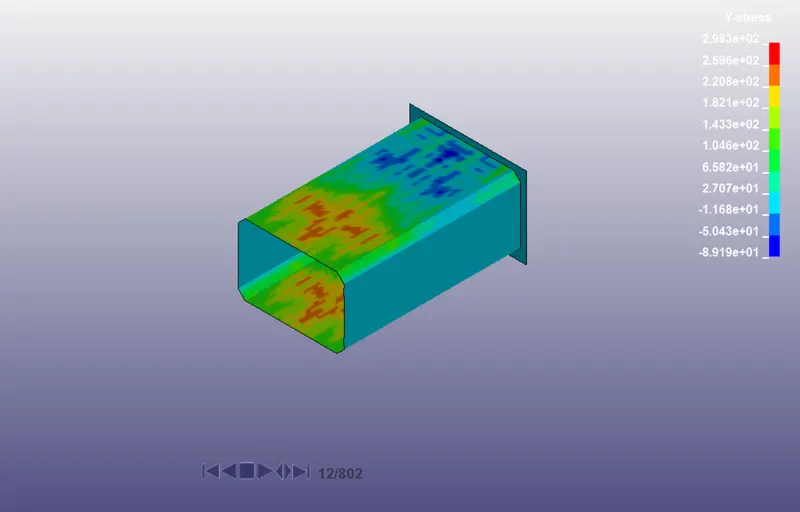
X stress and y stress of 1.2mm thickness plate