Week 3 - 2D meshing for sheet metal
Aim- to generate 2D shell mesh on the midsurface of the hood modal.
Procedure-
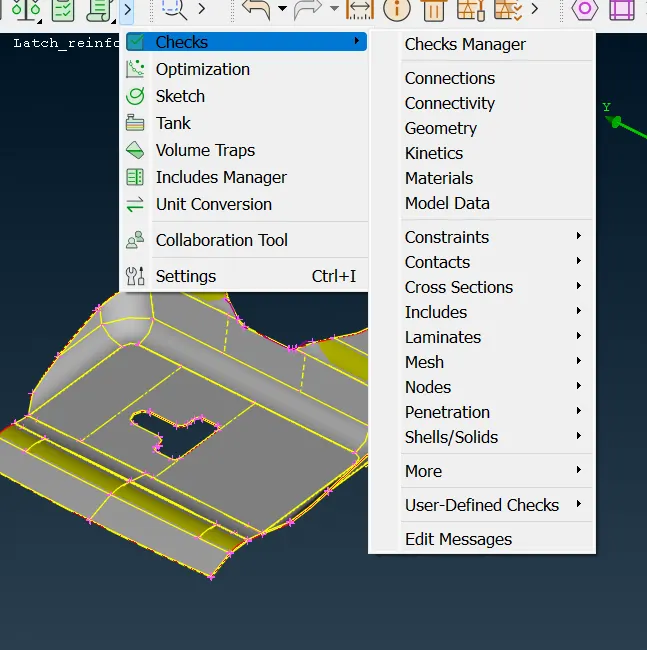
1. go to checks-> geometry. Use auto fix to fix issues and manual fix remaining issues.
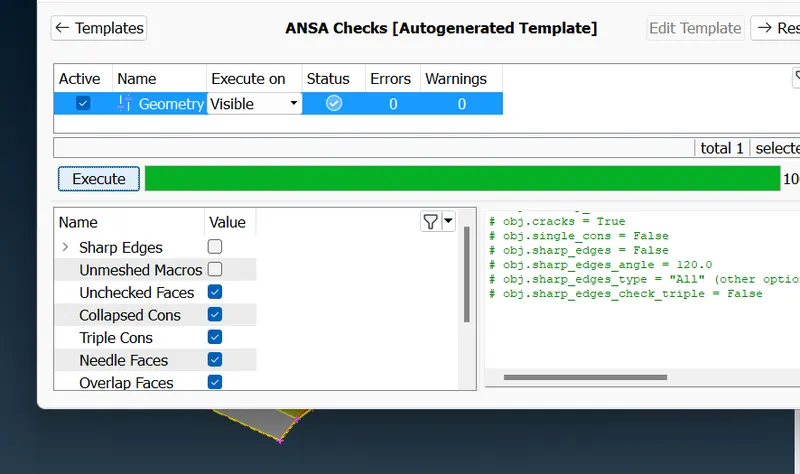
2. Perform geometric cleanup.
3. Go to midsurface-> skin and uncheck the delete original faces option.
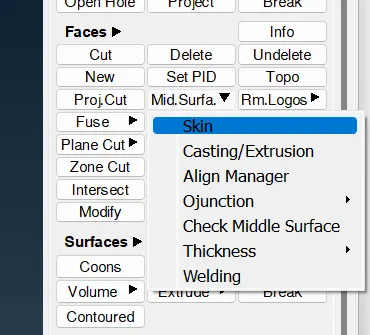
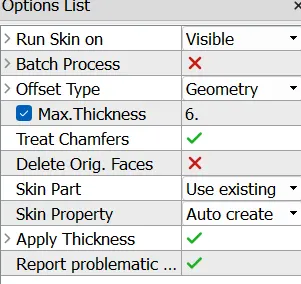
4. midsurface is generated without losing parent geometry.
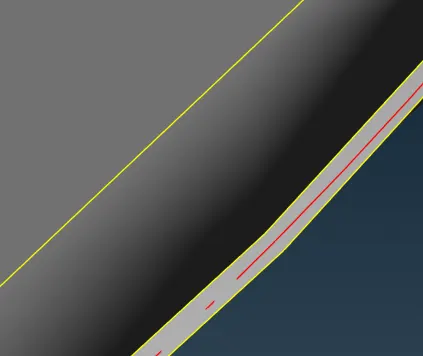
5. A property for midsurface is auto-created. Go to that property is only make it visible. Thickness value will also be applied to it by default.
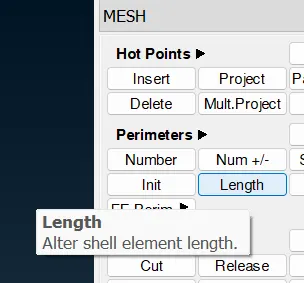
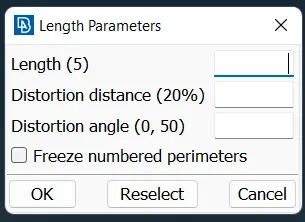
6. Go to Mesh-> perimeter-> length and change the length to 5(as per mesh size).
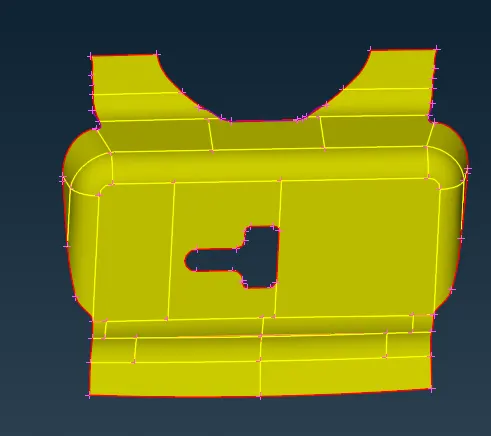
7. make cuts appropriately to control the mesh flow.
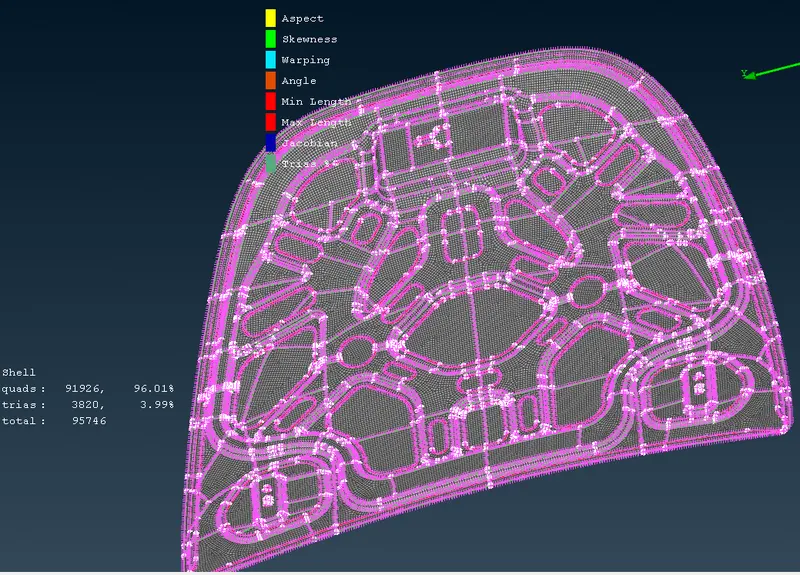
8. setup quality criteria for the mesh. Press F11 and set the appropriate parameters. Also go to mesh parameters and assign average mesh element size.
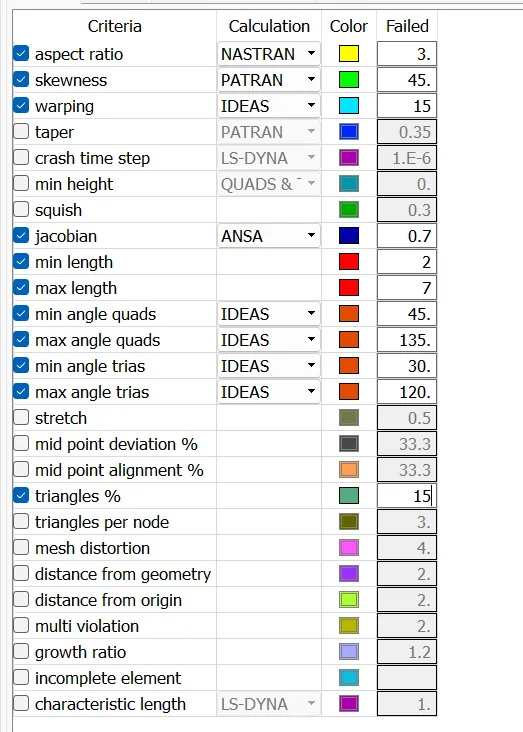
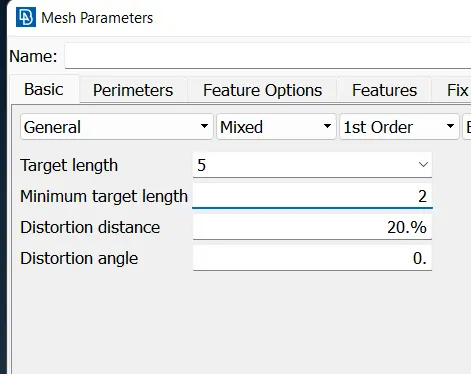
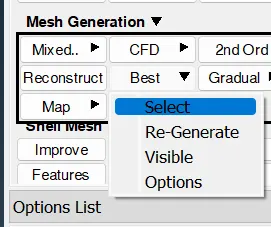
9. Go to Mesh-> mesh generation-> best and mesh parts individual segments.
10. To rectify all the mesh element issues use impove, Fix quality, remesh, smooth, split, join. Use these options untill mesh quality is improved.
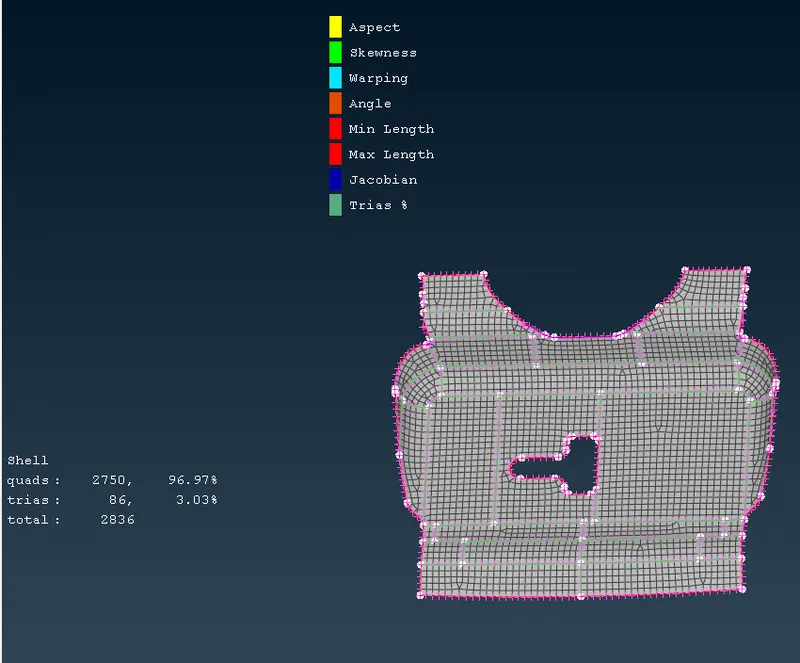
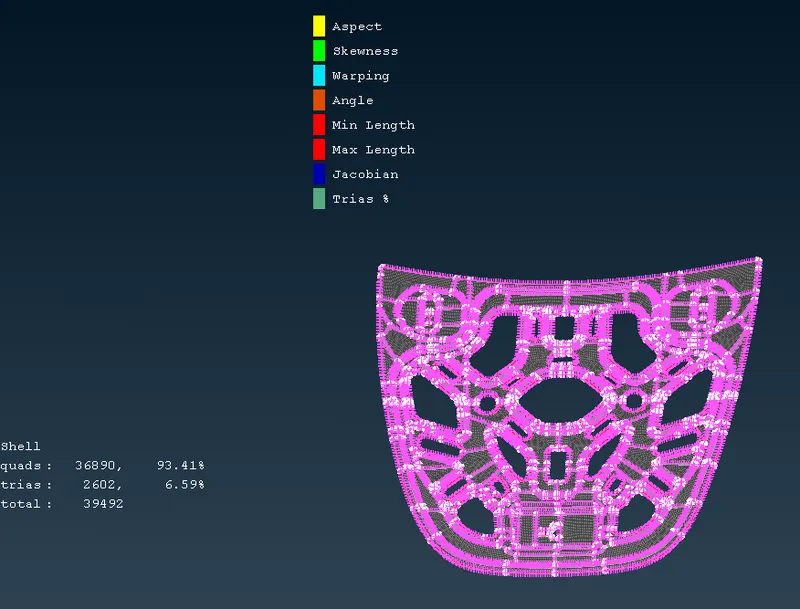
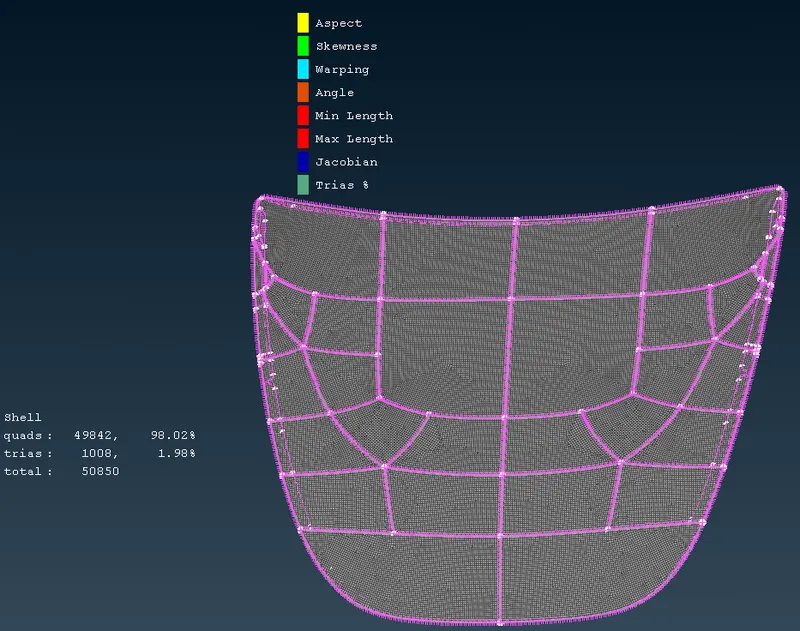
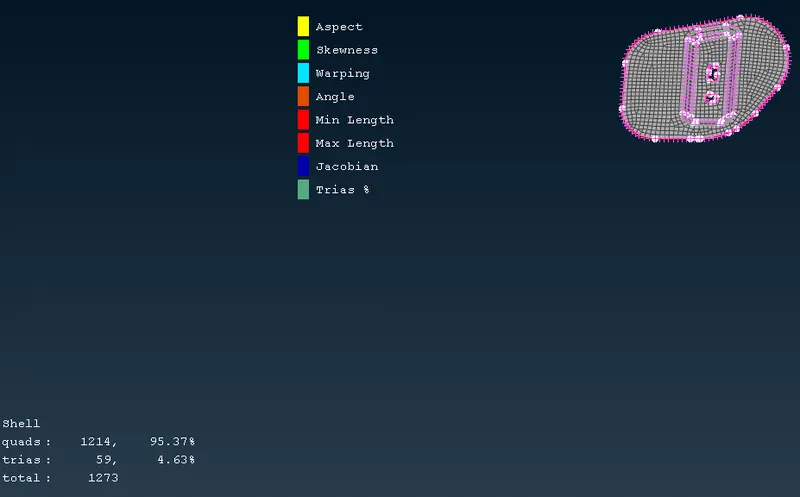
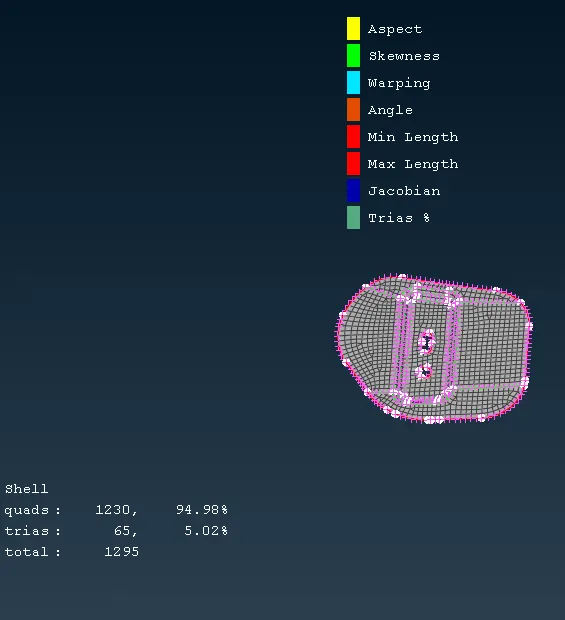
11. To visualize thickness, choose Fringe-> E. thickness.
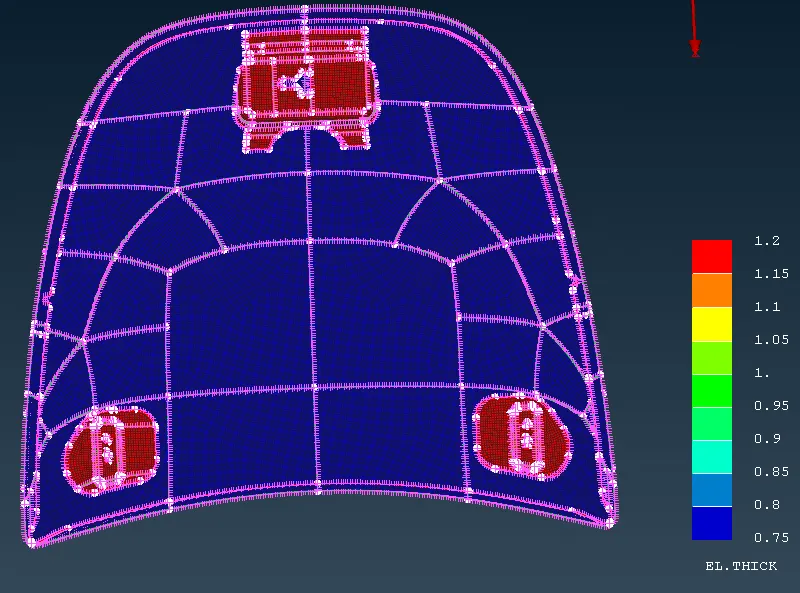
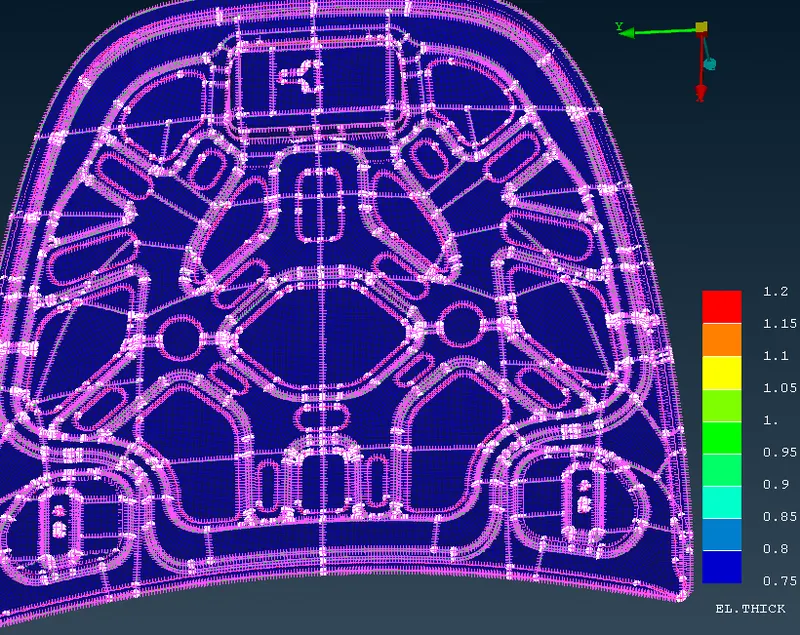
Learning outcome- In this, the software was made familiar. The procedure used to made good quality FE modal was learned.
Conclusion- The FE modal was successfully made with good quality elements in ANSA.