Week - 4 - 2D meshing for Plastic components
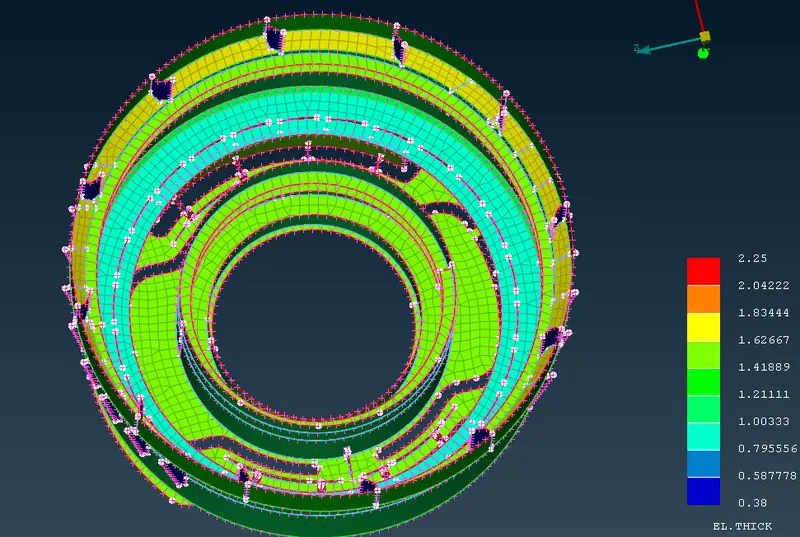
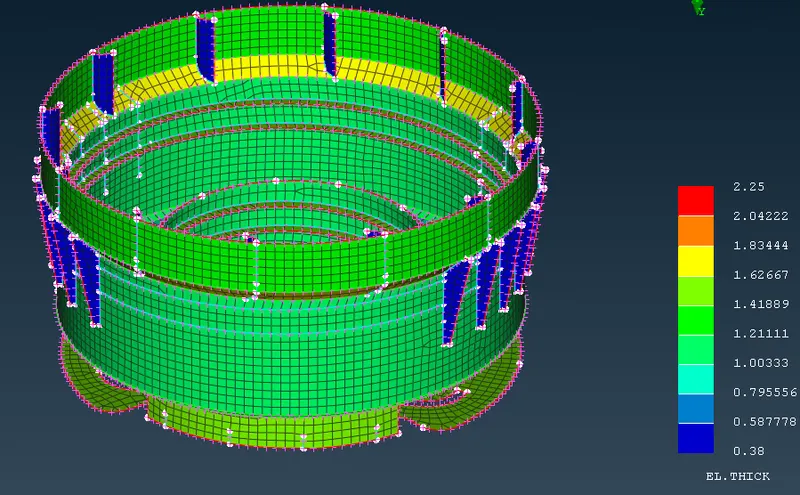
Aim- to generate 2D shell mesh for the plastic bottle cap model.
Procedure-
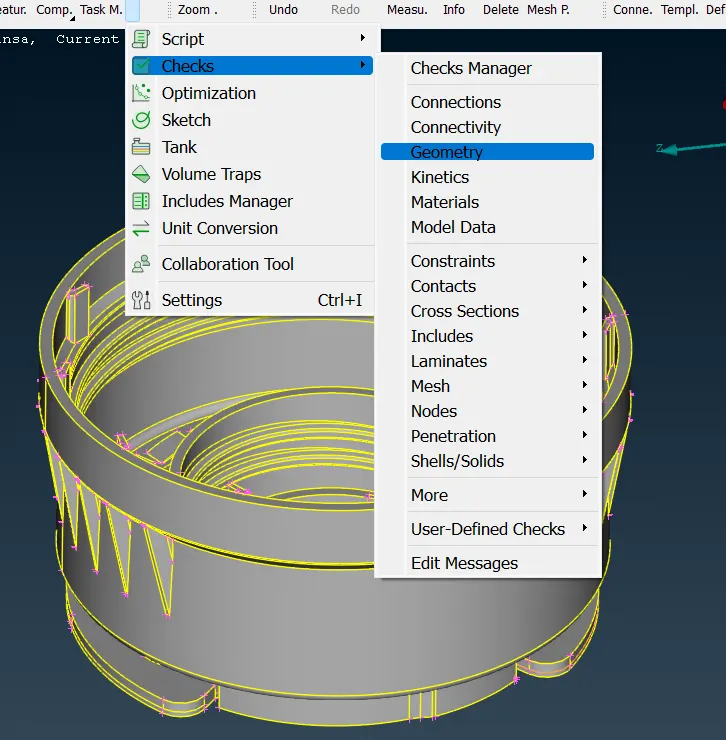
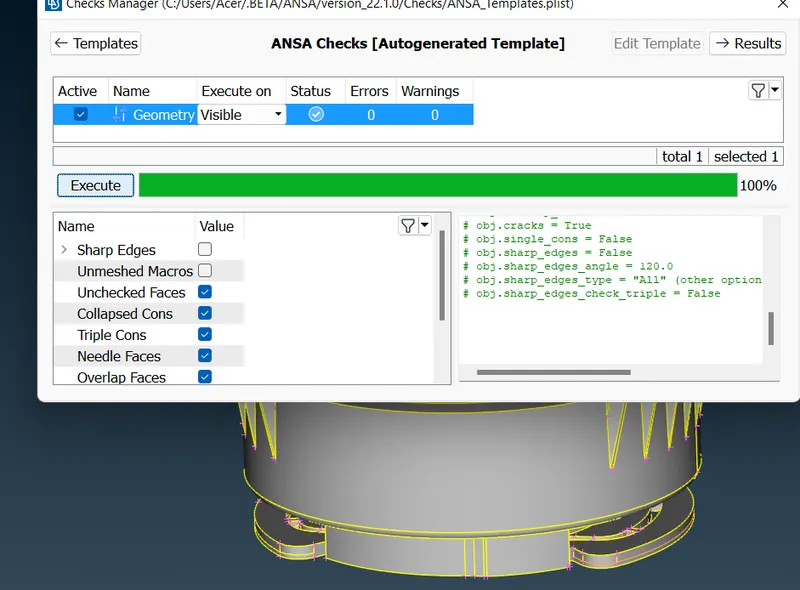
1. go to checks-> geometry. Use auto fix to fix issues and manual fix remaining issues.
2. Perform geometric cleanup.
3. Use Middle, offset, Translate, Rotate, New and other different commands to generate the manual midsurface for the model. During this process of forming midsurface measure option is frequently used and the distance between the two surfaces is halved for offset.
4. After offset or middle commands, many newly formed surfaces will have lost connection to the midsurface geometry so Extend, intersect, trim, and New commands can be used in that case.
5. Manual midsuraface is formed.
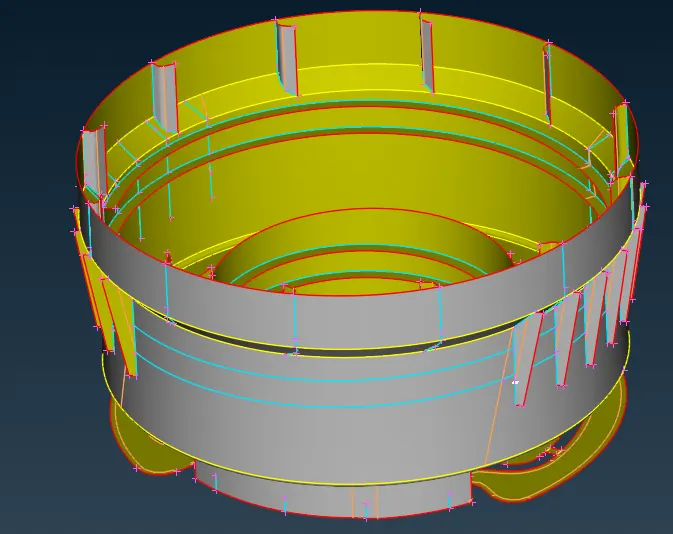
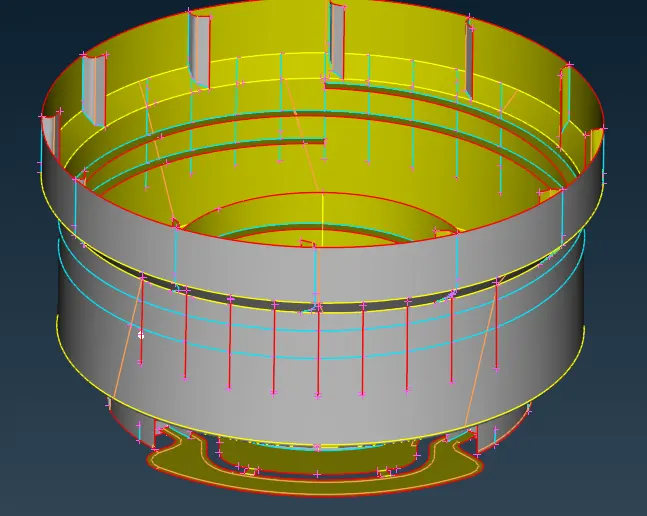
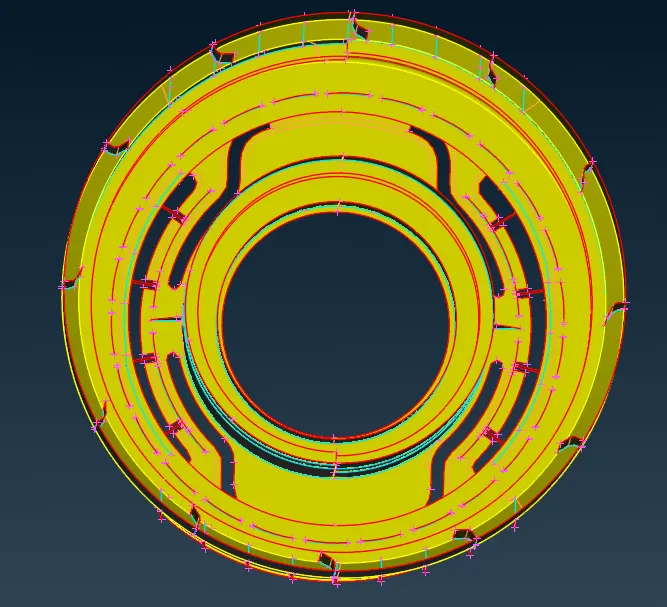
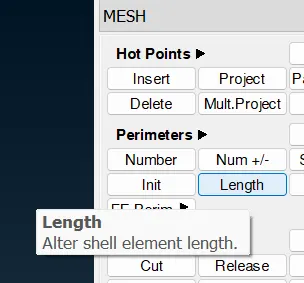
6. Go to Mesh-> perimeter-> length and change the length to 1(as per mesh size).
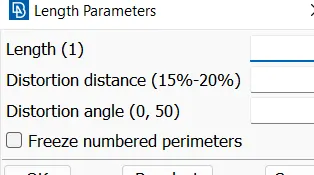
7. make cuts appropriately to control the mesh flow.
8. setup quality criteria for the mesh. Press F11 and set the appropriate parameters. Also go to mesh parameters and assign average mesh element size.
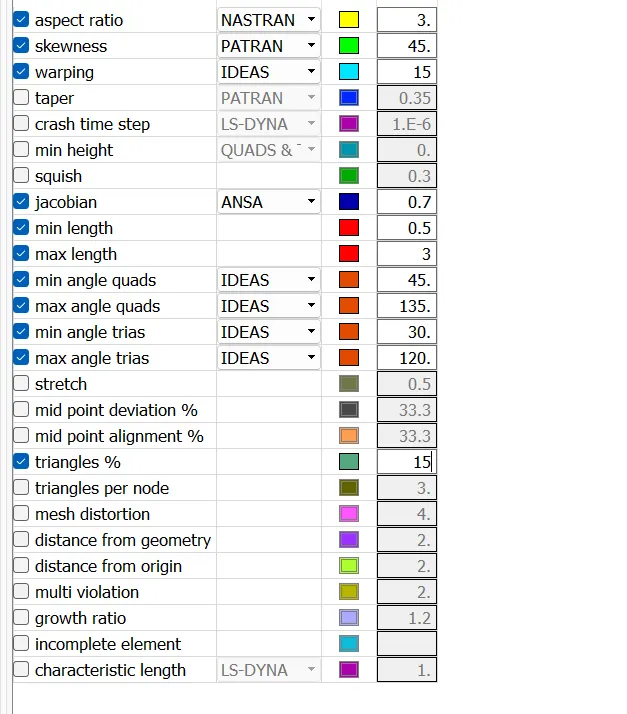
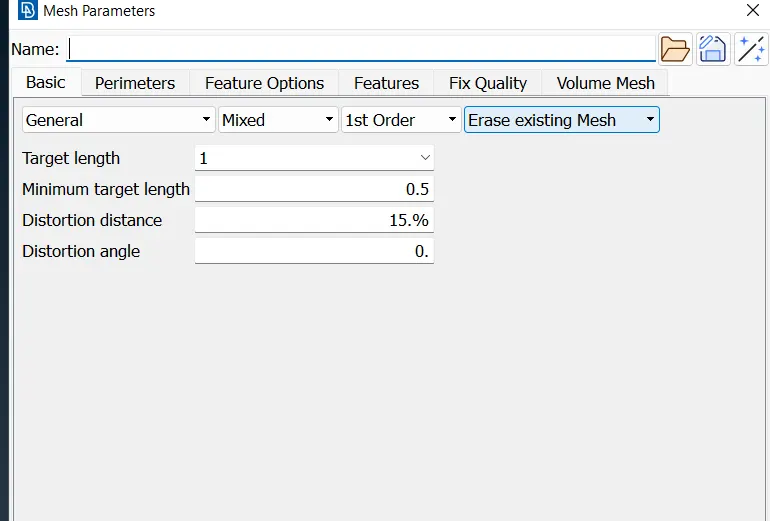
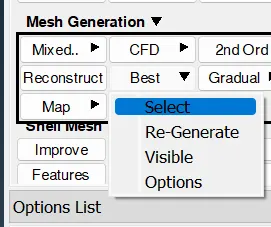
9. Go to Mesh-> mesh generation-> best and mesh parts individual segments.
10. To rectify all the mesh element issues use impove, Fix quality, remesh, smooth, split, join. Use these options untill mesh quality is improved.
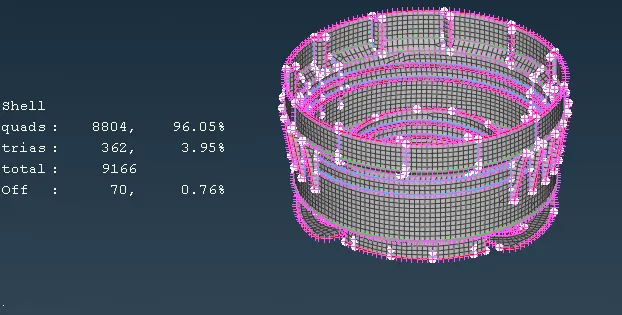
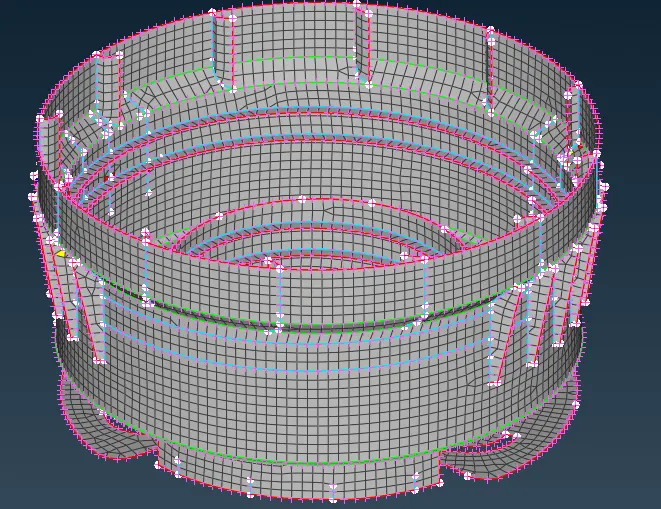
11. Make different PID as per the thickness of various components.
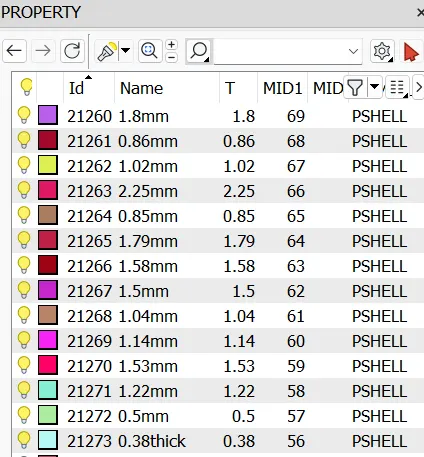
12. To visualize thickness, choose Fringe-> E. thickness.