Week - 8 - Morphing
Aim- to change the shape for the model geometry using morphing technique.
Procedure-
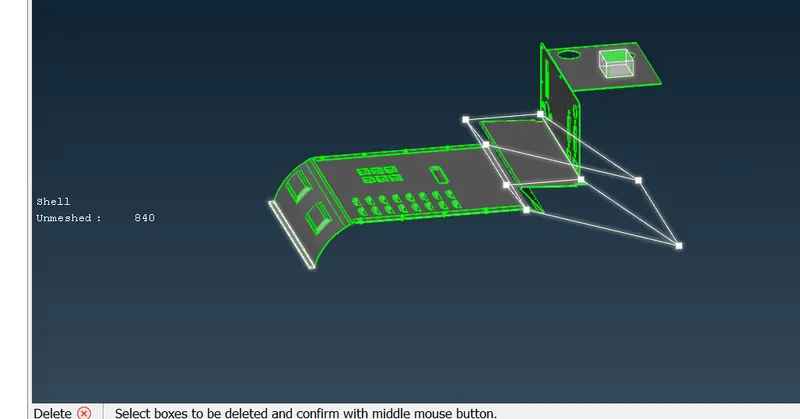
1. go to morphing module and create a morphing box in the otho mode as shown in the figure.
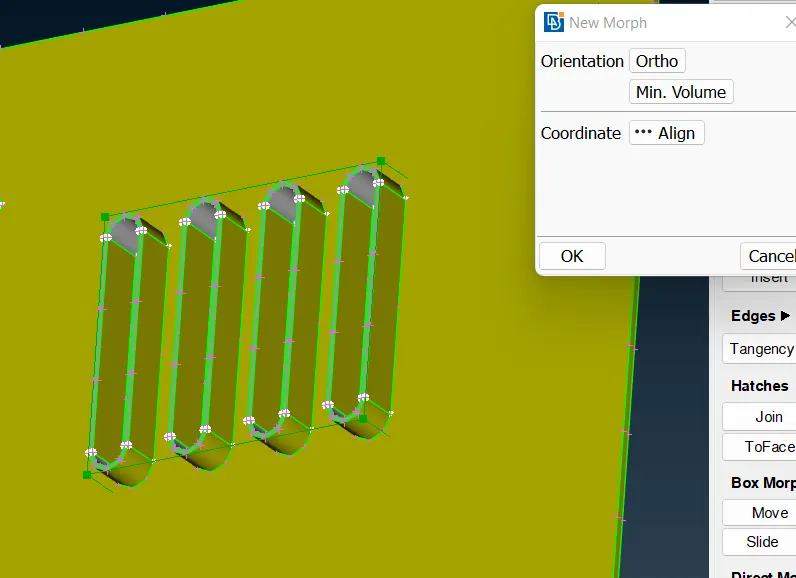
2. increase the height of the above visible by selecting all the box points and translating by using move option.
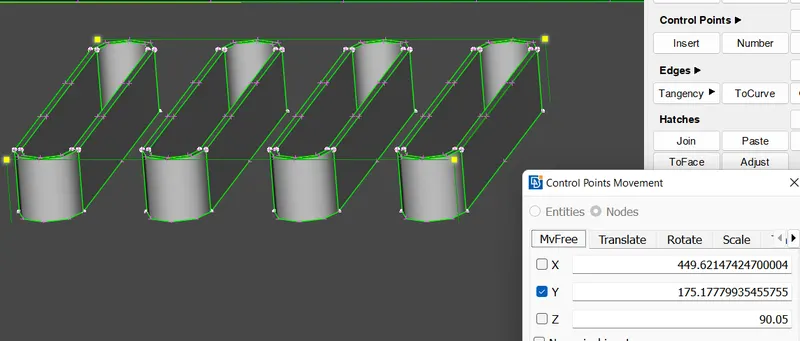
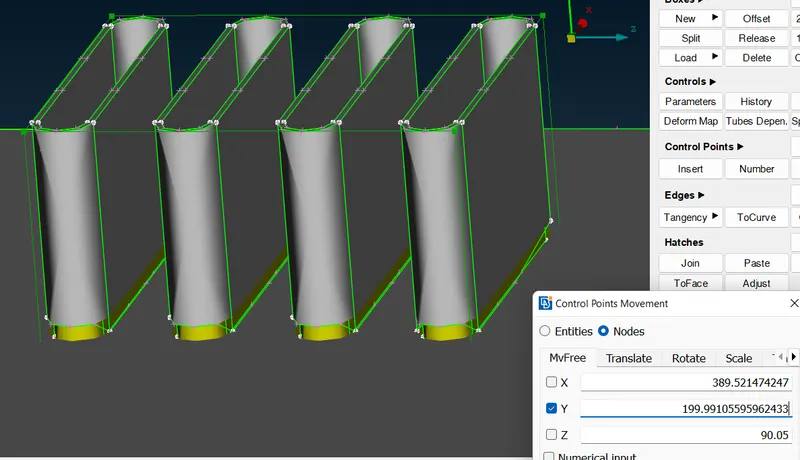
3. create another morph box like this.
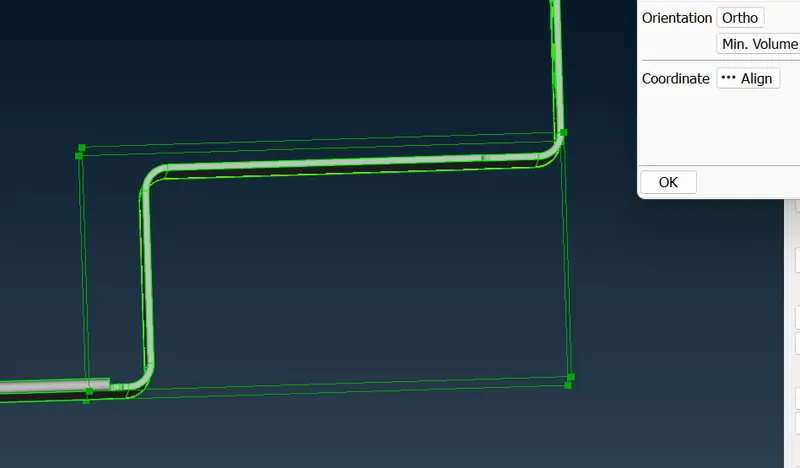
4. after using move command on the upper front box points.
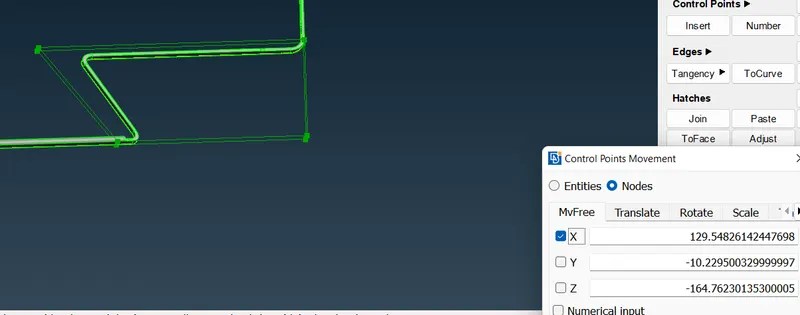
5. Similarly change the box points position of lower end points.
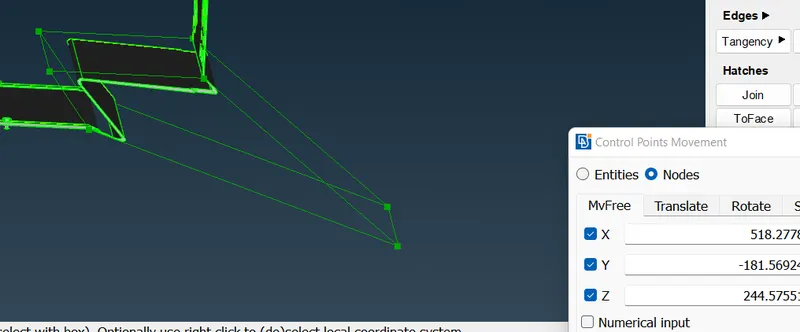
6. make a morph box as shown in the figure and use the morph command to move front four points.
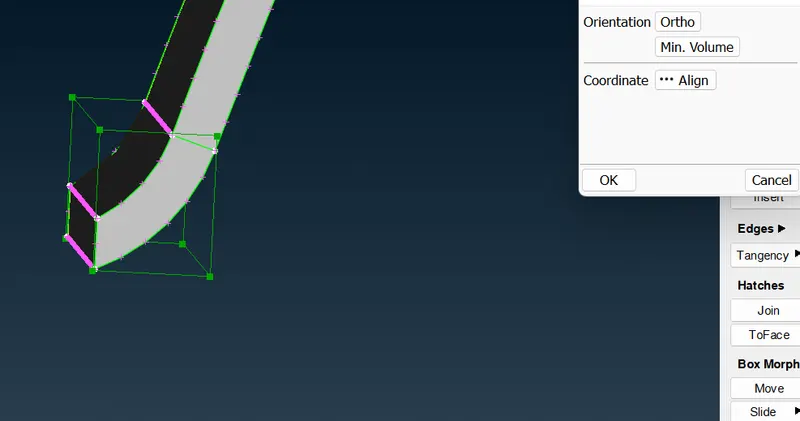
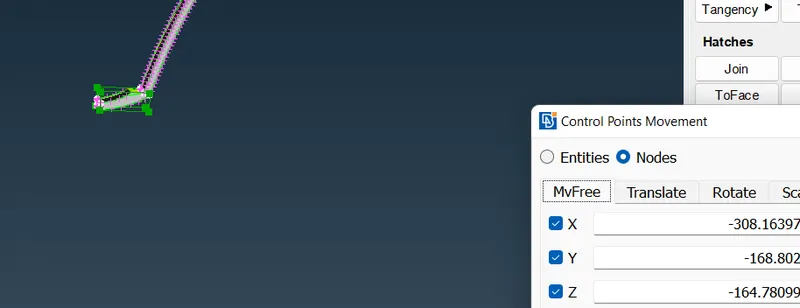
7. delete the morph boxes.
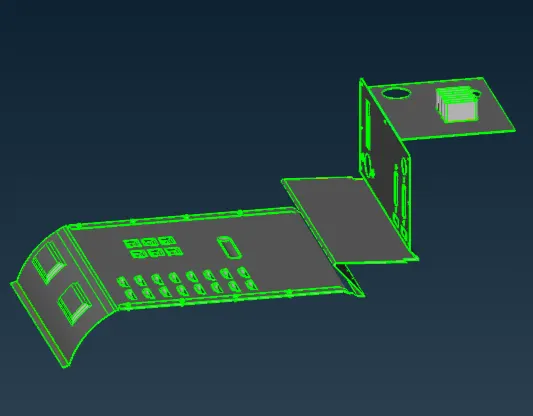
for Model-2
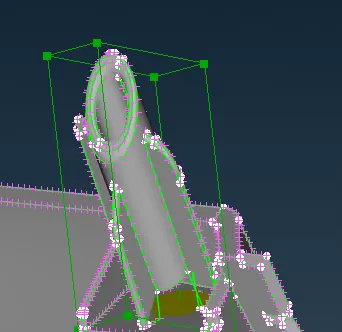
follow the same procedure. create a box and then move the box points in the suitable direction.
final morphed model-
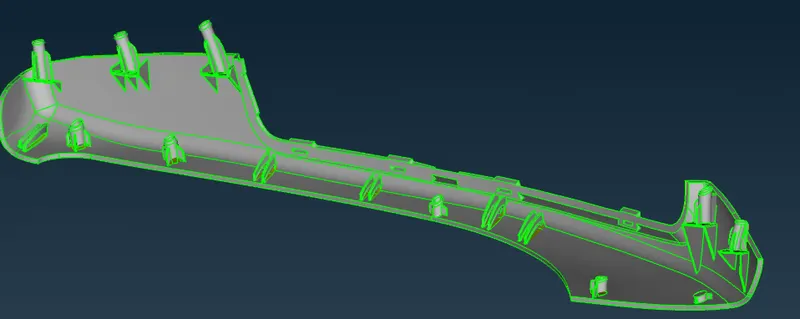
conclusion- morphing was performed.