Week 3 - 2D meshing for sheet metal
MESHING OF CAR HOOD MODEL
AIM:
To create midsurface , check geometrical errors and create proper mesh flow of given quality crietria of the car hood Cad model.
SOFTWARE USED :
Preprocessing software - ANSA V 22.1.1
GIVEN DATA :
- Cad model
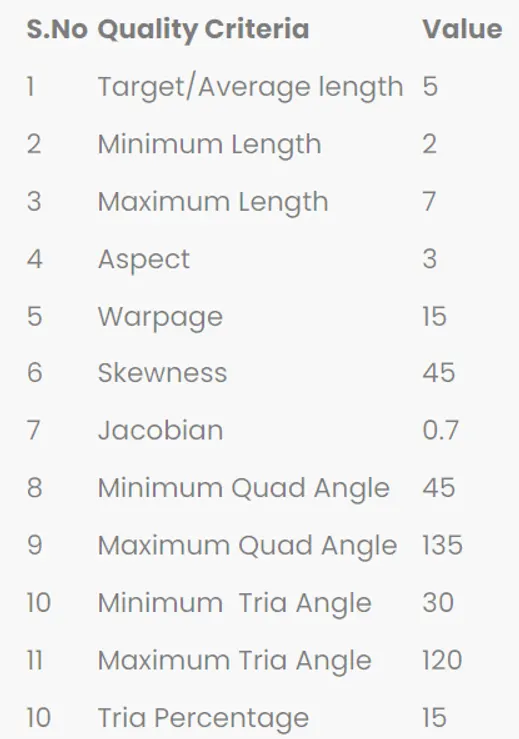
- quality criteria
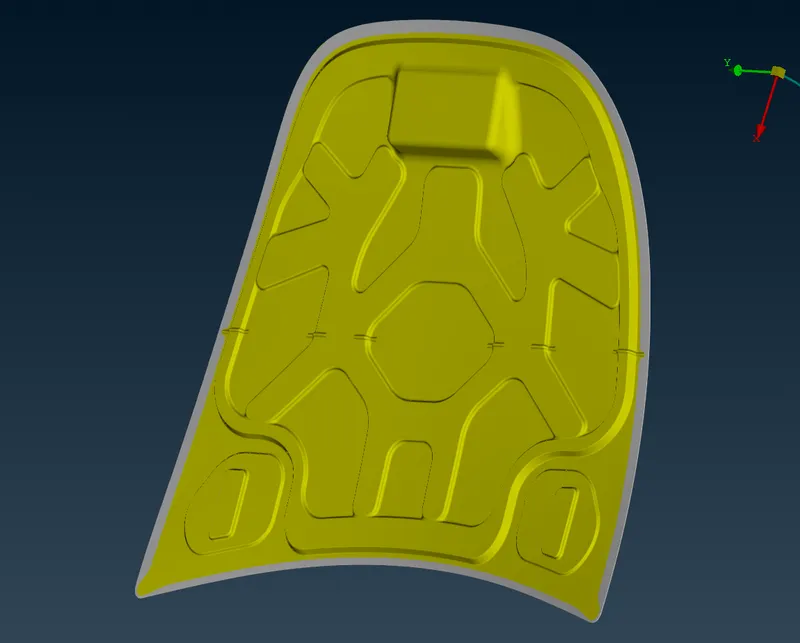
CAD model of hood
Quality criteria of the hood
PROCEDURAL STEPS :
STEP 1: Set syntax as performance_mode 3 to avoid performace issue
STEP 2: Import the given CAD model of car hood stp file
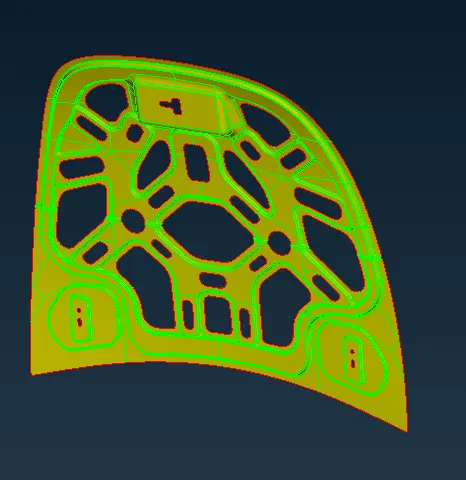
Inner hood
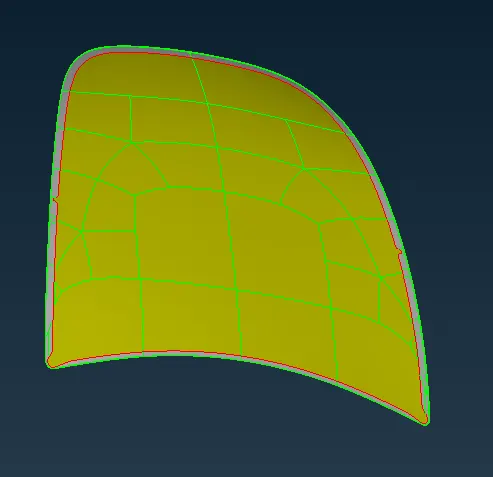
outter hood
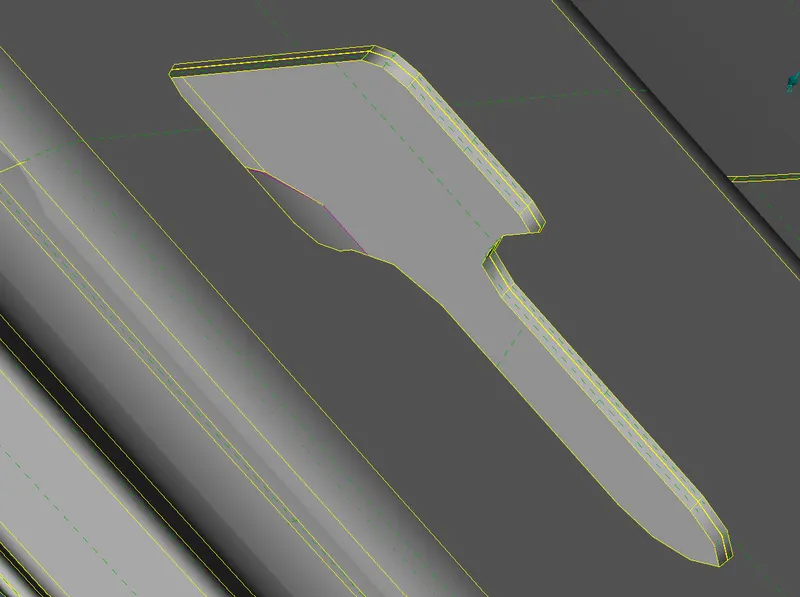
STEP 3: Represented of single , double and triple cons.
Removal triple cons using CONS _ RELEASE and perform TOPO by changed to double cons.
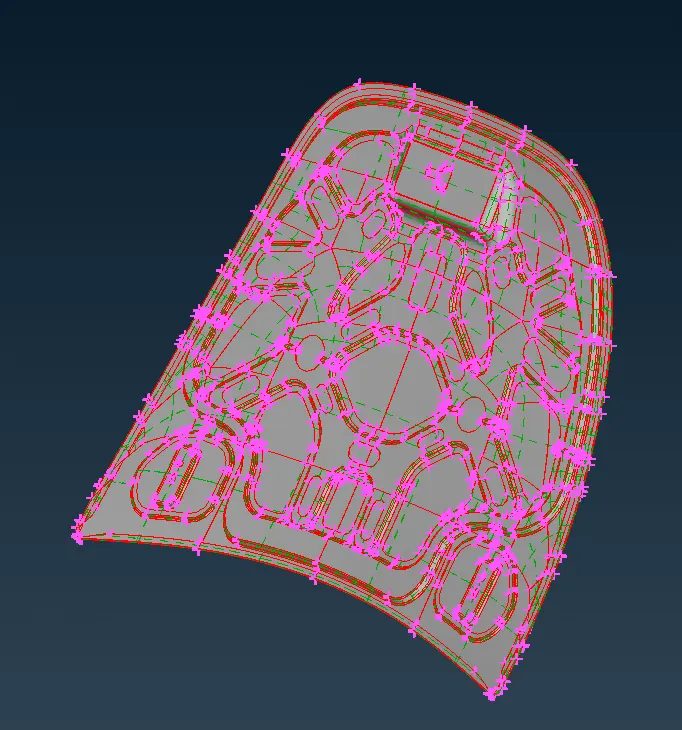
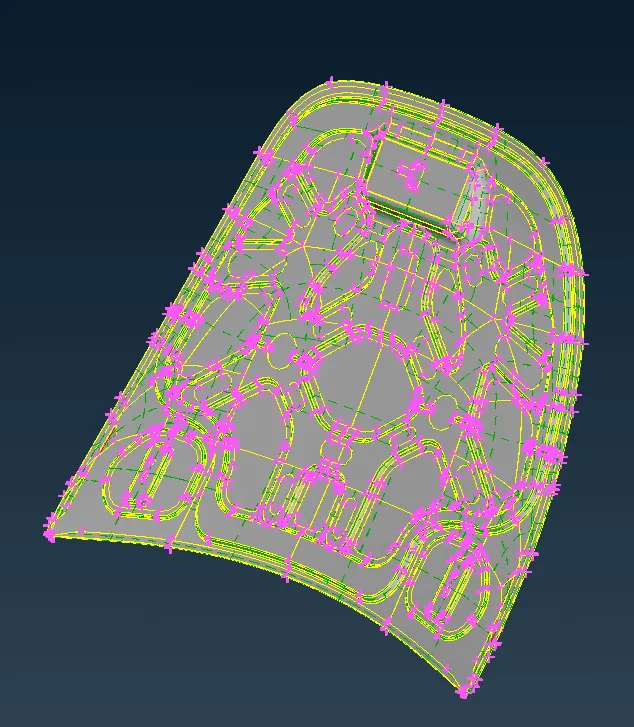
Perform the TOPO to connect the surface of a CAD Model.
Before removal of triple cons
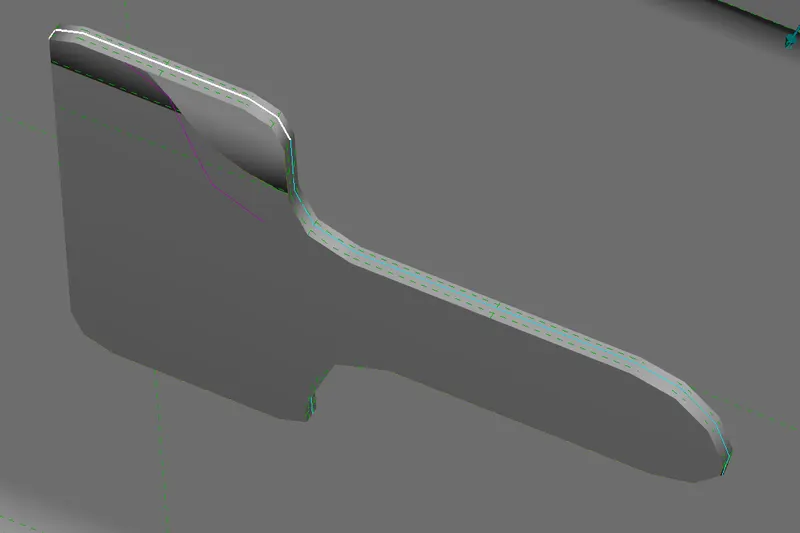
After removal of triple cons
CAD model without TOPO
CAD model with TOPO
STEP 4: Incraese the cons resolution by MESH_ PERIMIETER_LENGTH = 5mm
STEP 5:Assign material properties and check manager
STEP 6: Store the lock views of the inner hood and outter hood
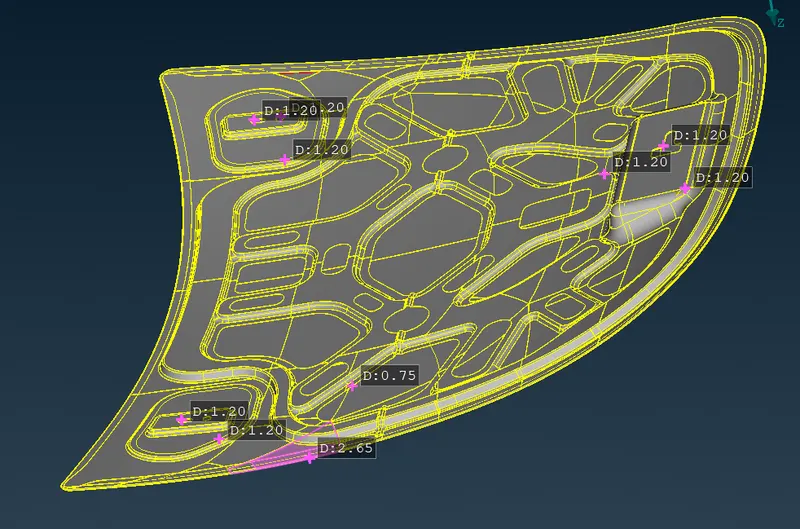
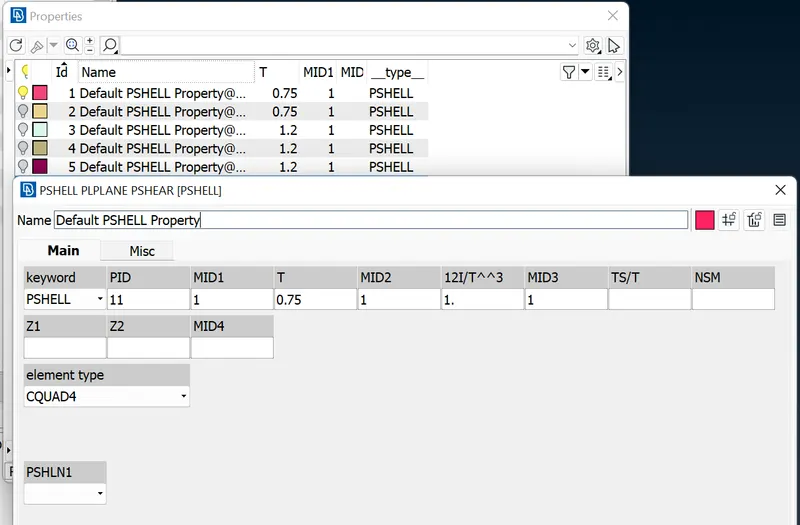
STEP 7 : Thickess measured and assigned thickness value in PID
Thickness measurement
Set PID values
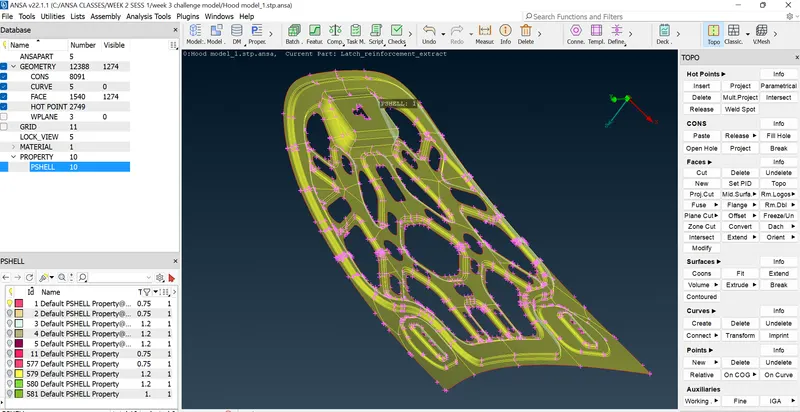
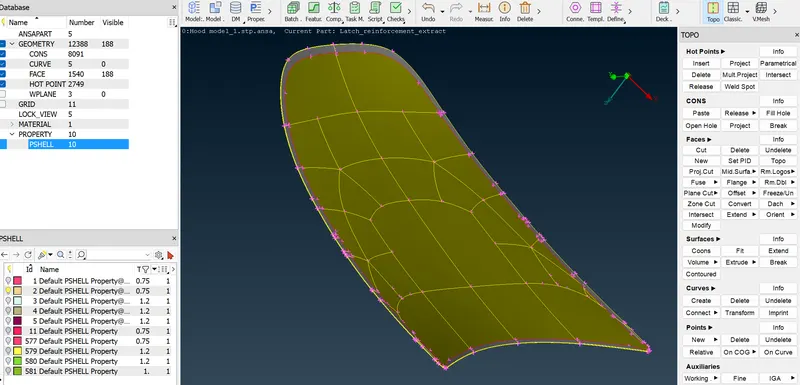
STEP 8: Extract midsurface creation by skin option in inner and outter hood model
Midsurface of inner hood
Midsurface of outter hood
midsurface of inner and outter hood
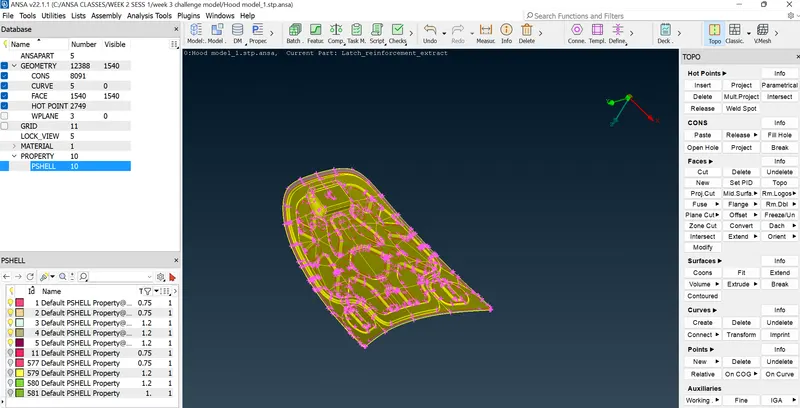
STEP 9 :Set PID of the faces of the inner and outter hood.
TOPO_ FACES_ SET PID for assigned thickness
STEP 10 : Before go to the meshing, Set quality criteria parameters in MESH PARAMETERS & QUALITY CRITERIA for the given value.
STEP 11: Half portion of the inner hood meshed as per given quality criteria
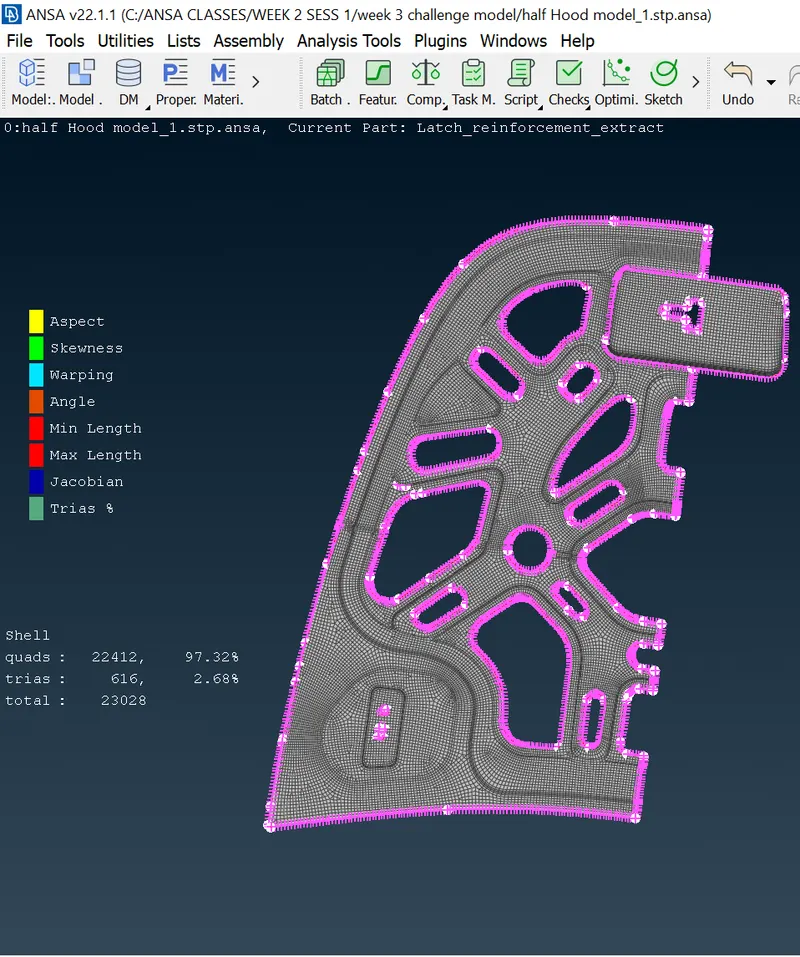
STEP 12: mirrored the inner hood using TANSFORM_COPY_SYMMETRY_MIRROR 3 POINT AXES
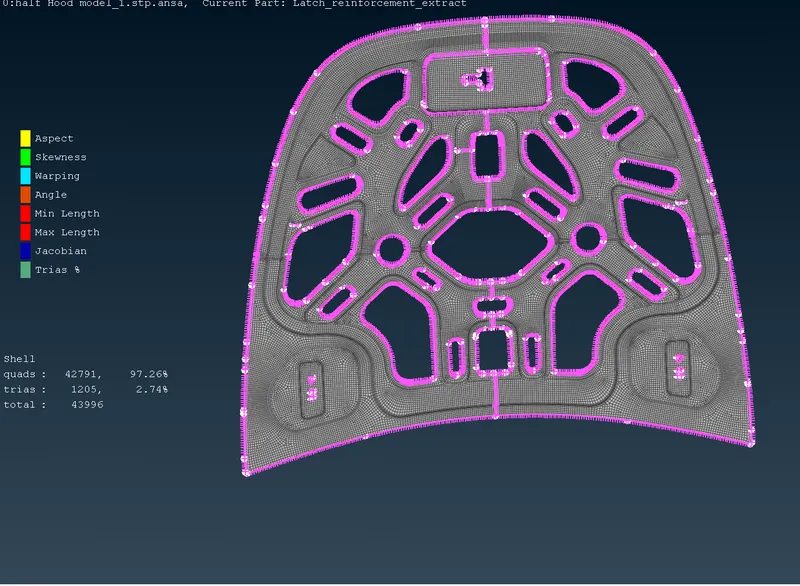
STEP 13:Created FEM model using ELEMENTS_RELEASE_SELECT ALL FACES
STEP 14:Same as before did the outter hood and other 3 parts meshed and released
STEP 15: Enabling thickness as per measurement of the ovearll hood
Before enabling thickness
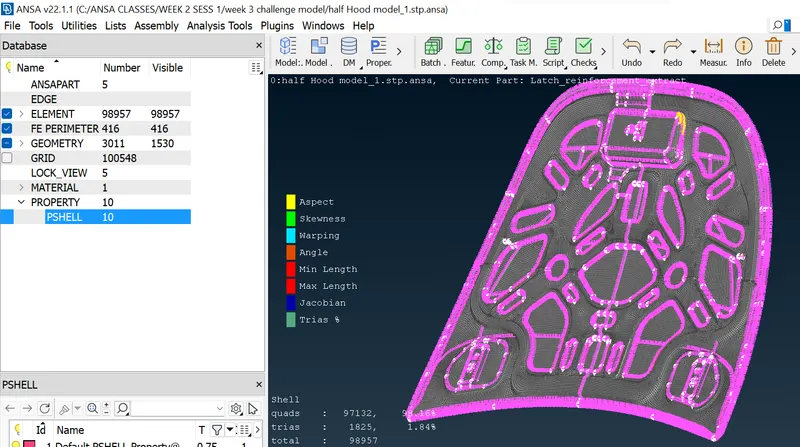
After enabling thickness
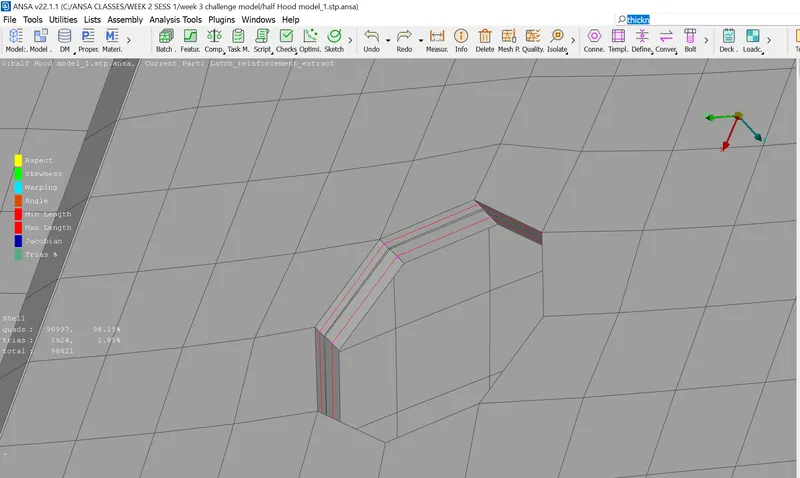
RESULT :
Hence midsurface has been extracted to the parent geometry.
Hence there are no surface deformation in this geometry.
A well connectivity has been established between the surfaces.
The features have been captured properly.
A good mesh flow have been achieved with zero elements failing for quality.
LEARNING OUTCOMES:
In this week 3 car hood challenge , i came to know
How to extract midsurface automatically for the sheet metal componenet.
How to clean the geometry.
How to generate proper mesh flow with low tria percentage.
How to assign thickness to the component.